

Improve your WordPress SEO: Write better content and have a fully optimized WordPress site using the Yoast SEO…
About Smart WooCommerce Search
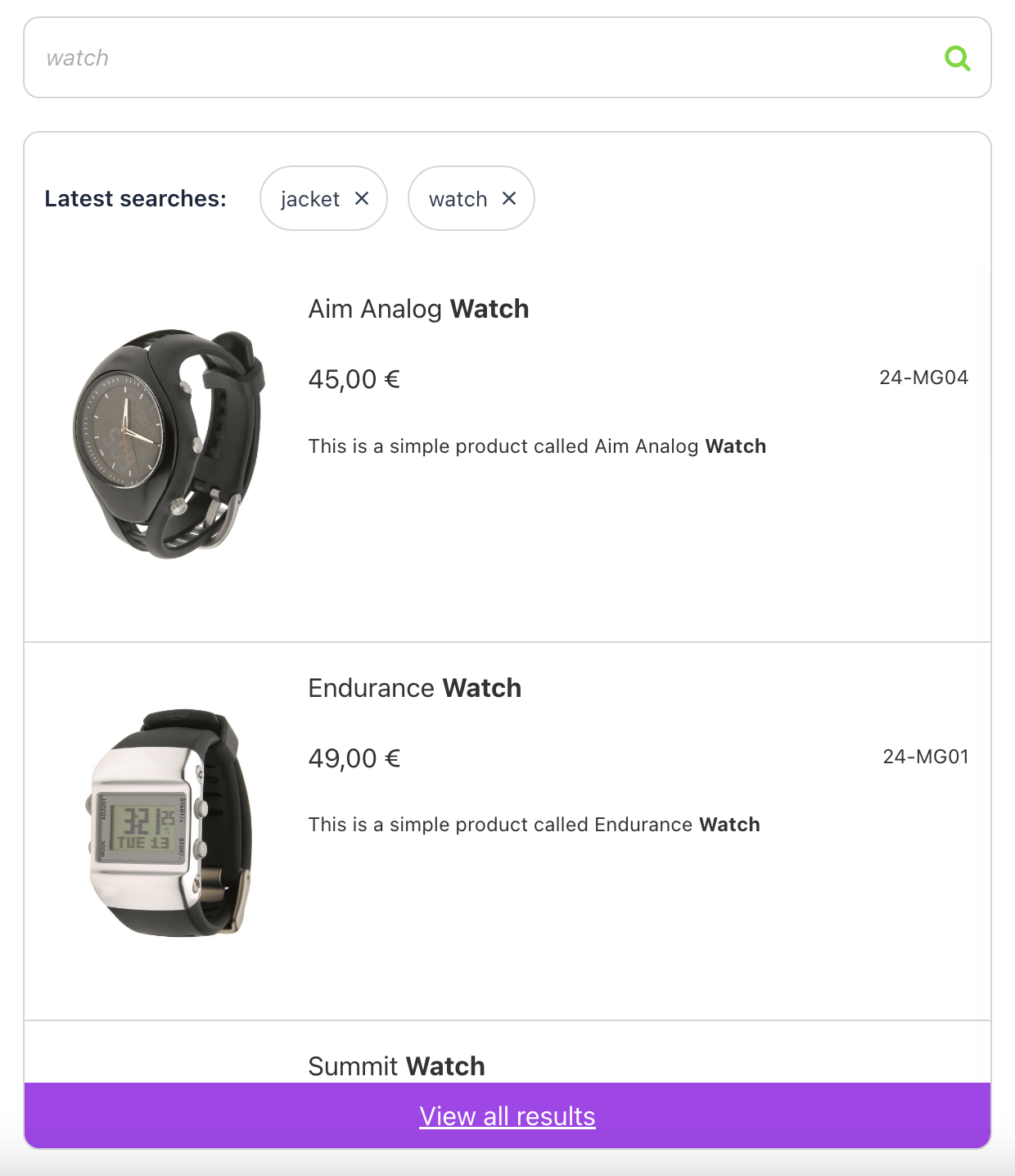
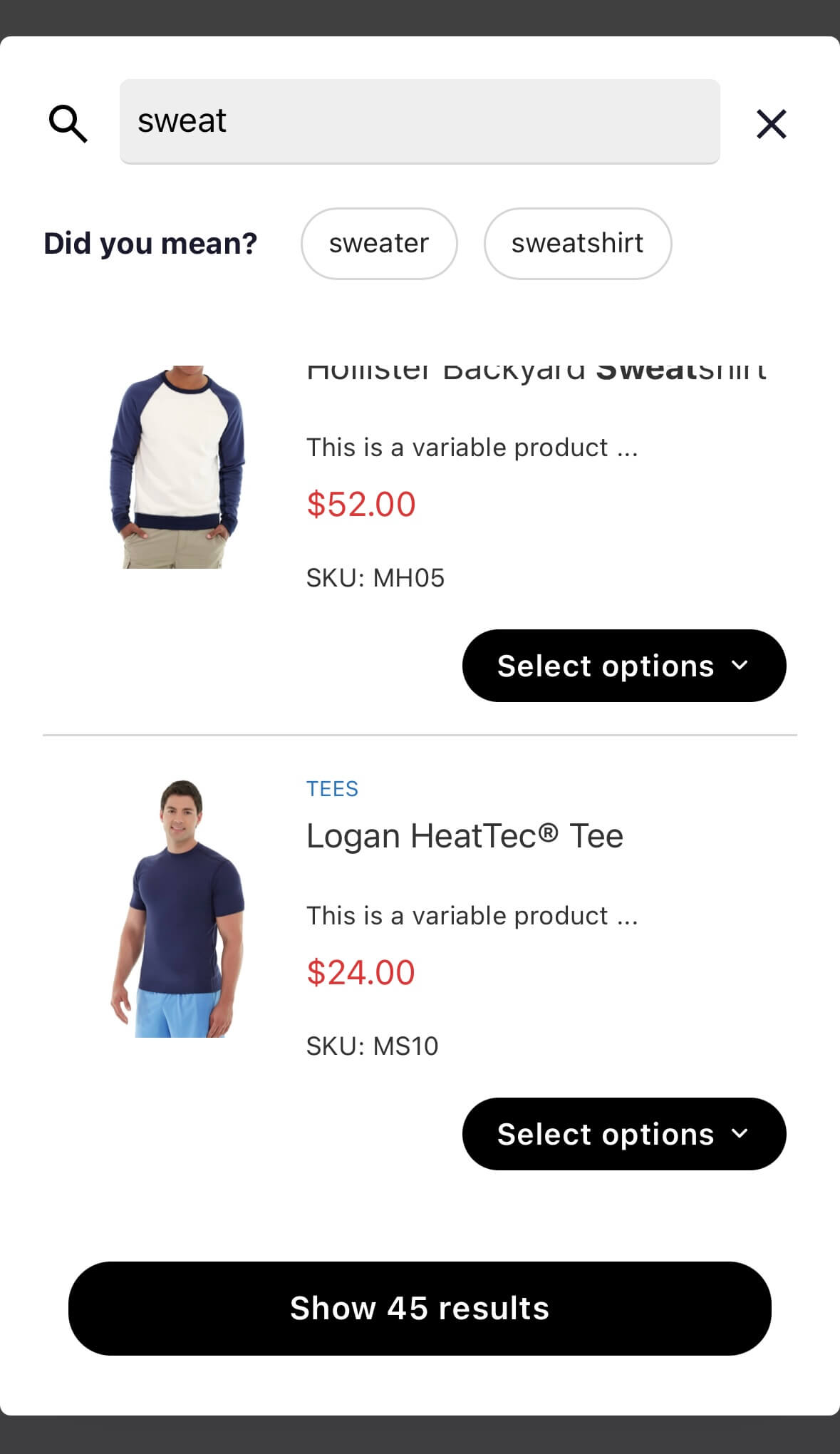
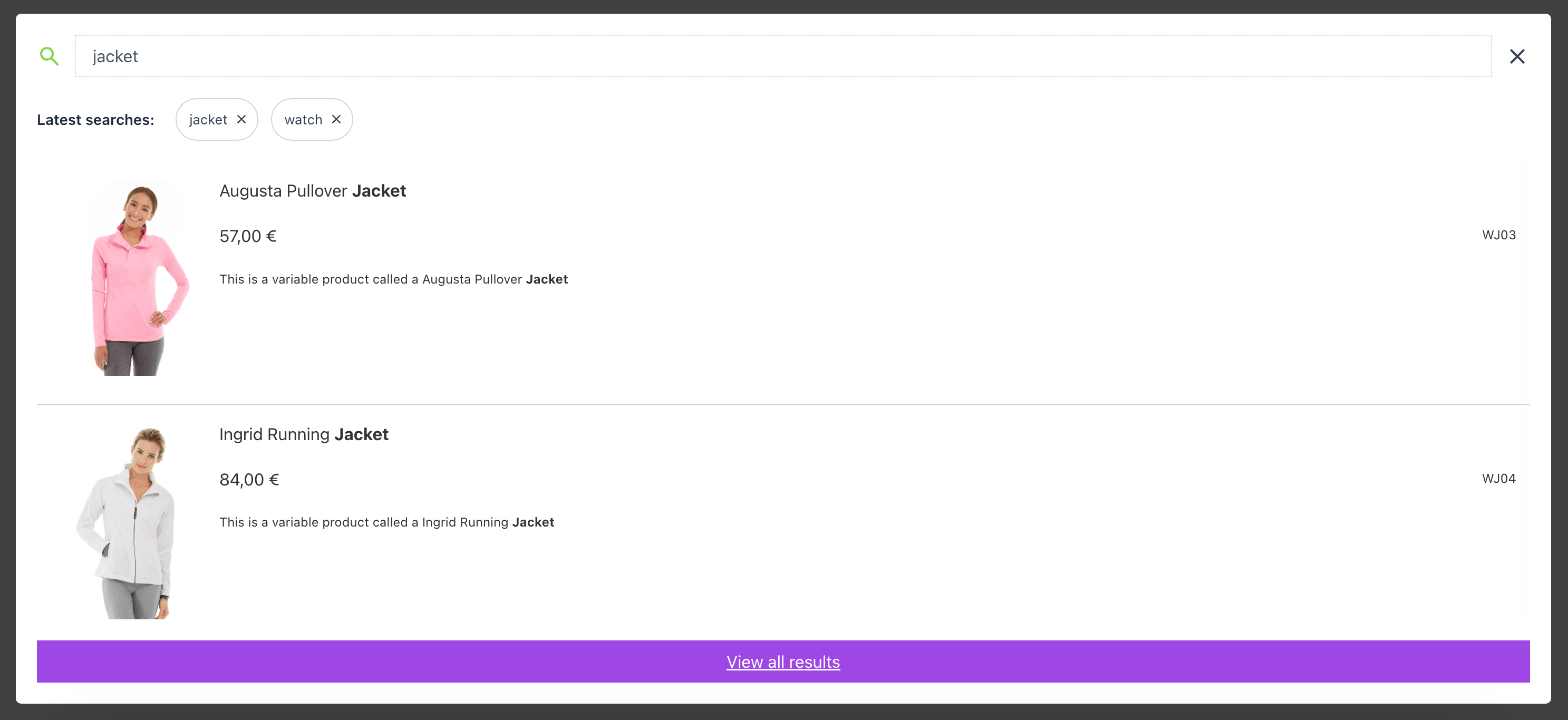
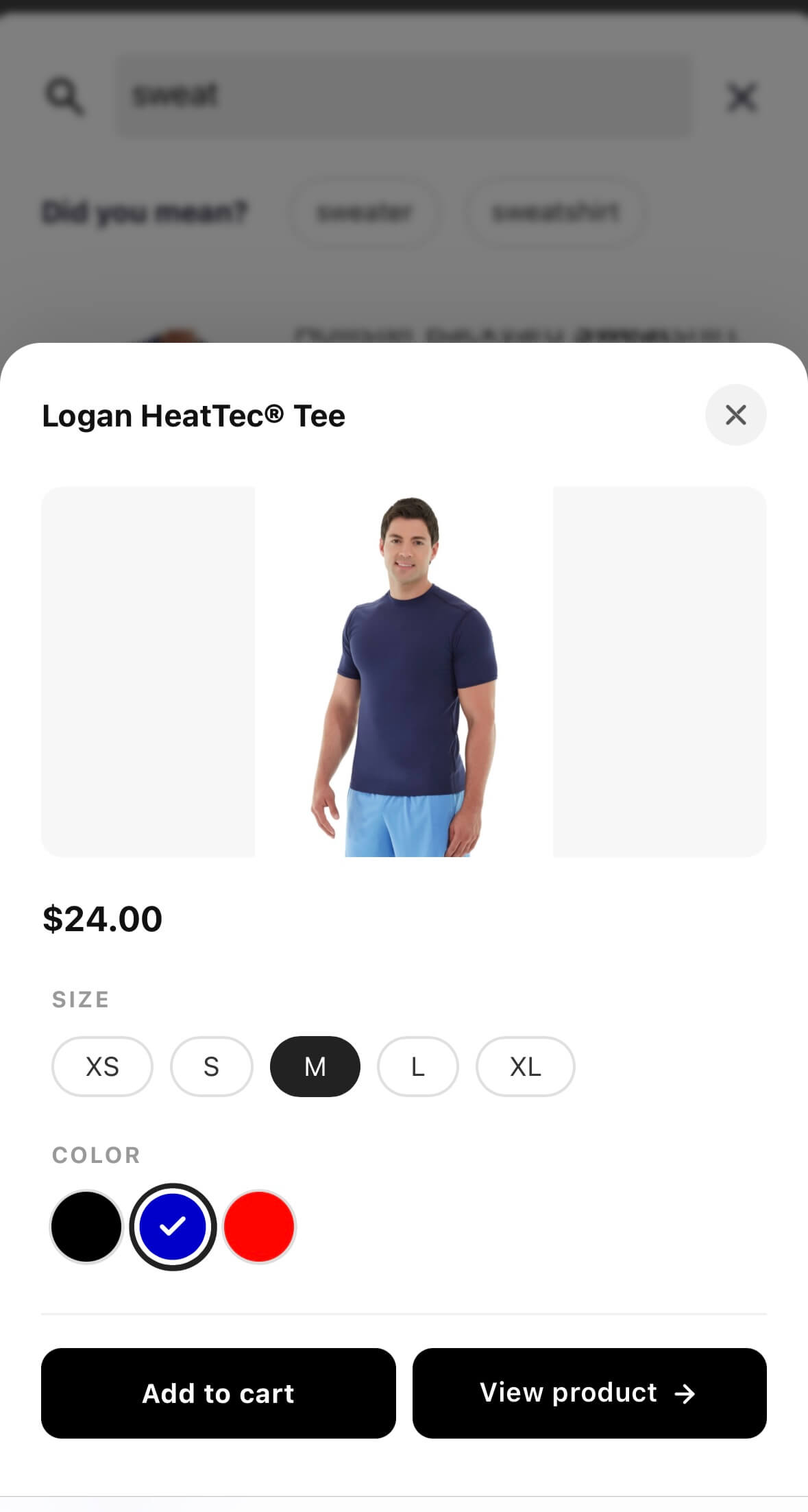
The Ideal Product Search plugin is a great tool for WooCommerce shops that improves the search experience for users. It offers features like real-time suggestions, recent searches, and the ability to search by product SKU, categories, and tags. There is also a PRO version available with even more advanced features and compatibility with popular plugins. Try it out with a 14-day trial period.Screenshots

Changelog
2.12.3
- Updated: Freemius SDK
2.12.0
- Added: setting ‘Full Screen Mode’ to display results in a full screen popup
- Added: setting ‘Recent Searches’ to display user’s latest searches
- Tweak: compatibility issue with DIVI builder
- Updated: admin settings styling
2.11.7
- Added: Setting ‘Custom CSS selectors’ to set CSS selectors to enhance existing search bar with Smart Search features
- Added: Setting ‘Custom CSS Styles’ to add inline CSS
- Tweak: fixed issue with multiple search bars on a page
2.11.6
- Added: WP filter ‘sws_search_bar_css_selectors’ to set CSS selectors to extend existing search bar with Smart Search features
2.11.5
- Fixed: ‘Product Collection’ block’s query fix on the search results page
- Fixed: ‘Query Loop’ block’s query fix on the search results page
- Fixed: compatibility issue with “HUSKY – Products Filter Professional for WooCommerce” plugin
- Tweak: woocommerce order filters issue on the search results page
- Tweak: updated custom search bar output to meet W3C requirements
2.11.4
- Fixed: search results page issue in a block-themes
- Tweak: woocommerce order filters issue on the search results page
2.11.3
- Fixed: problem with expired nonce due to cached page
- Fixed: inconsistent popup collapsing
- Fixed: Gutenberg search block tweak
- Added: translations
2.11.2
- Added: French translation file
- Added: Spanish translation file
2.11.0
- Added: option to set Popup Max Height for mobiles
- Added: option to select Image Size from defined media sizes
- Added: option to set a gap between search bar and popup
- Added: option to set Rounded Border for popup
- Added: option to set Search Bar Height
- Tweak: CSS styles updates
2.10.1
- Added: setting “Suppress Query Altering” for the search results page
- Added: filter ‘sws_view_all_button_text’
- Added: filter ‘sws_filter_search_terms’
- Tweak: small under the hood fixes
2.10.0
- Added: results order settings
- Added: blueprint.json file
- Tweak: REST request processing issue
2.9.0
- Added: “Popup Max Height” option
- Fixed: MYSQL query errors when search terms are incorrect
- Tweak: changes for the default search bar added through Gutenberg
2.8.0
- Fixed: issue with the “Highlight Search Terms on the Search Results Page” setting
- Tweak: Raised the minimum required PHP version to 7.0
2.7.0
- Added: option to disable default WooCommerce redirect to product page if there is only one search result
- Updates: small improvements
2.6.3
- Updates: bug fixes / code optimization / improvements
2.6.2
- Updates: php code optimization / improvements
- Updates: caching improvements
2.6.1
- Added: Declaration for WooCommerce High-Performance order storage compatibility
2.6.0
- Added: “Display Category” and “Category Color” options to output product/post category in the search results popup
2.5.2
- Fixed: deprecation warnings related to PHP 8
- Compatibility: WooCommerce 7.8
2.5.1
- Fixed: vulnerability issue related to missing capability checks on the duplicate() & remove() functions called via AJAX actions
2.5.0
- Added: target “_blank” option for “View All” button
- Compatibility: WooCommerce 7.5
2.4.0
- Added: hook for altering search results output ‘ysm_suggestion_image_output’
- Compatibility: WooCommerce 7.0
2.3.1
- Fixed: issue when search results page doesn’t display any products
- Updates: localization files and strings
2.3.0
- Fixed: Smart Search hooks priority issue when search results page doesn’t displays needed products
- Fixed: issue when additional woocommerce filters do not applies to the products in search results
- Added: option to disable AJAX functionality (results popup)
2.2.7
- restored SKU search
- Compatibility: WooCommerce 5.9
2.2.6
- small fixes
- Compatibility: WooCommerce 5.8
2.2.5
- Fixed: issue with popup results click event
- Compatibility: WordPress 5.8
- Compatibility: WooCommerce 5.5
2.2.4
- Fixed: issue with non-latin encoding
- Compatibility: WooCommerce 5.2
2.2.3
- Fixed: errors while saving options on the multisite installation
- Tweaks: under the hood improvements
2.2.2
- Tweaks: optimizations for the query that runs on the search results page
2.2.1
- Fixed: tweaks for multiple words issue
2.2.0
- Added: option to extend default Avada’s search bar
- Fixed: issue when multiple words separated with a space
2.1.1
- Fixed: fatal error when no custom widgets added
2.1.0
- Fixed: special character issue
- Updated: admin pages structure
- Compatibility: WooCommerce 5.0
2.0.3
- Tweaks: search results order
- Tweaks: input styles
- Compatibility: WooCommerce 4.8 and WordPress 5.6
2.0.2
- Fixed: popup height issue on mobiles
- Fixed: product link on the product title
- Compatibility: WooCommerce 4.7
2.0.1
- Fixed: issue with removing Elementor widget
- Fixed: error when searching in custom fields
2.0.0
- Database queries optimization
- Code optimization
- UI improvements
- Fixed: View All button link
1.6.2
- Tweaks: WooCommerce 4.4 compatibility
- small fixes
1.6.1
- WordPress 5.5 compatibility
1.6.0
- code refactoring and optimization
- Elementor compatibility
- Accessibility fix
1.5.20
- code refactoring and optimization
- WooCommerce 4.3 compatibility
1.5.19
- Fixed: issue related to single quote in a search terms
- code refactoring
1.5.18
- Fixed: issue when empty results on search page
- Fixed: empty placeholder in search bar
- Some code refactoring
1.5.17
- Fixed: search results page pre_get_posts filter
1.5.16
- Fixed: compatibility with Avada
1.5.15
- Updated: po file
- Small tweaks
1.5.14
- Compatibility with WooCommerce 4.0
1.5.13
- Added compatibility with WOOF plugin
- Fixed – issue with query parameters in View All button
1.5.12
- Fixed – WP 5.3 compatibility issue
- Fixed – issue with ‘+’ symbol in the query
1.5.11
- Fixed – Polylang compatibility issue
- Fixed – Variations displaying when not in stock
1.5.10
- Fixed – DIVI shortcodes issue in search results
1.5.9
- Fixed – outputting variations when parent product in draft
- Code optimizations
1.5.8
- Improved – search results page output
- Improved – visibility and exclusion query parameters
1.5.7
- Fixed – search results page query
- Improved – autocomplete function
1.5.6
- Added – “Search Field Background Color” option
- Improved – “Fuzzy Search” option
1.5.5
- Fixed – php warning
1.5.4
- Fixed – results order (by title) issue when “fuzzy search” option enabled
- Fixed – issue on mobiles when results popup can’t be closed
1.5.3
- Added – “Search Page Layout with Posts” option
- Fixed – displaying of “View all” link when no suggestions
1.5.2
- Fixed – “Disallowed Product Categories” option
- Fixed – searching by SKU
1.5.1
- Added “Disallowed Product Categories” option
- Support for WooCommerce 3.4.2
1.5.0
- Added excerpt position option
1.4.8
- Fixed duplicating of results when searching by SKU;
- Fixed outputting of all posts instead of no results;
1.4.7
- Fixed Search Page results amount issue
1.4.6
- Added Search Exclude plugin compatibility
- Under the hood improvements
1.4.5
- Fixed View All Button link
- Fixed Search results page output
1.4.4
- Speed optimizations
- Fixed form submitting link
1.4.3
- Added option – Exclude “Out of stock” products from results
- Under the hood improvements
1.4.2
- Fixed fuzzy search
- Fixed issue with ‘/’ in search text
1.4.1
- Fixed syntax error for php version less than 5.4
1.4.0
- Added option “Fuzzy search (multiple word search)”
- Under the hood improvements
1.3.0
- Added option “Enable search through Variable Product Variations”
- Added option “Accent Words on Search Page”
- Under the hood improvements
1.2.3
- Fixed issue with a border in “No results” block
1.2.2
- Fixed issue with a special characters like “őűóíúéá”
- Fixed issue with a multibyte strings
1.2.1
- Fixed WooCommerce 3.0 compatibility issue, when new products didn’t shows up in the search results
- Small improvements
1.2.0
- Added option to display a product SKU in the results popup
- Added option to restrict the product searching by selected categories
- Added option to set custom widget input border width
- Small improvements
1.1.3
- Prevent redirecting to the Search results page when a customer presses Enter and the number of typed characters less then characters number set in the plugin settings
- Fixed popup content scrolling by mouse wheel (Windows OS browsers)
1.1.2
- Fixed searching by sku
- Fixed css cross browser issues
1.1.1
- Fixed issue with fonts (fontello) conflict
1.1.0
- Changed search results page output – when using products search or when you set option to search only through products in default or in custom search widget (shortcode) the search page displays WooCommerce product layout
- Added option (“Display default search output on search results page”) to disable plugin filter that overrides default WordPress or WooCommerce search query
1.0.0
- Initial release

