

Improve your WordPress SEO: Write better content and have a fully optimized WordPress site using the Yoast SEO…
About Iks Menu – WordPress Category Accordion Menu & FAQs
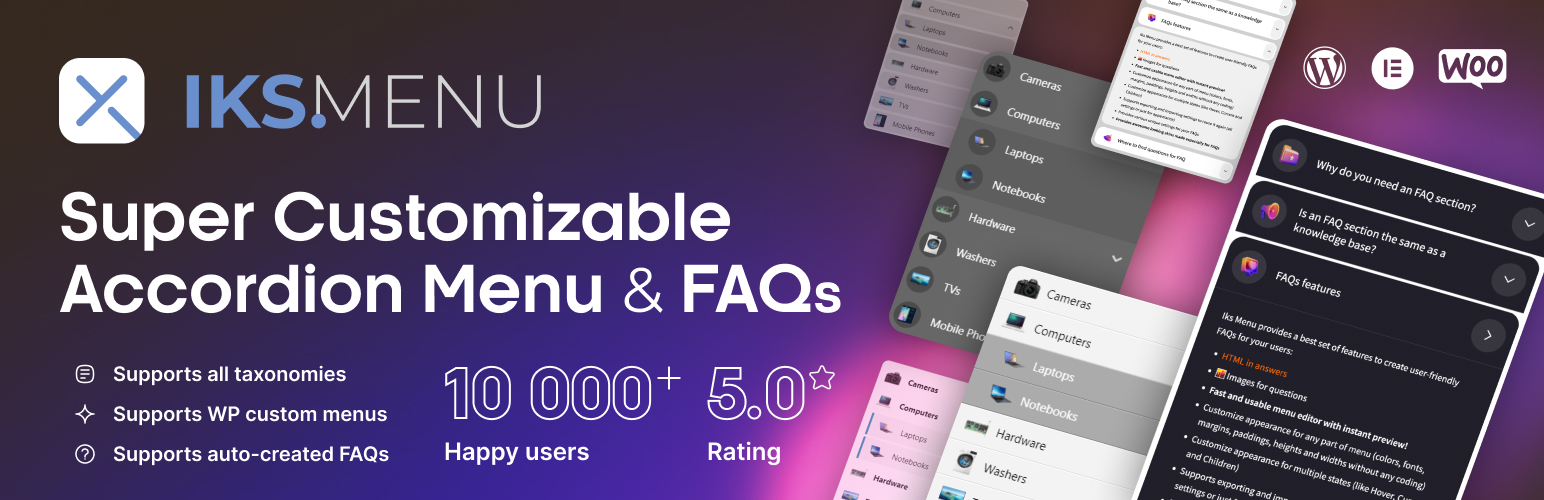
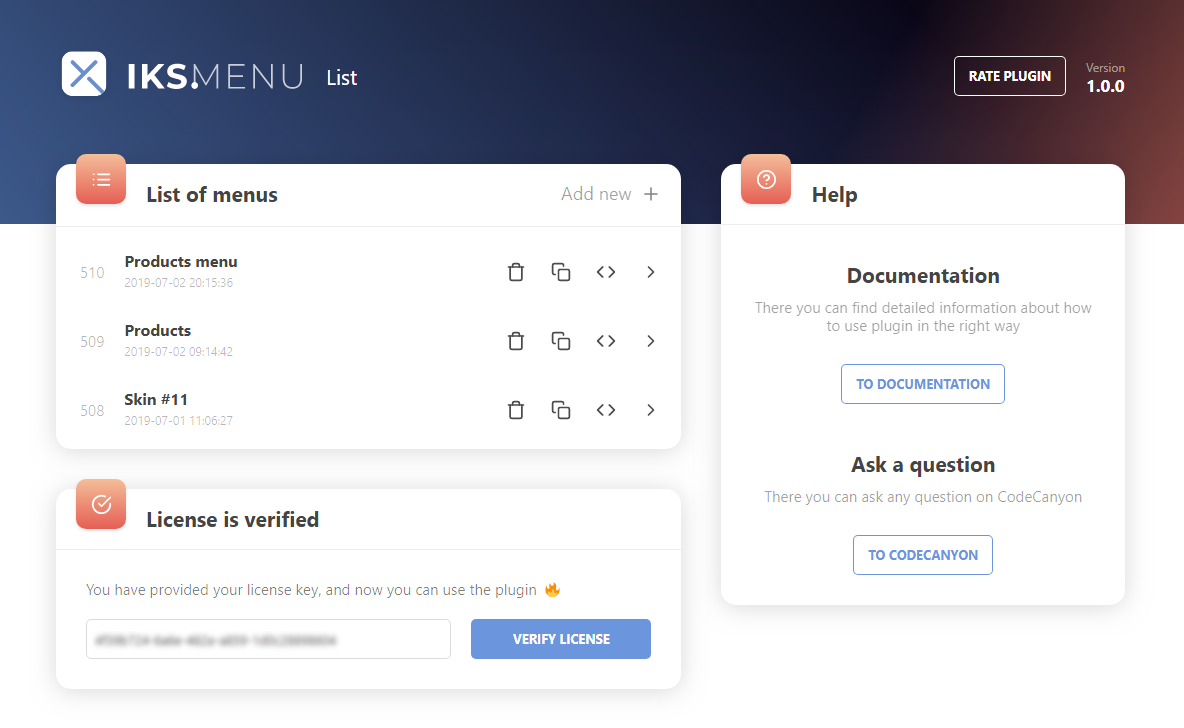
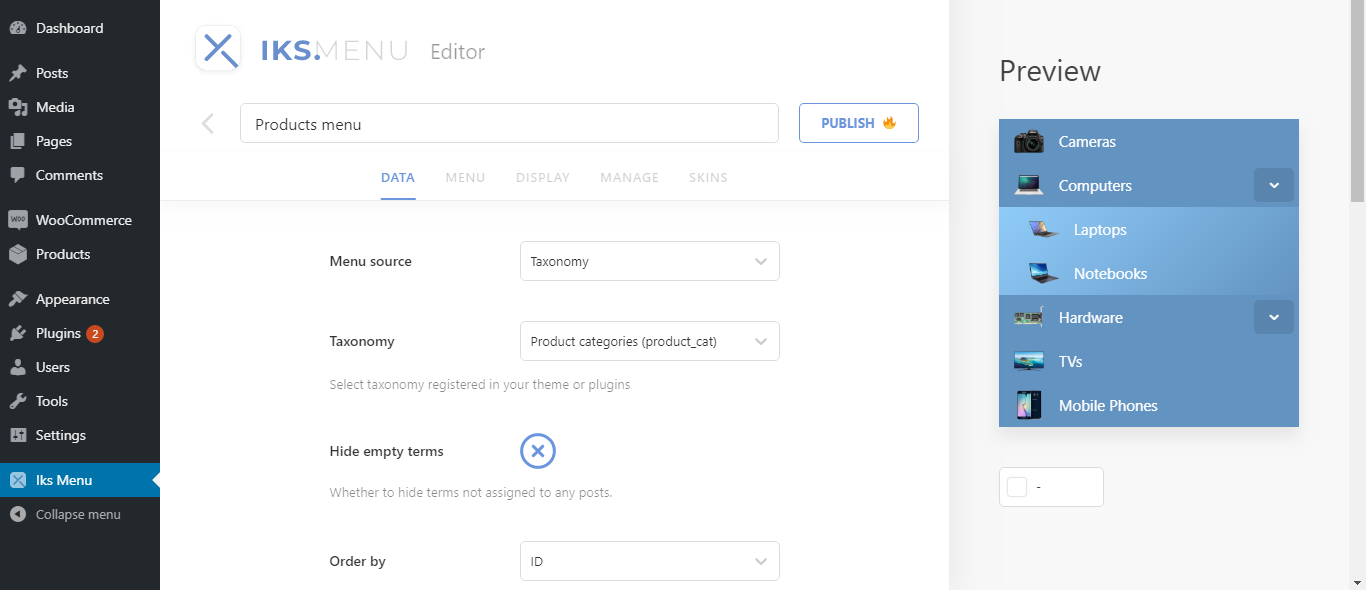
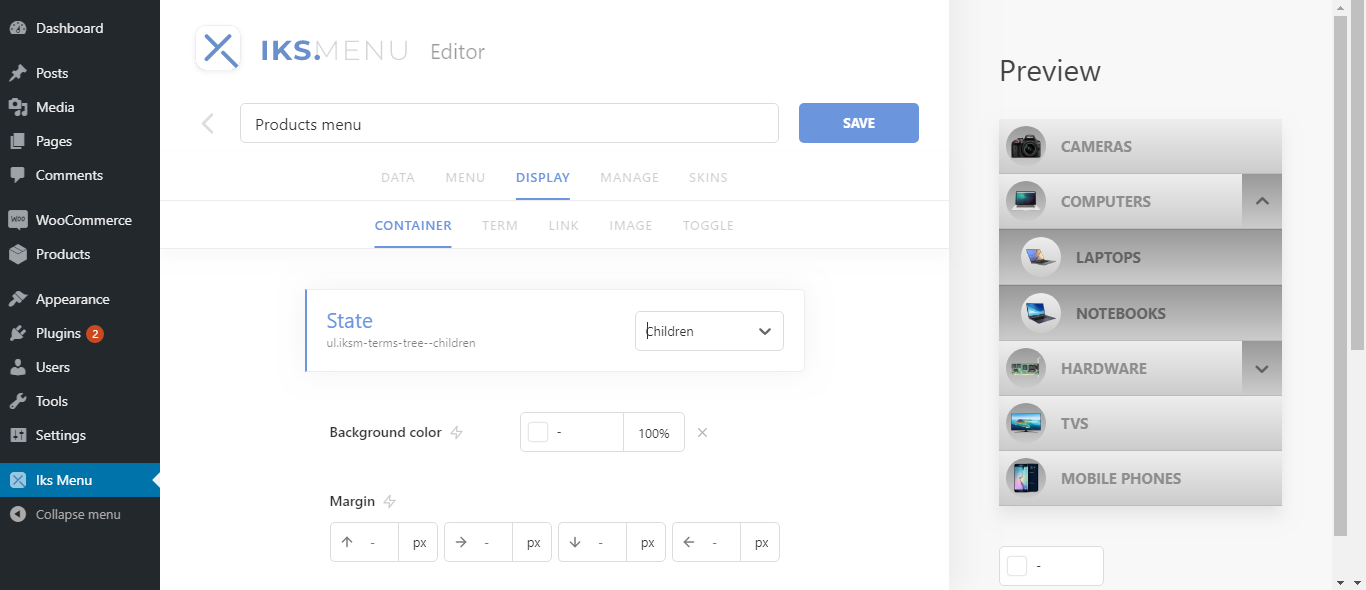
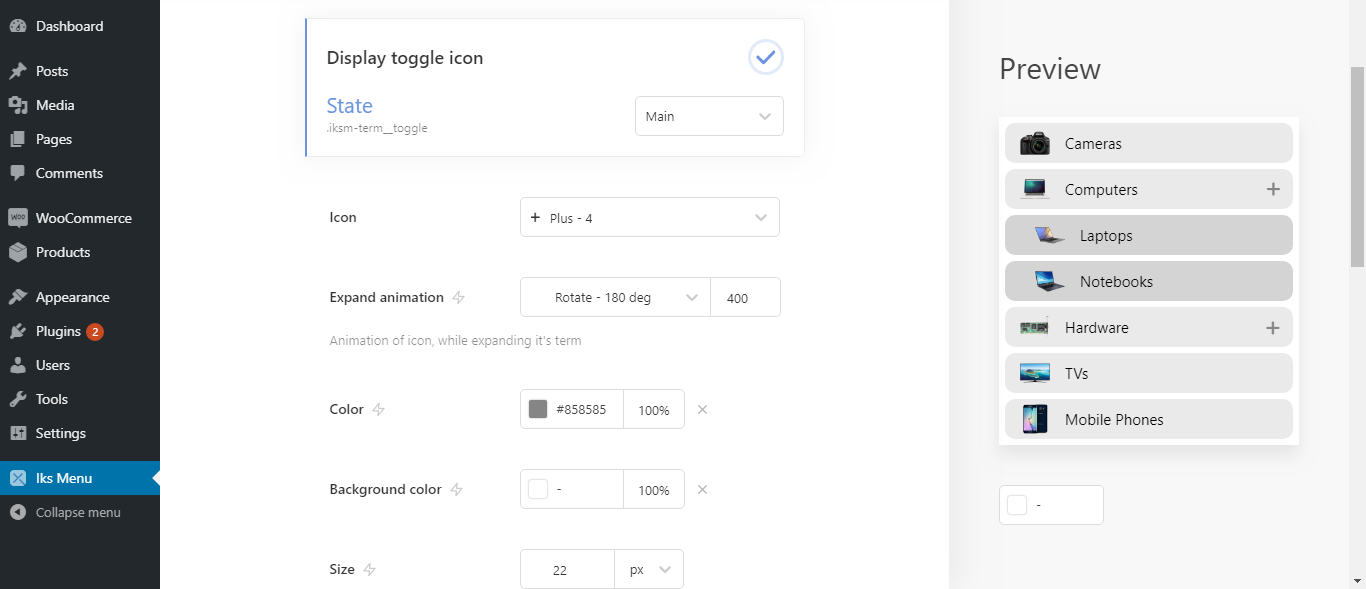
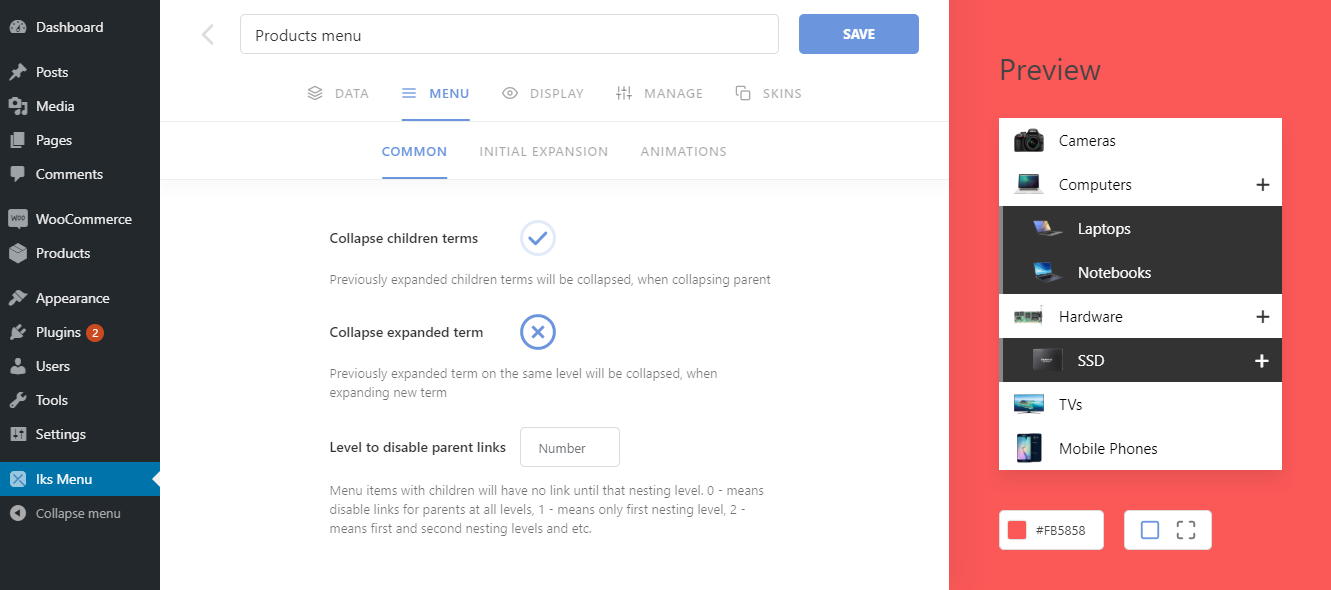
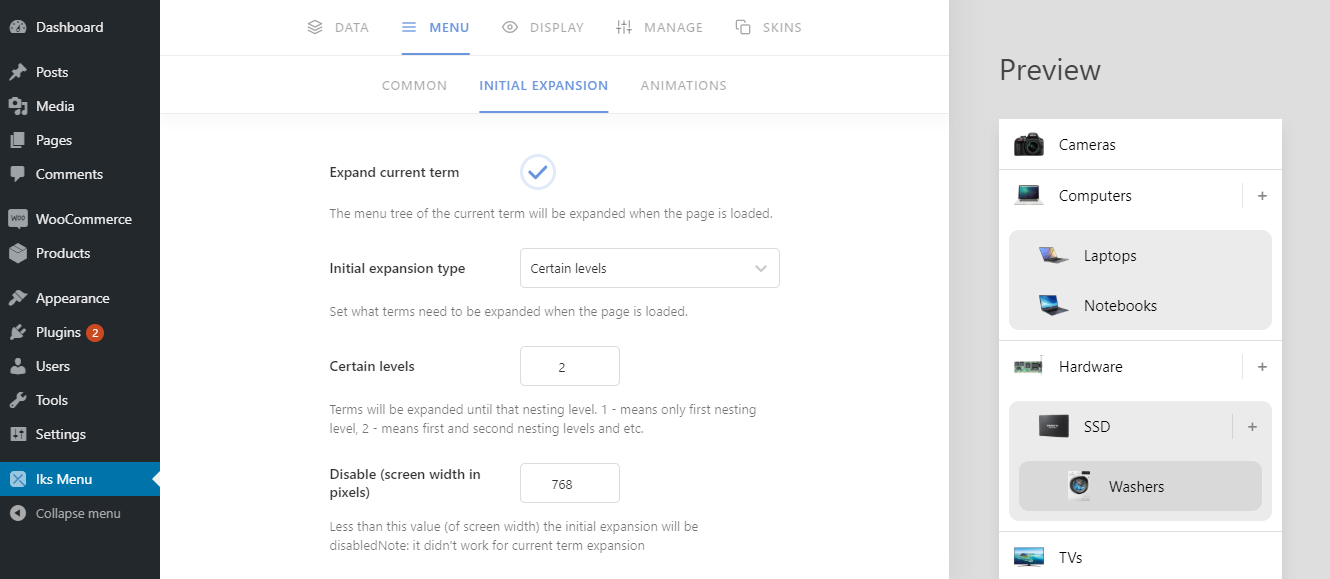
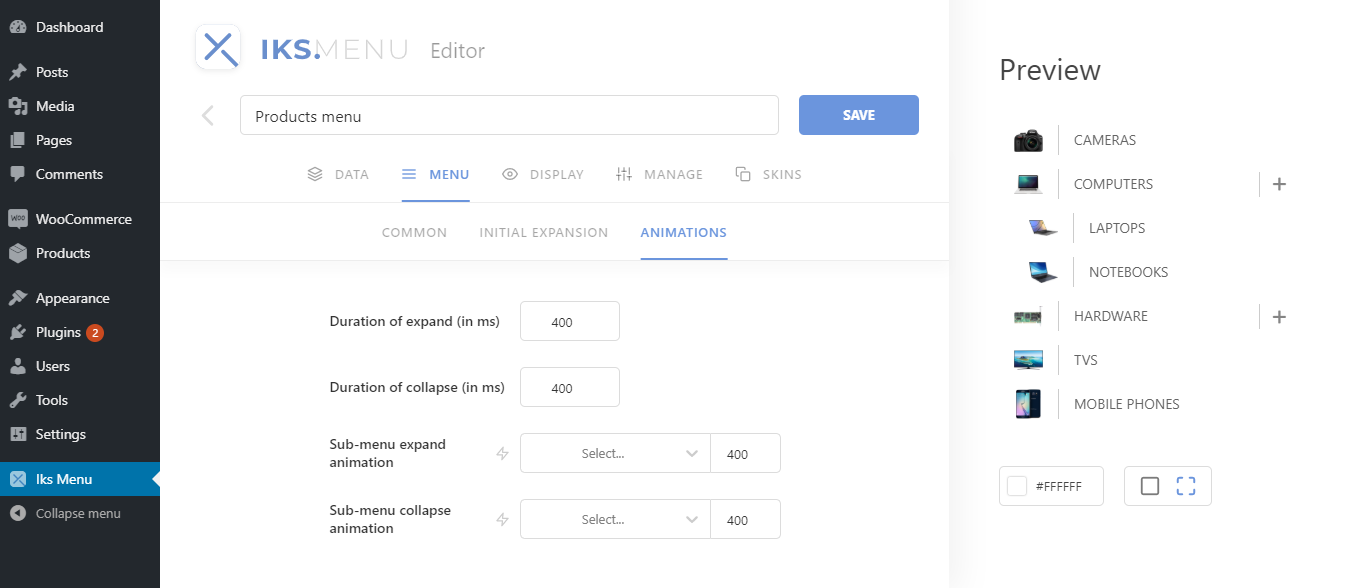
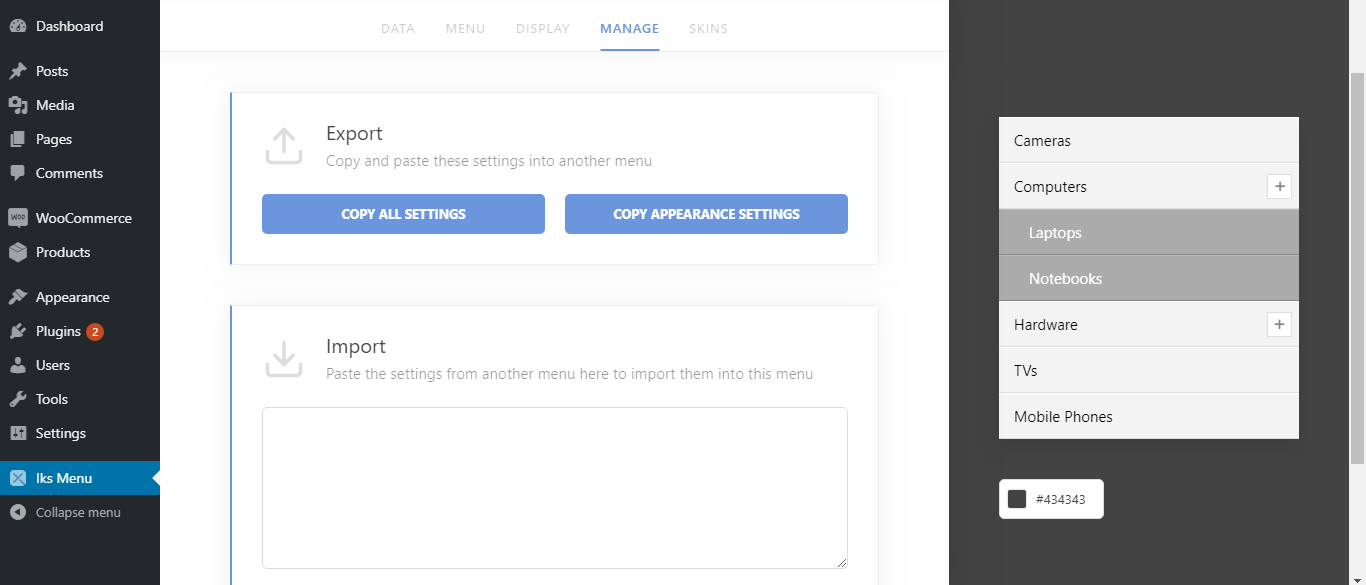
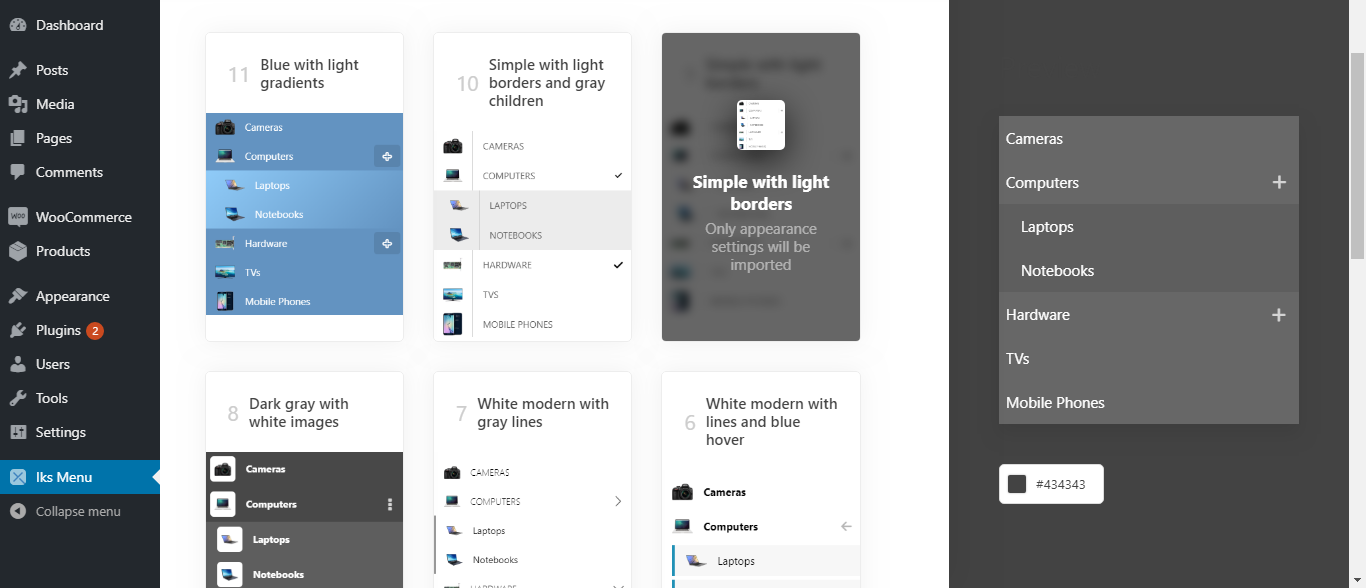
Iks Menu is a WordPress plugin that allows you to create customizable accordion menus and FAQs. It supports custom WordPress menus, taxonomies, and FAQs as a source for the menus, and provides various settings for appearance and functionality. There is a free version available, as well as a pro version with additional features.Screenshots

Frequently asked questions
What is Iks Menu?
Iks Menu is a WordPress plugin for creating customizable accordion menus and FAQs. It supports custom WordPress menus, taxonomy terms, and FAQs as sources.
What types of content can Iks Menu display?
Iks Menu can display custom WordPress menus, any taxonomy (like categories, post tags, and WooCommerce product categories), and automatically created FAQs post types.
Does Iks Menu support images?
Yes, Iks Menu supports images for custom menus, taxonomies (including WooCommerce categories), and FAQs.
How can I display menus created with Iks Menu?
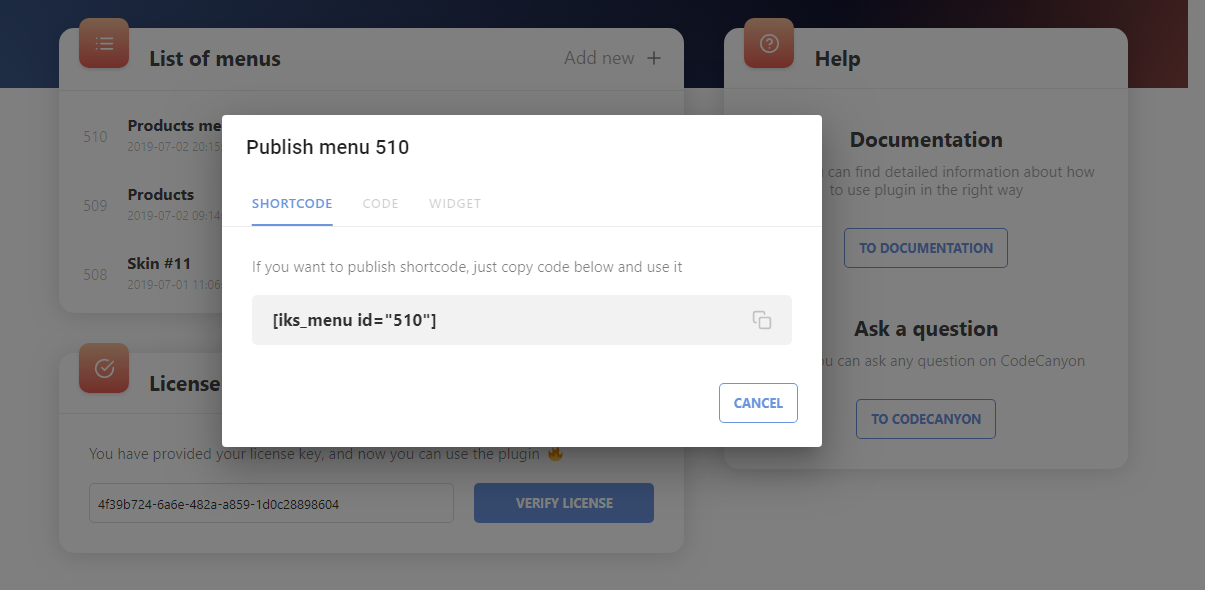
You can display your menus using WordPress widgets, shortcodes, or PHP code.
Is coding required to use Iks Menu?
No, you do not need to learn coding to use Iks Menu. It features a live editor for setting all options with instant changes.
Changelog
SCHEDULED
- Ability to sort custom WP menus
- Ability to order content (link, image, toggle, etc.)
- Ability to add badges for menu items
- Search for terms
- Customizing widget area (header, content, etc.)
- Shortcode attributes
- Loading menus by AJAX
- Group skins by tags (like flat, white, colored, etc.)
- Translate plugin into other languages
1.12.5 – 2025-02-11
- Fixed: bug in PHP 8.0+
1.12.4 – 2025-02-10
- Added: Support for custom CSS Classes (for Custom Menus)
1.12.3 – 2025-01-30
- Added: Freemius SDK was updated to the latest version
1.12.2 – 2025-01-15
- Fixed: i18n warning in WordPress 6.7 (adapting to changes)
1.12.1 – 2024-10-18
- Fixed: Bug with function redeclare
1.12.0 – 2024-10-18
- Added: New setting “Include type”
- Added: Freemius SDK was updated to the latest version
1.11.3 – 2024-06-08
- Added: Freemius SDK was updated to the latest version
1.11.2 – 2023-07-05
- Added: Freemius SDK was updated to the latest version
1.11.1 – 2023-06-16
- Plugin website domain changed to https://iks-menu.com
- Added: Freemius SDK was updated to the latest version
1.11.0 – 2023-04-06
- Added: New source type “FAQs” and related settings
- Added: New setting “Gap” at “Display” > “Container” tab
- Added: New skins #20, #21, #22
- Fixed: Color Pickers were laggy
1.10.1 – 2023-04-05
- Fixed: Freemius files
1.10.0 – 2023-04-05
- Added: New setting “Show current terms tree”
- Added: New setting “Disable empty or hashtag links”
- Added: Freemius SDK was updated to the latest version
- Fixed: an error when trying to install the PRO version with the FREE version enabled
1.9.8 – 2022-07-19
- Added: New setting “Posts Count: Calculation type”
1.9.7 – 2022-06-01
- Fixed: PHP sprintf error in Freemius (languages updated)
1.9.6 – 2022-05-31
- Fixed: PHP 8.1 error
1.9.5 – 2022-03-15
- Fixed: Custom Menu images weren’t displayed
1.9.4 – 2022-03-13
- Fixed: Posts images weren’t displayed
1.9.3 – 2022-03-12
- Fixed: Crash when installing FREE version of plugin
- Fixed: Revert Freemius Pricing page
1.9.2 – 2022-03-11
- Added: Freemius SDK was updated to the latest version
- Fixed: Rare bug of incorrect displaying menu items when some posts and terms have the same IDs
- Fixed: Remove duplication of style tags on page
1.9.1 – 2021-12-30
- Added: New settings to set posts “orderby” and “order” parameters
- Added: New setting to hide zero “Posts count”
- Fixed: Iks Menu didn’t work inside Elementor’s popups
- Fixed: Sometimes skins were loaded with an error
1.9.0 – 2021-02-20
- Added: New setting “Icon Tag” for Toggle
- Added: Freemius SDK was updated to the latest version
1.8.9 – 2021-01-03
- Fixed: Keyboard accessibility “freeze” bug
- Fixed: https for loading Skins
- Fixed: DELETE method was changed to POST due to problems of some users
1.8.8 – 2020-11-13
- Added: Keyboard accessibility: “Tab” & “Enter” navigation + “Focus” state for all elements in menu
- Added: Some optimizations for loading posts when terms are specified in the “Include terms” setting
1.8.7 – 2020-11-05
- Fixed: Some problems with detecting current term
- Added: Freemius SDK was updated to the latest version
1.8.6 – 2020-10-16
- Added: Ability to use hooks for adding custom content (PRO only)
- Fixed: Current taxonomy’s term did not work for Custom WP menus
1.8.5 – 2020-10-14
- Added: Taxonomy’s terms at Custom WP menu can be marked as current (automatically)
- Fixed: Some problems with menu items’ alignment with shifts
- Fixed: Some problems with Freemius Pricing page
1.8.4 – 2020-09-18
- Fixed: Plugin crash when using incorrect menu in widget
- Added: Reduced the size of Freemius Pricing page
1.8.3 – 2020-09-02
- Fixed: Some problems with WP menus custom fields (WordPress 5.4+)
- Added: Freemius SDK was updated to the latest version
1.8.2 – 2020-05-20
- Fixed: Internet Explorer compatibility
- Fixed: Some problems with detecting item as current
1.8.1 – 2020-05-20
- Fixed: Image-picker duplicates for Custom WP menus (WordPress 5.4+)
- Fixed: Current item not worked at not first page of taxonomy archives
- Added: “target” attribute for links of Custom WP menus
1.8.0 – 2020-02-28
- Added: Now terms, that includes current post will be also marked as “Current” (for “taxonomy” source only)
- Added: New setting “Expand pages, that includes current page” inside “Initial expansion” settings
- Added: New setting “Exclude terms (without children)”
- Added: Special CSS class added for posts items
- Fixed: Titles’ and descriptions’ improvements of some settings
1.7.9 – 2020-02-22
- Fixed: Some users had problems with saving settings
1.7.8 – 2020-02-17
- Fixed: Cache plugins compatibility (i.e. Swift Performance)
1.7.7 – 2020-02-11
- Fixed: Toggle’s icon by default is “Chevron-1” again, not “Custom text”
- Fixed: The “Include” setting did not work properly
- Fixed: Opacity for color input did not change when changing through a picker
- Fixed: Empty input values were sometimes treated as zeros
- Mass code refactoring (core separation)
1.7.6 – 2020-01-04
- Added: New option “Menu order” for “Order by” setting
- Added: New setting “Icon – custom text” for toggle icon
- Added: New 4 animations: Fade Up, Fade Right, Fade Left, Zoom Fade
1.7.5 – 2020-01-02
- Fixed: WPML Compatibility regarding to posts
- Fixed: Checkbox displaying for latest WordPress
- Added: Freemius SDK was updated to the latest version
1.7.4 – 2019-11-06
- Added: Button to tie quad-values for Padding, Margin and Border-radius settings
- Fixed: Minor errors
- Changed: Admin Page design improvements
1.7.3 – 2019-10-21
- Fixed: Not all Toggle icons were enabled for the PRO plan
1.7.2 – 2019-10-20
- Fixed: Sometimes menu items were not ordered correctly
- Fixed: “Level shift” setting did not work correctly
1.7.1 – 2019-10-18
- Added: Freemius SDK was updated to the latest version
- Fixed: Some problems with caching plugins
1.7.0 – 2019-10-16
- Added: Ability to show posts for a taxonomy source
- Fixed: Flickering of editor width and modals
- Fixed: “Current” term expansion was not working sometimes
- Fixed: PHP 5.4 compatibility
- Changed: ul and li were replaced by div to avoid bad themes styles
1.6.2 – 2019-10-09
- Fixed: Removed basic browser’s margin and padding for UL element
- Fixed: Sometimes the display of the admin page was incorrect
- Fixed: Sometimes the “Initial expansion” settings did not work
1.6.1 – 2019-09-26
- Fixed: Custom styles did not worked for skins
1.6.0 – 2019-09-25
- Added: Freemius
- Fixed: Sometimes menu items were not displayed as current
- Fixed: Sometimes preview was crushing with invalid “Initial expansion” setting
1.5.1 – 2019-09-17
- Changed: “Hide empty terms” is now false by default
- Fixed: Not smooth expanding for submenus with multiline items texts
- Fixed: Appearance of skin #14 without image
1.5.0 – 2019-09-12
- Added: Ability to set images for all taxonomies and custom WordPress menus
- Added: New setting “Placeholder” for images
1.4.0 – 2019-09-05
- Added: Ability to display posts count for terms
- Added: Ability to set custom “class name” for Toogle Icon to use any other icons pack included in your theme
- Added: Containers of each menu now have unique IDs
- Added: New design for modal window of menus creation
- Fixed: Setting “Initial expansion – Disable” works better
- Fixed: Now some settings like “Animation”, “Transition”, “Image type / position” and some others are not “Appearance settings” and it won’t be imported with skins
1.3.0 – 2019-07-24
- Added: Settings “Initial Expansion” (allows you to expand certain terms when the page loads)
- Fixed: Menu collapsing bug
1.2.0 – 2019-07-18
- Added: Setting “border-radius” for all menu elements
- Fixed: Sub-menus are now expanded immediately after the page loads
- Fixed: Errors with verifying license
- Fixed: Added check for the widget’s empty title
- Improvements inside the “Skins” tab
- Editor now loads a little faster
- Other minor improvements
1.1.0 – 2019-07-10
- Added: Now you can press CTRL+SHIFT+S or CTRL+ALT+S to save currently editing menu
- Added: Setting for changing editor’s preview type (hide or show underlay background)
- Added: Settings “width” and “max-width” for Container
- Added: Inputs of type “Size” now can be set with percentage value
- Added: Better design for inputs in admin editor (focus added)
- Added: Better design editor tabs
- Fixed: Removed unnecessary div container for widget
1.0.0 – 2019-07-04
- First release

