
Improve your WordPress SEO: Write better content and have a fully optimized WordPress site using the Yoast SEO…
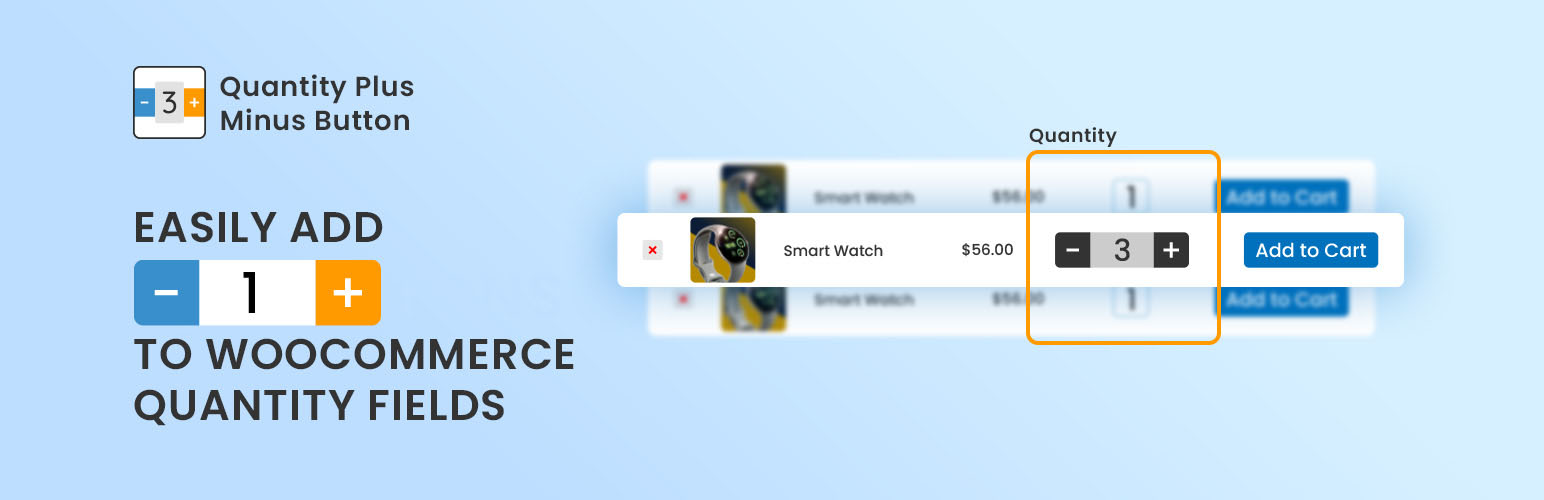
About Quantity Plus Minus Button for WooCommerce by CodeAstrology
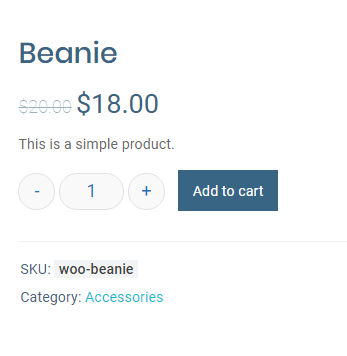
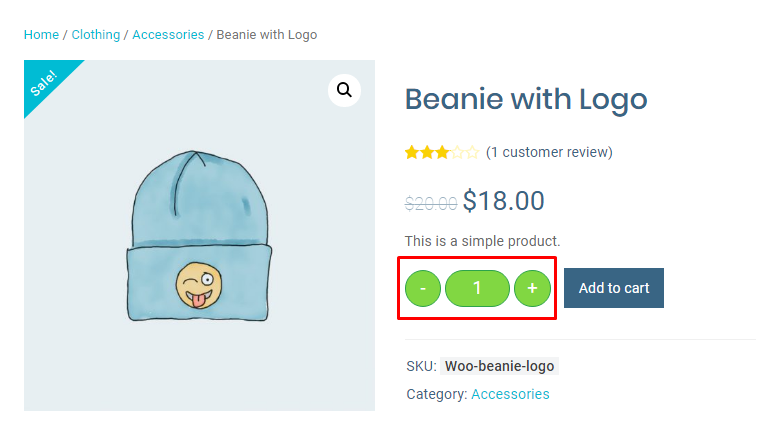
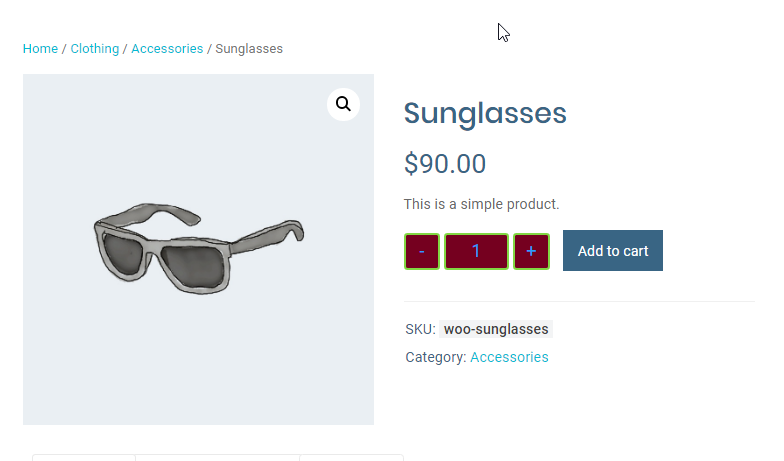
The Quantity Plus/Minus Button for WooCommerce plugin adds beautifully designed plus and minus buttons to the quantity input box on the product page. It supports decimal quantities and allows for customization of the button design. The plugin is compatible with all themes and plugins, and there is live customer support available.Screenshots
Frequently asked questions
What does the Quantity Plus Minus Button for WooCommerce plugin do?
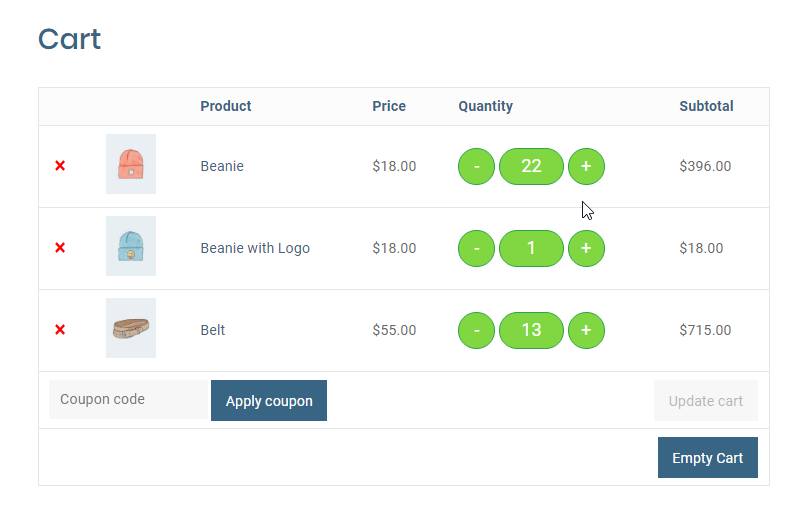
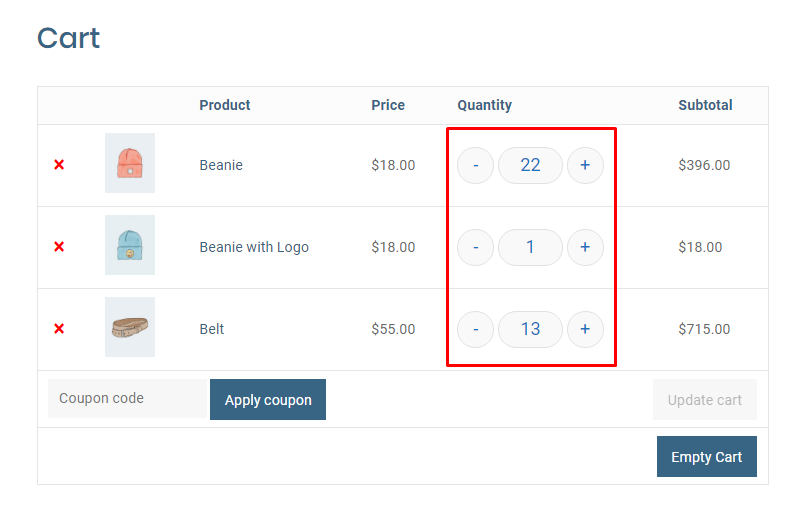
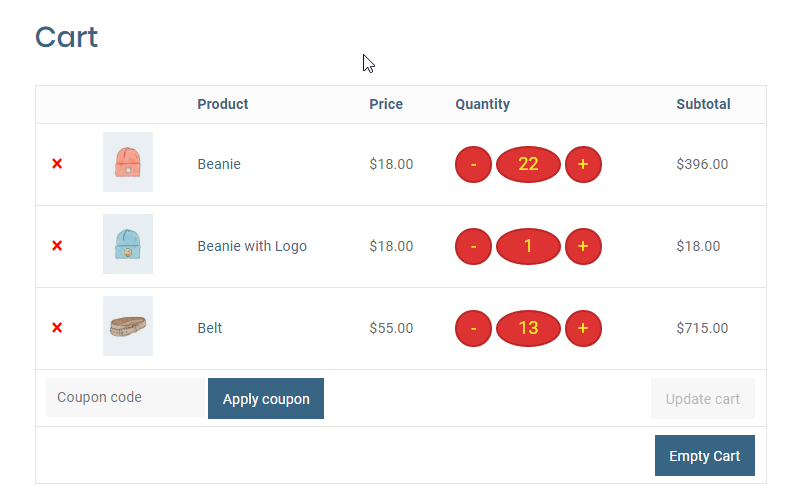
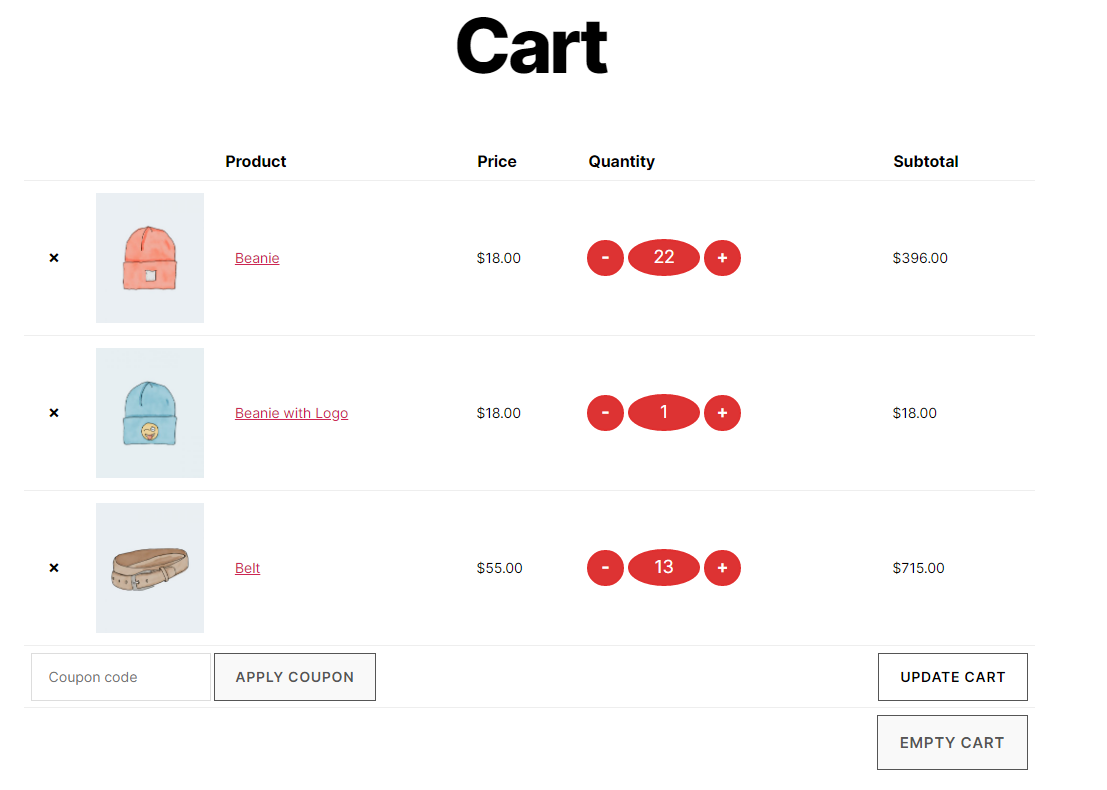
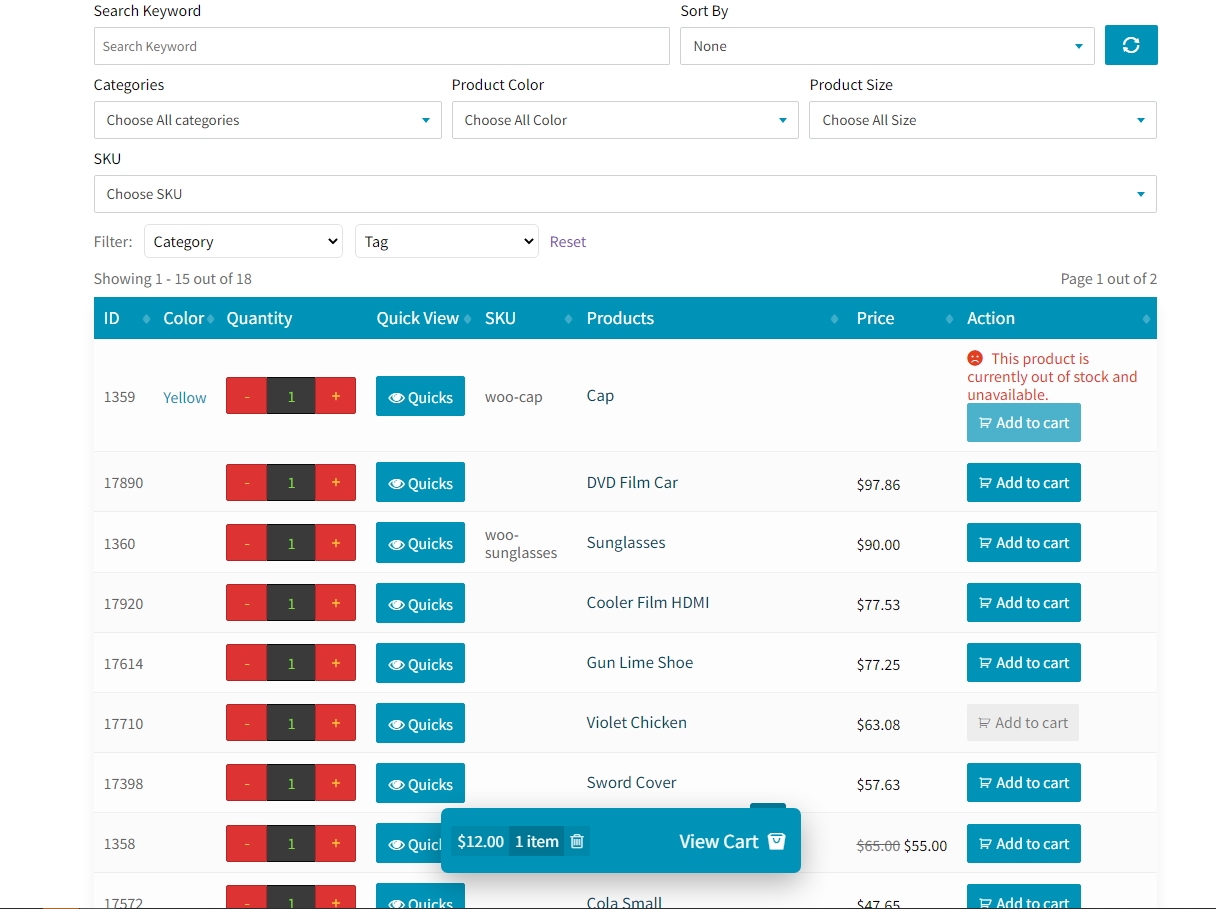
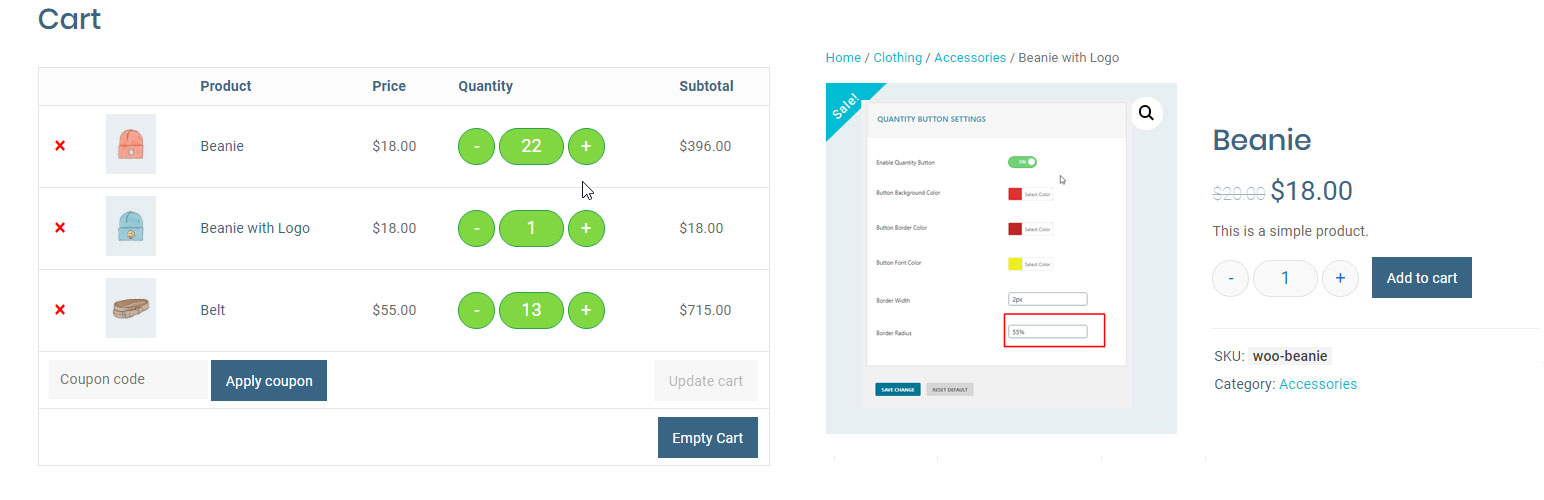
This plugin adds beautifully designed plus and minus quantity buttons to the WooCommerce quantity input box. It supports decimal quantities and works on various pages like single product pages, in-loop quantity inputs, and the cart page.
Can I customize the appearance of the quantity buttons?
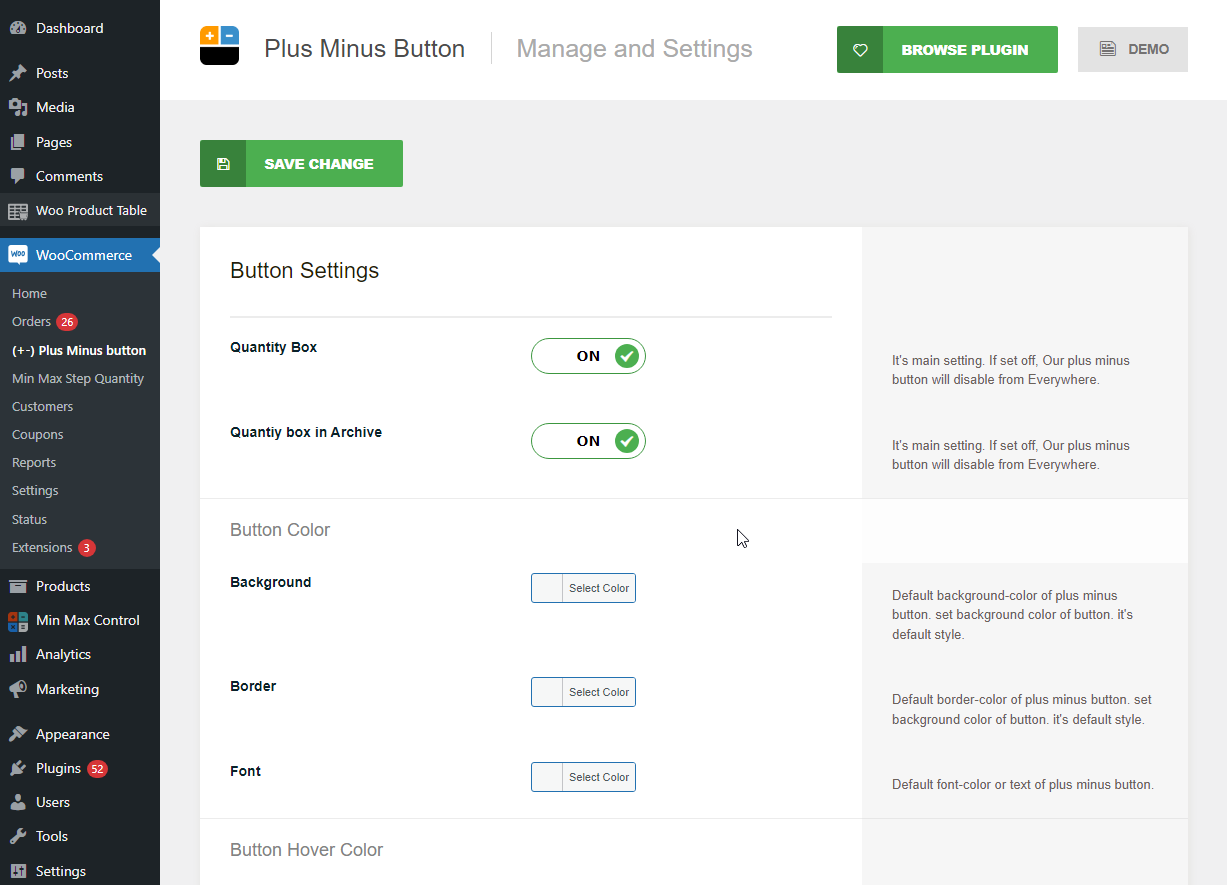
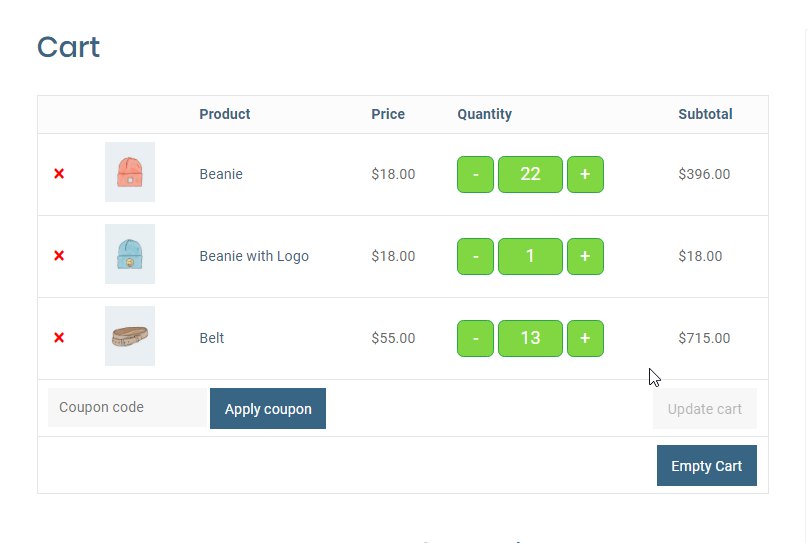
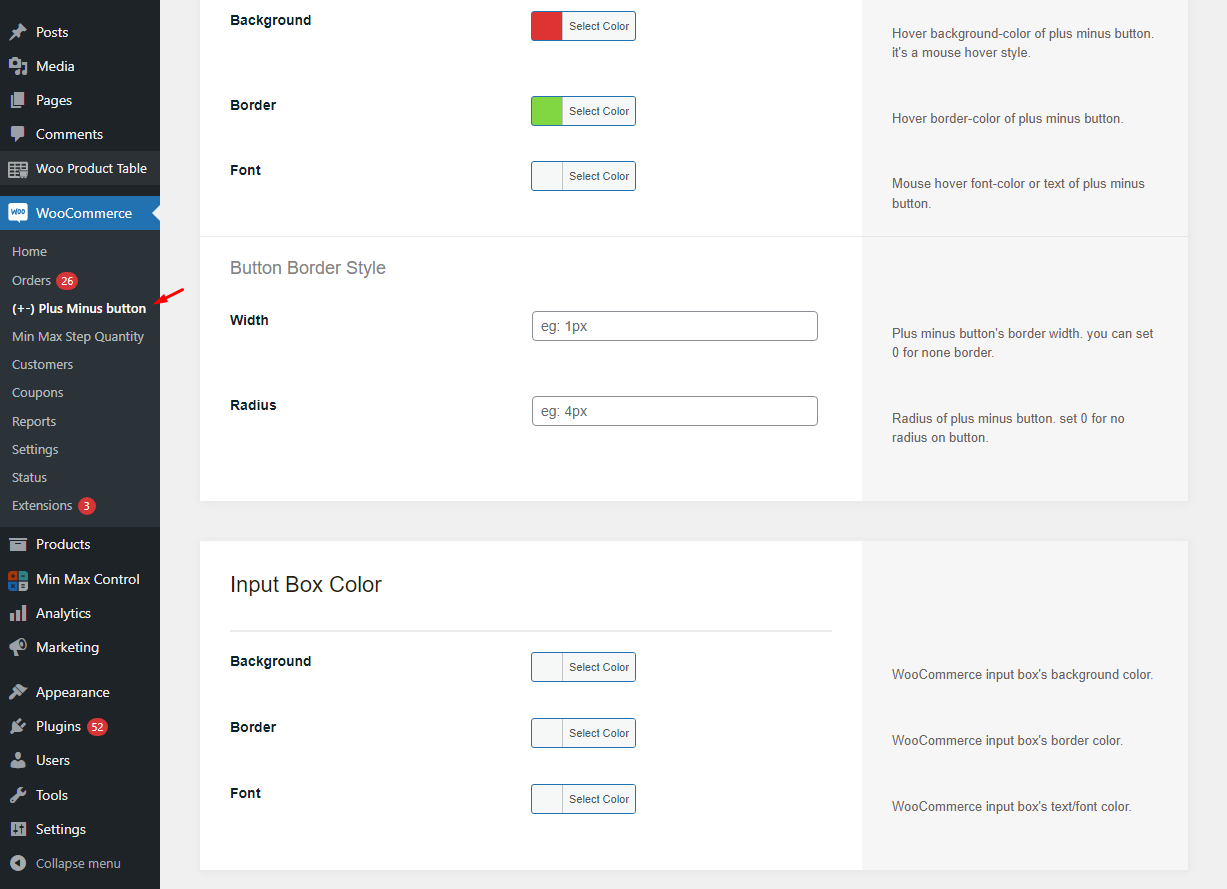
Yes, the plugin offers customizable button design. You can customize the button background color and hover, text color and hover, border color and hover, border width, and border radius.
Is the plugin compatible with other WordPress and WooCommerce elements?
The plugin is compatible with all themes, all plugins, Woo Product Table, the latest version of WordPress, and the latest version of WooCommerce.
Does the plugin support decimal quantities?
Yes, the Quantity Plus Minus Button for WooCommerce plugin fully supports decimal quantities for your products.
Where can the quantity buttons be displayed?
The quantity buttons can be displayed on the single product page, in-loop quantity input areas, and the cart page. There are also filters to control visibility on the product page, cart page, and mini cart page.
Changelog
1.2.3
- Fixed: Cart update on change qty for cart page has been fixed.
- Bug fixed.
1.2.2
- Fixed: Ajax add to cart for shop/category/Taxonomy page issue fixed.
- Bug fixed.
1.2.0
- Cart Page auto Update on change qty at Cart Page.
- Compatibility Shoptimizer Theme added
- Compatibility Pricon Theme added
- Nonce update
1.1.9
- Nonce issue fixed.
- Added: new setting field added for input box height and width.
- Add input box width change option
- Add input box height change option
- Bug Fix
- Code Optimized
1.1.8
- Live support Disable Option
- Backend Design update
- Divi theme’s quantity box issue has been solved
- Bug Fix
- Code Optimized
1.1.7
- input box right margin issue has been solved.
1.1.6
- Added: Quantity box for Shop Page
- Added: Quantity box for All Archive/Tag/Category/Taxonomy Page
- Bug Fix
- Code Optimized
1.1.5
- Little CSS issue fixed for Cart page.
- Bug Fix
1.1.4
- More Setting added.
- Input box style added.
- Added Hover background color.
- Added Hover border color.
- Added Hover font color.
- Bug Fix
1.1.3
- Live support from CodeAstrology button Added
- Spelling fix on html markup
- Bug Fix
1.1.2
- Minor Error fixed
- Tested with Latest WordPress and Updated
- Tested with Latest WooCommerce and Updated
- Compatibility Check with More Theme And Plugin
- Compatible with Woo Product Table (Poduct Table Plugin for WooCommerce by CodeAstrology)
- Bug Fixed
1.0.6
- Change demo link
- Bug fixed
1.0.6
- Hide on Mini Cart page
- Bug fixed
1.0.5
- Setting link fixed
- name fixed
- Bug fixed
1.0
- Initial release

