

Improve your WordPress SEO: Write better content and have a fully optimized WordPress site using the Yoast SEO…

About Styles & Layouts for Gravity Forms – Best Gravity Forms Styler, Designer
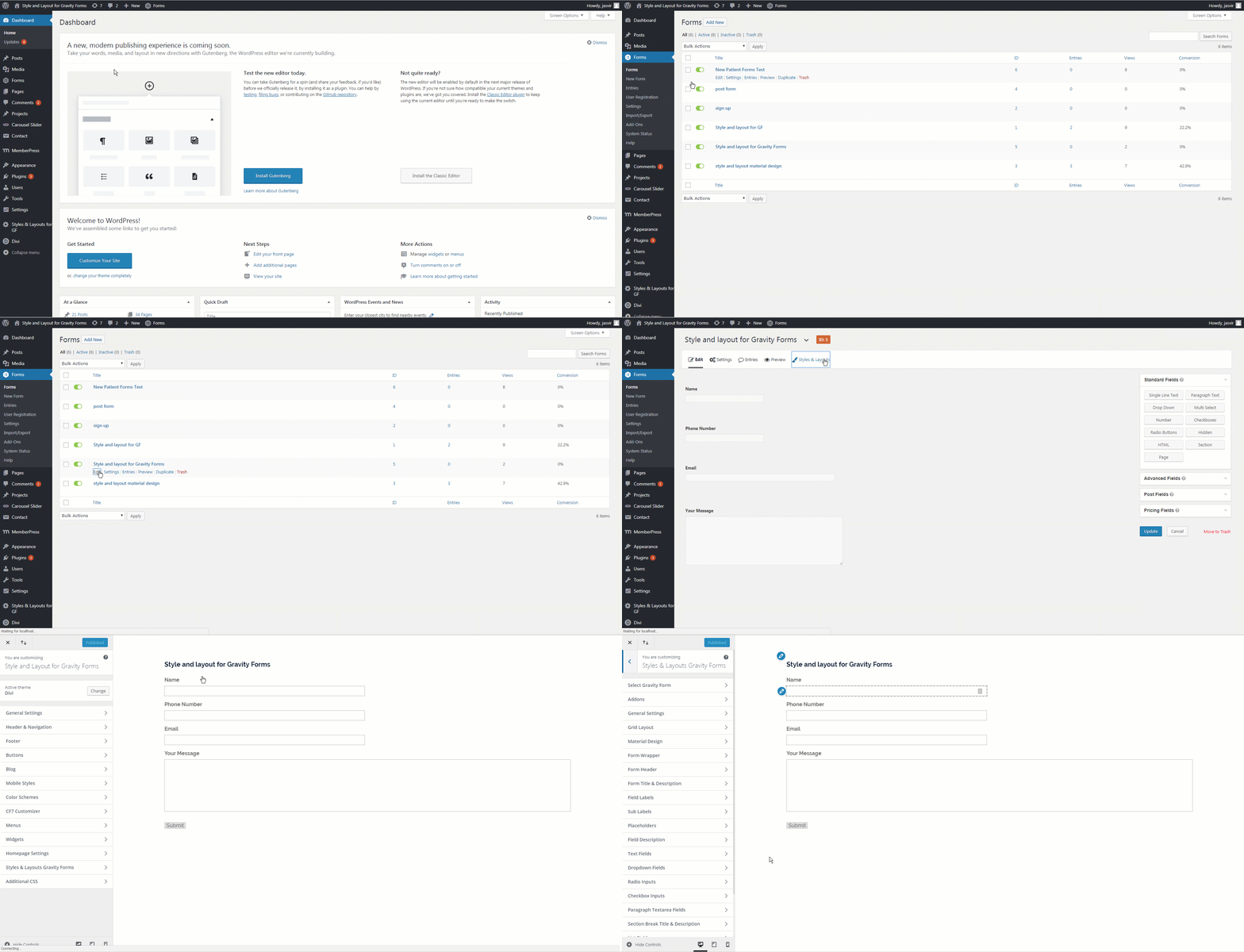
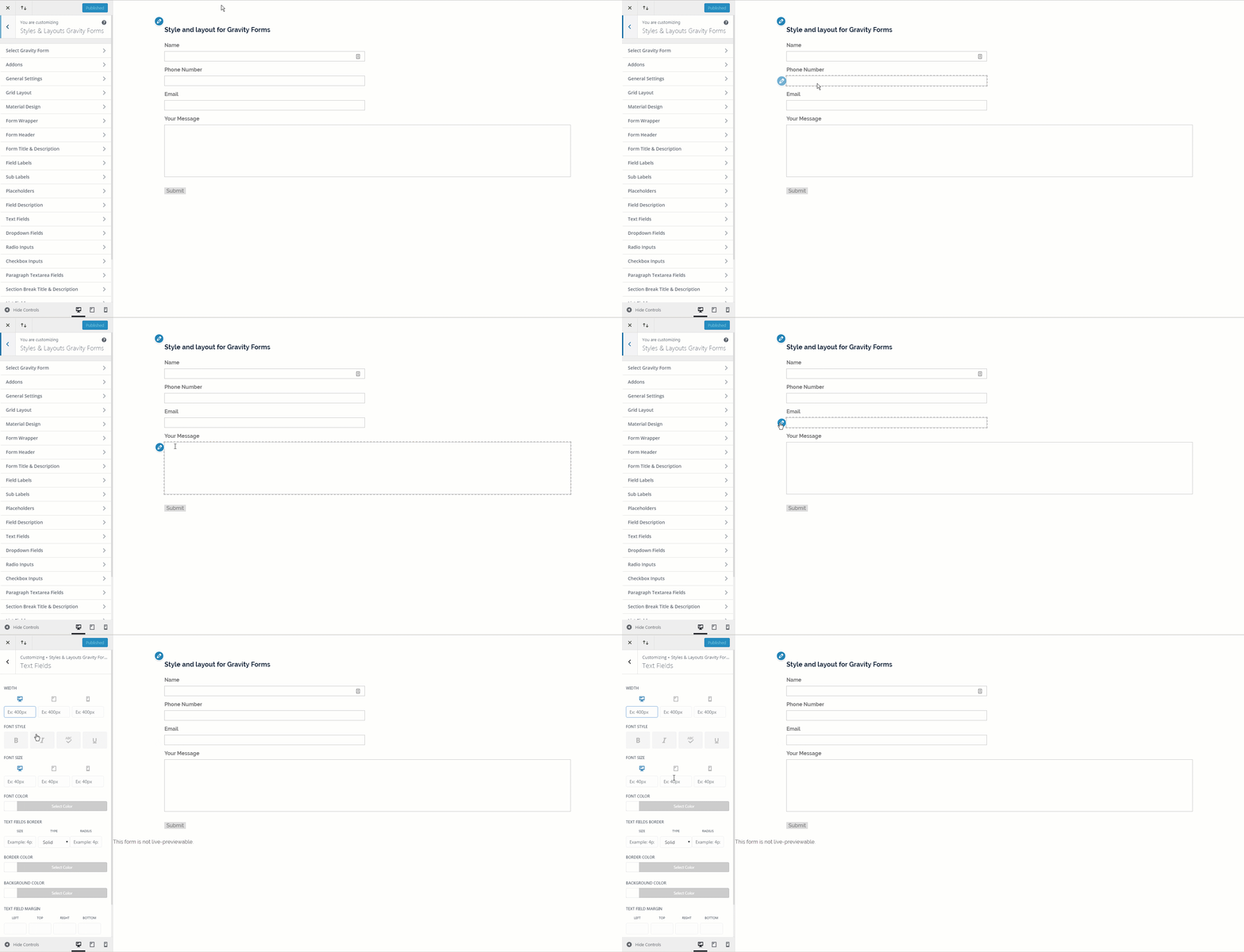
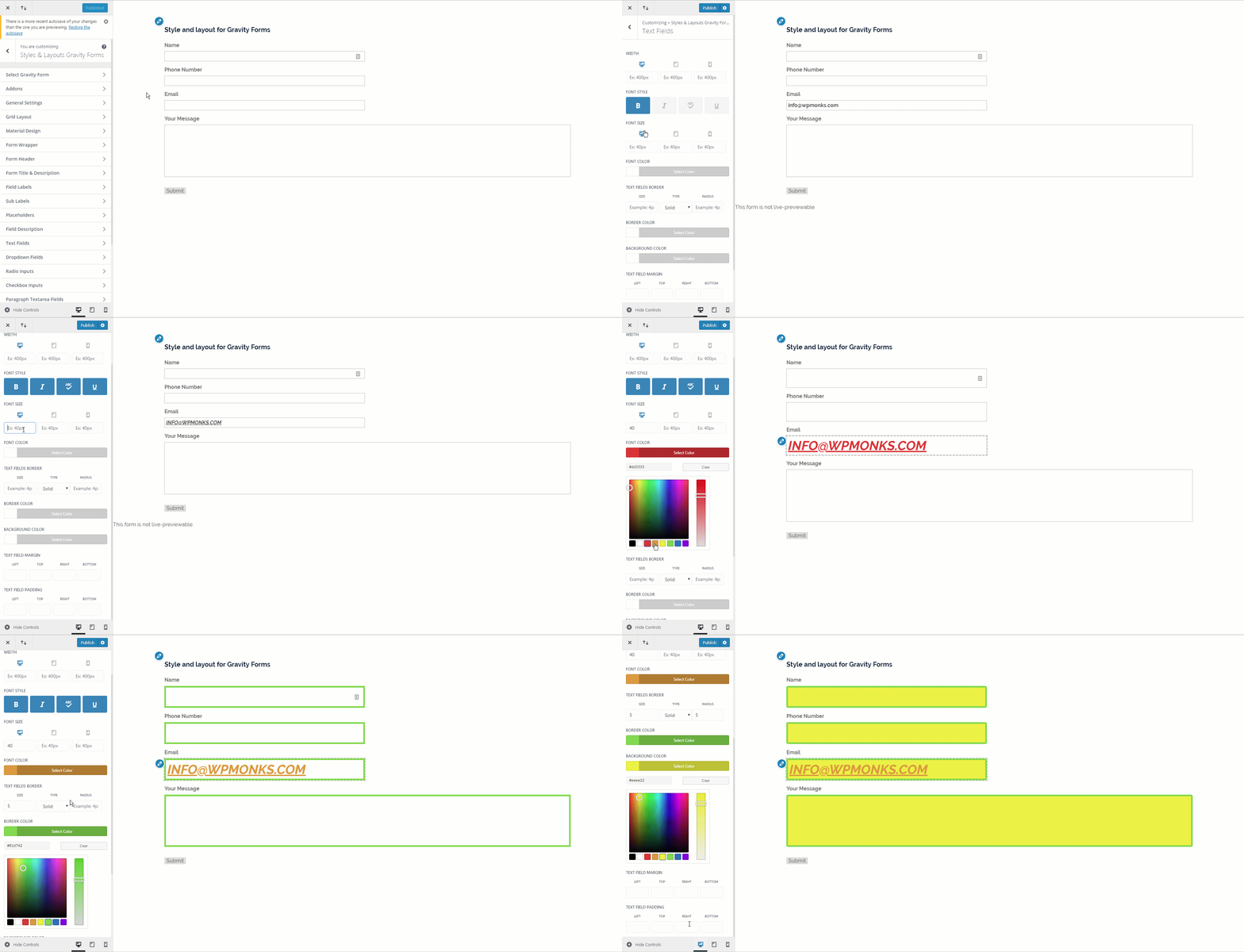
Gravity Booster (formerly Styles and Layouts for Gravity Forms) is a plugin that allows you to easily create beautiful designs for your Gravity forms. It is compatible with popular themes and builders, and provides over 150 customization options for different form elements. Additionally, there are premium add-ons available such as AI for Gravity Forms, Material Design, Checkbox & Radio Styler, Bootstrap Design, Theme Pack, Tooltips, Field Icons, Custom Themes, and an Addon Bundle.Screenshots
Frequently asked questions
What is Styles & Layouts for Gravity Forms?
Styles & Layouts for Gravity Forms, also known as Gravity Booster, is a WordPress plugin that allows users to design and style Gravity Forms without CSS coding. It provides an easy-to-use interface for creating beautiful form designs that are compatible with various themes and builders.
What design options are available with this plugin?
The plugin offers over 150 options to customize various parts of a form, including the form wrapper, header, title, description, submit button, input fields, and more. Users can set CSS options like background color, font size, font family, borders, width, and text alignment without custom CSS codes.
Is the plugin compatible with popular themes and builders?
Yes, the plugin is compatible with many popular themes and builders such as Divi, Elementor, Visual Composer, Thrive Architect, Beaver Builder, Astra, GeneratePress, Oxygen Builder, Avada, OceanWP, Genesis Framework, The7, and Salient.
Does the plugin support responsive design?
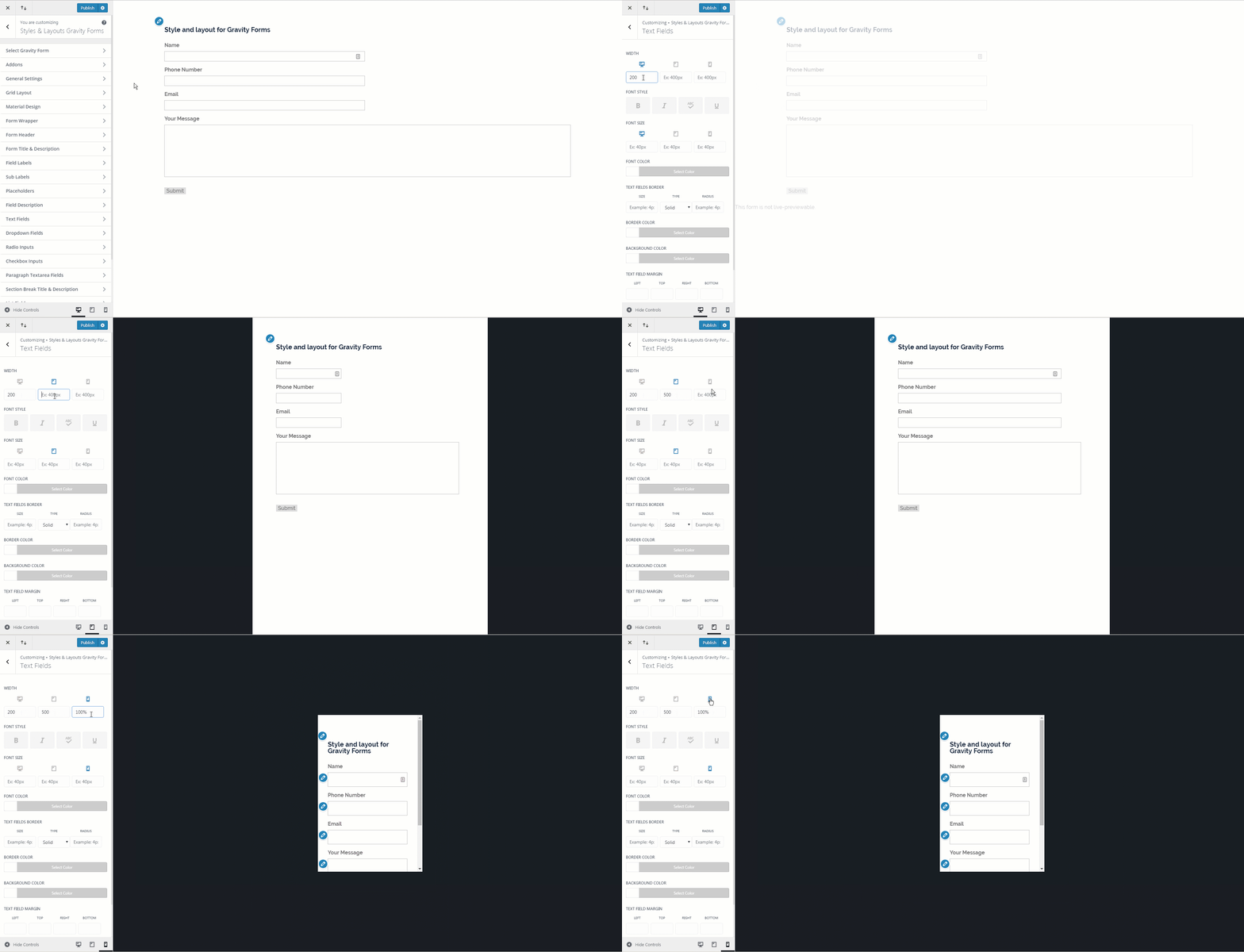
Yes, users can easily create responsive designs by setting different styles for desktops, tablets, and mobile phones, including font size, widths, and line height.
Are there premium add-ons available for Styles & Layouts for Gravity Forms?
Yes, premium add-ons include AI for Gravity Forms, Material Design, Checkbox & Radio Styler, Bootstrap Design, Theme Pack, Tooltips, Field Icons, Custom Themes, and an Addon Bundle.
Changelog
5.20 (24th January 2025)
- Added support for Gravity Forms v2.9
5.19 (25th November 2024)
- Fixed compatability issues with Custom themes addon
5.18 (15th September 2024)
- Fixed form preview not showing with conditional logic and Gravity Forms Material Design
5.17 (27th August 2024)
- Fixed custom CSS not working
5.16 (27th August 2024)
- Fixed review link
- Fixed minor code issues
5.15 (24th August 2024)
- Fixed width of checkbox & radio labels
5.14 (24th August 2024)
- Fixed support for checkbox & radio styler buttons in backend
- Fixed minor css issues
- Fixed text align not working for labels
5.13 (23rd August 2024)
- Fixed /n getting removed when saving custom css
- Fixed minor css issues
- Fixed text align not working for labels
5.12 (21st August 2024)
- Fixed position of RTL sidebar
- Removed some unnecassry CSS output
- Added compatability with checkbox & radio styler latest features
- Fixed bold option not working
- Fixed form wrapper padding getting reset with updates
- Fixed background color not working for form wrapper
- Removed text field settings from total field
5.11 (19th July 2024)
- Fixed form selection drowpown in older WordPress versions
- Fixed position of sidebar settings in rtl
5.10 (28th June 2024)
- Added support for styling individual fields
- Added fixes for AI support
5.9 (21st June 2024)
- Added support confirmation text container border color
- Added support for OpenAI vision
5.8 (18th June 2024)
- Added support for field labels fontawesome icons
5.7 (17th June 2024)
- Added support for AI Image generation addon
5.6 (12th June 2024)
- Fixed styler settings not saving
5.5 (10th June 2024)
- Added support for AI for Gravity Forms
- Added option to modify settings directly from booster backend.
5.4 (15th May 2024)
- Fixed a compatability bug with custom themes
5.3 (13th May 2024)
- If you try to switch panel without saving then you will get alert popup
- Booster now waits for addons to load their settings
- Fixed compatability with older addons
- Fixed link for the ‘open plugins’ popup button.
5.2 (12th May 2024)
- Added option to open any panel in booster directly from query param
5.1 (10th May 2024)
- Fixed an issue in getting field labels
5.0 (5th May 2024)
- Added a new interface for styling the forms
- Customizer styling is now deprecated
- Added ability to view and design multiple gravity forms pages
- Added Booster menu item under Gravity Forms
4.3.11 (18 May 2023)
- Minor fix
4.3.10 (24 December 2022)
- Fixed banner link
4.3.9 (24 November 2022)
- Minor Fix
4.3.8 (3 May 2022)
- Styles & Layouts design won’t apply if material design is active
4.3.7 (18 April 2022)
- Fixed a warning message when asterisk color was not set
- Button Border won’t get applied in case Material design addon is used
4.3.6 (30 March 2022)
- Added support for new submit button introduced in Gravity Forms v2.6
- Updated updater class
4.3.5 (20 January 2022)
- Fixed customizer not saving
4.3.4 (25 November 2021)
- Fixed submit button hover styling
4.3.3 (3 September 2021)
- Fixed Next and Previous button not getting same styling
- Fixed Error messages styles not working in Gravity Forms v2.5
4.3.2 (16 July 2021)
- Fixed form not showing in customizer
4.3.1 (3 April 2021)
- Fixed a bug where styling on some forms were lost after 4.3 update
4.3 (5 March 2021)
- Fixed compatability with upcoming Gravity Forms v2.5
- Fixed compatability with upcoming Material Design addon
- Fixed compatability with upcoming Field Icons addon
- Fixed background gradient not working correctly in live preview
- Fixed range slider fields not working correctly in customizer
4.2.10 (29 December 2020)
- Updated Readme File
4.2.9 (26 August 2020)
- Fixed review message
4.2.8 (25 June 2020)
- Added support for Bootstrap and Material design submit button styling
- Fixed ternarny operator warnings of latest php
- Added support for changing font style from bold to normal
- Cleaned frontend output of css
- Fixed padding for section field
4.2.7 (22 march 2020)
- Added support for quick edit shortcuts for consent field
- Fixed an issue with jupiterx theme where customizer options were not visibile
4.2.6 (3 december 2019)
- Added support for consent field
4.2.5 (1 september 2019)
- Fixed warning paragraph textarea messages
4.2.4 (29 august 2019)
- Fixed warning messages
4.2.3 (6 august 2019)
- Fixed issue with tooltips of checkbox and radio options
4.2.2 (6 august 2019)
- Fixed header showing border in customizer preview
- Fixed UTM parameters
4.2.1 (9 april 2019)
- Added option to hide sublabels
- Fixed adding 0 as value for borders not working
- Fixed customizer contols resize to not happen for other plugins
4.2 (18 march 2019)
- Added font size, font style and line height for error message text
- Added height option for text and dropdown fields
- Added notification for rating
- Fixed list field not getting styled on mobile devices
- Fixed issue with RTL websites dashboard text alignment
- Fixed padding not working for section break having description
- Fixed submit button styling issue when Material design is activated
- Fixed design of delete styles button
- Fixed form header border width issue
- Fixed design of color picker control for Divi theme
- Renamed customizer control labels for better consistency
- Removed line-height option from text and dropdown fields
- Removed padding option from placeholders
- Updated design of welcome page
4.1.4 (13 february 2019)
- Fixed compatability with gutenberg ( issue didn’t resolve in 4.1.3)
4.1.3 (13 february 2019)
- Fixed compatability with gutenberg
4.1.2 (5 december 2018)
- Fixed stla_isset_checker()
4.1.1 (5 december 2018)
- Fixed php errors/warnings
- Fixed multipage material design button styling bug
4.1 (25 september 2018)
- Added responsive line height option
- Updated documentation
- Fixed bugs
4.0.2 (25 july 2018)
- Fixed an issue where ‘?customize_changeset_uuid=’ was automatically added to the end of url
- Fixed ‘headers already sent’ issue while updating post/page from backend
- Fixed default border style ‘solid’ not working
4.0.1 (24 july 2018)
- Fixed an issue related to conversion of old margin/padding values to new values
4.0 (24 july 2018)
- If Styles and layouts css marked as important then live preview changes don’t work
- Text field designs now also gets applied on password field
- Added seprate fields for margin and padding ( top right bottom left)
- Added quick edit shortcuts to open design settings for different fields
- Added options to change font style ( bold, italic, uppercase and underline)
- Added CSS to customizer controls ( more cleaner now)
3.0.4 (23 May 2018)
- Fixed desktop, tablet and mobile icon missing in customizer settings
- Removed css output from pre_render filter
3.0.3 (22 Dec 2017)
- Fixed issue in customizer form selection
3.0.2 (20 Dec 2017)
- Fixed missing notice issue if gravity forms is not installed
- Fixed background image not showing issue.
3.0.1 (14 Oct 2017)
- Fixed custom CSS not working
3.0 (11 Oct 2017)
- Fixed styling of submit button not working on multipage form
- Added option to set transparency for background color
- Added support for use of Gradients as background for form wrapper
- Fixed % not working in preview
- Added support for values without ‘px’ or any other unit for margin and padding settings
- Added an alert if Gravity form is not present
- Added option to open ‘Styles & Layouts’ directly from edit form page
- Minified styles.php and now only those styles are shown which have values
- Added option to give different widths for phones and tabs
- Fixed padding for placeholder not working
- Fixed styling of confirmation messages
- Fixed Default border not working in customizer preview
- Fixed “Slabo 27px” font family not working
- Fixed width shown as max-width
- Added options to change line height and letter spacing
- some other minor fixes
2.0.8 (30th March 2017)
- Added option to change description font color
- Fixed issue with Submit button hover color
- Changed Maximum width to Width
2.0.7 (10th March 2017)
- Fixed issue that added ‘pxpx’ after values
2.0.6 (7th March 2017)
- Added option to change submit button background and font color on hover
- Added support for 99 most popular Google fonts
- Automatically add ‘px’ if not added by user.
- Added option to hide labels
- Added option to enable admin bar under general settings
2.0.5 (1st January 2017)
- Fixed placeholders.php not found error
2.0.4 (31th December 2016)
- Fixed code that showed url parameters in frontend
2.0.3 (28th December 2016)
- Fixed empty sections after page refresh
2.0.2 (27th December 2016)
- Live preview is now compatible with WordPress 4.7
- Fixed page refresh bug on form selection
2.0.1 (16th December 2016)
- Fixed page refresh bug on form selection
2.0 (6th December 2016)
- Added option to change placeholder font size, font color and padding.
- Added option to add custom CSS
- Fixed preview of font size and padding for checkboxes
- Removed force style option
- Updated documentation
- Fixed auto reload bug
- Styles & Layouts panel now automatically loads after page selection
- New backend logic to detect forms using Gravity Forms hook
1.4.1 (14th July 2016)
- Added List Field section
- Compatibility with Materialize Addon
- Added background color for section break title and description
1.4 (14th July 2016)
- Added option to reset styles
- Added option to force styles
1.3.3 (23rd June 2016)
- Added font size for checkboxes
- Added documentation on plugin activation
- changed text ‘Enter Gravity form Id’ to ‘Select Gravity Form’
1.3.2 (17th May 2016)
- Compatible with Avada theme (Fusion page builder), Visual Composer and other page builder addons
- Added styles for sub labels
- Changed background to background-colour in css output
1.3.1 (20th April 2016)
- Fixed bug
1.3 (2nd April 2016)
- Fixed error message when no font is selected
- Fixed Background color bug for Submit button
- Removed default background color for Header border
- Added border color, font color,border style , margin in dropdown field settings
1.2 (24th feb 2016)
- Added Addon and Licensing page
- Added stla-license-fields hook
1.1
- Added condition to check if Gravity Forms is activated
- Added gf_stla_after_post_style_display, gf_stla_add_theme_section hooks
1.0
- initial release

