

Improve your WordPress SEO: Write better content and have a fully optimized WordPress site using the Yoast SEO…
About Accordion FAQ – Compatible With All Page Builder (Elementor, Gutenberg)
This plugin allows you to create responsive accordion-style FAQ sections on your WordPress website. You can easily customize the colors and layout of the accordion, and it works with any theme. There is also a Pro version available with additional features.Screenshots


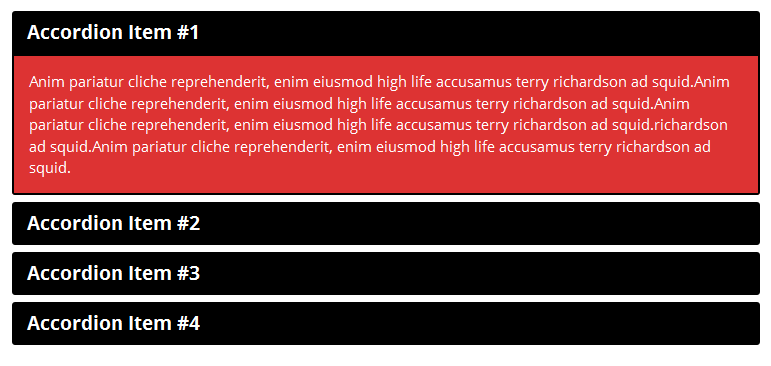
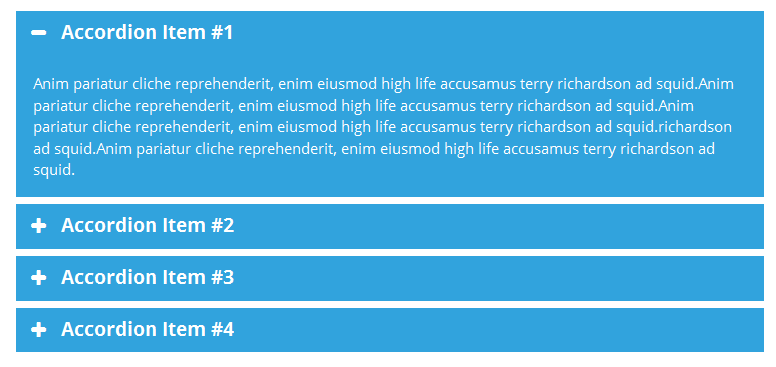
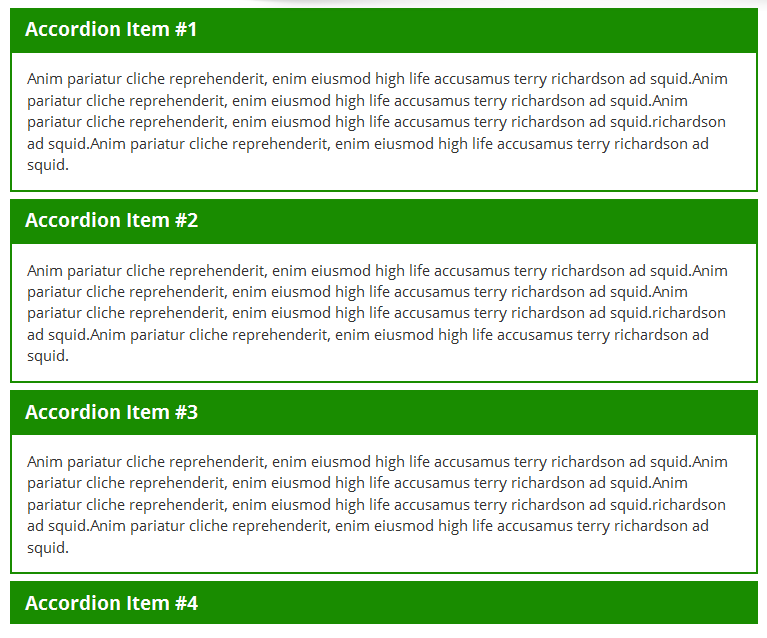
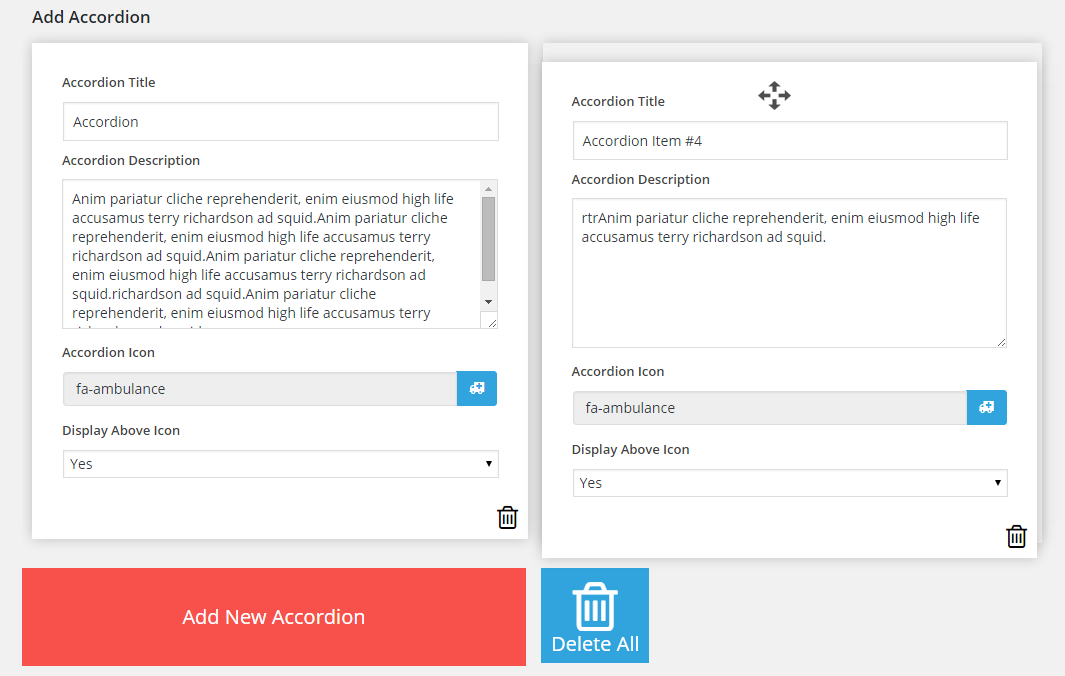
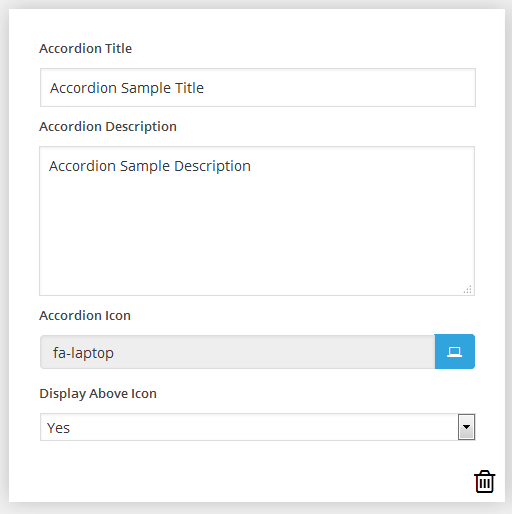


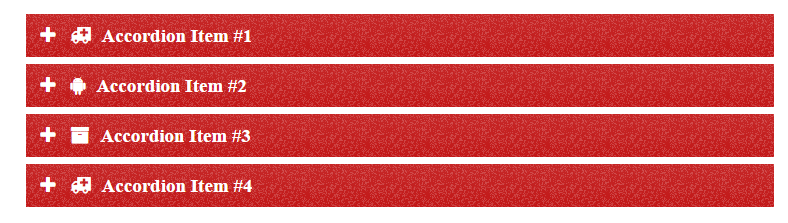
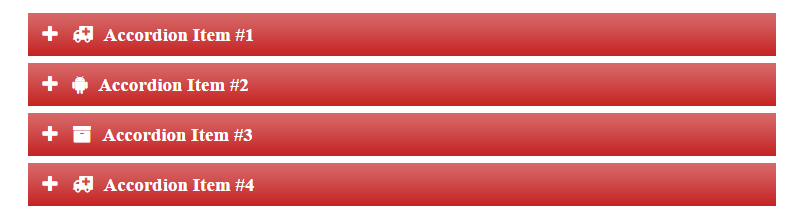
Frequently asked questions
What is the Responsive Accordion plugin?
Responsive Accordion is a plugin for WordPress that allows you to create and display accordion-style FAQ sections on your website.
What are the features of the Responsive Accordion plugin?
Some of the features of the Responsive Accordion plugin include: responsive design, unlimited accordions, drag and drop builder, shortcode support, unlimited color options, bootstrap framework, Font Awesome icon support, and more.
Is the Responsive Accordion plugin compatible with mobile devices?
Yes, the Responsive Accordion plugin is fully responsive and compatible with all mobile devices.
Is coding required to use the Responsive Accordion plugin?
No, coding is not required to use the Responsive Accordion plugin. It has a user-friendly interface and allows you to easily create and publish accordions without any coding knowledge.
Is the Responsive Accordion plugin compatible with all WordPress themes?
Yes, the Responsive Accordion plugin has been tested with multiple themes and is compatible with all WordPress themes.
Changelog
2.5.1
- Compatible with WordPress 6.7
2.5.0
- Minor Changes
2.4.9
- Compatible with WordPress 6.6
2.4.8
- Compatible with WordPress 6.5
2.4.7
- minor css issue rseolved
2.4.6
- Compatible with WordPress 6.4
2.4.5
- minor design isu=sue resolve for mozilla browser
2.4.4
- Compatible with WordPress 6.3
2.4.3
- Compatible with WordPress 6.2
- small designing issue resolved
2.4.2
- Compatible with WordPress 6.2
- small designing issue resolved
2.4.1
- small designing issue resolved
2.4.0
- Minor issue resolved.
2.3.9
- Theme default style added
2.3.8
- Compatible with WordPress 6.1
2.3.7
- Minor bug resolved
2.3.6
- minor issue resolved
2.3.5
- Plugin issue resolved.
2.3.4
- Sanitization issue resolved.
- Compatible with WordPress 6.0 version.
2.3.3
- Compatible with WordPress 5.9 version.
2.3.2
- Compatible with WordPress 5.8.3 version.
2.3.1
- description field tag issue resolved
2.3.0
- Description Shortcode issue resolved
2.2.9
- Sanitization, Escaping , Nonce issue resolved
- Bootstrap updated
2.2.8
- scroll issue resolved
- bootstrap 5 version compatible
- Compatible with WordPress 5.8 version
2.2.7
- comment removed
- small bug resolved
- Compatible with WordPress 5.7.2 version.
2.2.6
- minor bug resolved
2.2.5
- Elementor addon bug resolved
2.2.4
- Add Elementor Addon
2.2.2
- minor issue resolved
2.2.1
- Compatible with WordPress 5.6 version.
2.2
- Compatible with WordPress 5.5 version.
2.1.9
- minor issue resolved
- Compatible with WordPress 5.4.2 version.
2.1.8
- Compatible with WordPress 5.4 version.
2.1.7
- minor issue resolved
2.1.6
- div conflict issue resolved
2.1.5
- Compatible with WordPress 5.3 version.
2.1.2
- Compatible with WordPress 5.2.4 version.
2.1.1
- Compatible with WordPress 5.2.2 version.
2.1
- Compatible with WordPress 5.2 version.
2.0.8
- minor issue resolved
2.0.7
- Compatible with WordPress 5.1.1 version.
2.0.6
- Compatible with WordPress 5.0.3 version.
2.0.5
- Compatible with WordPress 5.0 version.
2.0.4
- minor bug resolved
2.0.3
- Compatible with WordPress 4.9.8 version.
- link updated http to https
2.0.2
- Compatible with WordPress 4.9.7 version.
2.0.1
- comment updated for developer help
2.0.0
- minor bug resolved
1.9.9
- Compatible with WordPress 4.9.4 version.
- minor issue resolved
1.9.8
- minor css issue resolved
1.9.7
- notice not hide issue resolved
1.9.6
- Minor bug resolved
1.9.5
- Compatible with WordPress 4.9 version.
1.9.4
- Compatible with WordPress 4.8.3 version.
1.9.3
- add secure demo url
1.9.2
- small code update
1.9.1
- minor issue resolved
1.9.0
- Compatible with WordPress 4.8 version.
- Resolve accordion anchor tag focus css issue
1.8.9
- Compatible with WordPress 4.7.3 version.
1.8.8
- Time Stamp Changed
1.8.7
- minor bug resolved
1.8.6
- Small css conflict resolved.
1.8.5
- Compatible with WordPress 4.7 version.
1.8.4
- Minor bug resolved
1.8.3
- Proper Intendant of inline css
1.8.2
- Small font class update
1.8.1
- Contemptible with 4.6.1
- Resolved minor bug
1.8.0
- Resolve misspelling in comment
- Minor update in bootstrap.css file
1.7.8
- Resolve Miner Bug
- Compatible with WordPress 4.6
1.7.7
- Resolve Miner Bug
1.7.6
- Add Some Help Link And Social Profiles Links
1.7.4
- Compatible with wordpress 4.5.3 version.
1.7.3
- Add help comments for Developer
1.7.2
- Miner Bug Fixed
1.7.1
- Add Demo page Link
- Compatible With WordPress 4.5.2 version
1.7 20-May-2016
- Update WYSIWYG Editor.
- Add Visual Mode With Accordion Editor.
- Resolve Add Links Issue.
1.6.7 30-Apr-2016
- Custom css one line display issue resolved.
1.6.6 18-Apr-2016
- Resolve spelling mistake.
1.6.5 07-Apr-2016
- Resolve small bug.
1.6.4 31-Mar-2016
- Compatible with wordPress version 4.5
- Small changes in bootstrap css file.
1.6.3 24-Mar-2016
- resolved media thumbnail padding css conflict issue.
1.6.2 24-Mar-2016
- New: Add WYSIWYG Editor for accordion description.
1.6.1 07-Mar-2016
- Resolve Accordion Title Color Issue
1.6 02-Mar-2016
- Resolve collapse conflict issue
1.5 22-Feb-2016
- Resolve accordion panel group design issue
1.4 11-Feb-2016
- Resolve html input issue in description
1.3 05-Feb-2016
- Compatible with custom contact form plugin
- Resolve recycle bin button conflict error
1.2 01-Feb-2016
- Enable custom css on shortcode file
1.1
- All Data are sanitized
- (New) Add expand/collapse hide settings on page load
- (New) Add accordion styles option
1.0
- Initial release.

