

Improve your WordPress SEO: Write better content and have a fully optimized WordPress site using the Yoast SEO…

About Increase Maximum Upload File Size | Increase Execution Time
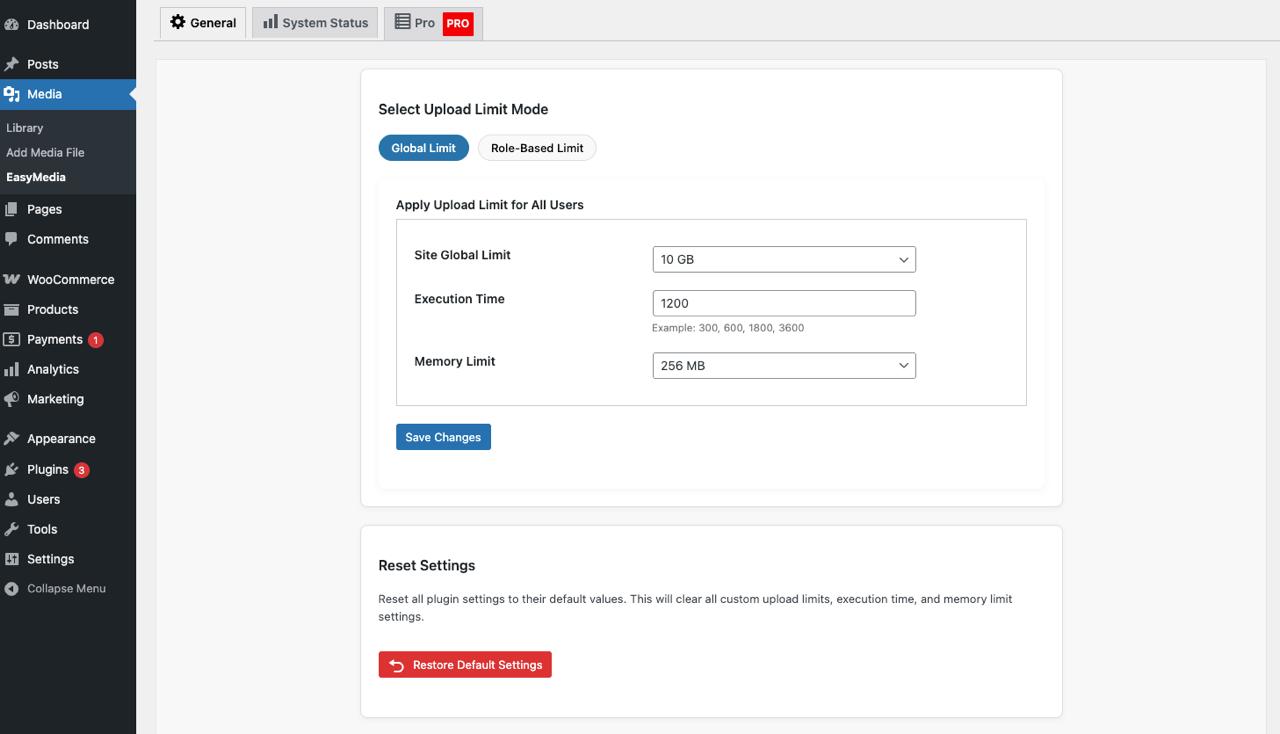
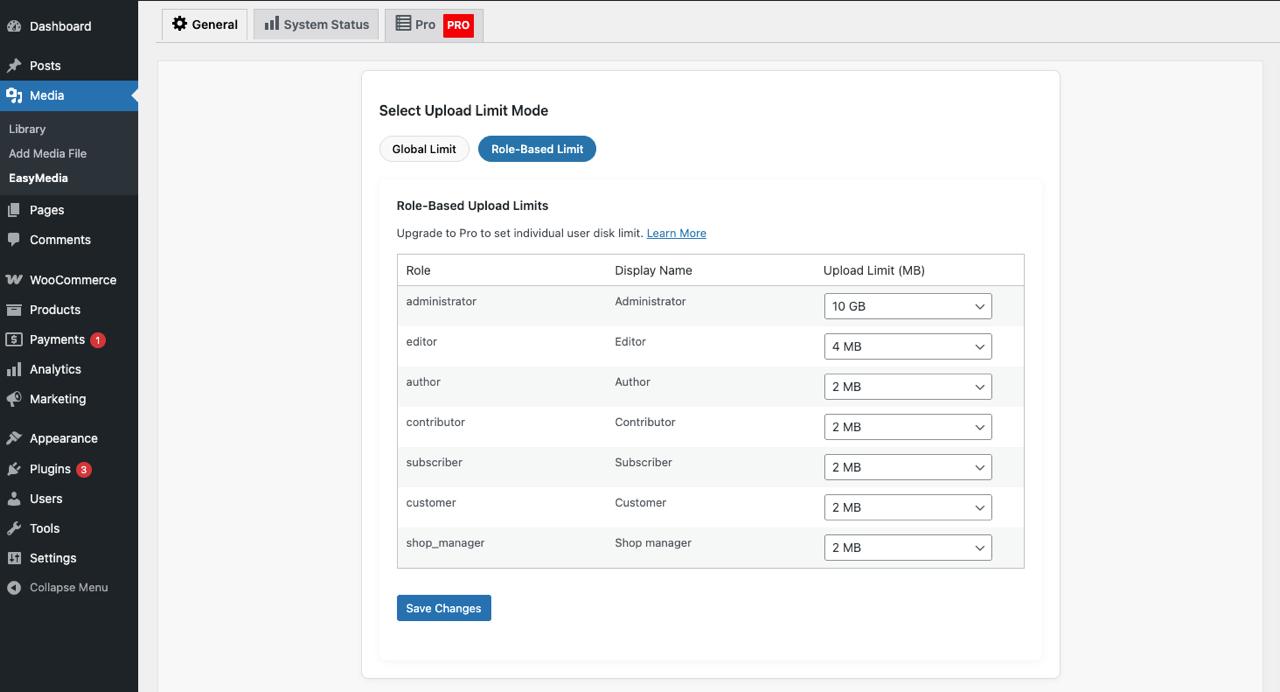
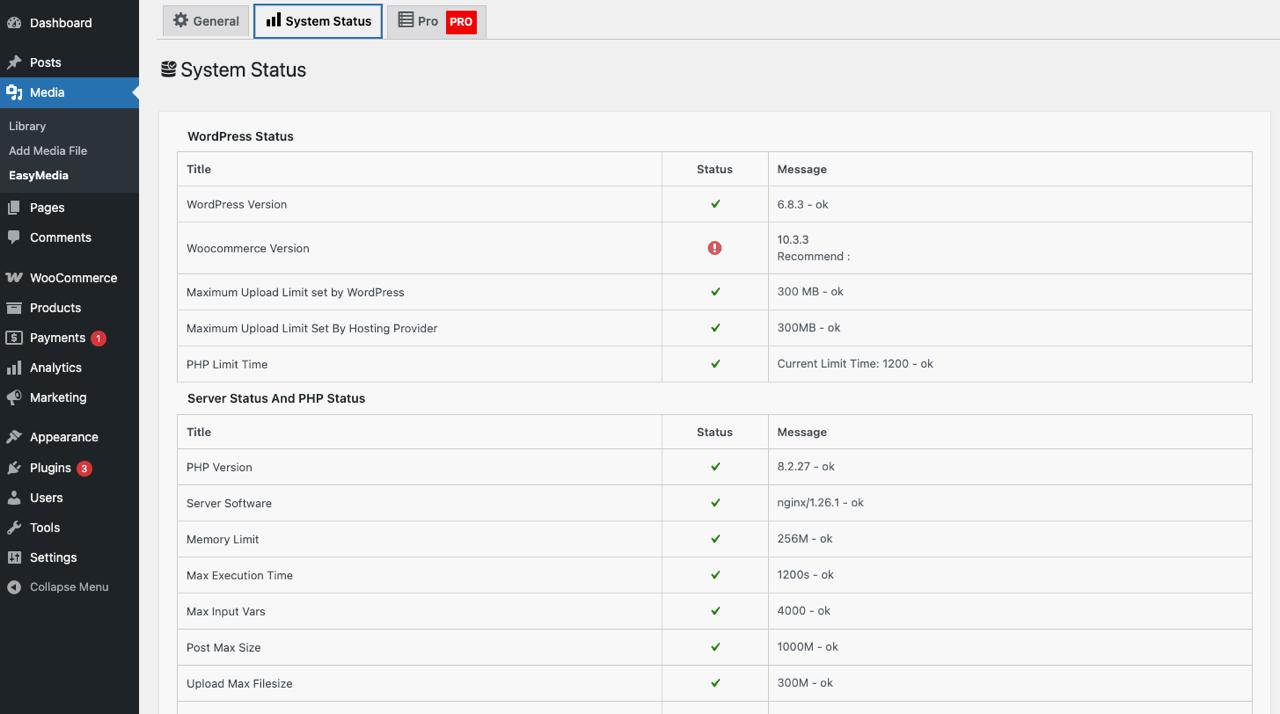
This plugin allows you to easily increase the maximum upload file size limit and the maximum execution time in WordPress. It automatically detects the upload limits set by WordPress and your hosting provider, and provides a simple interface to adjust them. To access the settings, go to your WordPress dashboard and navigate to Media > Increase Upload Limit.Screenshots
Frequently asked questions
What does this plugin do?
This plugin allows you to increase the maximum upload file size limit in WordPress. It also enables you to increase the WordPress maximum execution time.
How do I access the plugin settings?
After installing and activating the plugin, go to your WordPress dashboard. Navigate to "Media" and then select "Increase Upload Limit" to access the settings.
Why would I need to increase maximum execution time?
You might need to increase the maximum execution time if you encounter issues uploading new files to your media library due to extended execution times. This plugin helps you avoid such problems by allowing you to set your desired execution time.
Changelog
1.1.7
- Tracking usage data allow/disallow issue fixed.
1.1.6
- Security issue fixed.
1.1.5
- Warning fixed in wp version 6.7
1.1.4
- Text domain fixed.
- Code structure updated.
1.1.2
- PHP 8 compatibility checked.
- Allow to upload 10GB file size.
1.1.1
- PHP 8 compatibility checked.
- WordPress latest version 6 compatibility checked.
1.1.0
- WordPress latest version 6 compatibility checked.
- Allow to Upload File Size 3GB,4GB,5GB.
1.0.9
- WordPress latest version 6 compatibility checked.
1.0.8
- Footer text issue fixed in admin page.
- Header Notification remove from plugin setting page.
1.0.7
- WordPress latest versoin 5.9 compatibility added.
- New value added in dropdown to upload maximum 2GB.
1.0.6
- WordPress latest versoin 5.8 compatibility added.
1.0.5
- Maximum Execution Time Increase Option Added.
1.0.4
- System Status Added.
- WordPress latest version 5.7 compatibility checked.
1.0.3
- WordPress latest version 5.6 compatibility checked.
1.0.2
- WordPress latest version 5.5 compatibility checked.
1.0.1
- Test upto wordpress 5.4 latest version
1.0.0
- Not Changelog yet. will are still working for update version

