

Enables the previous "classic" editor and the old-style Edit Post screen with TinyMCE, Meta Boxes, etc. Supports all…

About Htaccess File Editor – Safely Edit Htaccess File
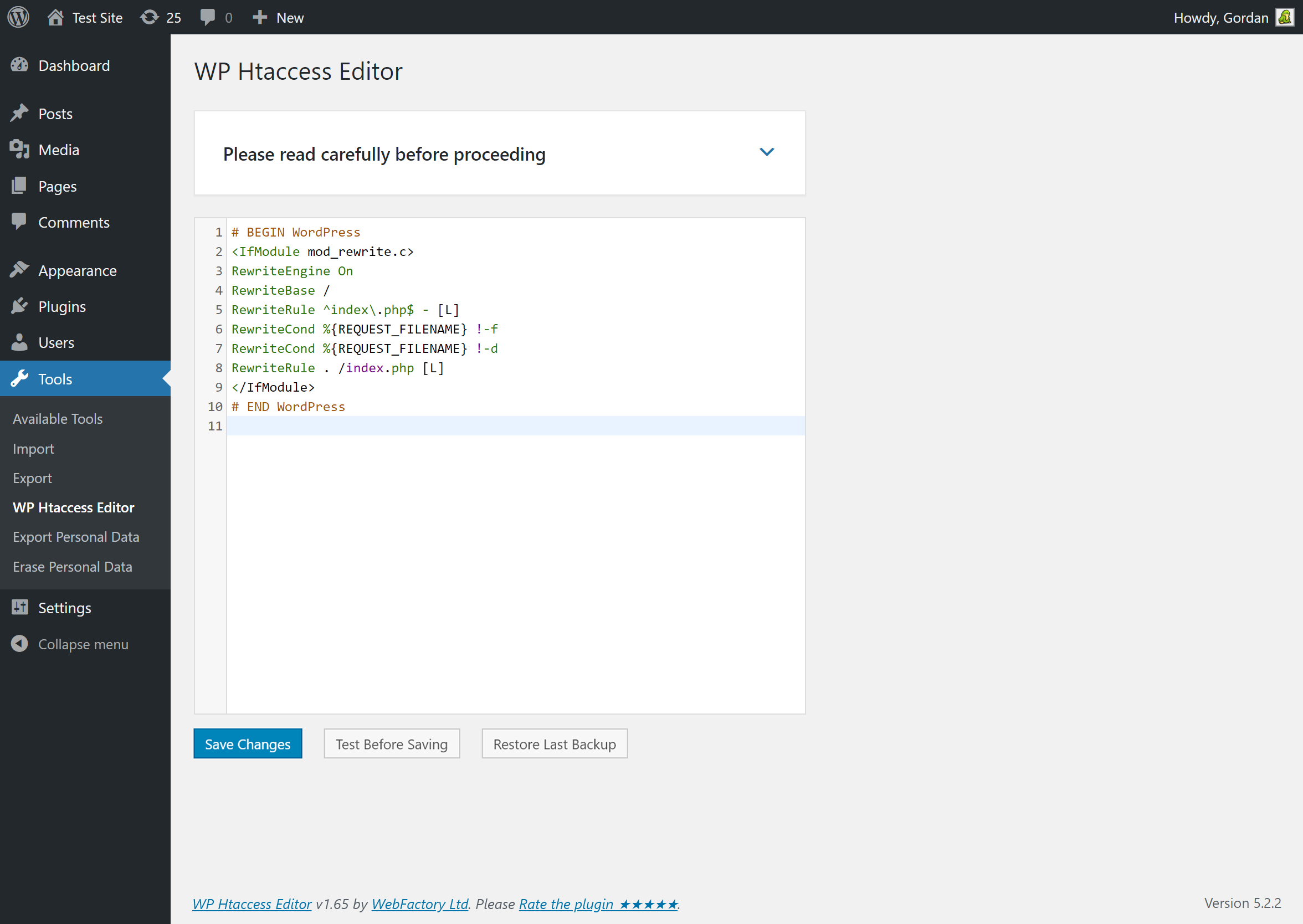
WP Htaccess Editor is a plugin that allows you to easily edit, fix, and test your htaccess file from the WordPress admin panel. It also creates automatic backups of the file and is compatible with WordPress Network (WPMU). The plugin is GDPR compatible and does not track or collect any user data.Screenshots
Frequently asked questions
What does WP Htaccess Editor do?
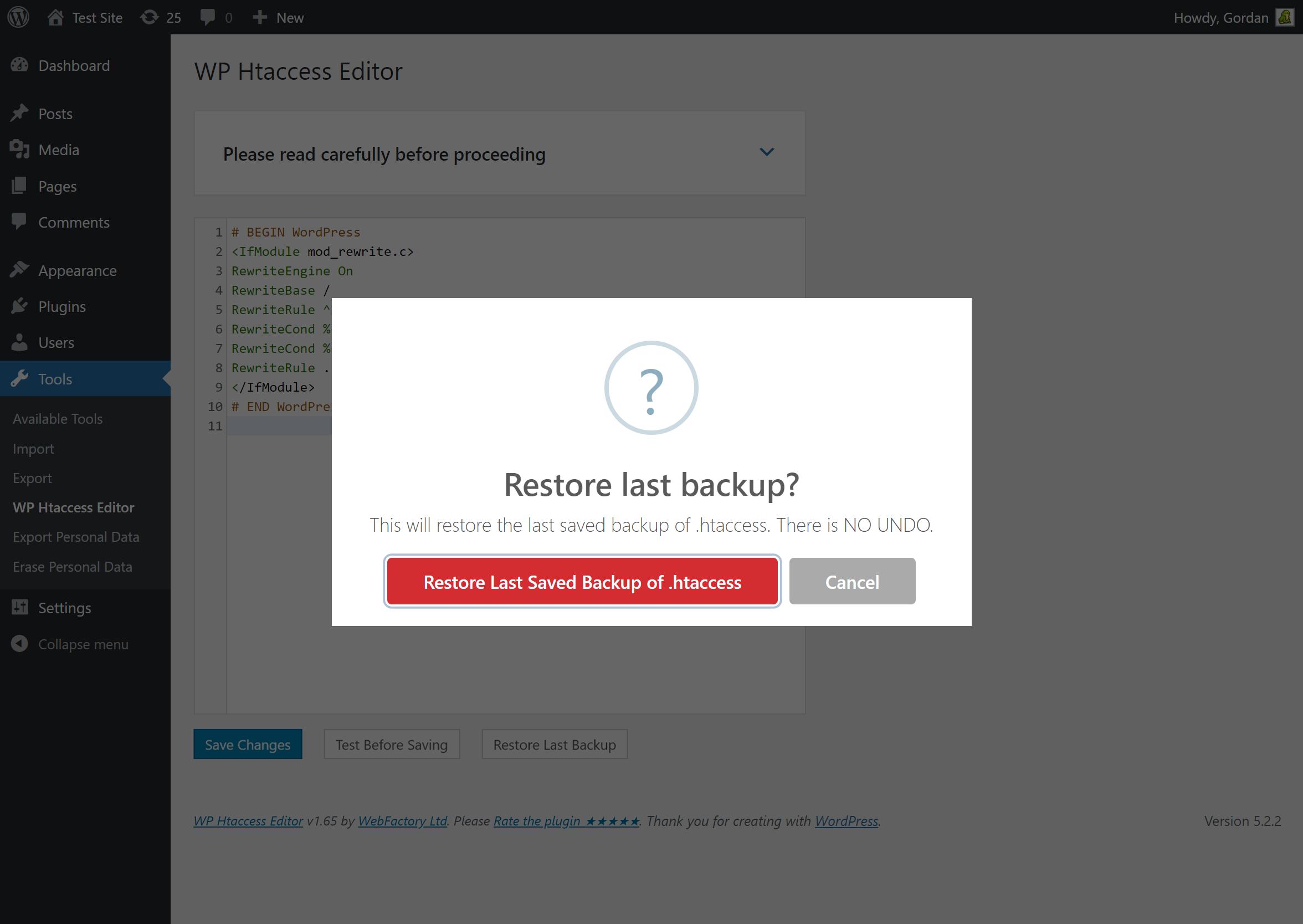
WP Htaccess Editor provides a simple, safe & fast way to edit, fix & test the site's htaccess file from WP admin. It also automatically creates a htaccess backup every time you make a change to the htaccess file.
How can I access WP Htaccess Editor?
You can access WP Htaccess Editor via the WP Admin - Settings menu.
Is WP Htaccess Editor compatible with WordPress Network (WPMU)?
Yes, WP Htaccess Editor is fully compatible and tested with WP Network (WPMU). It shows up under the Settings menu in network admin.
Does WP Htaccess Editor have GDPR compatibility?
WP Htaccess Editor does not track, collect or process any user data. Based on that, it feels GDPR compatible, but it's not legal advice.
Changelog
v1.72
- 2024/07/10
- Minor security fixes
- Introduction of PRO
v1.71
- 2022/11/21
- Minor security fixes
v1.70
- 2021/03/04
- PHP 8 fixes
v1.67
- 2021/01/30
- added flyout menu
v1.66
- 2020/10/17
- minor bug fixes
v1.65
- 2019/08/16
- fixed a few bugs
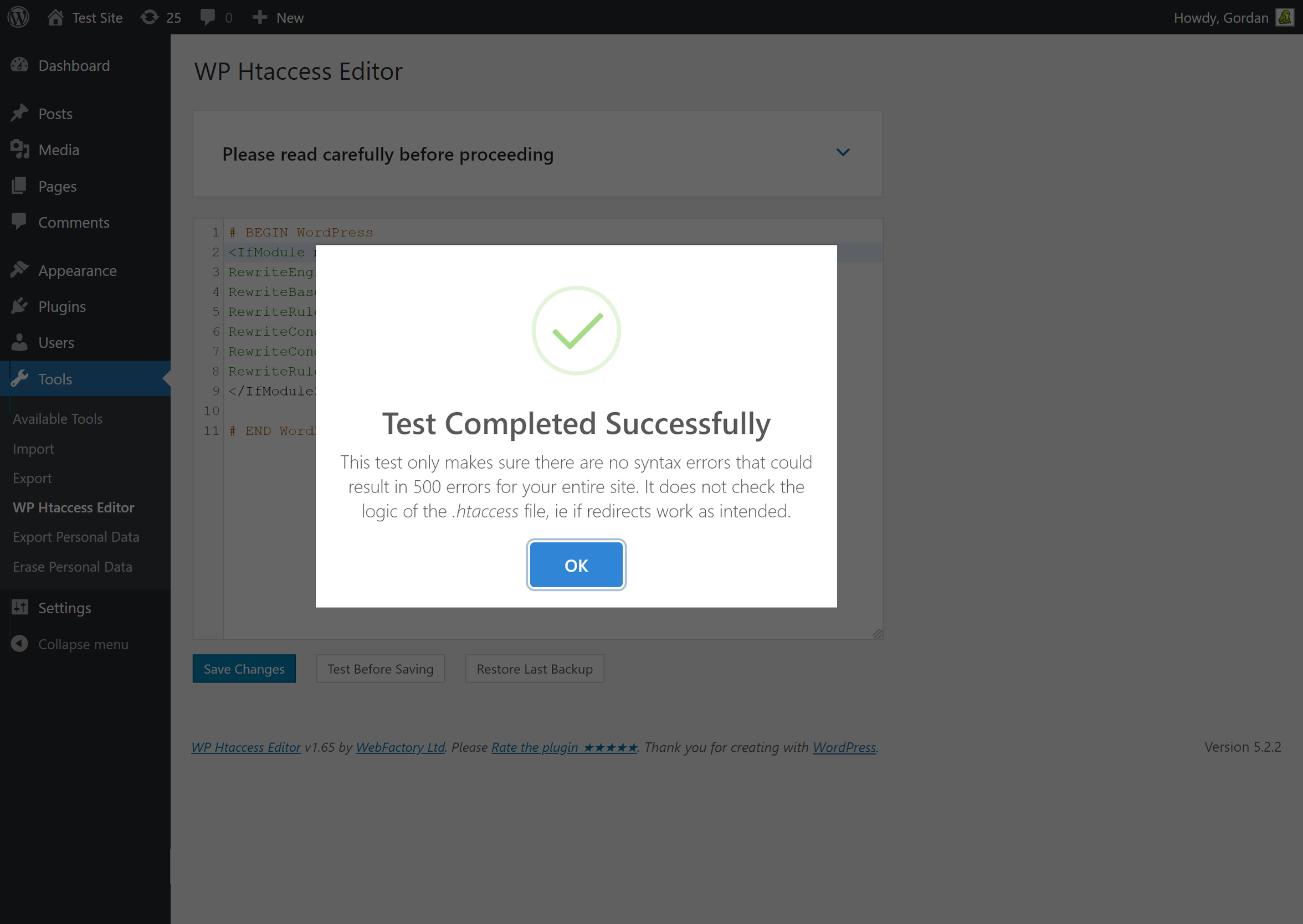
- new feature: test htaccess file for syntax errors before saving
- new feature: htaccess backup
- 50,000 installations hit on 2019-08-10
v1.60
- 2019/03/12
- fixed a few bugs
- new: editor size is persistent; saved in localStorage
- menu item moved from Tools to Settings
- full WordPress Network (WPMU) compatibility
v1.55
- 2019/01/15
- added code editor resize feature
- fixed a few bugs
- 40k installations hit on 2019-01-09 with 172,000 downloads
v1.50
- 2018/12/21
- WebFactory took over development
- complete plugin rewrite
- 30,000 installations; 162,200 downloads
v1.3.0
- Added Spanish translation (Thanks to Andrew Kurtis from WebHostingHub.com)
- Updated design
- Updated info links
v1.2.0
- Improved code
- Improved design
- Improved security
- Removed debug panel
- Updated translations
- Updated links
- Updated screenshots
- Adding plugin logo
v1.1.1
- Fixed CHMOD
v1.1.0
- Adding Czech and English language
- Adding debug panel
- Added information about the author and translators
- Fixed vulnerability
- Fixed bug loading translations files
- Optimized for minimum memory requirements
- Small code modifications
v1.0.1
- Adding button for create .htaccess file if not exists
- Fixed bug in the permissions to view the plugin
- Optimized for smaller memory requirements
v1.0.0
- 2011/03/24
- First stable version
- Adding to WordPress repository

