

Site Kit is a one-stop solution for WordPress users to use everything Google has to offer to make…
About Contact Form 7 Database Addon – CFDB7
The CFDB7 plugin automatically saves submissions from Contact Form 7 to your WordPress database and allows you to export the data to a CSV file. It requires no configuration and is easy to use and customize. There are also additional pro addons available for more advanced features.Screenshots
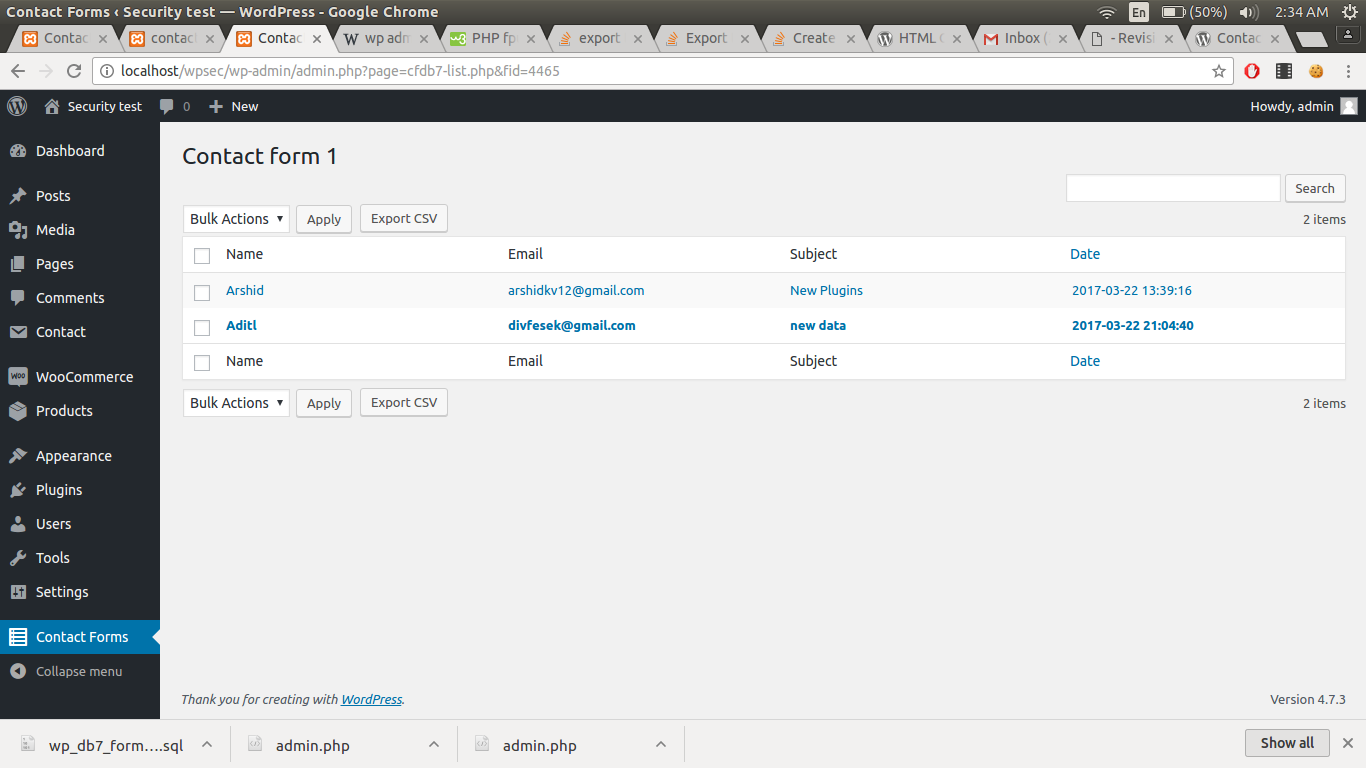
Frequently asked questions
What does the CFDB7 plugin do?
The CFDB7 plugin saves contact form 7 submissions to your WordPress database.
What are the features of CFDB 7?
The features of CFDB 7 include: No configuration is needed, save Contact Form 7 form submitted data to the database, single database table for all contact form 7 forms, easy to use and lightweight plugin, developer friendly & easy to customize, display all created contact form 7 form list, and export CF7 DB (CF7 Database - cf7db) data in CSV file.
Is there a testing tool for form emails?
Yes, there is a form email testing tool called MailMug. You can watch a YouTube video about it here: [MailMug - YouTube Video](https://youtu.be/fAXevTJ0r8I)
Are there any related plugins?
Yes, there are related plugins such as PostBox Email Log and WP mail smtp.
Are there any pro addons for CFDB7?
Yes, there are pro addons for CFDB7 including: Advanced MYSQL DB (Separate MySQL column for each cf7 input field), CFDB7 DB Switcher (Connect CFDB7 to an external database or another DB), Drag & Drop File Upload (Contact form 7 drag and drop files upload plugin), Already Submitted? (Trigger error if a field is already submitted), Popup Message (Replace your validation and success messages with beautiful popup messages to attract visitors), and Export PDF File (Easy to export contact forms from database to PDF file).
Changelog
1.3.2
Added esc_html
1.3.1
Changed the text
1.3.0
Hooks are modified
1.2.10
Fixed csv header issues
1.2.9
Changed csv delimiter to comma with filter
1.2.8
Changed csv delimiter to semicolon
1.2.7
Extra protection for files

