Have you been doing Website as a Service (WaaS)? It’s a great way to ensure that as a website developer, you get monthly retainer clients. You see, WaaS is a business model where instead of delivering a fully completed website all at once, you offer websites on a subscription basis.
This means your clients pay a recurring fee to get a website that is not only designed and built for them but also managed and updated over time. Think of it like you’re a landlord and you’re having your fully-furnished apartment rented, and where you take care of everything from design to maintenance. All the renter has to do is move in and start living!
Speaking of WaaS, if you’ve been looking it up, you’ve likely run across WP Ultimo, since it’s one of the more popular platforms in this space. After all, it lets users create and manage multiple websites from just one WordPress installation. It also automates plenty of time–consuming tasks related to setting up sites.
However, no single tool is the perfect fit for every scenario. Depending on your specific needs, whether customization options or pricing, WP Ultimo might not be the solution for you.
That’s why it’s important to consider other tools that might better align with your goals and client needs. Let’s explore some top WP Ultimo alternatives to help you decide which platform will best serve your WaaS offering.
What is WP Ultimo?
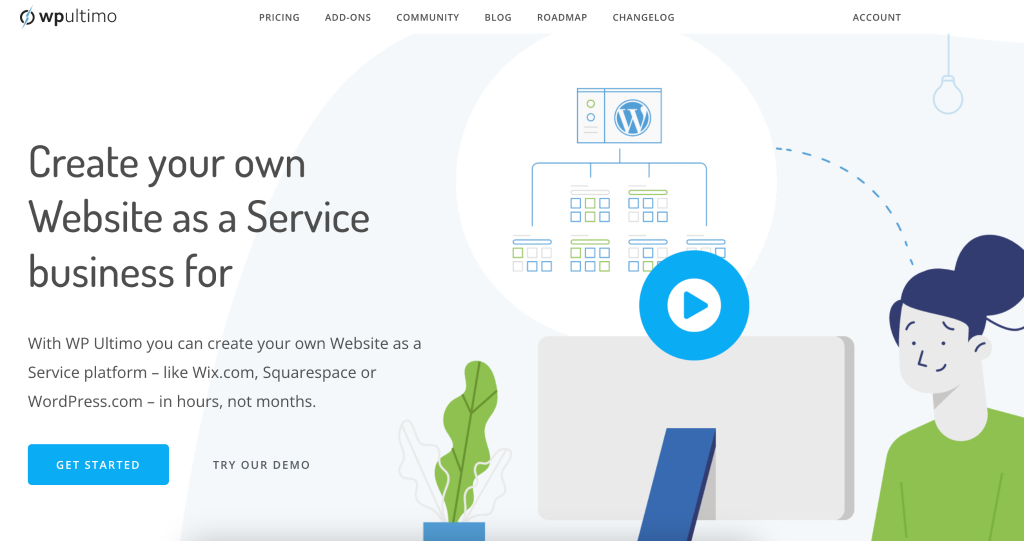
So, what exactly is WP Ultimo? It’s a WordPress plugin that enhances your WordPress environment, enabling you to operate a business where you offer websites on a subscription basis, similar to other popular online website builders. This tool is great for those looking to expand their offerings and scale their operations by delivering a variety of website packages to their clients.
WP Ultimo taps into the functionality of WordPress Multisite, allowing you to manage an entire network of sites through a single WordPress dashboard.
This integration is key for overseeing multiple client projects efficiently and with less effort. By simplifying much of the backend complexities, WP Ultimo helps you concentrate on expanding your business rather than getting held back by the technical details of website management.
Standout Features of WP Ultimo
Not yet convinced? Well, here’s a run–through of what you can do with WP Ultimo:
- Subscription Management: WP Ultimo allows you to create and manage various subscription plans, giving you the flexibility to offer different service levels and pricing to meet the needs of diverse customers.
- White-label Branding: It supports full branding customization across the websites you manage. This means you can apply your branding to the admin panels, templates, and emails and really claim the service as your own.
- Integrated Payment Processing: WP Ultimo integrates directly with major payment gateways such as PayPal and Stripe, facilitating secure transactions for subscription payments. This will also give less friction to your customers in terms of paying for their monthly subscriptions.
- Domain Mapping: Users can map their domain names to the sites they create, providing a professional touch to their websites and enhancing brand identity.
- Template and Plugin Pre-installation: You can set up templates and plugins that your customers can choose from during their signup process. This feature makes it easier for customers to start with a functional site tailored to their specific needs, whether business or personal.
- Automated Setup Wizard: WP Ultimo offers a simple setup wizard to help users quickly get their WaaS platform up and running, minimizing technical barriers for non-experts.
These features collectively make WP Ultimo a great tool for anyone looking to start or expand a Website as a Service business.
Limitations of WP Ultimo
While WP Ultimo is a powerful tool, it may not be the perfect fit for everyone. Here are a few considerations that might make you think twice before deciding to use it.
- Subscription Limits: Depending on your chosen plan, there might be limits on how much disk space you can use, how many posts and pages you can create, and how many visitors you can have. This could be a problem if you need more resources than your plan allows.
- WordPress Multisite Reliance: WP Ultimo works on WordPress Multisite, which is great for handling many sites at once. However, this can also limit the types of customizations and plugins you can use, which might not work for everyone.
- Interface Issues: Some users find the management interface unfriendly, especially when making changes to many sites. This could slow you down if you’re trying to quickly manage a lot of sites.
- Content Restrictions: WP Ultimo lets you set up different access levels depending on what plan a user has, which means some users might not get all the features they want unless they pay for a higher plan.
- Scalability: Although WP Ultimo is designed to manage multiple sites, the inherent limitations of WordPress Multisite might not be ideal for users who intend to scale their operations to a very large size. Performance can be an issue as the number of sites grows, and the management overhead can increase significantly.
InstaWP: The Best WP Ultimo Alternative For WaaS
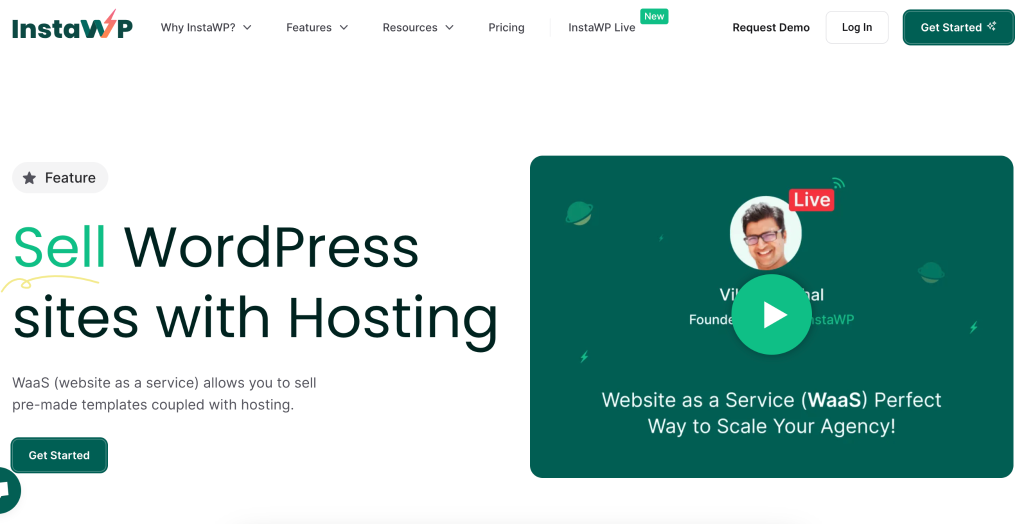
For developers and agencies looking for a robust and intuitive WaaS platform, InstaWP emerges as a superior alternative to WP Ultimo. InstaWP simplifies the entire setup and management process, offering enhanced flexibility and customization options that cater effectively to varying client demands.
Its streamlined approach not only saves time but also provides advanced tools for staging, testing, and deploying web services, making it an excellent choice for those seeking to optimize their WaaS offerings.
You can watch the video below to find out even more about how InstaWP handles WaaS:
You can also read this full documentation around WordPress WaaS, but here are some of the features of InstaWP’s WaaS:
Easy-to-Use WaaS Builder
InstaWP features a WaaS builder that guides users through creating their platforms, from choosing templates to integrating hosting solutions. This makes it accessible even for those with limited technical expertise.
Watch how to set it up easily here: https://www.youtube.com/watch?v=K0E6JAECjwk&t=36s
Comprehensive Template Library
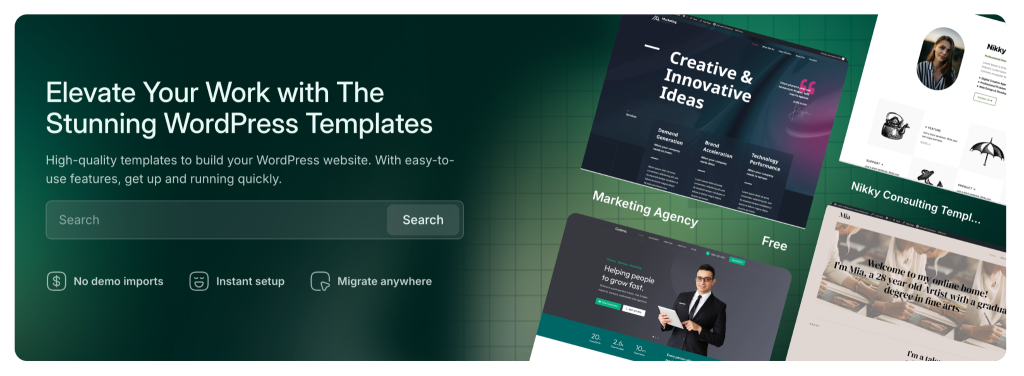
Users have access to a wide range of pre-built templates, which speed up the development process and offer a variety of starting points for different types of websites. You can also create your own templates (even your current website via InstaWP Connect) and use them moving forward for faster operations. No more starting from scratch!
Seamless Integration with Hosting Services
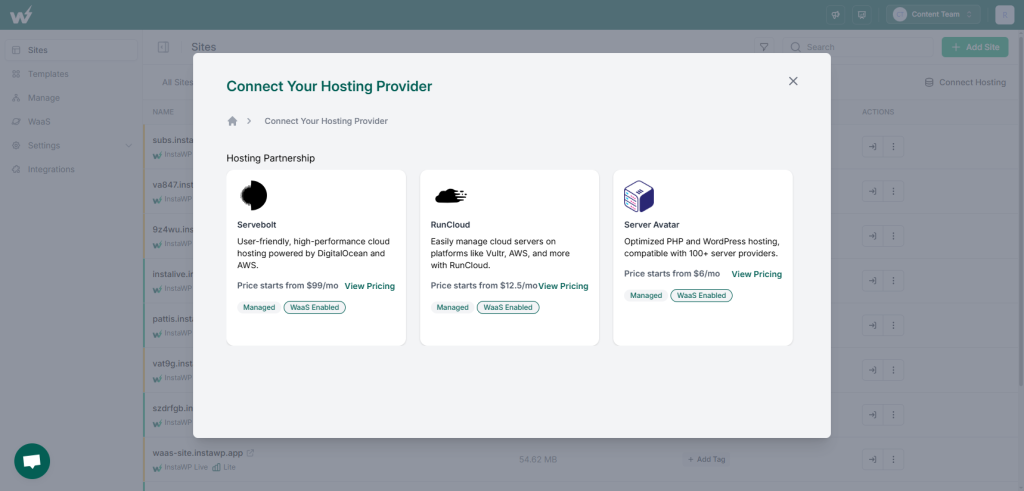
InstaWP allows for easy connection to various hosting providers, ensuring that users can offer reliable and scalable hosting solutions as part of their WaaS offerings.
Other Features
InstaWP also has these other features that make selling WaaS easier for you:
- Real-Time Editing and Management: Allows for easy adjustments and configurations during the setup process.
- Hosting Plans: You can make custom hosting plans and re-sell your connected hosting accounts, buy hosting services from InstaWP, and even give your clients monthly or yearly plans. There are different features available per plan.
- Custom Branding Options: Users can personalize their WaaS offerings with their own branding including logos and brand colors.
- Trial Offerings: If a client needs convincing, you can let them experience the template first before they pay you.
- Payment and Subscription Management: InstaWP supports the setup of monetization options for templates, and can manage subscriptions including asking for payments upfront if needed.
- User Portal: Your customers will get access to a customized end-user portal to manage their purchased websites. You’ll also be able to offer more services inside this portal as well.
- Language Options: You’ll have the ability to choose different languages, catering to a global audience.
In short, InstaWP has been set up to make and manage WaaS as easy for you as possible. You can even integrate plenty of apps to your WaaS—talk about value-added!
Of course, there are other alternatives to WP Ultimo—keep on reading to discover them.
4 Other WP Ultimo Alternatives To Consider For 2024
Here are four other WP Ultimo alternatives to look at, which could be ideal for your specific needs:
ManageWP
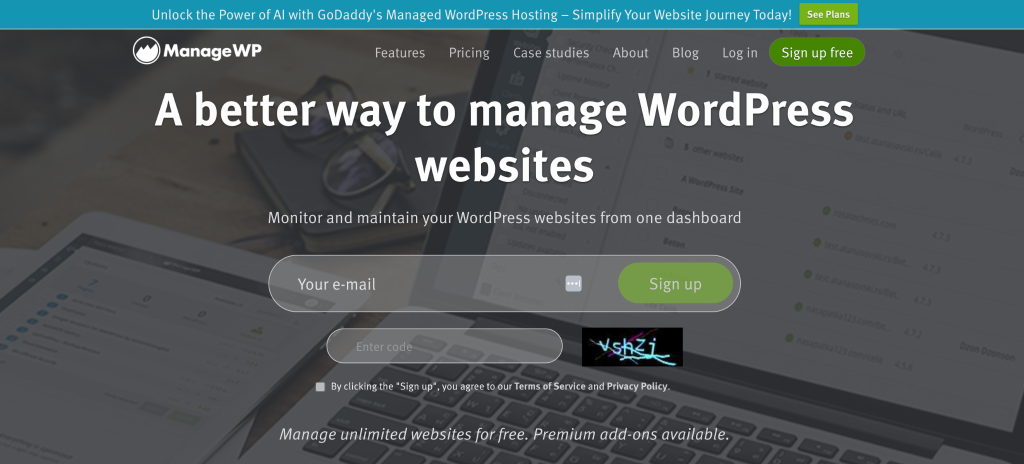
ManageWP is a freemium WordPress site management tool that allows users to control multiple sites from a single dashboard, offering features similar to WP Ultimo.
While WP Ultimo focuses on multi-site management, ManageWP provides more functionalities such as bulk updates, cloud backups, spam cleanup, and comment validation. Acquired by GoDaddy in 2016, ManageWP manages over 1.1 million sites worldwide with 60,000 customers.
Pros:
- Has features beyond multi-site management such as plugin management, centralized monitoring, and automated backups
- Gives a user-friendly dashboard for efficient management of multiple WordPress sites
- With security and performance checks to maintain website integrity
- Offers frequent automated backups with one-click restore points for data safety
Cons:
- Some users have reported delays in console updates when managing multiple updates simultaneously
- Limited flexibility in deploying plugins directly from ManageWP
- Reporting functionality may not meet the expectations of some users
- Occasional speed concerns due to active monitoring of numerous sites
- Client Access feature may not work as expected which affects interaction with client sites
- Requires separate user accounts and logins for individual sites despite centralized dashboard management
Dollie
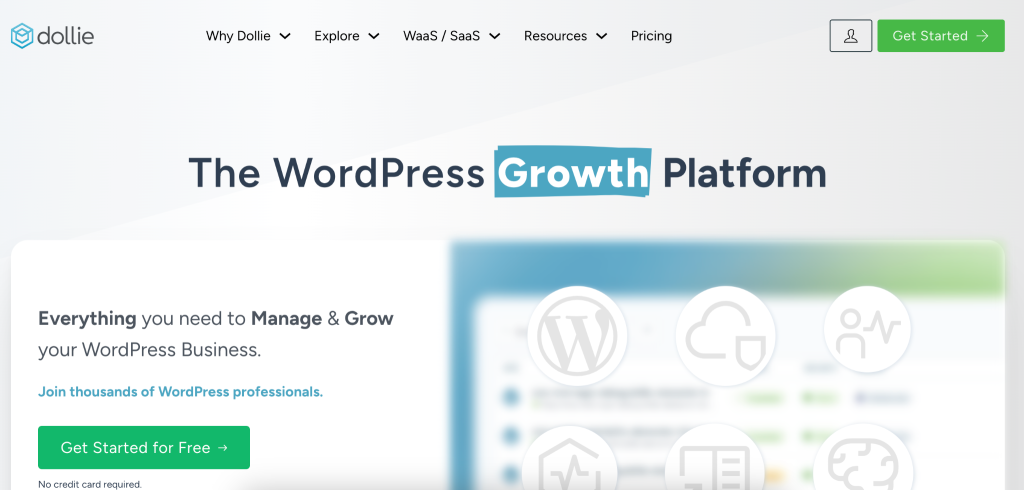
Dollie is another alternative to WP Ultimo. It offers some of the same features of, but unlike WP Ultimo, which relies on WordPress Multisite, Dollie deploys isolated single-site installations, giving you more flexibility and scalability.
While WP Ultimo may be more accessible for users with less WordPress experience, Dollie positions itself as a robust, integration-friendly solution for managing a large number of sites.
Pros:
- Scalable solution for efficiently managing thousands of WordPress sites
- Flexible integration with popular WordPress components and plugins
- Additional developer tools like a database manager and cloud-based WP-CLI
- Smooth tracking and management of multiple sites from a centralized dashboard
- Seamless integration with the broader WordPress ecosystem
Cons:
- Steeper learning curve for users new to WordPress site management
- Can potentially be more expensive for smaller operations
- Potential complexity in managing isolated single-site installations compared to WordPress Multisite
- Possible compatibility issues with certain WordPress plugins or themes requiring testing and troubleshooting
Wildcloud
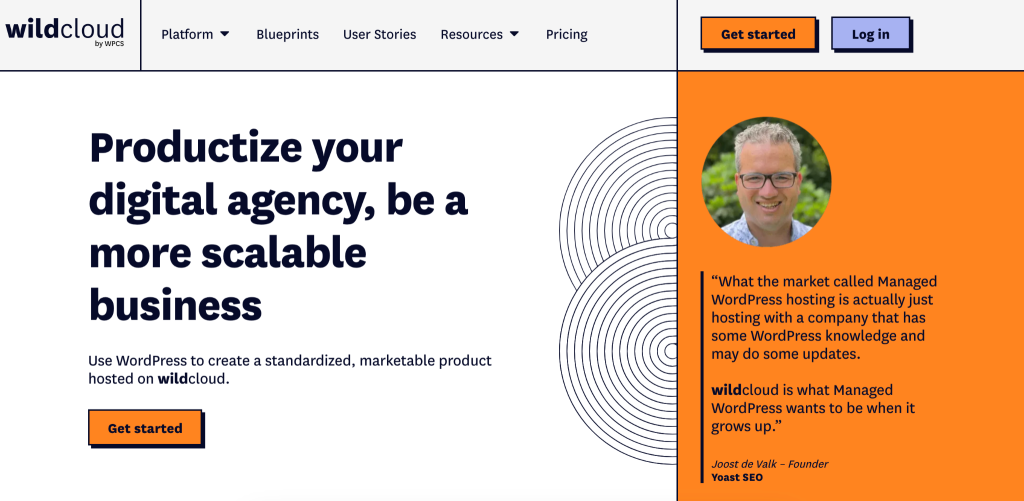
Wildcloud is a SaaS platform that lets users sell WordPress websites using a cloud-based system. Unlike WP Ultimo, Wildcloud uses container technology to host separate WordPress sites within one application, making it easier to manage and scale.
Pros:
- Multi-tenant setup allows centralized management and scaling
- Automated site creation using an API which makes this perfect for scalable solutions
- Centralized development means easy updates across all sites
- Strong version control and staging for safe testing and rollbacks
- Cloud setup ensures steady performance and handles traffic spikes
- Compatible with various WordPress tools and services
Cons:
- Pricier—it starts at a monthly minimum spend of $300
- Not for new users, since it has a steeper learning curve
- Limited customization due to lack of access to the underlying tech stack
- Potential issues with being locked into a SaaS solution
- Possible security worries related to hosting data on a third-party cloud
OpenSaas.io
OpenSaas.io is a product from WPCloudDeploy that offers a complete solution with software and services, including a pricing model with monthly fees, per-site charges, and setup costs. OpenSaaS.io is a managed service tailored specifically for WordPress SaaS businesses.
Pros:
- Provides an all-in-one solution for WordPress SaaS, including needed services
- Built on the flexible WPCloudDeploy platform with various capabilities
- Pricing model can be cost-effective compared to building from scratch
- Focuses specifically on WordPress SaaS, offering clarity and specialization
Cons:
- No lifetime pricing due to ongoing services, only monthly fees
- Newer product with a potentially smaller user base and community
- Limited information is available on specific features and limitations since it’s a relatively new product.
- Less control and customization compared to self-hosted solutions like WP Ultimo
Conclusion
Exploring the right WaaS platform can transform how you manage and deliver websites. While WP Ultimo has set a high standard, InstaWP is an impressive alternative, especially for those looking to streamline their workflow and enhance their service offerings.
With InstaWP, you gain access to a platform that simplifies the setup and management process, and its many features make it incredibly adaptable to your specific needs.
If you’re a developer or agency ready to elevate your WaaS solutions, InstaWP provides a user-friendly, powerful tool that saves time and boosts efficiency.
Experience it firsthand now: sign up for an InstaWP account!