

Just another contact form plugin. Simple but flexible.
About WP Limit Login Attempts
The WP Limit Login Attempts plugin helps protect your website from brute force attacks by limiting the number of login attempts and using Captcha verification. It also has features such as redirecting to the home page and GDPR compliance. For more information and support, visit ciphercoin.com.Screenshots

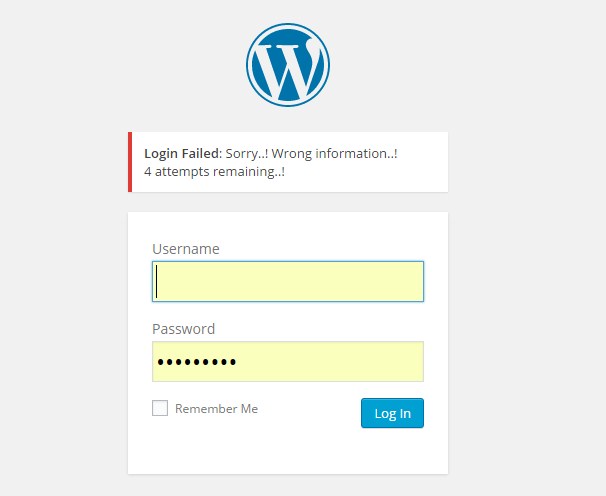
Frequently asked questions
What does the WP Limit Login Attempts plugin do?
The WP Limit Login Attempts plugin limits the rate of login attempts and temporarily blocks IP addresses. It also detects bots through captcha verification.
Where can I find the plugin settings?
You can find the plugin settings under 'Settings > WP Limit Login'.
What are the features of the WP Limit Login Attempts plugin?
The features of the WP Limit Login Attempts plugin include login security with limit login attempts and tracking, captcha verification, lightweight plugin, mechanism for slowing down brute force attacks, redirecting to the home page for abnormal requests, and GDPR compliance with obfuscated logged IPs.
What is a brute force attack?
A brute force attack is a trial-and-error method used to obtain information such as a user password or personal identification number (PIN). It involves automated software generating a large number of consecutive guesses to crack encrypted data or test network security.
How does the plugin protect against brute force attacks?
By limiting the number of login attempts, requesting captcha verification, and slowing down brute force attacks, the WP Limit Login Attempts plugin provides protection against brute force attacks. It can also redirect to the home page and prevent intruders from accessing your account.
Changelog
1.0
First version of plugin.
2.0
Add admin settings page
= 2.6.4
Session error fixed

