

Just another contact form plugin. Simple but flexible.
About White Label – WordPress Custom Admin, Custom Login Page, and Custom Dashboard
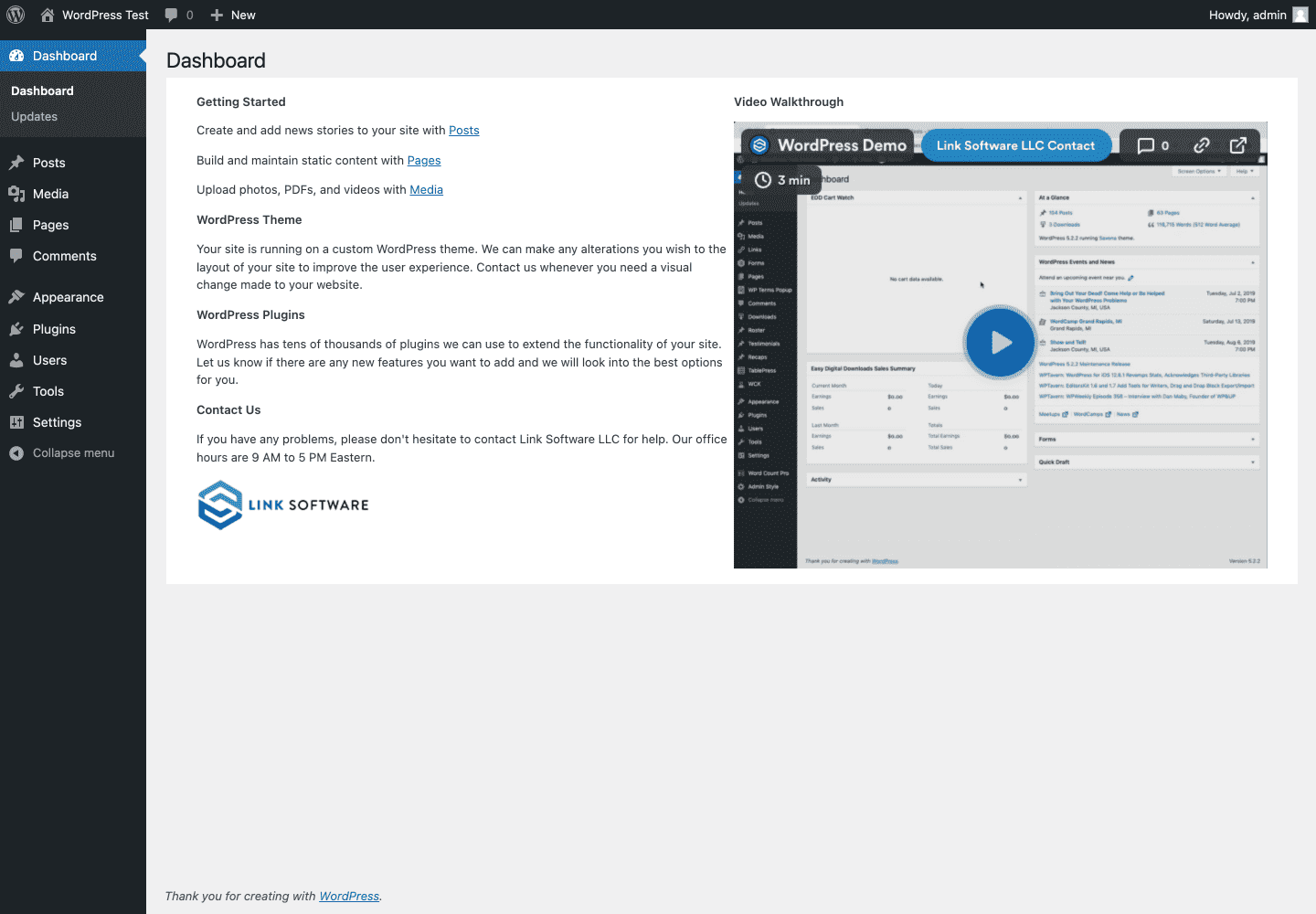
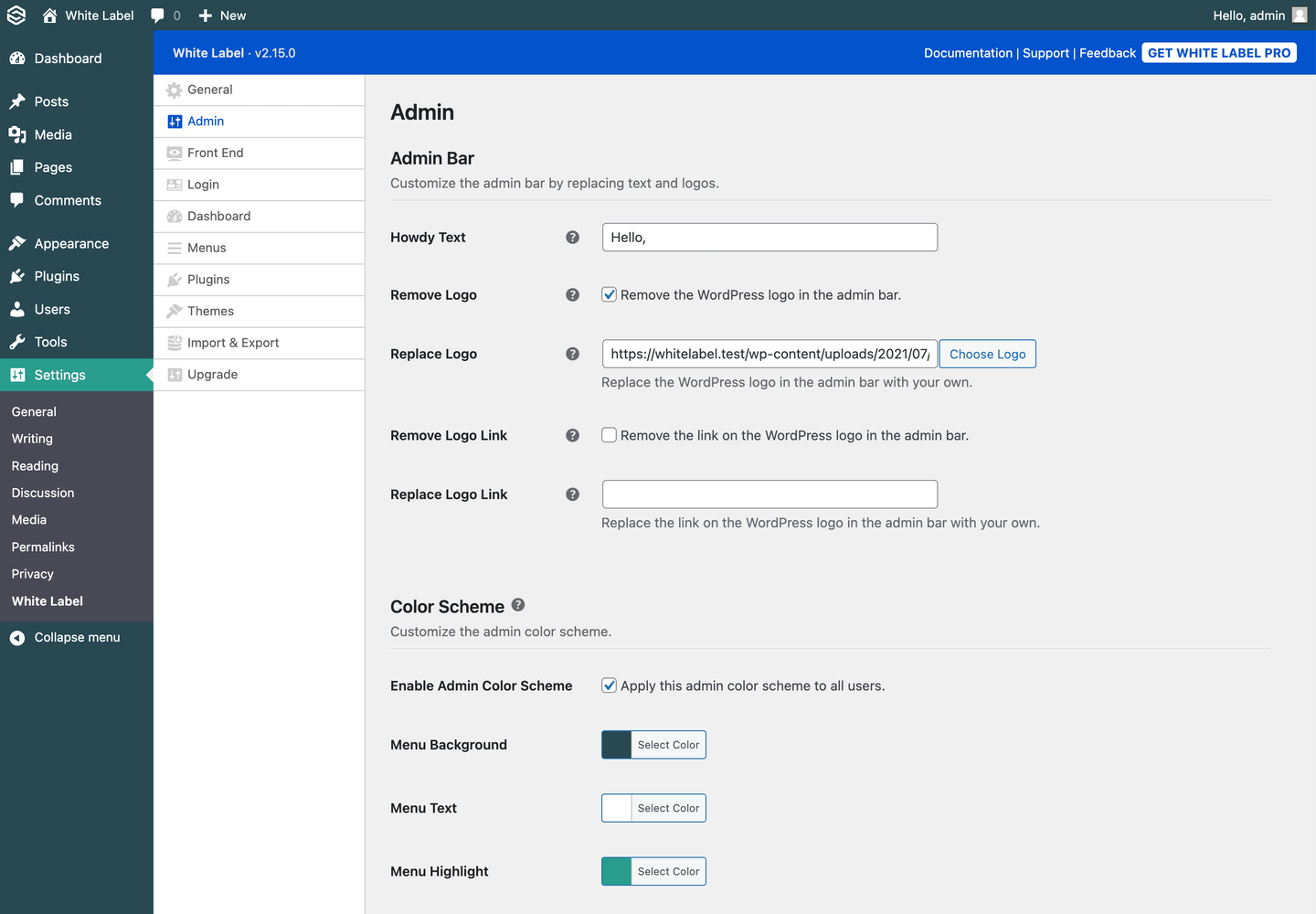
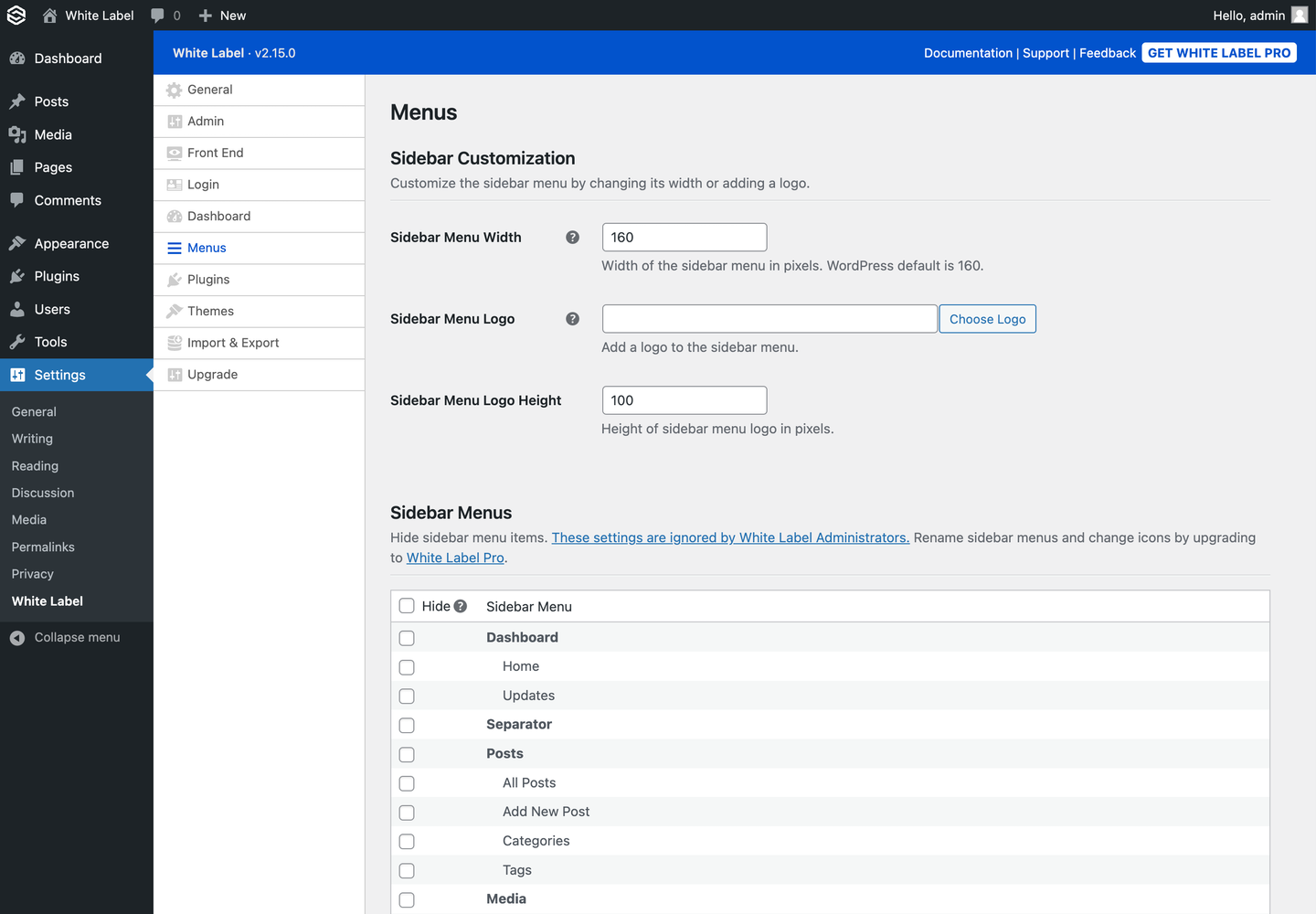
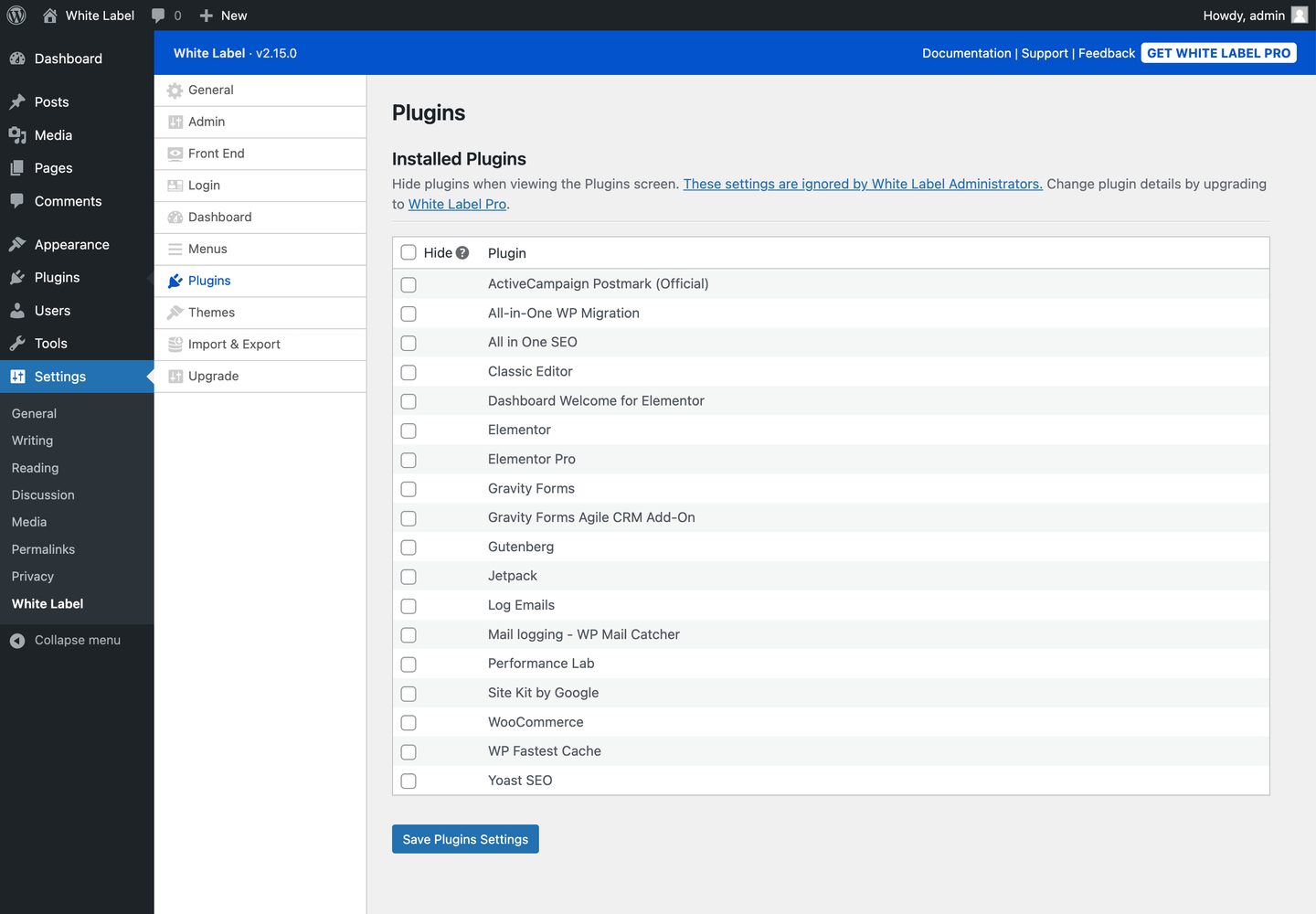
The White Label WordPress plugin allows web developers and agencies to create a custom admin experience for their clients. With features like custom login pages, custom dashboards, and the ability to modify the admin menus, you can tailor the WordPress experience to match your client's brand and make it easier for them to use.Screenshots

Frequently asked questions
What is the White Label WordPress plugin?
The White Label WordPress plugin allows you to create a custom admin experience for clients. It enables custom login pages, custom dashboard elements, and modifications to admin menus.
Who is this plugin for?
This plugin is ideal for web developers and agencies working with non-technical clients. It helps make WordPress easier and less confusing for users.
What can I customize on the login page?
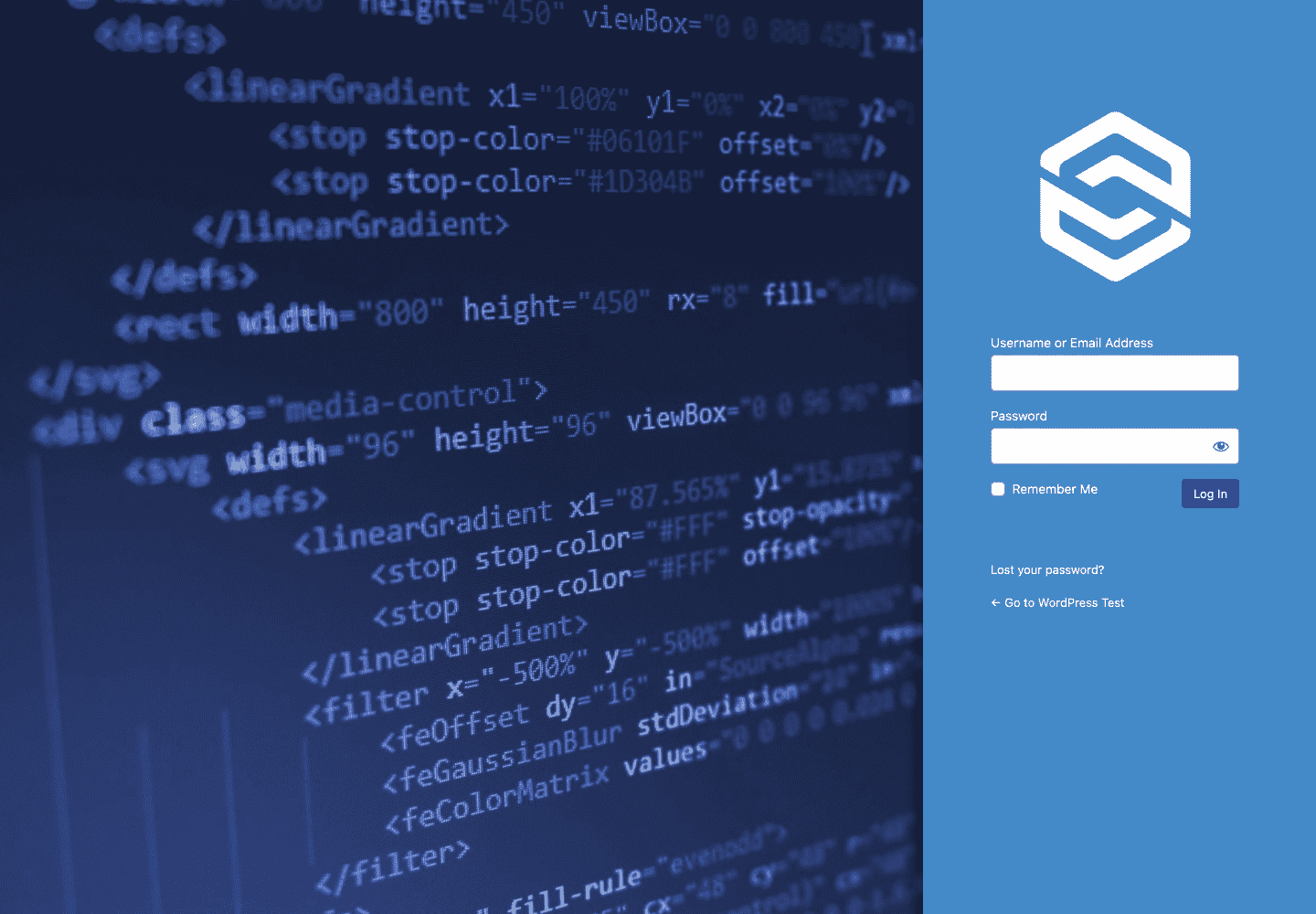
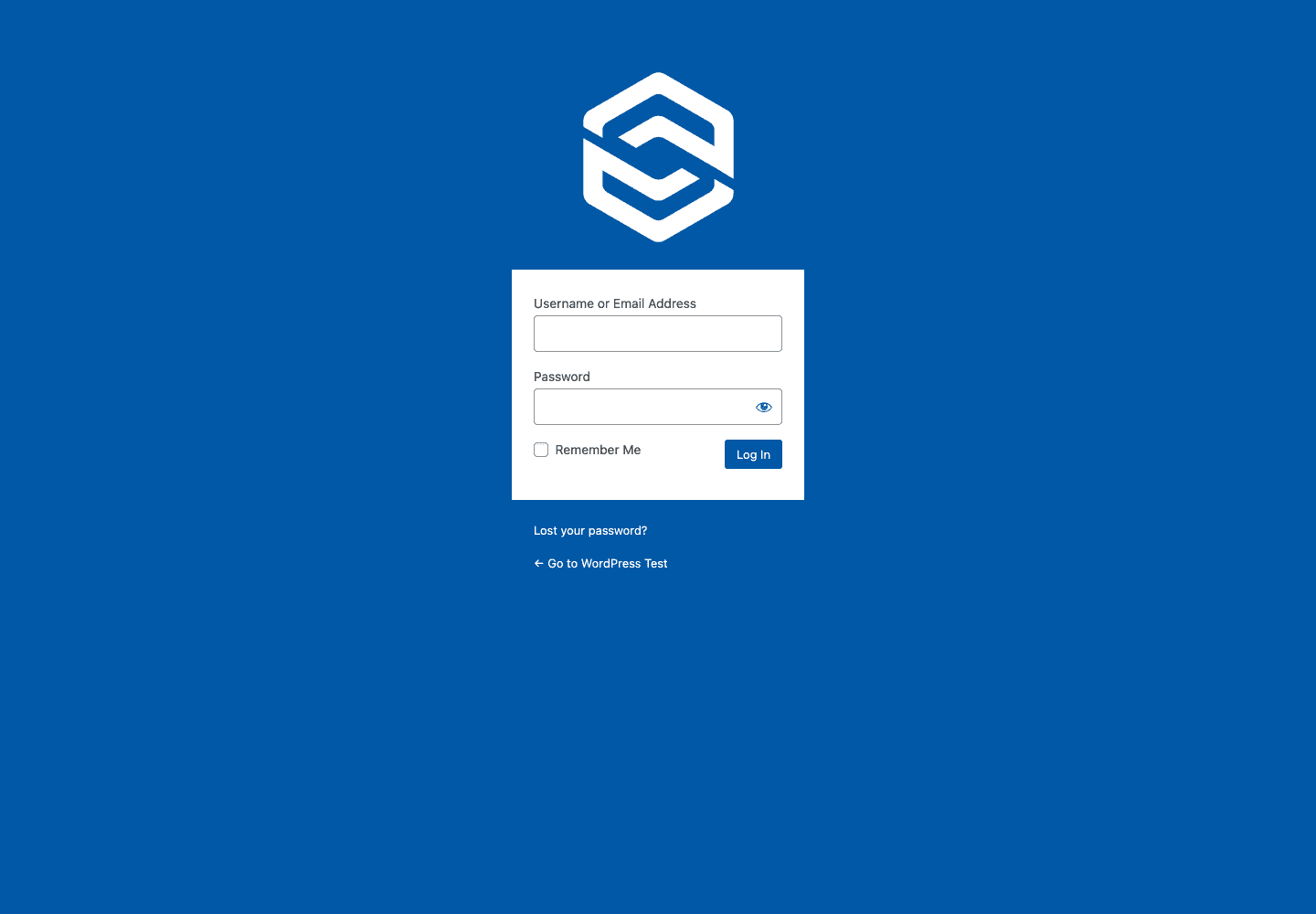
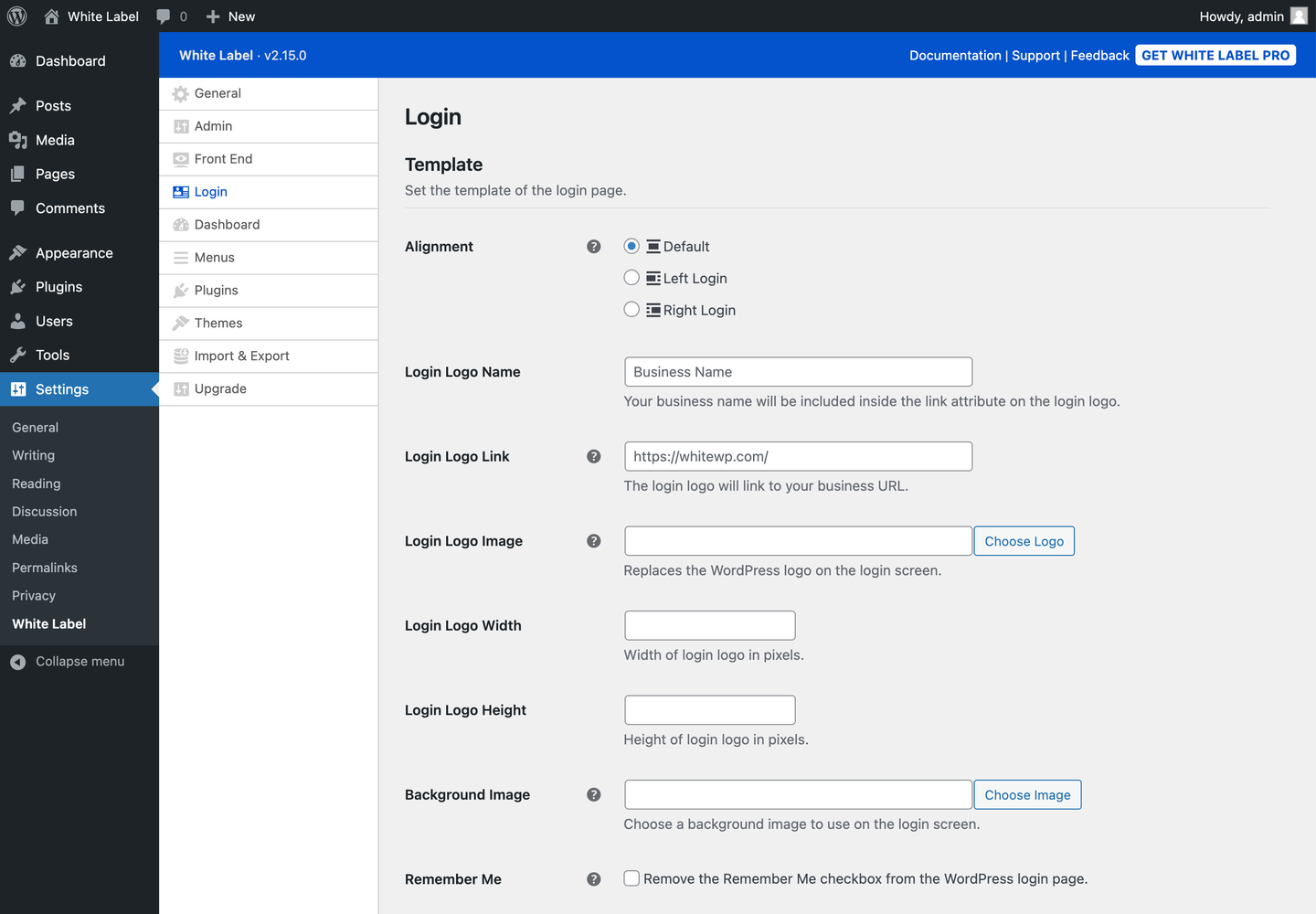
You can rebrand the WordPress login page by adjusting its layout, color scheme, background image, and adding a custom logo. You can also remove interface elements like the Remember Me checkbox and the WordPress Language Switcher.
What can I do with the custom dashboard feature?
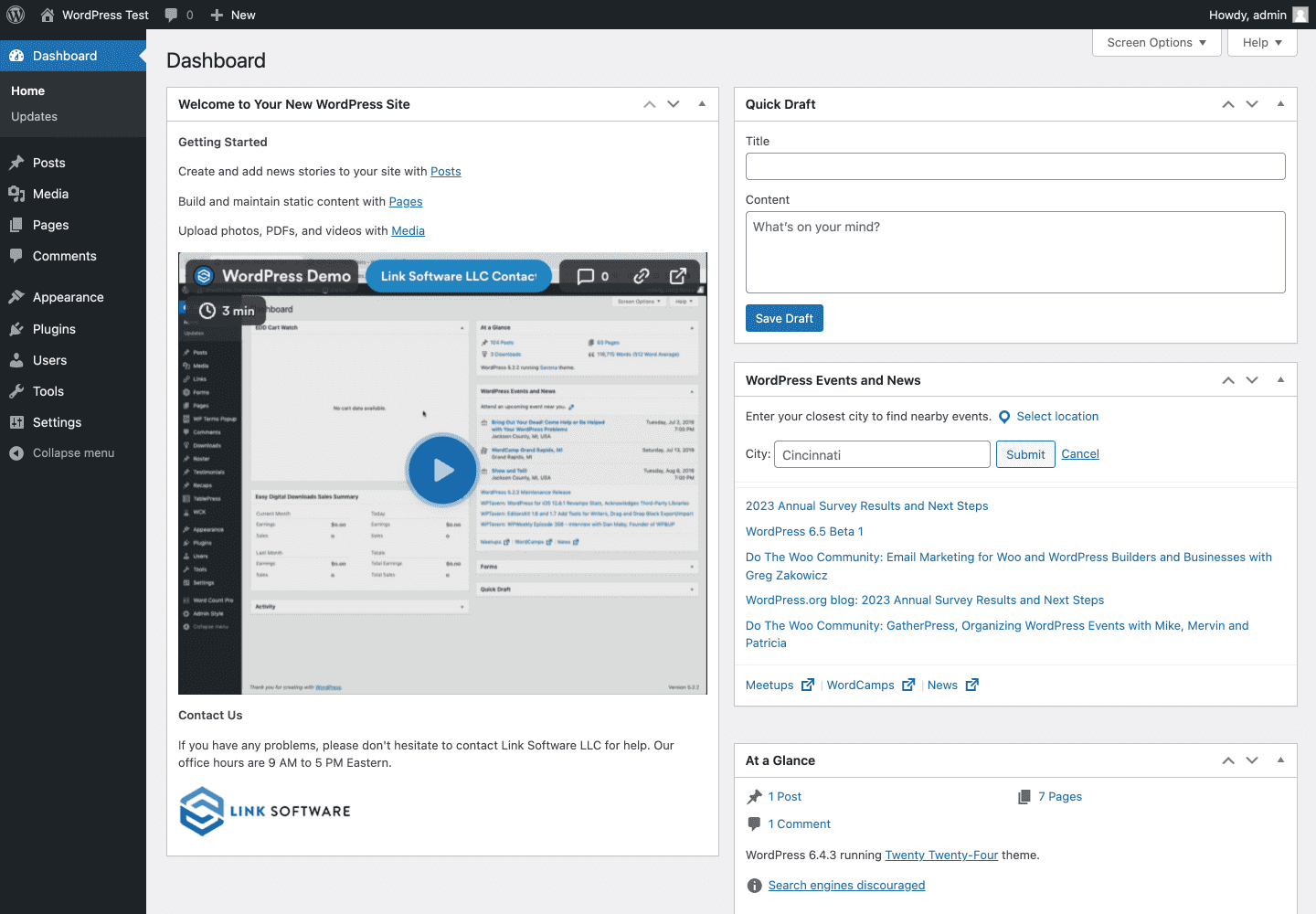
The custom dashboard feature allows you to tidy up the first things users see when they use WordPress. This helps make the experience easier and less confusing for non-technical users.
Changelog
2.15.1
- Bug fixes and performance improvements for Elementor-related features.
2.15.0
- New “Delete Settings on Uninstall” option under “General” settings.
- New “Editor Navigation” options for Elementor.
- Pro: New settings to white label Gravity Forms.
- Interface changes.
- Bug fixes.
2.14.1
- Bug fixes.
2.14.0
- Replaced tabs with new sidebar navigation.
- New “Sidebar Menu Logo” option under “Menus” settings.
- Pro: New “Login” feature to change the WordPress login URL. Not available for Multisite.
- Interface changes.
- Bug fixes.
2.13.4
- Bug fixes and performance improvements for Elementor-related features.
2.13.3
- Fix for the Howdy Text replacement in the Admin Bar.
- Pro: Fix for hiding WooCommerce notifications.
- Pro: Fix for Elementor icon replacement in the WordPress admin menu.
2.13.2
- Added notifications when important settings in the “General” tab are missing.
- Bug fixes.
2.13.1
- Bug fixes.
2.13.0
- New settings to white label Elementor.
2.12.0
- Select All checkbox options on Dashboard, Menus, Plugins, and Themes settings.
- New “Remove Logo Link” and “Replace Logo Link” options under “Admin” settings.
- Pro: Removed transients for caching admin bar menu items.
- Interface changes.
- Minor bug fixes.
2.11.0
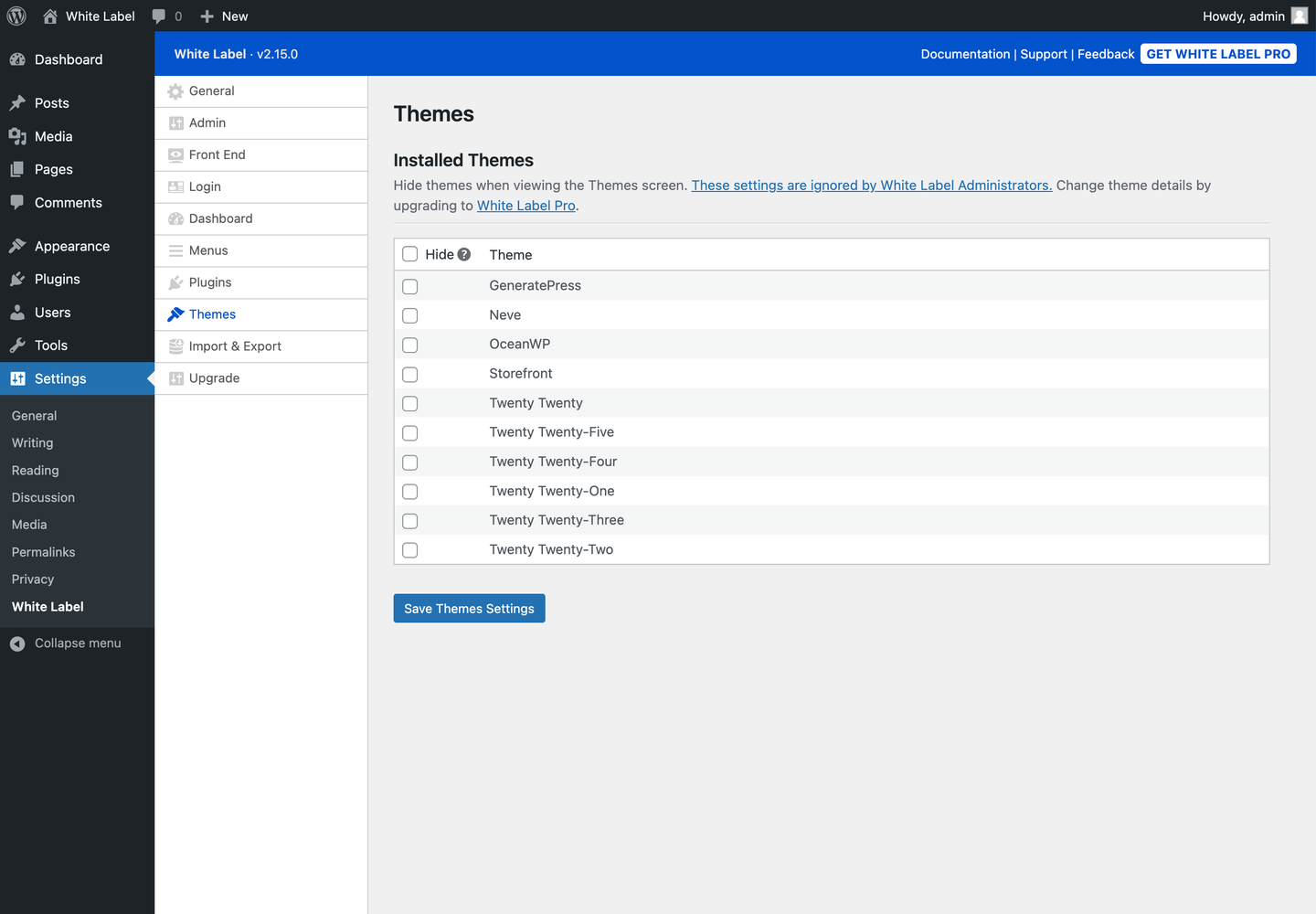
- New “Themes” section with settings to hide themes.
- Pro: Modify theme names, screenshots, and action buttons.
- Interface changes.
- Minor bug fixes.
2.10.0
- Support for PHP 8.2
- Split “Menus & Plugins” into their own tabs.
- Changed “Visual Tweaks” tab to “Admin” and reordered its position.
- Added links to support documentation for each setting when available.
- Interface changes.
- Minor bug fixes.
2.9.1
- Minor bug fixes.
2.9.0
- New “Remove Remember Me ” option for Login Design.
- New “Remove Language Switcher” option for Login Design.
- New “Remove Go to Site” option for Login Design.
- New “Remove Lost Your Password?” option for Login Design.
- Interface changes.
- Minor bug fixes.
2.8.1
- Minor bug fixes.
2.8.0
- New “Button Border Color” option for Login Design.
- Pro: New “Admin CSS” option in the Visual Tweaks section.
- Minor bug fixes.
2.7.2
- Minor bug fixes.
2.7.1
- Pro: Bug fix for “Elementor Dashboard Template” implementation.
2.7.0
- New “Menus” setting to adjust the width of the sidebar menu.
- Interface changes.
- Minor bug fixes.
2.6.0
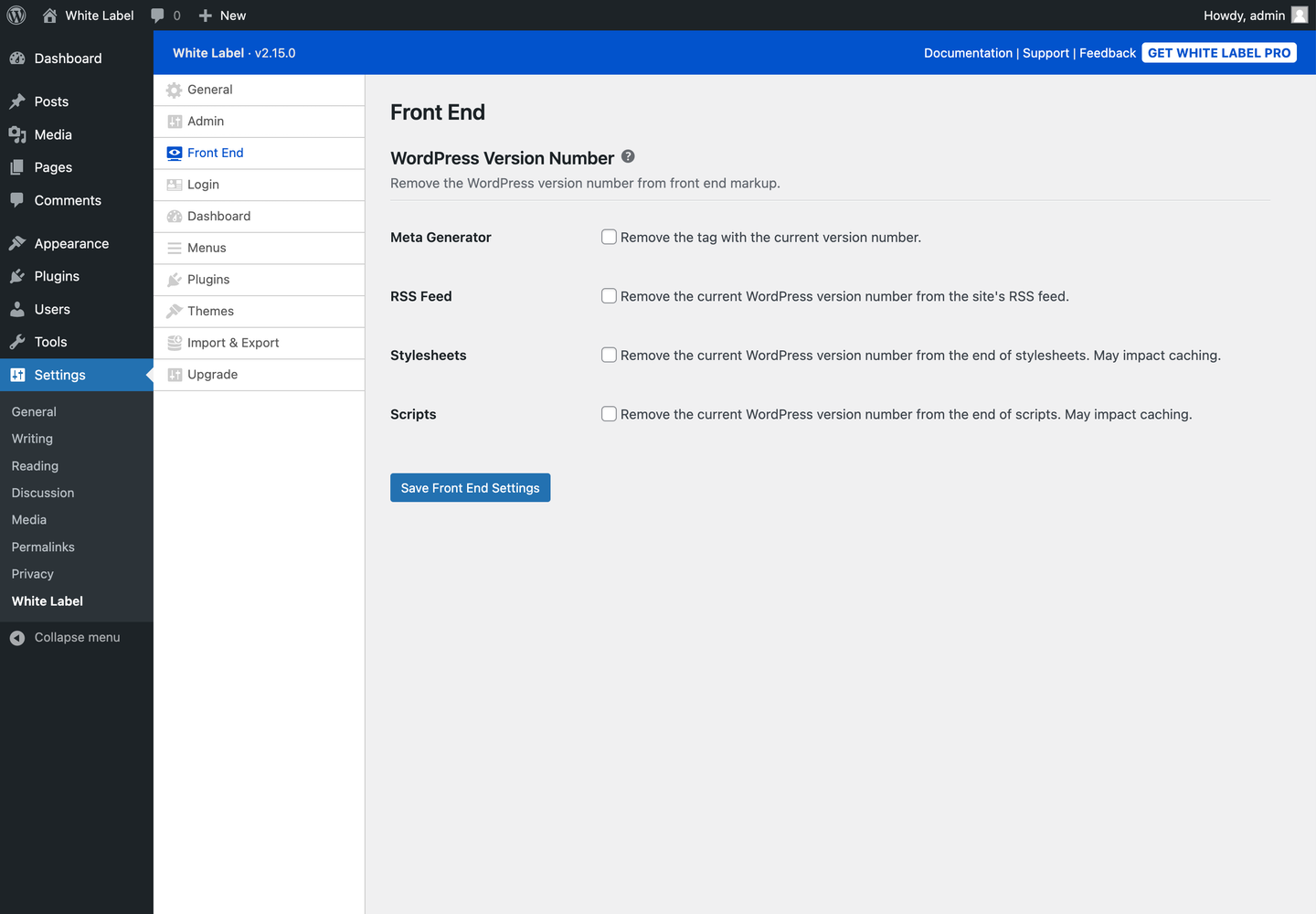
- New “Front End” section with settings to hide the WordPress Version Number.
- New “Visual Tweaks” setting to remove the WordPress version from the admin footer.
- Pro: New “Menus & Plugins” setting to change menu icons with Dashicons.
- Interface changes.
- Minor bug fixes.
2.5.2
- Fix for handling certain WooCommerce sidebar menus.
- Added sidebar information and link to a new feedback form.
2.5.1
- New “Submenu Text” and “Submenu Highlight” options for Admin Color Schemes.
- Fix for properly displaying embeds in Custom Welcome Panels, Custom Dashboard Widgets, and Custom Dashboards.
- Fix for handling upsell menus Yoast SEO injects for certain user roles.
2.5.0
- New “Multisite” settings to apply main site’s White Label settings to all site’s on a network.
- Pro: New “Menus & Plugins” setting to edit Plugin Details.
- Pro: New “Miscellaneous” setting to remove Screen Options button.
- Pro: New “Miscellaneous” setting to remove Help button.
2.4.0
- New “Login” settings to set Logo Width and Logo Height.
- Pro: New “Miscellaneous” setting to Remove Admin Notifications.
- Changed plugin to require PHP 7.4 or higher.
- Minor bug fixes.
2.3.0
- New “Visual Tweaks” settings to customize the Admin Color Scheme.
- Remove Dashboard Widgets now allows you to remove all default widgets and/or all third-party widgets.
- Pro: Remove Dashboard Widgets now allows you to remove widgets individually.
- Pro: New “Miscellaneous” setting to Disable Administration Email Verification.
- Pro: Minor bug fix for renamed Sidebar and Admin Bar menu items.
- Reverted change in 2.2.1: Custom Dashboards once again show for White Label Administrators.
- Interface changes.
- Minor bug fixes.
2.2.1
- Fixed error where Custom Dashboards were showing for White Label Administrators.
- Pro: Fixed error with renamed nested sidebar menu items.
2.2.0
- New interface for the “Menus & Plugins” section.
- Pro: Rename sidebar menu items.
- Pro: Rename admin bar menu items.
2.1.5
- File restructuring to make future development easier.
2.1.4
- Interface changes.
- Minor bug fixes.
2.1.3
- Strips any HTML from menu names when displaying them on the settings page.
2.1.2
- Performance-focused update.
- Improves loading speed by using object caching on common queries.
- Better separation of code logic for frontend/admin view.
- Improved transients code.
2.1.1
- Ready and tested with WordPress 5.6
2.1.0
- Pro: Hide specific admin bar menus on the frontend (while viewing the site) and backend (admin area.)

