

Just another contact form plugin. Simple but flexible.
About Simple Download Monitor
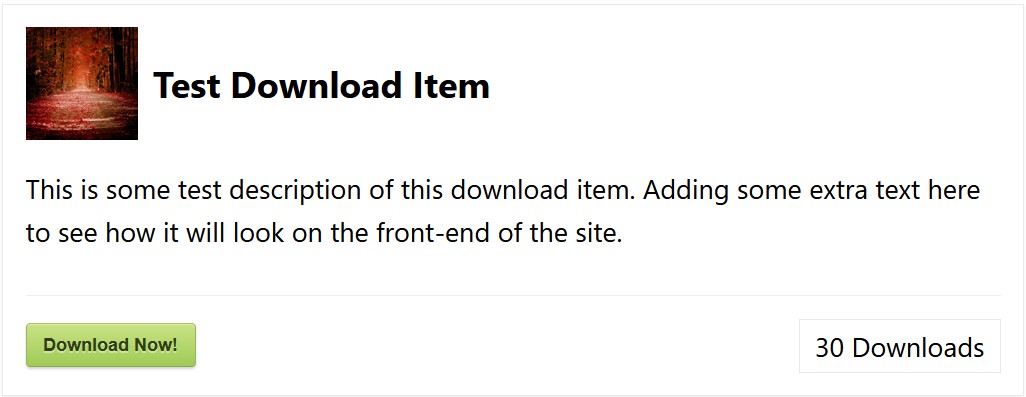
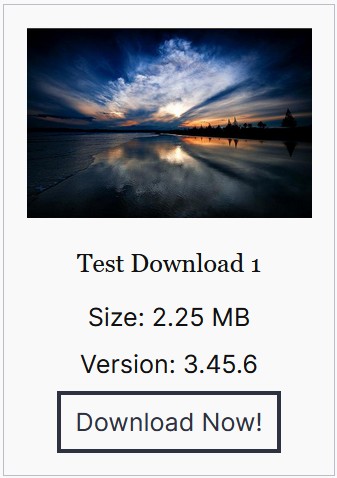
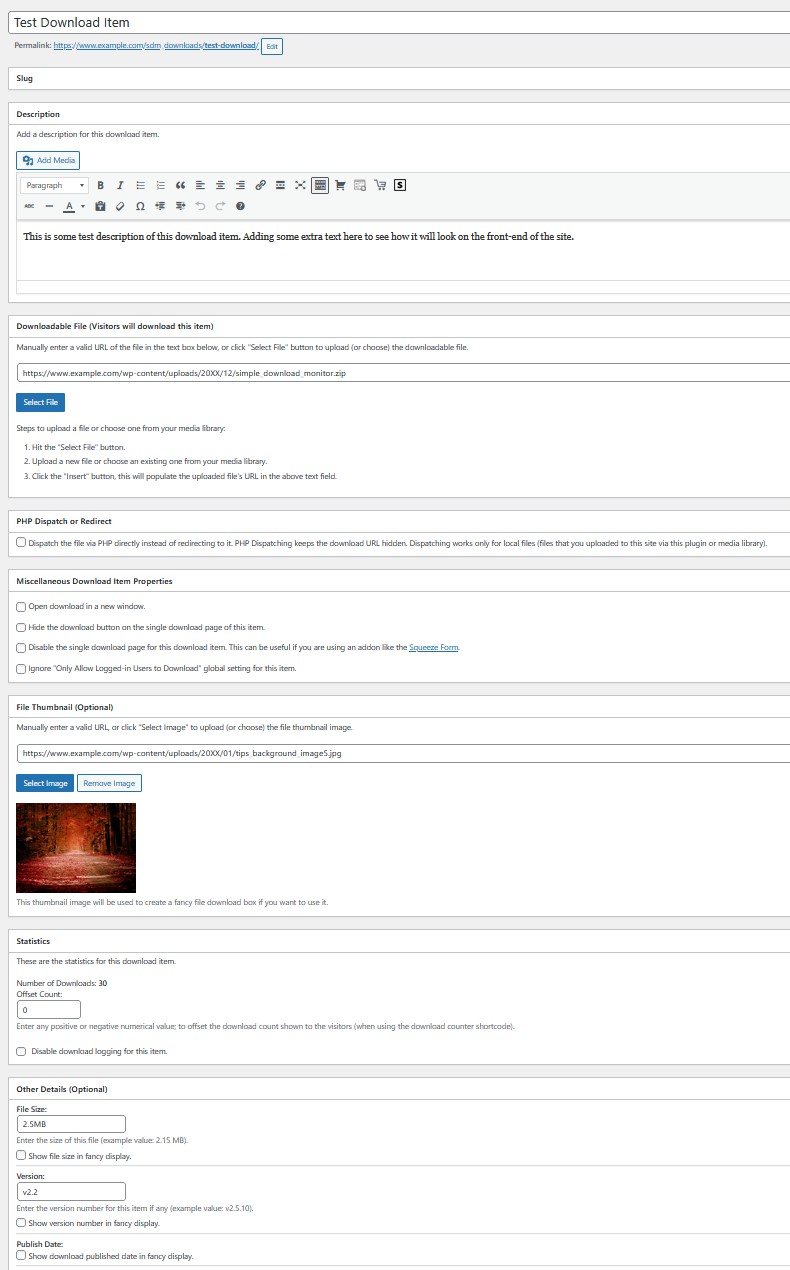
The Simple Download Monitor plugin is a useful tool for managing and tracking digital file downloads. It allows you to password protect your files and monitor the number of downloads, as well as log IP addresses and dates/times of each download. It also has features such as drag and drop file uploads, shortcodes for displaying download buttons, and the ability to customize button text and colors.Screenshots
Frequently asked questions
What is the primary function of the Simple Download Monitor plugin?
The Simple Download Monitor plugin helps you manage your digital downloads and monitor the number of times your files and documents are downloaded from your WordPress site.
Can I protect my downloadable files with a password?
Yes, you can password protect your downloadable files and documents. Visitors will need to enter a password before they can download the file when this option is enabled.
What kind of information does the plugin track about downloads?
The plugin logs the IP addresses, date, and time of each download. It also tracks the usernames of downloading users, their User Agent, and the Referrer URL.
How do I add downloads to my WordPress site using this plugin?
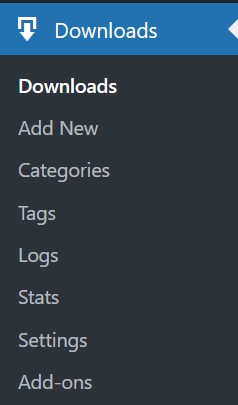
You can add, edit, and remove downloads through an easy-to-use interface in your WordPress admin dashboard. The plugin supports drag and drop file and document uploads.
Does the plugin provide shortcodes for displaying downloads?
Yes, you can use shortcodes to display a 'download now' button on any WordPress post or page. There is also a shortcode to create a direct download link for a file.
Changelog
3.9.28
- Fixed a minor issue in the newly added admin-side JavaScript code for the logs export feature.
- Updated the translation POT file.
3.9.27
- Added a search field to the logs table, enabling users to search for specific log entries.
- Introduced an option to export logs to a CSV file.
- Removed a PHP warning from the ‘pass_text’ request parameter for password protected downloads.
- Added integration with the WP eMember plugin’s access control to allow downloads to be restricted to members only.
- Download process request is now handled using the ‘wp’ hook.
3.9.26
- The update for excluding hidden attachment media queries will not occur if the enhanced file protection feature is disabled.
- When using the ‘pre_get_posts’ hook, it will now check if another plugin has already modified the query and if so, it will append to it.
- Removed the trailing slash from the download URL in the download now button shortcode to prevent double slashes in the URL. Thanks to @expforex for pointing this out.
- Renamed a function to add the ‘sdm’ keyword to prevent a potential conflict with another plugin.
- Added an isset check to remove a PHP notice in the download count shortcode.
- Added sanitization to the row_id variable in the log entry delete function.
3.9.25
- New Enhanced File Protection feature added.
- Thumbnails in the Downloads menu’s admin interface will no longer appear squished.
- Added an isset check for the “download_id” variable in the download request handler.
- Fixed $id variable not defined warning in category shortcode.
- Thumbnails in the Downloads menu’s admin interface will no longer appear squished.
- Minor CSS improvements to the information box for better readability.
3.9.24
- New settings added to allow the admin to specify if other WP User roles can view the plugin’s admin dashboard.
- Added a new shortcode parameter (more_detail_url) that can bused to show a link below the description section of the fancy 1 and 2 templates.
- The ‘more details’ Shortcode usage example is available in the documentation here
- Fixed an issue with the single entry log delete function.
- Fixed the custom download button text issue with the fancy 1 & 2 templates.
- Fixed an issue with the specific items logs menu now showing correctly.
- Bulk delete issue fixed in specific item logs tab.
- Logs menu tittle has been moved above to the menu tabs.
3.9.23
- Improved the [sdm_download_counter id=”ALL”] shortcode’s query parameter handling.
- Download button text for category shortcode fixed.
- New stats tab added to display top users by download count.
- Download template 2 display fixed for block themes.
3.9.22
- Removed one of the newly added filter hooks.
3.9.21
- Compatibility improvement – Updated the newly added title sanitization to check if the post id is present to improve compatibility with some themes.
3.9.20
- Allow WP audio shortcode to also work in the template 1 description field.
- New window feature now works with fancy 0 template with the shortcode.
- Added a new filter hook to allow customization of the single download post title.
- Added sanitization to the SDM post type title.
- Added the ‘Direct Download URL without Tracking Count (Ignore Logging)’ option to the download edit page.
3.9.19
- The audio player shortcode can be used in template 1 download display shortcode.
3.9.18
- New URL query parameter “sdm_ignore_logging” added to ignore download logging and counting for direct download link.
- SDM block editor’s sidebar styling issue fixed.
- Updated the download query argument value from ‘smd_process_download’ to ‘sdm_process_download’ to match the plugin’s slug. The old query arg will continue to work for backwards compatibility.
3.9.17
- Block inserter for download item updated for WP 6.2.
3.9.16
- Added the fancy 1 shortcode in the “Shortcodes” section of the download configuration interface (for easy copy and paste).
- Updated link to the documentation.
- Added “alt” tag to the item thumbnail image.
- Fix for Stored XSS in the Logs menu.
- The thumbnail alt filters now also passes the download ID as an argument.
- Removed a PHP notice related to PHP8.
3.9.15
- Fixed an issue with the “Quick Edit” link in the downloads menu hanging.
- Added a new utility function in the debug logging class.
3.9.14
- Get download by date query has been updated.
- Added filters for categories and tags to change the slug (or other parameters). Thanks to @cfoellmann.
- Added a filter to the fancy2 shortcode output so it can be customized.
- Added a filter to the fancy1 shortcode output so it can be customized.
Full changelog available at change-log-of-old-versions.txt

