

Just another contact form plugin. Simple but flexible.
About Protect WP Admin
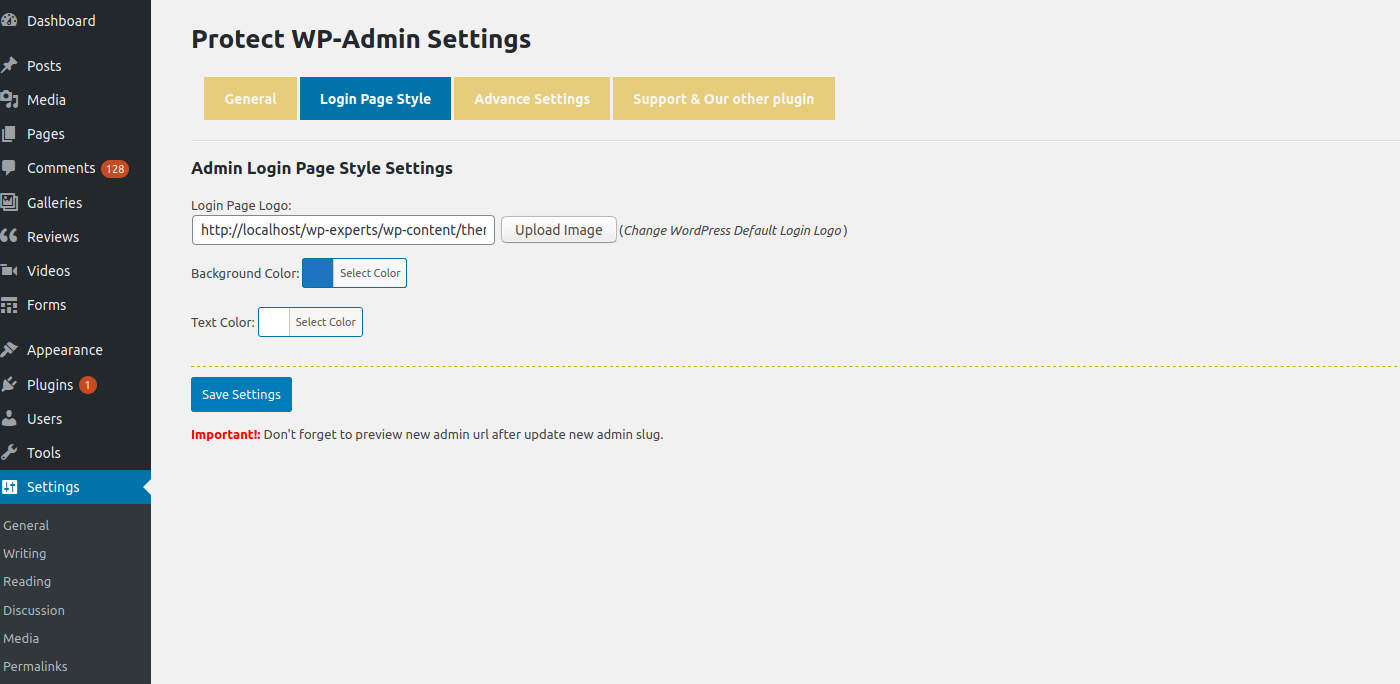
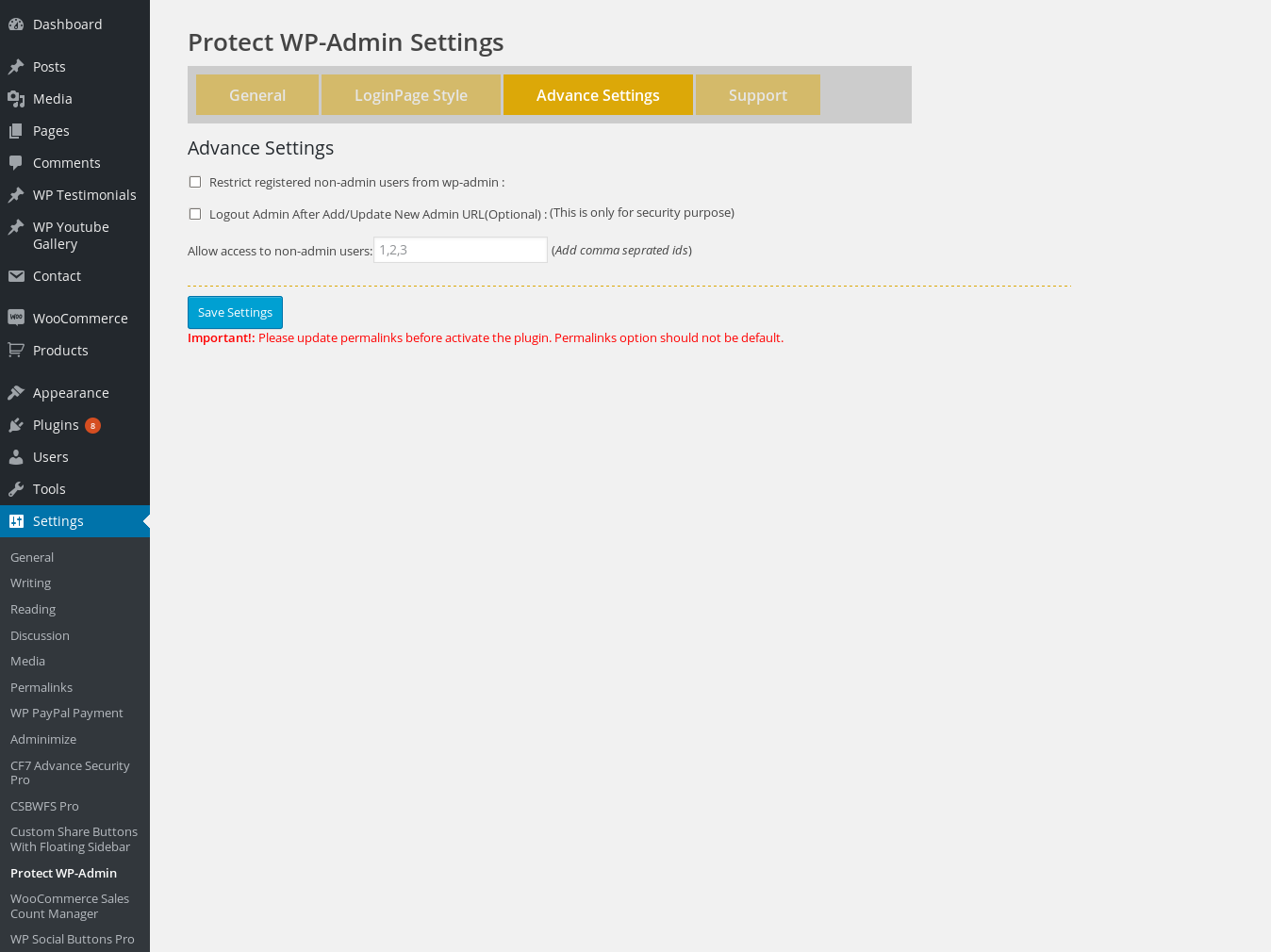
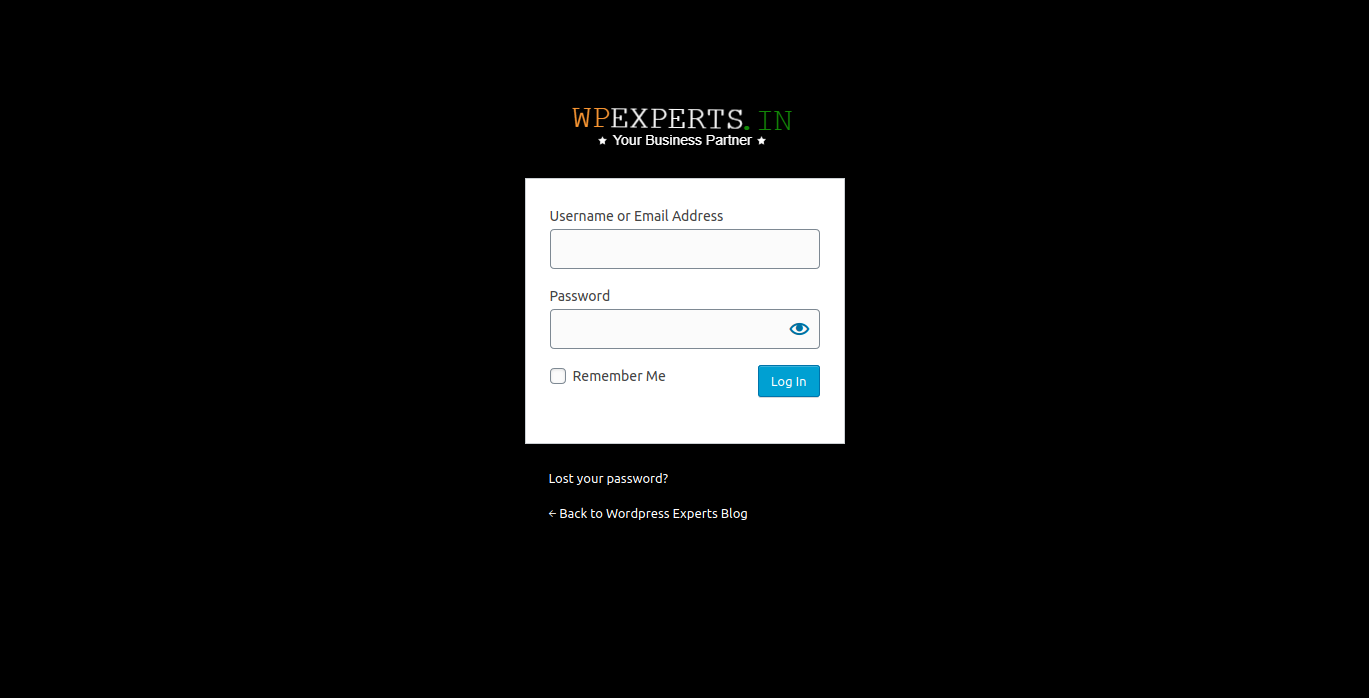
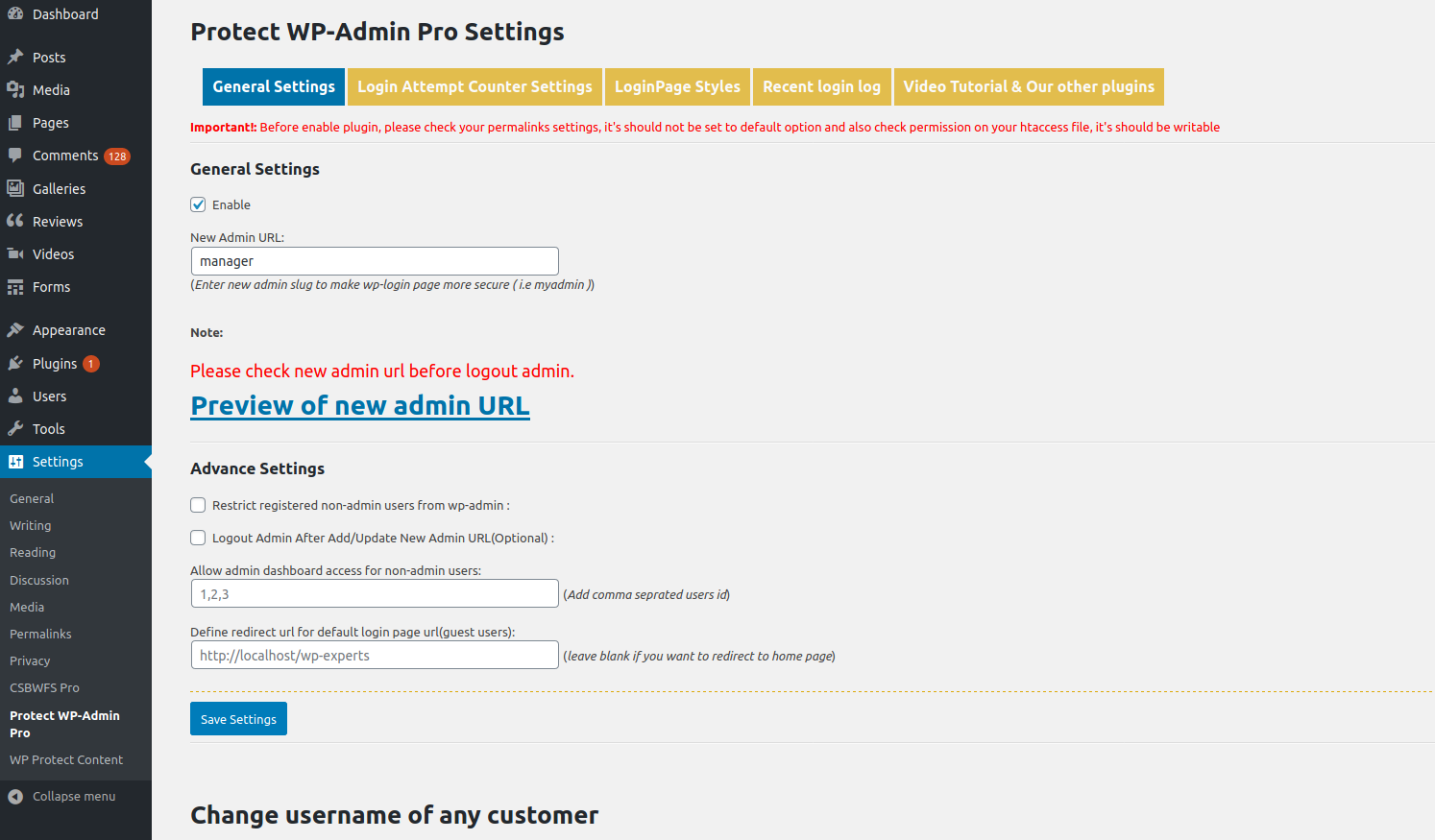
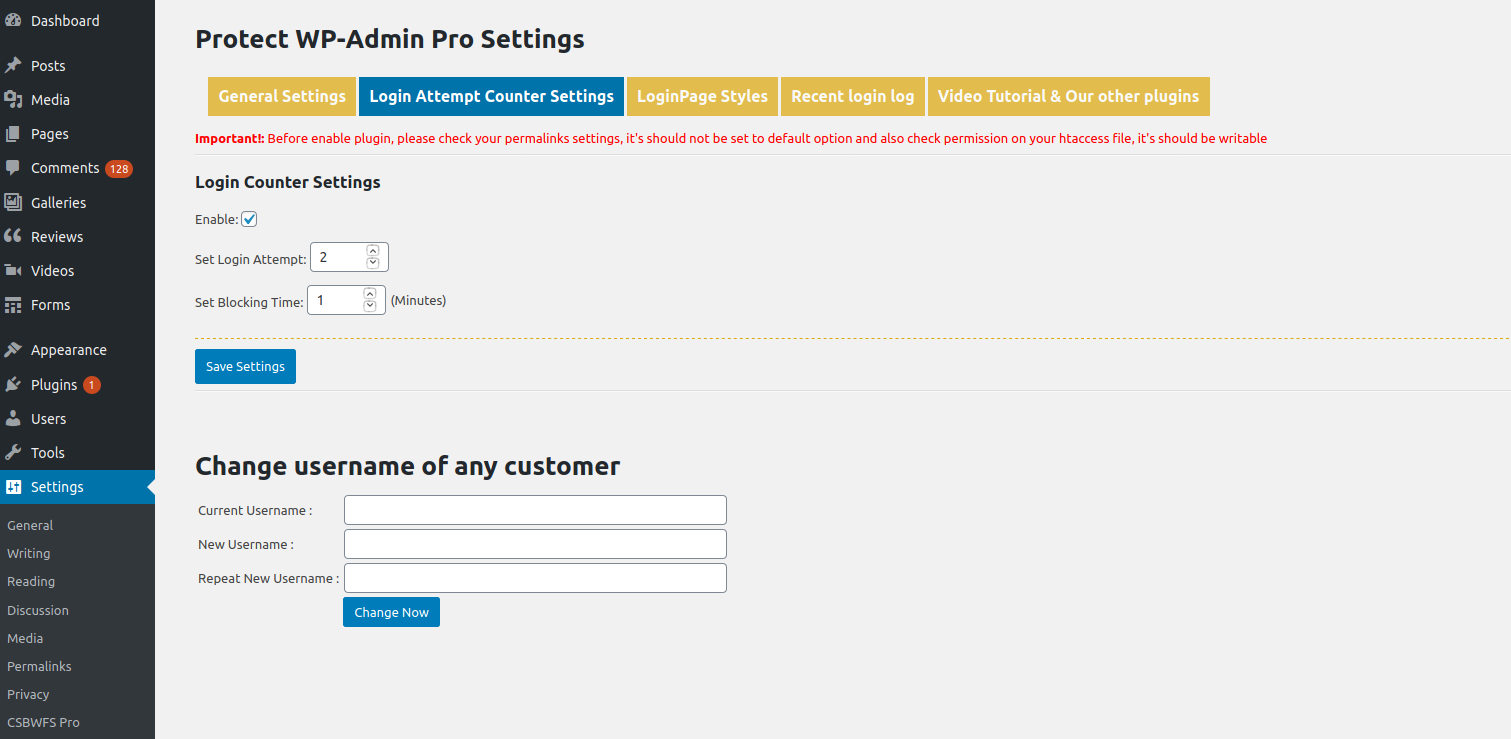
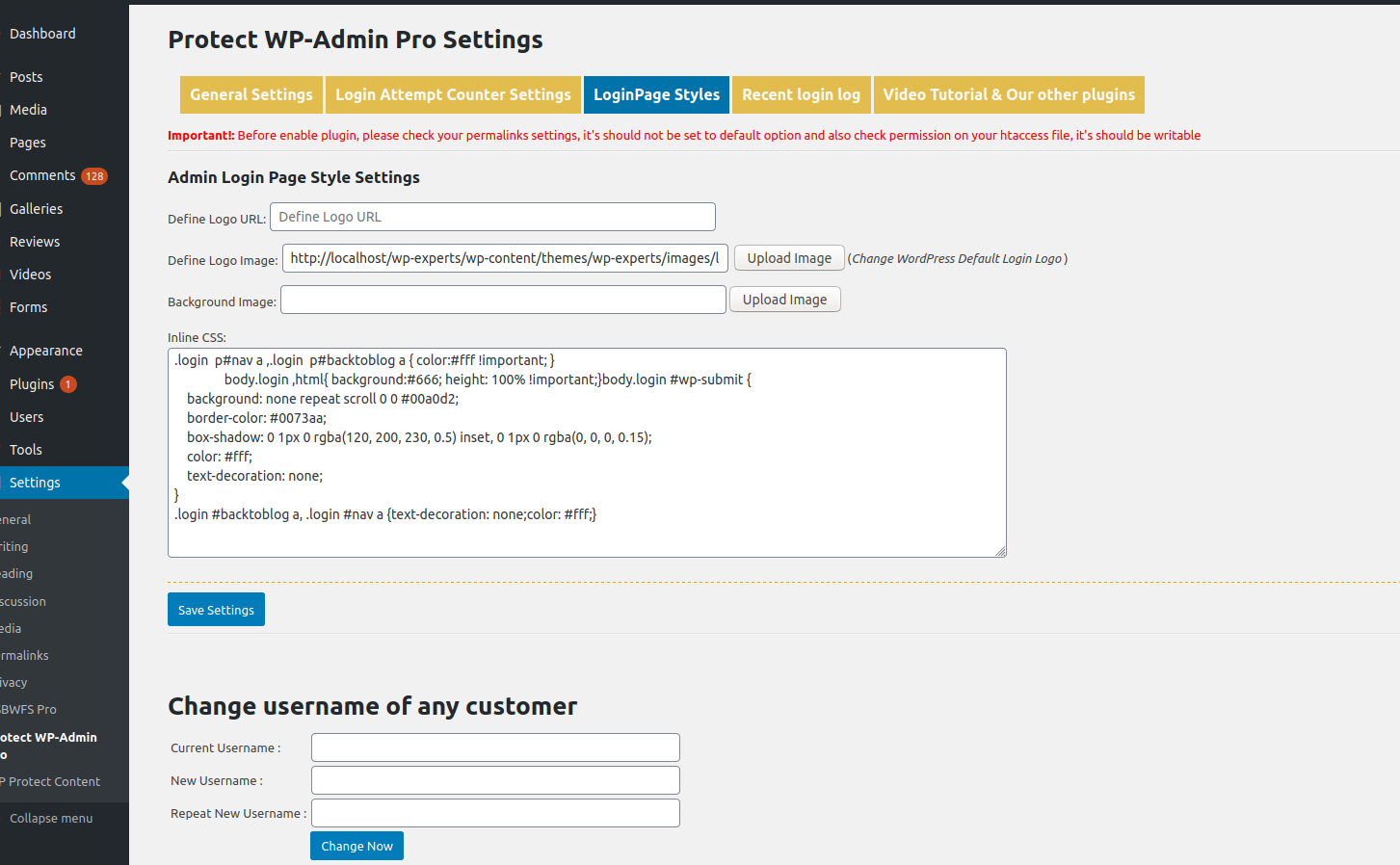
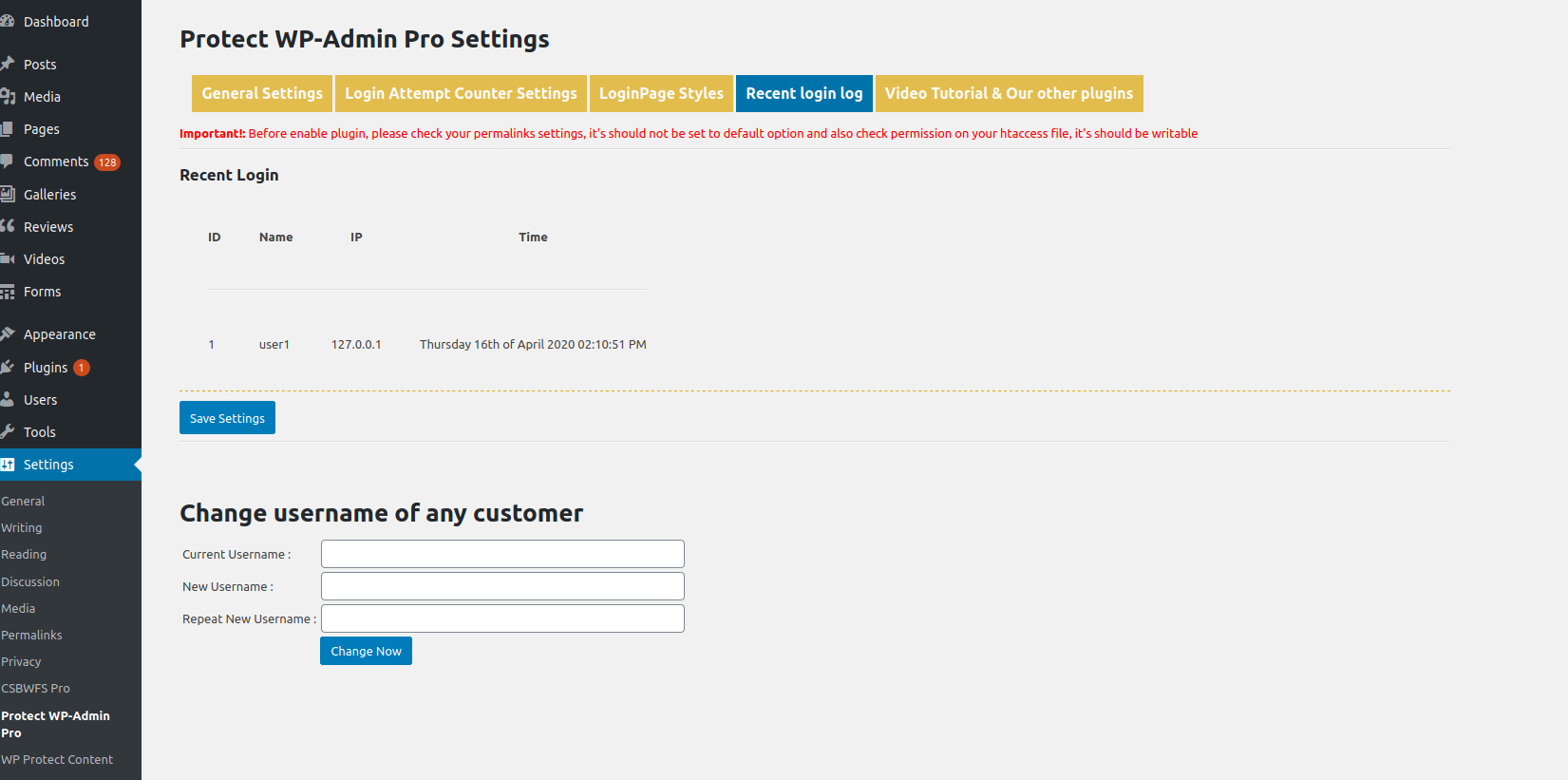
The WP Protect Admin Plugin provides extra security for your WordPress admin area by allowing you to change the default admin login URL and track login history. It also comes with access filters to restrict guest and registered user access to the admin dashboard. You can download the add-on for additional features like renaming the wp-admin URL and managing login page style.Screenshots

Frequently asked questions
What is Protect WP Admin?
Protect WP Admin is a WordPress plugin designed to add an extra security layer to your WordPress admin area. It helps secure your site by allowing you to change the default admin login URL and manage login history. It addresses the security concern of the well-known admin panel URL by allowing customization and blocking default links.
How does Protect WP Admin enhance security?
The plugin enhances security by allowing administrators to customize their admin panel URL, such as changing "sitename.com/wp-admin" to "sitename.com/custom-string." It also includes access filters to restrict guest and registered non-admin users from accessing the wp-admin dashboard. This helps protect against hackers by making the admin login less predictable.
What features are included in Protect WP Admin?
Key features include defining a custom WP Admin login URL, customizing the login page with a logo image, background color, and text color. It also allows restricting guest and registered non-admin users from accessing the admin dashboard. Administrators can also allow specific users access by defining comma-separated multiple IDs.
Are there any add-on features available for Protect WP Admin?
Yes, an add-on is available that further extends the plugin's capabilities. Add-on features include the ability to rename the WordPress wp-admin URL and enable a login tracker. The add-on demonstrates the flexibility of Protect-WP-Admin and adds important functionalities.
Changelog
4.0
* Fixed major bug
* Tested with wordpress version 6.6.2
3.8
* Updated security in code
* Tested with wordpress version 5.9.3
3.7
* fixed url issue
* optimized code
3.6
* Optimized the code and security things
* Tested with wordpress version 5.8.2
3.5
* Tested with new wordpress version 5.8
* Fixed double slash url access issue wp-login
3.4
* Tested with new wordpress version 5.5.1
* added condition to show admin menu bar only for admin
3.3
* Tested with new wordpress version 5.4.2
* Fixed new admin url page not found issue when you setup wordpress in subdirectory.
* Optimized code
* Released add-on new version 2.0
3.2
* Tested with new wordpress version 5.4.1
* Fixed notice error
3.1
* Tested with new wordpress version 5.4
* Added text color option
* Fixed DOING_AJAX notice error
* Released addon new version 1.9
3.0.3
* Tested with new wordpress version 5.0.2
* Fixed some minor issues
3.0.2
* Tested with new wordpress version 4.9.8
* Fixed some minor issues
3.0.1
* Fixed admin access issues
3.0
* Tested with new wordpress version 4.9.7
* Optimized code of the plugin
2.9
* Tested with new wordpress version 4.9.4
* Fixed getimagesize() function issue for HTTPS urls
2.8
* Tested with new wordpress version 4.8.1
* Added upload image lightbox and color picker
2.7
* Tested with new wordpress version 4.8.1
* Added upload image lightbox and color picker
2.6
* Tested with new wordpress version 4.8
2.5
* Fixed links issues on login, forget and register page for all language
* Fixed access the wp login page using new admin slug even admin is already logged in
2.4
* Tested with new wordpress version 4.7
* Fixed images logo image notice error issue.
2.3
* Tested with new wordpress version 4.6.1
* Fixed images size logo issue
* Modify code for redirect user to new admin url
2.2
* Tested with new wordpress version 4.5.3
* Optimized plugin code
2.1
* Tested with new wordpress version 4.5.2
2.0
* Tested with new wordpress version 4.5
* Removed localhost permission related conditions.
1.9
* Fixed htaccess writable notice popup related issues on localhost
* Add an new confirmation alert before enable plugin
1.8
* Fixed Login Failure issue
* Released Pro Addon
1.7
* Fixed forget password email issue
* Fixed forgot password link issue on login error page
1.6
* Fixed wp-login.php issue for www url
1.5
* Fixed wp-login url issue
* Fixed wp-admin url issue
1.4
* Fixed links issue on “Register”, “Login” & “Lost Password” As Per New Admin Url
* Fixed the “Register”, “Login” & “Lost Password” Form Action URL As Per New Admin Url
* Add validation to check SEO friendly url enable or not.
* Add validation to check whether the .htaccess file is writable or not.
1.3
* Added an option for define to admin login page logo
* Added an option for define to wp-login page background-color
* Fixed some minor css issues
1.2
* Added new option for allow admin access to non-admin users
* Added condition for check permalink is updated or not
* Fixed a minor issues (logout issues after add/update admin new url)
1.1
* Add new option for restrict registered users from wp-admin
* Fixed permalink update issue after add/update admin new url. Now no need to update your permalink
* Add option for redirect user to new admin url after update the new admin url
1.0
* First stable release

