

Just another contact form plugin. Simple but flexible.

About MyServerInfo – Memory Usage, PHP Version, Memory Limit, Execution Time, CPU Usage, Disk Usage
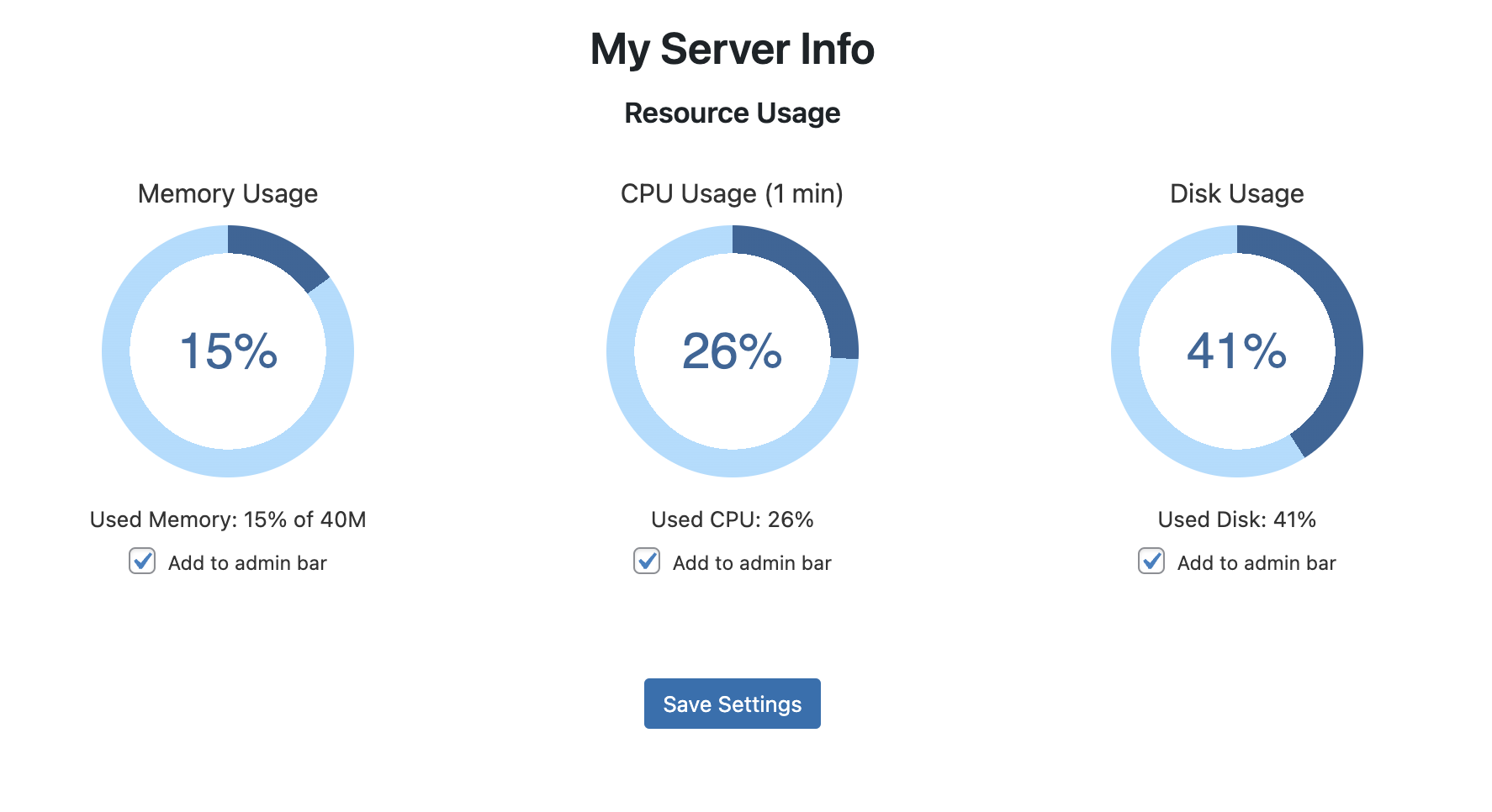
My Server Info is a plugin that provides key server and site information in your WordPress admin panel. It displays details such as PHP version, MySQL version, WordPress memory limit, and CPU usage. It also integrates with the admin bar for quick access to these metrics.Screenshots


Changelog
1.0
- Initial release of PHP Info.
1.1
- Added MySQL version to the server information table.
- Added Site Data table with IP Address and Timezone.
1.2
- Added PHP post_max_size display.
- Added PHP Version FAQ.
1.3
- Added PHP upload_max_filesize display.
- Updated plugin description.
1.4 – January 14, 2025
- Introduced CPU Usage metric with average over 1 minute.
- Added Disk Usage metric to monitor disk space.
- Added progress bars for Memory Usage, CPU Usage, and Disk Usage.
- Added checkboxes under each progress bar to allow administrators to select which parameters to display in the admin bar.
- Enabled display of selected parameters in the admin bar as
MEM: X%,AVG CPU: Y%, andDisk: Z%.

