

Just another contact form plugin. Simple but flexible.

About Loading Page with Loading Screen
Loading Page with Loading Screen is a plugin that pre-loads images on your website and displays a loading progress screen with a percentage of completion. It can be customized to display different loading screen options and colors, and also includes premium features such as multiple loading screens, animations, and lazy loading to improve page performance. The plugin is available for free, with additional premium features available for purchase.Screenshots
Frequently asked questions
What does the Loading Page with Loading Screen plugin do?
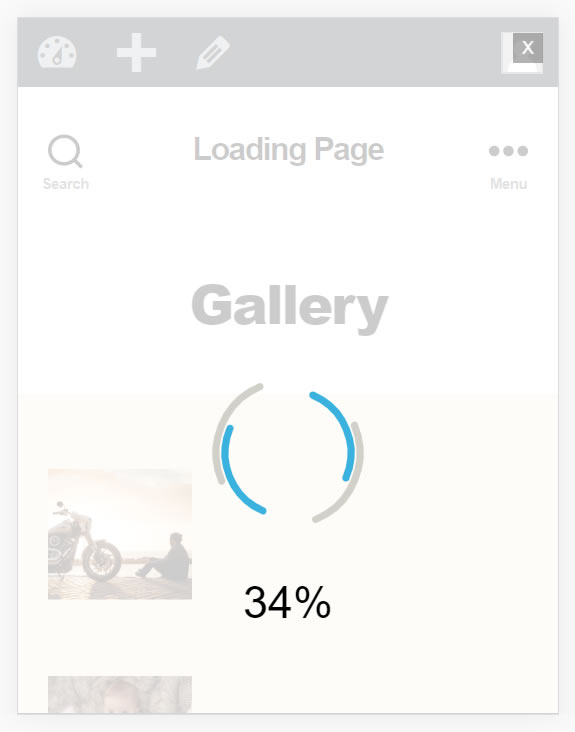
The Loading Page with Loading Screen plugin performs a pre-loading of images on your website and displays a loading progress screen with the percentage of completion. Once everything is loaded, the screen disappears. It helps users know when a page is ready, especially for heavy pages.
What customization options are available for the loading screen?
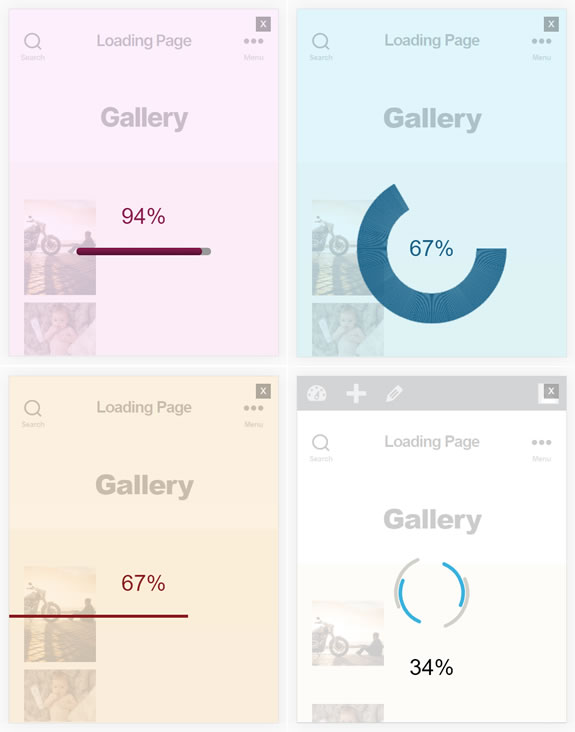
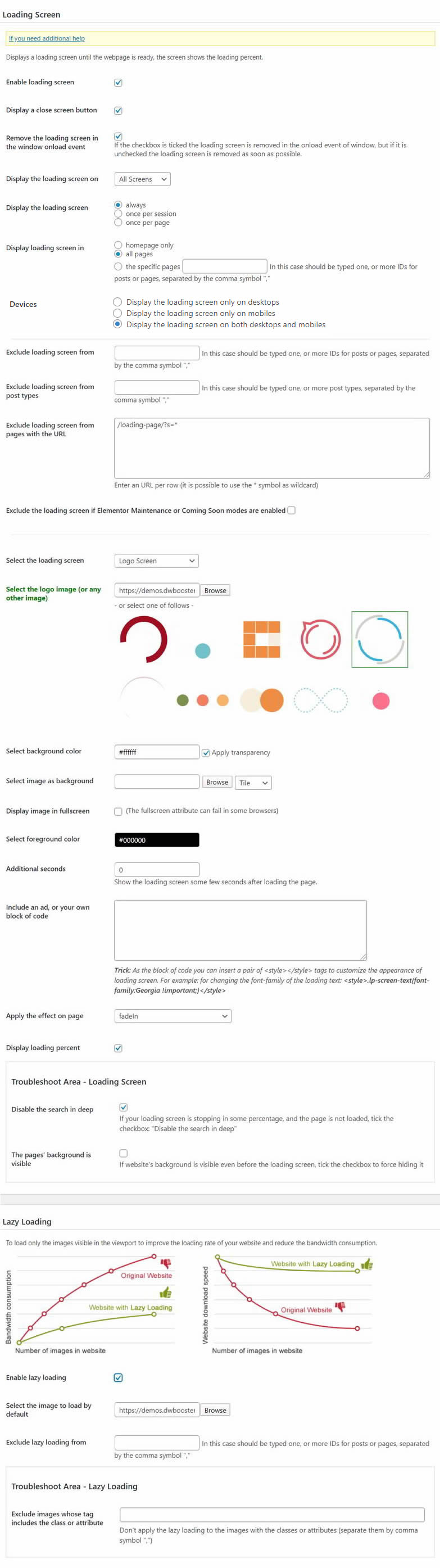
Users can select the colors of the loading progress screen, including background colors and images. The plugin also allows users to choose from multiple loading screen alternatives like Bar, Logo, and Text. Additionally, the text showing the loading percentage can be displayed or removed.
Does this plugin improve website performance?
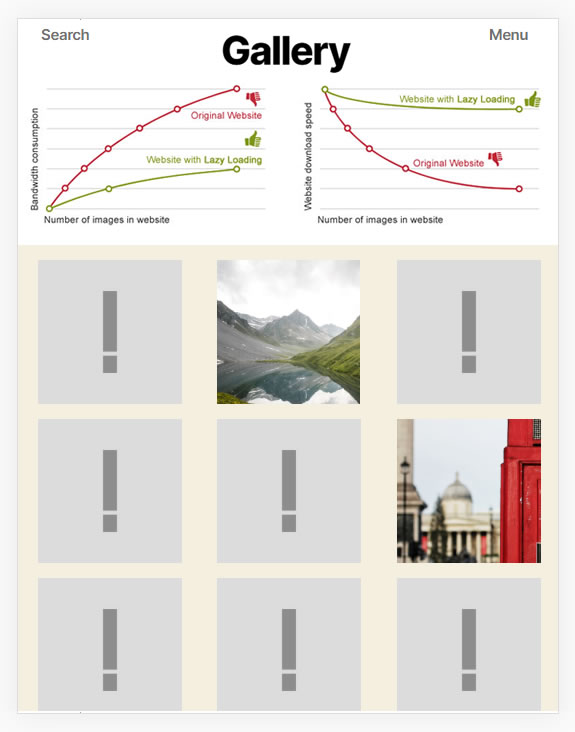
Yes, the plugin is stated to increase WordPress performance. It pre-loads page images, which can contribute to a smoother user experience once the content is fully loaded.
Can the loading screen be displayed on specific pages?
Yes, the plugin allows users to display the loading screen on the homepage only or on all pages of the website. This provides flexibility in how the pre-loading experience is presented to visitors.
Changelog
1.1.0
- Implements the loading_page_settings filter to allow you to customize the Loading Page settings at the runtime. The callback receives two parameters: an array with the loading page settings and the URL of the page that is being visited.
1.1.1
- Accept style and link tags in the Ads block.
1.1.2
- Identifies links with window.open.
1.1.3
- Modifies the Show loading screen when clicking on link feature.
1.1.6
1.1.5
1.1.4
- Hides the logo image tag in the Logo Loading Screen until it is loaded.
1.1.7
- Removes deprecated JS code.
1.1.8
- Modifies the method of detecting search engine crawlers to avoid conflicts with cache management plugins.
1.1.9
- Modifies the module that handles the session variables.
1.1.10
- Modifies the plugin installation process.
1.1.11
- Fixes a conflict in the activation process with WP6.5.
1.1.12
- Manages possible exceptions generated by the parse_ini_file function.
1.1.13
- Includes a new attribute in the plugin settings to allow displaying the loading screen on pages filtered by URLs.
1.1.14
- Modify the module that displays the loading screen in onclick events to exclude links with mailto and tel schemes, and links with non-loading-screen class names.
1.1.15
- Modify the links to exclude checking by javascript code in the href attributes.
1.1.16
- Improves the use of the internationalization functions.
1.1.17
- Implements Text Loading Screen. The Text loading screen allows you to configure a loading screen animating the website’s title or any other short text you enter through the plugin settings page.
1.1.18
- Prevents to display loading screen with Skype links.
1.1.19
- Allows displaying the loading screen even on websites with the LiteSpeed Cache plugin active.
1.1.20
- Introduces a new feature in the plugin settings that enables users to adjust the transparency percentage of the loading screen’s background color.
1.2.0
- Modifies the plugin to prevent overlapping loading screens that occur when the browser’s reload button is pressed multiple times.
1.2.1
- Allows you to specify custom width and height attributes for the logo screen image.
1.2.2
- Updates the Elementor integration to include exceptions for coming soon and maintenance modes based on user login status and roles.
1.2.3
- Implements support for the force parameter in the cp_loadingpage.onLoadComplete method. It hides the loading screen even when additional seconds where entered through the plugin settings page.
1.2.4
- Refines plugin behavior for the loading screen by ensuring the logo is visible whenever a user navigates to another page via links.

