

Just another contact form plugin. Simple but flexible.
About My Private Site
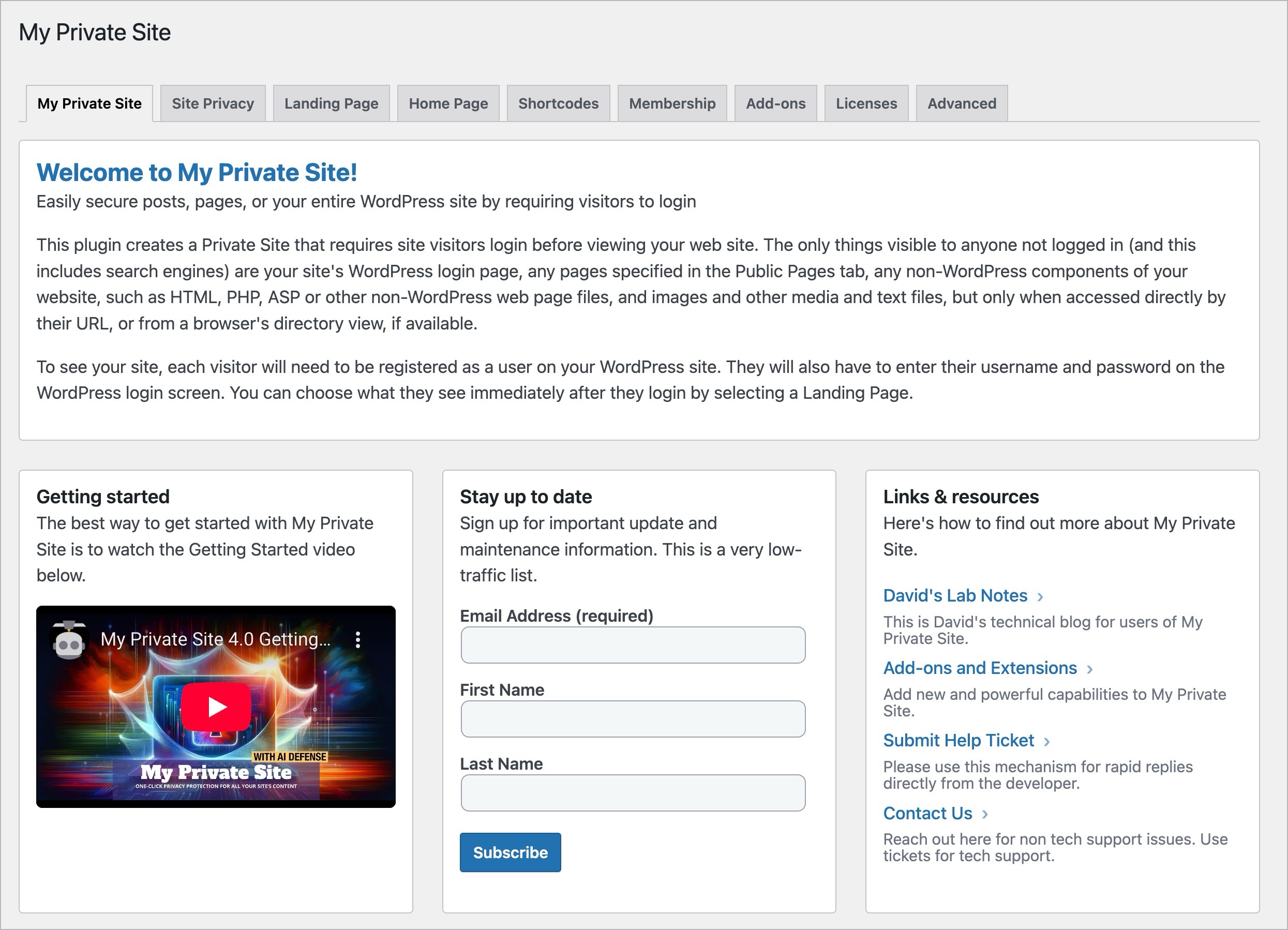
My Private Site is a WordPress plugin that allows the administrator to restrict access to a website to only registered users who are logged in. It provides login prompts for non-logged in users and can be used with WordPress Networks. The plugin also includes additional features such as custom login and registration pages, landing location settings, and the ability to hide or show content based on login status.Screenshots
Frequently asked questions
What does the My Private Site plugin do?
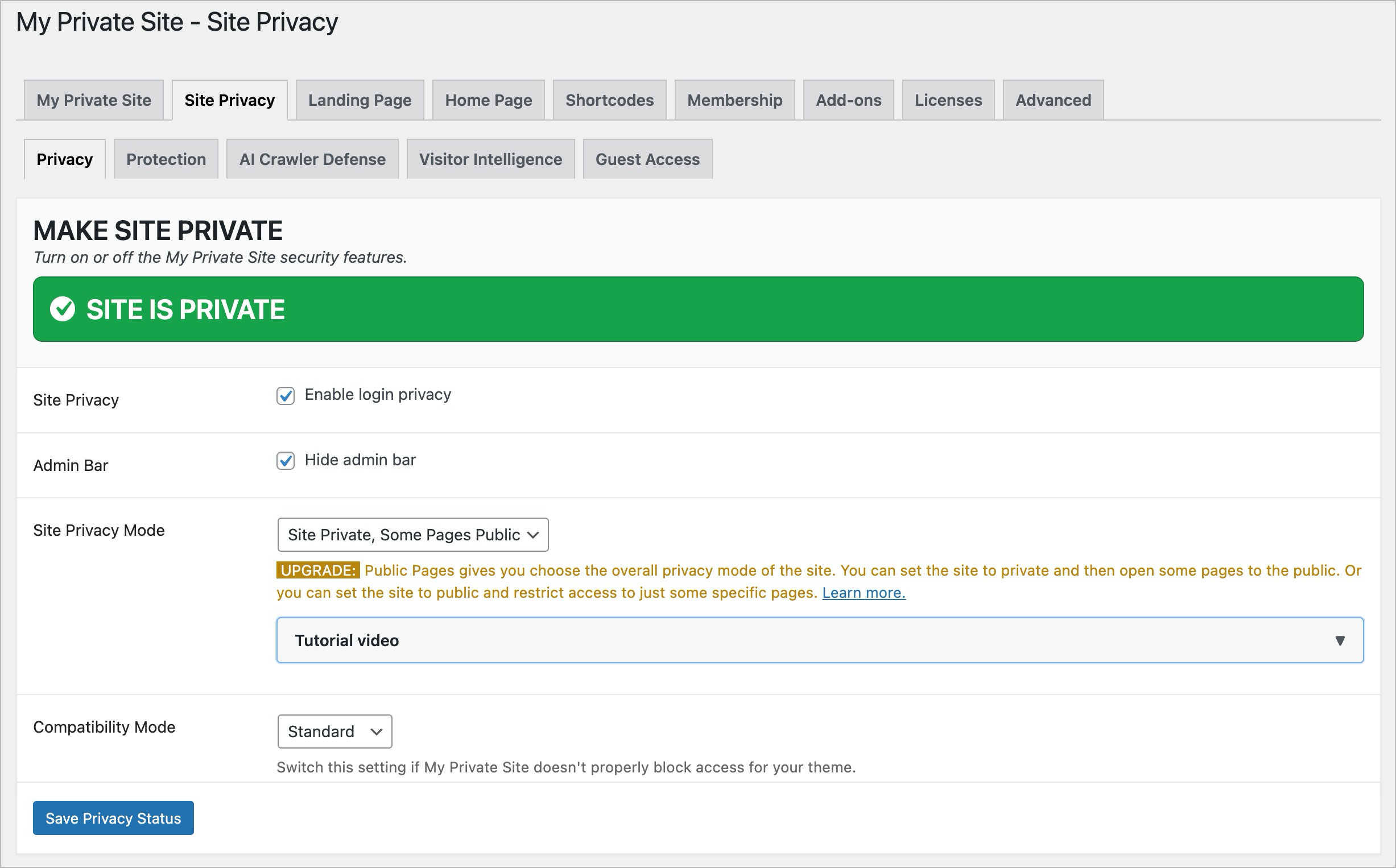
The My Private Site plugin restricts a WordPress-based website to be viewed only by registered and logged-in users. Any attempt by a non-logged-in user to access the site will display a WordPress login screen.
Does this plugin support WordPress Multisite?
Yes, the plugin supports WordPress Networks (Multisite). Network-wide settings are planned for a future version.
Can I use custom login and registration pages with this plugin?
Yes, the plugin supports custom login and registration pages at URLs different from the standard WordPress login and registration URLs.
What happens after a user logs in?
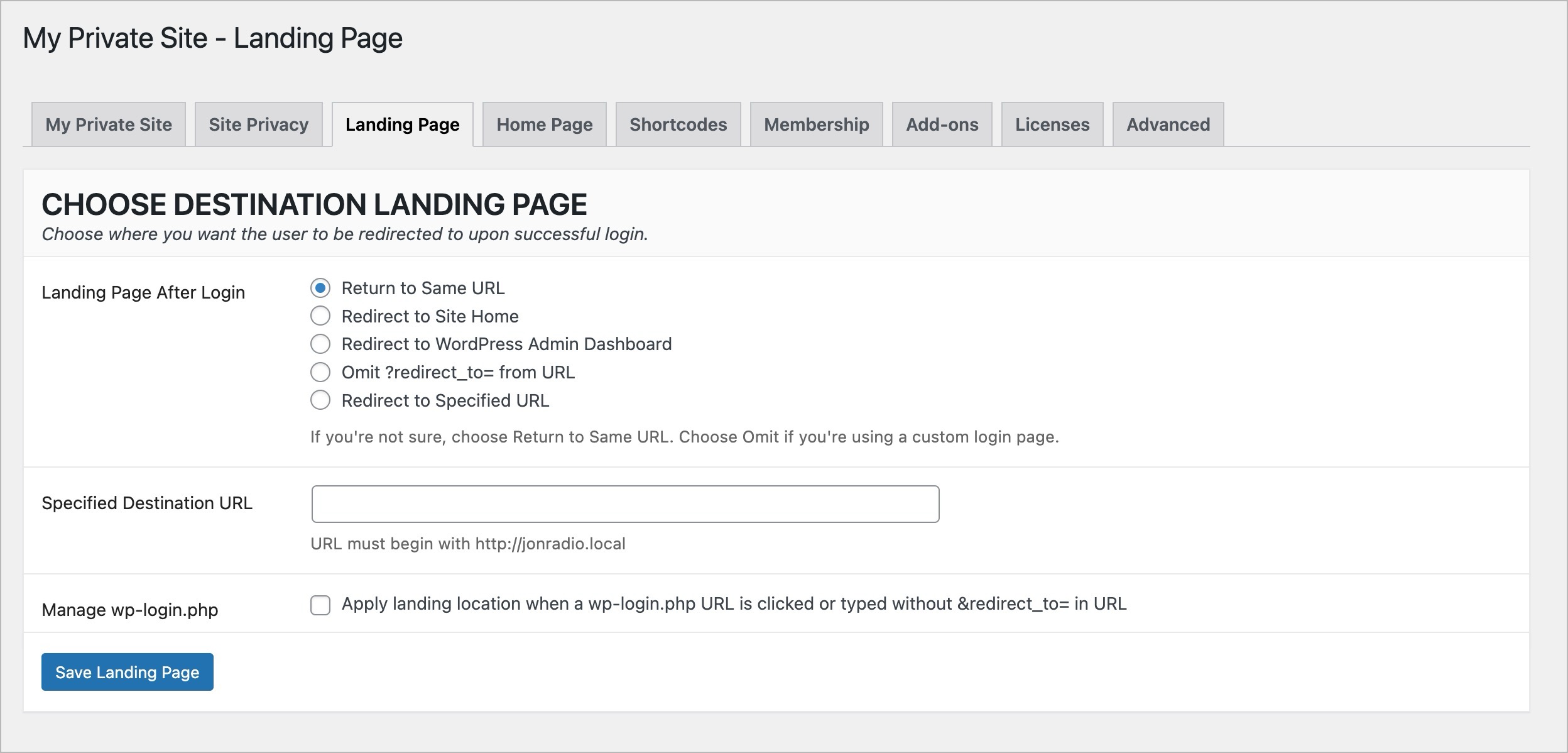
Landing Location settings determine what the user sees after successfully logging in. This applies to both automatic login prompts and the Meta Widget's Login link.
Are there any known theme or plugin incompatibilities?
There are no known theme incompatibilities. The only known plugin incompatibility is with the A5 Custom Login plugin.
Changelog
3.1.1
- Minor UI tweak to provide better clarity for theme option
3.1.0
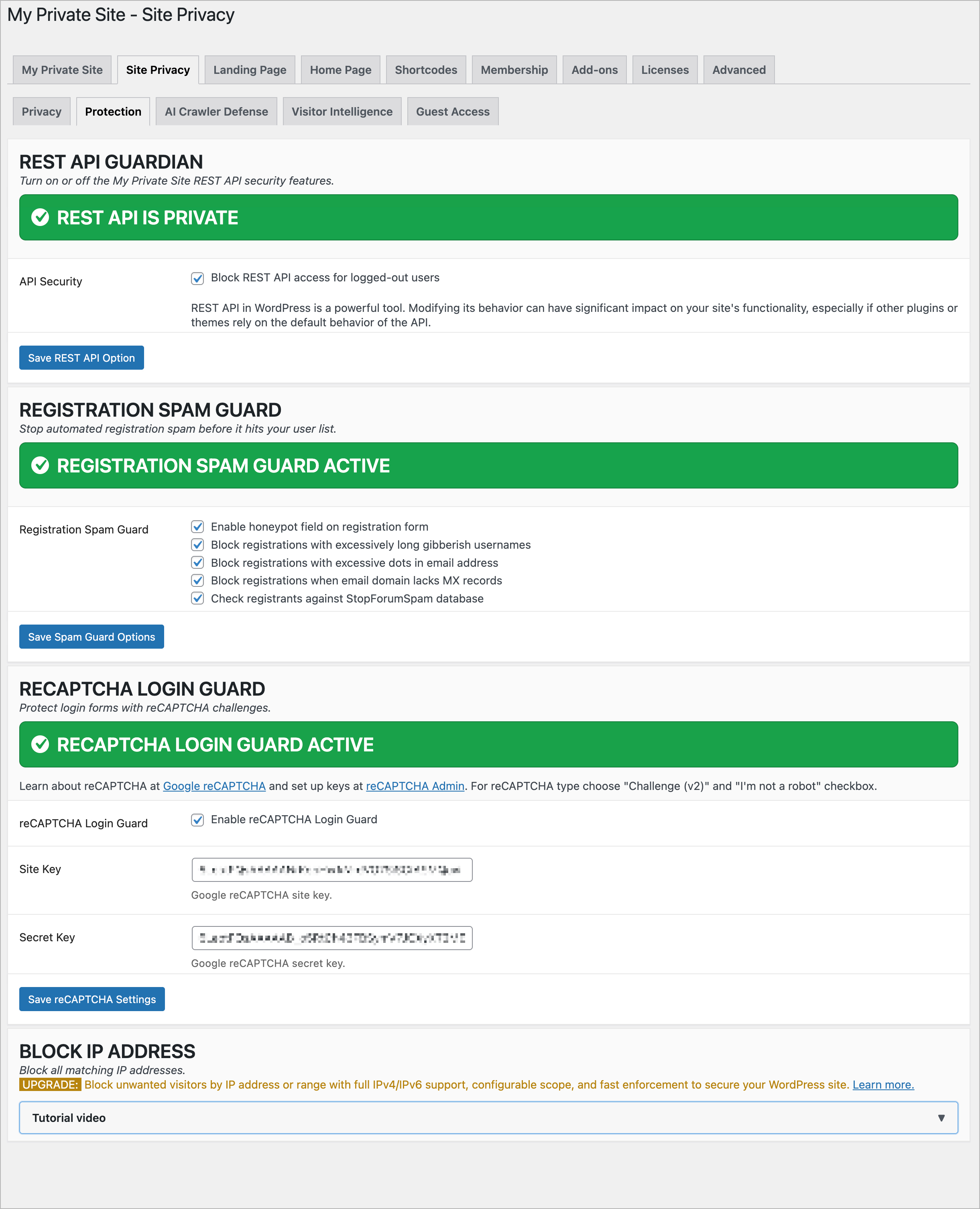
- Added REST API Guardian protection to core plugin
- Increased size of heading font in dashboard
- Replaced tags set (login, pages, private, security, visibility, plugin, page, posts, post) with (registered only, privacy, protected, restricted, password protect)
3.0.14
- Minor compatibility update for WordPress 6.4.
3.0.13
- Minor update to better support my_private_site_public_check_access_by_page filter.
3.0.12
- Slight improvement to HTML support pages
3.0.11
- Fixed a CMB2 type error that popped up from time to time (Thanks, Michael!)
3.0.10
- Fixed a bunch of over-eager security checks
3.0.9
- Fixed compatibility switch bug
3.0.8
- Fixed some security bugs
3.0.7
- Added more hooks for increased granular control of access
- Fixed some minor bugs
3.0.6
- Moved compatibility mode option to Site Privacy tab and added additional theme compatibility fixes
3.0.5
- Added a compatibility mode option on the Advanced tab which will hopefully finally fix the Elementor issues
3.0.4
- Possible fix for Elementor incompatibility issues
- Fixed some small bugs
3.0.3
- Added Advanced feature allowing users to specify custom password reset page
3.0.2
- Fixed duplicate header bug found on some systems
3.0.1
- Minor bug fixes
- Added uninstall telemetry
3.0.0
- Complete rewrite with an entirely new, streamlined UI
- Added the selective content subsystem
2.14.2
- Minor fix for password reset. Thanks to user o2Xav.
2.14.1
- Minor support update
2.14
- Force login at ‘get_header’ instead of ‘template_redirect’ Action to be compatible with wpengine.com hosting
- Allow Custom Login page that is NOT on the current WordPress site, and clean up Settings page validation of related fields
- Fix double display of Error Messages on Settings page
2.13
- Remove Plugin’s entry on Users submenu on WordPress Admin panels
- Remove associated Setting, which determined whether Users submenu entry existed
2.12
- Wait until Pretty Permalinks applied before deciding whether to force a login
- Add an Override Advanced Setting with Warnings on Usage, to allow Landing Location and Custom Login to both be specified.
- Correct coding error that allowed Landing Location with Custom Login, a potential Redirection error
- Fix Error Log warning on [mb]strpos Offset parameter
2.11.4
- Use Custom Login setting, if present, to redirect failed login attempts with blank username and/or password
2.11.3
- Use Custom Login setting, if present, to redirect failed login attempts
2.11.2
- Provide a Setting to disable User with No Role behaviour introduced in 2.11
2.11.1
- Remove forced logout when User with No Role attempts to access a Site (Network/Multisite install), to fix repeated messages when wp_logout is hooked by other plugins
2.11
- In a WordPress Network (“Multisite”), block Users with No Role on the current Site
- Make Landing Location work when free Paid Membership Pro plugin is activated
2.10.1
- Add setting to obey Landing Location for users who login via a URL of wp-login.php without a &redirect_to= following
2.10
- Add setting to not display a Users submenu option for the plugin’s settings
- Conditional logic for Settings Saved update message in Validate function
2.9
- Set Landing Location for logins via Meta Widget link, as well as automatic Login prompts
2.8
- Add Prefix option to Always Visible URLs
- Automatically use mb_ Multi-Byte string functions, if available
2.7
- Add Custom Login URL setting
2.6.1
- Older versions of WordPress require a parameter be passed to get_post()
2.6
- Detect and make visible Login-associated Pages created by the Theme My Login plugin
2.5
- Allow other URLs to be Always Visible with new Setting
2.4.2
- Reveal BuddyPress /activate/ Activation page when Reveal Registration selected
2.4.1
- Fix bug in URL matching for Root, where one URL has a trailing slash and the other does not
2.4
- Handle BuddyPress’ redirection of Register URL in Reveal Registration
2.3
- Add Setting to Reveal Home Page on a Private Site
- Fixed Problems with wp_registration_url function in WordPress prior to Version 3.6
2.2
- Add the WordPress User Self-Registration field to the plugin’s Settings page
- Add the Settings page to the User submenu of Admin panel, too
2.1
- Add a settings checkbox to reveal the Register page for User Self-Registration
2.0
- Add Settings page, specifying Landing Location and turning Private Site off and on
- Warning for new default of OFF for Private Site until Settings are first viewed
- Add Networking Settings information page
- Track plugin version number in internal settings
- Replace WordPress Activation/Deactivation hooks with Version checking code from jonradio Multiple Themes
- Add Plugin entry on individual sites when plugin is Network Activated, and Settings link on all Plugin entries
1.1
- Change Action Hook to ‘wp’ from ‘wp_head’ to avoid Modify Header errors when certain other plugins are present
1.0
- Add readme.txt and screenshots
- Add in-line documentation for php functions

