

Advanced Custom Fields (ACF) helps you easily customize WordPress with powerful, professional and intuitive fields. Proudly powering over…
About amCharts: Charts and Maps
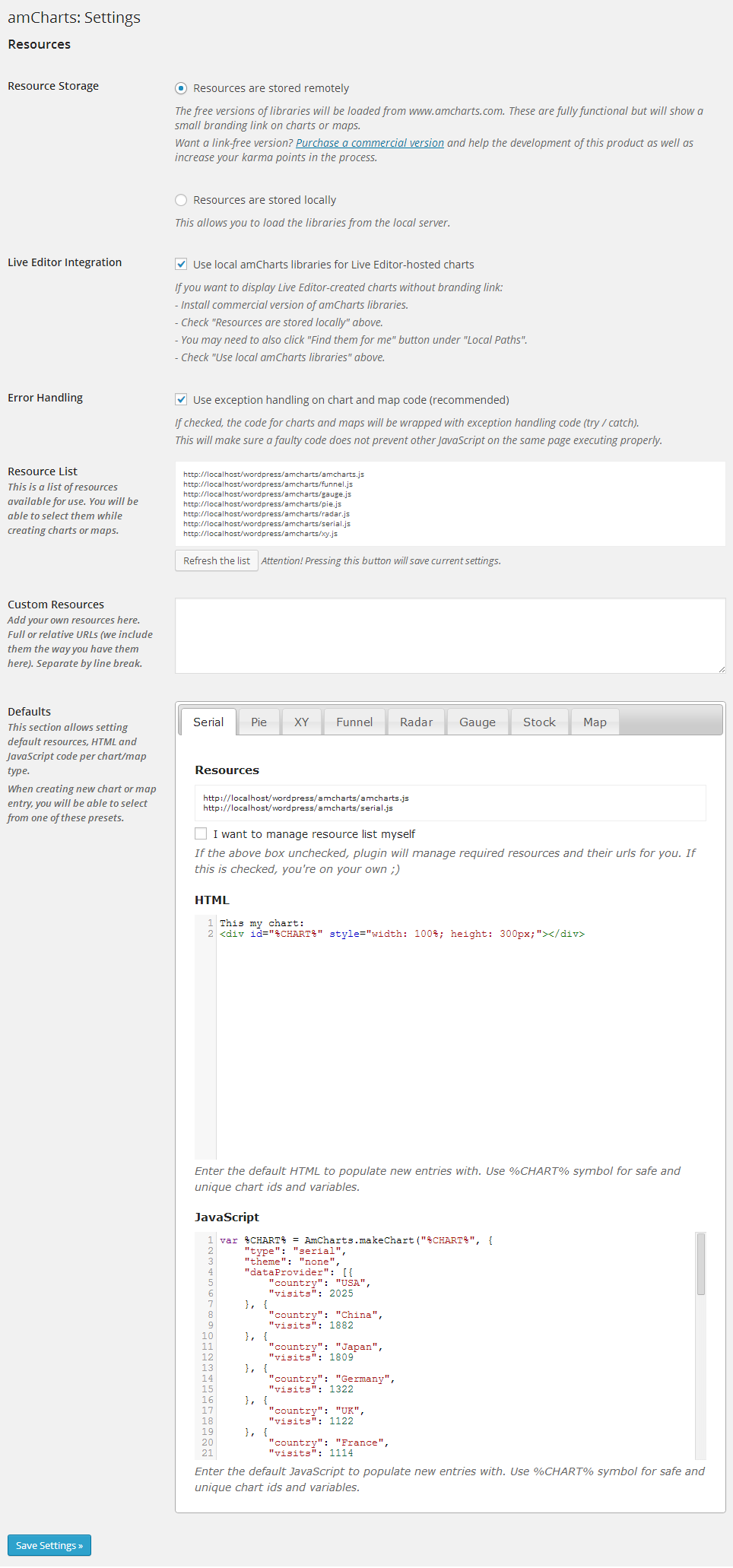
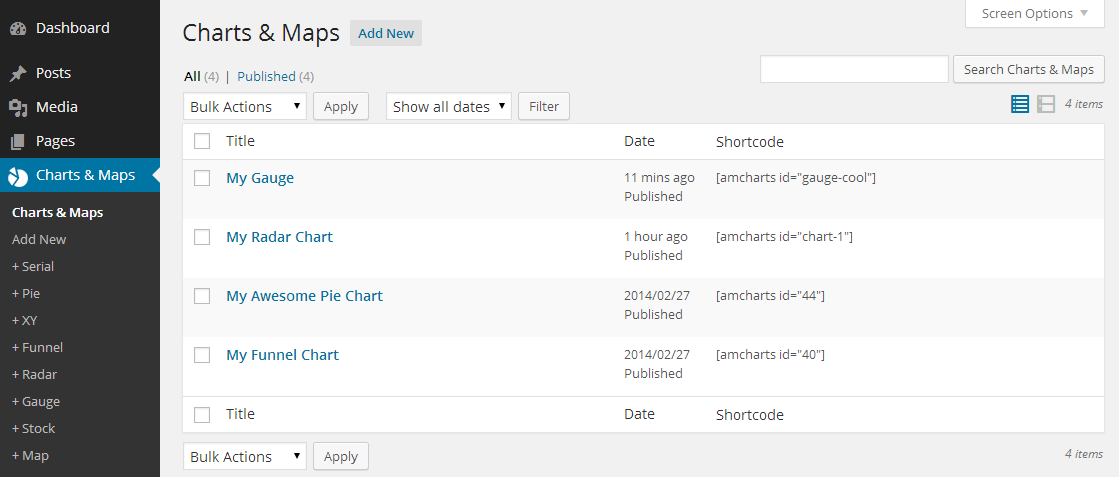
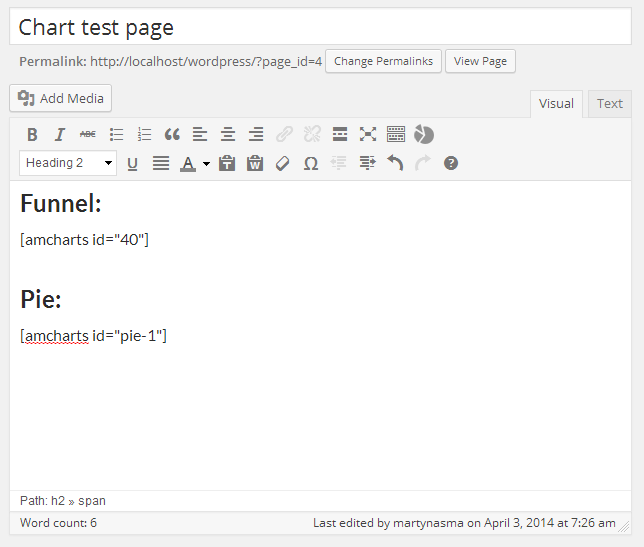
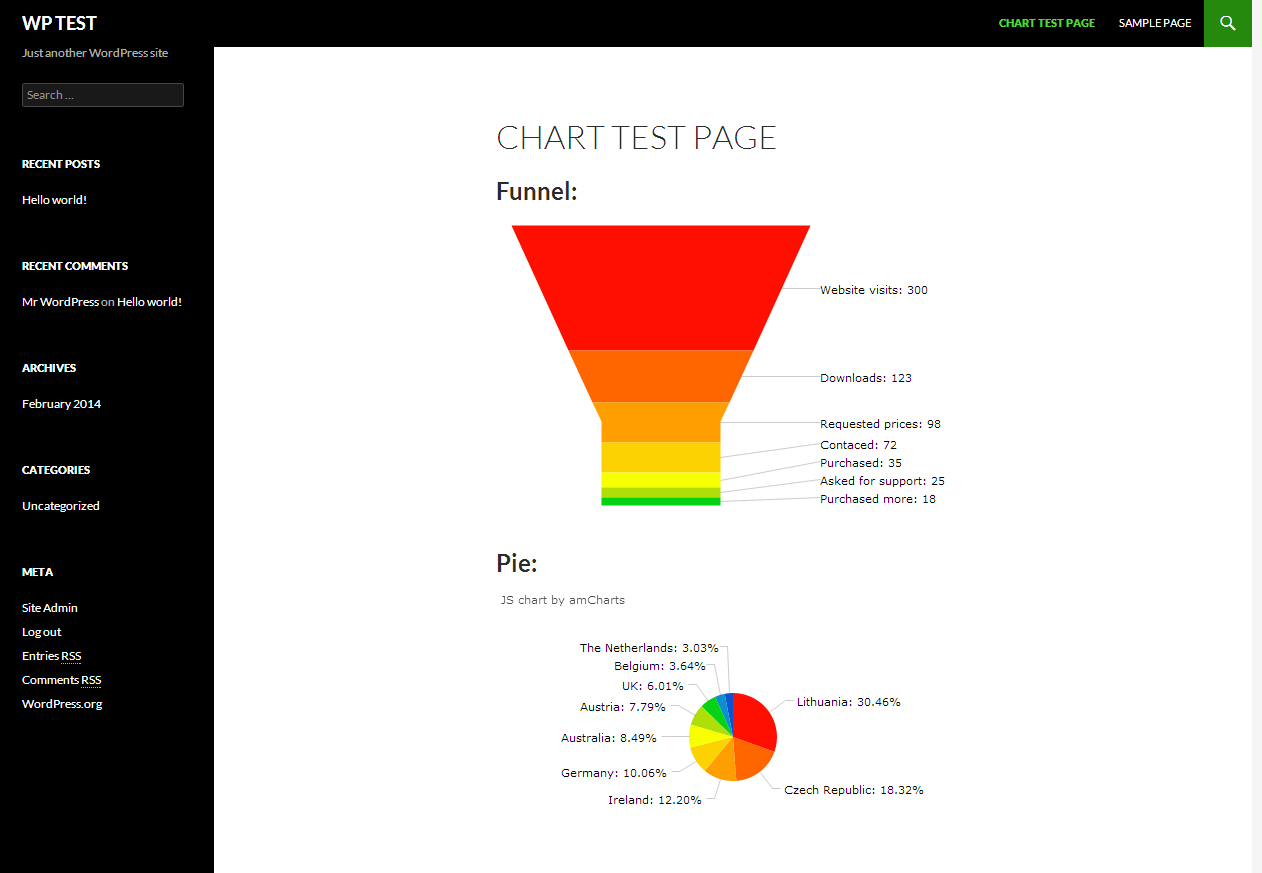
This plugin allows you to add JavaScript charts and maps to your WordPress posts or pages by creating code snippets that can be inserted as shortcodes. It also has helpful functions such as easy switching between CDN-hosted or local libraries and setting defaults per chart type. However, please note that the plugin uses amCharts' free service, which includes a small contribution displayed on all charts produced by the library.Screenshots



Changelog
1.4.3
- New setting: “User capabilities”. Allows setting which capabilities must a user have in order to be able to edit charts.
- Ciontributor role users are now not allowed to create charts by default. Changeable in Settings.
- Tested up to WP 6.5.2.
1.4.2
- Tested up to WP 6.5.
1.4.1
- Minor XSS vulnerability fixed.
1.4
- Tested up tp WP 6.1.
- Added amCharts 5 support.
1.3
- Chart popup will now open faster since it uses built-in “thickbox” and in-line code rather than
<iframe>. - Some PHP warnings has been fixed in debug mode.
- Plugin now uses CodeMirror library bundled with WP if available.
1.2.3
- CodeMirror dependency is no longer included in all Admin pages, just the ones that are related to amCharts.
1.2.2
- Fixed error of passing in data via “data-” shortcode parameters when V4 is enabled.
1.2.1
- Prevent Chart code to be executed multiple times in case some plugin was causing shortcodes to be processed twice.
1.2
- Added amCharts 4 support with switcher between two amCharts versions
1.1.6
- Upgraded CodeMirror to a latest version
- Verified WP 4.9.2 compatibility
1.1.5
- Fixed Gauge Chart example
1.1.4
- Made some changes so that plugin can be translated more easily
- Added Lithuanian translation
1.1.3
- Fixed warnings in WP debug mode
1.1.2
- Local reseource list refresh was omitting theme files
1.1.1
- Fixed minor PHP7 incompatibility
1.1
- Added WPML support
1.0.19
- Filters now are applied to various parts of the chart inserted via shortcode
1.0.18
- Fixed unnecessary loading of resource list from amcharts.com on every request
- Introduced option to use relative resource URLs (available in Settings)
- Remote resources now use “//” protocol prefix so that it inherits either http or https depending on what the website uses
1.0.17
- Decode values of “data-*”” attributes passed in from shorcode
1.0.16
- Fixed an error passing data that had “=” in it
1.0.15
- Fixed an error passing data to using “data-*” parameters on newer WPs
1.0.14
- Added oEmbed support for https-enabled Live Editor URLs
1.0.13
- Change “%CHART%” meta code to “$CHART$” so that code is valid JavaScript. (old syntax still works)
- Tweaks for better support of settings page markup according to WP 4.4 specs
- Cleaned up default chart templates (will affect only new installs)
1.0.12
- Added support for WP installs with non-standard directories
1.0.11
- Fixed a critical error after upgrade
1.0.10
- Resources tab can now include .css files
1.0.9
- Added GANTT chart type support
1.0.8
- Resource list now contains amCharts plugins
1.0.7
- Added an option to wrap all chart/map code into exception try/catch block
- Added ability to pass in custom parameters via shortcode
1.0.6
- Fixed a warning that was being displayed if WordPress debug mode was enabled
1.0.5
- Fixed a bug that was causing resource list to break on some PHP setups
1.0.4
- Added an option to use self-hosted (commercial) amCharts libraries with embedded Live Editor charts
1.0.3
- Chart insert window now shows recent chart first with ability to live-search all available charts
- Chart shortcodes will now be inserted using user-friendly slug instead of id
- Added ability to insert and embed charts created with Live Editor
1.0.2
- Added a way to preview the chart while editing it
- Added ability to enter a user-friendly slug/ID for the chart to be used in shortcodes
- Fixed potential conflicts of the same libraries included from different locations on the same page
1.0.1
- Shortcode column was showing for all post types
1.0
- Initial release

