

Just another contact form plugin. Simple but flexible.
About Aquila Admin Theme
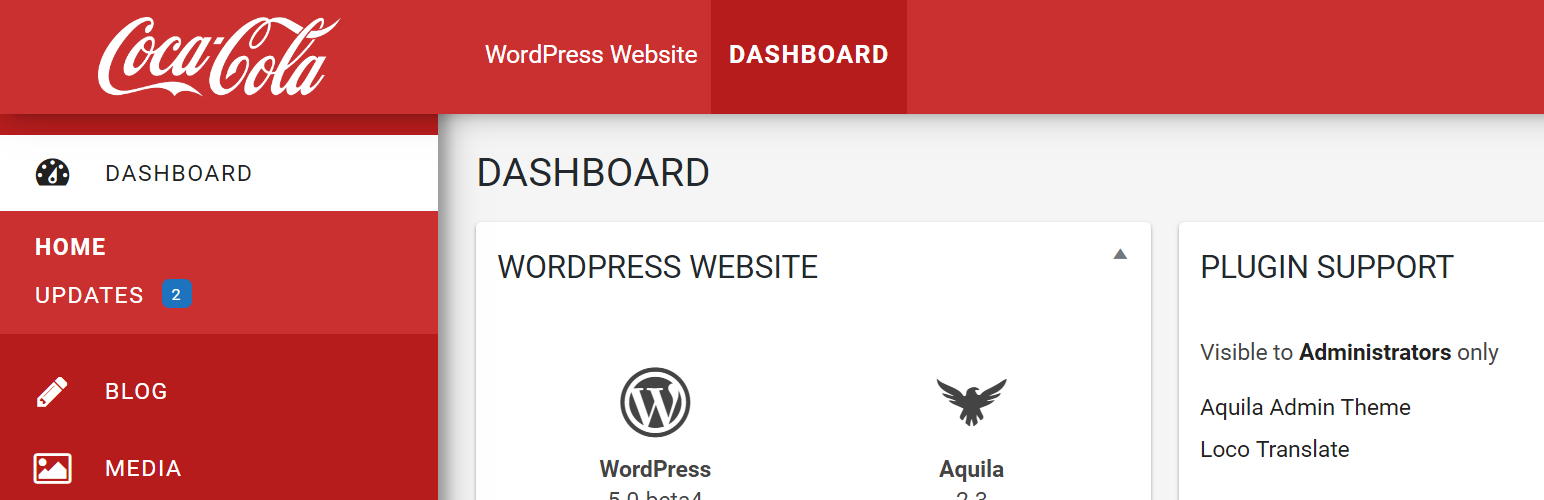
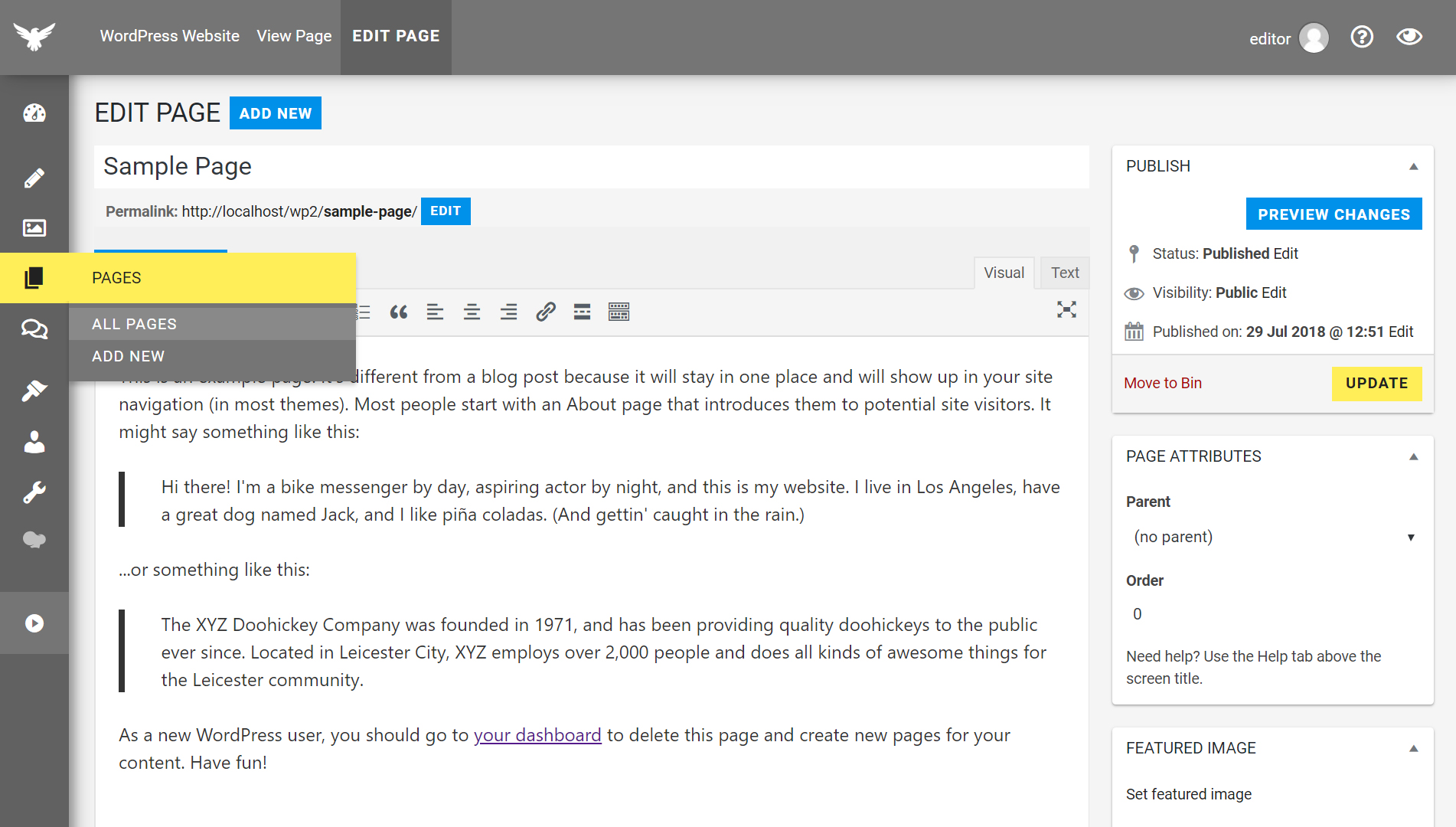
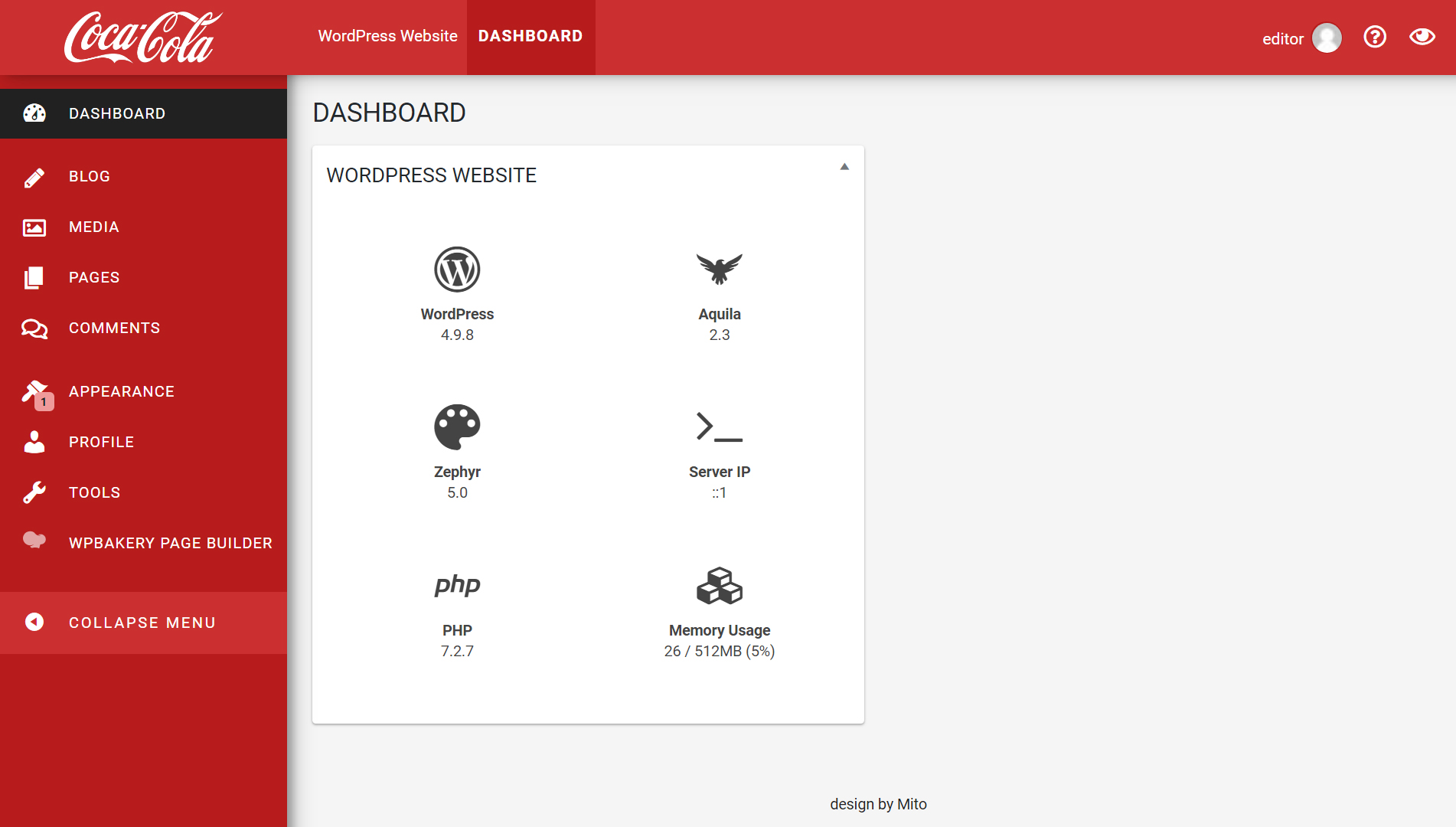
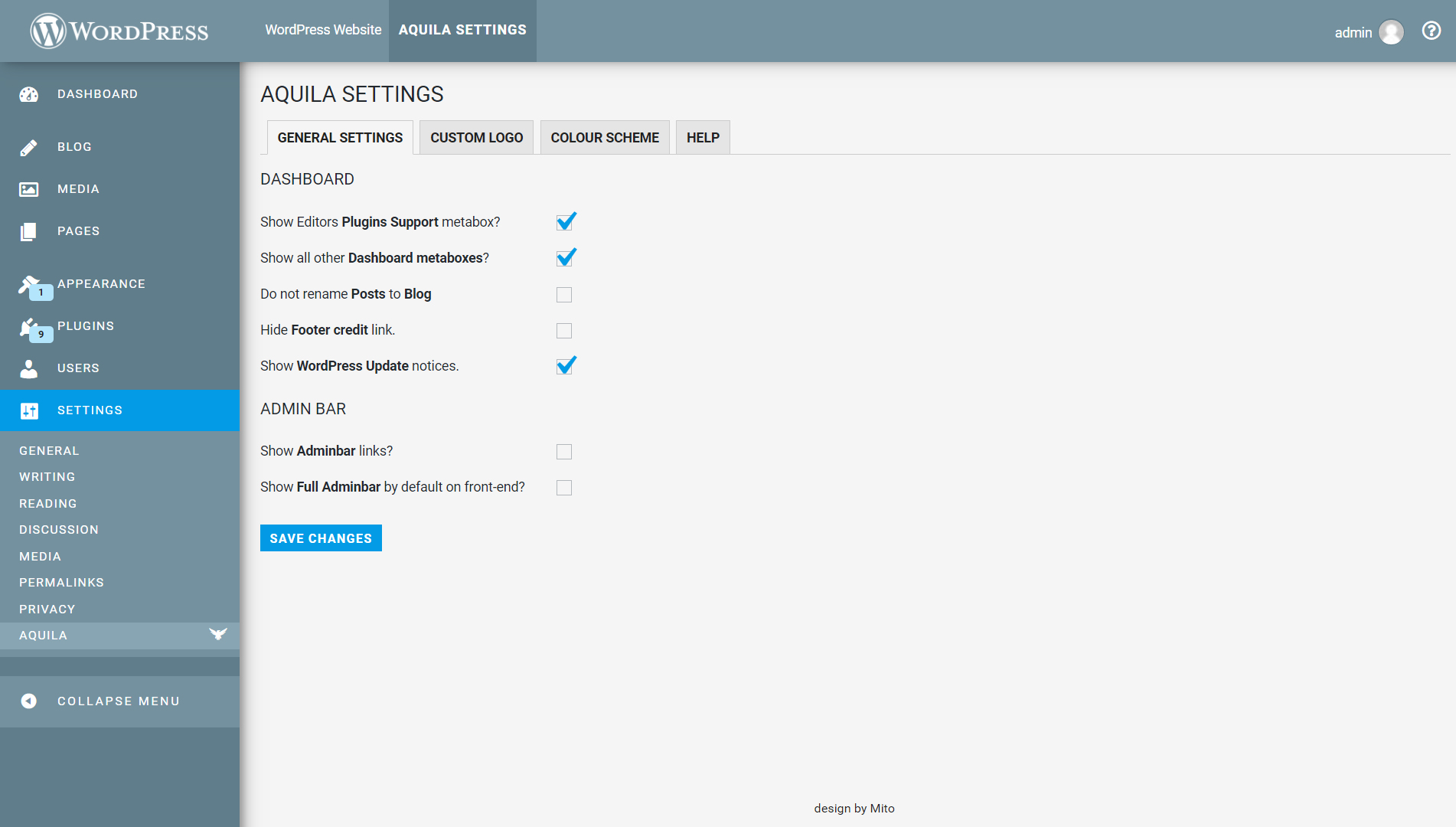
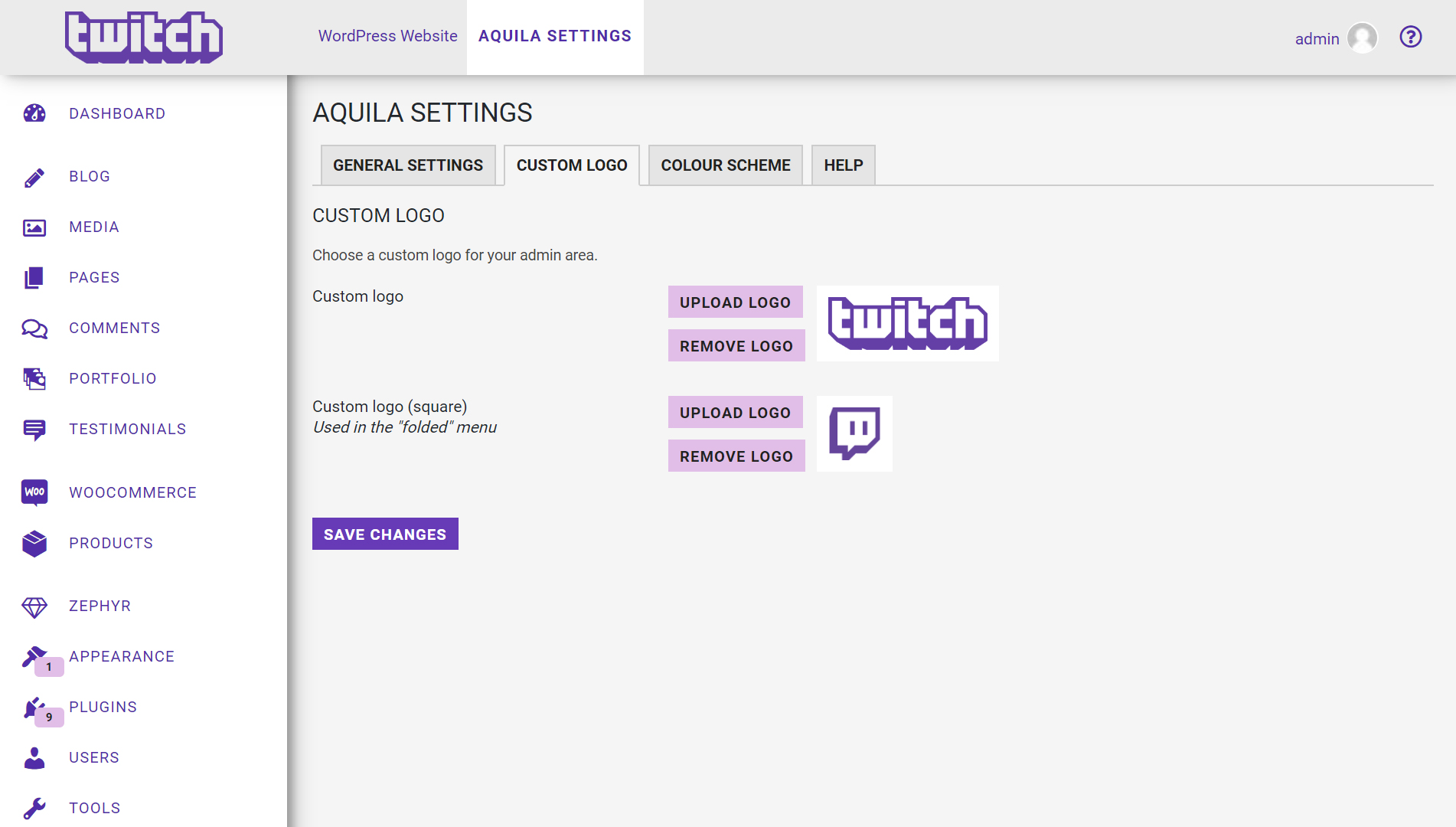
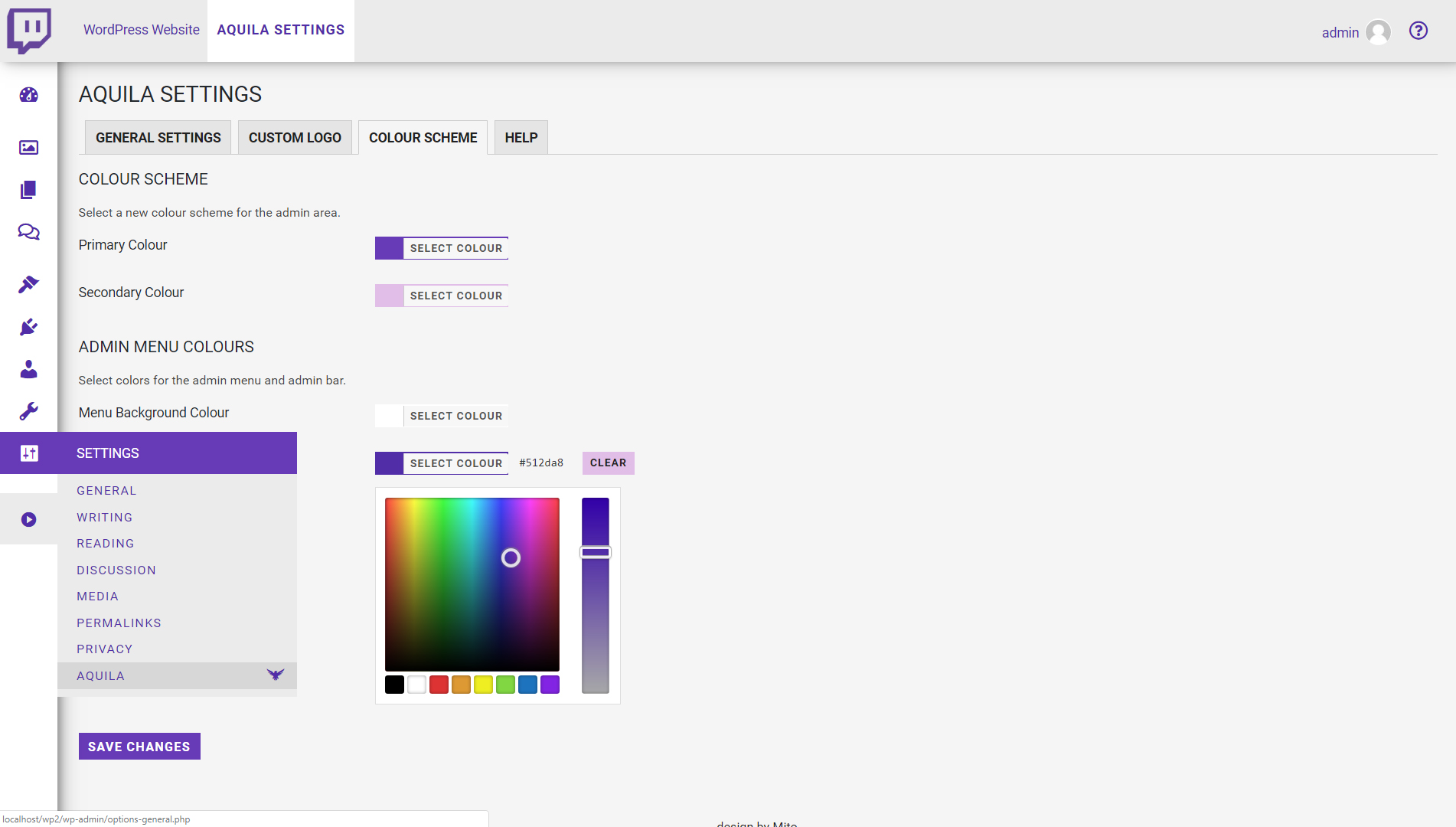
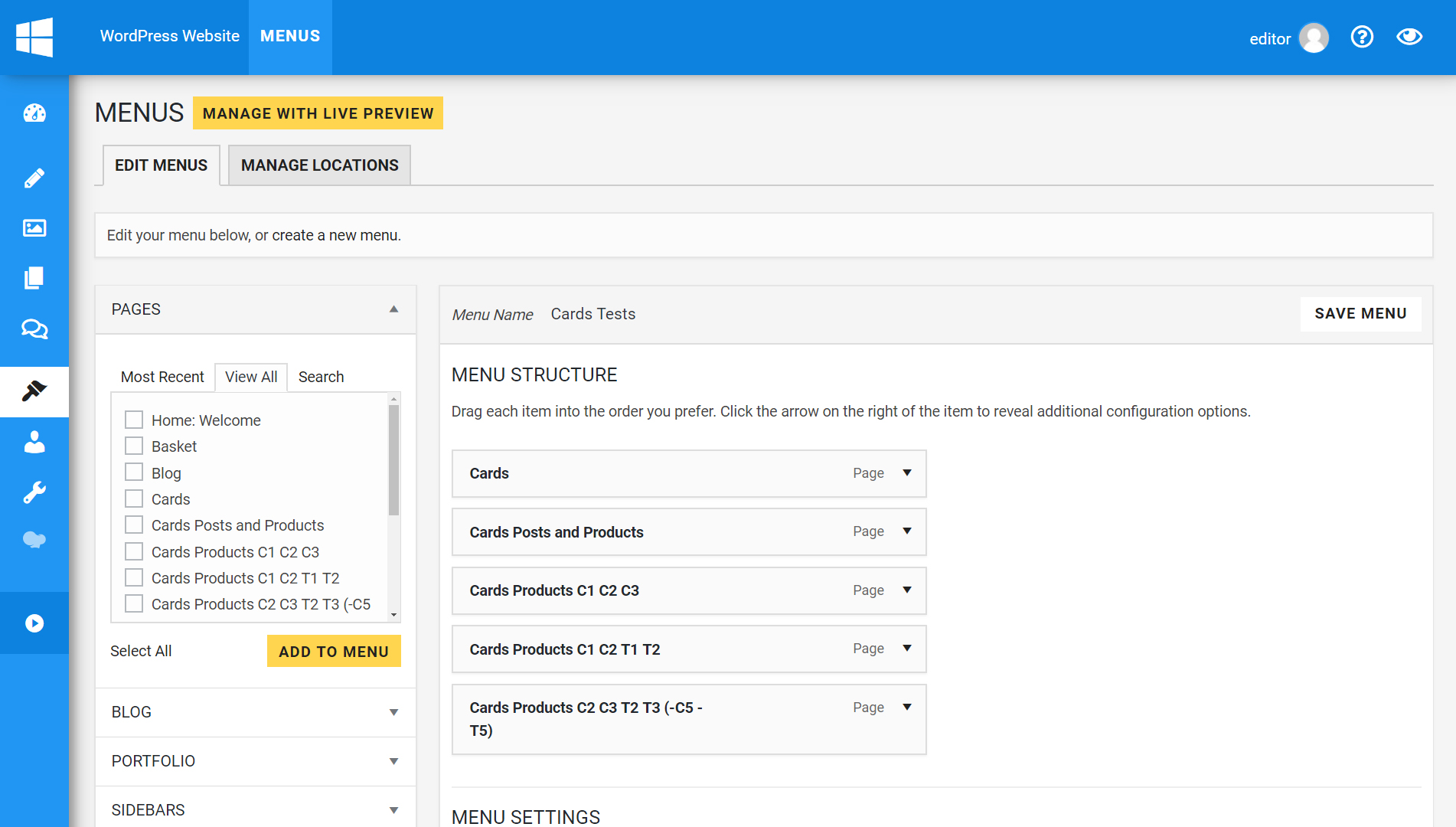
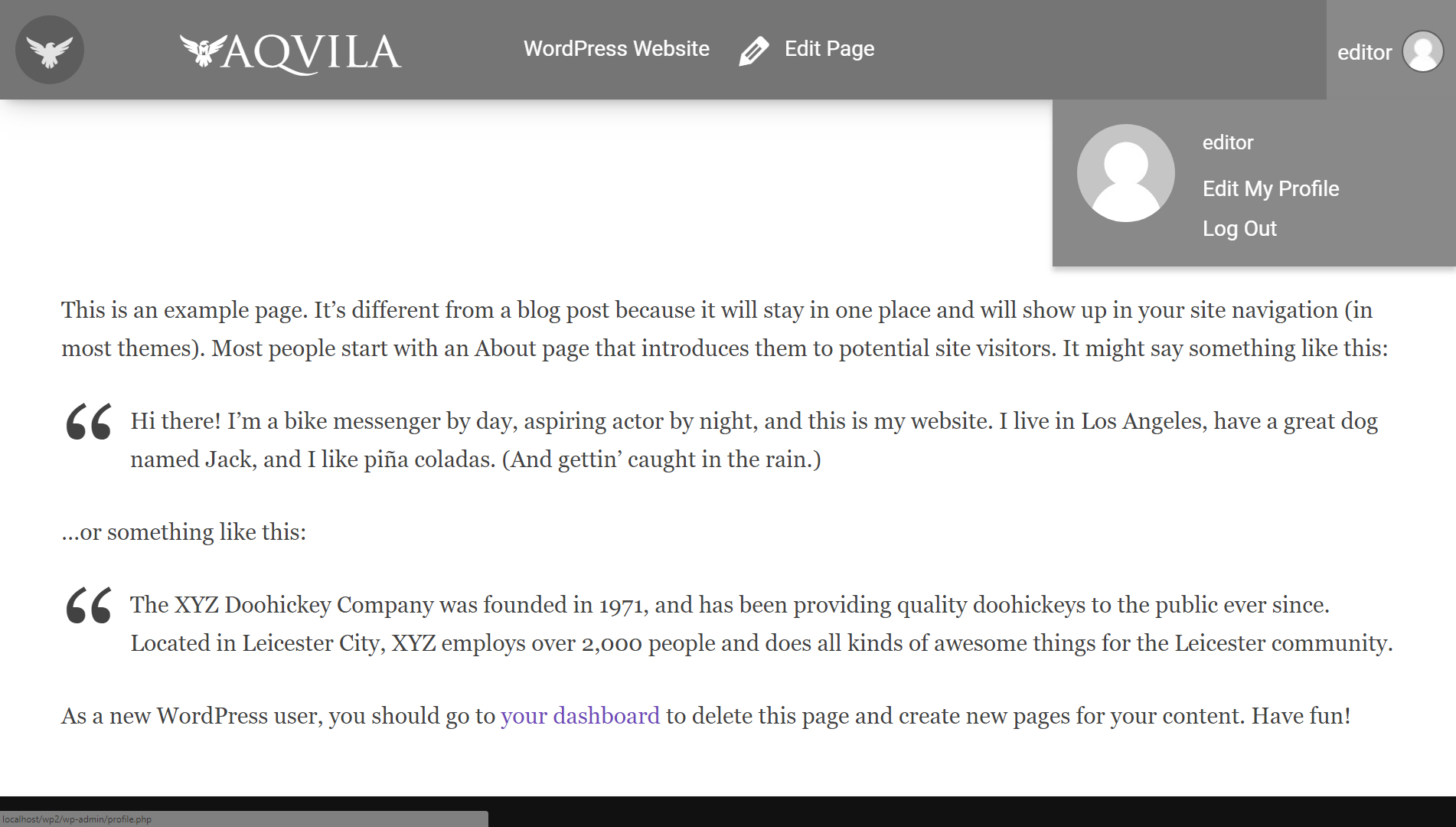
Aquila is a customisable WordPress Admin theme that is inspired by Material Design. It cleans up the admin area and allows you to make changes such as using your own logo, choosing a custom color scheme, and simplifying the user profile area. It also includes support for features like Multisite and Gutenberg, and provides a settings page to control these options.Screenshots
Changelog
3.1.1 – 31/05/2021
- Code refactored.
- Bug fixes.
- New support links for adminbar.
- Footer credit removed.
- Removed FontAwesome dependency.
- Version updated.
3.0.3 – 03/10/2020
- Login styling updated.
- Code updated for PHP 7.4 compatibility.
2.4.3 – 19/05/2019
- Added option to hide admin bar logo drop-down menu.
- Fixed issue with Gutenberg blocks being hidden behind admin menu.
- Fixed issue with Gutenberg notices being partially obstructed behind Gutenberg top bar.
- Fixed admin bar CSS on front-end.
- Fixed alignment of WPBakery Page Builder modal windows.
2.4.2 – 31/01/2019
- Fixed error with lessc_formatter_compressed class.
- Added option to disable login page styling.
- Fixed styling of password reset page.
- Fixed styling of registration page.
- Fixed undefined variable “visibleText”.
- Fixed styling of input boxes.
- Updated part of welcome widget.
- Added darker background to clear PNG images in Media Library.
- Added option to change the admin area link colors.
2.4.1 – 07/12/2018
- Fixed issue with body classes.
2.4 – 13/11/2018
- Added versioning to loaded resources.
2.3 – 13/11/2018
- New admin bar with icon and hidden top-bar.
- Added versioning for main JS file to allow easier updating of the plugin.
- Added failsafe check for lessc compiler in case it’s already being used by another plugin.
- Reverted the color picker to standard WordPress function, as the other one was rubbish.
- Option to show admin bar by default on front-end.
- Revised options page.
- New “Menu Text Color” option.
- Better method of hiding admin bar links.
- Actions links added to plugins page.
- Added “Help” tab to the settings page.
- Re-structured settings area code.
- Failsafe check added to postToBlog.php to see if the submenus exist before modifying them.
- Login page logo title changed to site title.
- Interim login styling issue fixed.
- New asset images for WP repo.
- New translation files added for English (UK) and Italian.
- Tested with WP 5.0-beta4 and Gutenberg.
2.2.1 – 29/09/2017
- Fixed readme file.
2.2 – 29/09/2017
- Added customisable color scheme with a color-picker in the admin area.
- Material Design color picker.
- Create a new tabbed options page.
- New icons for WooCommerce product types in the admin area.
- Added “Analytify” and “Always Show Hooks” plugins to the list of removed adminbar links.
- Added an option to remove the footer credit link.
- Added an option to show WP upgrade notices.
- Fixed bug with renaming “posts” to “blog” when user has specific custom user role.
- LessPHP used to convert selected colors to CSS variables.
- Fixed margin of metaboxes in “WP Optimize” plugin.
- Fixed layout bug with the login CAPTCHA in “All-in-one Security” plugin.
- Created a list of Material Design Color Palette colors as PHP variables for use throughout plugin.
- Plugin set up for translation.
- Minor bug fixes.
2.2 – 29/09/2017
- Same as v2.2 (re-committed).
2.0.3 – 17/07/2017
- Fixed conflict with WP All Import plugin when custom logo is used.
2.0.2 – 14/06/2017
- Fixed custom logo alignment in FireFox.
2.0.1 – 14/06/2017
- Fixed “Headers already sent” error.
2.0 – 14/06/2017
- Ability to use your own logo images instead of the WordPress or Aquila logos.
- CSS re-written using LESS. Complete re-design.
- 35 new custom SVG icons added.
- Tweaked color scheme to Google’s Material Design spec.
- “Dashboard” no longer renamed.
- Dashboard icon back to standard dashicons.
- Added body classes “aquila”, “aquilaFront” and “aquilaAdmin” to help with CSS targeting.
- “Aquila Support” metabox removed.
- Links removed under admin bar WP-Logo, and Aquila/WordPress support links added.
- Typeface changes – now “Roboto” to match Material Design style.
- Plugin support added for 103 popular plugins.
- “Contextual Help” and “Screen Options” links removed from title area. Added smaller icon links in the admin bar for these.
- Current admin page title added to Admin Bar.
- Admin Bar de-cluttered.
- New admin menu icons.
- Plugin support widget now links to settings page to change view capabilities.
- Footer text width issue fixed.
- WooCommerce Status metabox fixed.
- Added server stats to Dashboard metabox (server IP address, PHP version, server memory usage and memory limit etc.).
- Clear PNG images given a grey background for easier visibility in the Media Library.
- Added option to leave “Posts” post type as it is, or rename it to “Blog”.
- Dashicons in Admin Bar fixed when all links are displayed.
1.0 – 27/06/2016
- Aquila Settings page to control various functions.
- Multisite support for “Plugins Support” widget.
- Admin menu icons added for various plugins.
- Many plugin links removed from admin bar to keep it clean.
- Tested with over 100 popular plugins for conflicts.
0.95 – 20/06/2016
- Fixed issue with wp-logo in top-left of admin area.
0.94 – 20/06/2016
- Temporarily removed “plugin support” metabox due to issue on MultiSite installations.
0.93 – 20/06/2016
- New login screen.
- CSS (LESS) reformatted.
- Added more CSS cross-browser support.
- Fixed-position background logo.
- Functions organised and separated.
- Support links for all installed plugins now available to admins on dashboard.
- “Welcome” widget removed.
- Theme info in dashboard metabox.
0.92 – 15/06/2016
- ReadMe file updated.
- Asset images added.
0.91 – 10/06/2016
- Beta release.

