

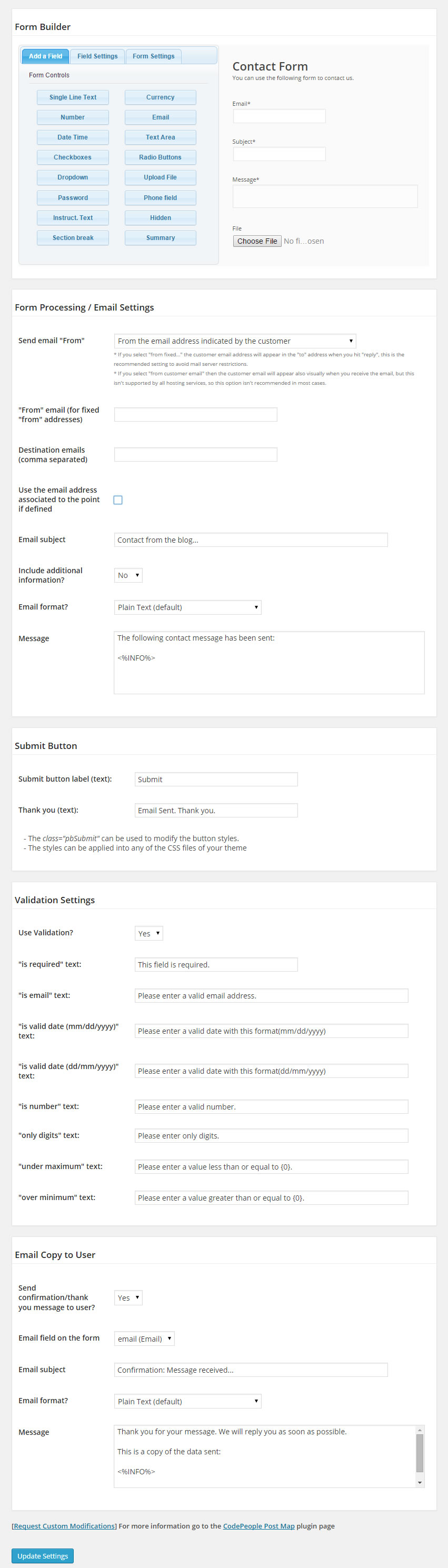
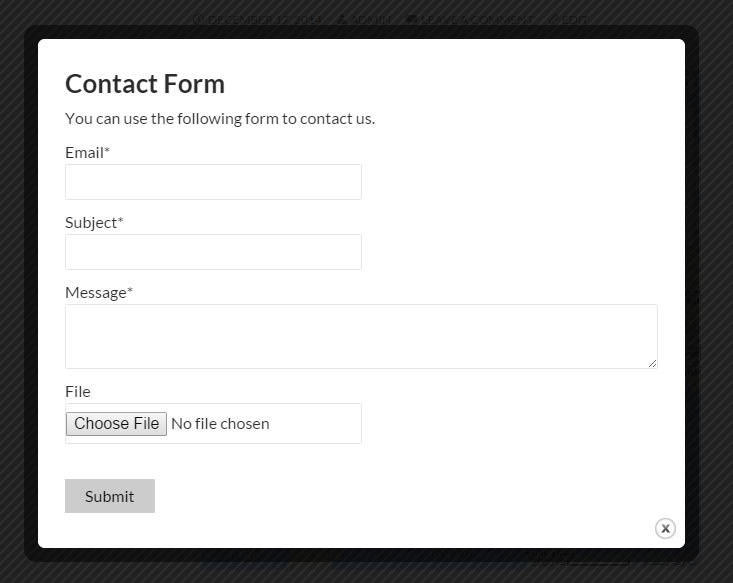
Just another contact form plugin. Simple but flexible.

About Google Maps CP
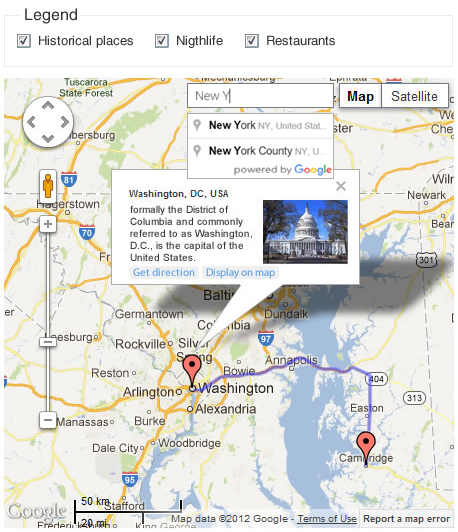
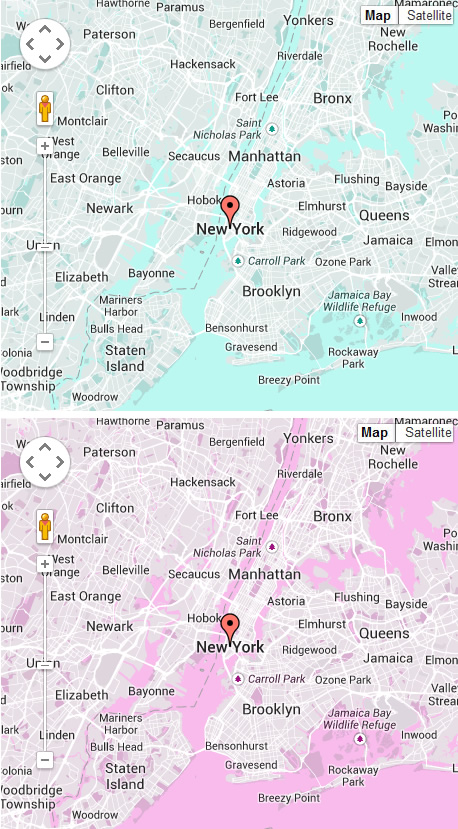
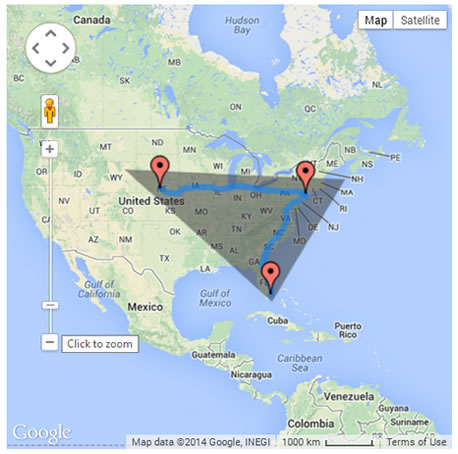
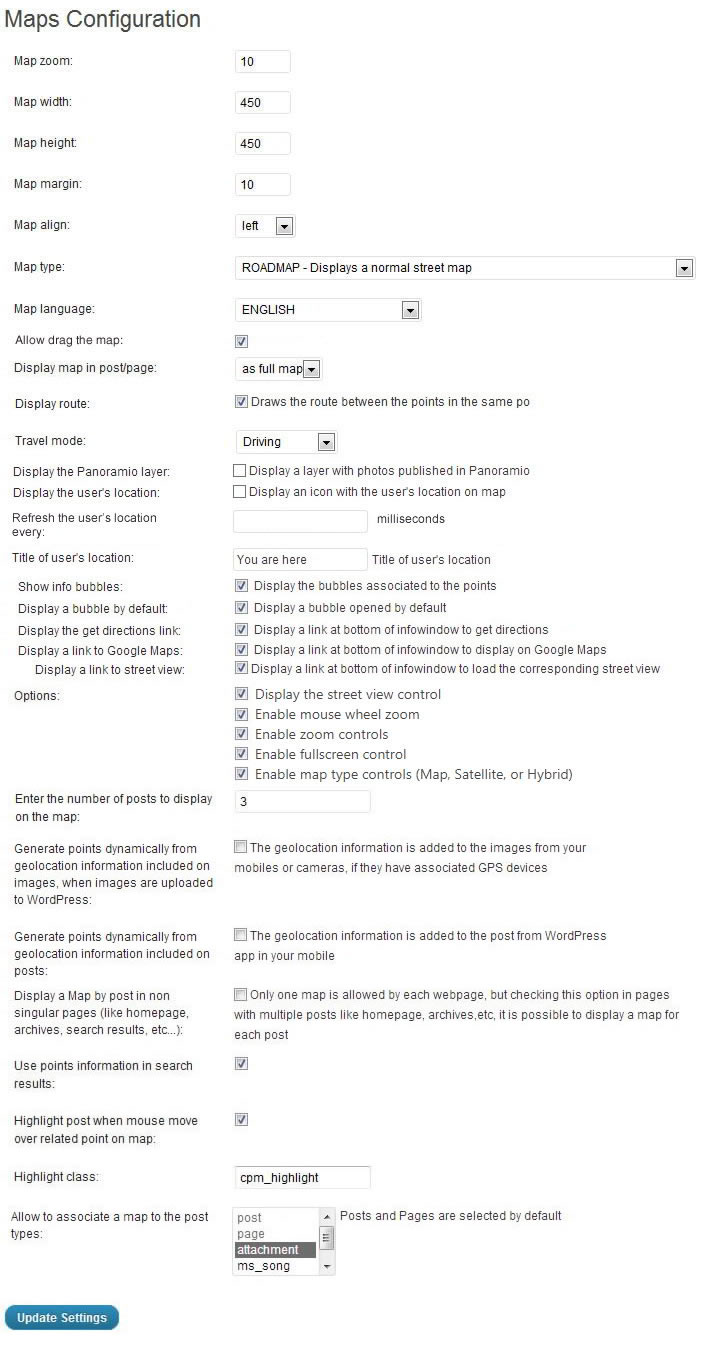
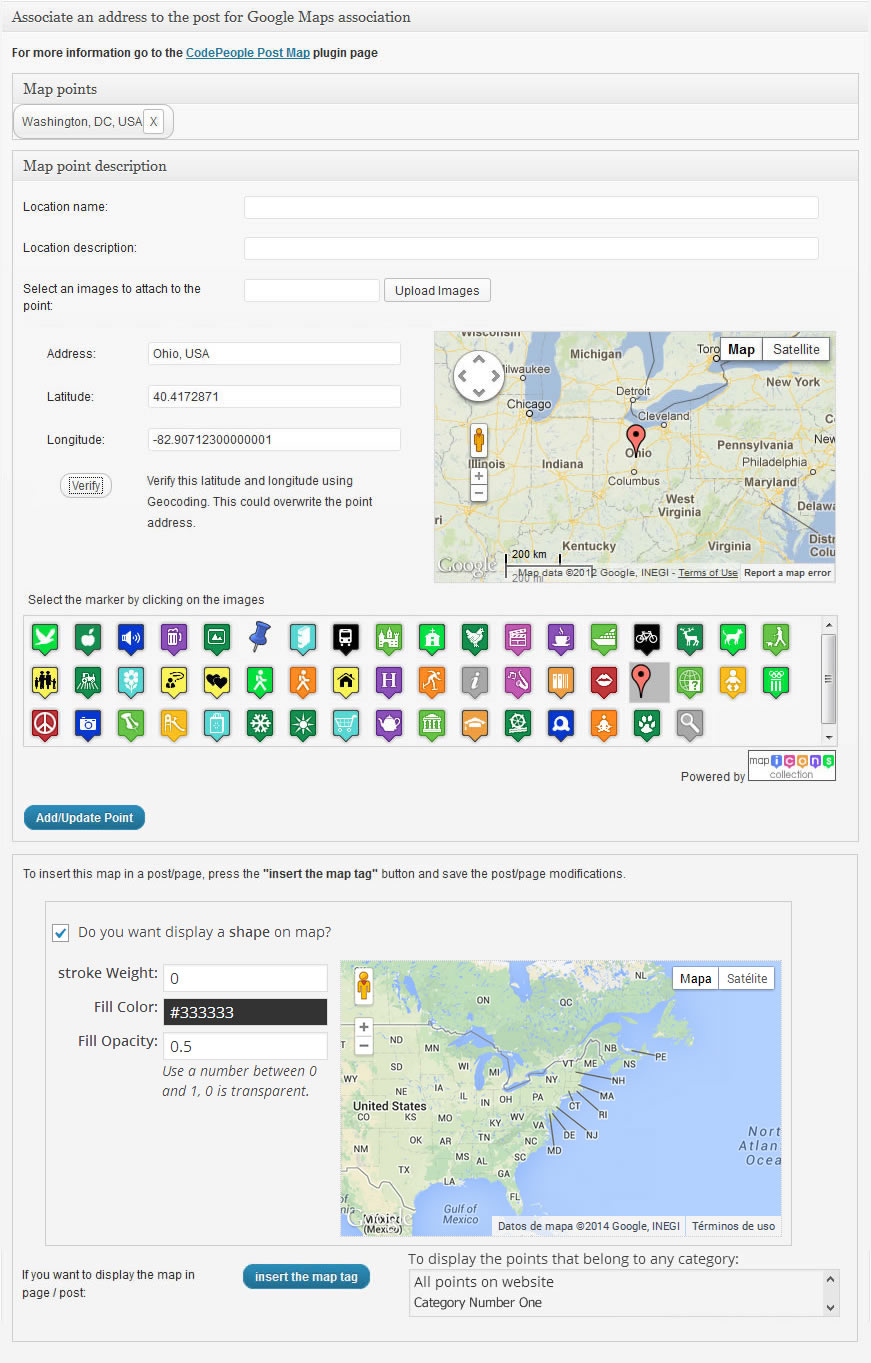
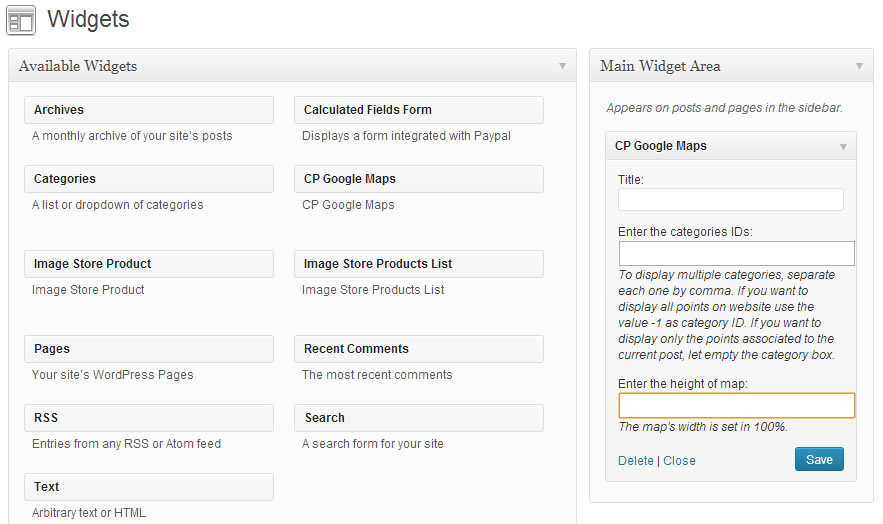
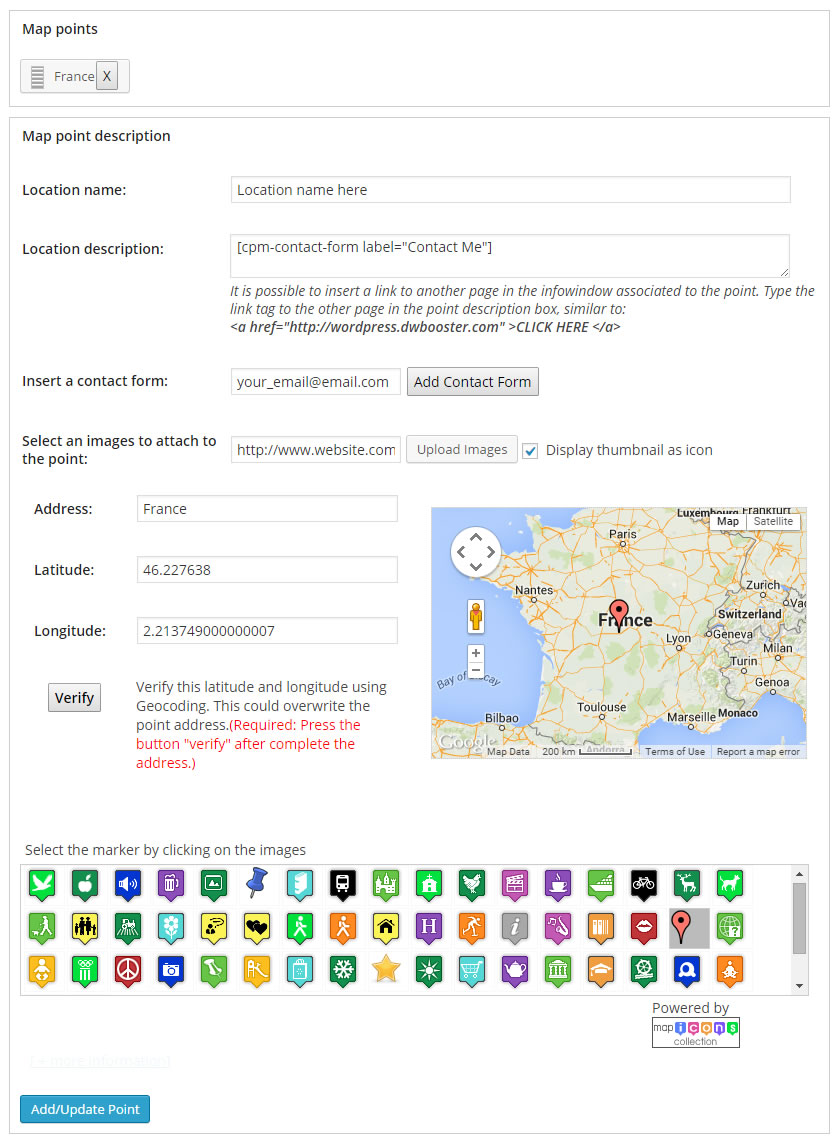
Google Maps CP is a plugin that allows you to easily insert Google Maps into your WordPress blog. It offers a wide range of customization options, including the ability to deal with large volumes of markers, customize map markers, and embed maps in multiple languages. The premium and developer versions of the plugin also offer additional features such as the ability to load points belonging to specific pages or posts, draw routes, and create legends.Screenshots

Changelog
1.2.2
- Improves the plugin interface.
1.2.1
- Resolves a compatibility issue with WordPress version previous to 5.5.
1.2.0
- Introduces the new Marker and Cluster libraries.
- Updates the Gutenberg block and metabox for enhanced functionality.
- Enhances the plugin settings page for a better user experience.
1.1.8
- Allows configuring the points to display when WPML is installed on the website.
1.1.7
- Load Google Maps APIs asynchronously so as not to affect website performance.
1.1.6
- Fixes a conflict in the activation process with WP6.5.
1.1.5
- Implements the integration with new Borlabs Cookie version.
1.1.4
- Improves the integration with third-party plugins.
1.1.3
- Removes deprecated JS code.
1.1.2
- Hides the map gray background color on zoom out.
1.1.1
- Fixes an issue in default variables.
1.1.0
- Improves the plugin interface.
- Implements the WCML integration to display points from active language.

