Order Categories and all custom taxonomies terms (hierarchically) using a Drag and Drop Sortable JavaScript capability.

About WP-Print
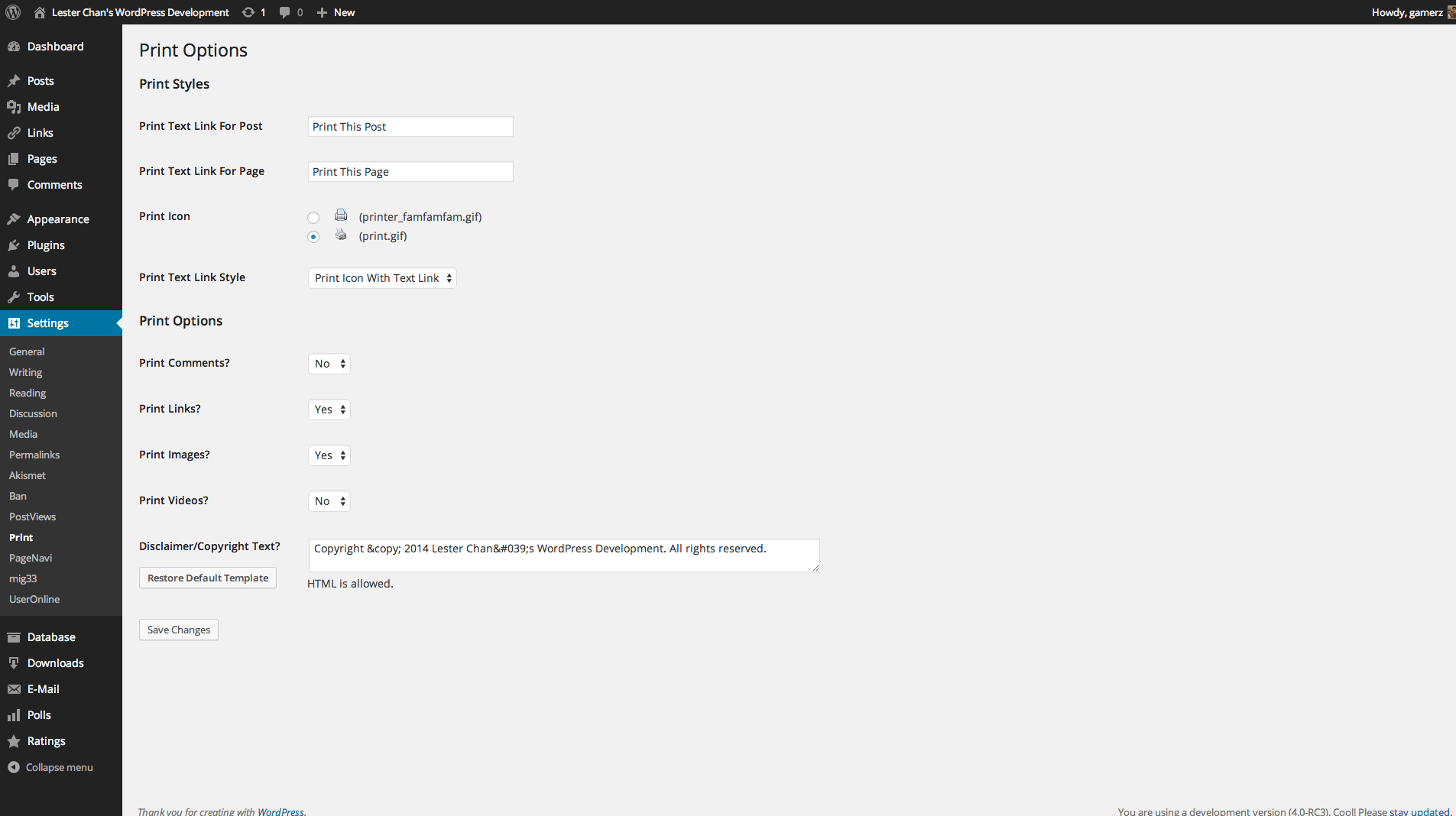
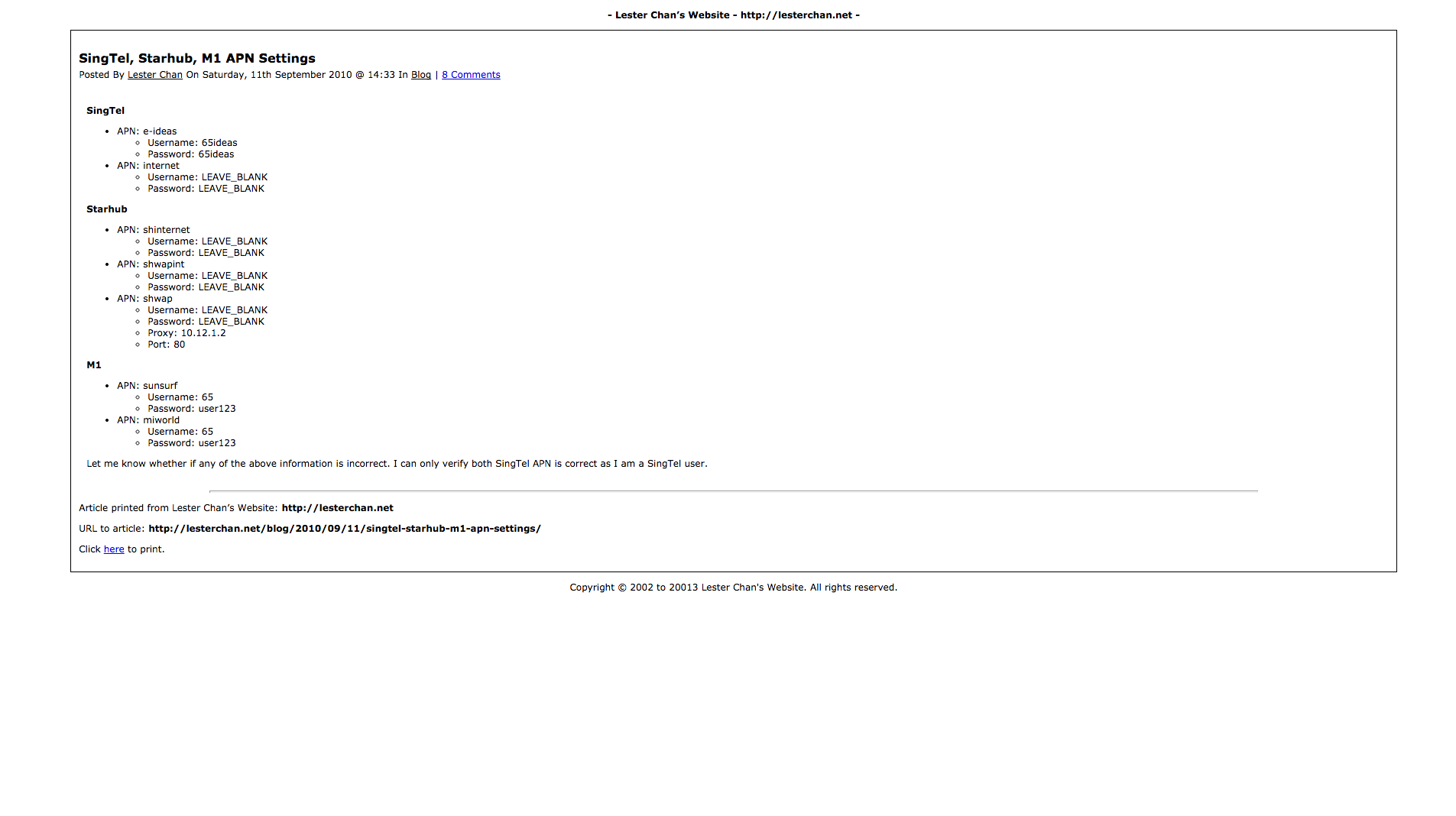
To set up the WP-Print plugin, go to the WP-Print settings page in your WordPress admin panel and then regenerate the permalinks. Refer to the usage instructions to add the print link to your theme's index.php or other relevant files. You can also customize the text for printing posts and pages in the plugin settings or embed the print link into specific posts/pages using the [print_link] shortcode.Screenshots
Frequently asked questions
How do I set up WP-Print after installation?
After installation, navigate to WP-Admin -> Settings -> Print for plugin settings. You also need to re-generate permalinks by going to WP-Admin -> Settings -> Permalinks and clicking 'Save Changes'.
How do I display the print link on all posts/pages?
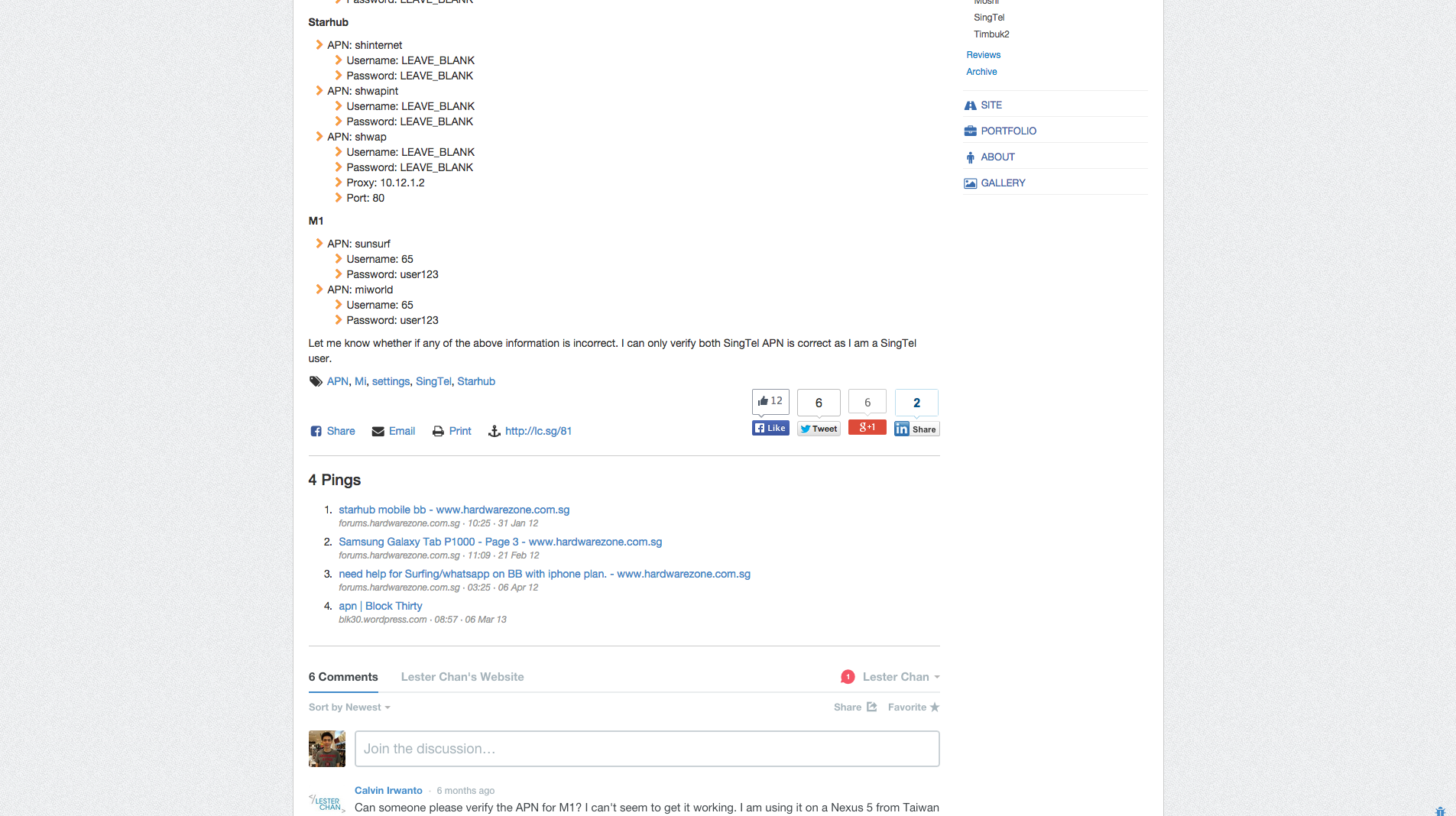
To display the print link on all posts/pages, add <?php if(function_exists('wp_print')) { print_link(); } ?> below <?php while (have_posts()) : the_post(); ?> in your theme's index.php, single.php, post.php, and page.php files.
How can I customize the text for the print link?
You can set the text for printing posts and pages in 'WP-Admin -> Settings -> Print'. Alternatively, you can pass the text as arguments to the print_link() function, for example, print_link("Print Post", "Print Page").
How do I display the print link only on specific posts or pages?
If you do not want the print link to appear on every post/page, do not use the PHP code in your theme files. Instead, type [print_link] into the content of the selected post or page.
Changelog
2.58.1
- FIXED: Strip iframe tags as well.
2.58
- NEW: Ability to print thumbnail. Props @MatthieuMota.
2.57.2
- FIXED: Check both parent and child theme
2.57.1
- NEW: Use translate.wordpress.org to translate the plugin
- FIXED: Unable to update options
2.57
- FIXED: Notices
2.56
- NEW: Updated print HTML code. Props @Luanramos
2.55
- NEW: Bump to 4.1
- FIXED: get_the_category_list() optional secondary argument
- FIXED: Replace font with p
2.54
- NEW: Finally there is custom post type support. Props nimmolo.
- NEW: Allow Multisite Network Activate
- NEW: Uses WordPress uninstall.php file to uninstall the plugin
2.53
- FIXED: Use get_stylesheet_directory() instead of TEMPLATEPATH
2.52
- FIXED: Added nonce to Options. Credits to Charlie Eriksen via Secunia SVCRP.
2.51
- NEW: Support for links that start with “//”
- FIXED: Unable to load WP-Print on Password Protected posts
2.50
- NEW: Uses jQuery Framework
- NEW: [donotprint][/donotprint] ShortCode Will Not Be Displayed As Well When Using WP-Email (Refer To Usage Tab)
- NEW: Use _n() Instead Of __ngettext() And _n_noop() Instead Of __ngettext_noop()
- FIXED: Uses $_SERVER[‘PHP_SELF’] With plugin_basename(FILE) Instead Of Just $_SERVER[‘REQUEST_URI’]
- FIXED: Nested ShortCode Issues