

The Elementor Website Builder has it all: drag and drop page builder, pixel perfect design, mobile responsive editing,…

About Cookies and Content Security Policy
This plugin helps you comply with GDPR and CCPA regulations by allowing you to block cookies and unwanted external content on your website. It also supports multiple languages and offers free stickers to translators.Screenshots


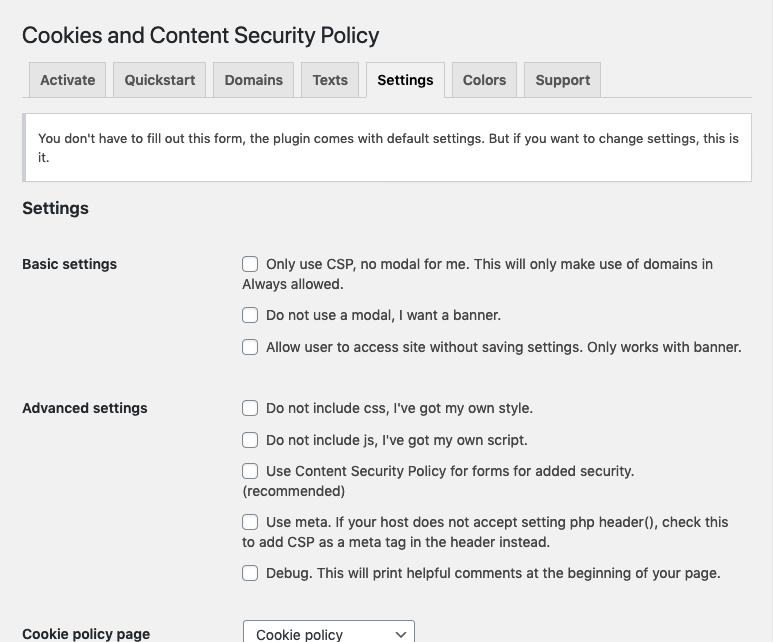
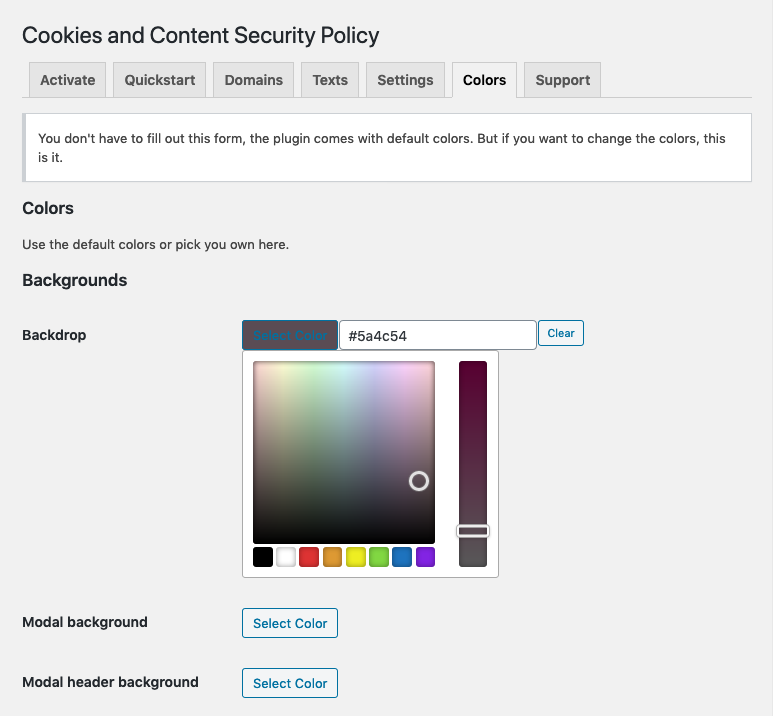

Frequently asked questions
How can I be GDPR and CCPA compliant?
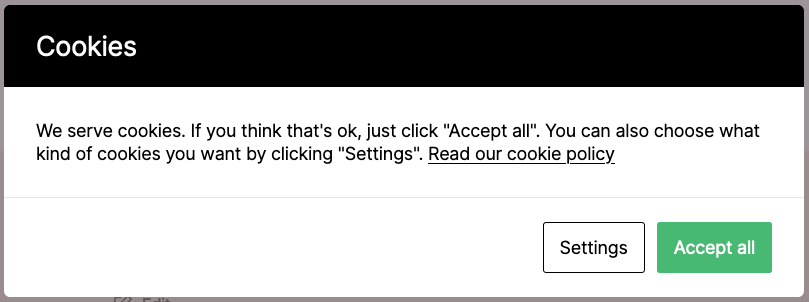
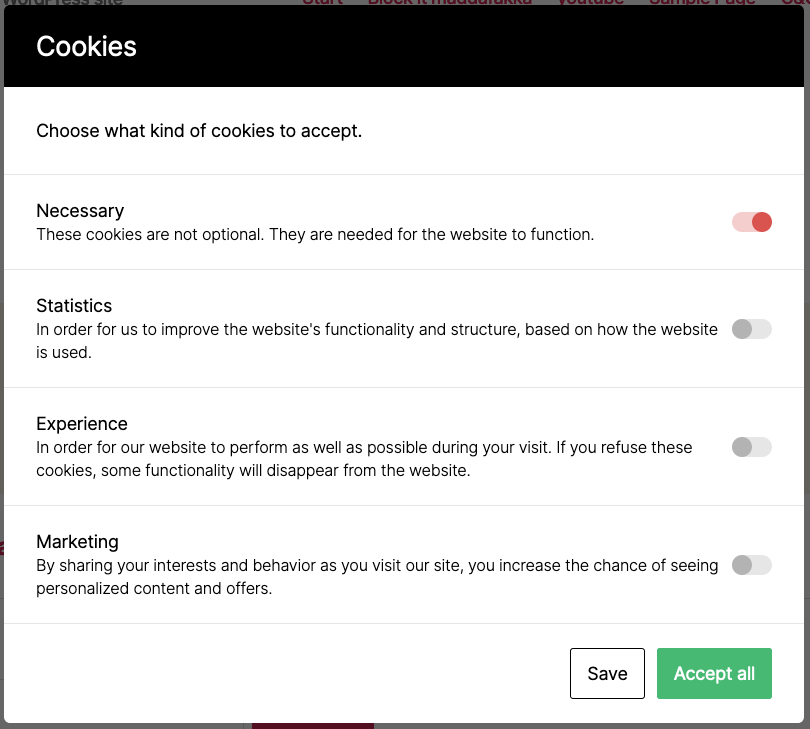
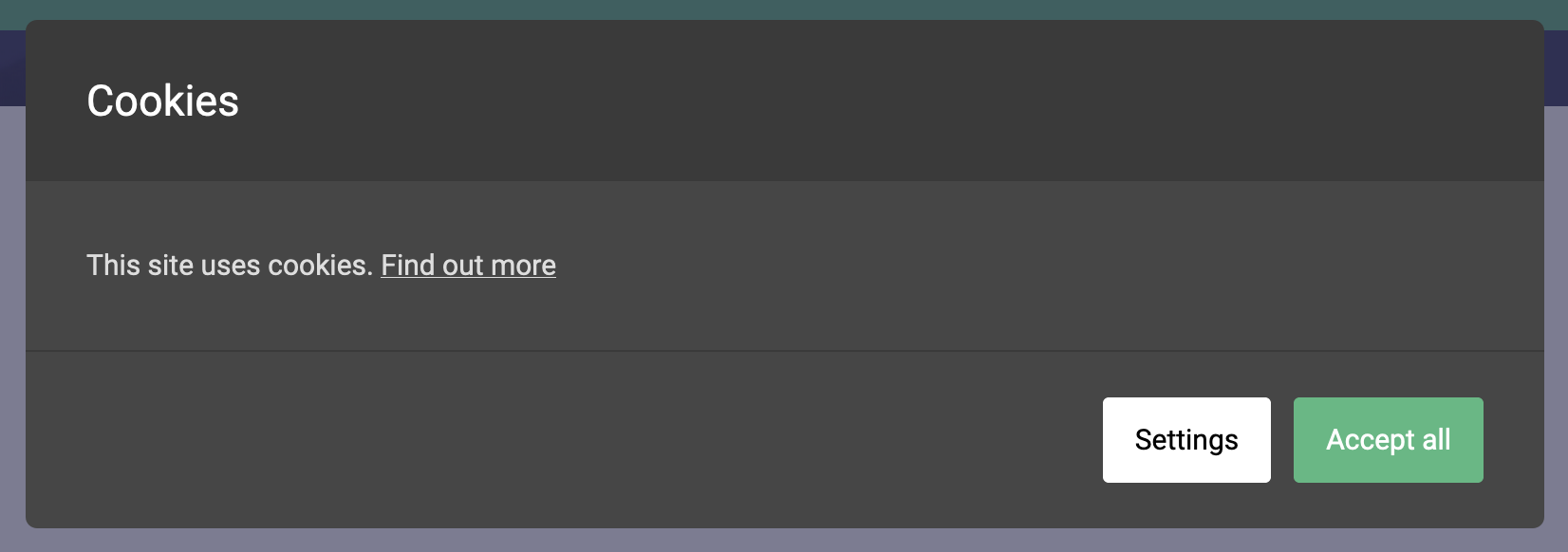
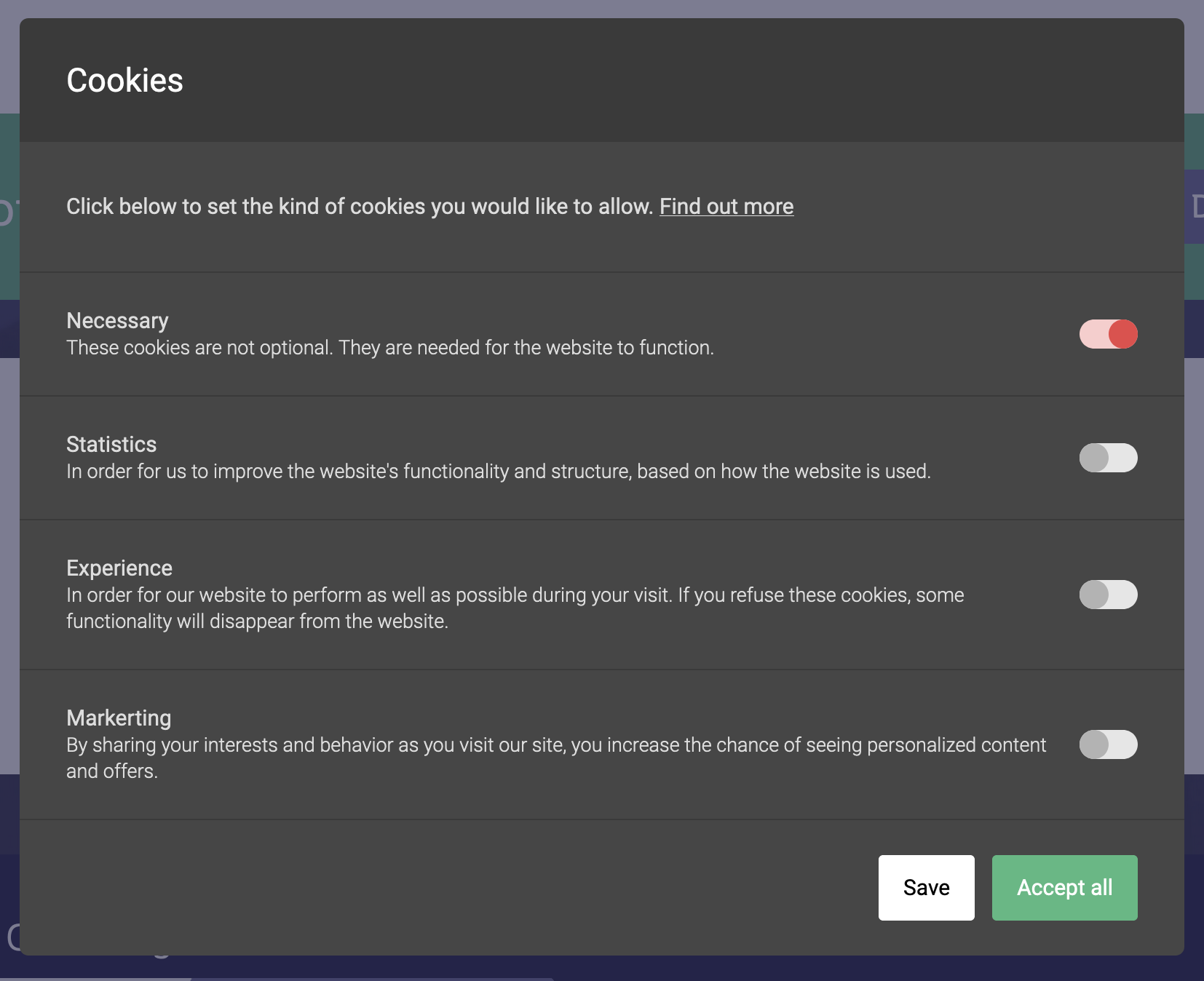
You can be fully GDPR and CCPA compliant by setting Content Security Policy to block cookies and unwanted external content. A modal will be shown on the front end to let the visitor choose what kind of resources to accept. This also adds a layer of security for your site by blocking iframes, scripts, and images from unknown domains.
Is multilingual support available?
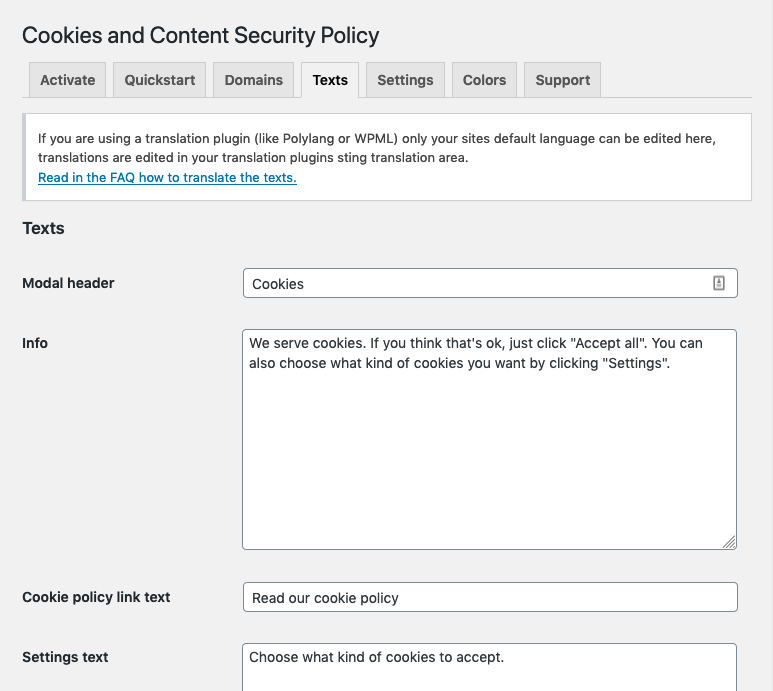
Yes, you can achieve multilingual support through WPML, Polylang, or any other multilingual plugin that follows WordPress Coding Standards. See the FAQ below for instructions on how to translate with WPML or Polylang.
How can I quickly set up the plugin?
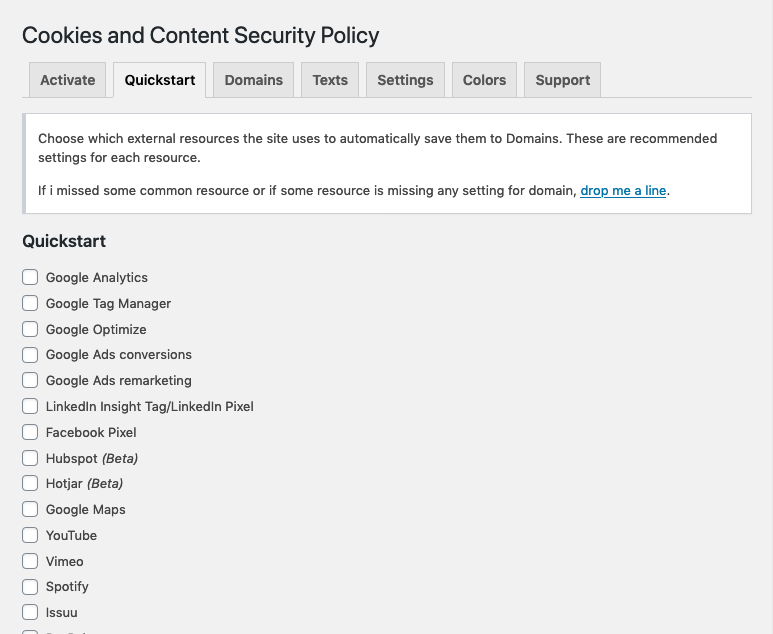
You can choose common resources from a list that are automatically added to your Domains list. This makes it even easier to set up the plugin. Update the list regularly to ensure you have the latest resources.
Can I get free stickers for translating the plugin?
Yes, if you translate the plugin to your language and it gets approved, you can receive a handful of super cool stickers. Simply comment on the post mentioned in the FAQ for more details. If you have already translated the plugin, you can still comment on the post to request the stickers.
Changelog
2.28
- Add consent file for admin
2.27
- FAQ updates
- Bug fix for always allowed domain
2.26
- Option to save consent to database (beta)
- Moved setting for Google Consent mode to Basic settings
- Update uninstall for options
- Better referrer for Google Analytics
2.25
- Tested up to 6.5.2
- Better Google Consent Mode v2. Thanks to @ycdevs for the help!
2.24
- New setting for bypassing by IP accepting all cookies, great for testing tools
- Better timing of http headers
- Better Google Consent Mode v2
2.23
- Spelling fixes
- Bug fix for “content not allowed” message not appearing
2.22
- Bug fix for Google Consent Mode v2
2.21
- CSS fix for overlay
- Support for Google Consent Mode v2
2.20
- Vars file removed from SVN, since it’s not used anymore
- Removed log from js
- Updated FAQ
2.19
- Update check
2.18
- Move error message from php to js for better speed.
2.17
- Rebuild js
2.16
- Only load js-cookie if it’s not already loaded
- Allow html in help text for WP Engine setting in admin
- Possibility to hide admin email in error messages
- Minor text fixes in admin
2.15
- Google Analytics: Save referrer
- Better versioning of js-file
2.14
- Changed _e to esc_html_e in admin to work better with different languages
- Fix combination issue of “Do not use a modal, I want a banner” and “Show close button” on small screens in Safari
2.13
- Spelling fix
- Translation file
- Disable content not allowed, bugfix
2.12
- Cookie policy page ID in debug
- Possibility to disable error message for blocked iframes
- Added color setting for disabled switch
- Correct color setting for off switch
- Fix for Divi admin
2.11
- Add required files
- Tested on 6.1
2.10
- Possibility to use global settings for multisites
- Quickstart: Update for Hubspot
- Quickstart: Update for Facebook pixel
- Updated uninstall
2.09
- Quickstart: Update for Hubspot forms
- New setting: Set your own timeout for when you want the cookie modal to appear
- Admin language fixes
- Javascript minified fix
2.08
- Quickstart: Update for Hubspot
- Quickstart: Update for Google Ads
- Quickstart: Update for LinkedIn
- Quickstart: Update for Google Analytics
2.07
- Ensure box-sizing is border-box
- Check if frame or object is valid when loaded dynamically
2.06
- Quickstart for Divi
- Translation template update
2.05
- Support for custom WP Engine header, found in Settings. Thanks @khromov for adding this!
- Tell WP Super Cache (if used) to cache requests with the cookie “Cookies and Content Security Policy” separately from other visitors. Thanks @mikewpdev for the suggestion and pointers!
- Enqueue css earlier for easier overwrite in themes
- Better support for Google Ads in Quickstart
2.04
- Better Quickstart for YouTube
- Bug fix for “Allow user to access site without saving settings” in Safari
- Bug fix for “Possibility to add a close modal X” after closing modal scroll didn’t appear
2.03
- Minor fixes in Readme
- Quickstart for Instagram
- Quickstart for Googlea Docs
- Function get_plugin_version renamed to cacsp_get_plugin_version, to avoid possible conflicts
- Possibility to add a close modal X to close the modal and refuse all unnecessary cookies, found in Settings
- Bug fix for bypassing with ?cacsp_bypass=true
2.02
- Extra check added to make sure the modal or banner doesn’t appear in the Widget block editor
- Updated language files
- Updated FAQ
- Updated Support tab
2.01
- Bug in error message for framed domains under Always allowed fixed
2.00
- Not a major update, just the version number after 1.99 ?
- Translation bug that gave the default site language in WP Admin for all users, fixed.
- Possibility to change after how many days the accept cookie should expire. If you don’t change it, the default is 365 days. The setting is found under Settings.
1.99
- Better URL match for error messages
- Better Quickstart for Twitter images
1.98
- Add forgotten file
1.97
- Updated jQuery code from using deprecated click()
- Updated to latest js-cookie
- Position of Grandma
- Updated Readme with path example for Bedrock
- Changed site_url() to home_url() in error message to get the right domain in error message function
1.96
- Vars file moved to make sure it’s not deleted on update
- Bug fix for embedded PDFs in Gutenberg block
1.95
- Better Quickstart for LinkedIn
- Wildcard for Doubleclick when setting up Google Ads with Quickstart
1.94
- Vars file added for all of you weird path people out there, I’m looking at you Bedrock ?
- Hubspot iframe for posting forms added to Quickstart
- Googleapis domain for Google Maps added to Quickstart
1.93
- Mime type specified for error message file
- Wildcard domain for YouTube images in Quickstart
1.92
- Fix for keeping cookie settings across sessions in iOS
1.91
- Add file for allowed domains
1.90
- Allowed domains for error message moved to separate file for better support for cache plugins
- Fix for cookie message appearing in WordPress 5.8 block widgets
1.89
- Deep link to #cookiesAndContentPolicySettings
- Better readability in debug
- Possibility to disable unsafe-inline
- Possibility to disable unsafe-eval
1.88
- Domain Path
- Mailchimp added to Quickstart
1.87
- maps.google.com added to Quickstart for Google Maps frame.
1.86
- Quickstart for Jetpack
- Body position for CLS
- Better flex for scroll in settings modal
1.85
- Google in Quickstart checkboxes
1.84
- Patch: Bug found in “Only reload page when accepting” from 1.83
1.83
- Bust cache for js and css when new version of the plugin gets installed
- Faster enqueue of js and css, millisecond(s) faster, but on big sites …
- Compact custom css
- Only reload page when accepting if there are visible blocked elements, like iframes and images. Otherwise just hide the modal and save the settings.
- Added Calendly to Quickstart
- Categorized resources in Quickstart
- Domains for all Google resources updated in Quickstart
- Better description on how to work with translation plugins
1.82
- Text domain
- Improvement of Google Analytics in Quickstart
1.81
- Tested up to 5.7.
- Patch bug that appeared in 1.80 when saving Settings in admin. Where Cookie policy target gave a warning when saving if it was not checked.
- Better check for double domains in Quickstart, no more double new lines.
- Added posibility to allow blob:. Found under Settings > Advanced settings.
- maps.google.com and maps.gstatic.com added to Quickstart for Google Maps.
1.80
- Added posibility to add worker. Found under Settings > Advanced settings. Then just add your worker-domains under Domains.
- Alternative link to cookie policy for those of you who have the policy on a different domain, in a PDF or something else.
- Option to open your cookie policy in a new tab.
- Accept cookies cookie has now SameSite set to strict.
- Accept cookies cookie set to secure for SSL sites.
1.79
- Patch bug in Quickstart for Twitter
- Added youtube-nocookie.com and youtu.be to Quickstart for YouTube
- Added googletagmanager.com to Quickstart for Google Analytics
- Updated text about static cache
- Descriptions for settings moved to own row, to make settings easier to skim through
1.78
- Google Translate without the extra t
- Tested up to 5.6.1
- Helpful tip on static cache
- Screenshot of console
1.77
- Update of Quickstart for reCAPTCHA v3
1.76
- Possibility to hide unused sections in Settings. Example: If you don’t have any domains specified for Marketing, that setting won’t show for the visitor. Found under Settings > Basic settings
1.75
- Patch bug found by @stafca in possibility to disable X-Content-Security-Policy. Thanks!
1.74
- Capitalise company names correctly
- Possibility to disable X-Content-Security-Policy. Found under Settings > Advanced settings
- New optional button for refusing all cookies. Found under Settings > Basic settings
1.73
- Minor translation fixes
- Update of Quickstart for reCAPTCHA v3
1.72
- Individual height of warning messages for blocked iframes and objects improved
1.71
- Button width not based on flex basis on small screens
- New Quickstart: Twitter
1.70
- Updated Quickstart for Google Maps
1.69
- Custom color for Save button border was used for background too.
1.68
- Translations and spelling
- We have Finnish translation!
1.67
- Minor typos
- Added to Quickstart: Google Translate
- Hubspot in Quickstart is out of beta
1.66
- Better string translation in WPML
- Support for multiple cookie policy pages, one for each language, on multi language sites
- Bypass querystring added to make testing easier, when testing speed in Gmetrix for instance, you don’t want anything blocked. Just add ?cacsp_bypass=true to your url when testing.
1.65
- Grandma mode
1.64
- Tested for CCPA compliance
- Changed the expiry of consent to 1 year, so this can be stated in the cookie policy page for CCPA compliance, the default “Settings text” has been updated to show this
- New icon and banner, cookie and grandma drawn by Hedda Fager
- New screenshots
- Fixed typo in WPML FAQ
- Disable scroll on page when settings modal is shown, gave double scrolbars when unsing “Allow user to access site without saving settings”
1.63
- Added to Quickstart: SoundCloud
- No outline on clicked setting in modal
1.62
- Better support for WPML thanks to mediopirzel
1.61
- Quickstart, out of beta
- Quickstart, more resources added: Google Optimize, Google Ads conversions, Google Ads remarketing, Hubspot and reCAPTCHA v3
- Bugfix for iframes and objects without src attribute
1.60
- Translations
1.59
- Translations
1.58
- Adding refactored files
1.57
- Refactoring of settings
- Quickstart, choose common resources from a list that are automatically added to your Domains list
1.56
- Make site clickable when using “Allow user to access site without saving settings”
1.55
- googleoff: index added for modal and banner to be absolutely sure that the content of these doen’t get indexed by google
- Fix for Safari on iOS 13 and the setting “Allow user to access site without saving settings”
1.54
- Disable UI warning messages for hidden iframes, like Hotjar and so on
1.53
- Rogue c
1.52
- Spelling Marketing can be tricky ?
1.51
- Version number for automatic updating
1.5
- Blocking object with the same rules as for iframe, to secure old style flash embeds, like for example old YouTube embeds
- Support tab
- Better support for // urls
1.44
- Tested up to WordPress 5.5
1.43
- Fix for “Only use CSP” option. Don’t try to show UI error message.
1.42
- WordPress 5.5 ready
1.41
- Translations and spelling
1.40
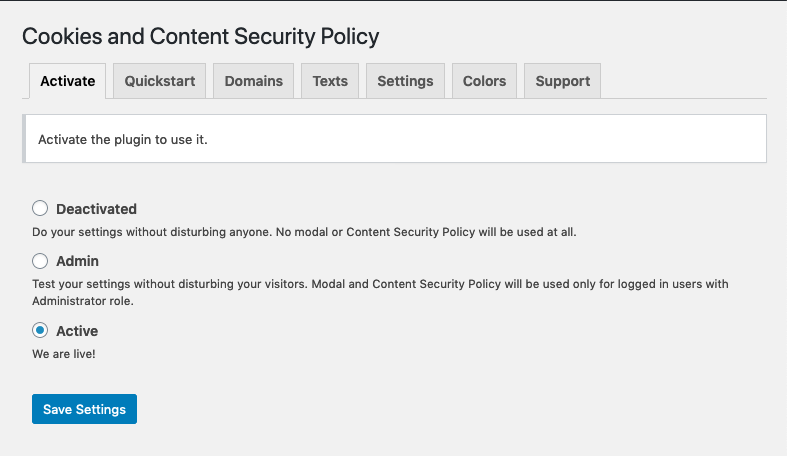
- By popular demand: Plugin is now deactivated on install. You can also activate the plugin only for administrators to test your settings without disturbing your visitors.
1.39
- Since translations is only available in API through Polylang Pro, I rewrote the error messages for blocked iframes in oldschool js to make error messages appear translated in the free version of Polylang.
1.38
- Admin css
- Translations
1.37
- Tested up to 5.4.1
- Translations
1.36
- Bug fix, allow scroll on html element when option “Allow user to access site without saving settings. Only works with banner.” is checked.
1.35
- IE11 support
1.34
- Css for accepted type
1.33
- Check for blank iframes
1.32
- Uninstall for new values
1.31
- Encode js mail link subject
1.3
- Support for X-Content-Security-Policy
- Better debug placement
- Advanced settings
- Visible warning for blocked iframes
- Saving bug in mobile Safari fixed
- More help texts
- No texts must be edited, everything has default values
1.21
- Versioning, SVN is not my friend
1.2
- Added possibility to use the settings as a meta tag instead, if the host does not accept setting php header()
1.13
- Translations
1.12
- Coding standards
1.11
- WP_DEBUG, clean
1.1
- Added support for forms
1.03
- Screenshot text, and active settings value
1.02
- Assets
1.01
- Assets and Contributors
1.0
- Ready for the world!
0.999
- List width
0.998
- Minor fixes
0.997
- Securing
0.996
- Sanitize
0.995
- Nonce
0.994
- Uninstall
0.993
- WPML config for Cookie policy page id
0.992
- Admin referrer
0.991
- Initial release

