

Just another contact form plugin. Simple but flexible.
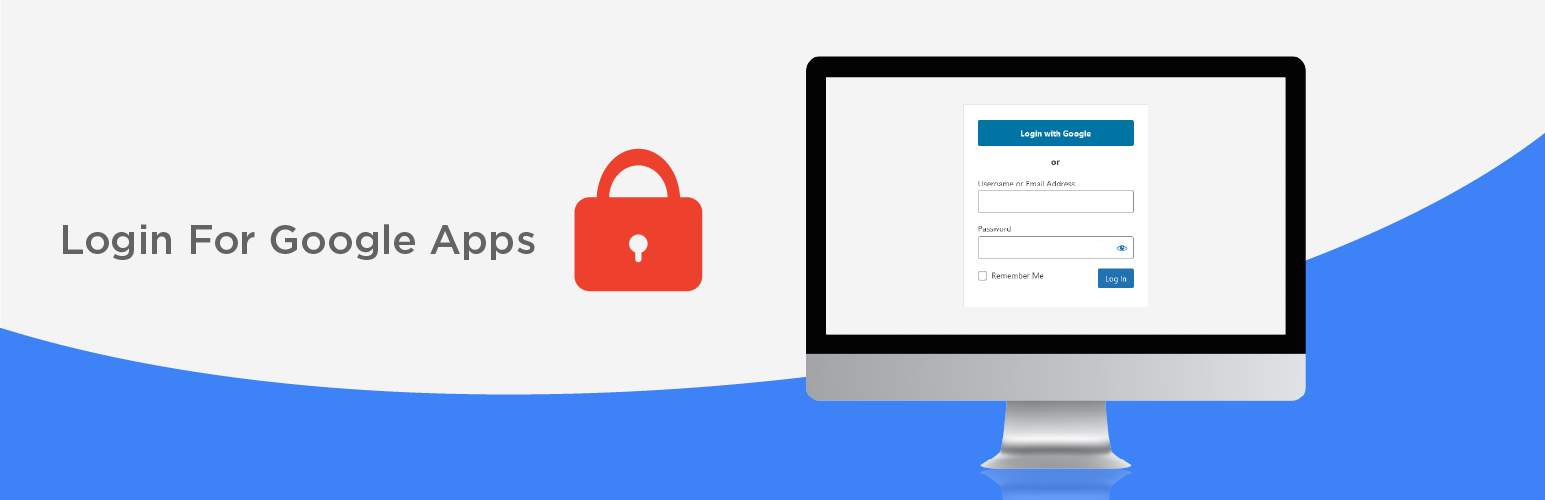
About Login for Google Apps
Login for Google Apps is a WordPress plugin that allows users to log in to your website using their Google credentials. It uses secure OAuth2 authentication recommended by Google and is trusted by thousands of organizations. Premium features are available for purchase, including the ability to automatically create WordPress accounts for users in your Google Workspace domain.Screenshots


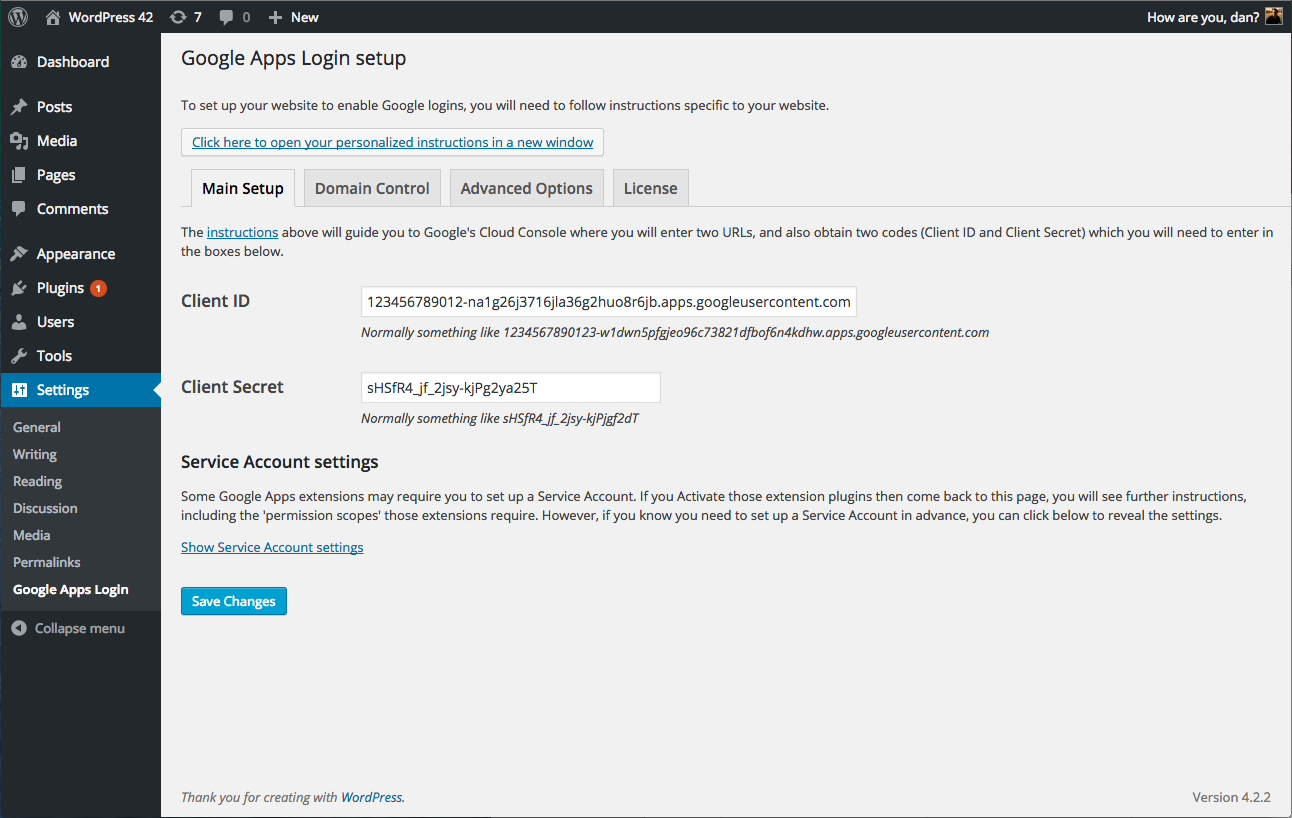
Frequently asked questions
What is Login for Google Apps?
Login for Google Apps allows existing WordPress user accounts to login to your website using Google to securely authenticate their account. This means that if they are already logged into Gmail for example, they can simply click their way through the WordPress login screen – no username or password is explicitly required!
How does Login for Google Apps authenticate user accounts?
Login for Google Apps uses the latest secure OAuth2 authentication recommended by Google, including 2-factor Auth if enabled for your Google Workspace (formerly known as Google Apps and G Suite) accounts.
Is Login for Google Apps secure?
Login for Google Apps uses the latest secure OAuth2 authentication recommended by Google. Other 3rd party authentication plugins may allow you to use your Google username and password to login, but they do not do this securely unless they also use OAuth2. This is discussed further in the FAQ.
What are the premium features of Login for Google Apps?
Full support and premium features are also available for purchase. The Premium version allows everyone in your Google Workspace (Google Apps / G Suite) domain to login to WordPress – an account will be automatically created in WordPress if one doesn't already exist. Our Enterprise version goes further, allowing you to specify granular access and role controls based on Google Group or Organizational Unit membership. You can also see logs of accounts created and roles changed by the plugin.
Can Login for Google Apps be used with third-party extensions?
Login for Google Apps allows you to centralize your site's Google functionality and build your own extensions, or use third-party extensions, which require no configuration themselves and share the same user authentication and permissions that users already allowed for Login for Google Apps itself.
Changelog
3.5.1
- Fixed: There was a fatal error when editing a single user in the admin area due to the incorrect usage of the built-in WordPress filter.
3.5.0
- IMPORTANT: The minimum WordPress version has been raised to WordPress 5.5. Technically the plugin still works on older versions as well, but we will not actively support them.
- IMPORTANT: The minimum PHP version has been raised to PHP 7.2.
- Changed: Updated compatibility with WordPress 6.7.
- Changed: Updated compatibility with PHP 8.
- Changed: As users may have different Google accounts, and they may not be logged in in the correct one, we now request users to confirm the correct account to use when they want to log in.
- Fixed: A lot of plugin strings in its admin area were not translatable.
- Fixed: Make all URLs in the plugin to use the
httpsprotocol. - Fixed: Fixed all the deprecation and compatibility issues with the latest PHP versions, including in the Google API Services library.
- Fixed: The “Force user to confirm Google permissions every time” option did not work correctly because we were passing an incorrect value to Google.
- Fixed: SVG images used to display Google logo were not rendering properly on various pages.
3.4.6
- Fixed: Auth errors when redirect login is enabled.
- Removed the
gal_login_form_readyjsfilter.
3.4.5
- Updated: Plugin name.
- Fixed: Admin escaping.
3.4.4
- Updated compatibility with the WordPress 5.7 release.
- The “Login with the Google” button removed static images generated same button using HTML code and use google svg icon.
- Bug fixed for header already sent.
3.4.3
- Updated compatibility with the WordPress 5.6 release.
3.4.2
- Added missing alt attribute in image tag.
- Set httponly flag in cookie.
- Added custom text support for the “Login with Google” button.
3.4.1
- Bug fixing for PHP Notice: Undefined index: approval_prompt.
- Bug Fixing for PHP Deprecated: Array and string offset access syntax with curly braces is deprecated.
3.4
- Bug fixing for Invalid parameter value for approval_prompt: ‘auto’.
- Updated compatibility with the WordPress 5.4 release.
3.3
- Added permission check functionality.
- Added Google Drive Embedder insufficient permission error fixes.
- Added Login With Google buttons branding.
- Updated compatibility with the WordPress 5.3.1 release.
3.2
- Added workaround for incompatibility with WPMU Defender plugin’s new 2FA feature.
- Updated compatibility with the upcoming WordPress 4.9 release.
3.0
- Internal changes to Google Client library. Essential for the latest versions of some extension plugins such as Google Drive Embedder.

