

Import your demo content, widgets and theme settings with one click. Theme authors! Enable simple theme demo import…
About Lightweight Grid Columns
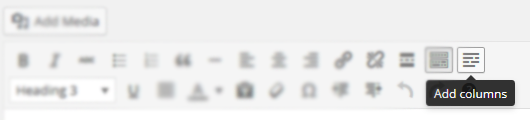
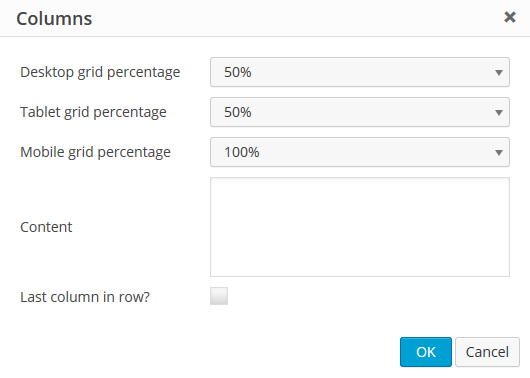
The Lightweight Grid Columns plugin is easy to use - simply install and activate it, then use the columns icon in the TinyMCE toolbar to specify your desired column widths and add your content. The plugin also allows you to add custom classes and inline styles, and has the option for equal height columns.Screenshots
Frequently asked questions
What is Lightweight Grid Columns?
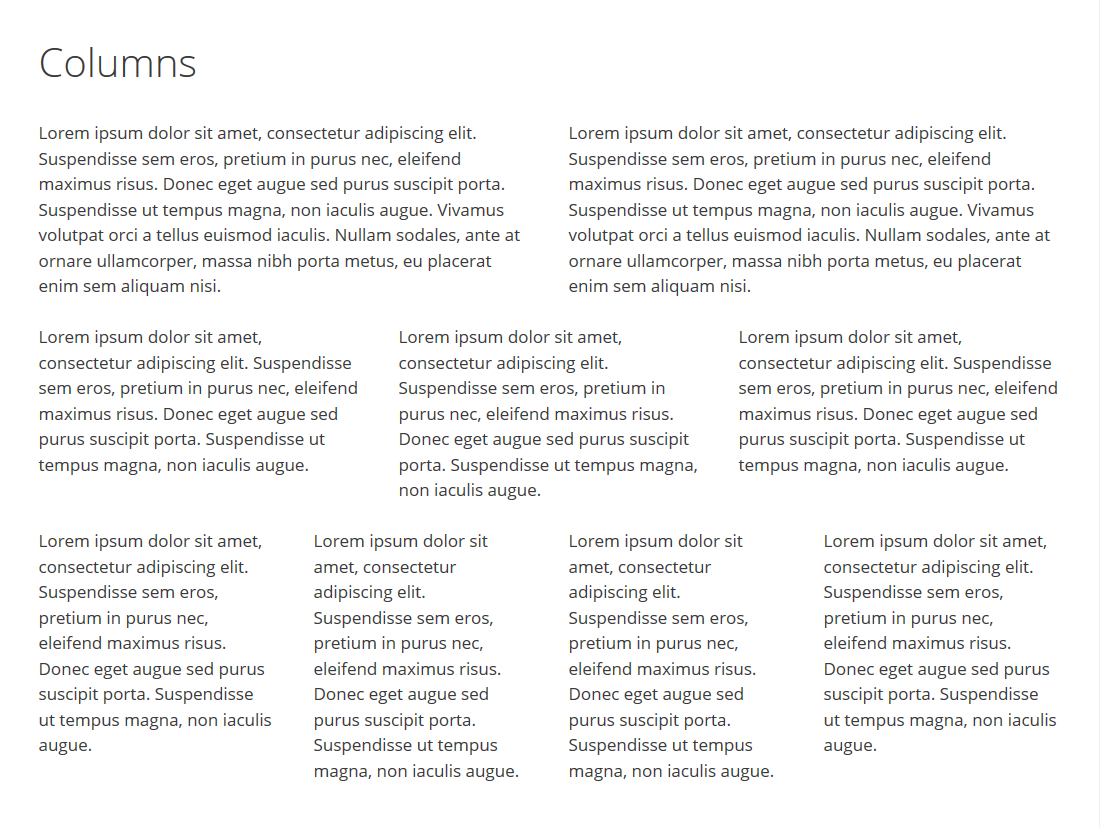
Lightweight Grid Columns is a WordPress plugin that allows you to easily add desktop, tablet, and mobile-friendly columns to your content using a shortcode.
How do I use Lightweight Grid Columns?
After installing and activating the plugin, you can find the columns icon in your TinyMCE toolbar. You can then specify desktop, tablet, and mobile widths, add your content, and insert the shortcode.
What features does Lightweight Grid Columns offer?
Features include desktop, tablet, and mobile grid width settings, the ability to add custom classes and inline styles, and equal height columns.
What framework does Lightweight Grid Columns use?
Lightweight Grid Columns uses the Unsemantic Framework.
Who is the author of Lightweight Grid Columns?
The author of Lightweight Grid Columns is Tom.
Changelog
1.0
- Move custom class value to the parent container
- Code cleanup
0.7
- Fix weird scroll behavior caused by transitions and matchHeight
- Only load matchHeight on pages where columns are present with it enabled
0.6
- Fix column class bug causing some columns not to work
0.5
- Move margin-bottom setting to inner element so style attribute can overwrite it
- Adjust lgc_columns_helper function to fix issue with
<p>and<br />tags around the shortcode - Add jQuery matchHeight to match the height of columns for better responsive user experience
- Reduce the file size of stylesheet considerably
0.4
- Show TinyMCE icon on all post types
0.3
- Fix bug where TinyMCE icon wasn’t showing up if SiteOrigin Page Builder and Black Studio TinyMCE Widget were activated together
- Add IE 7 & 8 compatibility
0.2
- Allow line breaks inside columns
0.1
- Initial release

