

Just another contact form plugin. Simple but flexible.

About GDPR
This plugin helps you comply with the obligations and rights outlined in the GDPR. It includes features like consent and privacy preference management, erasure and deletion of data, access to data requests, data breach notifications, and more. However, it's important to note that simply activating the plugin does not guarantee full GDPR compliance, as each organization should assess their specific responsibilities and take additional measures if necessary.Screenshots




Frequently asked questions
What is the purpose of the GDPR plugin?
The GDPR plugin is designed to help Controllers, Data Processors, and Data Protection Officers (DPOs) fulfill their obligations and uphold the rights established by the GDPR. It assists with various aspects of GDPR compliance.
What are some key features of the GDPR plugin?
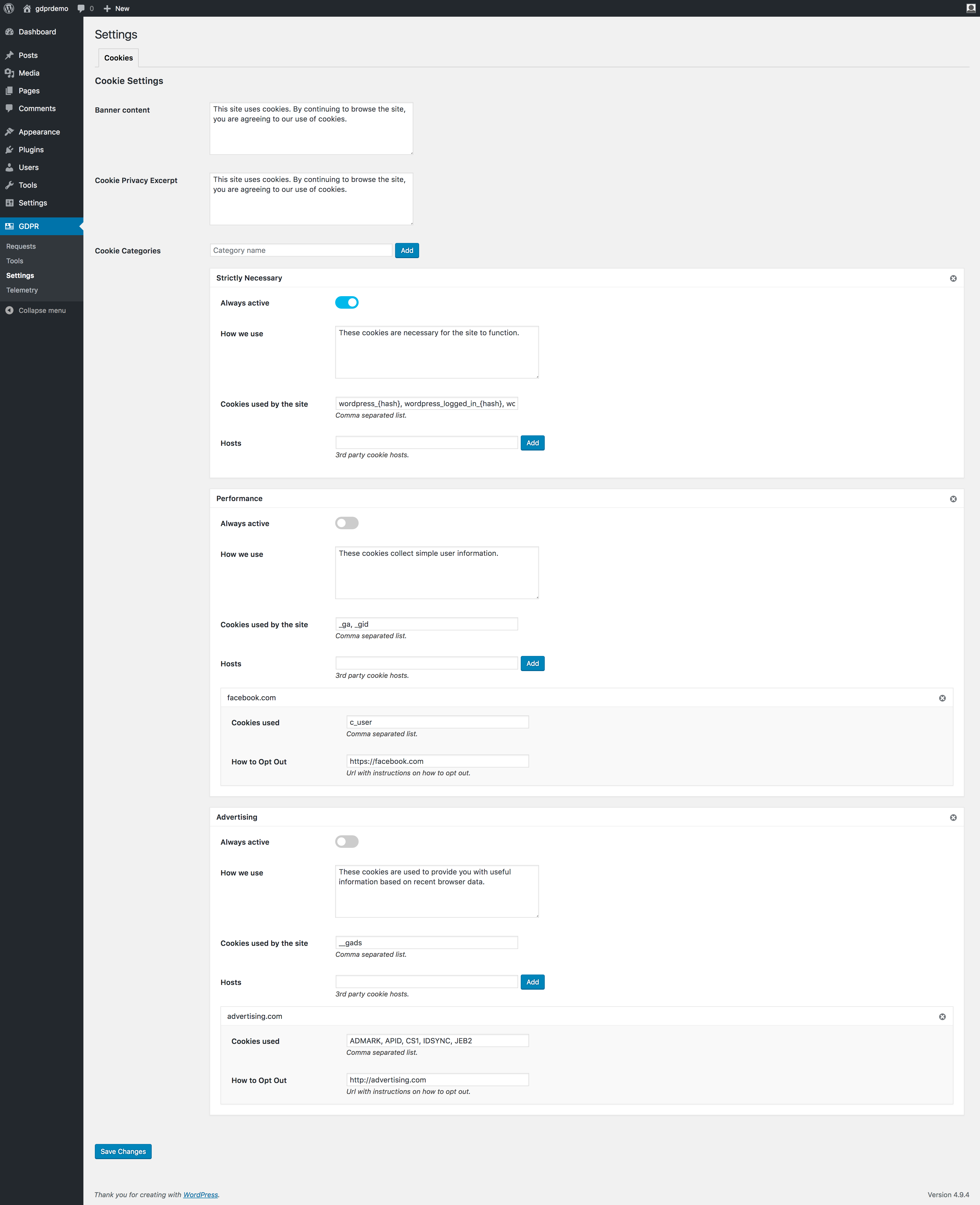
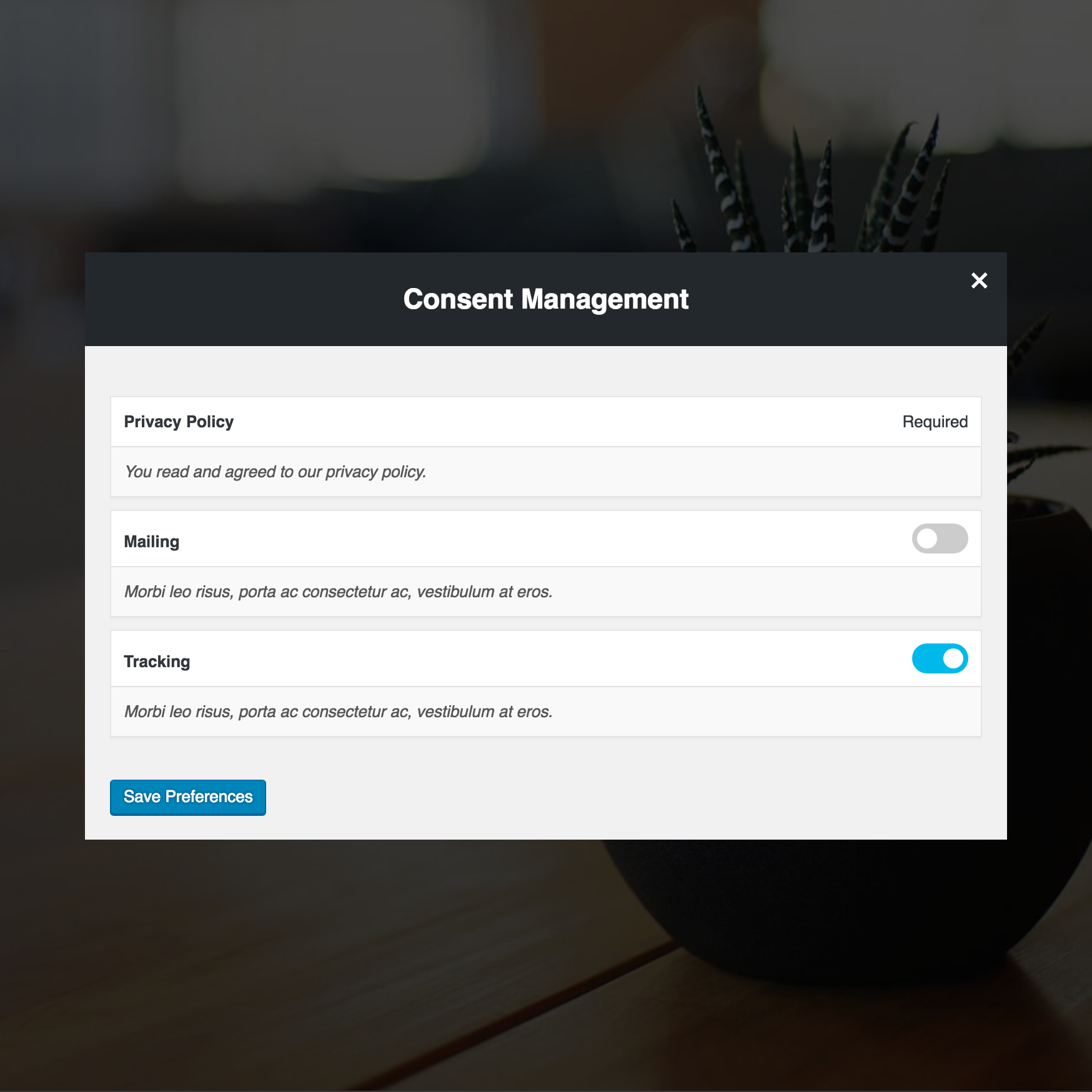
Key features include consent management, privacy preference management for cookies, and privacy policy page configurations with version control. It also supports rights to erasure, data portability, and encrypted audit logs.
How does the plugin handle user consent for the Privacy Policy?
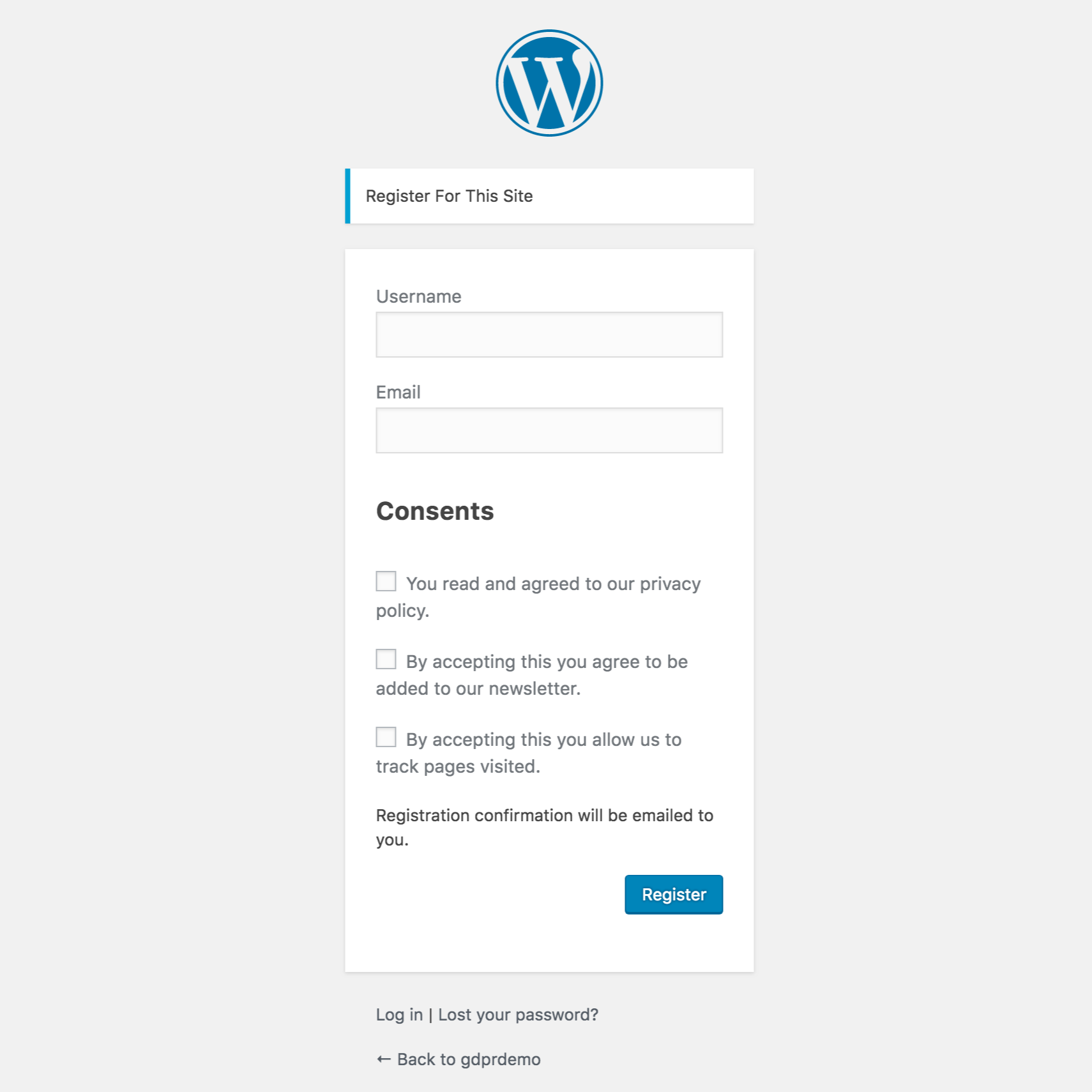
From the settings, you can select a Privacy Policy page for tracking and logging consent. Upon login, users must consent to the Privacy Policy, and if they do not, they will not be registered or logged in.
Does the plugin support data access requests?
Yes, the plugin supports the right to access data by an admin dashboard with email lookup and export. Data Subjects can also request access to their data via a front-end button with a double opt-in confirmation email.
Changelog
2.1.1
- Updating dependencies.
- Fixing some code standards errors.
- Fix tooltip styles affecting other parts of the admin panel.
- Fixed a W3C validation error.
- Fixed a “Headers Already Sent” error while doing cron jobs.
- Added more accents to the array of replacements
- Made possible to sort by consent in the admin users page.
- Added “move up” and “move down” buttons for each cookies category.
- Detect current language code and load correct recaptcha based on it.
- Moved partials to templates so they can be overwritten by themes.
- Fix issue where some modals would not close.
- Fix issue where tapping the X on modals would jump.
2.1.0
- Wrapping checkboxes in labels so they stay in the same line.
- Adding initial WPML and Polylang translation config file.
- A few text changes.
- Change email sender. This hopefully fixes the SMTP issue.
- Added an ON/OFF indicator next to toggles.
- Added close buttons to bars so they don’t stop users from accessing footer links.
- Removed checkmark icon from the bar buttons. This checkmark was confusing some users.
- Added an extra parameter to the [gdpr_preferences] shortcode. You can use tab=”target” to open the privacy preference window in a specific tab. Check plugin settings for available targets.
- Updating request error messages to not disclose if the user is a member of the site or not based on his email. This change is to protect users privacy.
- Added soft-optin option for cookies. This will allow these cookies on first landing just like required but it will allow for users to opt-out.
- Added an option to use a reconsent-modal screen instead of the bar. This modal has been reworked since v1 to look nicer. ( Highly requested after v2 update )
- Minor bug fixes.
2.0.10
- Fix new re-consent bar not showing if users had no prior consent.
- Added a PHP version check on activation.
2.0.9
- Fix a syntax error introduced after cleaning code with PHPCS.
- Fix functions that were not checking if registered consents were empty before running.
2.0.8
- Adding a setting to hide plugin generated markup from bots such as Googlebot.
- Fix cookie category dismiss button not showing up after adding a new category. A save was required before the button would appear.
- Display cookie categories that do not have anything in the cookies used option.
- Fix warnings when no consent is registered.
- Small style and markup enhancement.
- A little cleanup to reduce WP server stress.

