

The Elementor Website Builder has it all: drag and drop page builder, pixel perfect design, mobile responsive editing,…
About Weblizar Pin It Button On Image Hover And Post
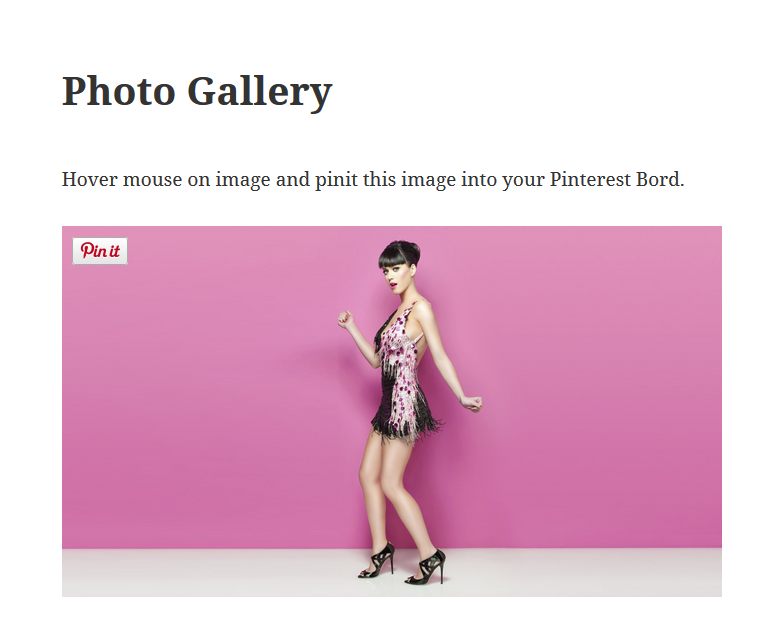
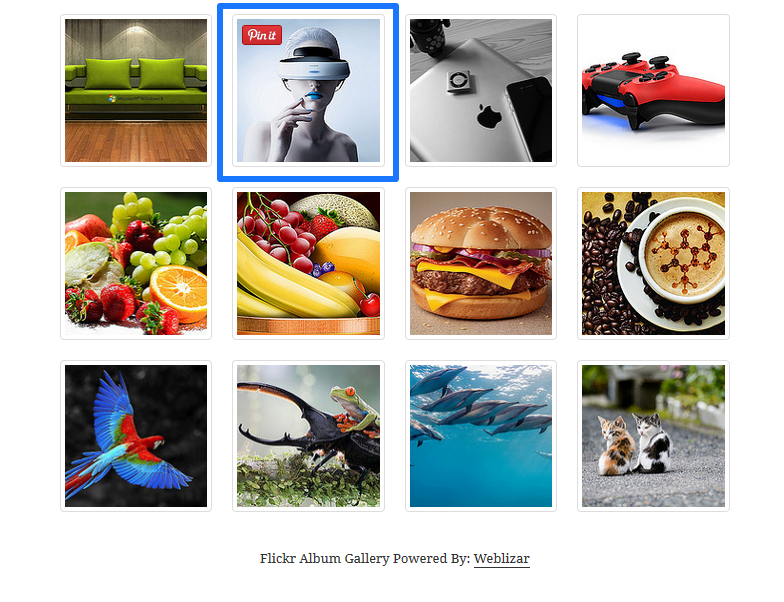
This plugin allows you to add a Pinterest "Pin It" button to your website. You can choose to show the button on image hover or in your blog posts and pages. The plugin also includes additional features like displaying your Pinterest profile and pins on your website.Screenshots
Frequently asked questions
What does the Weblizar Pin It Button On Image Hover And Post plugin do?
This plugin allows users to pin images, blog posts, and pages from your website to their Pinterest accounts. It uses the Pinterest JavaScript library for this functionality.
How does a user pin an image using this plugin?
When a user wants to pin an image, they are required to log in to their Pinterest account. The plugin provides a "Pin It" button that can appear on image hover or within posts/pages.
Can I control where the Pin It button appears?
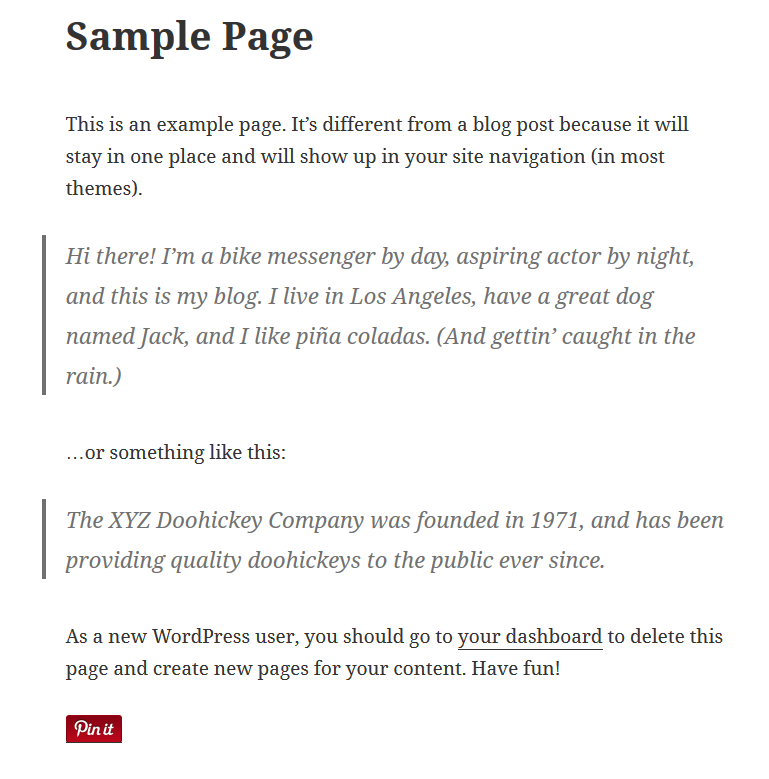
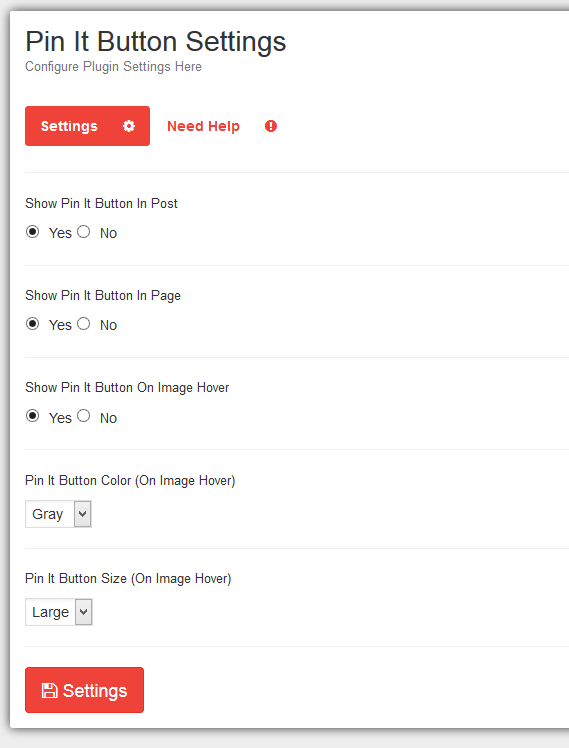
Yes, you can show or hide the "Pin It" button in posts and pages. You can also enable or disable the "Pin It" button on image hover through the plugin's settings.
What customization options are available for the Pin It button?
The plugin offers customizable button size on hover. It is also multilingual and translatable into any language.
Does this plugin offer advanced Pinterest features?
The description mentions "Weblizar - Pinterest Feed Pro Features" which include displaying Pinterest profiles, pins, and galleries, along with shortcode and widget options, and responsive dashboard design.
Changelog
For more information, see Weblizar.
Version 4.3
[15-10-2024]
– Tested With WordPress 6.6.2
– Tested With PHP 8.3.12
Version 4.2
[21-03-2024]
– Tested With WordPress 6.5
– Tested With PHP 8.3.3
Version 4.1
[04-11-2023]
– Tested With WordPress 6.4
– Fixed: Exclude page not working
– Fixed: Exclude pages delete issue fixed
– Fixed: Exclude images delete issue fixed
Version 4.0
[30-08-2023]
– Tested With WordPress 6.3
– Tested With PHP 8.1
Version 3.9
[25-03-2023]
– Tested With WordPress 6.2
– Tested With PHP 8
Version 3.8
[11-02-2023]
– Fixed: Exclude images not saving
– Fixed: Exclude pages not saving
– Tested With PHP 8
Version 3.7
[04-11-2022]
– Tested With WordPress 6.1
Version 3.6
[16-09-2022]
– Bootstrap library updated
Version 3.5
[16-06-2022]
– Tested up to WordPress 6.0
– Tested up to PHP 8.0.19
– Minor bug fixed.
Version 3.4
[01-04-2022]
– Tested up to WordPress 5.9.2
– Minor changes.
– removed extra files and directory
Version 3.2
[22-02-2022]
– readme.txt updated.
– User permissions check.
Version 3.2
[18-02-2022]
– Bootstrap library updated.
– font-awesome library removed.
– minor code fixes.
– extra unused files removed.
Version 3.1
[21-12-2021]
– Updated : Product page
Version 3.0
[06-09-2021]
– Updated : Bootstrap library
– Updated : User Interface layout of Exclude Page , Exclude Image setting
– Bug Fixed : After page add not reload in Exclude Page , Exclude Image setting
Version 2.8.2
[23-07-2021]
– Tested Up to WordPress 5.8
Version 2.8.1
[20-03-2021]
– Tested Up to WordPress 5.7
Version 2.8.0
[10-12-2020]
– Tested Up to WordPress 5.6
– Improved Code Readability.
Version 2.7.9
[18-11-2020]
– Minor Fix.
Version 2.7.8
[25-07-2020]
– Minor change in dashboard.
Version 2.7.7
[18-03-2020]
– Minor Fix.
Version 2.7.6
[29-02-2020]
– Bootstrap library update.
– Small layout change.
Version 2.7.5
[14-11-2019]
– Tested with Wp 5.3
– Bootstrap and font awesome library update.
Version 2.7.4
- recommendations page update
- minor changes
Version 2.7.3
- Plugin name changes
- Banner and icons changes
Version 2.7.2
- Fixed : undefined index notice error fixed.
- Updated : Admin notice bar updated.
- updated : Pin It Button Settings updated.
Version 2.7.1
- Version Update & Compatible with WordPress 5.2.2
- backend layout updated
- Some minor changes in Recommendation panel
Version 2.7.0
- Version Update & Compatible with WordPress 5.2
- bugs fixed
- Recommendation panel updated
Version 2.6.9
- Exclude image issue fixed
Version 2.6.8
- Version Update & WordPress 5.1 Compatible
- Minor issue fixed
= Version 2.6.7
– Version Update & WordPress 5.0.2 Compatible
– Bug Fix Option Panel ( Excluding function )
– Update back-end panel css issue fixed.
Version 2.6.5
- Update setting of pin it button for mobile device
- Update product page
- Readme file update
Version 2.6.4
- Add Exclude page setting for no pin on specific page
Version 2.6.3
- Setting Button add in Plugin page
- PO files updated
- Version Update & WordPress 4.9.8 Compatible
Version 2.6.2
- Invalid Argument supplied in foreach loop bug-fixed
- Add new product in product page
- minor changes applied
Version 2.6.1 – minor php error fix
Version 2.6 – Update Font-Awesome library + Add Our Product and Recommendation Page + Update Review Link + WordPress 4.9.6 Compatible
Version 2.5 – update + WordPress 4.8.1 Compatible
Version 2.4.0 – update
Version 2.3.9 10/10/2016
- plugin version update
Version 2.3.8 16/09/2016
- small update
Version 2.3.7 16/05/2016
- small update
Version 2.3.6.1 08-Feb-2016
- Bug: setting was not saving
Version 2.3.6 06-Feb-2016
- Sanitized method used appropriately
- Bug: setting was not saving
Version 2.3.5 01-Feb-2016
- Tag updated
- Posted data sanitized
Version 2.3.4 29-Jan-2016
- Sanitized data method updated
Version 2.3.3 28-Jan-2016
- Tag updated
- Sanitized post data
Version 2.3.2 2-Jan-2016
- small update
Version 2.3.1 20-Jan-2016
- Compatible with WordPress 4.4.1
- Feature: Enable/Disable Pin button for mobile or portable devices
- Plugin recommendation page updated
- Multilingual
Version 2.3 30-Dec-2015
- Small Bug resolved.
Version 2.2 11-Dec-2015
- Small Bug resolved.
Version 2.1 17-Nov-2015
- Small Bug resolved.
- Compatible with wordpress 4.4 beta version
Version 2.0 10-Oct-2015
- Small design update
Version 1.9 29-Sep-2015
- Small design update
Version 1.8 22-Sep-2015
- Compatible with wordpress 4.3.18-June-2015
- Small update in css file
Version 1.7 01-Sep-2015
- Small Updates in admin css
Version 1.6 24-June-2015
- New: Pinterest official Js code modified
- Bug: browser_extension_tracking_id fixed
- Bug: Invalid url fixed
Version 1.5 25-June-2015
- New: Reverting Autotomize plugin compatibilities
Version 1.4.1 19-June-2015
- New: Compatible with Autotomize plugin
Version 1.4 18-June-2015
- Bug Fix: Undefined $post variable notice error fixed
Version 1.3 23-May-2015
- Bug Fix: In Page / Post pin it button appearing according to settings now
Version 1.2 22-Apr-2015
- New: WordPress 4.2 Compatible
1.1
- Bug Fix: RSS Killing Script Moved To Head
1.0
- New: Show Pinterest Pin It Button On Image Hover
- New: Show Pinterest Pin It Button In Post
- New: Show Pinterest Pin It Button In Page
- New: Pinterest Pin It Button Settings
- New: Customizable Button Size

