

Just another contact form plugin. Simple but flexible.

About Embed Any Document – Embed PDF, Word, PowerPoint and Excel Files
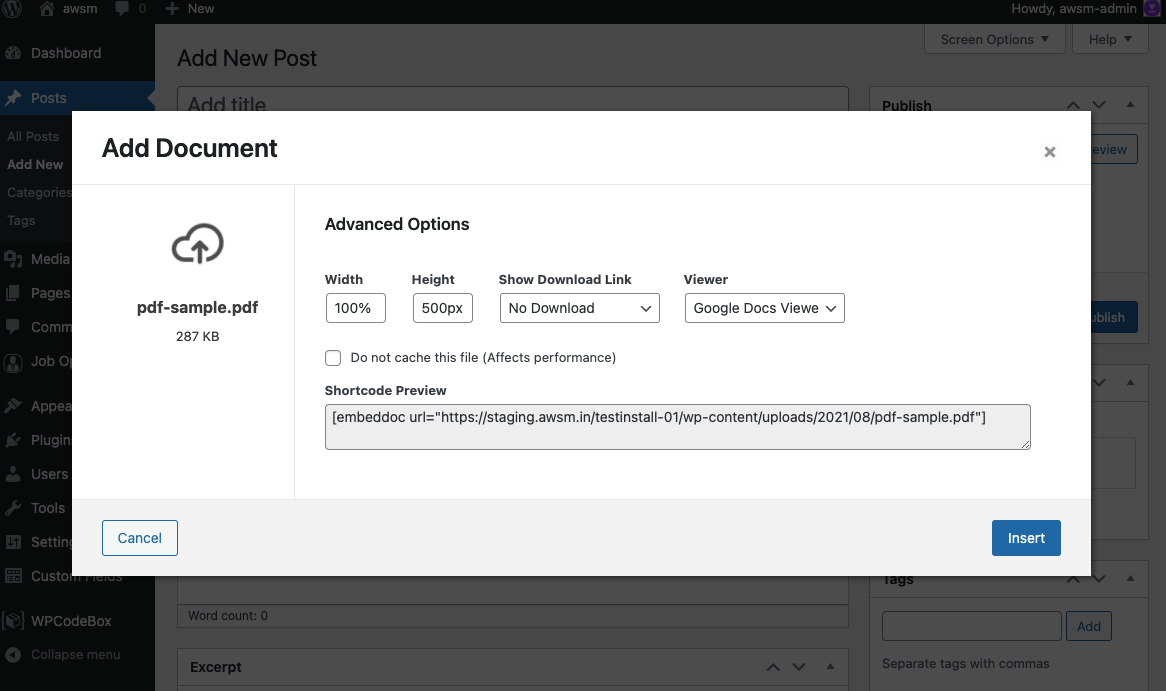
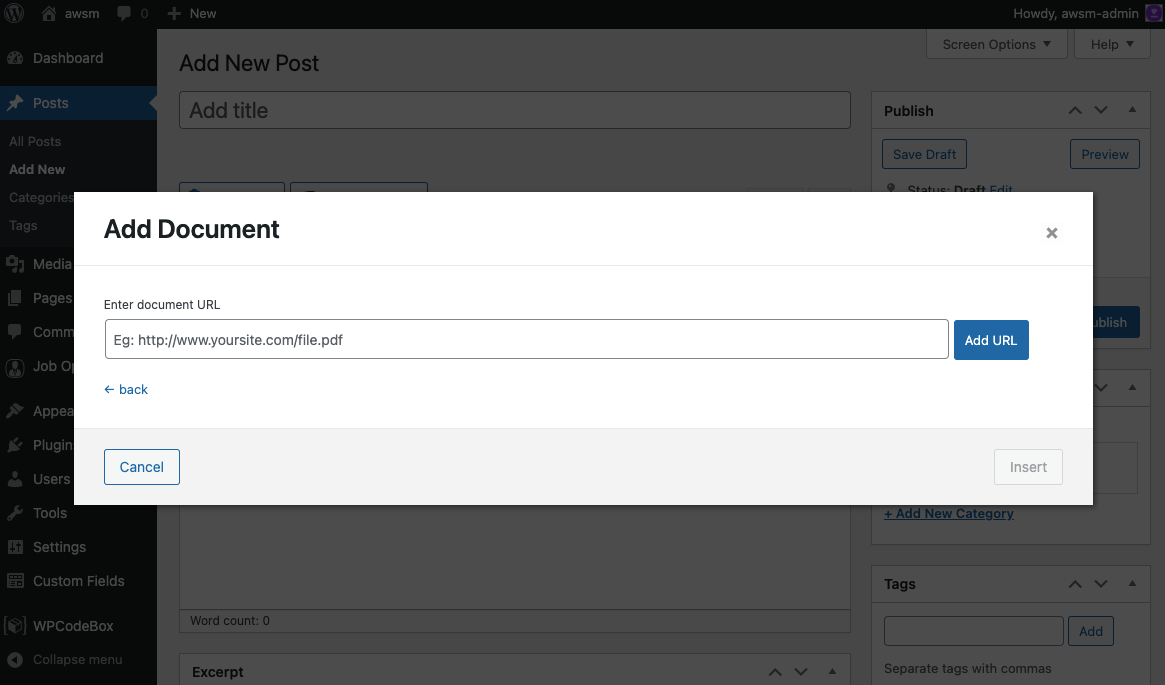
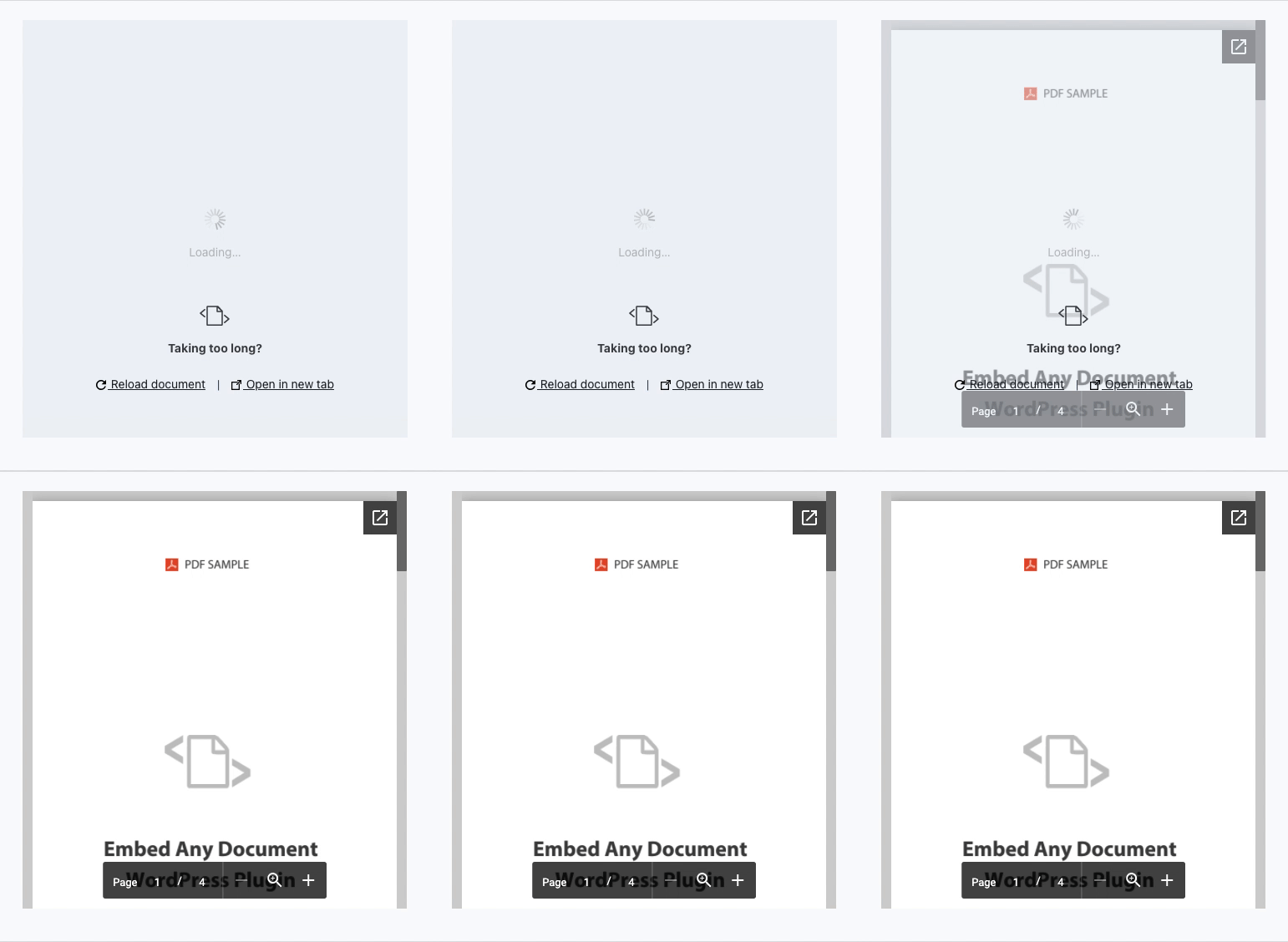
Embed Any Document WordPress plugin allows you to easily embed PDF, Word, Excel, and PowerPoint documents on your website. It integrates with Google Docs Viewer and Microsoft Office Online for displaying the documents. The plugin is compatible with both the classic editor and Gutenberg.Screenshots

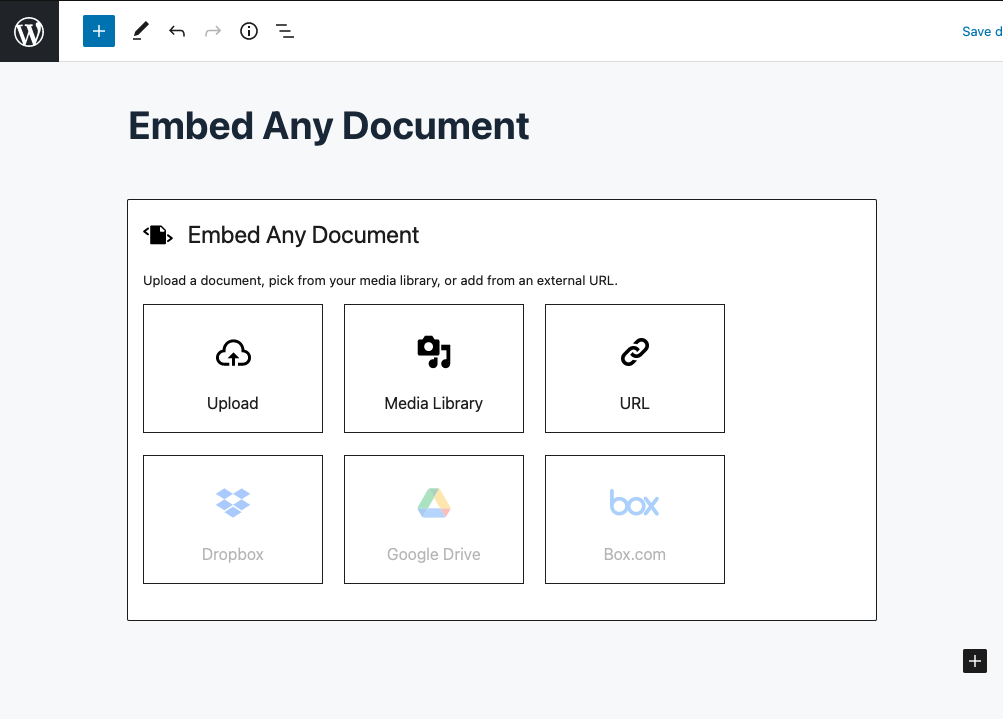
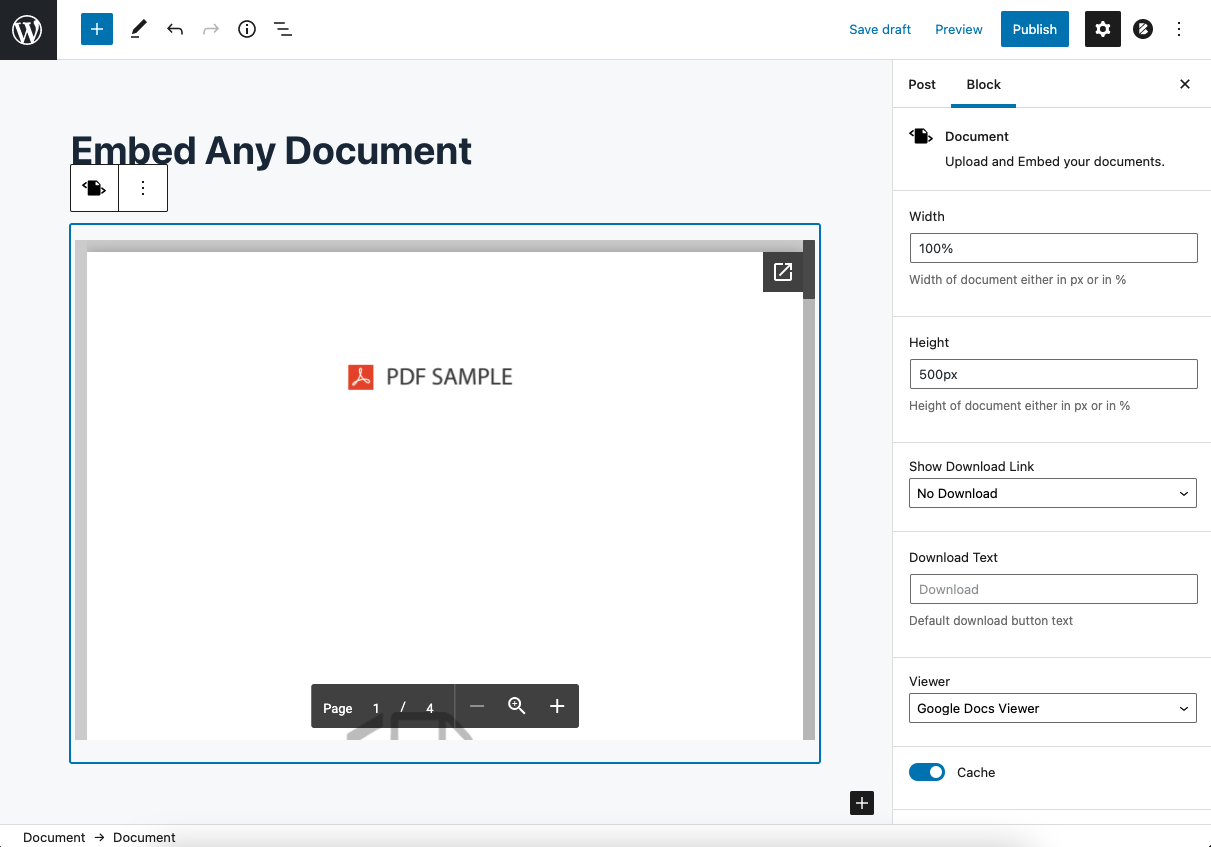
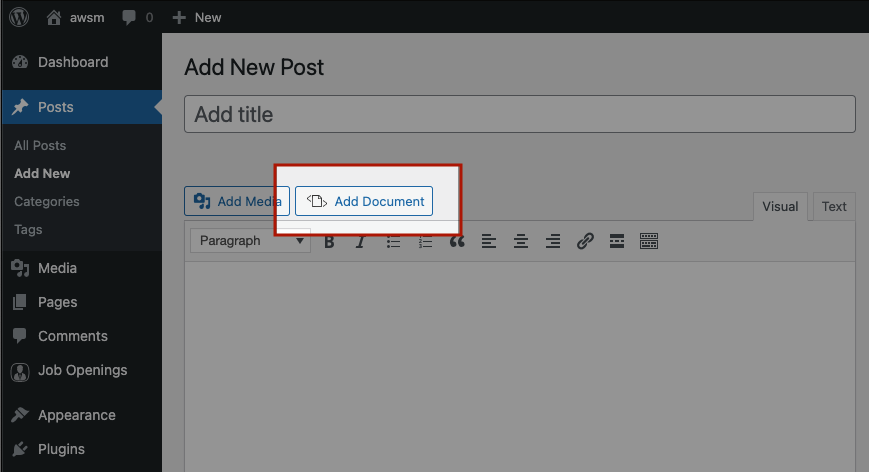
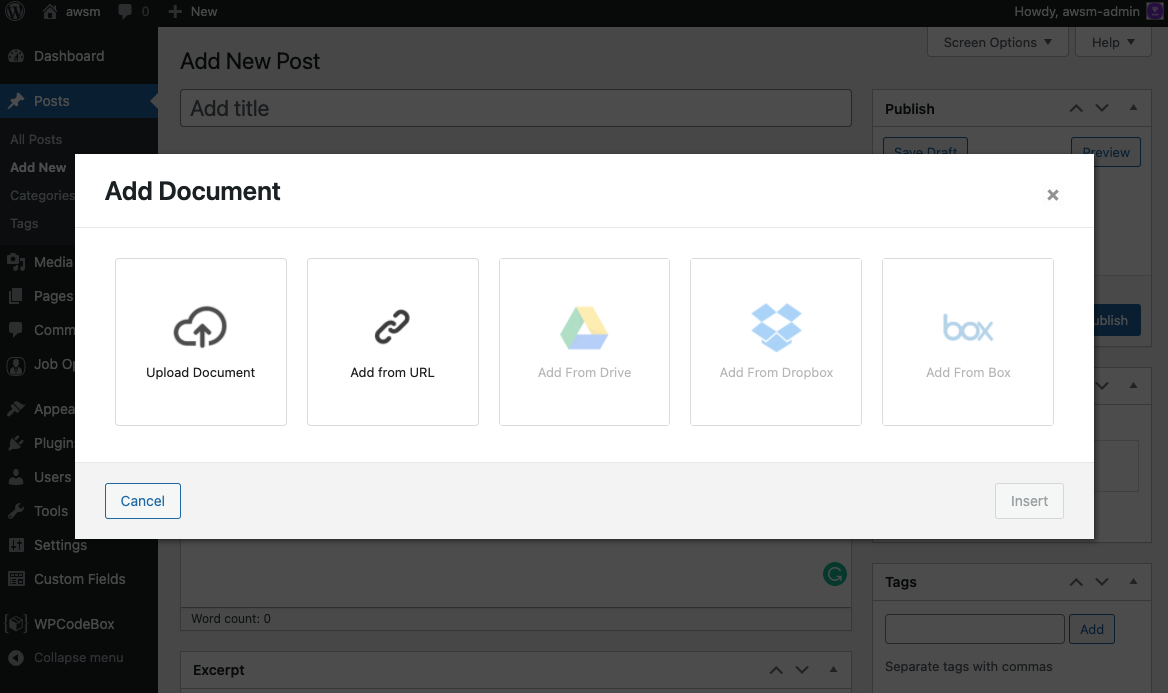
Frequently asked questions
What file types are supported by Embed Any Document?
Embed Any Document supports Microsoft Word (DOC, DOCX, DOCM, DOTM, DOTX), Microsoft Excel (XLS, XLSX, XLSB, XLSM), Microsoft PowerPoint (PPT, PPTX, PPSX, PPS, PPTM, POTM, PPAM, POTX, PPSM), and Adobe Portable Document Format (PDF).
What viewers are supported by Embed Any Document?
Embed Any Document supports Google Docs Viewer (PDF & Office Documents), Microsoft Office Online (Office Documents Only), Browser Native (PDF Only), Google Drive Viewer (Stable and high performance viewer for documents hosted with Google Drive), One Drive Viewer (Document viewer for documents hosted in OneDrive), and Box.com Viewer (Viewer for all documents hosted in Box.com with advanced security options to disable download button, add password, etc).
What are the key benefits of Embed Any Document WordPress plugin?
The key benefits of Embed Any Document WordPress plugin are: 1) Easy to Upload and Embed, 2) No 3rd party plugin needed, 3) Option to choose the viewer, 4) Cross-browser compatibility, and 5) Clean and Minimal UI.
What are the limitations of Embed Any Document plugin?
The limitations of Embed Any Document plugin are: 1) The embedded display does not support video/audio playback and animations/transitions in the embedded documents, 2) Your document has to be available online for the embed views to work, 3) The viewers can handle files of a limited size only, and 4) The download and pop-out buttons cannot be removed.
Is Embed Any Document plugin authorized by Google or Microsoft?
No, Embed Any Document plugin is not authorized by, endorsed by or sponsored by Google or Microsoft. The plugin is just making use of the cloud services the respective companies provide to preview your documents.
Changelog
V 2.7.6 – 2025-02-14
- Improved security.
- Code improvements.
V 2.7.5 – 2025-01-21
- Security fixes and code improvements.
V 2.7.4 – 2023-08-07
- Added: Cookie Policy section.
- Code improvements.
V 2.7.3 – 2023-07-12
- Improved security.
- Code improvements.
V 2.7.2 – 2022-01-30
- Fixed: Security issue with file uploading.
- Fixed: Document block style issues.

