

Just another contact form plugin. Simple but flexible.
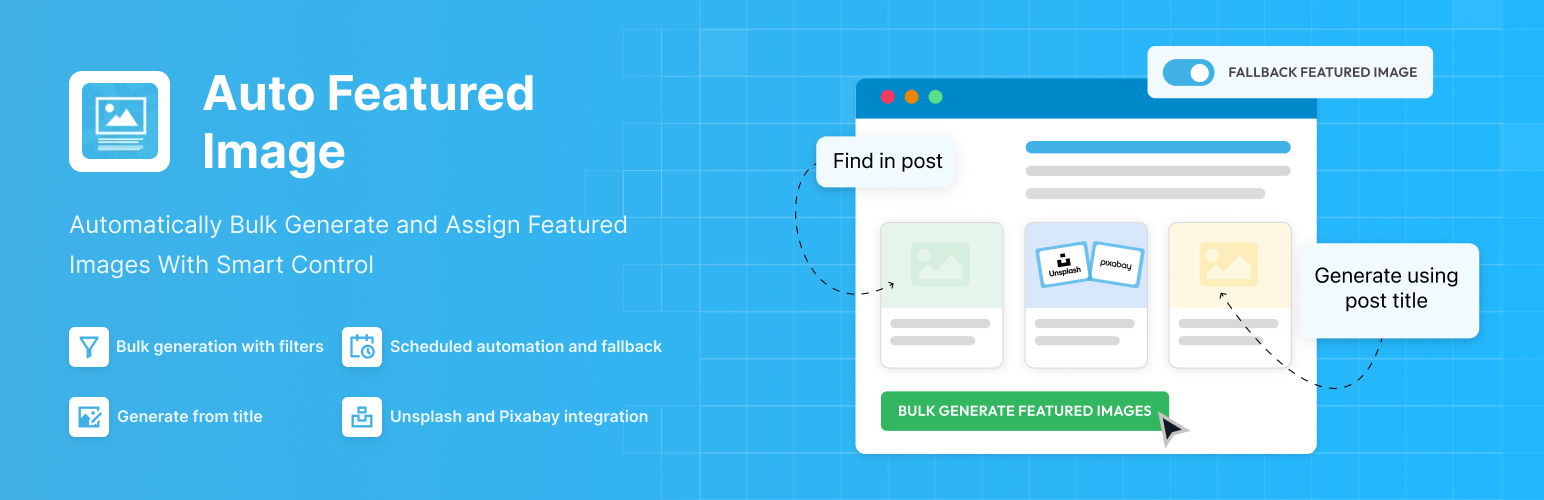
About Auto Featured Image (Auto Post Thumbnail)
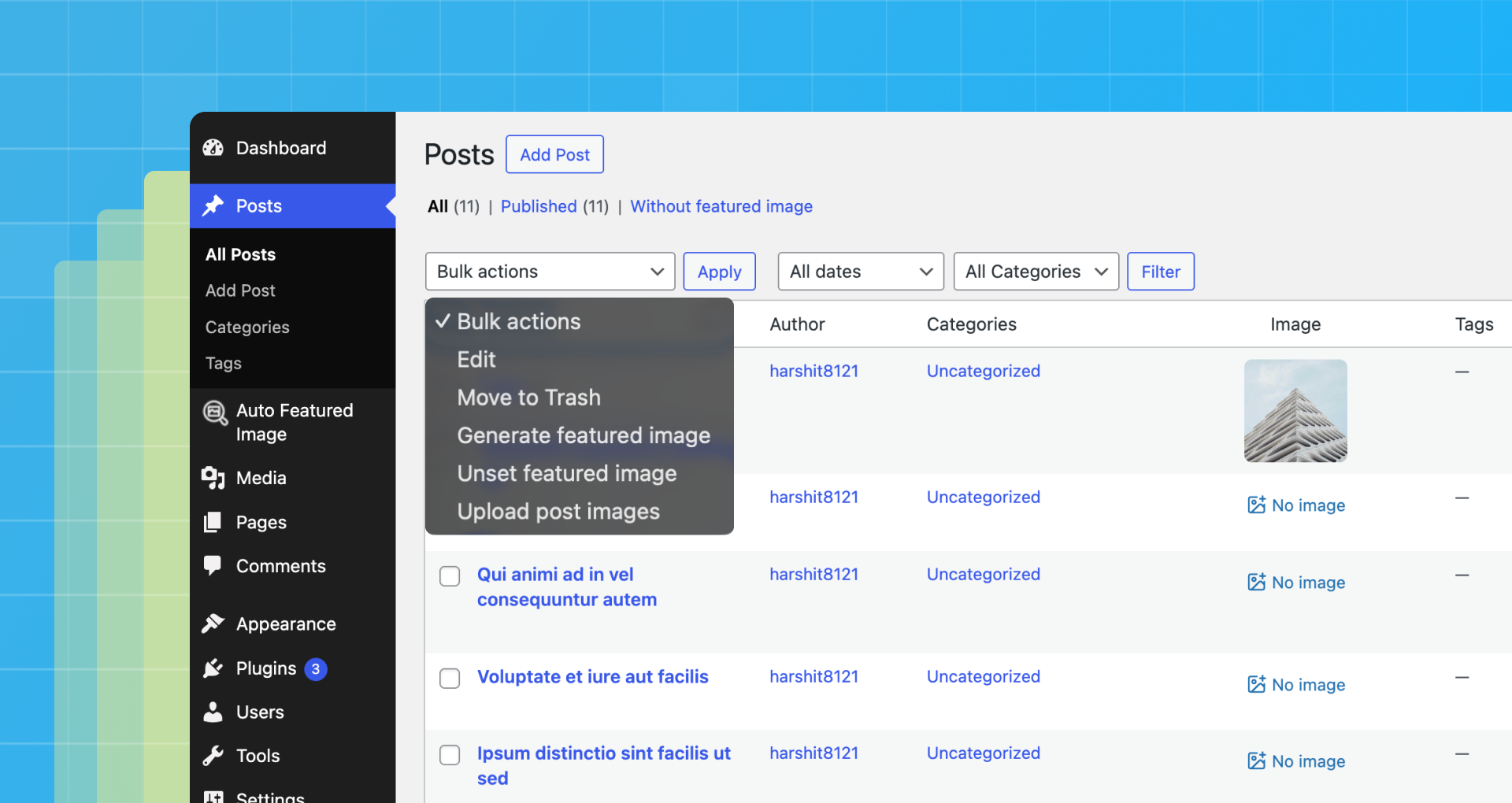
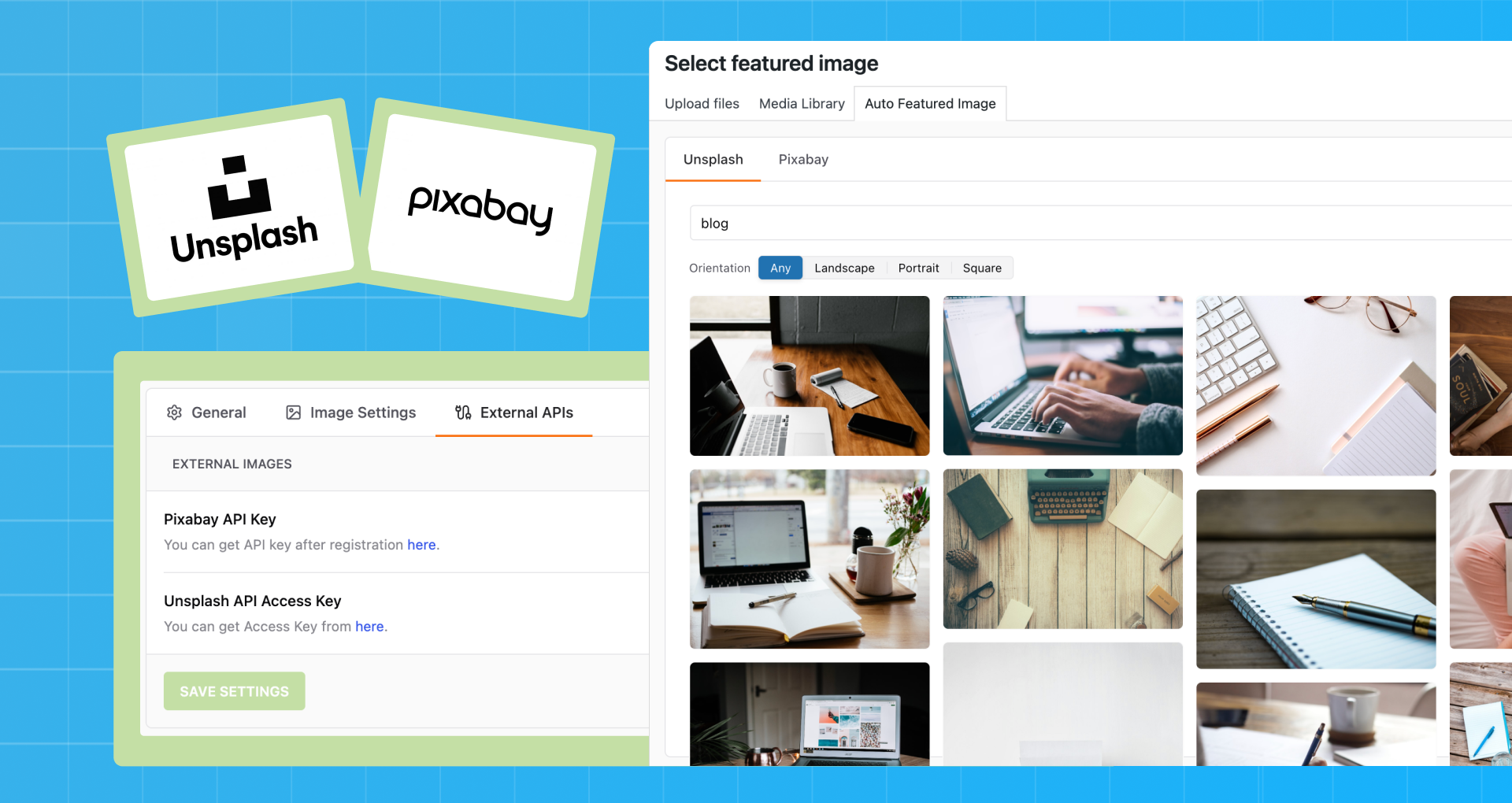
Auto Featured Image (AFI) is a WordPress plugin that automatically generates a featured image for each post or page based on the post title. It also includes a native image search feature for popular editors like Elementor and Gutenberg. The plugin saves time and improves the overall look and attractiveness of your website or blog by simplifying the process of adding featured images to your content.Screenshots
Frequently asked questions
What does APT stand for?
APT stands for Auto Post Thumbnail.
What are the features of APT?
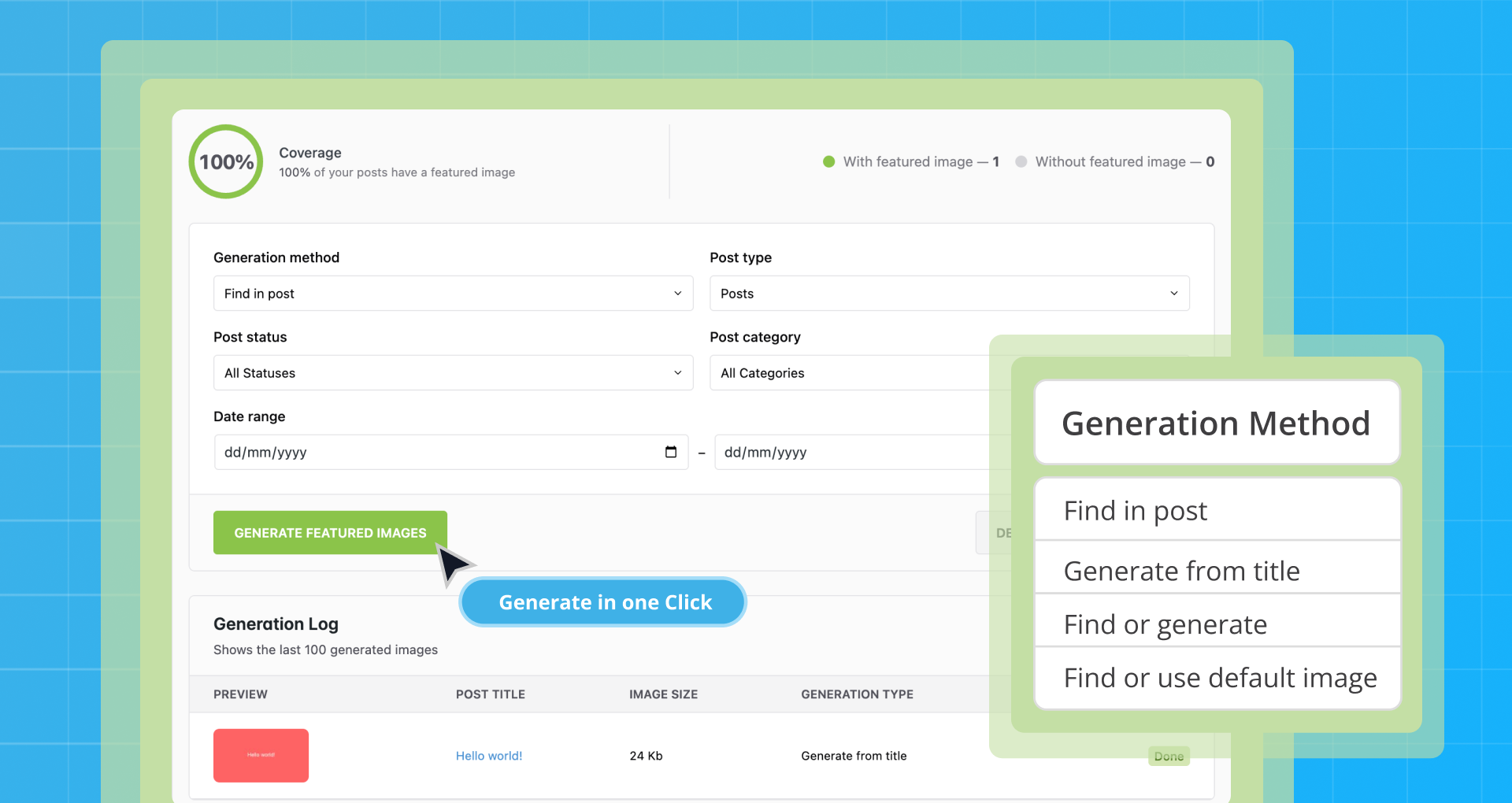
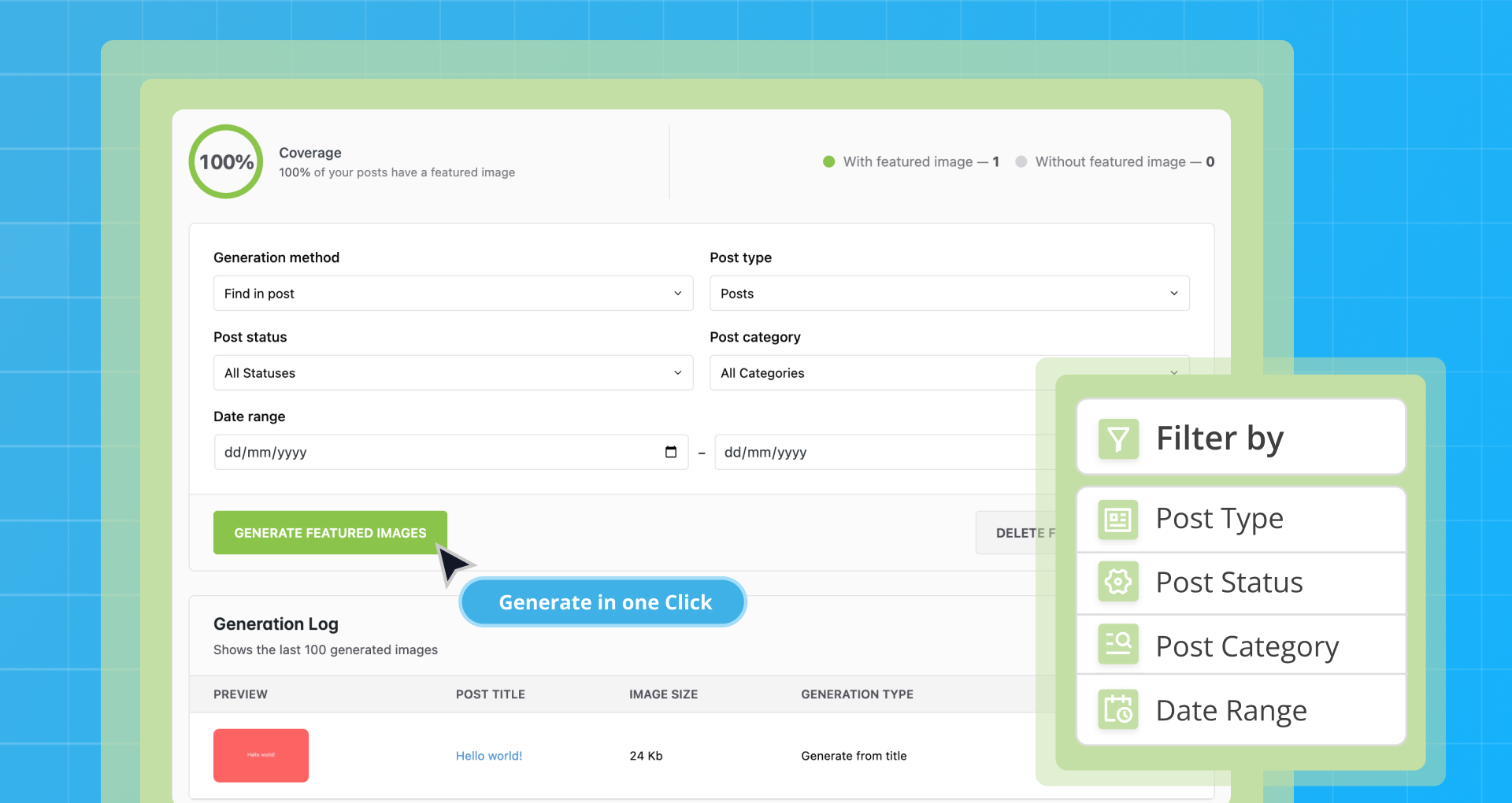
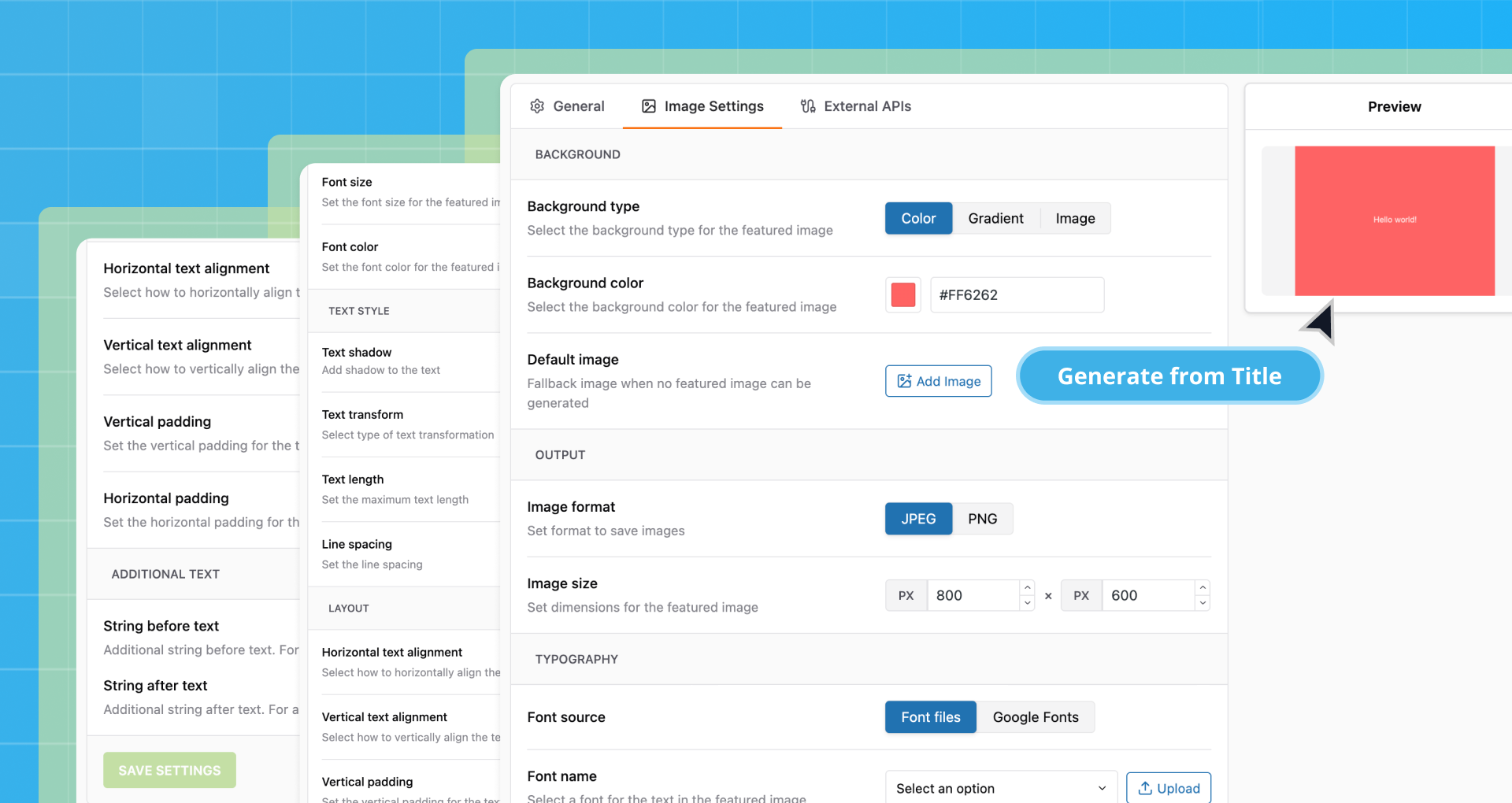
The features of APT include generating or removing featured images in one click, customizing the process, native image search for Elementor, Gutenberg, and Classic Editor, using filters based on post type, status, category, or creation date, and automatically generating an image for each post from the post title.
How can APT save time for website content creation?
APT can save up to 20 minutes per hour on generating content for a website.
How many steps does it take to create a post with APT?
With APT, it takes only three steps to create a post.
What are the benefits of using APT?
Using APT simplifies the process of publishing content, saves money on finding quality images, and improves search engine optimization, social sharing, and the overall attractiveness of a website or blog.
Changelog
4.1.6 (09.12.2024)
- Added: Сompatibility with premium plugin
4.1.5 (09.12.2024)
- Added: WordPress 6.7 compatibility
- Added: Php 8.3 compatibility
- Fixed security issues
4.1.4 (29.07.2024)
- Fixed security issues
4.1.2
- Updated plugin interface
- Bug fixes
- Fixed security issues
3.9.3
- WordPress 6.5 compatibility
- php 8.2 compatibility
3.9.18
- WordPress 6.2 compatibility
- ADD: The current generation method selected in the settings is displayed on the generation form
3.9.17
- FIX: Some compatibility error
3.9.16
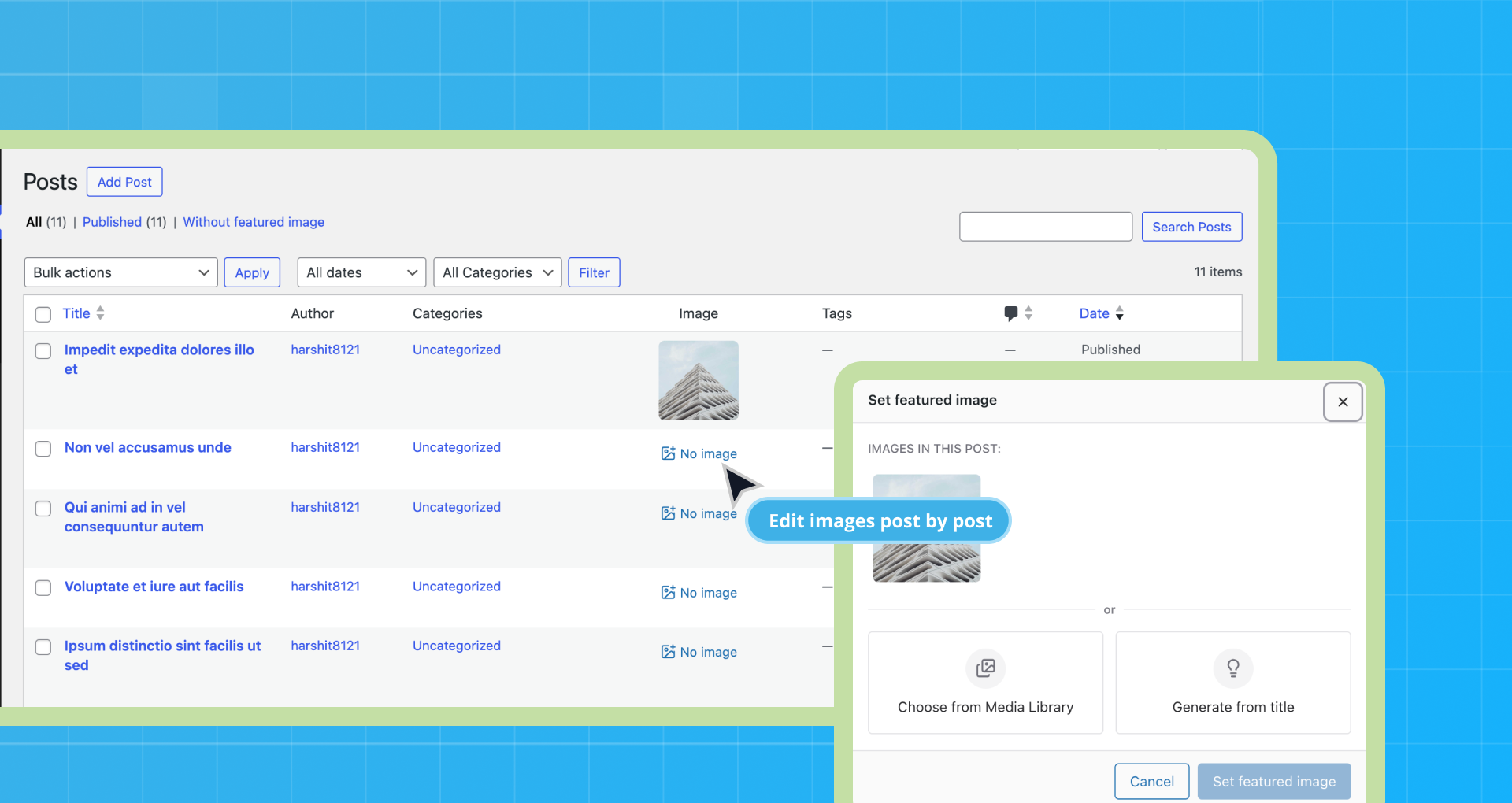
- ADD: The ability to select an image from the media library in a pop-up window in the list of posts
- FIX: Vulnerability with file extension
3.9.15
- FIX: Some fixes
3.9.14
- FIX: Image search in the post text
3.9.13
- Some fixes for compatibility with premium plugin
3.9.12
- ADD: CRON scheduled image generation (New option in settings) – PREMIUM
- FIX: Compatibility with ShortPixel plugin
- FIX: Generating images after importing via XML-RPC
- FIX: Optimization of image generation
3.9.11
- FIX: Google search API issue
3.9.10
- ADD: Default image for generation
- FIX: Memory allocate error on Generation page
3.9.9
- FIX: Font for title generation
3.9.8
- Some fixes
3.9.7
- Fixed: Errors
3.9.6
- Fixed: Some fixes
3.9.4
- Fixed: Some fixes
3.9.3
- Fixed: Security issue
- Add: Sidebar on this plugin pages
3.9.2
- Fixed: Link to the pricing page
- Fixed: WP 5.8 compatibility.
3.9.1
- Fixed: post type generation.
- Fixed: multisite support.
- Other minor fixes
3.9.0
- New appearance of the plugin pages.
- Add: Logging the generation process.
- Fixed: generation fixes.
- Other minor fixes
3.8.1
- Fixed: Adding images to the post text.
- Add: Import all images from the post text to the media library. (PRO)
- Other minor fixes
3.8.0
- Fixed: Encoding issues (On the generated image, the title displayed html entities instead of characters.).
- Added: New option in the image settings: dimensions of the generated image
- Other minor fixes
- Added: NEW OPTION: Search for an image by title of the post in Google (PRO)
3.7.7
- Fixed: Encoding issues. Solution by @bibliata
- Fixed: Uppercase issue (agréable > AGRéABLE) strtoupper() -> mb_strtoupper()
- Raised the minimum version of PHP -> 7.0
- Other minor fixes
3.7.6
- Fixed: Selecting a date on the mass generation page
3.7.5
- Fixed: jQuery.fn.load() and other bugs after update to WordPress 5.5
3.7.4
- Fixed: Google image search
3.7.3
- Added: Images in posts are recommended by the NEURAL NETWORK. (PRO)
3.7.2
- Fixed: generation of featured images
3.7.1
- Added: “Commercial and derived use” checkbox for Google search
- Fixed: Divi theme compatible
3.7.0
- Added: Automatically generation an image for each post from the post title and sets it as the featured image
- Added: Settings for featured image generation
- Added: Support for WordPress mobile apps (automatic add featured image when creating/updating a post)
- Redesigned Settings page
- Fixed: “Metadata error” when trying to download an image from photobank
- Fixed: In some cases the plugin did not find images in the post text
- Fixed: (PRO) In the automatic generation filter, you can select a custom post type if it is displayed on the frontend
- Many other minor changes and bugfixes
3.6.0
- New: Bulk delete thumbnails
- New: Before searching images in the text of the post, the shortcodes are executed
- Updated About page
- Translation into Russian language
- Other minor changes and bugfixes
3.5.0 (2019-09-11)
- Fixed: Php warning “is_readable(): open_basedir restriction in effect”. more
3.5.0
- Fixed: Errors in the plugin on user requests
- New: Bulk Featured Images generation
- New: Featured Images selective generation
- New: Manual Featured Images Selection
- New: Image search in Google, Unsplash, Pixabay
- New: Compatibility with Elementor and Gutenberg.
3.4.1
- Fix for unchecked extension of uploaded files
3.4.0
- Tested with the latest wordpress release.
3.3.3
- Fix for SQL error begin caused due to no ID
3.3.2
- Tested with WordPress-3.6.x
- Small tweaks
3.3.1
- Tested with WordPress-3.5.1
3.3.0
- Added fix for featured images behaving differently in WordPress version 3.4. NOTE: This version will fix only images in future posts. For fixing images of past posts see http://www.clickthrough-marketing.com/how-to-fix-auto-post-thumbnail-on-wordpress-3.4-seo-friendly-800610805/
3.2.3
- Added fix for jquery progress bar error causing due to WordPress version 3.1
3.2.2
- Added back publish_post action so that regular posts work without any issues.
- Added code to check whether the image exists in database before trying to fetch it.
3.2.1
- Added code to correctly link the featured/post thumbnail with the post so that the Media Library shows the association correctly.
- Assigning title to the generated featured/post thumbnail by extracting it from the title of processed image.
3.2
Added support for creating featured thumbnails for custom post types as well. Batch processing will also generate thumbnails for any type of post.
3.1
Renamed Gen. Post Thumbnails to Auto Featured Image and moved it under Settings menu.
3.0
- Added Batch Processing capability to generate post thumbnails for already published posts.
- A new menu item Gen. Post Thumbnails is added under Tools menu.
2.0
Added functionality to generate Post Thumbnail for scheduled posts. Thumbnail will be generated when scheduled post gets published.
1.1
Added a wrapper function using cURL for file_get_contents in case ‘allow_url_fopen’ ini setting is off.
1.0
First release

