

Just another contact form plugin. Simple but flexible.

About Login Lockdown – Protect Login Form
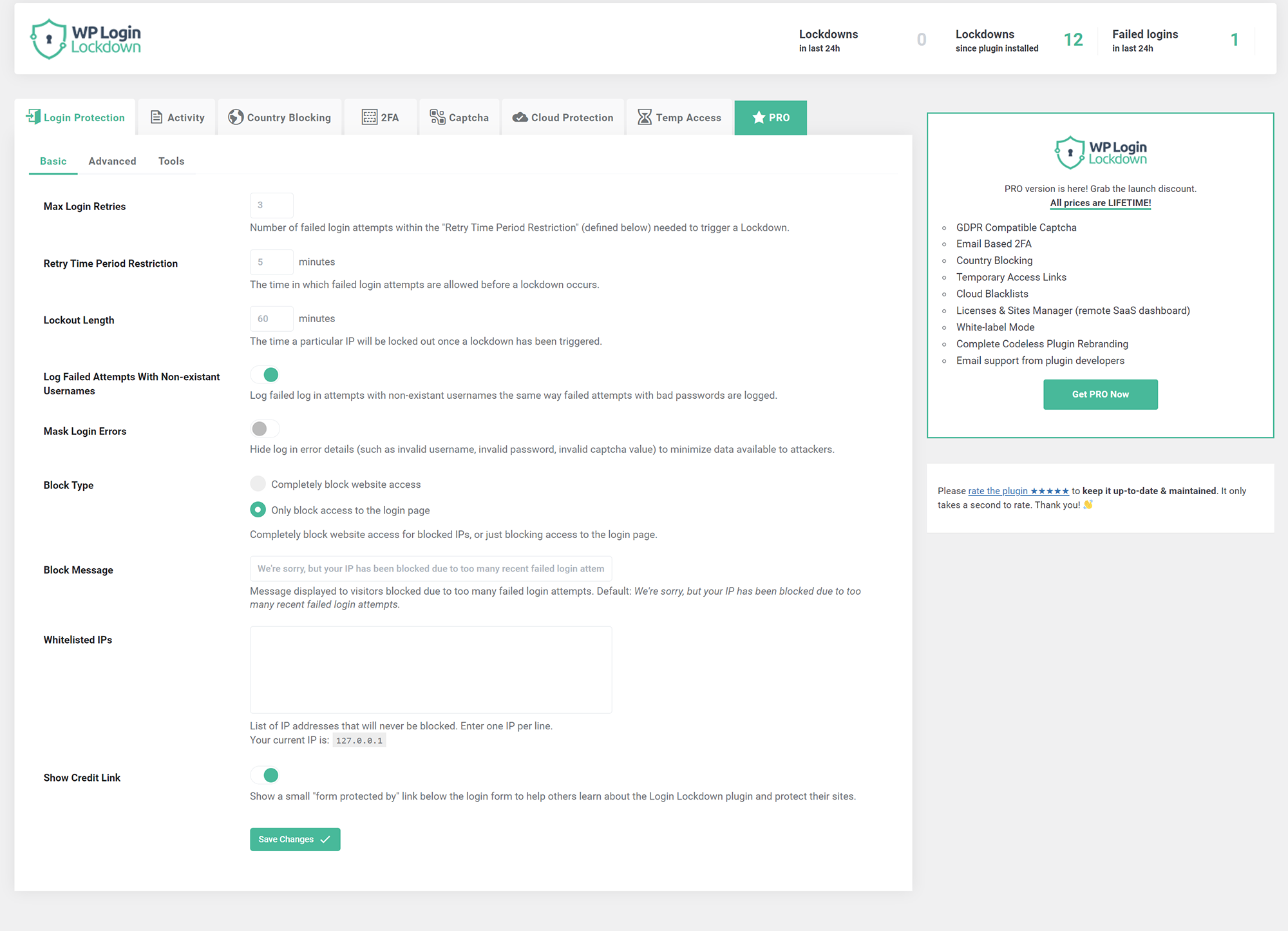
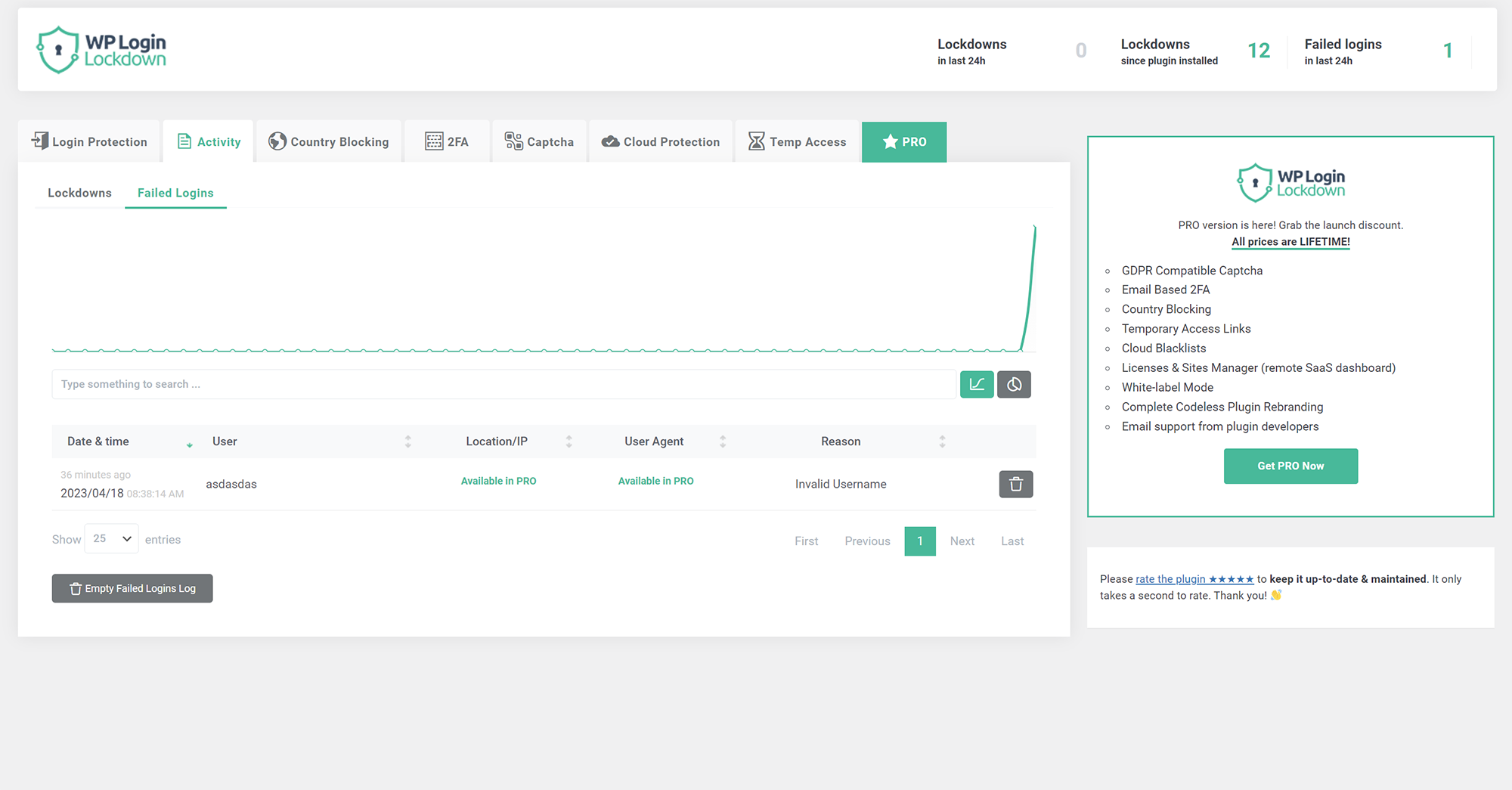
Login Lockdown is a plugin that enhances the security of your website by recording failed login attempts and disabling access for IP addresses that exceed a certain number of failed attempts within a set time period. It also offers additional features such as country blocking, captcha, two-factor authentication, cloud protection, and temporary access management.Screenshots
Frequently asked questions
What does Login Lockdown do?
Login Lockdown records the IP address and timestamp of failed login attempts. If more than a selected number of attempts are detected within a set period of time from the same IP, then the login is disabled for all requests from that IP address (or the IP is completely blocked from accessing the site). This helps prevent brute force password attacks & discovery.
What are the default lockout settings for Login Lockdown?
The plugin defaults to a 1 hour lock out of an IP block after 3 failed login attempts within 5 minutes. This can be modified in options. Administrators can release locked out IP ranges manually from the panel. A detailed log is available for all failed login attempts and all IP locks.
How can I configure the plugin?
You can configure the plugin from Settings - Login Lockdown.
What is the Country blocking feature?
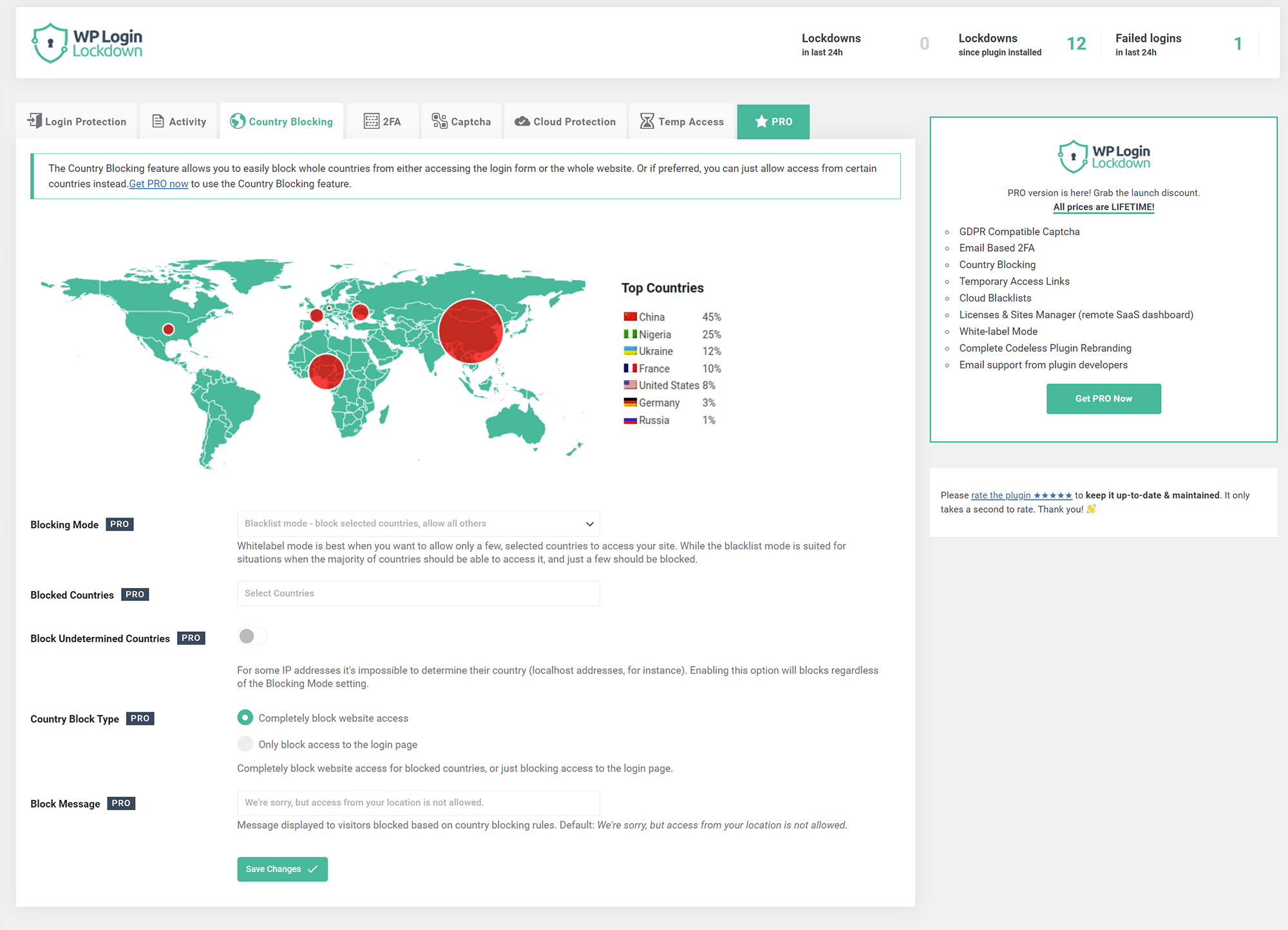
Country blocking is a PRO feature that allows you to block unwanted countries from accessing the site, or just block them from being able to log in. You can also display a custom message to blocked visitors so they know why they can't access the site.
What is Captcha and how does it work?
Captcha is a feature that helps get rid of bots and brute-force password attacks. Login Lockdown offers 4 different versions of Captcha - a built-in one, two from Google (PRO feature), and hCaptcha (PRO feature). The built-in captcha is GDPR compatible.
Changelog
v2.11
- 2024/07/08
- minor security fixes
v2.10
- 2024/05/18
- made more strings translatable
v2.09
- 2024/02/09
- security fix
v2.08
- 2023/12/09
- security/fatal error fix
v2.07
- 2023/11/19
- security fix
v2.06
- 2023/05/11
- minor bug fixes
v2.05
- 2023/05/09
- bug fix – IP wasn’t showing in lockdowns and log tables
v2.02
- 2023/04/24
- fixed a few captcha bugs
- added captcha verification when activating it in admin
v2.0
- 2023/04/18
- new codebase
- new GUI
- new features
- added captcha
- introduced PRO version
v1.83
- 2022/10/04
- fixed timezone bug
v1.82
- 2022/09/23
- WebFactory took over development
- a full rewrite will follow soon, for now we patched some urgent things
- prefixed function names that are in global namespace
- properly escaped all inputs
v1.0
- 2007/08/29
- initial release

