

The Elementor Website Builder has it all: drag and drop page builder, pixel perfect design, mobile responsive editing,…

About Converter for Media – Optimize images | Convert WebP & AVIF
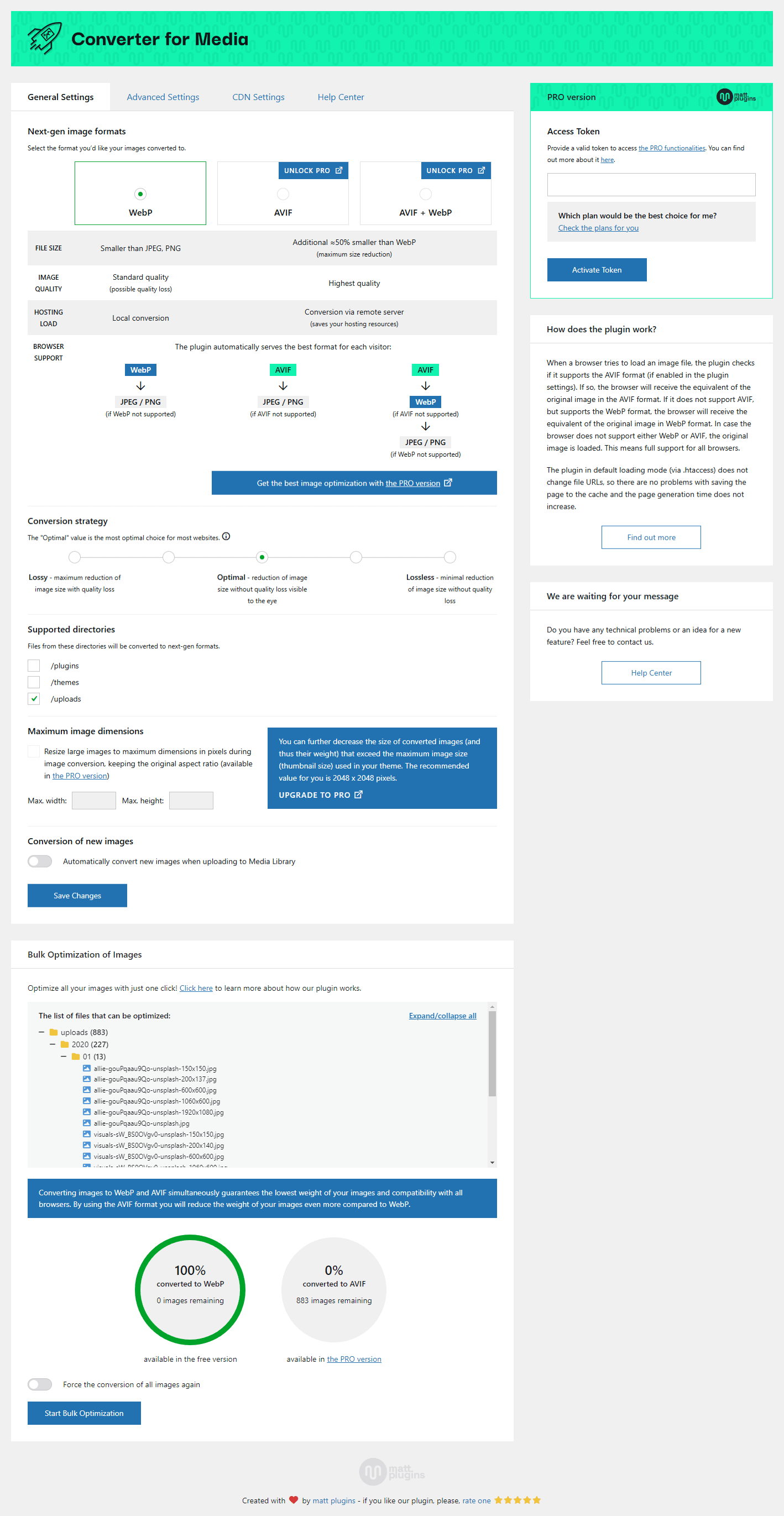
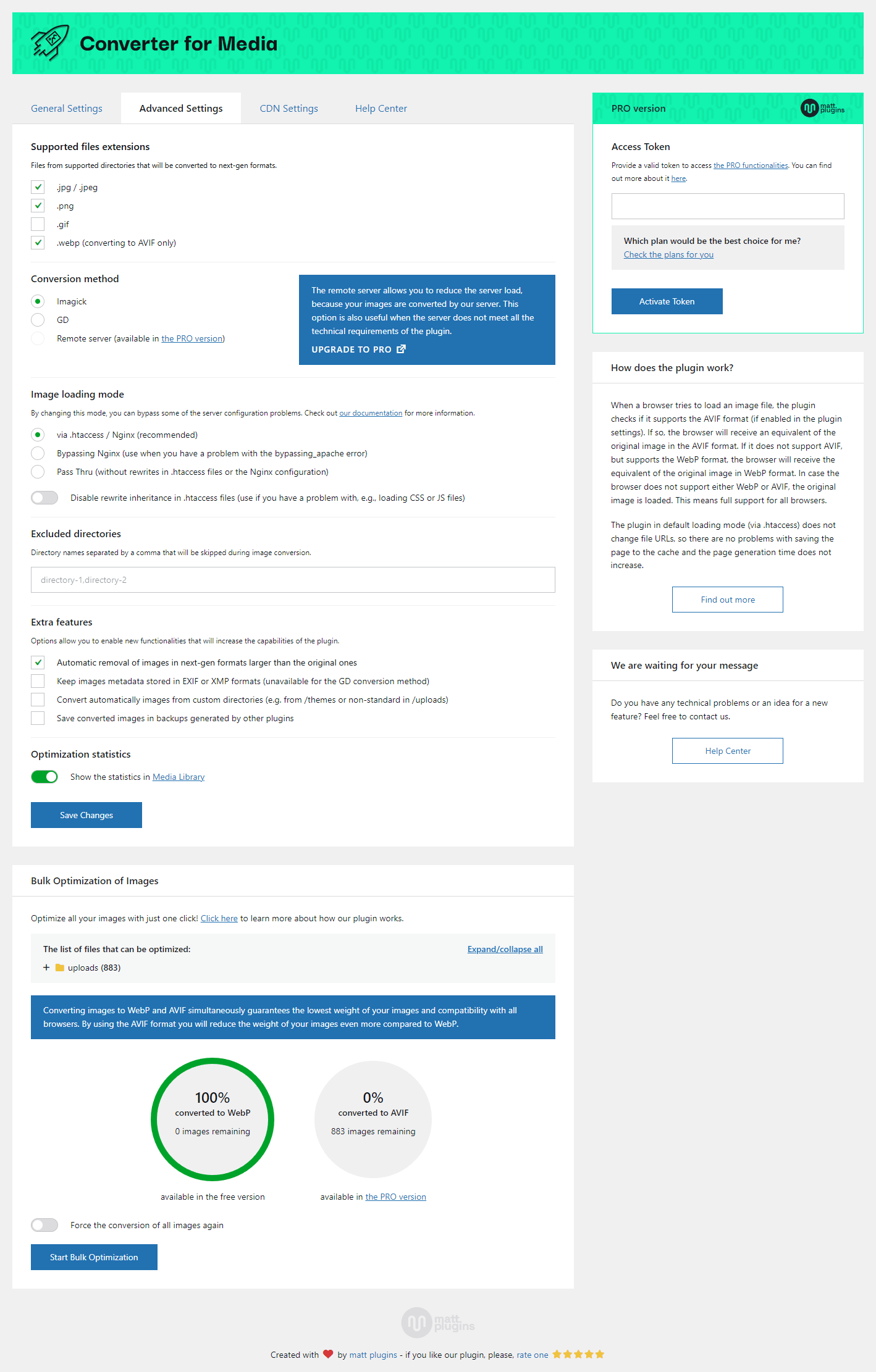
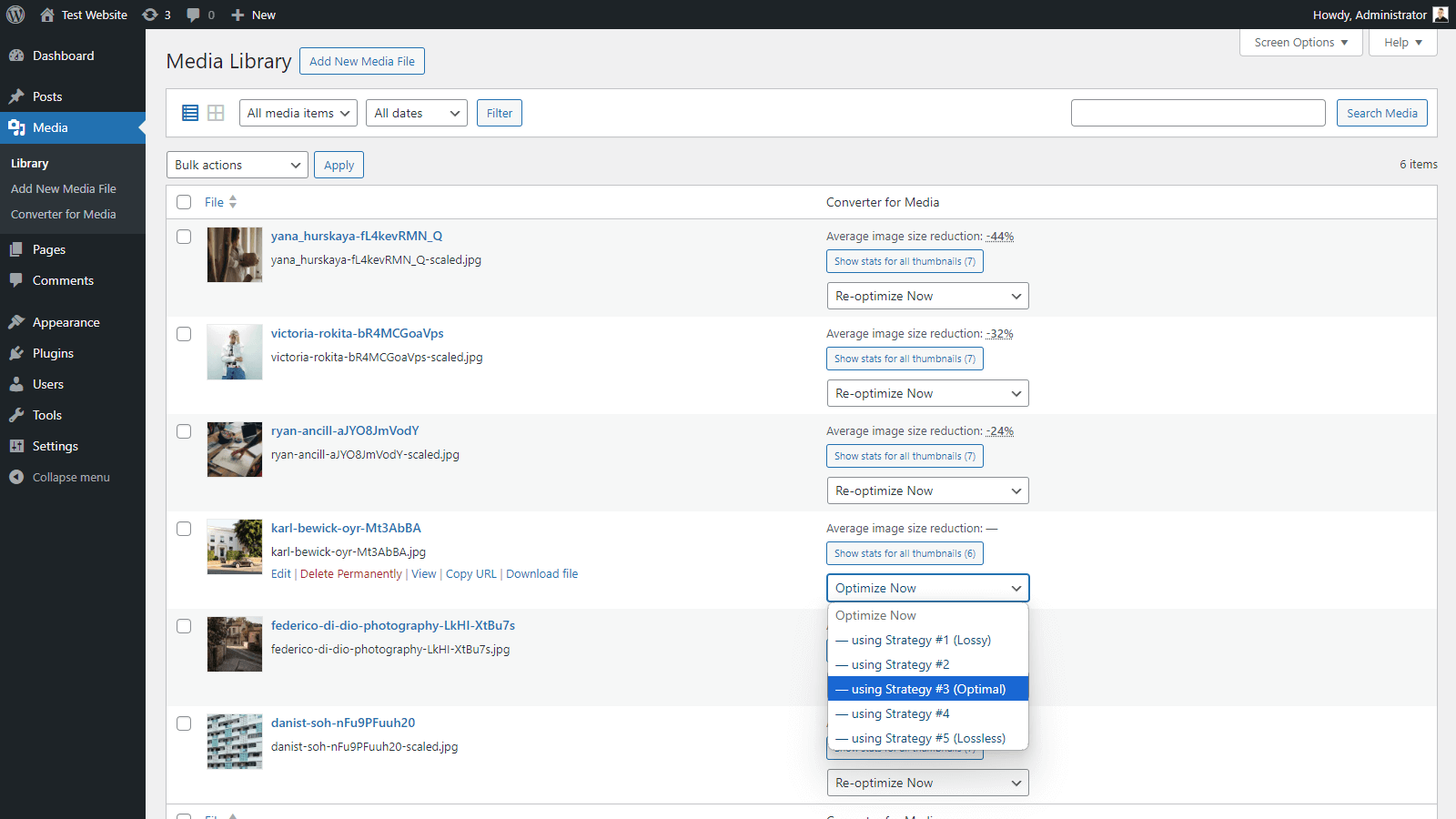
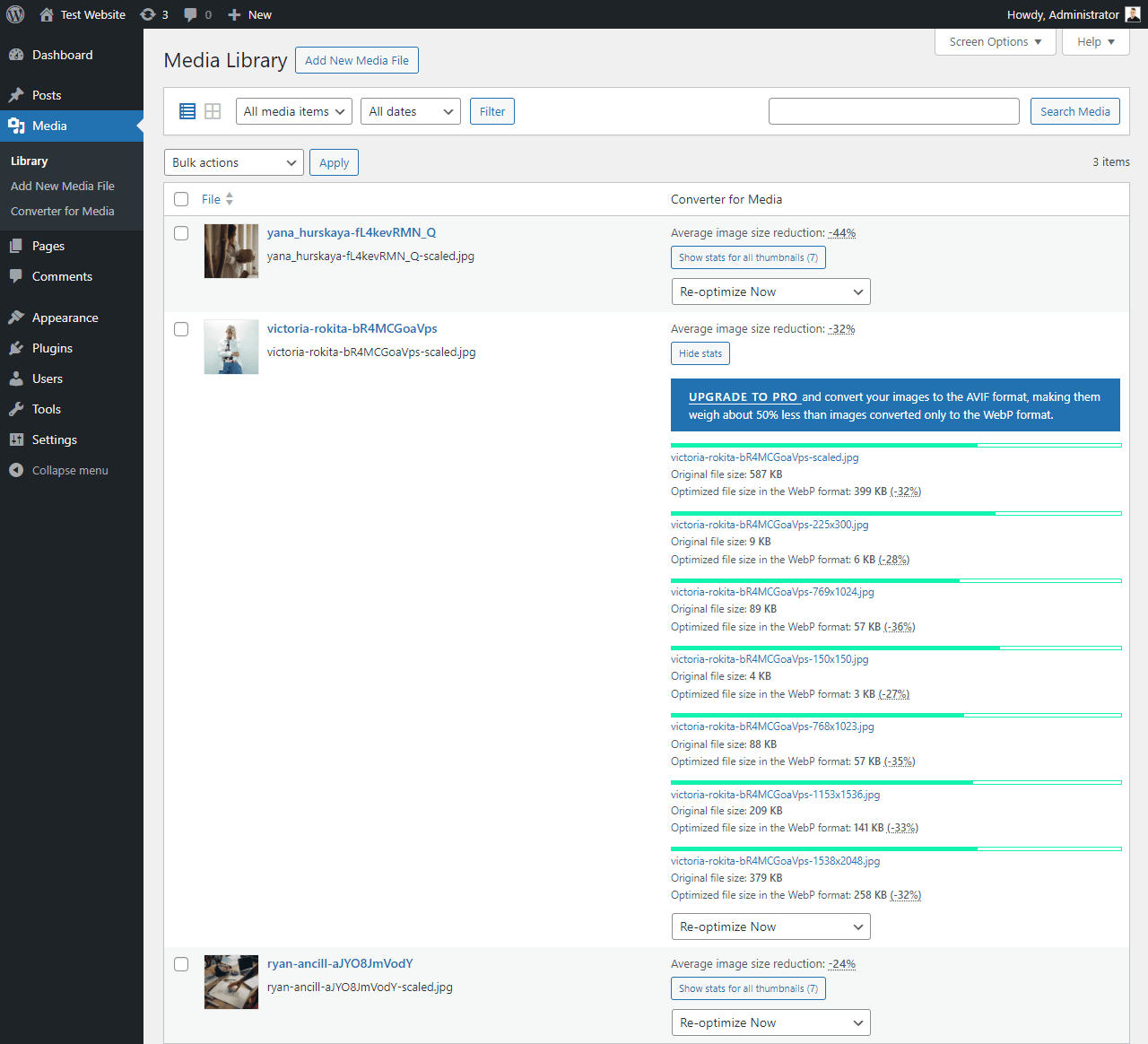
Speed up your website by using an image optimizer that serves WebP and AVIF images, reducing page weight without compromising quality. The plugin optimizes your entire Media Library with one click, automatically delivering smaller images to visitors for faster loading times. The PRO version even offers AVIF support, further reducing image size while maintaining quality and compatibility with most browsers.Screenshots

Frequently asked questions
What is Converter for Media?
Converter for Media is a WordPress plugin designed to optimize images by converting them to WebP and AVIF formats. It helps speed up websites by reducing image file sizes without losing quality.
How does the plugin optimize images?
The plugin replaces standard JPEG, PNG, and GIF formats with WebP and AVIF. After installation, you can optimize your entire Media Library with a single click.
What are the benefits of using this plugin?
Using WebP and AVIF formats can save over half of the page weight, improve website loading times, and positively affect your Google ranking. It benefits both users by reducing data download and servers by decreasing load.
Does the plugin support AVIF?
Yes, AVIF support is available in the PRO version of the plugin. AVIF images weigh about 50% less than WebP images while maintaining better quality.
What happens if a browser doesn't support AVIF?
If a visitor has an older browser that doesn't support AVIF, the plugin will automatically fall back to serving WebP images. This ensures every user receives fast, high-quality images.
Changelog
6.2.2 (2025-04-29)
[Security]Update of Axios HTTP client
6.2.1 (2025-04-01)
[Fixed]Handling of excluded directories when uploading new images[Added]Error detection of required functions in disable_functions list in PHP configuration[Added]Support for WordPress 6.8
6.2.0 (2024-12-18)
[Changed]Minimum required PHP version from 7.0 to 7.1[Added]Compatibility with PHP 8.4
6.1.3 (2024-11-19)
[Fixed]Translations in command registration for WP-CLI[Added]Support for WordPress 6.7
6.1.2 (2024-10-26)
[Fixed]Removing converted files after uninstalling plugin
6.1.1 (2024-10-02)
[Changed]Bulk Optimization of Images section
6.1.0 (2024-09-13)
[Removed]Filterwebpc_supported_source_directory[Fixed]Handling of excluded directories when uploading new images[Fixed]Handling of excluded filenames when uploading new images[Fixed]Adding support for custom directories using webpc_source_directories filter[Fixed]Verification of rewrites_not_working server configuration error when HTTP referer is required
6.0.0 (2024-08-28)
[Fixed]Generating statistics on plugin settings page when WebP format is unchecked[Fixed]Restoring original images in Media Library[Changed]Optimization statistics in Media Library[Added]Warnings with explanations in plugin settings field: Image loading mode
See changelog.txt for previous versions.

