
The Elementor Website Builder has it all: drag and drop page builder, pixel perfect design, mobile responsive editing,…
About Import Settings into WordPress SEO by Yoast
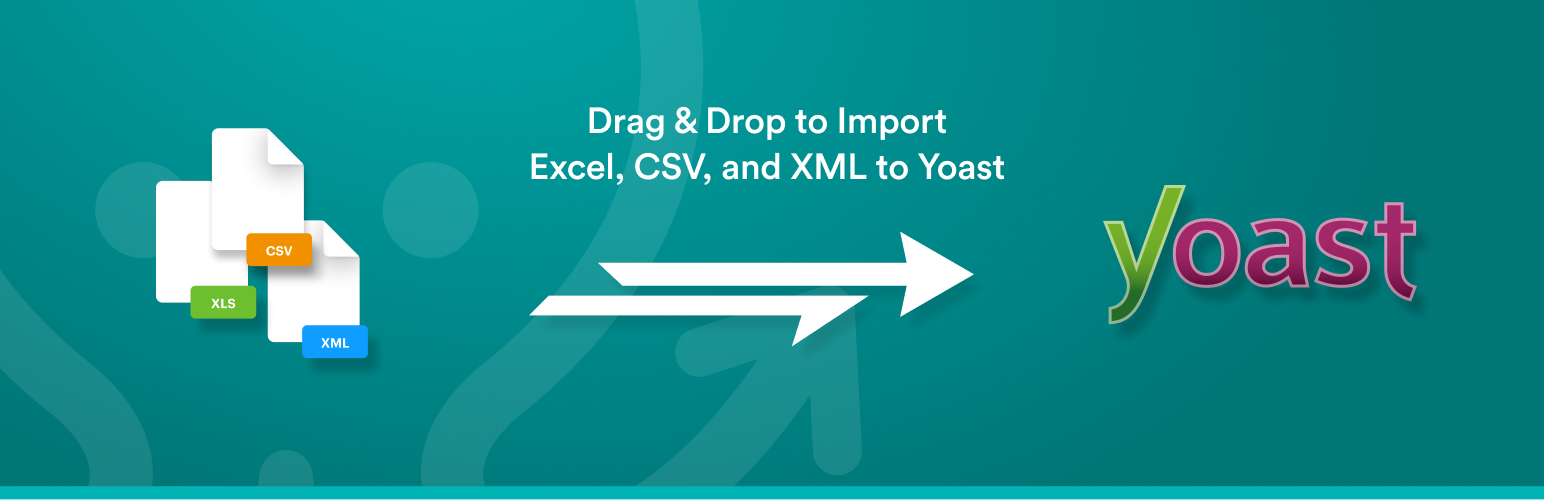
The Yoast WordPress SEO Add-On for WP All Import allows you to easily import your SEO settings to the Yoast WordPress SEO plugin in just a few minutes. You can import new posts, pages, or custom post types and configure their SEO settings, as well as update SEO settings for existing posts. The add-on is compatible with all other WP All Import add-ons and offers complete support for all available SEO settings.Frequently asked questions
Why should I use the Yoast WordPress SEO Add-On for WP All Import?
The Yoast WordPress SEO Add-On for WP All Import allows you to bulk import your SEO settings to the Yoast WordPress SEO plugin in less than 10 minutes. It makes importing new posts, pages, or custom post types and configuring their SEO settings easy. It is also compatible with all other WP All Import add-ons and provides complete support for configuring all available SEO settings for your posts.
Is the Yoast WordPress SEO Add-On for WP All Import compatible with the free version of WP All Import?
Yes, the Yoast WordPress SEO Add-On for WP All Import is fully compatible with the free version of WP All Import.
What additional features are included in the professional edition of WP All Import?
The professional edition of WP All Import includes premium support and adds the following features: importing files from a URL, cron job/recurring imports, custom PHP functions for data manipulation, and access to premium technical support.
Can I create my own Add-On using the Rapid Add-On API for WP All Import?
Yes, you can create your own Add-On using the Rapid Add-On API for WP All Import. It is designed to make it easy to write your own Add-On. If you don't have time, you can also have one made for you.
Where can I find support for WP All Import?
We do not handle support in the WordPress.org community forums. For free version users, support is available via email at [email protected]. However, support for free version customers is not guaranteed and based on ability. For premium support, you can purchase WP All Import Pro.
Changelog
1.1.8
- bug fix: deprecated field _yoast_wpseo_redirect in import field list
- improvement: update rapid add-on api
1.1.7
- Remove deprecated fields to fix issue with WooCommerce API.
1.1.6
- Added ability to import SEO data in a Taxonomy import.
1.1.5
- Removed Yoast section from Taxonomy imports
1.1.4
- Fixed field update permissions for primary category
1.1.3
- Bug fix related to new posts in existing import.
1.1.2
- Added focus keyword text input field
1.1.1
- Added primary category setting
1.1.0
- Bug fixes related to cron imports
1.0.5
- Bug fixes related to Yoast SEO Premium
1.0.3
- Add support for Yoast SEO Premium
- Add ‘Auto Calculate SEO Score’
1.0.2
- Update WP All Import add-on API
1.0.0
- Initial release on WP.org.

