

Improve your WordPress SEO: Write better content and have a fully optimized WordPress site using the Yoast SEO…
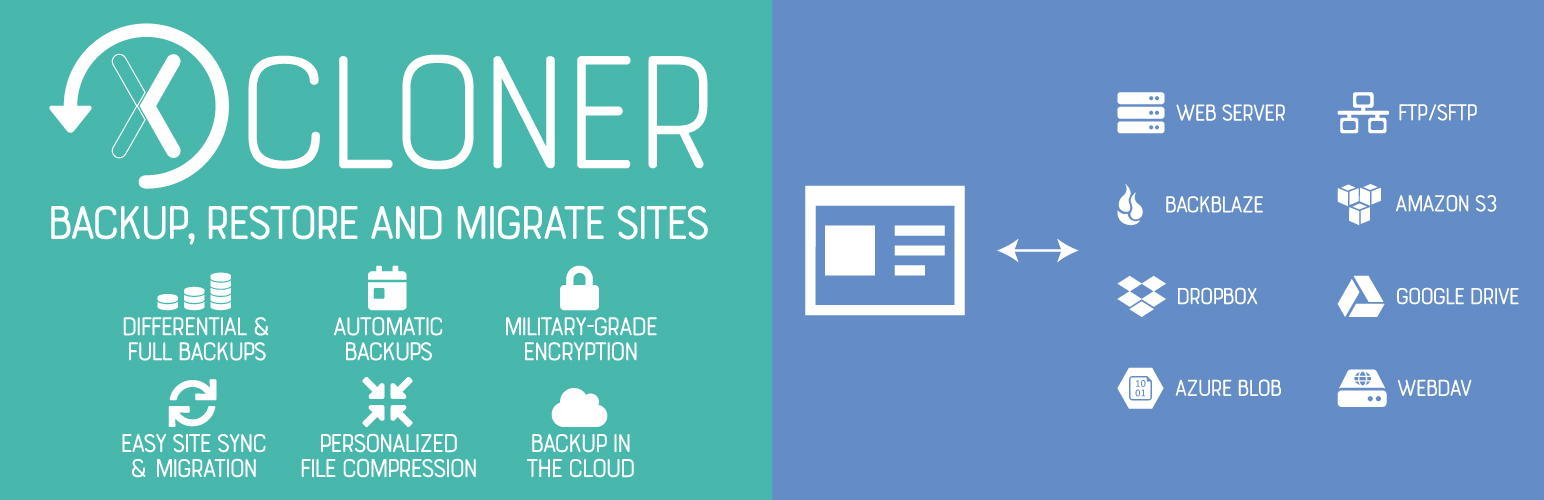
About Backup, Restore and Migrate WordPress Sites With the XCloner Plugin
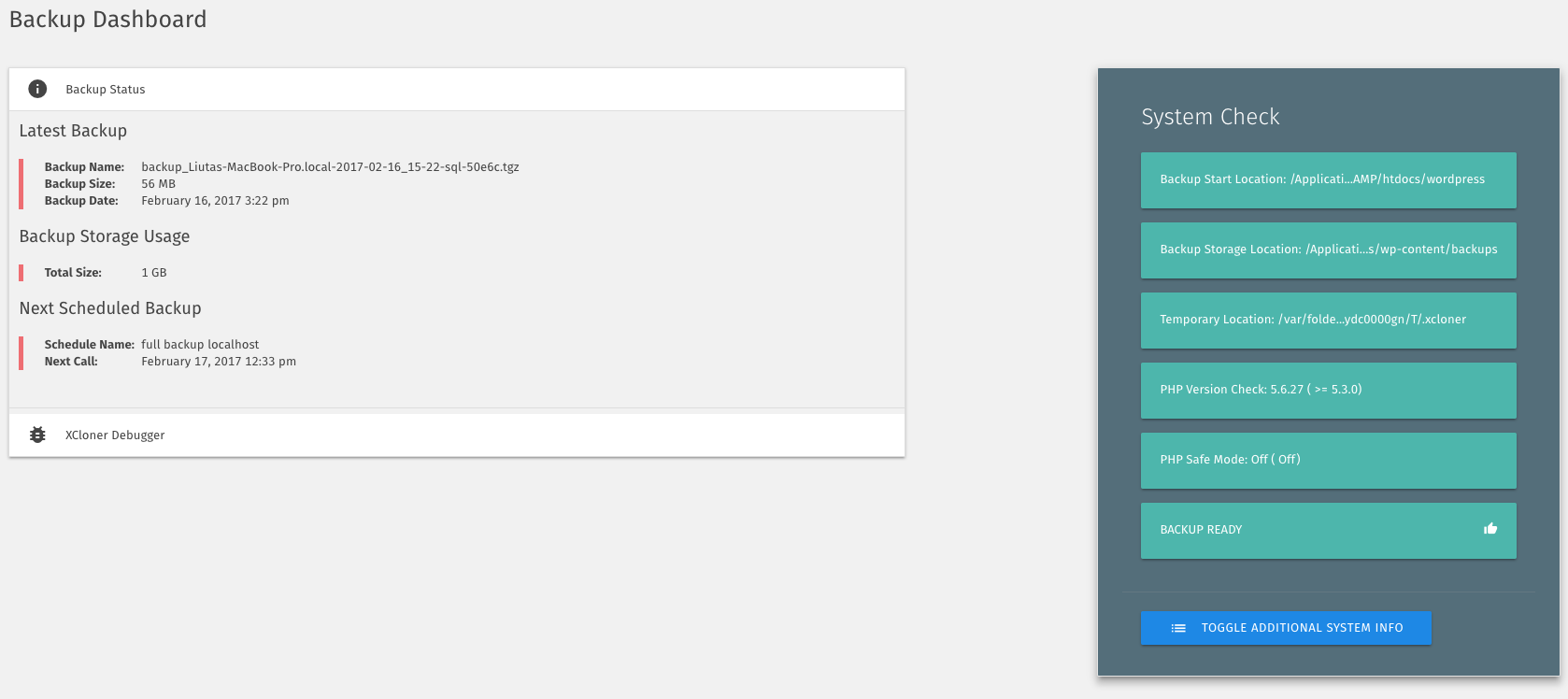
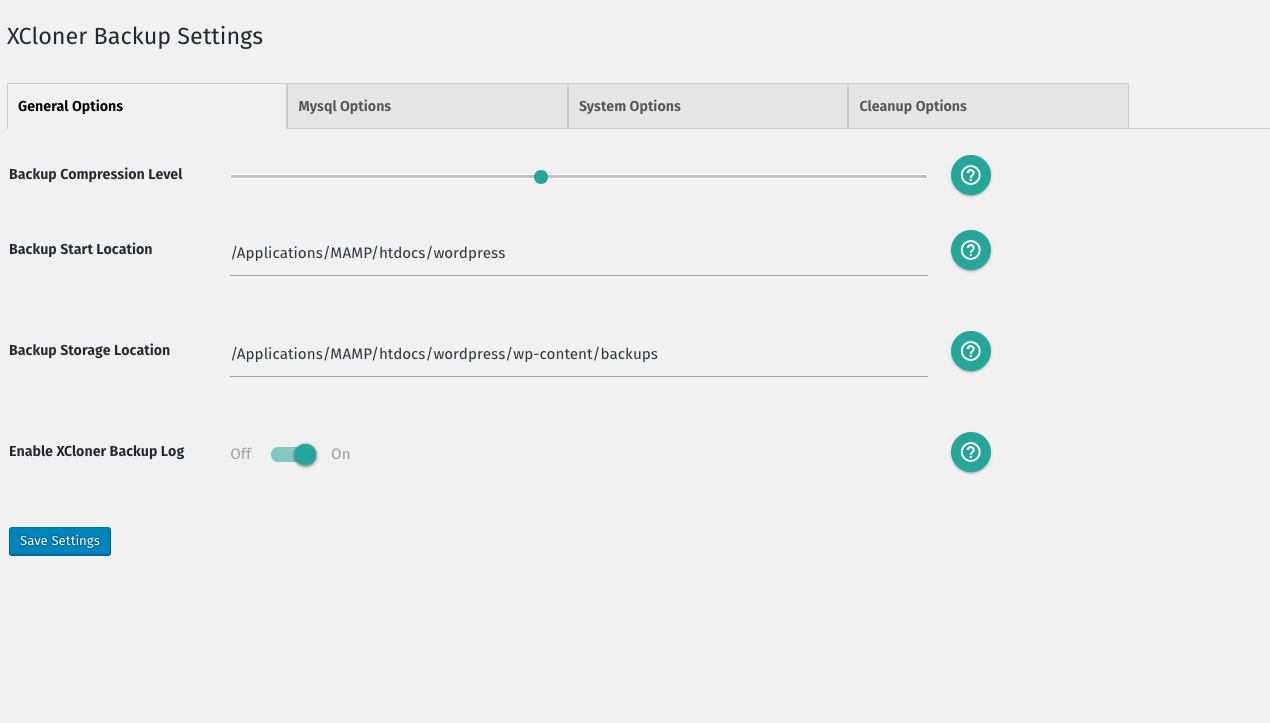
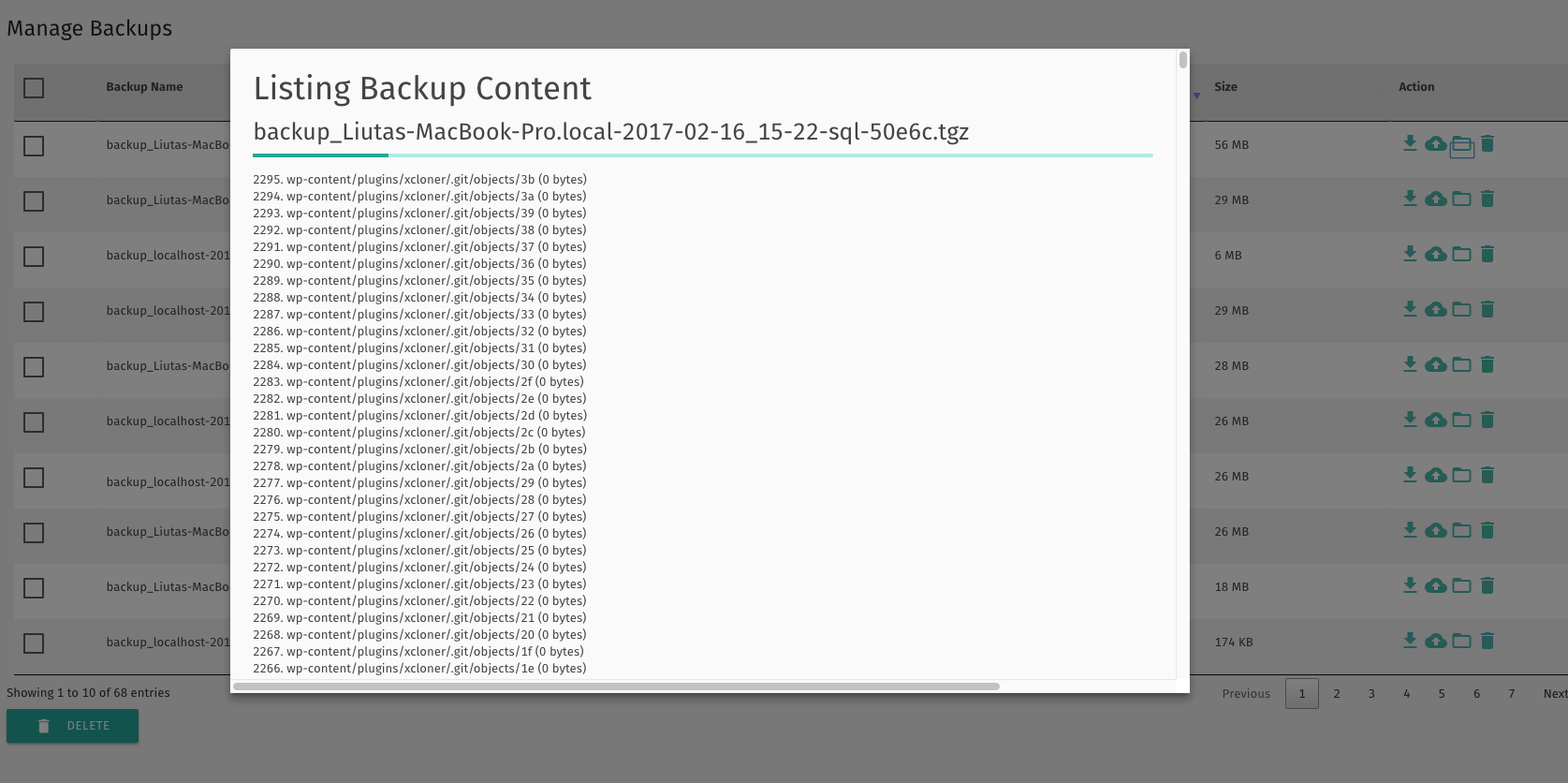
XCloner is a backup plugin for WordPress that allows you to safely back up and restore your sites. It supports various remote storage options and has safety features like generating backups before automatic updates. XCloner integrates smoothly with the Watchful dashboard, a tool for managing and monitoring multiple WordPress websites.Screenshots
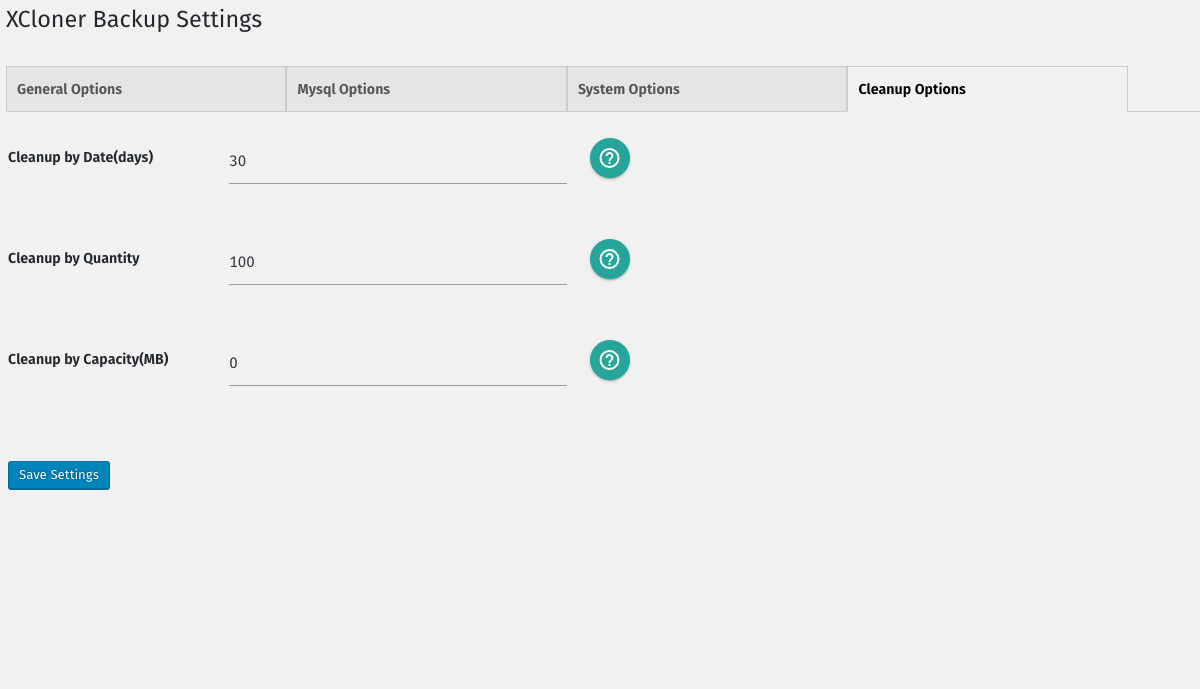
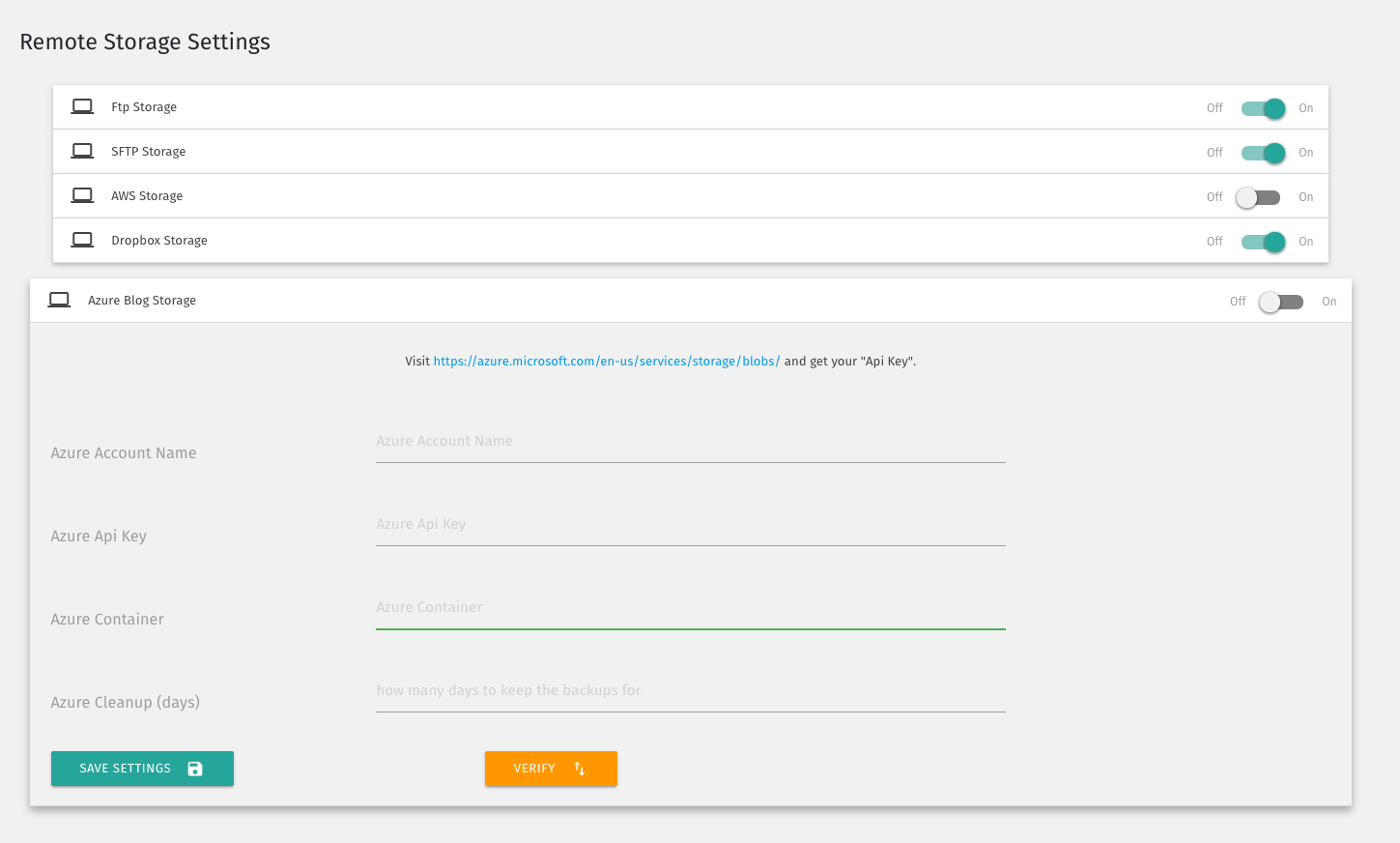
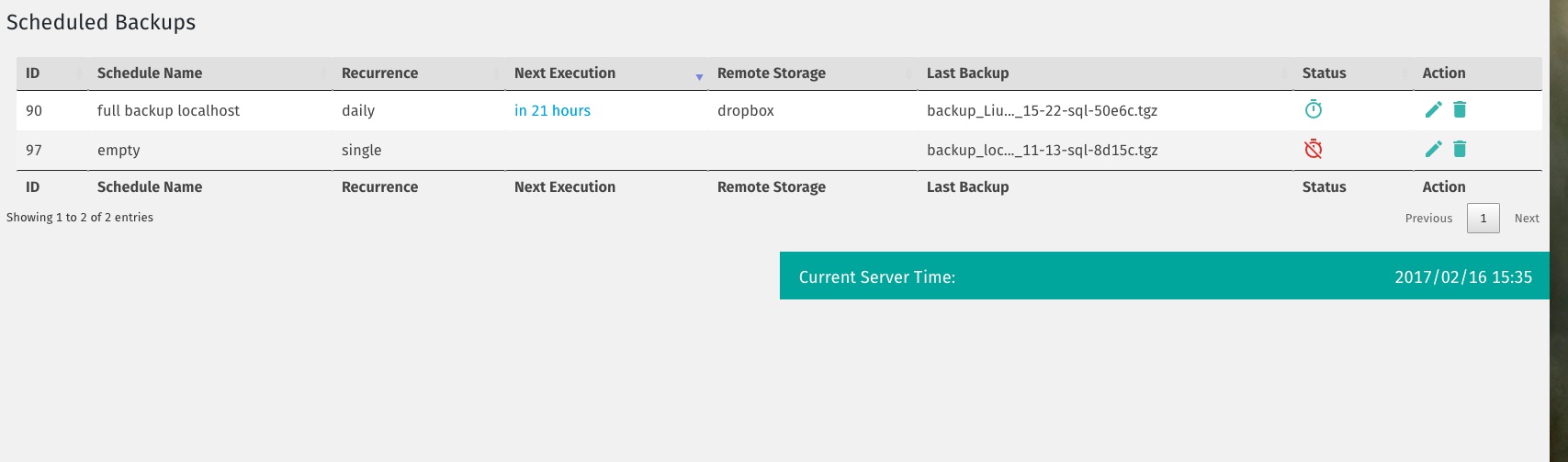
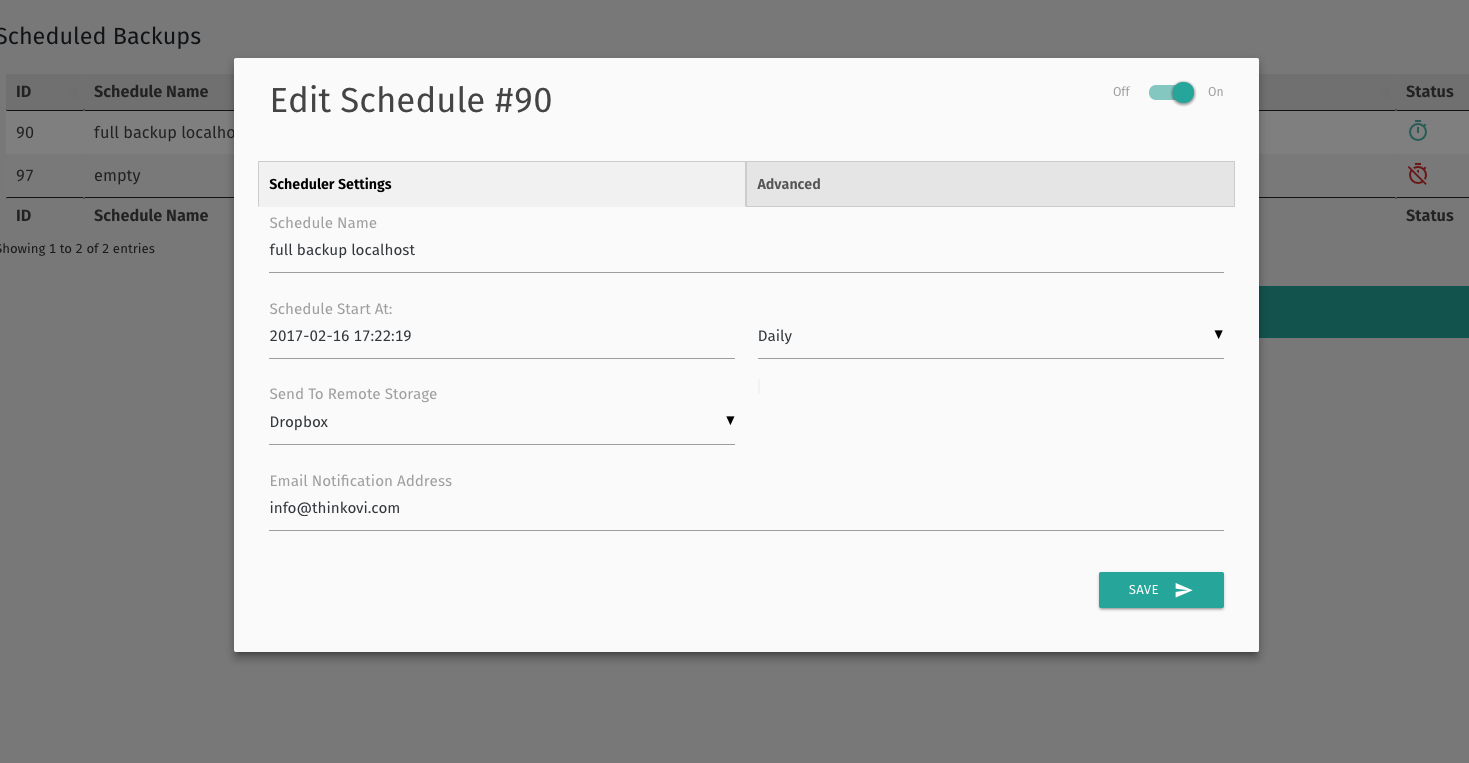
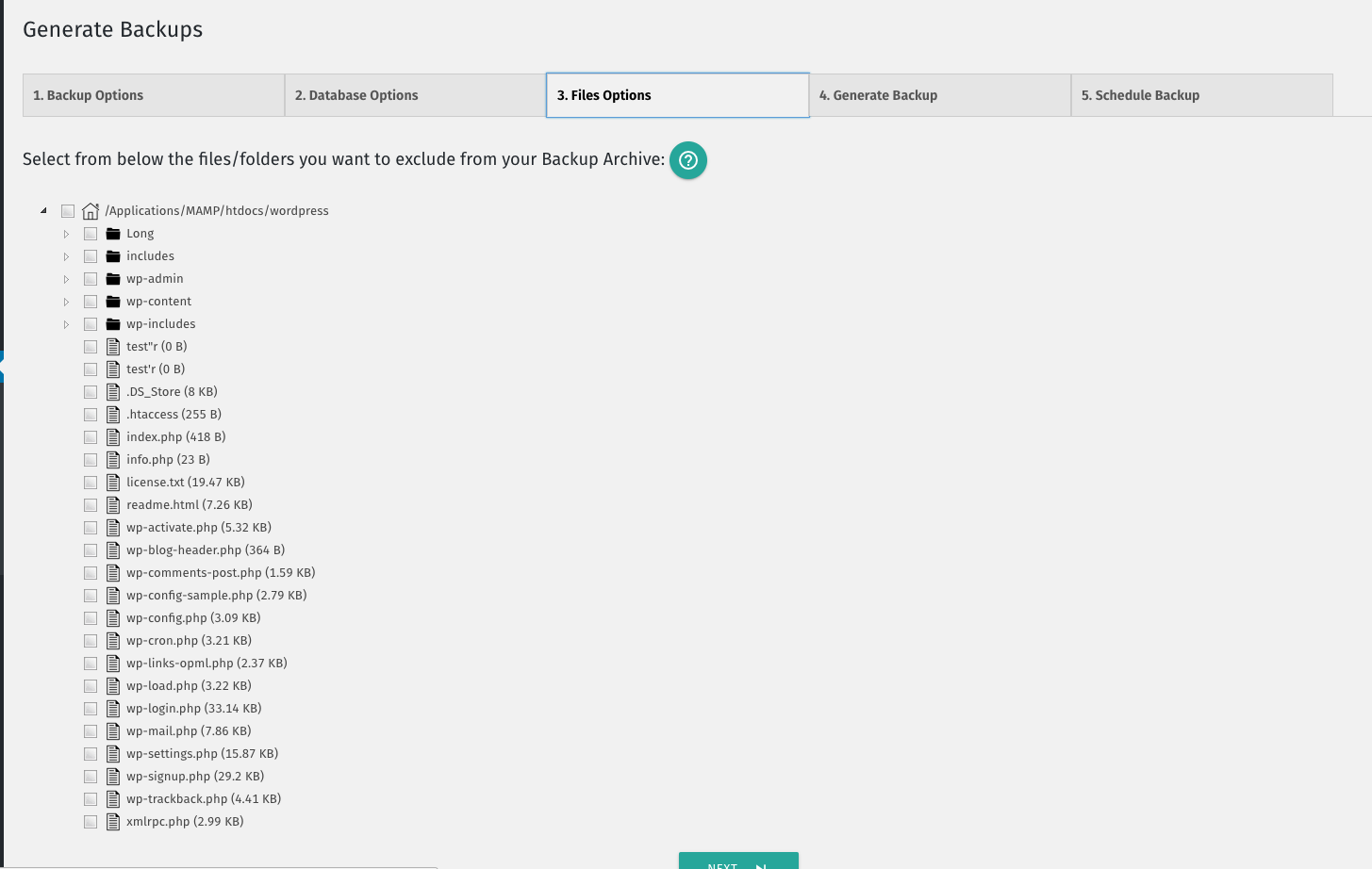
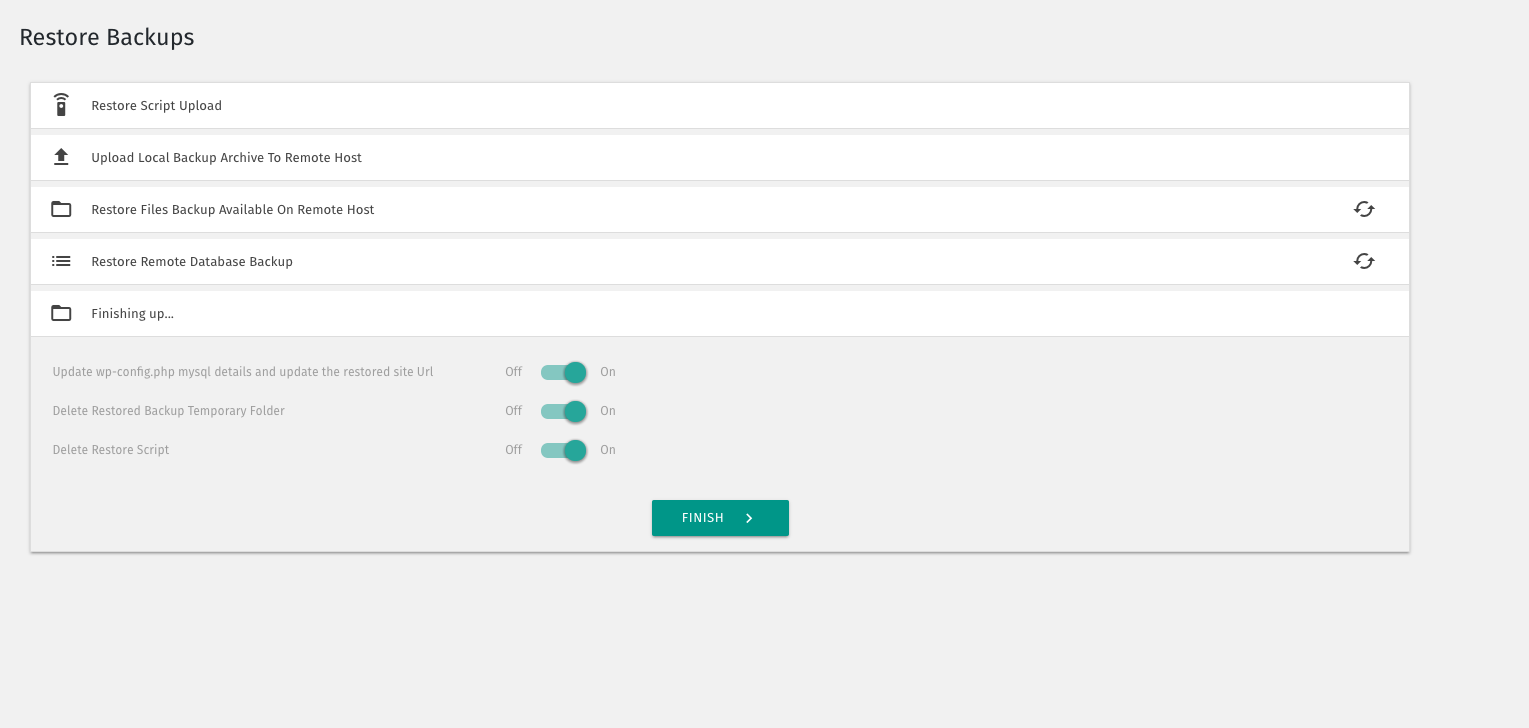
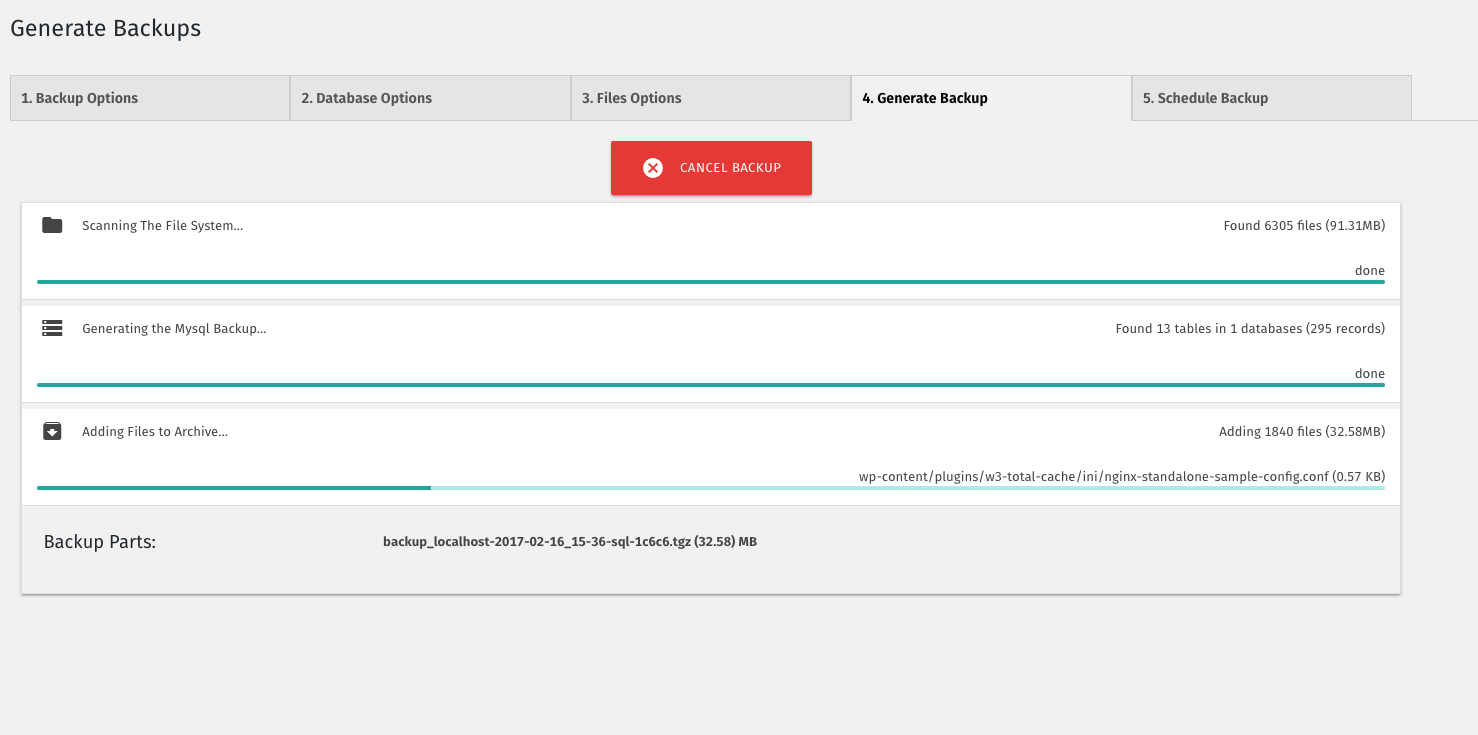
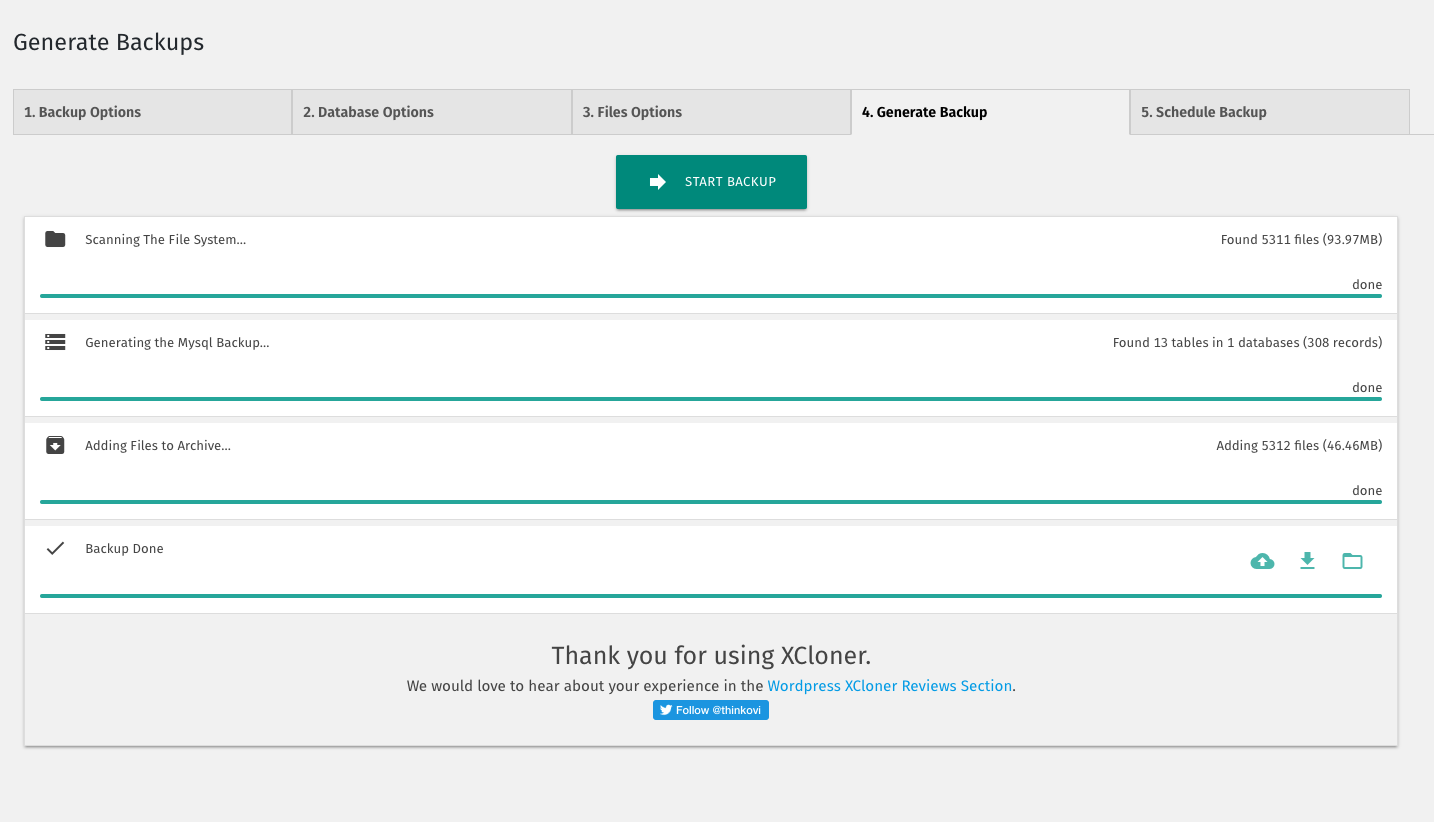
Frequently asked questions
What is XCloner?
XCloner is a backup plugin that allows you to safely back up and restore your WordPress sites. You can send your site backups to SFTP, Dropbox, Amazon, Google Drive, Backblaze and other locations. You can create backups manually or automatically with XCloner’s built-in scheduler.
Can XCloner automatically generate backups?
Yes, XCloner enables you to automatically generate backups with the built-in cron script. These cron jobs can run daily, weekly, monthly or even hourly.
Can XCloner restore backups on any location?
Yes, you can restore backups on any location compatible with your website by using the XCloner restore feature. Your site clone can be restored on a totally different server, with new server and MySQL details.
What safety features does XCloner have?
XCloner has many useful safety features. For example, XCloner will generate a core, plugins, themes or languages files backup before the automatic update of WordPress core, plugins, themes or languages files. XCloner also has the ability to split backups into multiple smaller parts if a certain size limit is reached. XCloner can also store a local copy of the backup that it will then delete when the backup has been sent to the remote location.
Does XCloner have encryption for backups?
Yes, XCloner has a built-in security layer to protect your backups. You can create encrypted backup archives with AES-128-CBC algorithm. This encryption helps to ensure that your data is still GDPR compliant even if the backup fails.

