

Enables the previous "classic" editor and the old-style Edit Post screen with TinyMCE, Meta Boxes, etc. Supports all…
About WPZOOM Portfolio
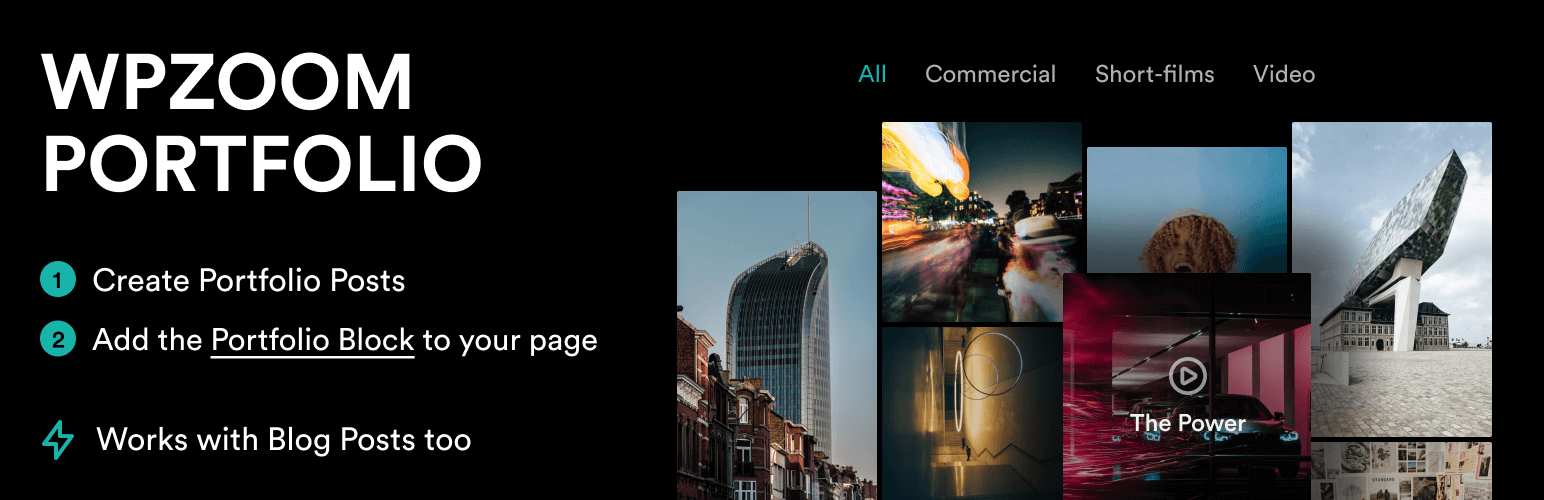
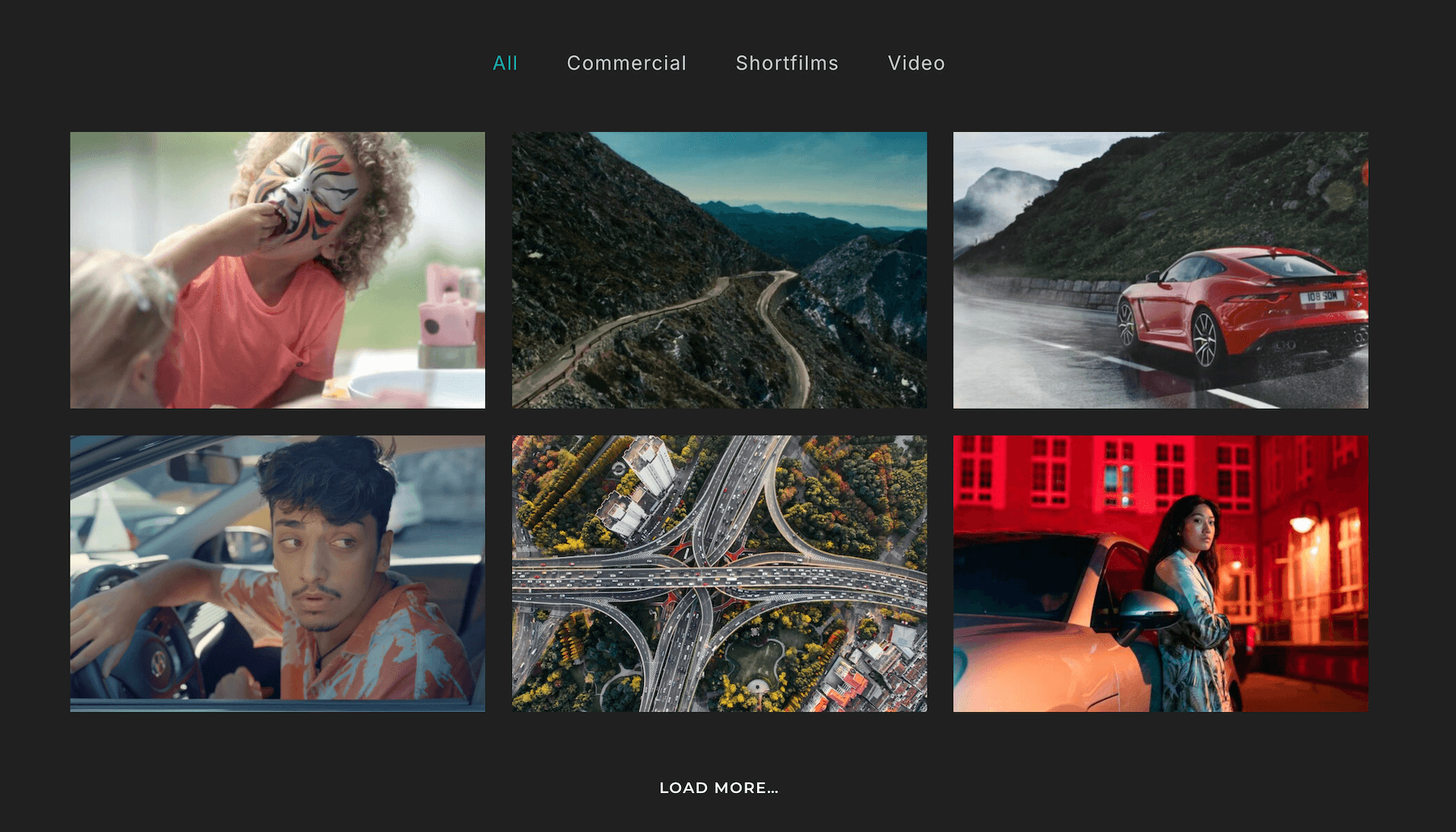
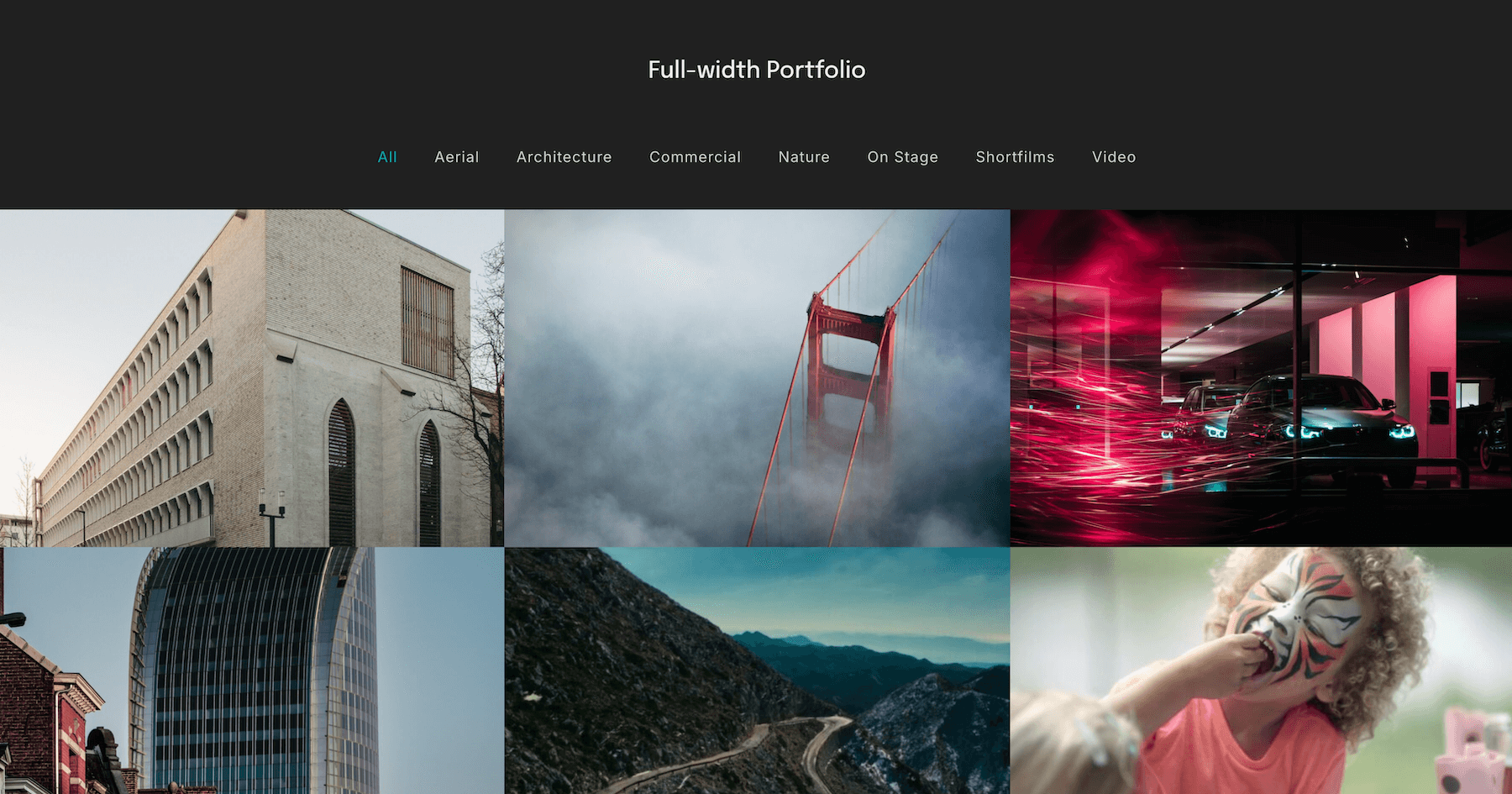
WPZOOM Portfolio PRO is a plugin that allows you to showcase your work in a stylish and customizable portfolio layout. It includes advanced filtering and sorting options, video integration, and is fully responsive. The plugin works with blog posts as well, and there is a PRO version available with even more features.Screenshots
Frequently asked questions
What is WPZOOM Portfolio?
WPZOOM Portfolio is a WordPress plugin designed for showcasing work in elegant, professional, and customizable layouts. It is suitable for creatives, designers, photographers, and businesses.
What layout options are available with WPZOOM Portfolio?
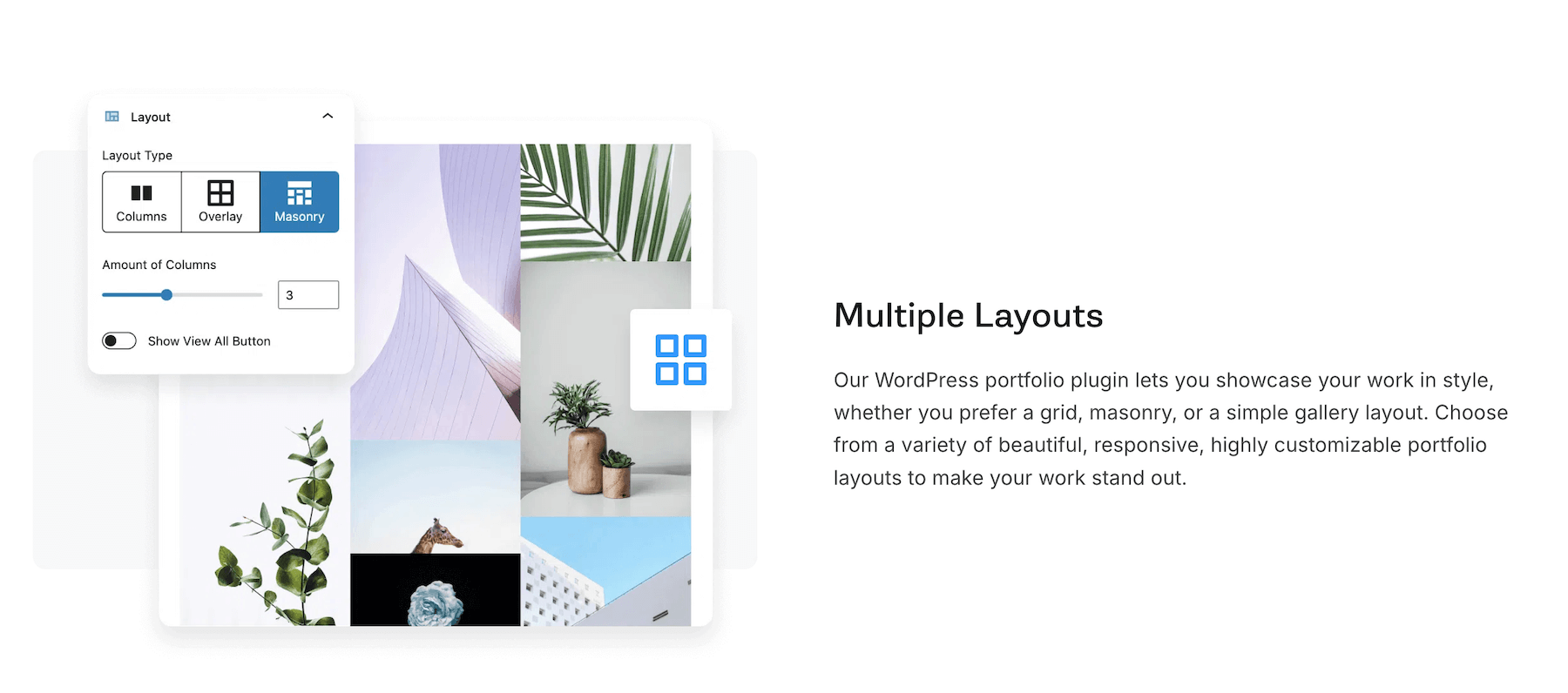
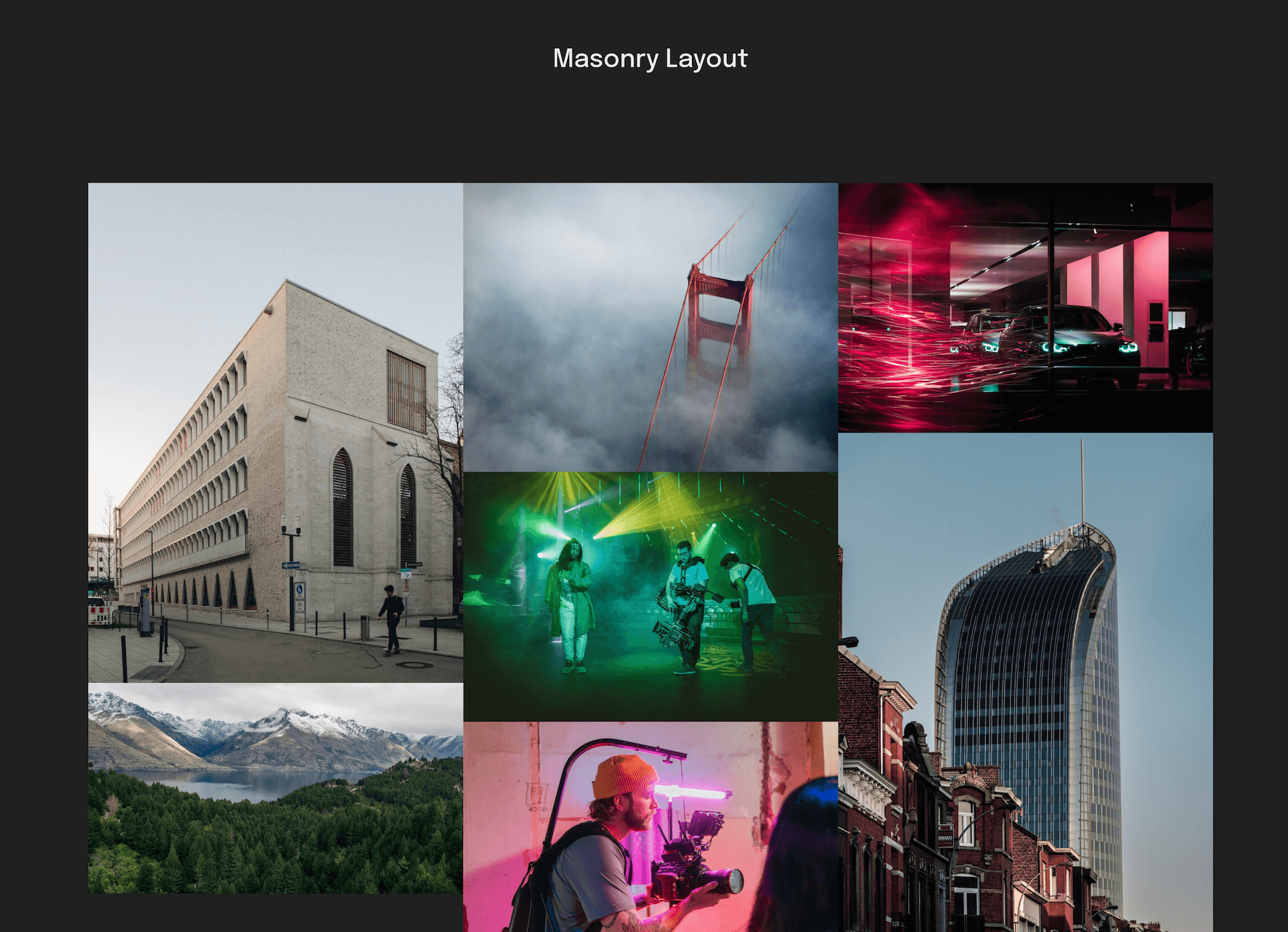
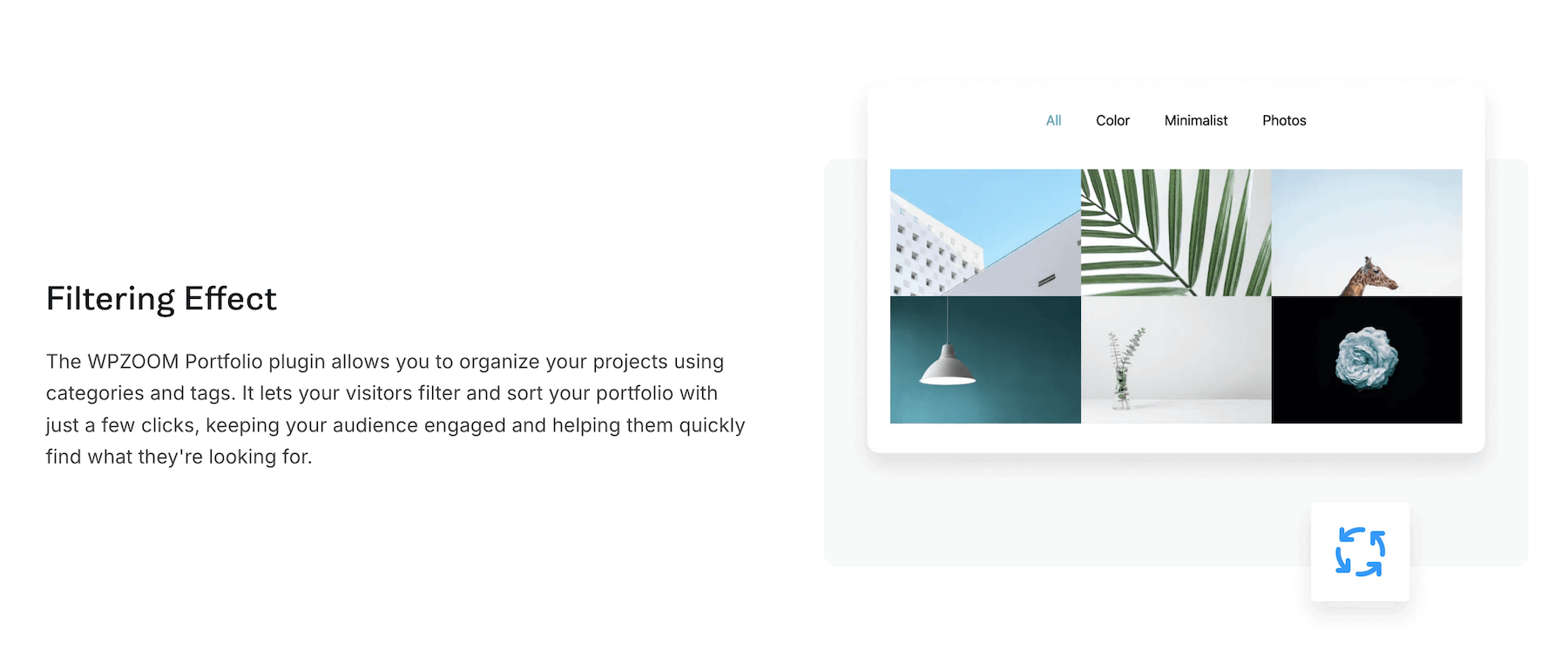
The plugin offers grid, masonry, and columns layouts. It also includes an isotope filtering effect for categories.
How can I display my portfolio posts?
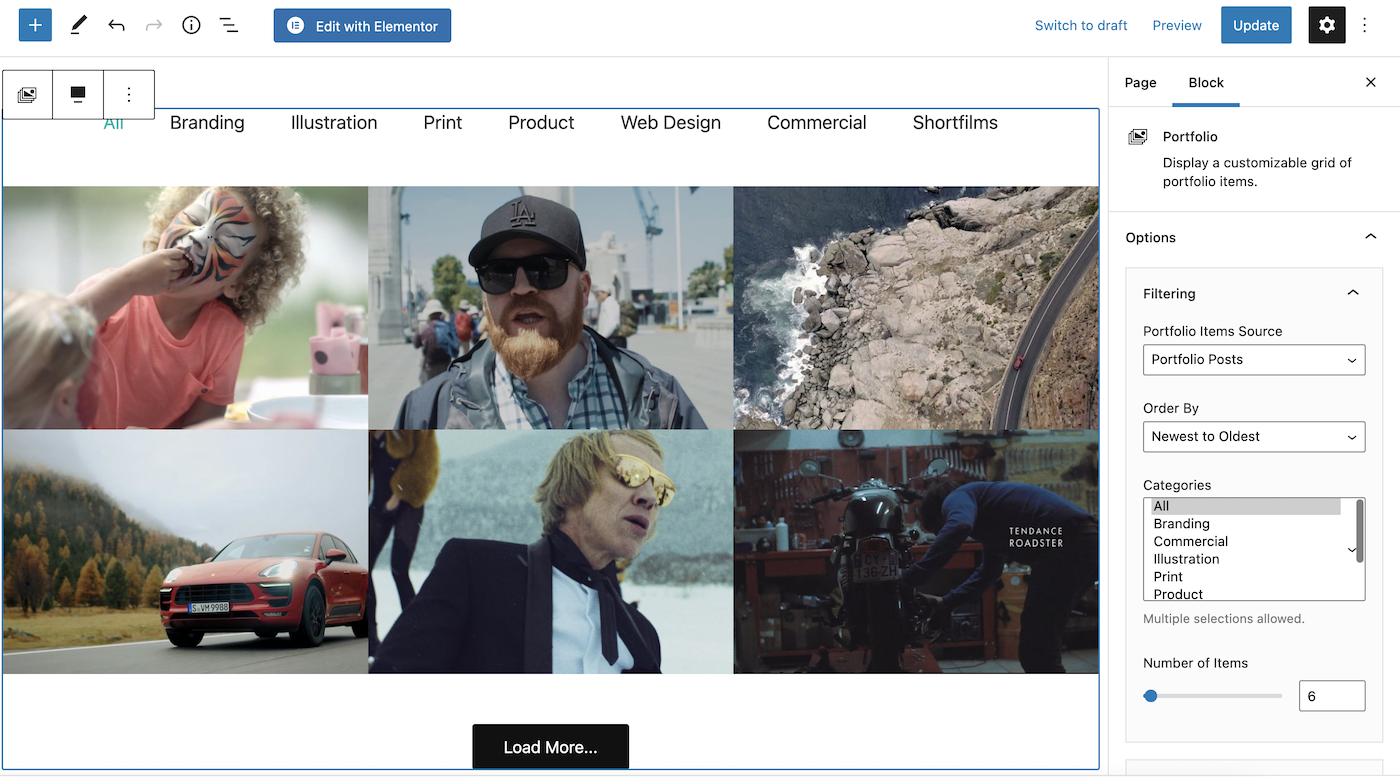
You can display portfolio posts using the Portfolio block in Gutenberg, or by creating a Portfolio Layout and inserting it anywhere using shortcodes. The plugin also supports displaying blog posts.
Does WPZOOM Portfolio support video integration?
Yes, video integration is available as a PRO feature of WPZOOM Portfolio.
What are some key features of WPZOOM Portfolio?
Key features include creating portfolio posts and reusable layouts, a Portfolio Block, Portfolio Layout Block & Shortcode for page builders, an image lightbox, and different image aspect ratios.
Changelog
1.4.14
- Minor bug fix when using the Inspiro Premium theme
1.4.13
- Added columns amount option for the columns layout
- Minor bug fixes
1.4.12
- Minor bug fixes
1.4.11
- Minor bug fix in WordPress 6.7
1.4.10
- Minor bug fix
1.4.9
- Minor bug fix with the category filter
1.4.8
- Minor bug fixes
1.4.7
- Added a new option to control the opacity of the overlay over the items (Style tab > Layout)
1.4.6
- Added a new option to display the title in normal state in the Overlay and Masonry layouts
1.4.5
- Minor bug fix
1.4.4
- Minor bug fix for WP 6.6
1.4.3
- Fixed an issue with the permalinks
1.4.2
- Fixed a conflict with the WPZOOM Forms plugin
1.4.1
- Added Typography options to the Category Filter at the top
- Minor bug fixes
1.4.0
- Added new customization options in a new Styles tab in the block settings.
- You can now change the colors and fonts of different elements in the Portfolio block
- The lightbox library was replaced with MagnificPopup
- Improvements to the dynamic loading of items.
- Lightbox will navigate only through items from the same category if selected in the filter at the top.
1.3.2
- Load new posts dynamically in the category filter
- Added spacing between items option to the masonry layout
- Added option to sort items randomly
- Minor fixes and improvements
1.3.1
- Minor bug fix
1.3.0
- New Feature: Re-order Portfolio Items from the Portfolio > Re-order page
- Add notice when Classic Editor is enabled
- Multiple fixes and improvements
1.2.5
- Fixed a bug with the Portfolio Layout block
1.2.4
- Minor bug fix
1.2.3
- Minor bug fix
1.2.2
- Fixed issues related to shortcode attributes sanitization
1.2.1
- Bug fix wih the popup closing icon
1.2.0
- New Masonry layout
- Added new sizes for thumbnails (portrait, cinema, square, no crop)
- Added new Settings page
- New: you can now control the layout used for Portfolio Categories
- Multiple fixes & improvements
1.1.0
- Added new Portfolio Layout section where you can create a reusable layout that can be inserted anywhere using a shortcode
- Added new layout to display items in 3 columns with text below the thumbnail
- Added new option to add spacing between items in the Overlay layout
1.0.5
- Minor bug fix with Custom CSS classes not used by the block
1.0.4
- Bug fix in Safari
1.0.3
- Added color options
1.0.2
- Bug fix with the Load More button
1.0.1
- Minor bug fix
1.0.0
- Initial plugin release

