

Just another contact form plugin. Simple but flexible.

About WP Search with Algolia
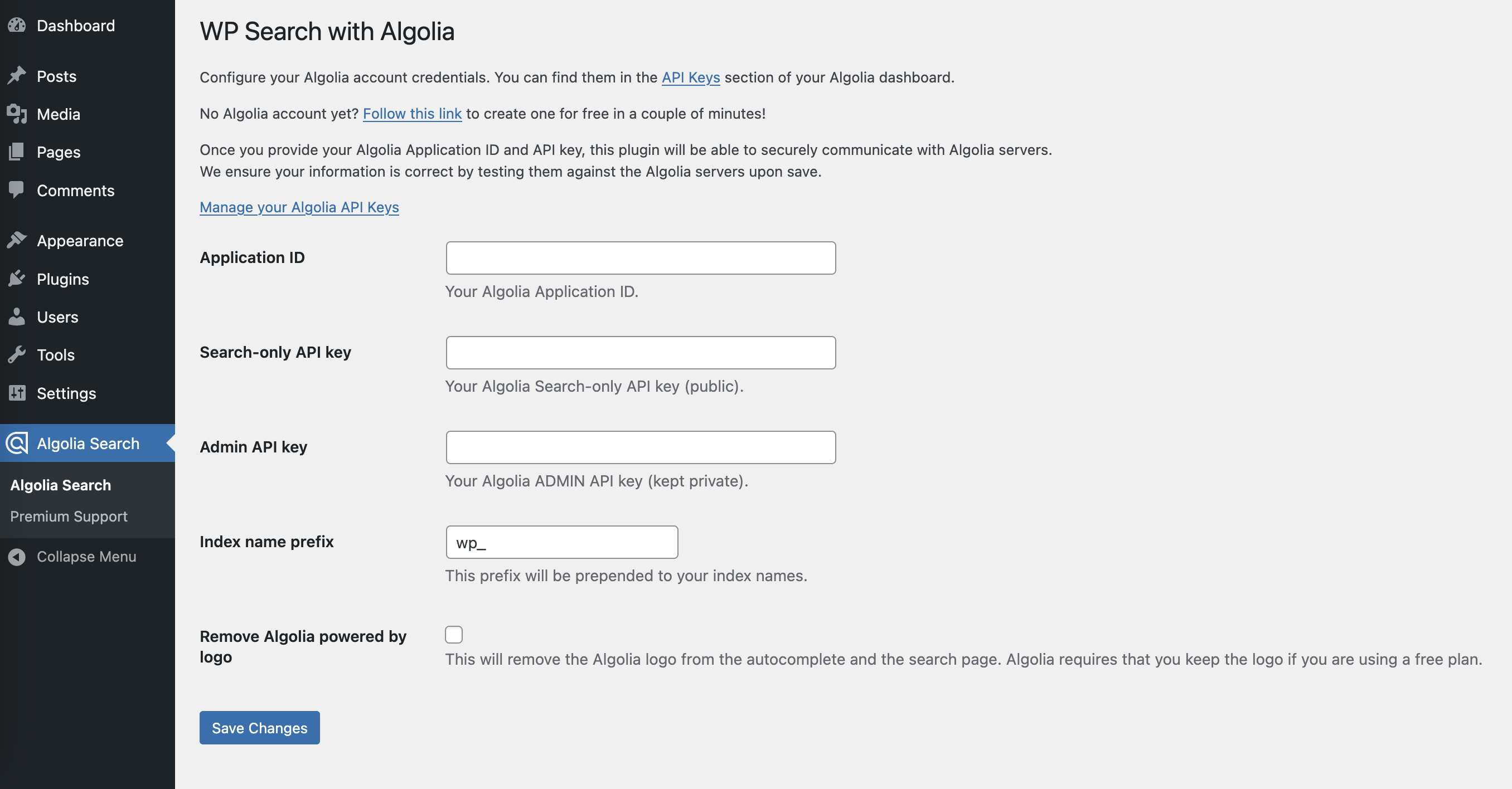
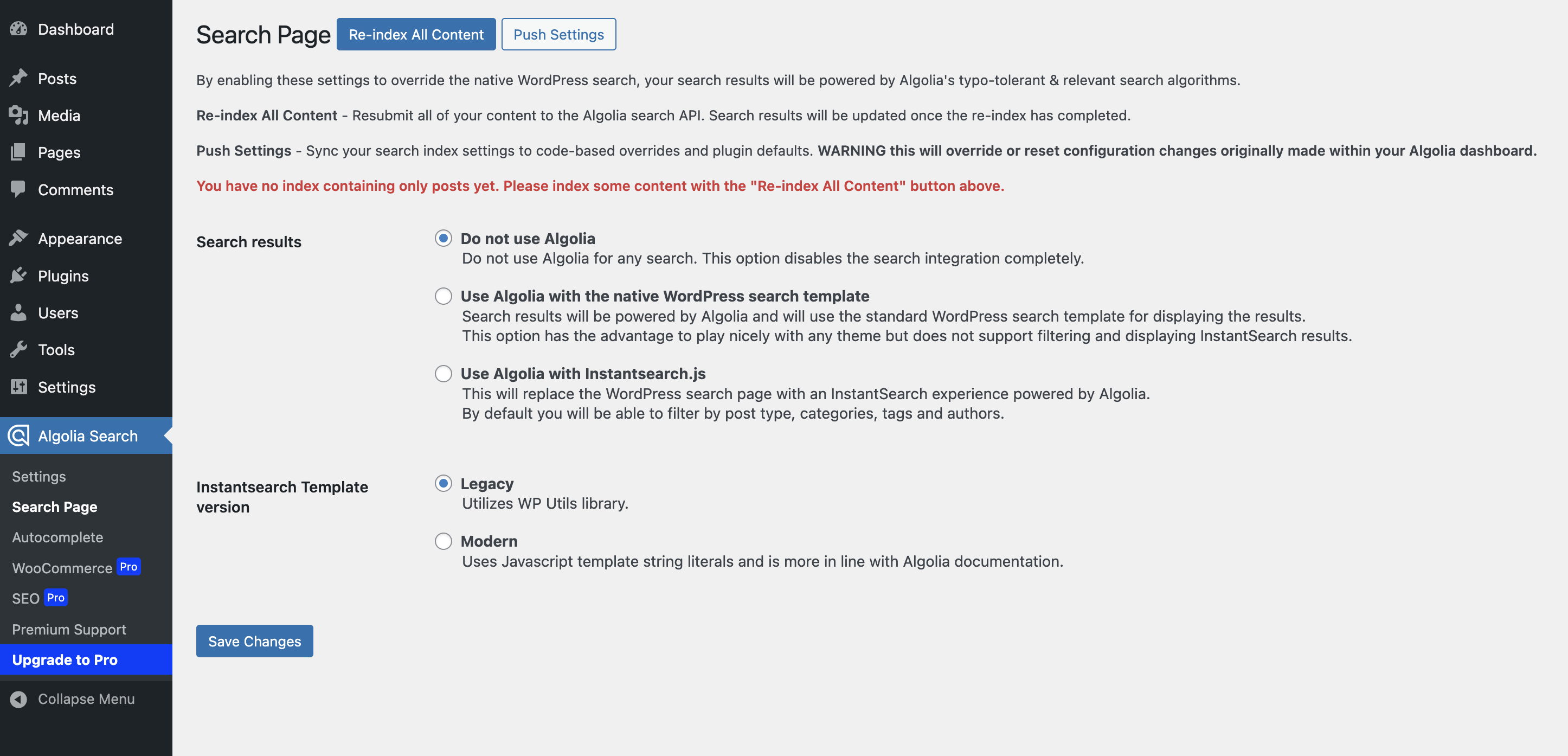
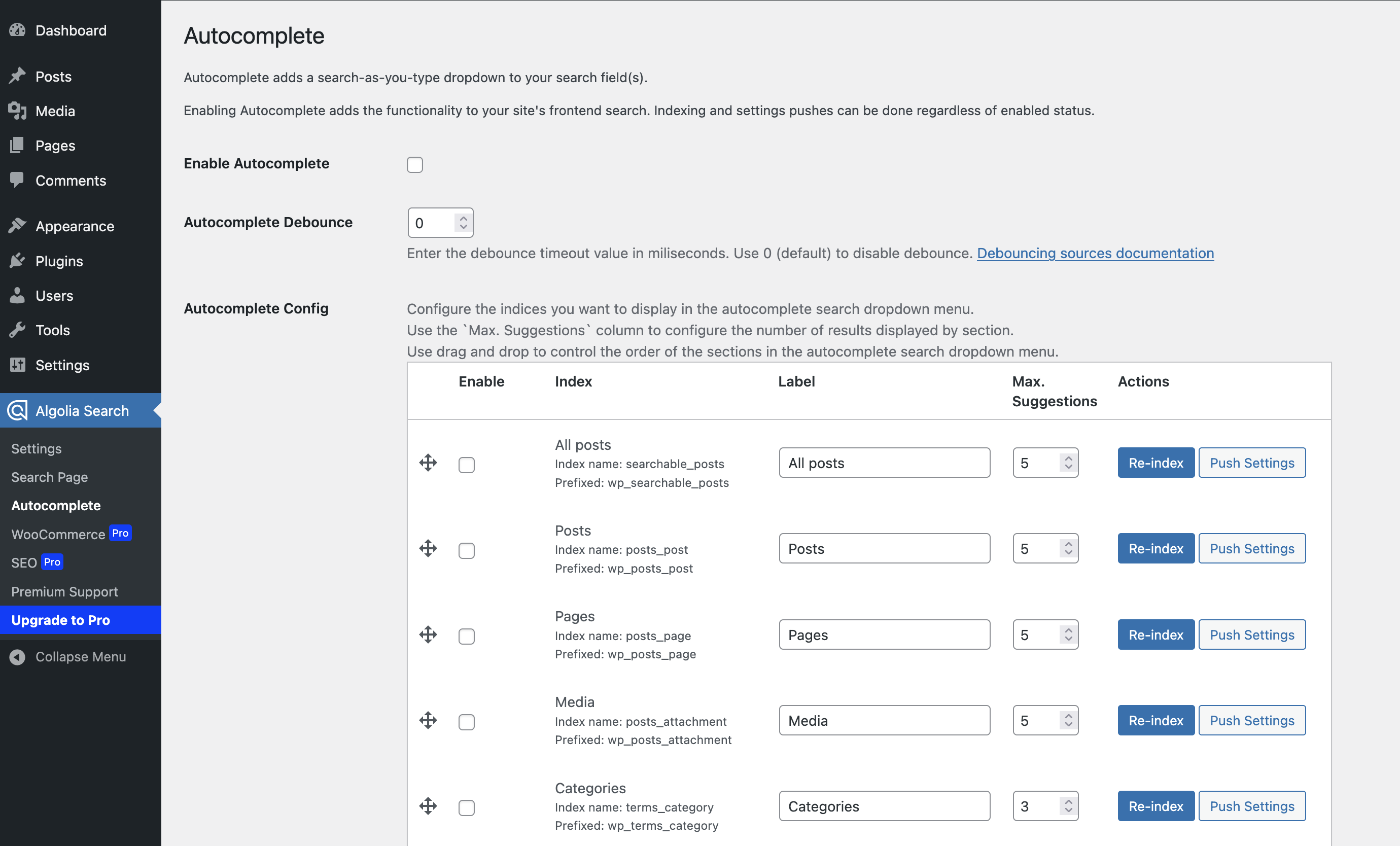
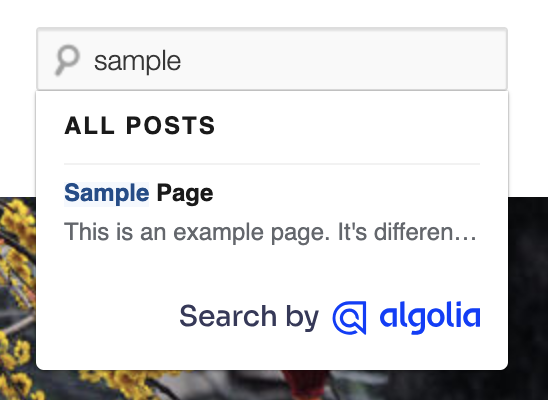
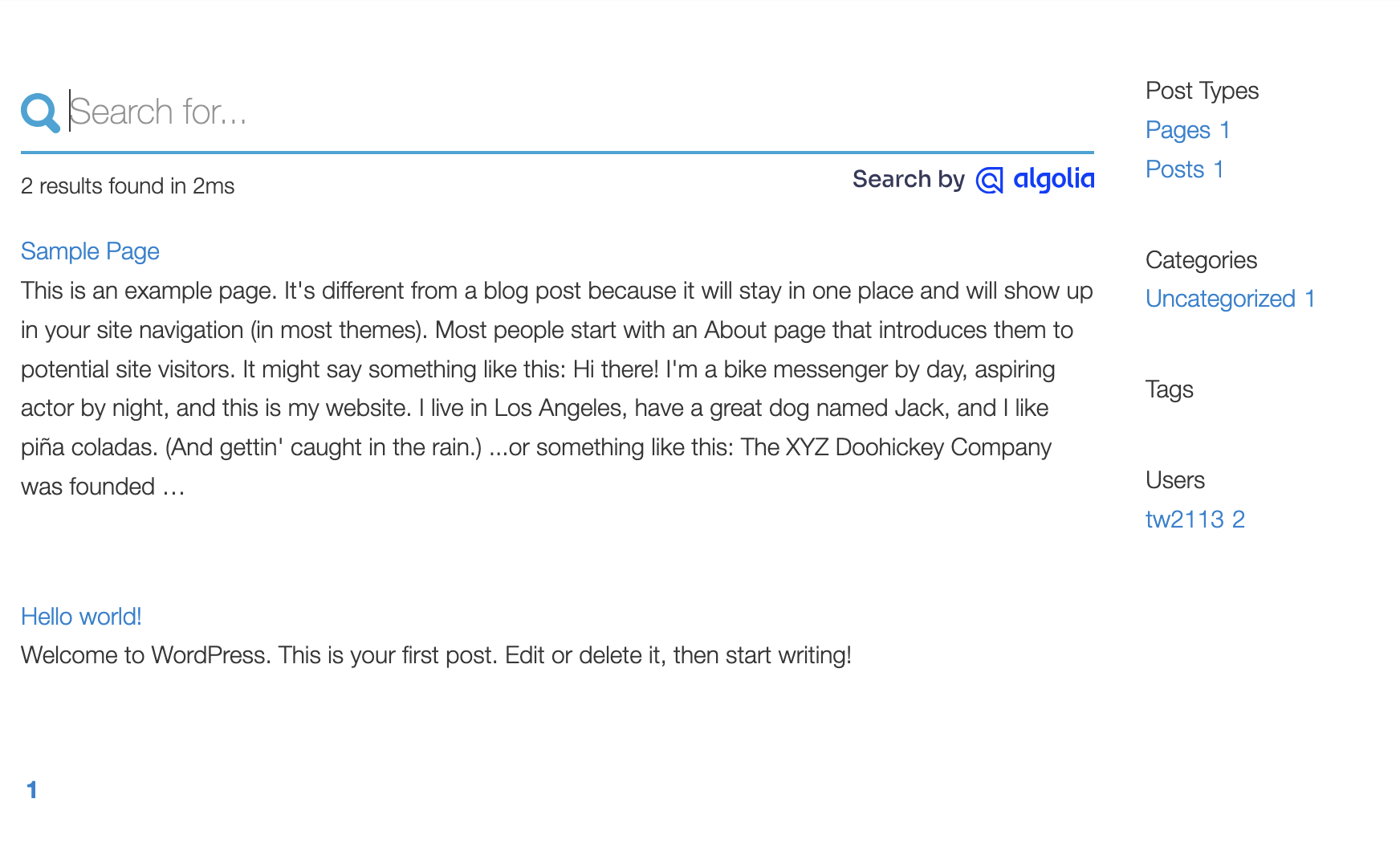
WP Search with Algolia is a plugin that allows you to integrate Algolia's powerful search tool into your WordPress website. With one-click indexing, lightning-fast search results, and full control over the search experience, this plugin will greatly improve the search functionality on your website. The Pro version offers additional features such as multisite network-wide support and WooCommerce integration.Screenshots
Changelog
Follow along with the changelog on Github.
2.8.2
- Updated: Wording and UI details around the settings pages for better and more accurate reflection.
- Updated: Confirmed compatibility with WP 6.7.x
- Added: New page regarding Premium support from WebDevStudios. Let’s work together.
2.8.1
- Updated: WP Search with Algolia Pro features list for version 1.4.0
2.8.0
- Added: Filter to customize Algolia SearchClient configuration with connect/read/write timeouts.
- Updated: Prevent table content from being concatenated. Thanks @rodrigo-arias
- Updated: Pass
$post_idtoalgolia_get_post_imagesfilter. - Updated: Confirmed compatibility with WP 6.5
2.7.1
- Fixed: Instantsearch.php template file. “Powered By Algolia” Instantsearch widget wrapped in a check for if the “Remove powered by” option is checked. This should match already working behavior with Autocomplete dropdown.
2.7.0
- Updated: Moved post sync action from
save_posttowp_after_insert_post. This allows for the sync to wait until after post meta and terms have been updated. Removes need to click save twice to sync everything. - Updated: WP Search with Algolia feature list.
2.6.2
- Fixed: More performance updates and resolutions around WP All Import.
2.6.1
- Fixed: Performance issues related to delete operations.
- Fixed: Performance issues around WP All Import.
2.6.0
- Added: Support for syncing imported items when “fast mode” from WP All Import enabled.
- Added: Support for updating child posts if parent post’s slug has been updated.
- Added: Support for updating posts when an associated term has been updatd.
- Added: Wait for delete operations to complete before moving to updates.
- Updated: Algolia Search library to 4.18.x
- Updated: InstantSearch library to 4.56.x
2.5.4
- Updated: Ensure reindexing completes when using the from_batch flag with CLI.
- Updated: Assigned Algolia_Admin instance to a property for access elsewhere.
2.5.3
- Updated: Autocomplete template file with user link fix when cmd/ctrl clicking.
- Updated: Class method visibility from protected to public.
2.5.2
- Updated: Fixed hits per page configuration for instantsearch
- Added: Custom hook for settings page override.
2.5.1
- Updated readme.txt with more plugin information.
- Repositioned help info on settings screens.
2.5.0
- Introduction of WP Search with Algolia Pro availability.
- Added
algolia_custom_template_locationfilter to allow specifying custom template locations besides just your active theme. - Templates: added action hooks at the end of Autocomplete and Instantsearch hit template blocks.
- Updated
algolia_changes_watchersfilter to also receive the current indices. - Added watcher support for term and user meta updates.
- Updated bundled CSS to better match selectors for default used widgets in the templates.
- Clarified some details around Autocomplete settings and what can be done in each setting state.
- Updated admin menu icon to use Algolia logo when no settings configured.
2.4.0
- Increase minimum PHP version to PHP 7.4
- Fixed PHP8 compatibility issues
- Prefixed Algolia library to avoid potential conflicts with other code using the same libraries.
- Revised copy and wording around the plugin for better clarity.
- Deprecate the
algolia_should_require_search_clientfilter in favor of prefixed Algolia PHP Client namespace
2.3.1
- Update autocomplete template to use addEventListener instead of onload function
- Update Algolia InstantSearch.js to 4.49.1
2.3.0
- Add algolia_should_override_autocomplete filter to override enable/disable status of Autocomplete
- Add from_batch argument to the re-index WP-CLI command
- Update excluded custom post types and taxonomies to include Core WordPress’ internal CPTs and taxonomies
- Update Algolia logos to match the latest version
- Remove jQuery usage and dependency from templates
- Update Algolia JavaScript API Client to 4.14.2
- Update Algolia InstantSearch.js to 4.49.0
- Update Algolia PHP API Client to 3.3.2
2.2.0
- Add alert to Push Settings button on the Search Page.
- Replace attributesToIndex index setting with searchableAttributes.
- Replace outdated Instant Search widget class.
- Improve drag and drop column description text on the Autocomplete page.
- Remove inline CSS for Max. Suggestions input.
- Update Algolia JavaScript API Client to 4.13.0
- Update Algolia InstantSearch.js to 4.40.5
- Update Algolia Autocomplete.js to 0.38.1
- Update Algolia PHP API Client to 3.2.0
2.1.0
- Add algolia_update_records filter to allow inspection and filtering records during update operation.
- Add algolia_re_index_records filter to allow inspection and filtering records during re-index operation.
- Catch some Aloglia PHP Client exceptions that were previously uncaught during record updating and re-indexing.
- Fix an issue where SearchIndex::saveObjects was called twice during re-index operations.
- Update Algolia PHP API Client to 3.1.0
2.0.1
- Fix for users that enable intstantsearch but not autocomplete by adding algoliasearch client as direct dependency of both
2.0.0
- Breaking changes for users with customized autocomplete.php / instantsearch.php template in their theme.
- Update autocomplete.php and instantsearch.php templates for compatibility with new JS libs.
- Update Algolia JavaScript API Client to 4.10.3
- Update Algolia InstantSearch.js to 4.25.2
- Update Algolia Autocomplete.js to 0.38.0
- Update Algolia PHP API Client to 3.0.2

