

Just another contact form plugin. Simple but flexible.
About WP Multilang
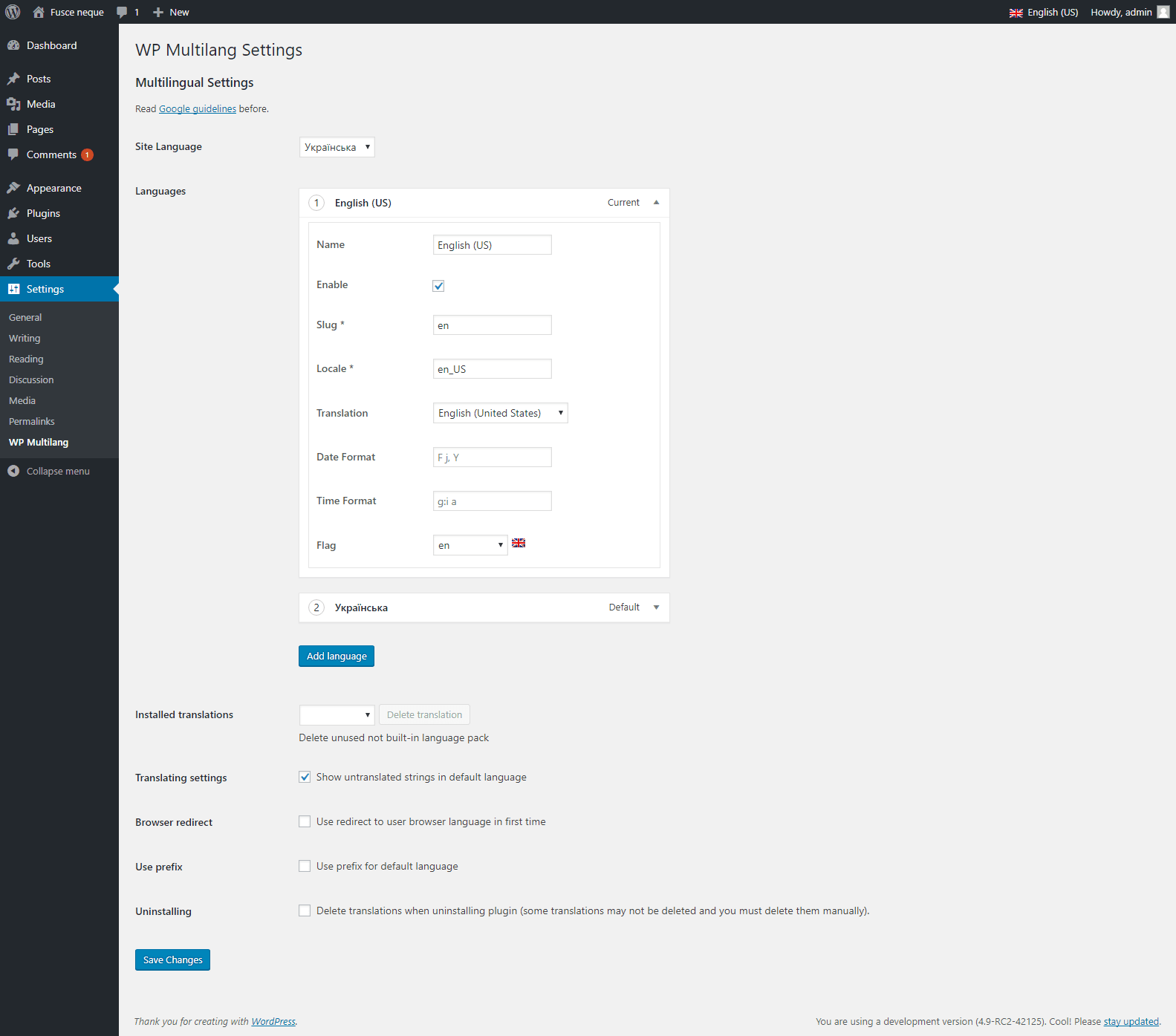
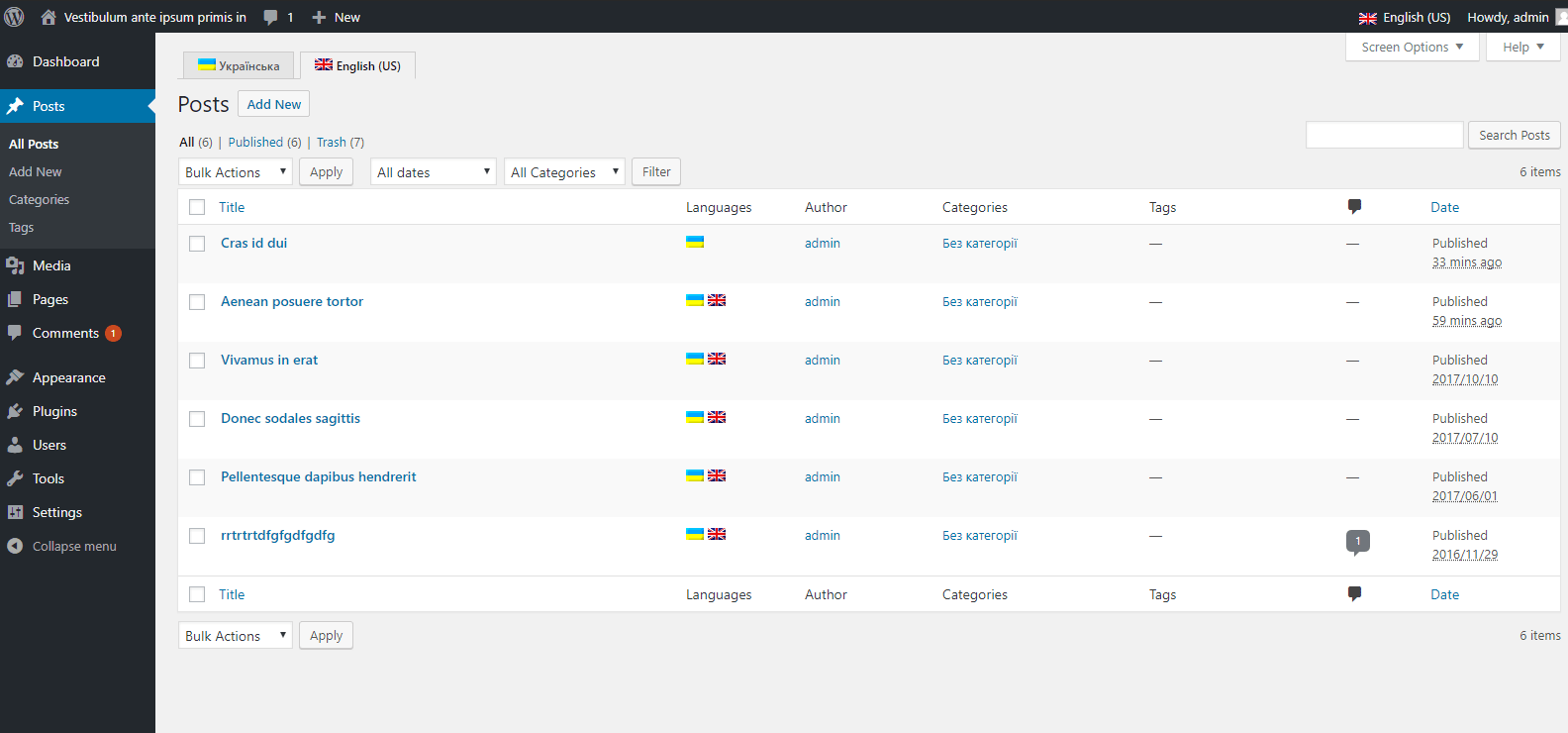
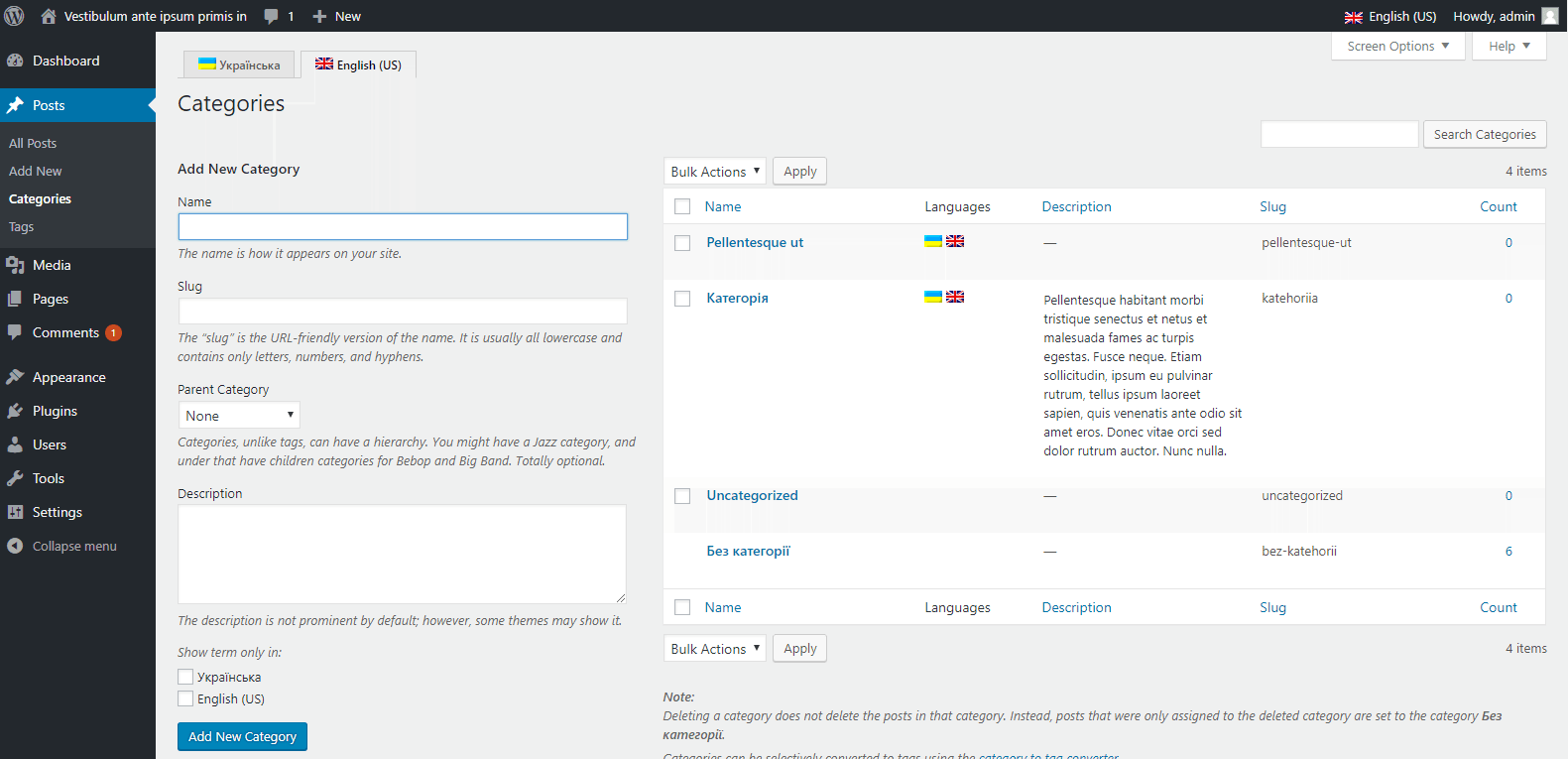
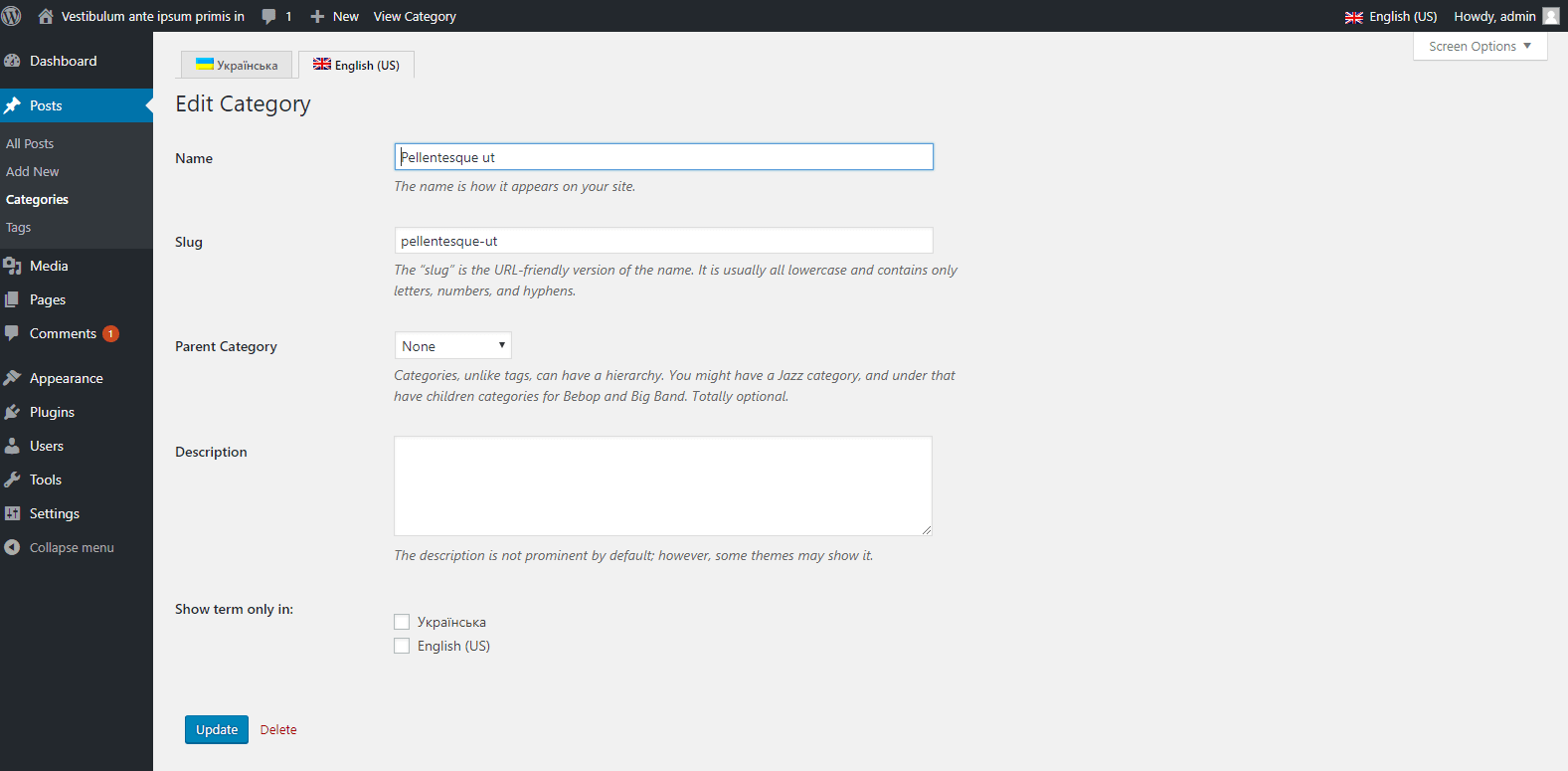
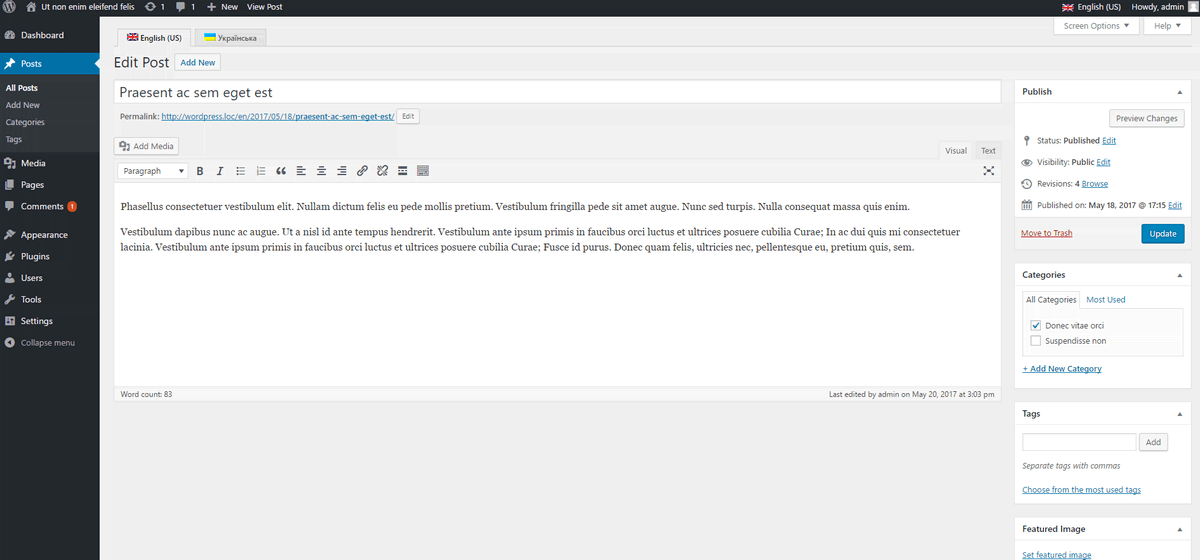
WP Multilang is a multilingual plugin for WordPress that allows you to translate various elements of your website, such as post types, taxonomies, meta fields, options, text fields in multimedia files, menus, titles, and text fields in widgets. It also offers additional features like support for block-based themes and widgets, different feature images for each language, auto translation, URL slug translation, and more. The plugin is compatible with various popular plugins like Elementor, ACF, WooCommerce, Yoast SEO, and Gravity Forms.Screenshots
Frequently asked questions
What content types can WP Multilang translate?
WP Multilang supports translations of post types, taxonomies, meta fields, options, text fields in multimedia files, menus, titles, and text fields in widgets.
Are there any premium features available?
Yes, premium features include Auto Translation, URL Slug Translation, and Base Translation. These features are available in the premium version of the plugin.
Does WP Multilang support block-based themes and widgets?
Yes, WP Multilang supports the full site editor for block-based themes and block-based widgets.
What are some key features of the free version of WP Multilang?
The free version is 100% free, offers translation at PHP, is compatible with REST, and supports multisite. It also allows for separate menu items, posts, terms, widgets, and comments per language.
Can I export and import content for translation?
Yes, you can export and import content in XLIFF or XML format to translate outside of the plugin.
Changelog
2.4.17
- feature Comments translation compatibility #38
- feature Export and import content in XLIFF or xml format to translate outside #48
- enhancement Made uninstall easy #138
- feature Advance woocommerce support #139
- feature Auto-translate single post/product #142
- enhancement Checked license key for autotranslation feature #144
- feature Added compatibility with Gravity form #148
- fixed Execution timing issue with the code-profiler plugin #149
- feature Auto-Translation for Reviews and Collections in Schema Plugin #150
2.4.16
- feature Rankmath multilingual schema and structured data support #56
- feature Yoast multilingual schema and structured data support #57
- feature AIOSEO multilingual schema and structured data support #58
- feature Added a new feature that helps users select different logos as per the language of the site #71
- feature Compatibility with Forminator form Plugin #132
2.4.15
- feature Added compatibility with Schema & Structured Data for WP & AMP Plugin #59
- feature Added compatibility with Team – Team Members Showcase Plugin #75
- feature Added option to reset the translation languages #122
- fixed WPBakery Builder Meta Descriptions and Meta Titles Not Translating #128
- fixed Auto translate not working when adding post via elementor #130
2.4.14
- fixed Woocommerce product attributes are not getting translated #93
- feature Added compatibility with the WP Githuber plugin #99
- enhancement Use ‘translate’ keyword for search the plugin from add new plugin section #103
- feature Added compatibility with Smart Custom Fields Plugin #116
- feature Added eature to translate slug for 2nd level of hierarchy of urls #121
- fixed Code improvement #125
- fixed Compatibility with WordPress 6.7 and updated readme.txt #126
2.4.13
- feature WP GraphQL support #44
- fixed Post Title translation issue for multiple languages #78
- enhancement Language switcher disappears too early in WordPress 6.6 #91
- enhancement Code improvement #96
- fixed Out of memory error after update to 2.4.11 #111
- fixed Issue with yoast meta description #113
- fixed License key wrong link issue #118
- fixed Error after the update 2.4.11 #109
2.4.12
- feature URL Slug Translation #25
- fixed PHP waring #102
- fixed Yoast meta description translation issue #113
2.4.11
- fixed Product attributers are not getting translated in frontend #94
- enhancement Code improvement #96
- fixed Warning: Undefined array key #102
- feature Automatic translation #77
2.4.10
- feature Added compatibility with Divi #72
- fixed issue with canonical and href URL as per the language. #85
- fixed issue with Language switcher block in site editor #86
- fixed Compatibility with WordPress 6.6 and updated readme.txt
2.4.9
- feature WordPress full site editing support #46
- fixed Conflicts with the Newsletter plugin #61
- enhancement Changed premium tab to Premium Features in readme.txt #80
- feature Added Language Switcher Gutenberg Block #82
2.4.8
- fixed admin_html_tags leaving empty fields #41
- feature Gutenberg view post should redirect to current language post #55
- fixed Conflicts with the Newsletter plugin #61
- feature Woocommerce product attributes translation issue #70
- fixed Issue with CF7 form #73
- fixed Language switch button interface Guternberg block button #74
2.4.7
- fixed Call to undefined function #65
- feature Admin settings page UI/UX changes #67
- feature Added Newsletter Form #68
2.4.6
- enhancement Updated website links like contact page and other info in plugin and wp.org #45
- feature Adedd feedback popup on deactivation #54
- feature Added compatibility with Elementor (Premium)
2.4.5
- feature Different product or post images for each language #20
- fixed Widget block translate issue #29
- fixed Fatal Error with latest Yoast SEO plugin update #30
- fixed Translation of special mail tags for Contact Form 7 #31
- fixed Translation of the “title” attribute in the shortcode of Contact Form 7 #32
- fixed wpseo_og:locale:alternate to be set properly #33
- fixed Translate escaping text #34
- fixed Rank Math custom fields getting duplicated on the translated posts #35
- fixed Issue with language switcher regex for gutenberg #36
2.4.4
- fixed issue with ACF PRO #12
- fixed An error occurred when deleting a post #13
- fixed E_ERROR in class-wpm-install.php #16
- fixed Issue with Gutenberg reusable blocks and create pattern #17
- fixed No translation for Title, Meta etc. if using AIOSEO plugin #18
- fixed No Translation of URL, and social meta tags using YOAST plugin in #23
- fixed Issue with the Rank Math Seo meta field #24
All changelog available on GitHub.

