

Just another contact form plugin. Simple but flexible.

About LightStart – Maintenance Mode, Coming Soon and Landing Page Builder
This maintenance mode plugin allows you to add a maintenance page, coming soon page, or landing page to your blog or website. It is fully customizable and works with any WordPress theme. It also has features such as a countdown timer, contact form, and subscription form.Screenshots

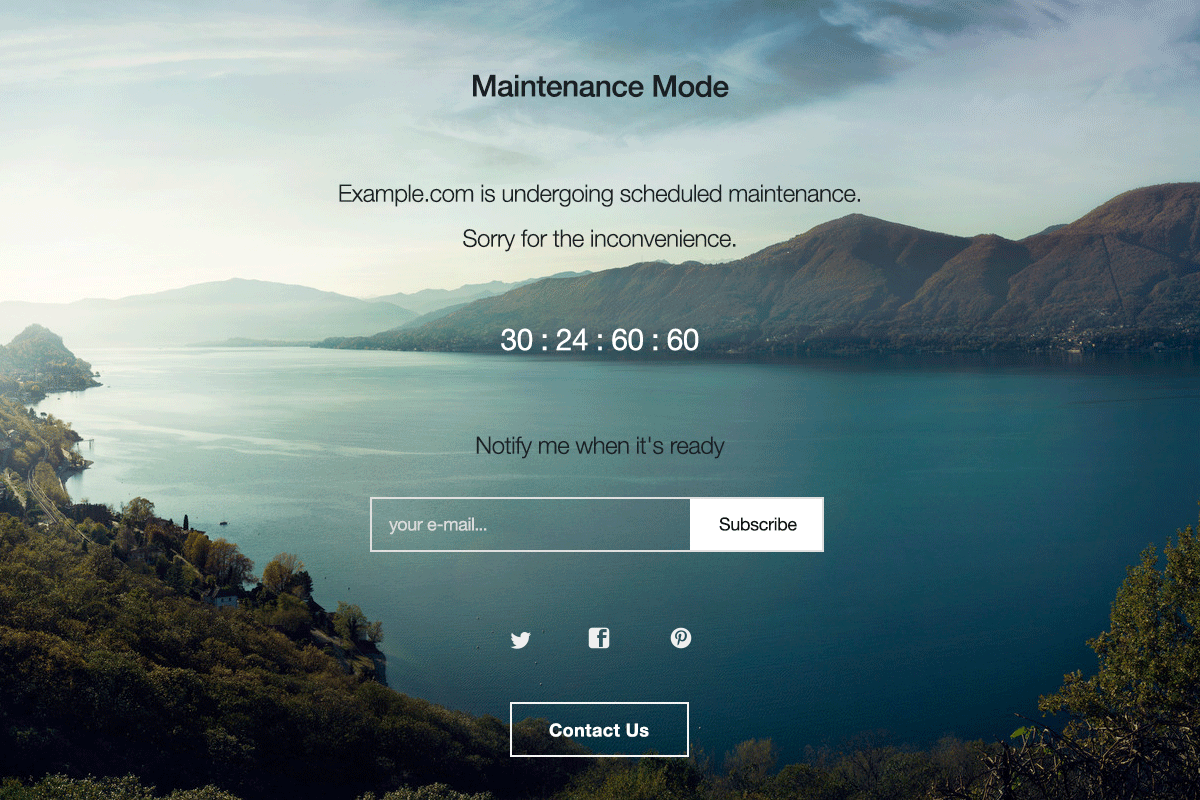

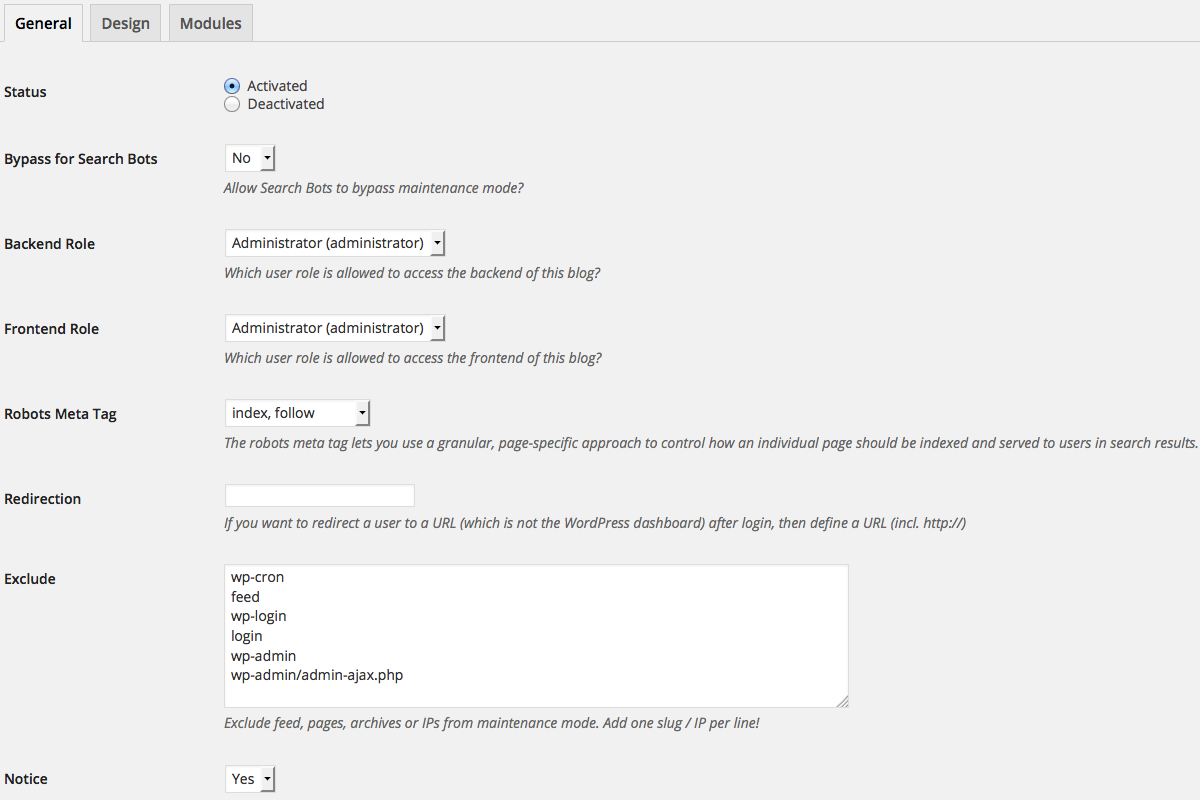
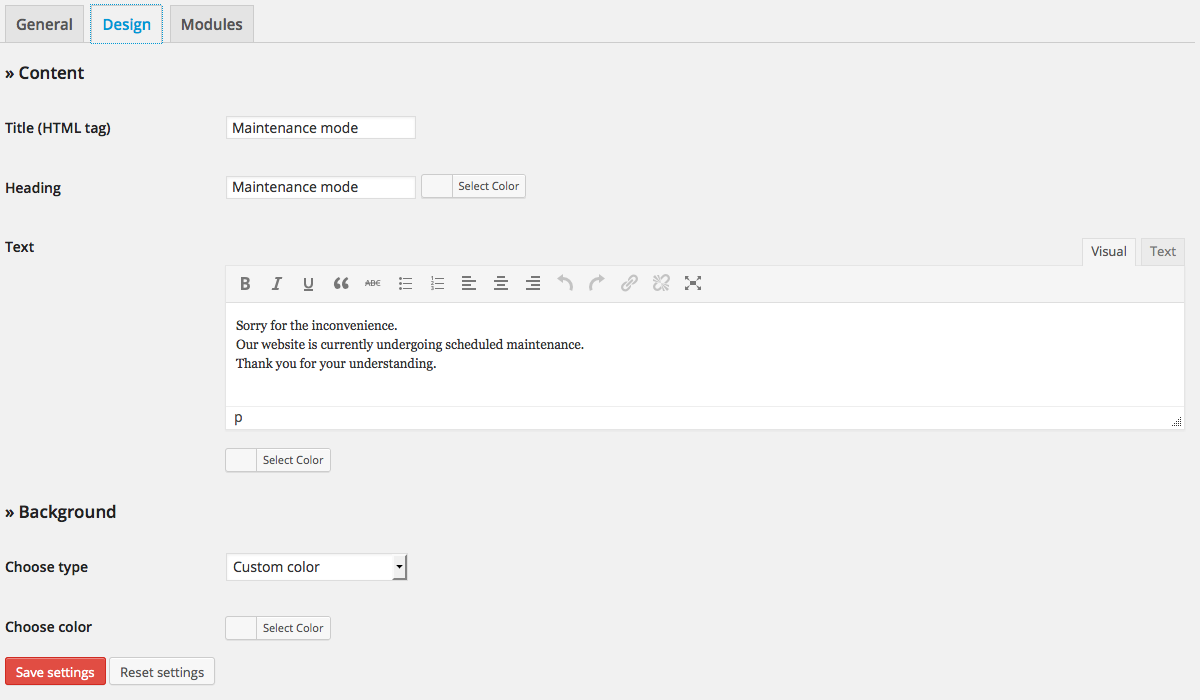
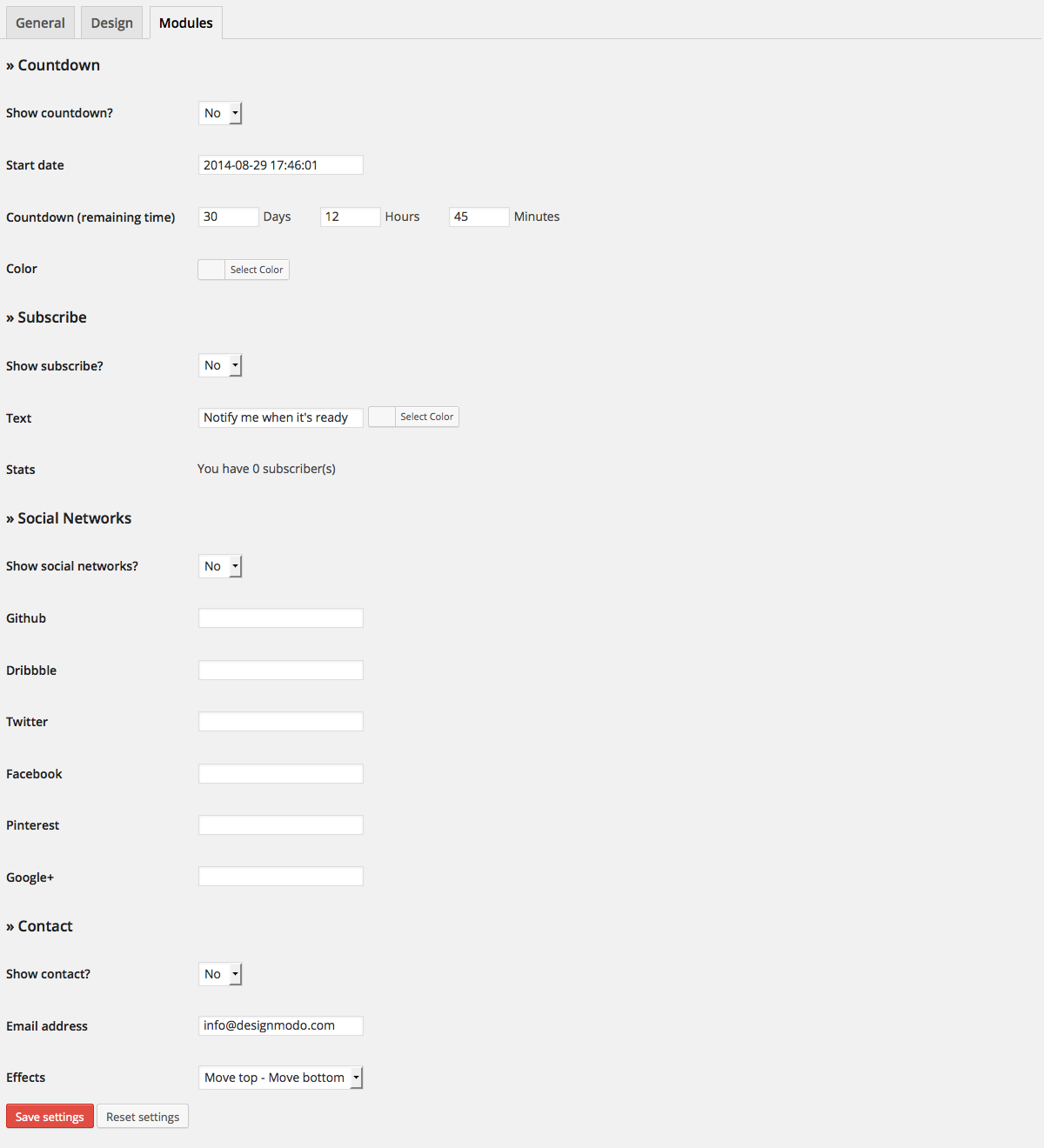

Frequently asked questions
What is LightStart?
LightStart is a WordPress plugin that provides an easy drag & drop page builder to add a splash page to your site. It's perfect for a coming soon page, maintenance mode, or a landing page.
What are the main uses of LightStart?
You can use LightStart to add a maintenance page, a coming soon page for a new website, or create a landing page for an existing site. Users with admin rights retain full access to the blog, including the front end.
Does LightStart work with WordPress Multisite?
Yes, LightStart works with WordPress Multisite installs. Each blog within the network can have its own maintenance settings.
What customization options are available?
LightStart is fully customizable, allowing you to change colors, texts, and backgrounds. It also includes features like a countdown timer, subscription form, and contact form.
Is LightStart GDPR ready?
Yes, LightStart is GDPR Ready.
Changelog
Version 2.6.19 (2025-07-11)
- Improved onboarding wizard
Version 2.6.18 (2025-05-27)
- Updated dependencies
Version 2.6.17 (2025-04-16)
- Updated dependencies
Version 2.6.16 (2025-01-10)
- Fixed compatibility issue with WordPress 6.7
- Fixed broken onboarding layout
Version 2.6.15 (2024-12-04)
- Codebase changes.
Version 2.6.14 (2024-11-11)
- Fixed conflict with WPForms
- Updated dependencies
Version 2.6.13 (2024-10-14)
- Codebase updates.
Version 2.6.12 (2024-09-17)
Bug Fixes
- Compatibility with Elementor: Fixes a compatibility issue with Elementor.
- Fixes Checkbox Styles: Fixes a styling issue with Checkbox in the wizard that makes it almost invisible on screen.
Version 2.6.11 (2024-04-18)
Improvements
- Updated internal dependencies: Enhanced performance and security.
Version 2.6.10 (2024-02-28)
Fixes
- Updated dependencies
Version 2.6.9 (2023-12-22)
Bug Fixes
- Fixed compatibility issue with WP 6.4
- Fixed broken templates layout issue on the Safari browser
- Enhanced security
- Fixed compatibility issue with WP-Optimize
Version 2.6.8 (2023-06-07)
- Fix the Save button Module tab not working
- Codebase updates
Version 2.6.7 (2023-04-01)
- Bug fix: Addressed an unnecessary ‘no maintenance page’ error occurrence.
Version 2.6.6 (2023-03-31)
- Remove error notice for users that use an overriding custom template
- Update dependencies
Version 2.6.5 (2023-03-01)
Update dependencies
Version 2.6.4 (2023-02-24)
- Add the option to manage maintenance status on all sites from the network dashboard
- Update dependencies
Version 2.6.3 (2023-02-06)
- Update dependencies
Version 2.6.2 (2022-12-16)
- Add the option in the wizard to skip importing a template and installing Otter
- Improve the quality of the template screenshots
- Fix the template overriding issue
Version 2.6.1 (2022-11-03)
- Add a notice to announce the rebrand of the plugin
Version 2.6.0 (2022-11-02)
- Adds Landing pages templates
- Adds more Coming soon and Maintenance mode templates
- Rebrand the plugin into LightStart
Version 2.5.4 (2022-10-10)
- Fix subscribers entry export for legacy forms.
- Fix PHP notice showing up on edge cases new installs.
Version 2.5.3 (2022-09-28)
- Fix wrong template loaded when the current post template is empty.
Version 2.5.2 (2022-09-27)
- Fix maintenance mode issue for previously logged users #321
- Allow comments into exclude textarea so that you can comment on the IP addresses for location, props @joostdekeijzer
- Fix PHP notice errors on specific scenarios #324
- Fix Otter for saving subscriber entry
Version 2.5.1 (2022-09-08)
- Fixes a bug which was causing error on some instances
Version 2.5.0 (2022-09-08)
- New Feature: Adds compatibility with Block Editor or any page builder for building the maintenance mode page.
- New Feature: Adds coming soon and maintenance mode starting templates.
Version 2.4.7 (2022-08-08)
Fixes
- Fix login form display
- Fix email collecting by the bot
- Improve accessibility of the maintenance page thanks to @SophieWeb
Version 2.4.6 (2022-06-15)
- Improve data sanitizations for custom css and contact module
Version 2.4.5 (2022-06-15)
- Harden security and improve release process
Version 2.4.4 (2022-02-10)
Update dependencies
Version 2.4.3 (2022-01-27)
- Change ownership to Themeisle
2.4.2 (18/01/2022)
- Misc: 900 000 Active Installs Celebrations!
- Misc: WordPress 5.9 compatibility
- Fix: jQuery UI CSS theme reference from jQuery CDN
- Misc: Text fixes in the dashboard
2.4.1 (20/07/2021)
- Misc: WordPress 5.8 compatibility
2.4.0 (13/05/2021)
- Design: add “Custom CSS” setting; Finally! ?
- Design: add “Footer links” color setting
- Design: add a list of available shortcodes under the “Text” editor
- Bot: make {visitor_name} placeholder work in all messages after the visitor types his name
- Misc: add [embed] shortcode for responsive video embeds; Compatible with YouTube, Vimeo, DailyMotion.
- Misc: make the exclude mechanism work with Cyrillic characters
- Misc: add
wpmm_maintenance_templatefilter; It works the same way as thewpmm_contact_templatefilter, but for the maintenance template. - Misc: now you can override the
contactemail template too; Check/views/contact.phpfor more details. - Misc: better compatibility with translation plugins like Loco Translate
- Misc: the image uploaders (from the dashboard) are now translatable
- Misc: improve uninstall routine
- Misc: add
wpmm_delete_cacheaction; It is called after each setting change. - Misc: add support for cache plugins like WP Rocket, WP Fastest Cache, Endurance Page Cache, Swift Performance Lite, Cache Enabler, SG Optimizer, LiteSpeed Cache, Nginx Helper;
- Misc: remove
wpmm_count_wherehelper function - Misc: code improvements
2.3.0 (07/12/2020)
- Modules: add support for Google Analytics 4 measurement ID
- Design: enable media buttons on wp_editor (now you can add images from the editor)
- Bot: fix translation issue
- Misc: add filters for capabilities
wpmm_settings_capability,wpmm_subscribers_capability, andwpmm_all_actions_capability(the last one can be used to override all capabilities) - Misc: fix [loginform] shortcode redirect attribute
- Misc: a few CSS & Javascript improvements
- Misc: bump “Tested up to” version to 5.6
2.2.4 (20/05/2019)
- bump “Tested up to” to 5.2.0
- fix typo in Italian translation (it_IT)
- Bot: add a note about how you can export the list of subscribers #195
- Bot: add client-side sanitization to the input fields #176
2.2.3 (20/02/2019)
- bump “Tested up to” version to 5.1.0
- replace “wpmu_new_blog” action with “wp_initialize_site” action for WP 5.1.0 users because the first one is deprecated in the new version
- small improvement to “check_exclude” method from “WP_Maintenance_Mode” class
2.2.2 (27/11/2018)
- Google Analytics module: migrate from analytics.js to gtag.js + add ip anonymization #178
- GDPR module: accept links inside texareas + add policy link target #188
- add charset meta tag #200
- fix PHP Notice: Undefined index: HTTP_USER_AGENT
- add plural and single form translation for subscribers number (settings page)
Earlier versions
For the changelog of earlier versions, please refer to the full changelog.

