
Just another contact form plugin. Simple but flexible.
About WP Tabs – Responsive Tabs Plugin for WordPress
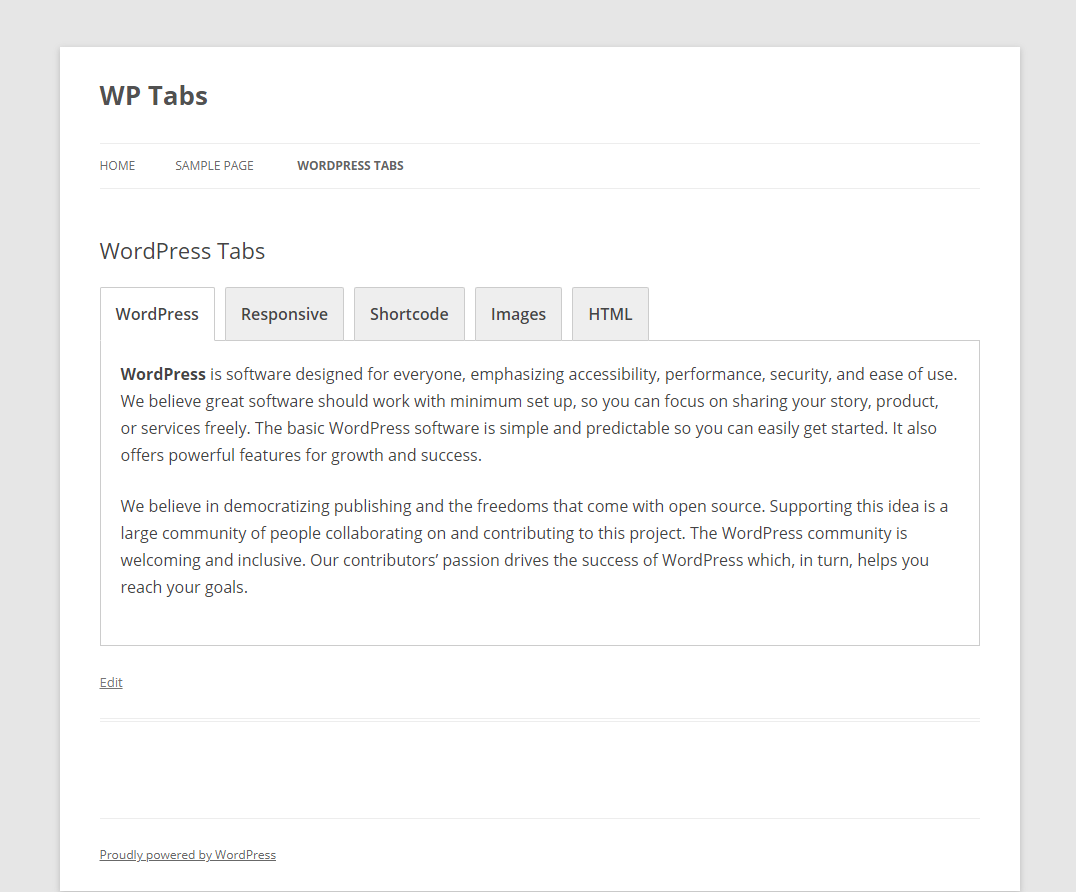
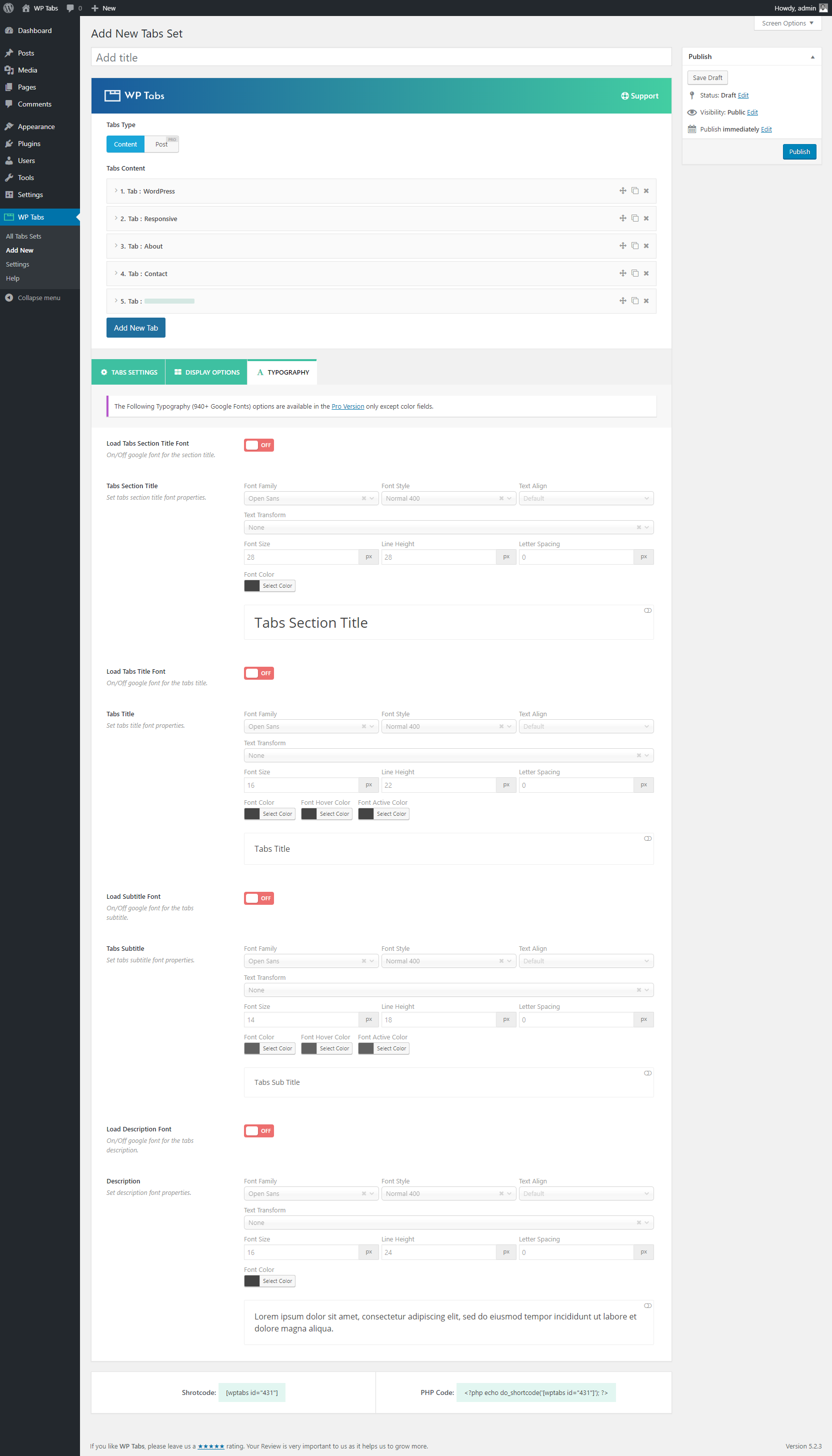
WP Tabs is a user-friendly and customizable WordPress plugin that allows you to display your content in organized tabbed navigation. It has a shortcode generator with over 30 visual customization options, making it easy to create professional-looking tabs without any programming skills. The latest version, WP Tabs 2.0, is compatible with the new WordPress v5.x and includes many improvements and new features.Screenshots
Frequently asked questions
What is WP Tabs?
WP Tabs is a user-friendly, highly customizable, and responsive WordPress tabs plugin. It allows you to display content in an organized tabbed navigation.
What are some key features of WP Tabs?
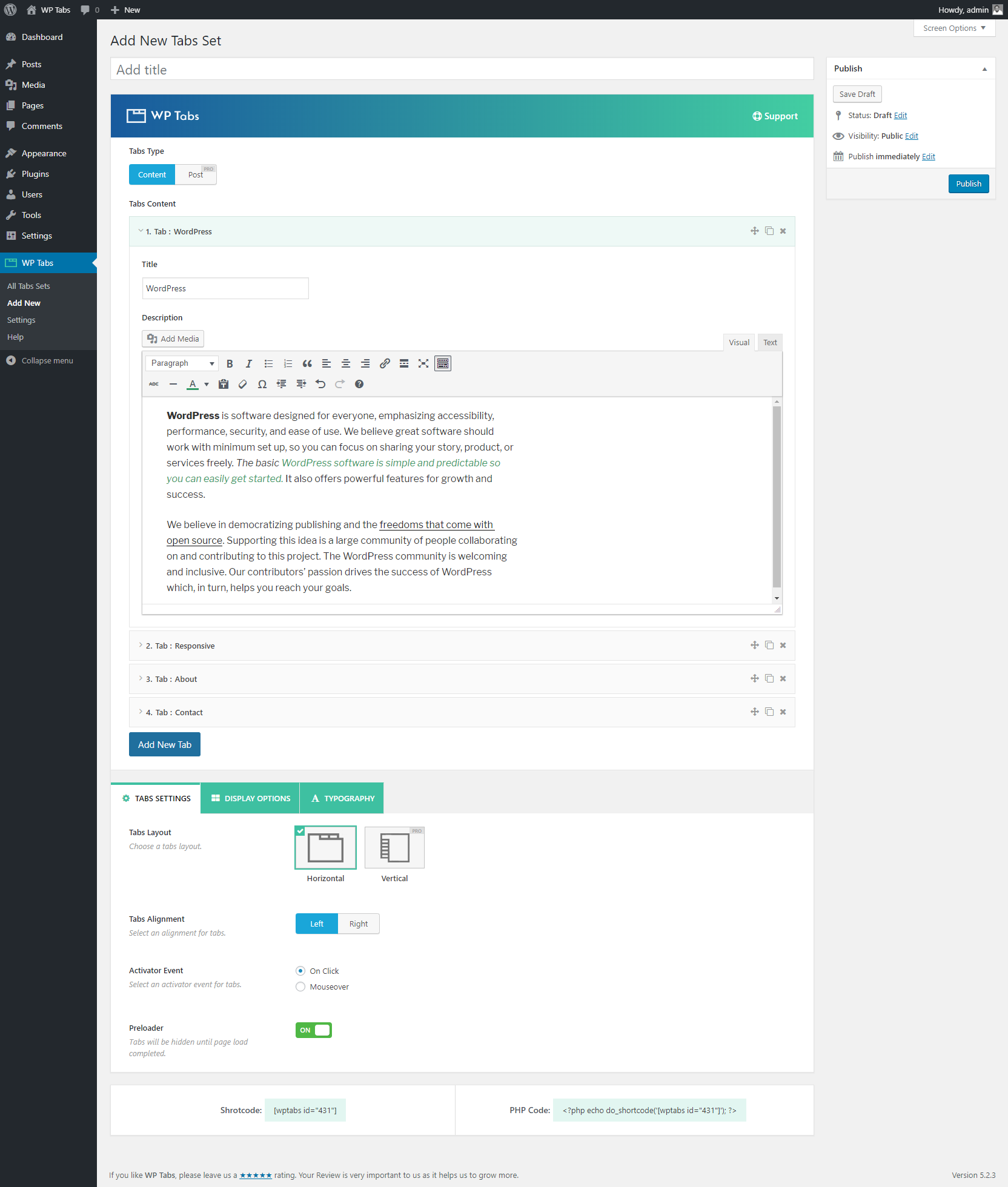
Key features include a shortcode generator, 30+ styling customization options, drag & drop tab item sorting, and support for HTML content, images, and shortcodes. It also offers multiple instances on one page and unique settings for each tab set.
Is WP Tabs easy to use?
Yes, WP Tabs is designed to be both easy and powerful, requiring no programming skills. It has an intuitive shortcode generator and a clean admin panel.
What are the customization options for tabs?
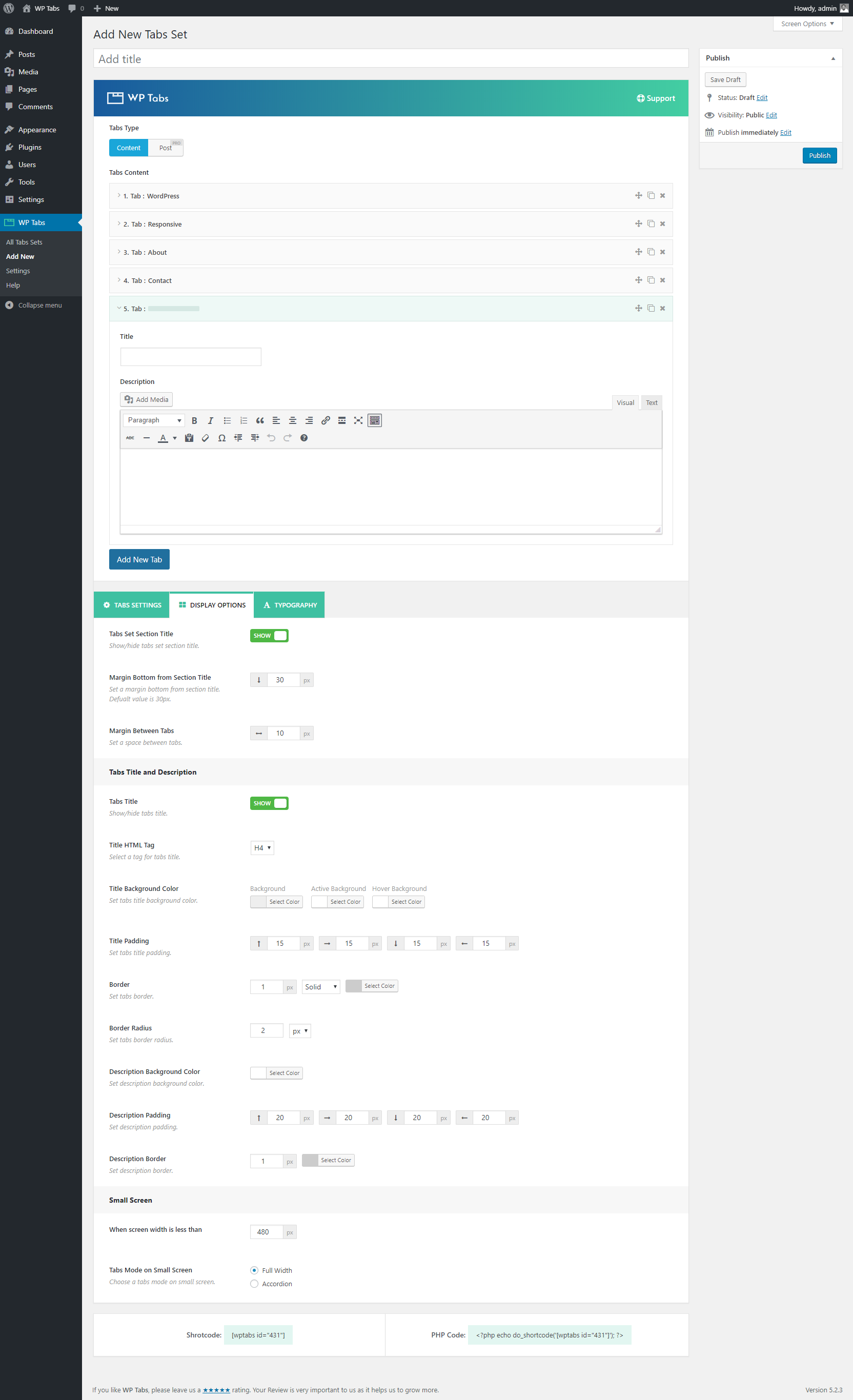
You can customize tab color, title background, active and hover colors, and title padding, border, and border radius. It also allows customization of tabs description padding, border, and background color.
What is new in WP Tabs 2.0?
WP Tabs 2.0 has been rebuilt with many improvements and new features. It is compatible with WordPress v5.x (Gutenberg).
Changelog
2.2.9 – Dec 02, 2024
- Fix: The text domain-related deprecated warning was found with WP 6.7.1.
- Tested: WP 6.7.1 compatibility.
2.2.8 – Nov 21, 2024
- Fix: The plugin style issue for RTL sites.
2.2.7 – Nov 12, 2024
- Improved: The plugin security has been improved.
- Tested: WordPress 6.7 compatibility.
2.2.6 – Oct 14, 2024
- Fix: A few strings were not translatable.
- Fix: The PHP 7.2 compatibility issue.
- Updated: The language (.pot) file.
- Tested: WordPress 6.6.2 compatibility.
2.2.5 – Aug 27, 2024
- Fix: The warning when the tab title border width is set to 0 or empty.
2.2.4 – Aug 23, 2024
- New: The WooCommerce Additional Tabs feature.
- New: Hooks ‘sp_wp_tabs_title_allowed_tags’ and ‘sp_wp_tabs_desc_allowed_tags’ were added to the modified allowed tags as needed.
- Improved: The plugin security.
- Improved: The plugin options and backed UI were enhanced.
- Improved: The “How to Use Shortcode” section moved to the right sidebar.
- Updated: The language (.pot) file.
- Fix: Some strings translation issue.
- Fix: The label tag warning is on the tab.
- Tested: WordPress 6.6.1 compatibility.
2.2.3 – Apr 01, 2024
- Fix: The warning was found when the plugin was activated via the WP-Cli command.
- Tested: WordPress 6.5 compatibility.
2.2.2 – Jan 23, 2024
- Improved: The Help Page has been redesigned to make it more user-friendly.
- Fix: Few RTL Style issues on the plugin page.
- Tested: WordPress 6.4.2 compatibility.
2.2.1 – Nov 02, 2023
- Improved: The plugin security.
- Fix: Few PHPCS warnings found with PHP8.2.
- Removed: The deprecated [ir_item], [tr_tabs], [tabs] shortcodes from the plugin.
- Tested: WordPress 6.4 compatibility.
2.2.0 – Oct 06, 2023
- New: The Tab Animation feature.
- New: The Expand and Collapse Icon Show/Hide option for accordion mode of tab in mobile view.
- Updated: The language (.pot) file.
- Improved: Plugin UI and UX improved.
- Improved: The tooltip/help text of plugin options to make more user-friendly.
- Improved: The import feature with animation.
- Improved: The margin-bottom option Tabs Section Title moved to Typography tab.
- Fix: The accessibility issue of the plugin.
- Tested: WordPress 6.3.1 compatibility.
2.1.21 – Aug 28, 2023
- Fix: The responsive CSS of the video iframe in tab content should not work on the map iframe.
- Tested: WordPress 6.3 compatibility.
2.1.20 – Jul 06, 2023
- New: A hook ‘sp_tab_content_markdown_to_html’ to enable markdown support.
- Fix: The Gutenberg Block preview shows the preloader at the second reload.
- Fix: The compatibility issue with WordPress v4.7
- Fix: Some RTL style issues.
- Tested: WordPress 6.2.2 compatibility.
2.1.19 – May 01, 2023
- Fix: Translation with WPML’s Translation Editor does not work perfectly.
- Tested: WordPress 6.2 compatibility.
2.1.18 – Mar 15, 2023
- New: The Allow Iframe/Script Tags option in the import panel of the plugin.
- New: Multiple br tag in tab content support.
- Fix: The alignment of Iframe in tab content does not work.
- Fix: Iframe does not show in tab content with the Twenty Twenty theme.
- Fix: Import option does not work when the tab has iframe or script tags.
- Removed: The hook ‘sp_wp_tabs_allow_import_tags’ was removed as an option added.
2.1.17 – Jan 05, 2023
- New: Allow to skip responsive CSS from the iframe by adding ‘skip’ class to iframe.
- Improved: Plugin security improved.
- Tested: WordPress 6.1.1 compatibility.
2.1.16 – Dec 09, 2022
- Improved: Load Stylesheets in the header based on shortcodes on the page.
- Fix: Minor styling issue of nested tab inside a tab.
2.1.15 – Nov 09, 2022
- Fix: Extra padding in tab navigation. tag in preview.
- Improved: Plugin security improved.
- Tested: WordPress 6.1 compatibility.
2.1.14 – Aug 30, 2022
- Fix: Few Deprecated JS warnings on the plugin admin page.
2.1.13 – Aug 01, 2022
- Updated: Live Demo page & Landing page link.
2.1.12 – Jul 20, 2022
- Fix: Elementor addon icon does not show along with the Easy Accordion Pro plugin.
2.1.11 – Jun 15, 2022
- New: Elementor Addon to show WP Tabs on the Elementor edit page
- Improved: The responsive video in WP Tab content
- Fix: The premium page warnings.
- Fix: Conflict with Bootstrap 5.
- Fix: Scroll issue if the mouse on hover is enabled.
2.1.10 – May 17, 2022
- Tested: WordPress 6.0 compatibility.
- Fix: Extra p tag added in ul tag after saving accordion shortcode multiple times.
- Fix: Multiple tabs break down into two lines then these tabs take space.
- Fix: CSS warning for the margin-bottom of the section title when it has no value in the backend field.
2.1.9 – May 06, 2022
- Fix: URL in tab content does not work.
2.1.8 – Apr 30, 2022
- Improved: SVG preloading icon has been added as a pre-loader image.
- Updated: The language (.pot) file.
- Fix: Some assets of the backend are not loaded properly when the hosting directory is different.
- Fix: RTL Slider direction issue.
2.1.7 – Apr 19, 2022
- Fix: Tab accordion mode does not work in theme Twenty-twenty theme.
- Fix: Media formatting/alignment issues.
2.1.6 – Mar 28, 2022
- New: Gutenberg Block for WP Tabs.
- Fix: An undefined variable warning ($review) when Review Notice has been dismissed.
- Fix: Problem with iframe embed.
- Removed: The TinyMCE button from the classic editor.
2.1.5 – Jan 26, 2022
- Tested: WordPress 5.9 compatibility.
2.1.4 – Jan 15, 2022
- New: A hook ‘sp_wp_tabs_ui_permission’ added for UI permission.
- Improved: Plugin security.
- Fix: Export/Import Issue.
2.1.3 – Dec 21, 2021
- Fix: Assets loading issue.
- Fix: Appearance panel CSS conflict issue.
- Remove: The filter hook the_content for tab content.
- Fix: Some minor issues.
2.1.2 – Dec 11, 2021
- Improved: Settings page “Save Changes” and “Reset Tab” button.
- Removed: “Reset All” button.
2.1.1 – Nov 28, 2021
- New: Tab anchoring feature is added.
- Improved: Security filter improved.
- Improved: Custom CSS option improved.
- Fix: Self-hosted video issue fixed.
- Fix: Padding in ul issue fixed.
- Fix: Contact Form 7 compatibility issue resolved.
- Fix: Underline from ul of tab content removed.
- Fix: Several minor tweaking.
2.1.0 – Oct 28, 2021
- New: Shortcode live preview option.
- Fix: Several minor issues.
2.0.15 – Sep 22, 2021
- Fix: Conflict with bootstrap v4.
2.0.14 – Sep 06, 2021
- Improved: Plugin security.
- Fix: Iframe issue.
- Fix: Text domain issue.
2.0.13 – Jul 13, 2021
- Fix: Tab content excludes the style tag issue.
- Tested: WordPress 5.8 compatibility.
2.0.12 – Jul 12, 2021
- New: Auto p tag remove hook(sp_wp_tabs_autop_remove) added.
- Fix: Iframe doesn’t render in the frontend and the embedded code deleted once when I update the shortcode.
2.0.11 – Jun 09, 2021
- New: Export and Import option.
2.0.10 – Apr 19, 2021
- Improved: Dynamic version added for admin scripts & styles.
- Fix: Premium page responsive issue.
2.0.9 – Mar 25, 2021
- Improved: Pro version compatibility
2.0.8 – Mar 18, 2021
- New: Shortcode onClick copy option.
- Improved: Dashboard Generator Settings panel.
- Improved: Settings page.
- Improved: Help page.
- Tested: WordPress 5.7 compatibility.
2.0.7 – Jan 02, 2021
- Tested: WordPress 5.6 compatibility.
2.0.6 – Aug 19, 2020
- Fix: WordPress 5.5 compatibility issue.
2.0.5 – Jul 07, 2020
- New: Tabs duplicate option.
- Fix: Tabs title width issue.
- Fix: Small screen full width tabs issue.
2.0.4 – Jan 08, 2020
- Improved: Tabs description border option.
2.0.3 – Dec 05, 2019
- Fix: HTTP and HTTPS mixed content issue.
2.0.2 – Oct 08, 2019
- Fix: Conflict with bootstrap.
2.0.1 – Oct 02, 2019
- New: Widget added.
- Improved: Admin panel.
2.0.0 – Sep 21, 2019
- New: Shortcode Generator.
- New: 2 Tabs positions (left and right).
- New: 30+ Styling customization options.
- New: Drag & drop tab items.
- New: Tab items – sorting, clone, delete options.
- New: Event or Action–supports click/mouseover.
- New: HTML title tag (H1-H6 tags) option.
- New: Tabs title background, active, and hover color.
- New: Tab title color, active, and hover color.
- New: Tab title padding, border, and border radius.
- New: Tabs description padding, border, and background color.
- New: Strip all HTML tags of tab content option.
- New: Tabs set section title and its margin option.
- New: The custom margin between tabs option.
- New: Mobile versions–tabs screen size and tabs mode.
- New: Preloader option.
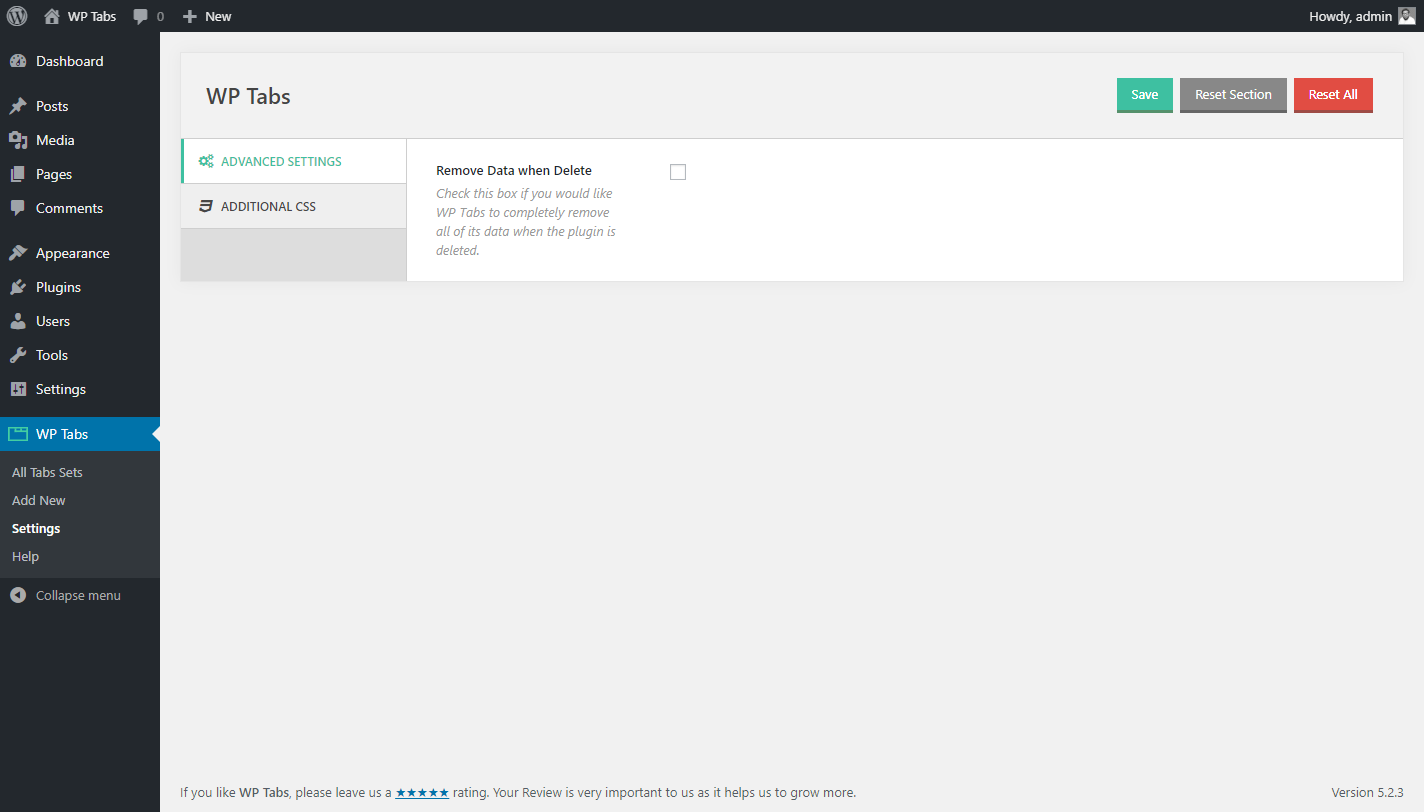
- New: Clean up data option (when the plugin deleted).
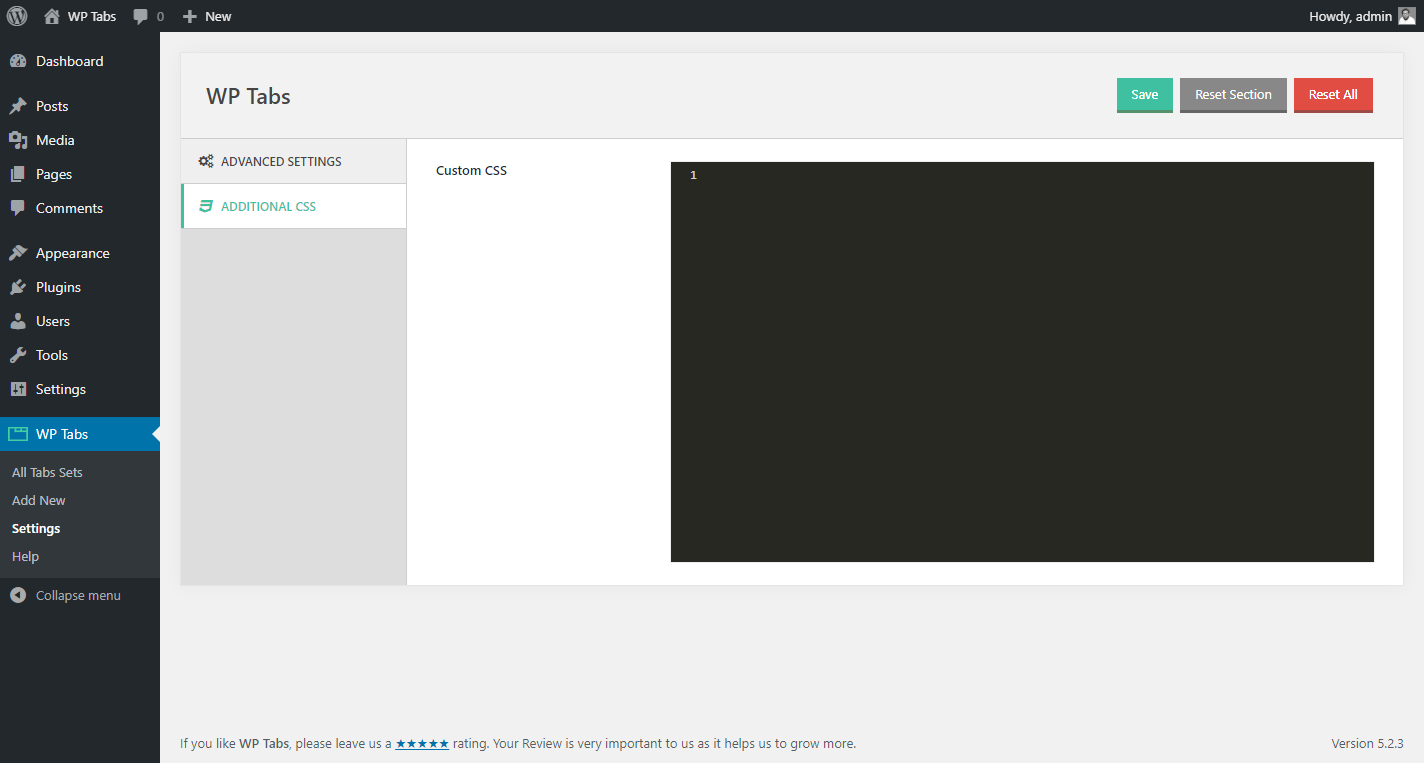
- New: Custom CSS field to override styles.
- Improved: Admin dashboard UI.
1.0
- First Release

