

Enables the previous "classic" editor and the old-style Edit Post screen with TinyMCE, Meta Boxes, etc. Supports all…

About WP Database Backup – Unlimited Database & Files Backup by Backup for WP
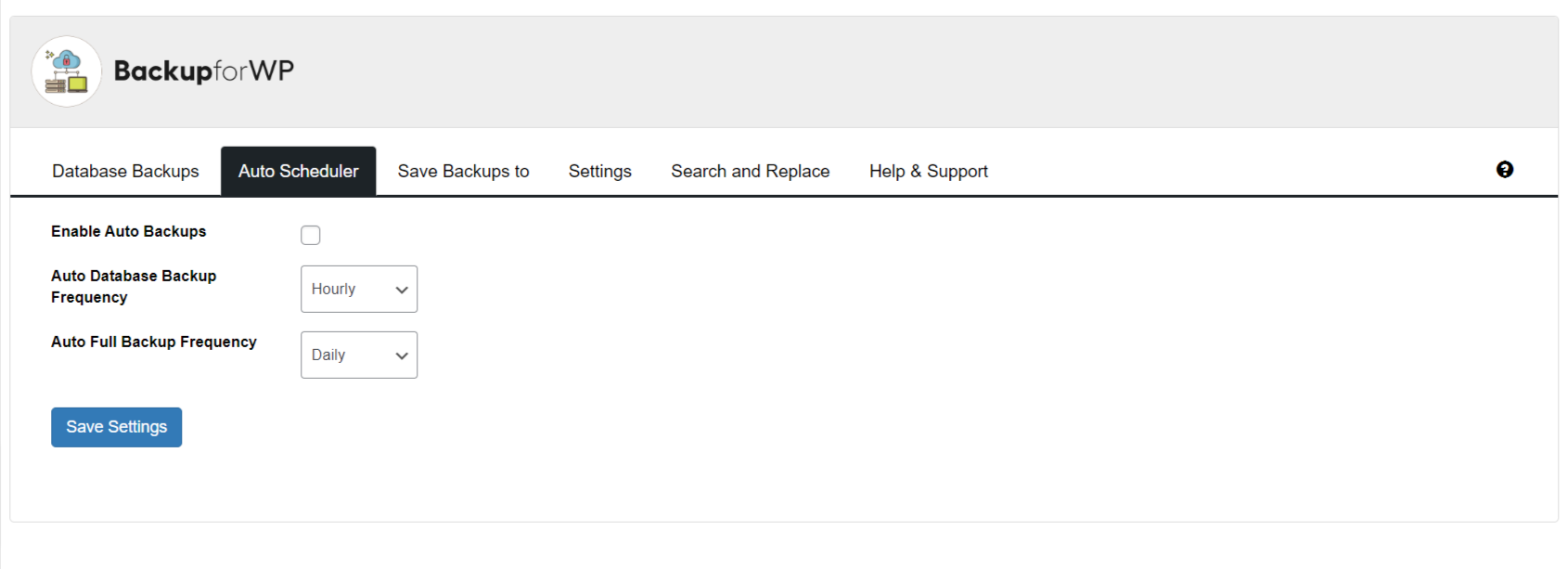
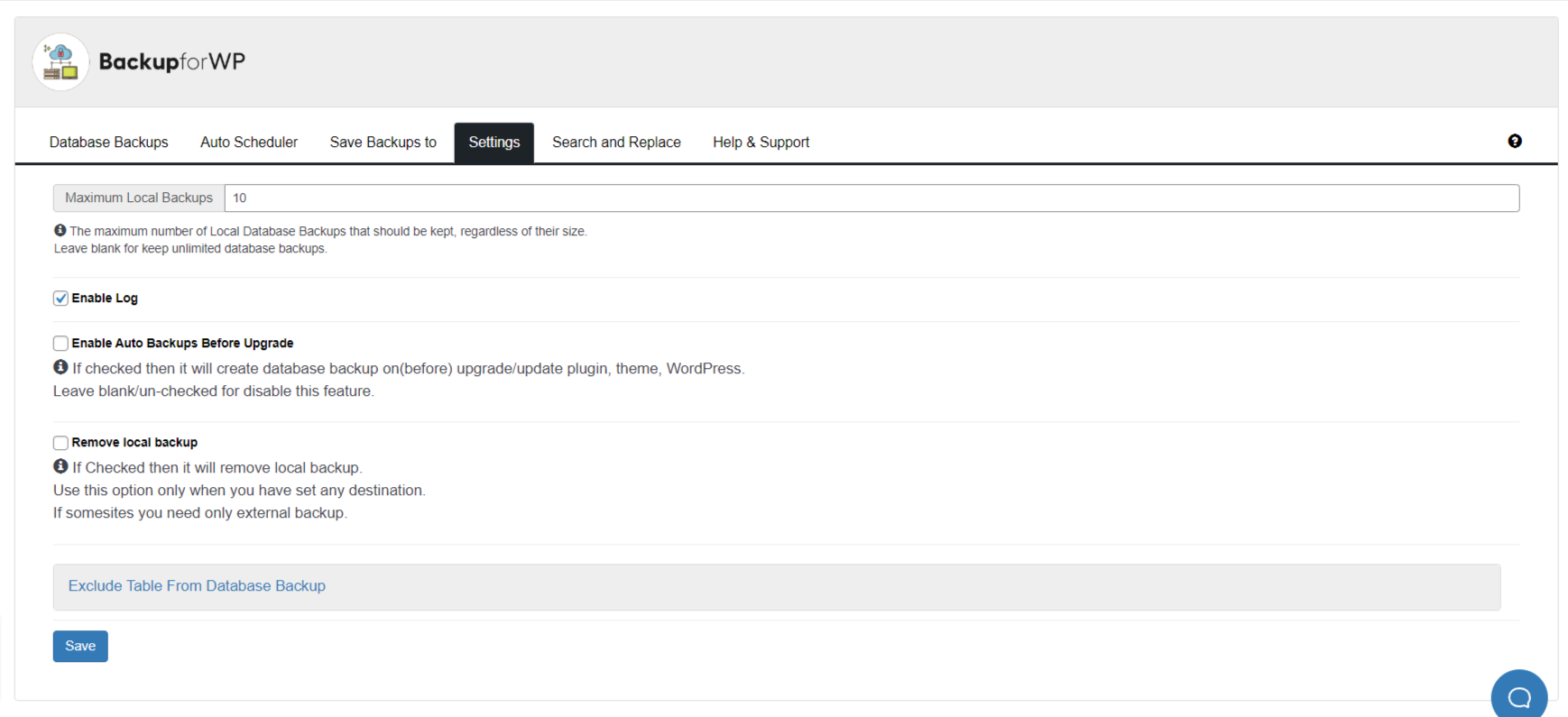
The WP Database Backup plugin allows you to easily create and restore database backups with just one click. It offers multiple storage destinations such as Dropbox, Google Drive, Amazon S3, FTP, and more. The plugin also provides support and a bug reporting system for any issues you may encounter.Screenshots


Frequently asked questions
What does the WP Database Backup plugin do?
The WP Database Backup plugin allows you to create and restore database backups with a single click. It supports both manual and automated backups.
Where can I store my database backups?
You can store your database backups in multiple destinations including Dropbox, Google Drive, Amazon S3, FTP, sFTP, Backblaze, and email.
Does the plugin offer automated backups?
Yes, the plugin can automatically back up your database on a repeating schedule.
Can I download backup files directly from my WordPress dashboard?
Yes, the plugin allows you to download backup files directly from your WordPress dashboard.
What is Backup For WP Cloudstorage?
Backup For WP Cloudstorage is a new feature offering cloud storage for backups. It costs $1 per 50GB per website per month with a 14-day free trial.
Changelog
7.4
- 17-12-2024
- Improvement: Improve UX #97
- Improvement: Modify the UI of the “Access your Data” button under the Cloud Backup section #105
- Improvement: Change tag on wordpress plugin page #107
- Improvement: Code Improvement Part 3 #108
- Security Fix: Unauthenticated BackUp Exposure disclosed by Noah Stead (TurtleBurg)
- Test: Tested upto WP 6.7
7.3
- 26-09-2024
- Improvement: DB Incremental Backup improvements.
- Fix: Promo Notification dismiss issue #103
7.2
- 20-09-2024
- Fix: Backup stuck on DB Backed up when using Incremental backup.
- Improvement: Added resume capability to DB backup for Incremental backup.
7.1
- 09-09-2024
- Fix: Timeout and Write Failures Due to Large Database #96
- Improvement: Incremental backup for Backblaze #85
7.0.1
- 28-08-2024
- Fix: Backup not starting after update 7.0
7.0
- 27-08-2024
- New: Data Anonymization
- New: Backup time and scheduling
- New: BackupforWP Cloud Storage Service
- New: Incremental backup for Backblaze
6.12.1
- 27-07-2024
- Fixed: Fatal error on PHP 7.2 and below after updating to version 6.12 #89
6.12
- 24-07-2024
- Improvement: Code & Performance Improvement according to Plugin check #90
- Compatibility: Tested with WordPress version 6.6
- Fixed: Multiple backups are getting created #89
6.11
- 13-06-2024
- Improvement: Added support for backblaze. #85
6.10
- 24-05-2024
- Improvement: Unable to translate the language using Loco Traslate #31
6.9
- 08-04-2024
- Improvement: Make an option to delete all plugin data on uninstall #77
- Improvement: Wrong polish encoding #83
- Compatibility : Tested with WordPress 6.5 #82
6.8
- 17-02-2024
- Fixed: Setting in the email notification is not being saved. #78
- Improvement: PHP version compatibility and other readme changes #76
6.7
- 07-12-2023
- Added: Option to delete all the Backup lists at once #70
- Added: Support for database backup using SFTP #64
- Fixed: 1-click unsubscribe for email notification #24
- Compatibility: Tested with WordPress 6.4 #72
- Fixed: Auto Backup is not working for DropBox #58
- Fixed: Plugin is not being deactivated in multisite #74
- Improvement: readme txt improvements #22 #28
6.6
- 22-09-2023
- Added: Support for background backup for plain permalink structure #67
- Improvement: DB backup leads to fatal error for large tables #68
- Added: Button to stop the background backups process. #62
- Fixed: Error in php log and console #66
- Compatibility: Tested with WordPress 6.3 #61
6.5.1
- 04-08-2023
- Fixed: Warnings is showing on wp database-backup. #59
6.5
- 26-07-2023
- Fixed: Dropbox says “Not Configured” but its connected and authenticated. #51
- Added: Data anonymous on the clone website for the GDPR integration. #20
6.4
- 03-07-2023
- Fixed: The backup progress bar gets stuck while creating the backup #53
- Fixed: A Fatal error appears after clicking on “Create New Database backup” #52
6.3
- 06-06-2023
- Added: Added a option for scheduling the Complete Backup. #29
- Fixed: Issue related to timezone #47
- Fixed: Compatible with PHP Compatibility Checker plugin #45
- Fixed: After deleting list backup files, notice keeps showing even after reloading the page #38
- Fixed: Google Drive backup is not being configured, and there are also multiple issues. #44
- Improvement: FullBack process will work in background and will show current progess. #46
- Improvement: UI/UX Improvement for notifications. #46
6.2
- 04-04-2023
- Fixed: Undefinded variable $database_file error #33
- Added: ziparchive is not enable so show message #36
- Fixed: When we configued the email backup, then local backup is getting unconfigued. #37
- Fixed: Escaping is missing #40
- Fixed: Fatal error: Uncaught TypeError: ftp_quit(): Argument #1 ($ftp) must be of type FTPConnection, bool given #41
Full changelog available at changelog.txt

