

Just another contact form plugin. Simple but flexible.
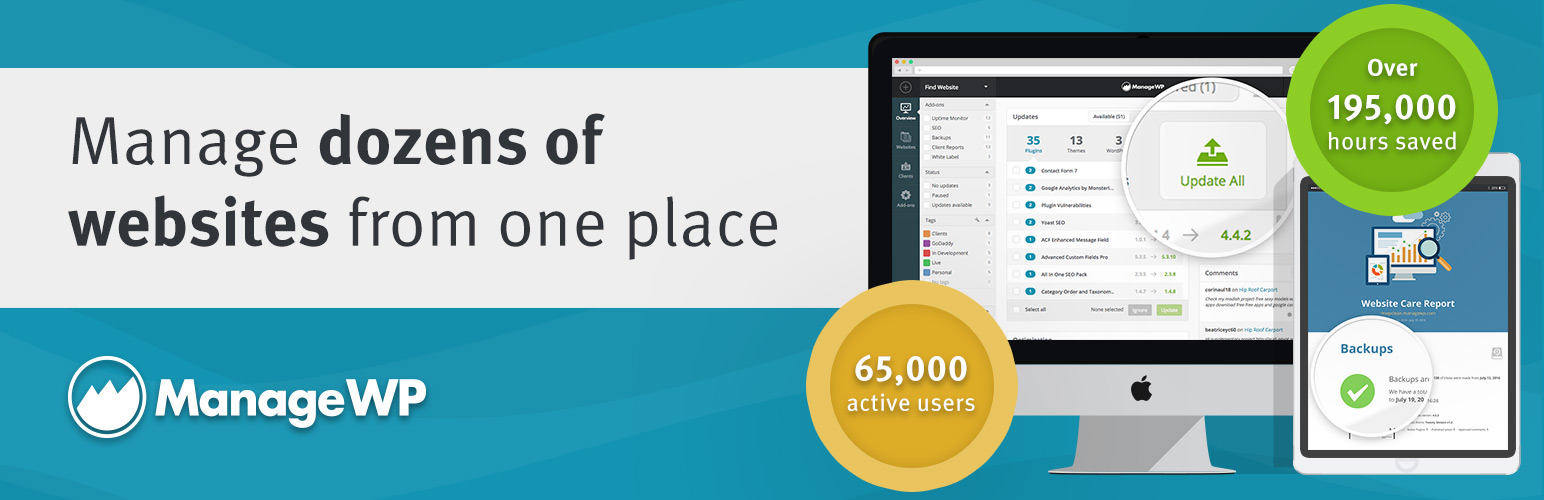
About ManageWP Worker
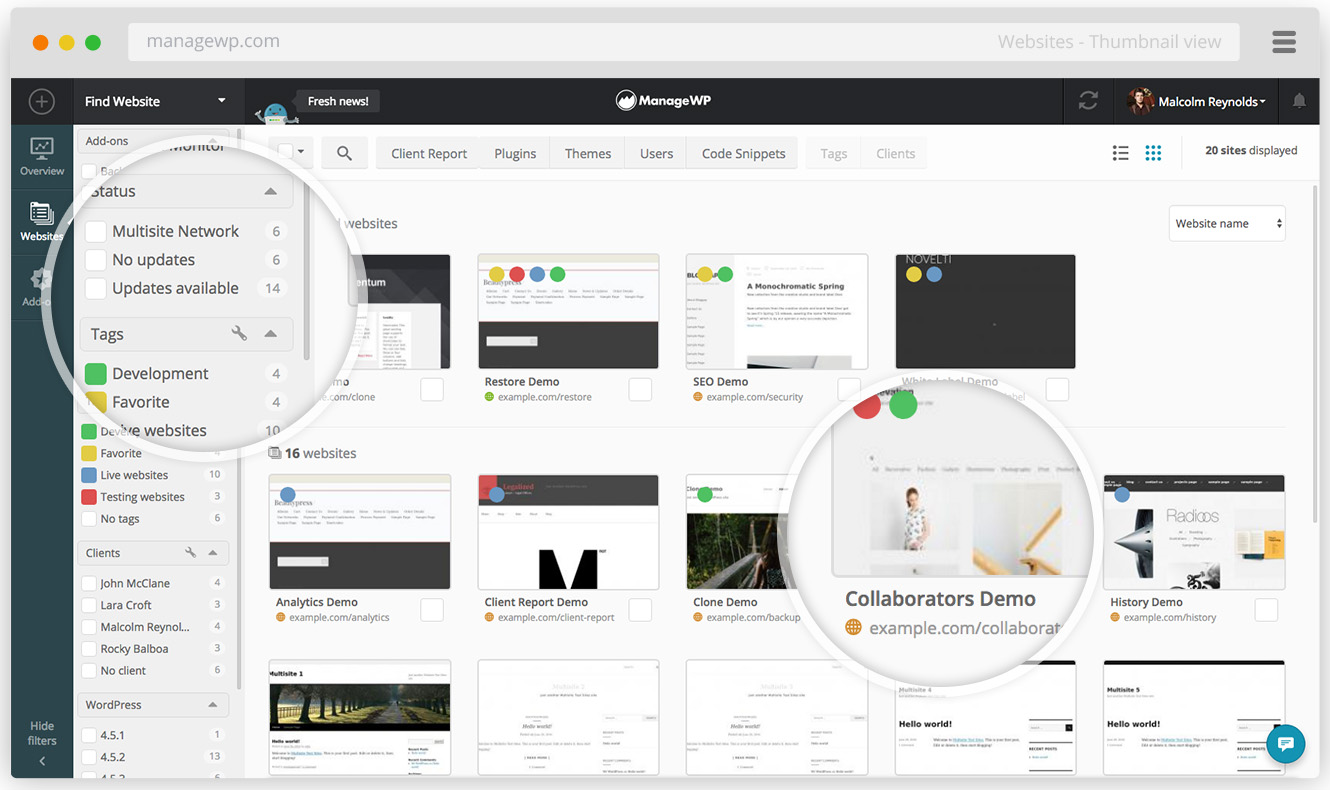
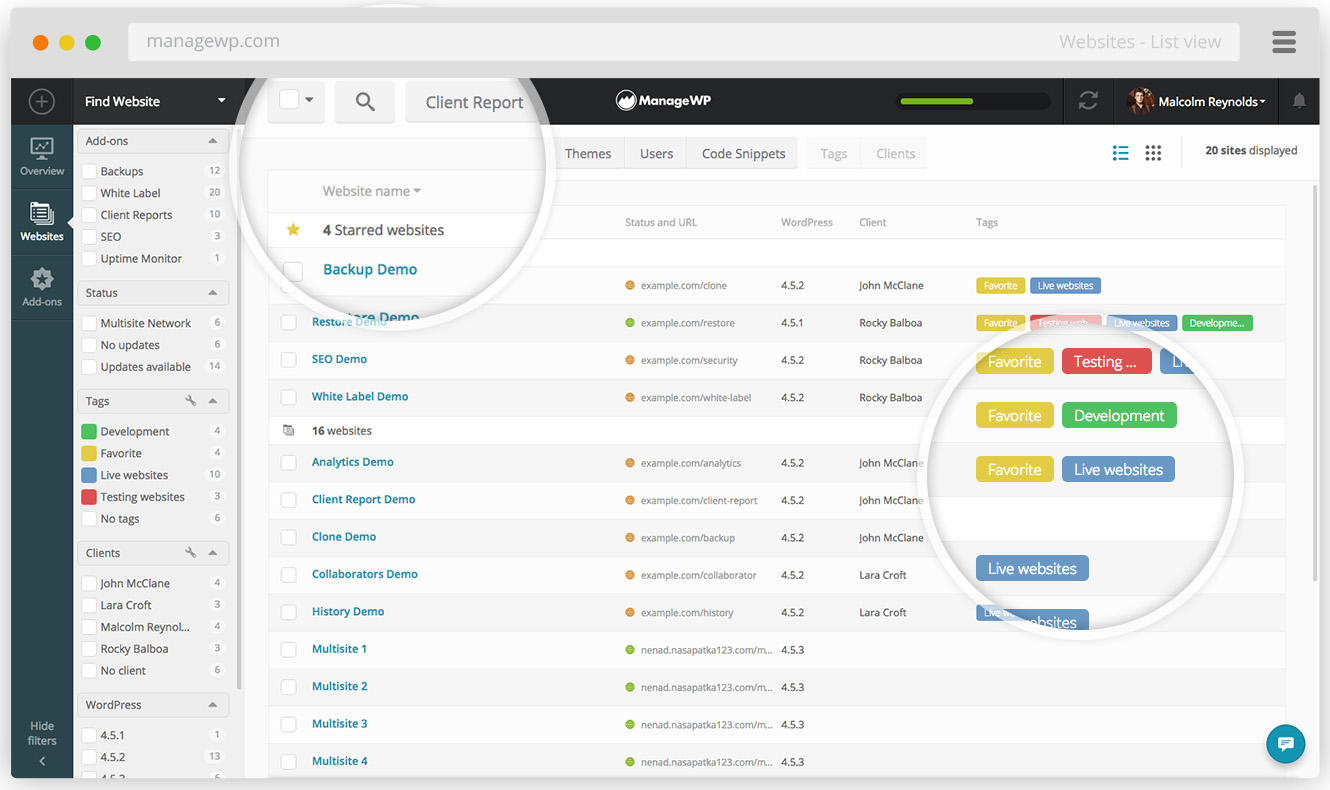
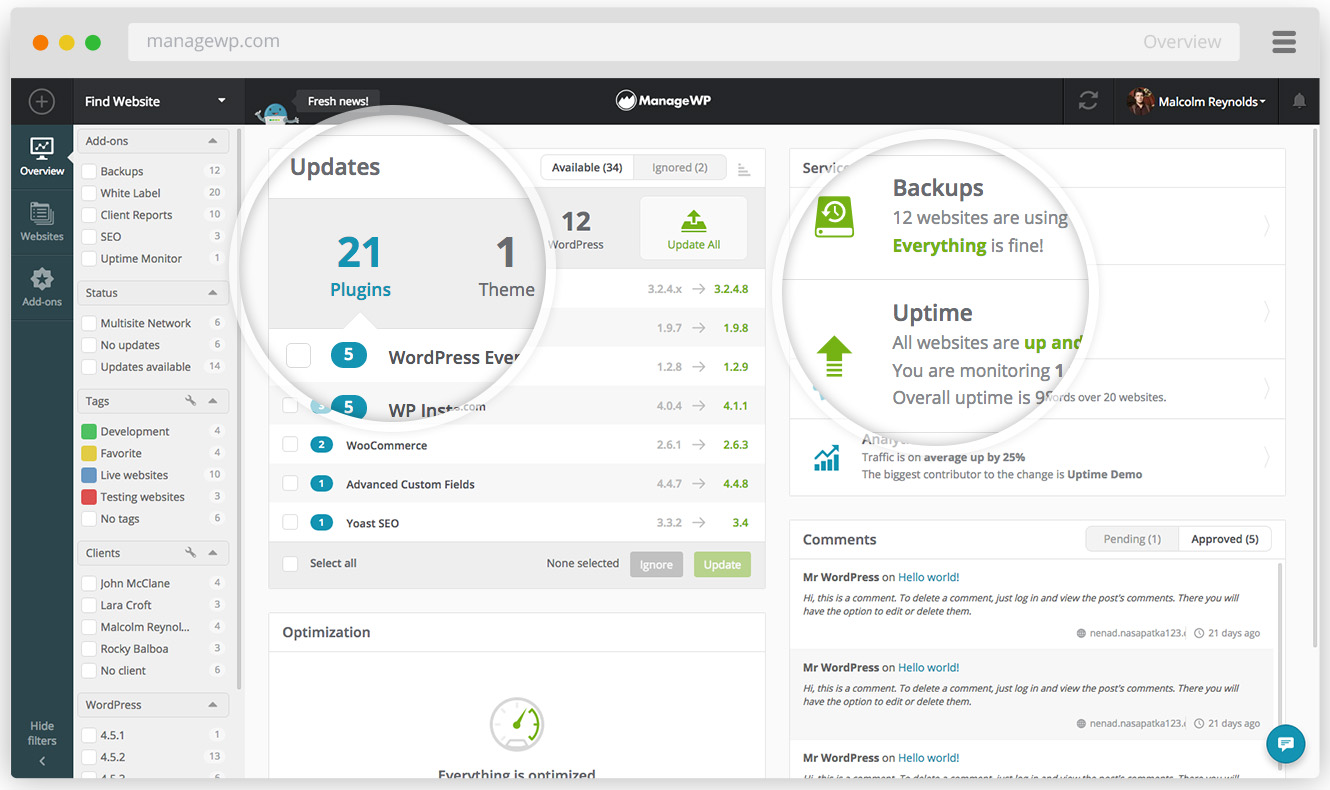
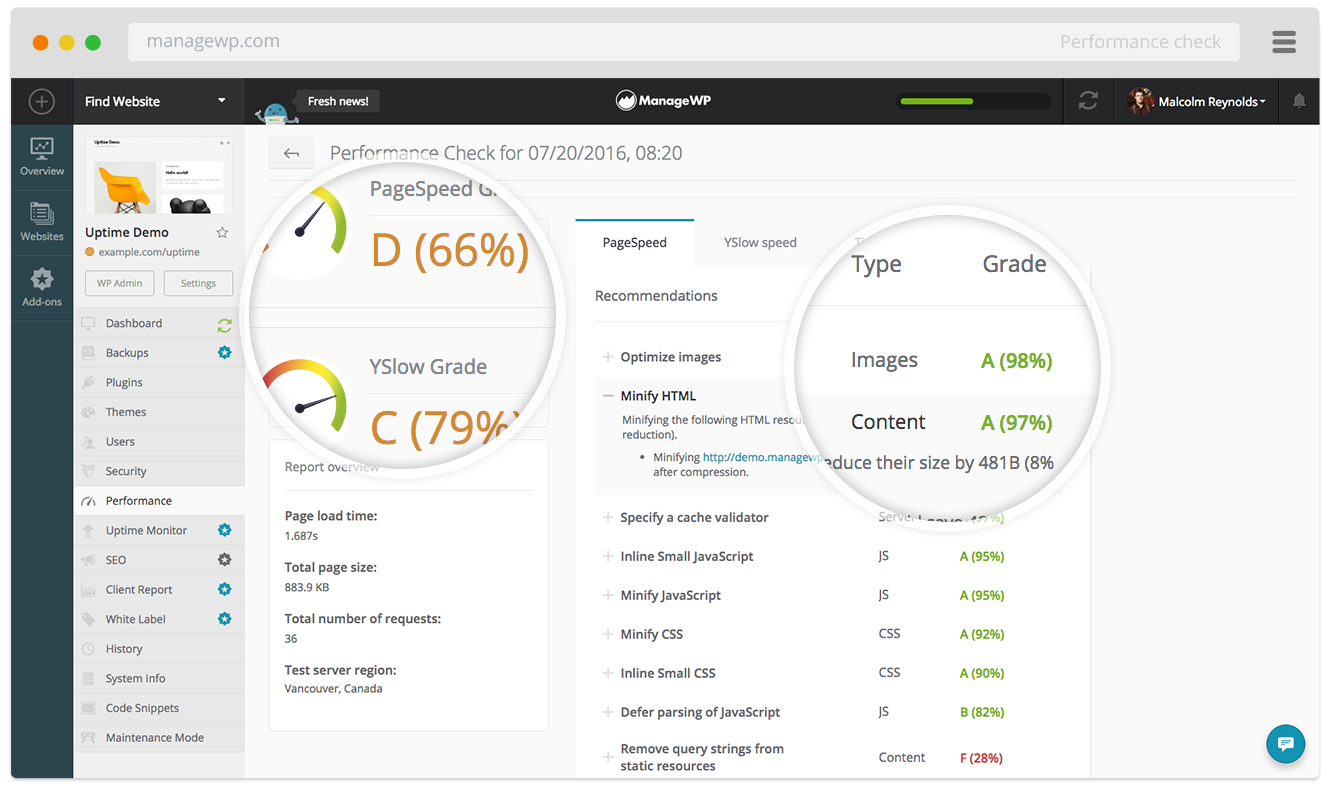
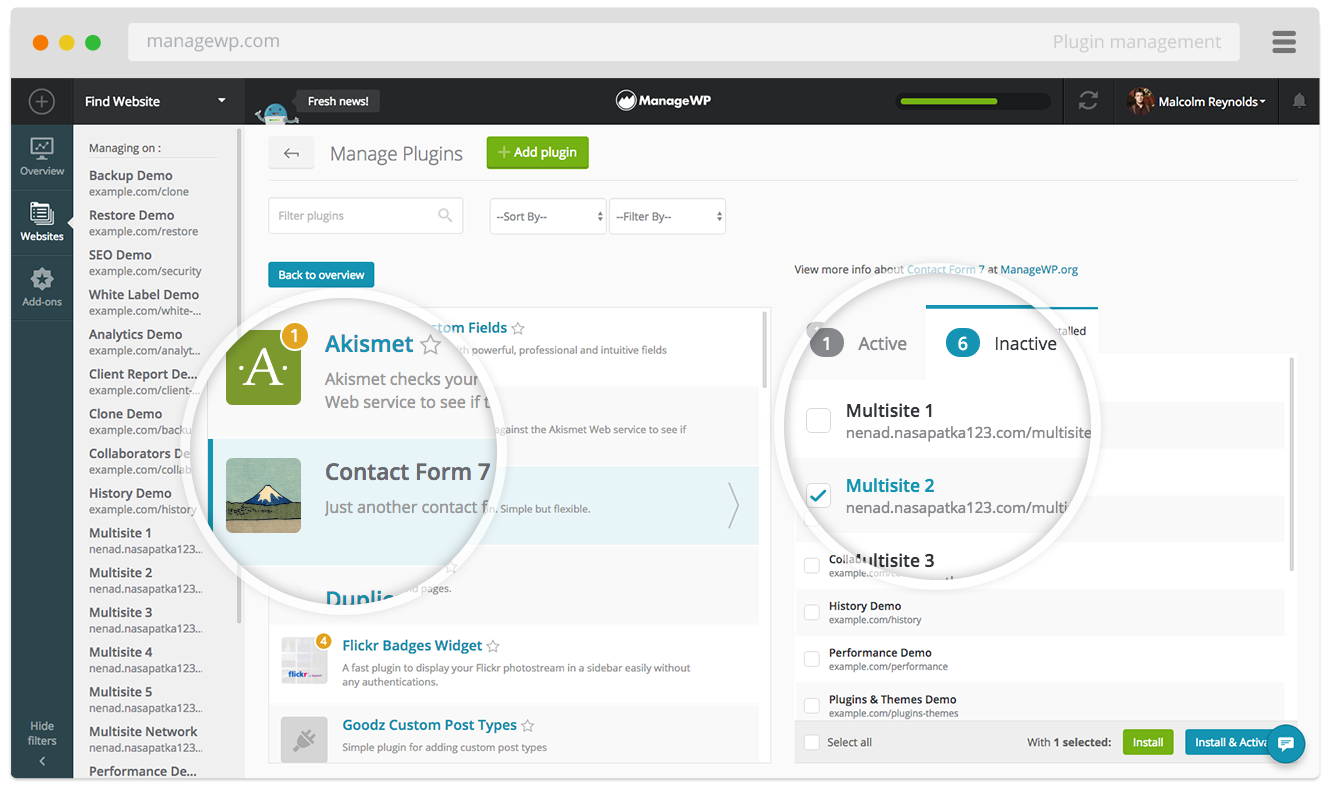
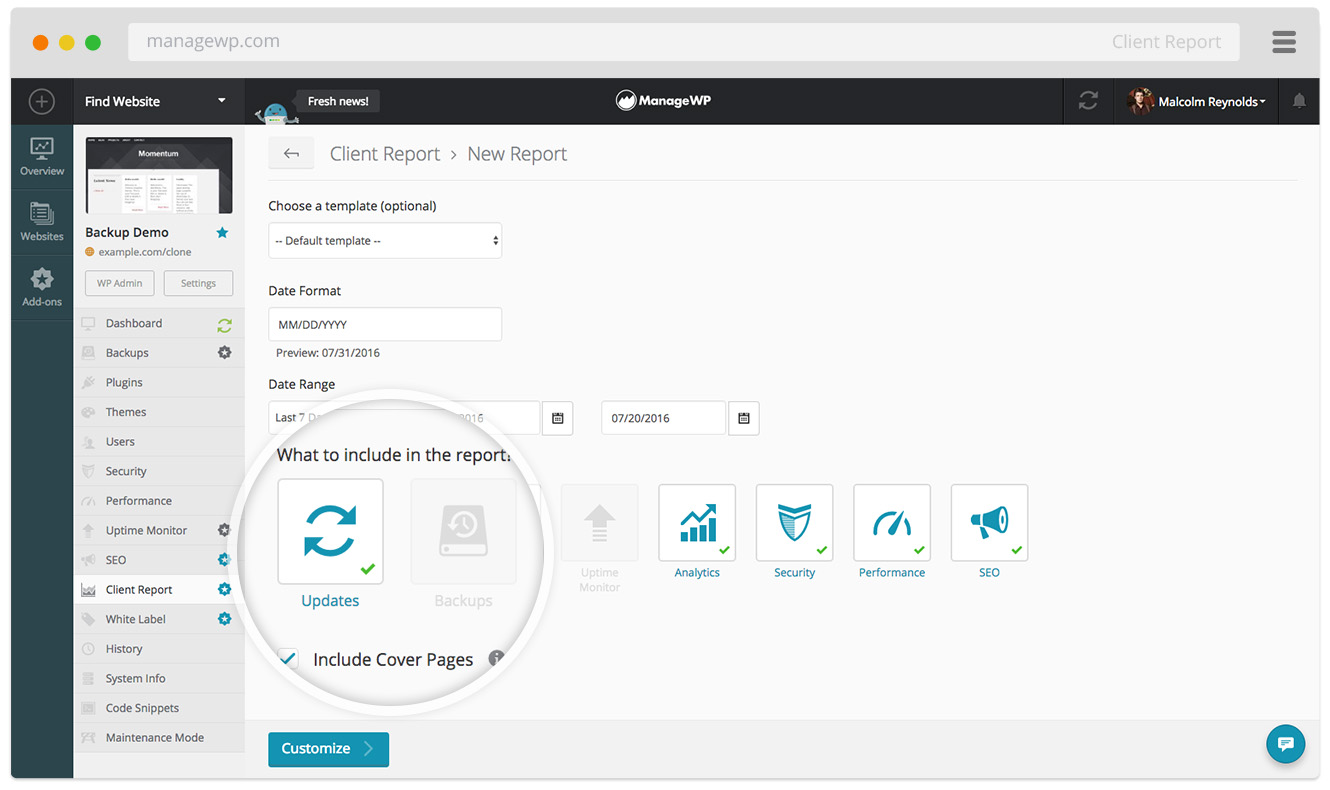
ManageWP is a dashboard that helps you manage multiple WordPress websites in one place. It automates tasks like updates, backups, security checks, and performance monitoring, saving you time and effort. It's free to use and offers additional premium features for more advanced needs.Screenshots
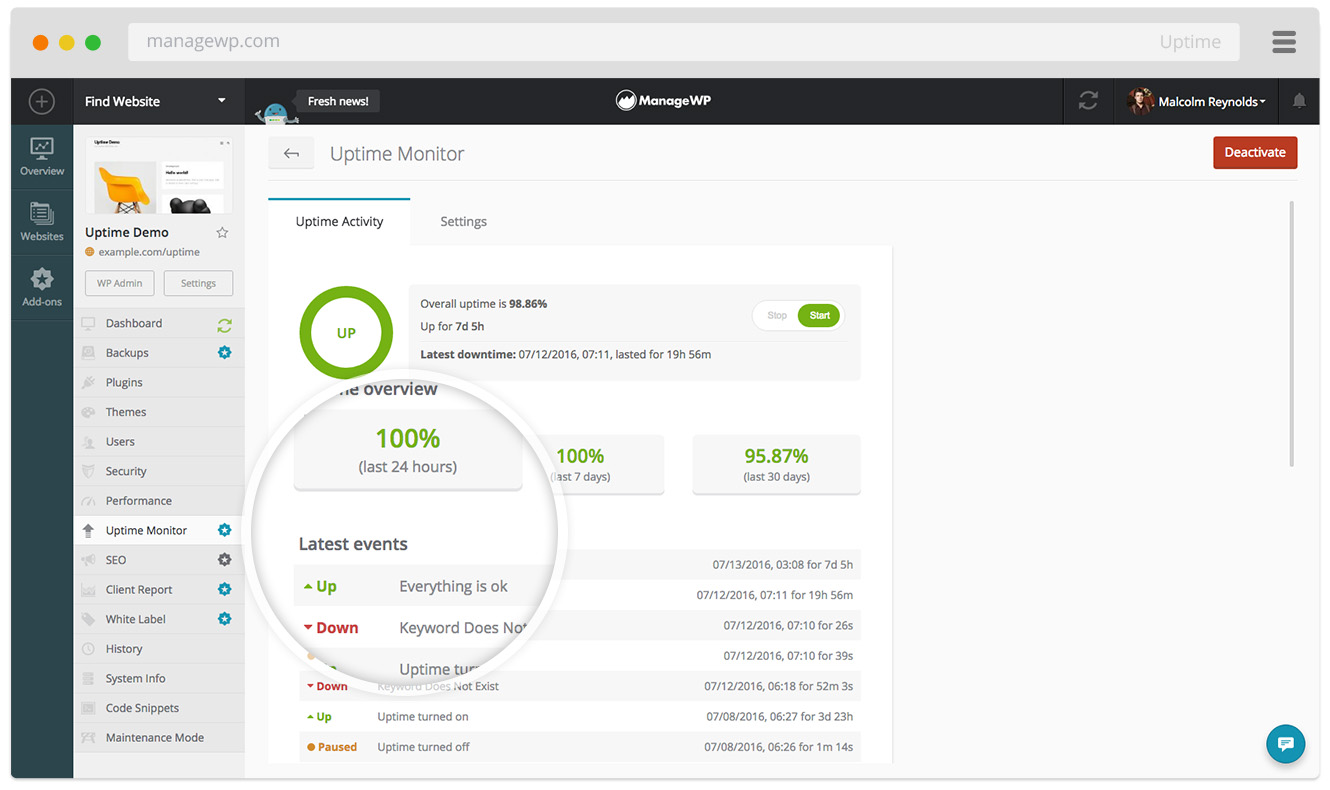
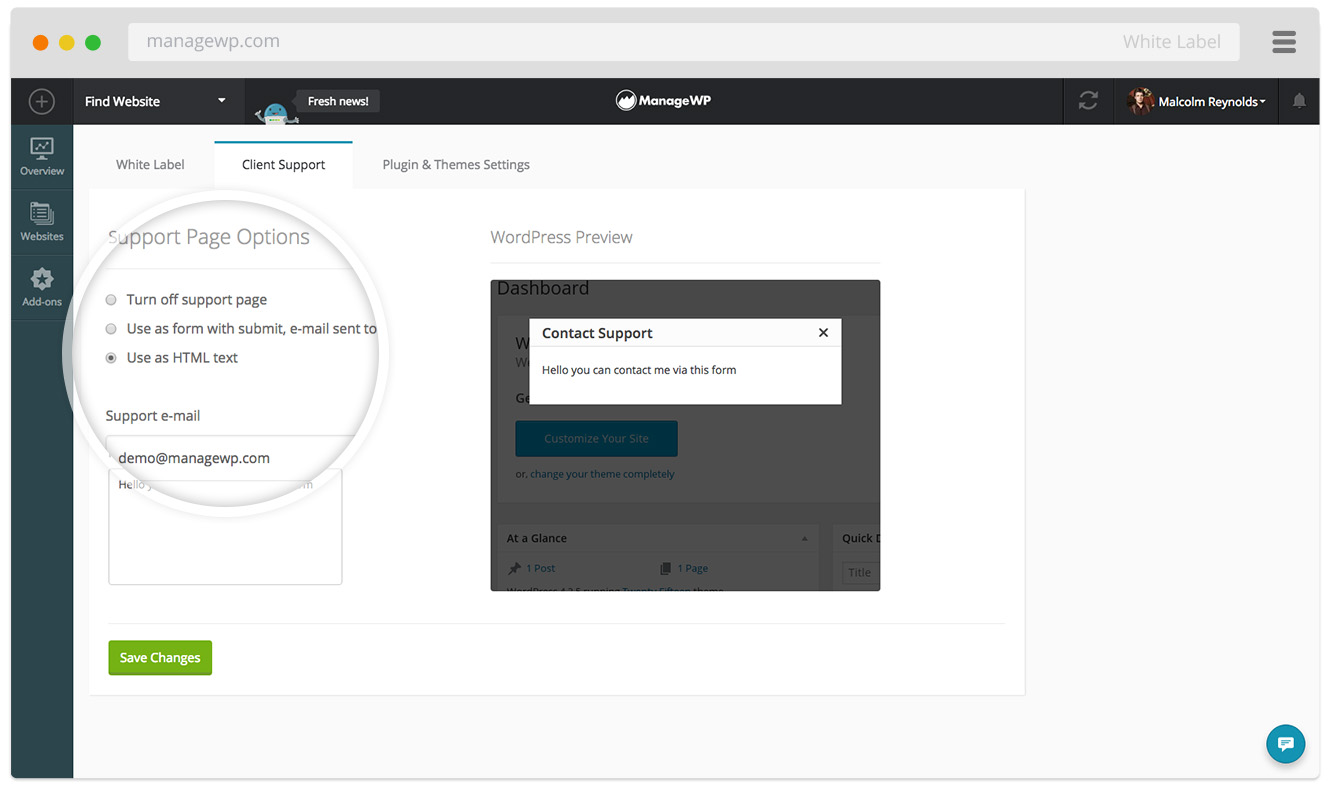
Frequently asked questions
What is ManageWP Worker?
ManageWP Worker is a WordPress plugin that connects your WordPress websites to the ManageWP dashboard. It helps you manage multiple WordPress sites from a single location, automating various tasks.
What are the key features of ManageWP?
ManageWP offers a centralized dashboard for all your sites, bulk actions for updates and maintenance, and a cloud backup solution. It also includes safe updates with automatic rollback and client reporting features.
Is ManageWP free?
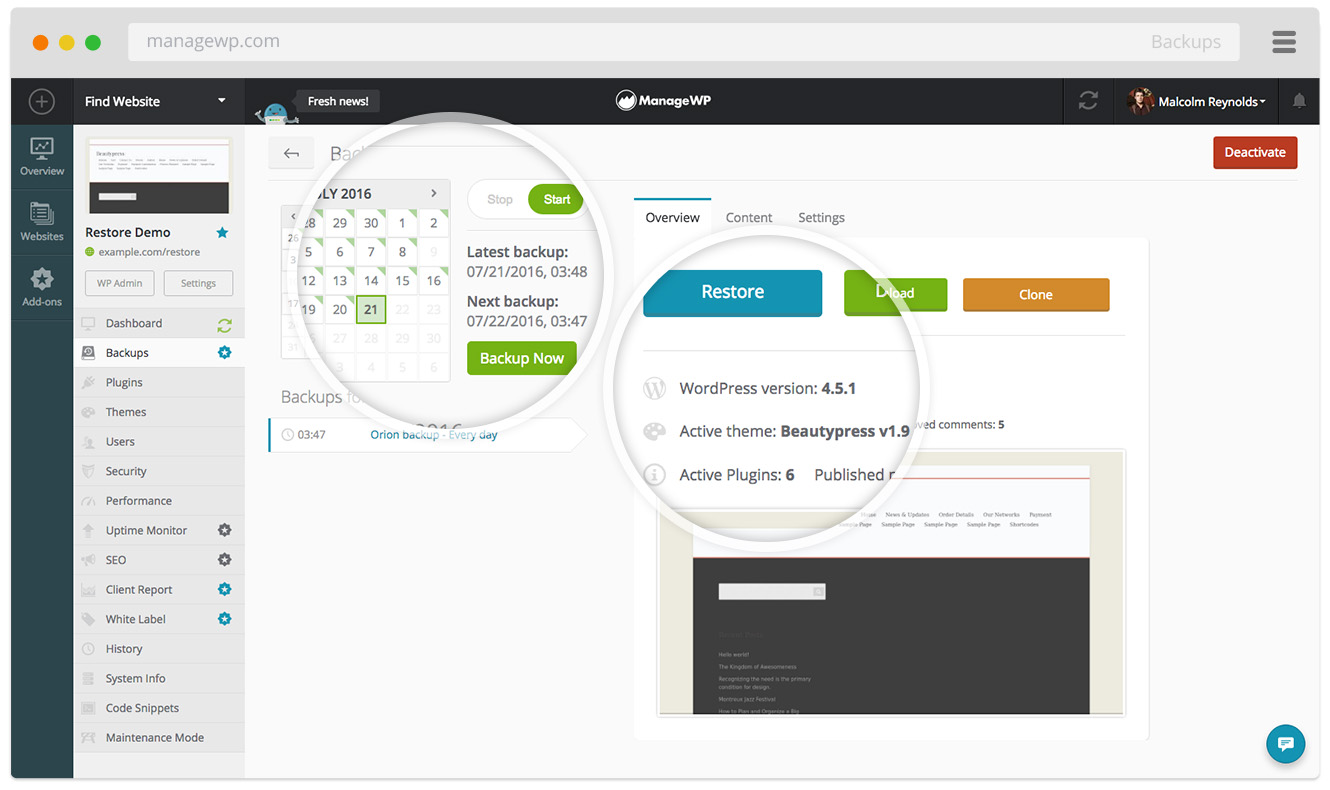
ManageWP is free for an unlimited number of websites. It includes a free monthly backup with off-site storage and 1-click restore.
What kind of backup options does ManageWP offer?
The free backup includes monthly scheduled backups, off-site storage, 1-click restore, and US/EU storage choice. Premium options offer on-demand backups and more frequent backup cycles.
Changelog
4.9.23
- Fix: Use OpenSSL for SHA256 hashing
4.9.22
- WordPress 6.8 compatibility bump
- Fix: Compatibility with OpenSSL 3+
4.9.21
- WordPress 6.7 compatibility bump
4.9.20
- WordPress 6.5 compatibility bump
4.9.19
- Fix: Absolute path on Windows systems
- Code cleanup
4.9.18
- Fix: PHP 8.X Compatibility notices
- WordPress 6.4 compatibility bump
4.9.17
- Fix: PHP Notice – WP_User_Query::query()
- Fix: Call to undefined function php_uname when php_uname is disabled
- Fix: PHP Notice – ob_end_clean()
- Fix: PHP Deprecated – preg_match()
- Fix: PHP Deprecated – base64_decode()
- Fix: PHP 5.x compatibility introduced in 4.9.16
- WordPress 6.2 compatibility bump
4.9.16
- Fix: PHP 8.0+ compatibility update
4.9.15
- Fix: WordPress 6.1 compatibility
4.9.14
- Worker update tested to the latest version of WordPress
- Minor logging changes
4.9.13
- Fix: Resolved old PHP version compatibility issues.
4.9.12
- Fix: Resolved Worker white-labeling not working as expected.
4.9.11
- Fix: Ensure full compatibility with PHP 8.1
4.9.10
- Fix: Resolved compatibility issue with WooCommerce payments
- Fix: Set plugin version for MU plugin loader
4.9.9
- Fix: Resolved edge case compatibility issue with some sites
- New: Added “Disconnect all” option in the Connection Management in wp-admin
- Worker update tested to the latest version of WordPress
- Minor wording changes
4.9.7
- Update logic for calculating table overhead
4.9.6
- Updated logic for generating archive name for File Manager tool.
- Update tested up to version for the plugin.
- Fix: Edge case where a backup might fail due to root WP paths.
4.9.3
- Update tested up to version for the plugin.
- Fix: Potential crash when the hit count option is not defined.
4.9.2
- Added fallback for downloading/archiving files for the File Manager tool, when zip extension is not available
- Fix: Worker plugin branding within WP 5.2 Admin Site Health page plugins list
4.9.1
- Fix: Handle updates on WP Engine hosted websites properly.
4.9.0
- New: Support for a future release of file management.
- We will stop supporting PHP 5.2 in the next version.
4.8.1
- Fix: Edge case where a backup might fail due to API call payload.
4.8.0
- New: Support for automatic detection of post content changes for Link Monitoring.
4.7.8
- Fix: Edge case when there are no plugins active, the plugin would cause a fatal error.
4.7.7
- Fix: Edge cases where one click login might fail due to the Host header changing.
4.7.5
- Fix: Edge cases where key fetching might fail and cause the connection to stop working.
4.7.0
- Improvement: Translations for the new Connection Management dialog.
- Fix: An error that might occur when activating the Worker plugin.
4.6.6
- Fix: Omit extra query parameters for One Click Login after a successful login.
4.6.5
- Fix: Edge cases where the Worker plugin might not be able to communicate with our system.
4.6.4
- New: Allow multiple ManageWP/Pro Sites accounts to connect to a single Worker plugin.
4.6.3
- Fix: Edge cases when Local Sync was unsuccessful.
- Fix: WooCommerce database upgrade not showing up on the ManageWP/Pro Sites dashboard.
4.6.2
- Fix: Local Sync tool improvements.
4.6.1
- Fix: Worker auto-recovery on PHP 7.
- Fix: Replaced eval function that triggered false positives with some security plugins.
4.6.0
- New: Localhost Sync has reached the closed beta stage. Stay tuned for more info!
4.5.0
- Improvement: Removed deprecated ManageWP Classic code.
4.4.0
- Fix: Communication failing with a website behind CloudFlare, that has warnings turned on, and currently has warnings.
4.3.4
- Improvement: The Worker plugin can now only be activated network wide on multisite installs.
- Fix: Edge cases where the connection key was not visible.
- Fix: Edge cases with Multisite communication failure.
4.3.3
- Improvement: Always force the correct charset for database backups.
- Improvement: The Worker plugin is now fully compatible with WordPress 4.9.
4.3.2
- Fix: The Worker plugin threw an exception while recovering from failed update.
4.3.1
- Fix: The Worker plugin could not fetch keys for the new communication system in some cases.
4.3.0
- New: Ability to install/update Envato plugins and themes.
- New: WooCommerce database upgrade support.
- New: More secure and flexible communication between the Worker plugin and the ManageWP servers.

