

Just another contact form plugin. Simple but flexible.

About Weglot Translate – Translate your WordPress website and go multilingual
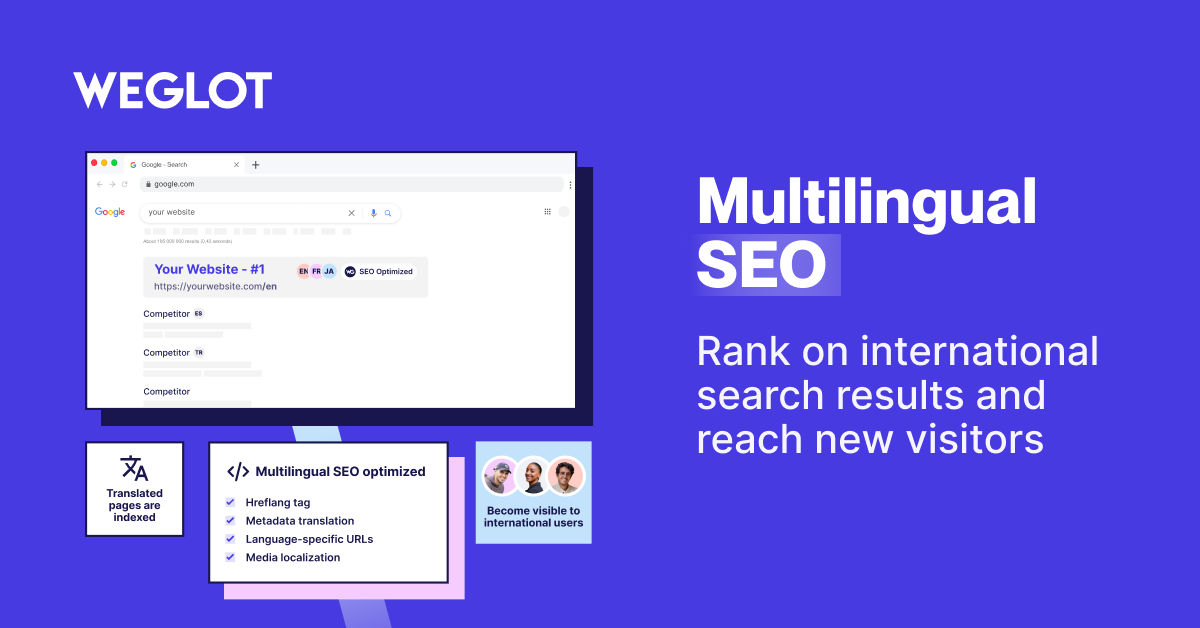
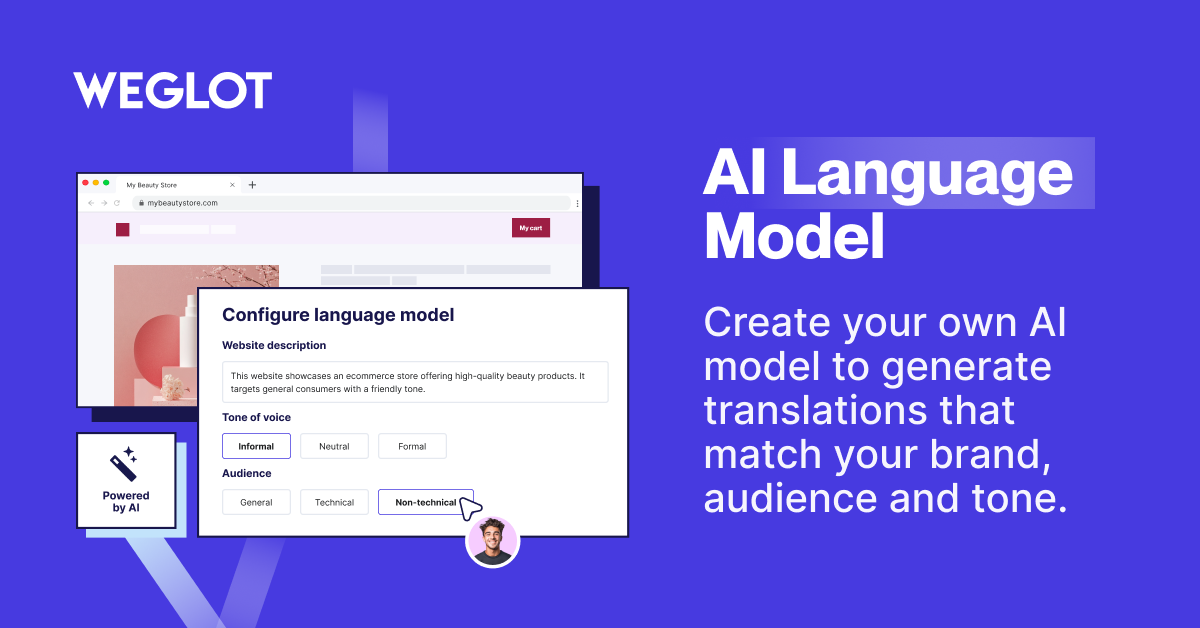
Weglot Translate is a WordPress translation plugin that allows you to easily translate your website into over 110 languages. It is user-friendly, optimized for SEO, and offers high-quality translations. With Weglot, you can increase visibility, boost conversions, and enhance user experience on your multilingual website.Screenshots



Frequently asked questions
How does Weglot Translate work?
Weglot Translate automatically detects all your website content for easy translation. All translations are updated in real-time, so you don’t need to worry about maintenance and any newly added content is automatically translated.
Why should you have a multilingual website?
Unlocking the possibility for visitors to read and interact in their own language means you’ll be significantly widening your reach, increasing your chances of business success!
Why Weglot Translate?
Weglot Translate is easy to install and set up, fully compatible with all platforms, and optimized for SEO. It also provides automatic multilingual translation and the ability to collaborate with a team of translators.
What are the benefits of a multilingual website?
A multilingual website increases visibility, reduces bounce rate, and enhances the user experience. It allows you to reach new traffic, serve visitors in their preferred language, and translate key conversion steps.
What features does Weglot Translate offer?
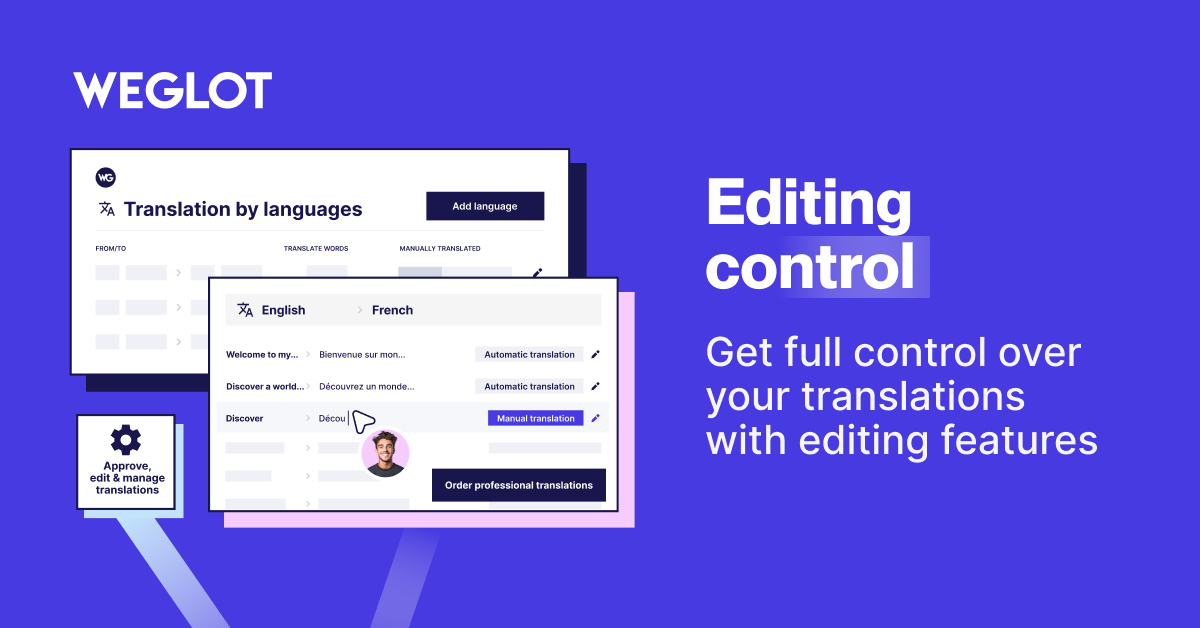
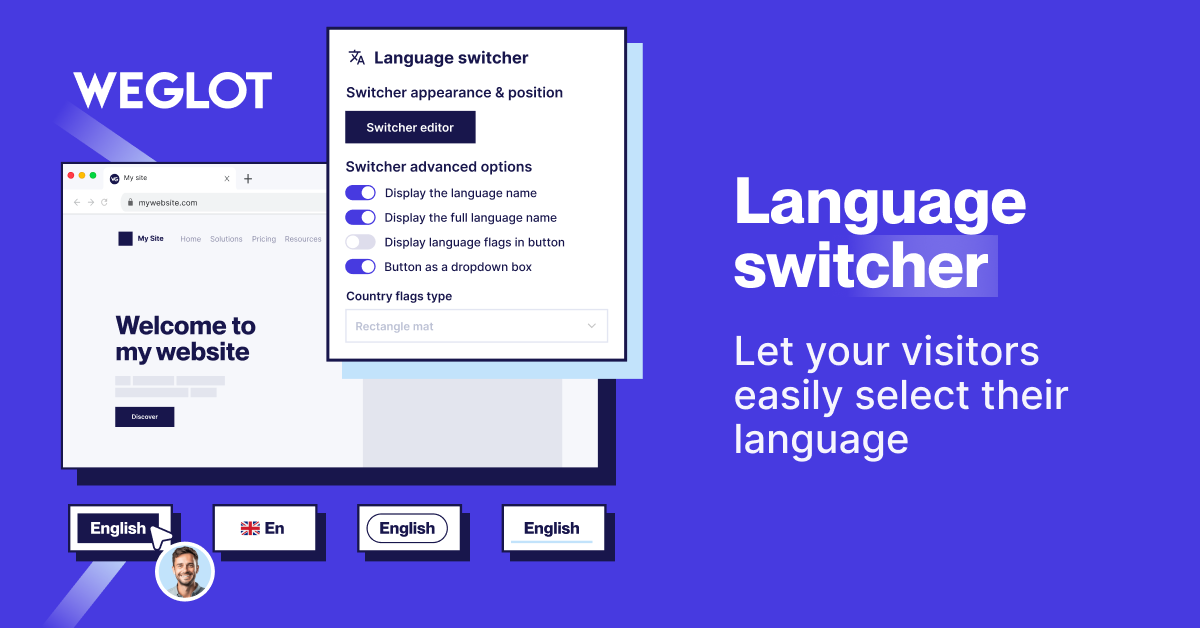
Weglot Translate offers a user-friendly interface to manage and edit translations, collaboration tools for team members and trusted translators, an in-context editor for direct webpage translation, customizable language switchers, and easy migration from other translation plugins.
Changelog
2024-09-30 – version 4.2.9
* Dev – PHPStan level 6 improvement.
* Update – named mousedown eventlistener to allow to remove it.
* Added – Filter to prevent access to specific role.
4.3.0 (20/01/2025)
- Improvement: Removed usage of Weglot.switchTo method during JS library initialization.
- Improvement: Stopped adding weglot-data attributes when content is in the original language.
- Improvement: Added a filter to allow translation of child nodes within excluded parent nodes.
- Improvement: Added a filter to handle missing trailing slashes in URLs.
- Improvement: Automatically added missing trailing slashes when translating content.
- Improvement: Introduced a filter to manage the usage of custom path definitions for base URLs.
- Improvement: Added the wg-excluded-link attribute to prevent translation of links while still translating labels or text.
- Improvement: Displayed a warning banner for PHP 8.1 compatibility issues.
- Fix: Resolved a deprecation issue by replacing FILTER_SANITIZE_STRING with FILTER_SANITIZE_FULL_SPECIAL_CHARS.
- Fix: Fixed an issue where the WooCommerce reset password page displayed a blank page in the original language.
- Quality: Addressed PHPStan issues to maintain level 6 compliance.
Older versions
Our complete changelog is located in the changelog.md file in the plugin folder.
The change log is located in the changelog.md file in the plugin folder.

