
Just another contact form plugin. Simple but flexible.

About Visibility Control for LearnDash
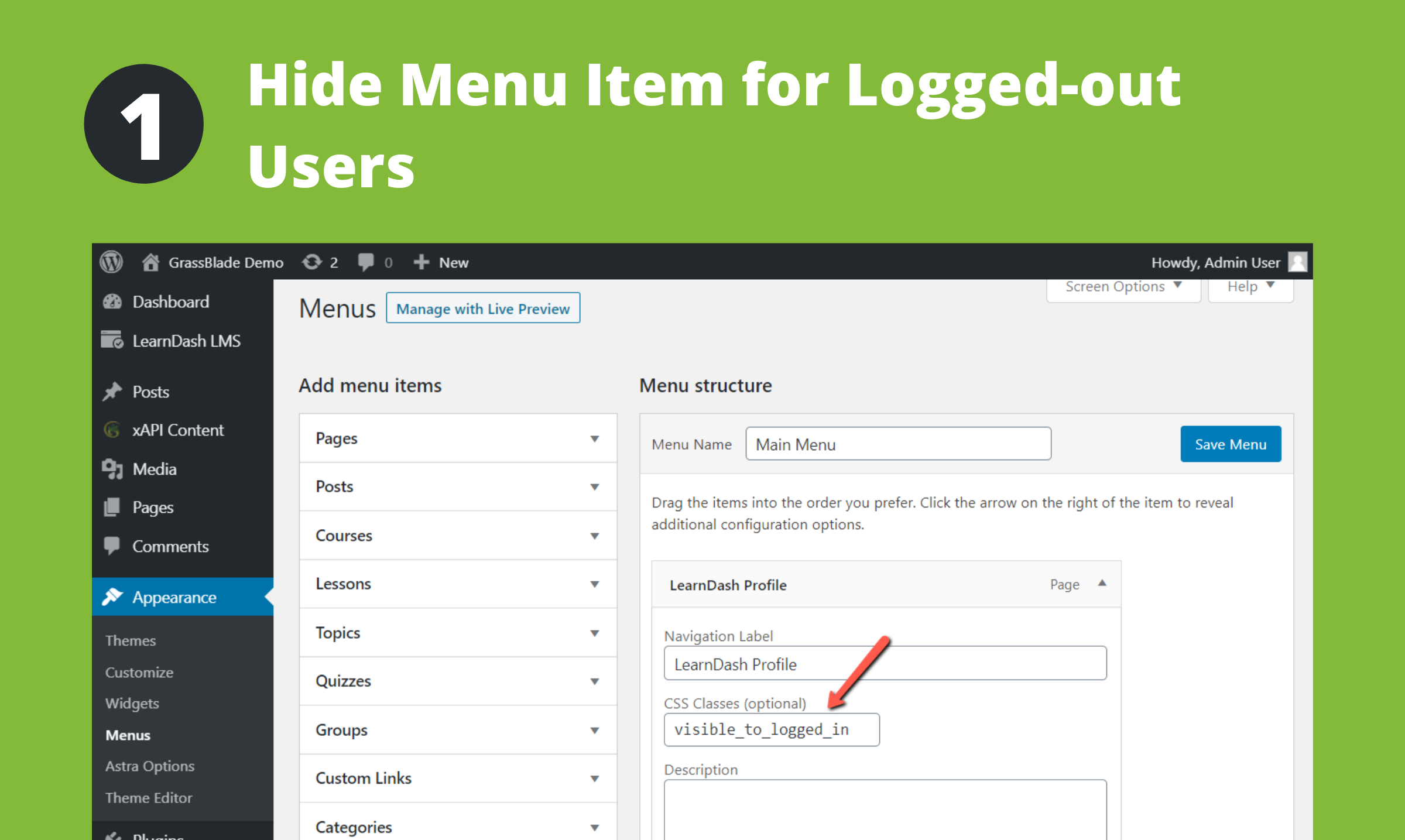
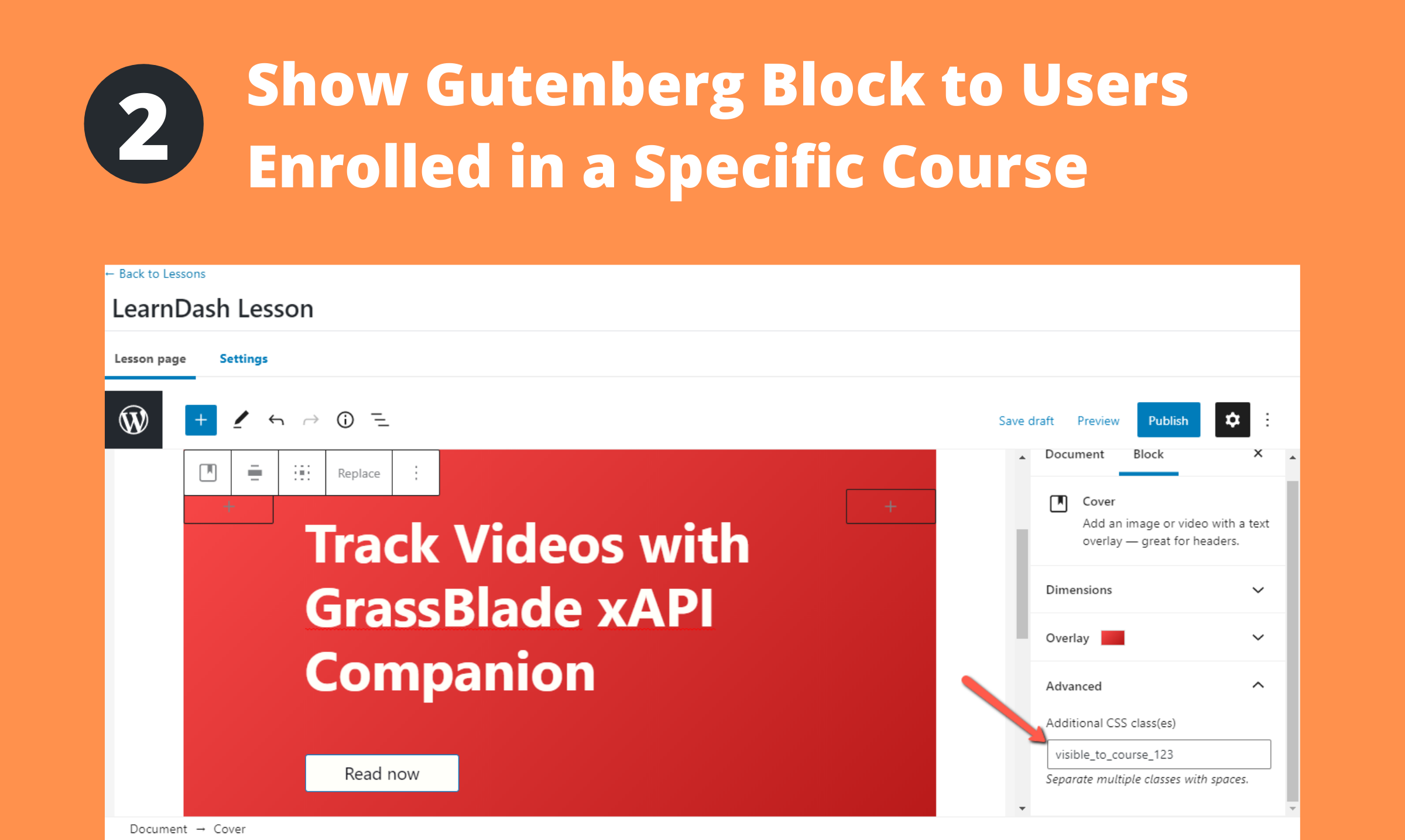
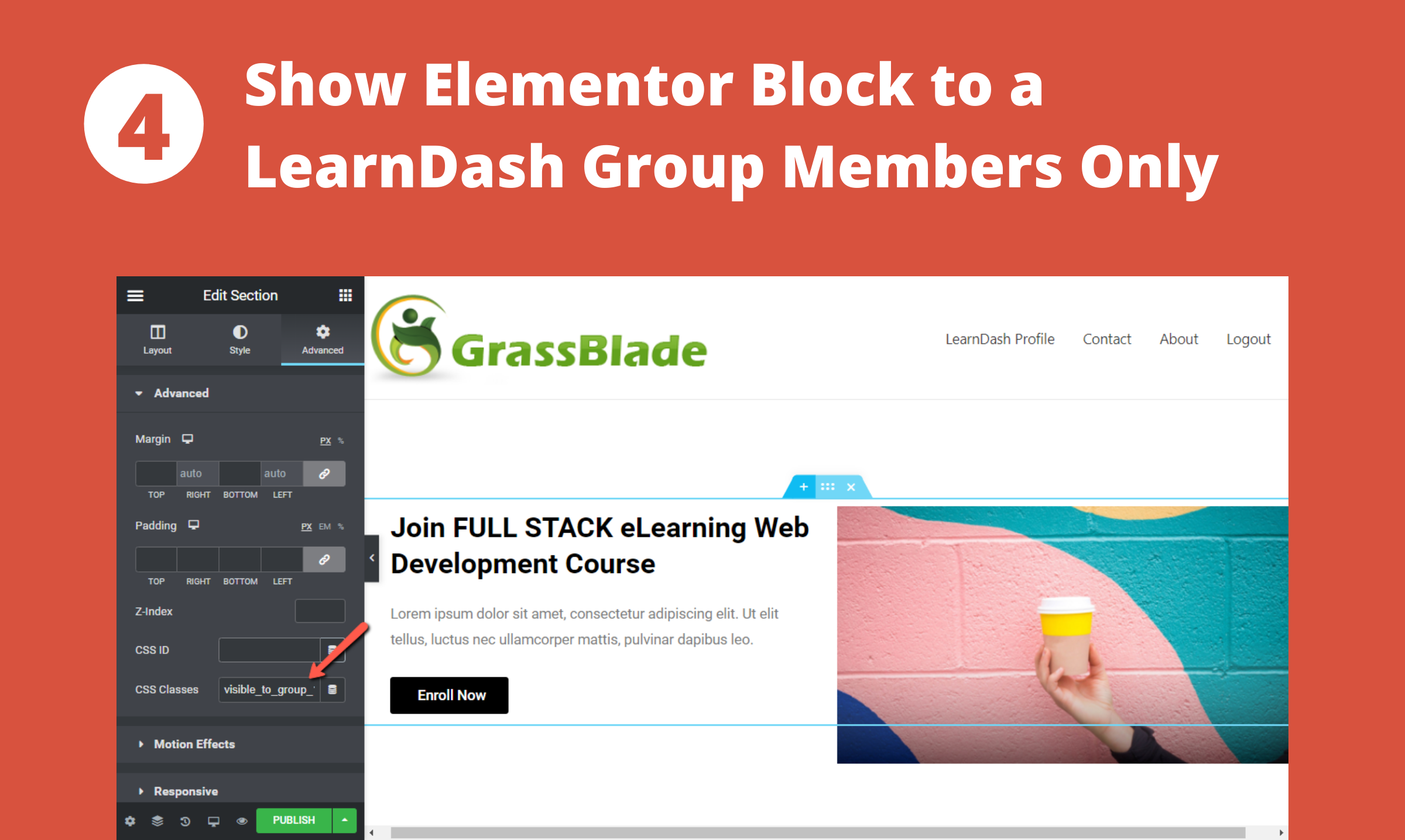
Visibility Control for LearnDash is a plugin that allows you to hide messages and content on your WordPress page based on specific criteria such as user access to a LearnDash course or group, login/logout status, and user role. You can easily control visibility by adding CSS classes to your elements. The plugin also has similar versions for other LMS platforms and integrates with WooCommerce.Screenshots
Changelog
1.7
- Feature: Added support for course completion status: Example: visible_to_course_complete_123, visible_to_course_incomplete_123, hidden_to_course_complete_123, hidden_to_course_incomplete_123
1.6
- Feature: Added support for roles: Example: visible_to_role_administrator
- Fixed: issues on addons page on network website.
1.5
- Fixed: jQuery 3.0 conflict on some websites.
1.4
- Feature: Added new classes: visible_to_course_none, hidden_to_course_none, visible_to_course_all, hidden_to_course_all, visible_to_group_none, hidden_to_group_none, visible_to_group_all, hidden_to_group_all
1.3
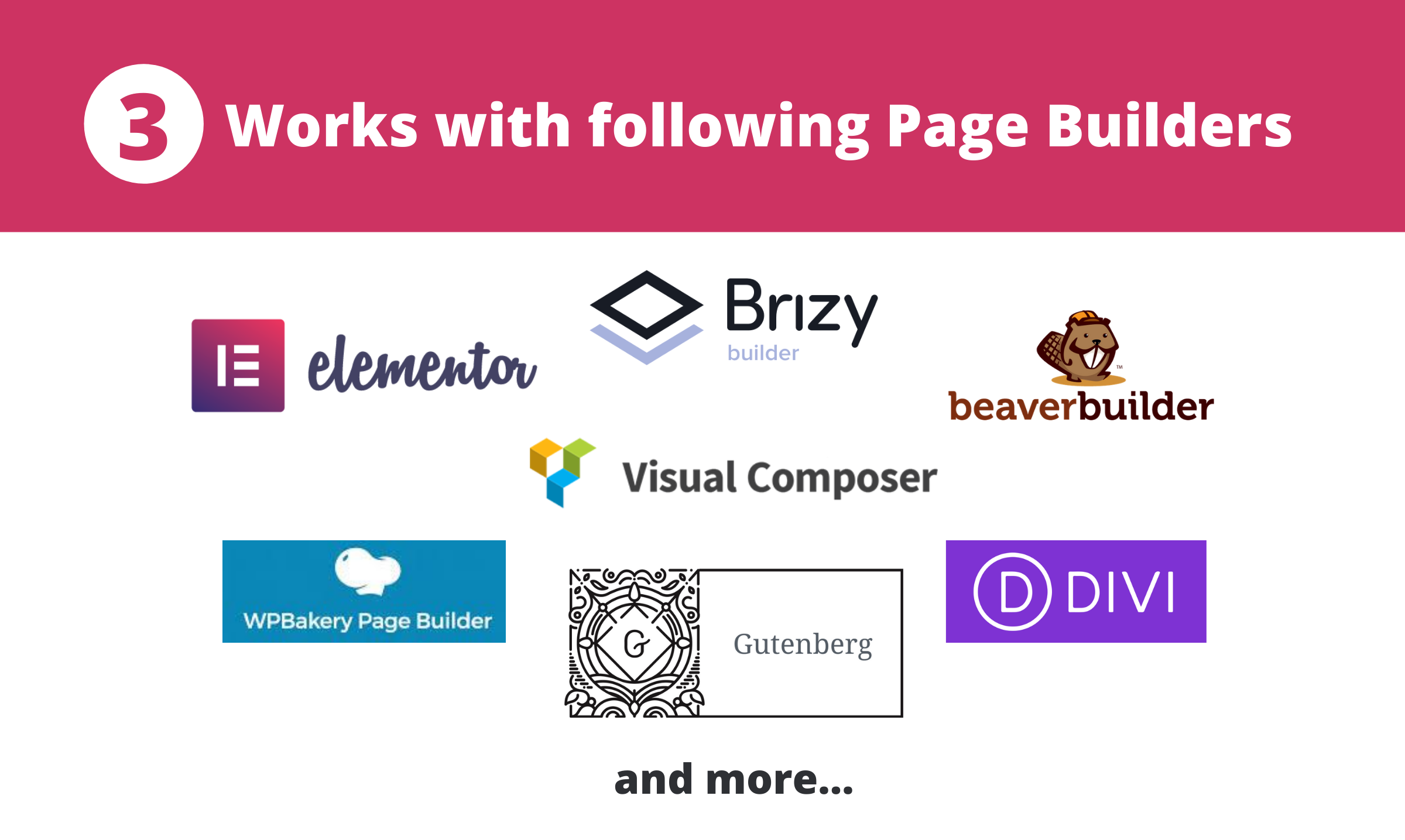
- Improvement: Compatible with different editors now: Gutenberg, WPBakery Builder, Visual Composer, Elementor, Brizy Builder, Beaver Builder, Divi
1.2
- Feature: Added support for LearnDash Groups. (.visible_to_group_123, .hidden_to_group_123)
- Feature: Hidden elements are now removed after page is loaded (using jQuery, if available)
- Improvement: Added to LearnDash menu
1.1
- Added Add-ons page
1.0.3
Fixed: Not working due to wrong action
1.0.2
- Disabled checking from wp-admin area to avoid block from getting hidden from the editor
1.0.1
Fix: Disable the visiblity functionality when LearnDash is not installed

