
Improve your WordPress SEO: Write better content and have a fully optimized WordPress site using the Yoast SEO…
About Broadcast Live Video – Live Streaming : HTML5, WebRTC, HLS, RTSP, RTMP
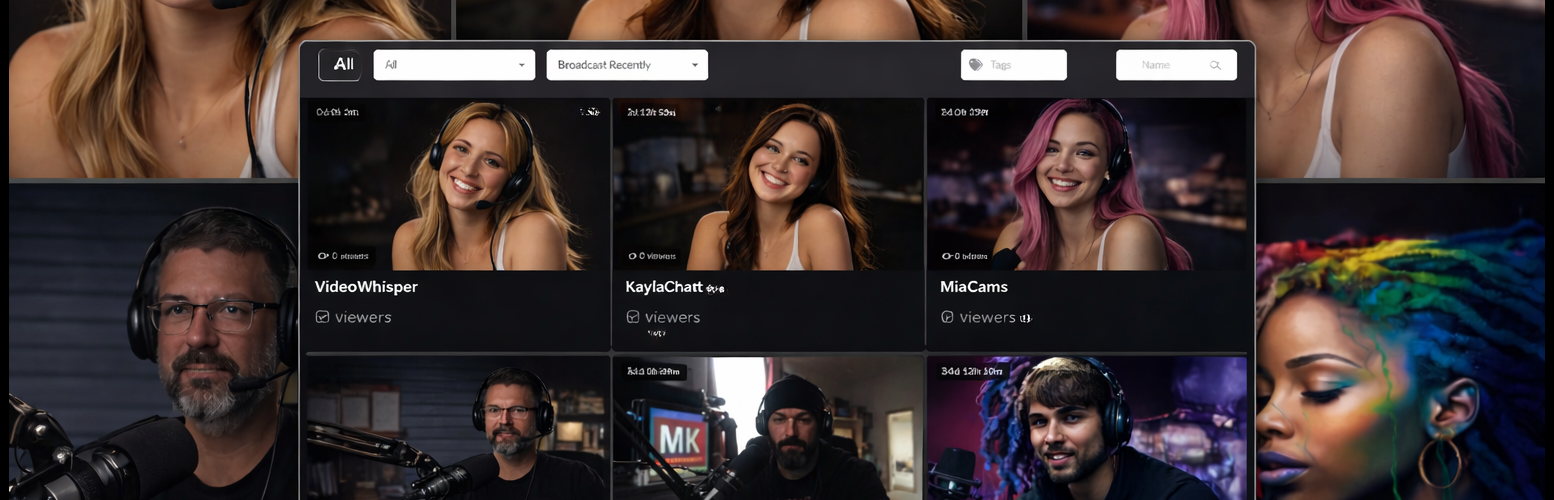
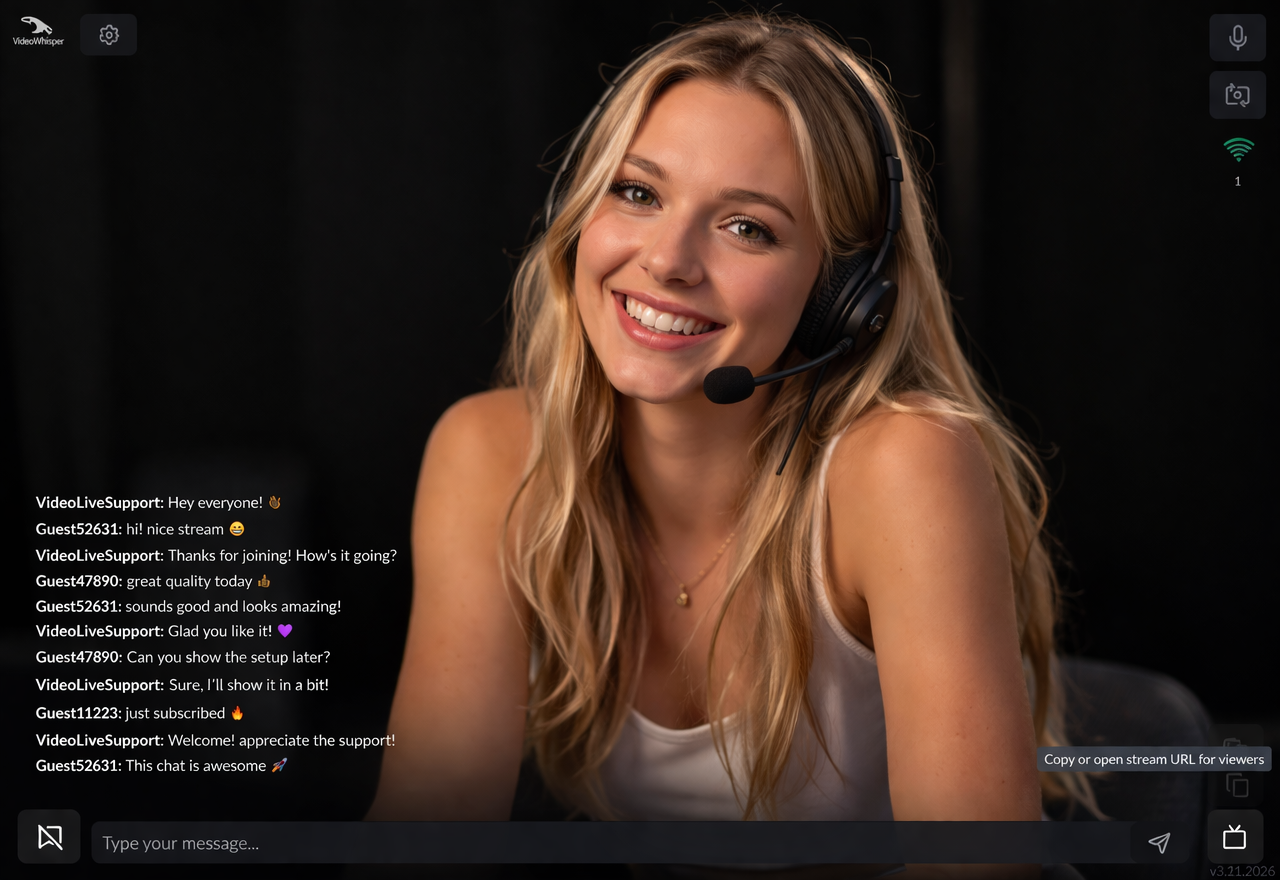
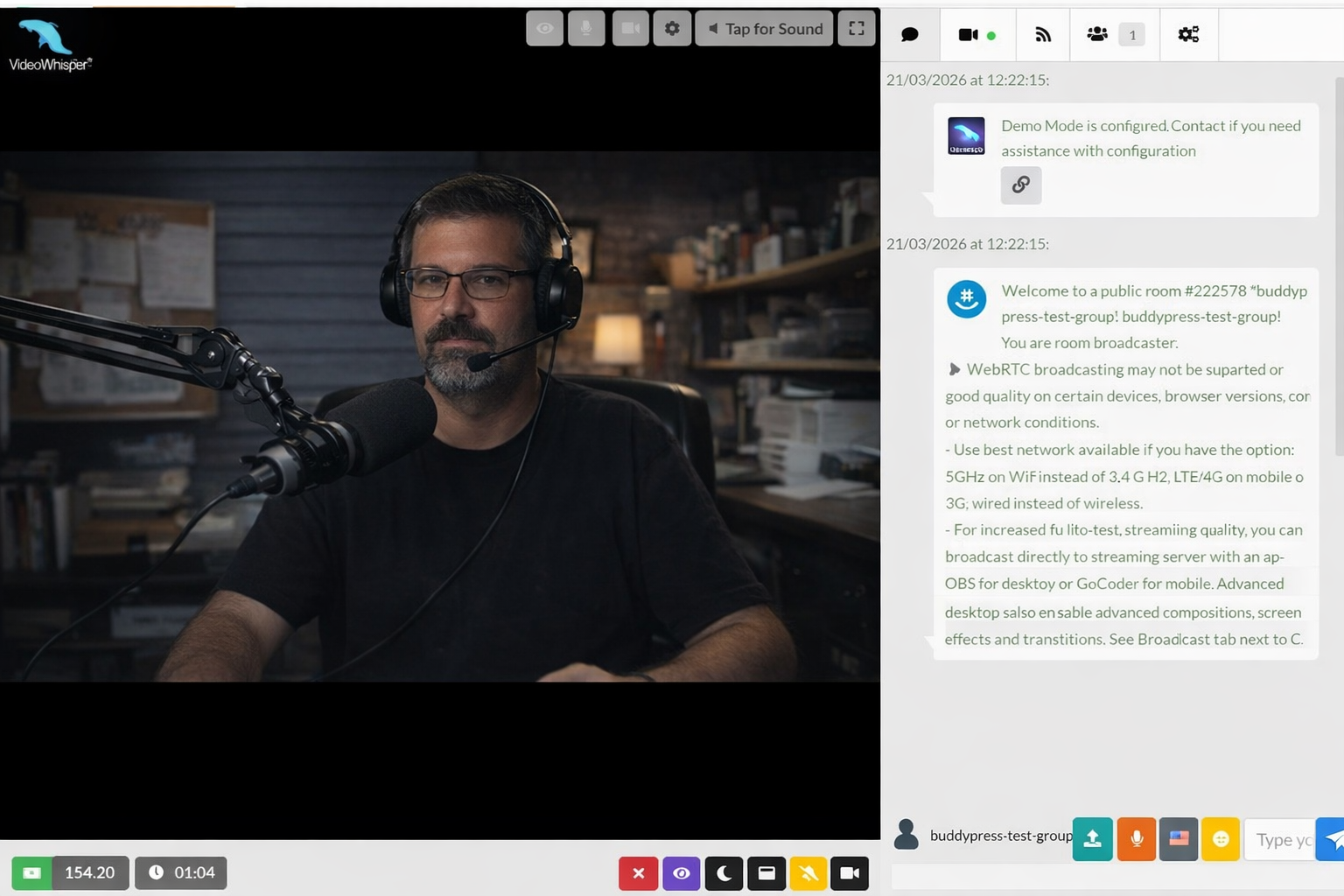
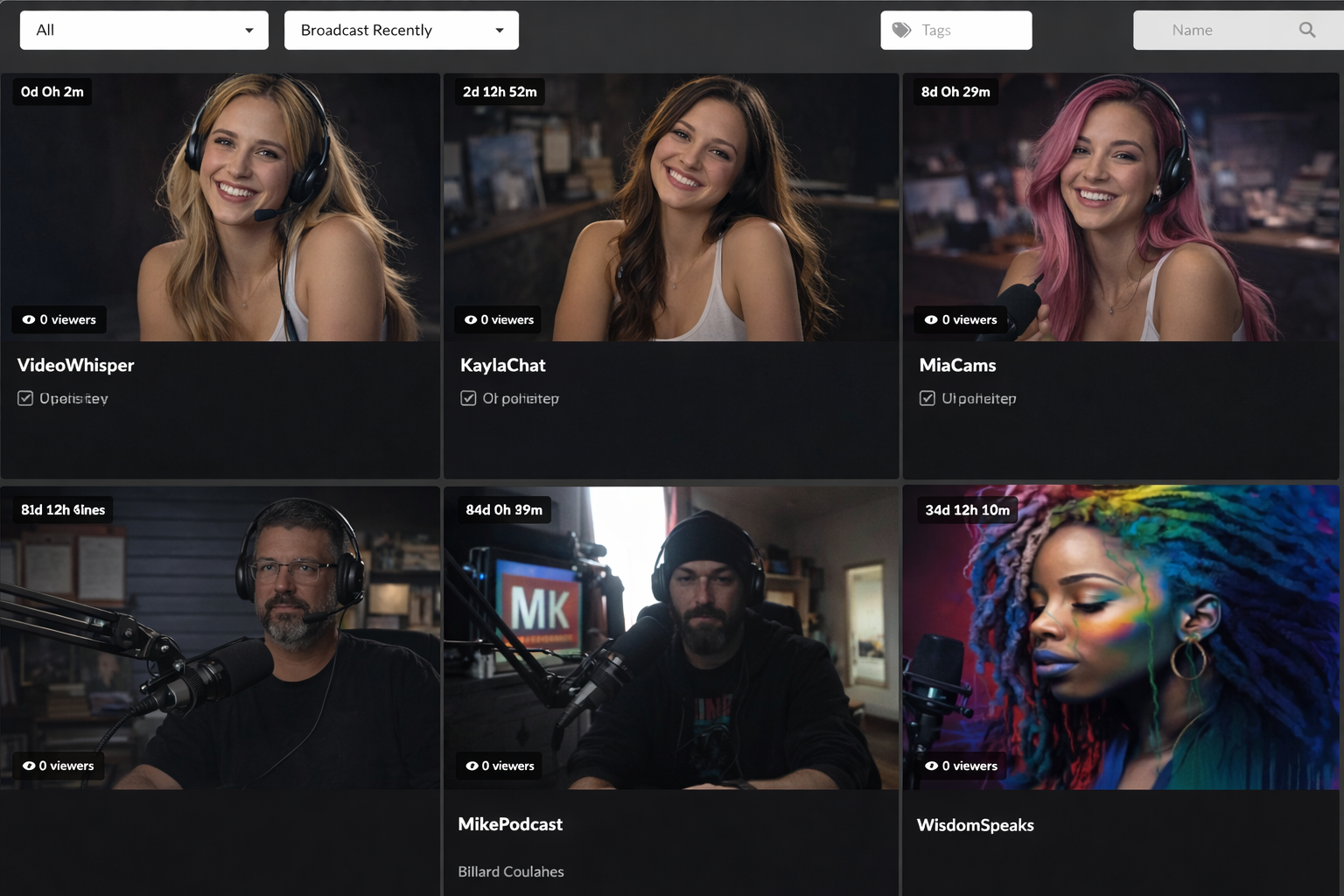
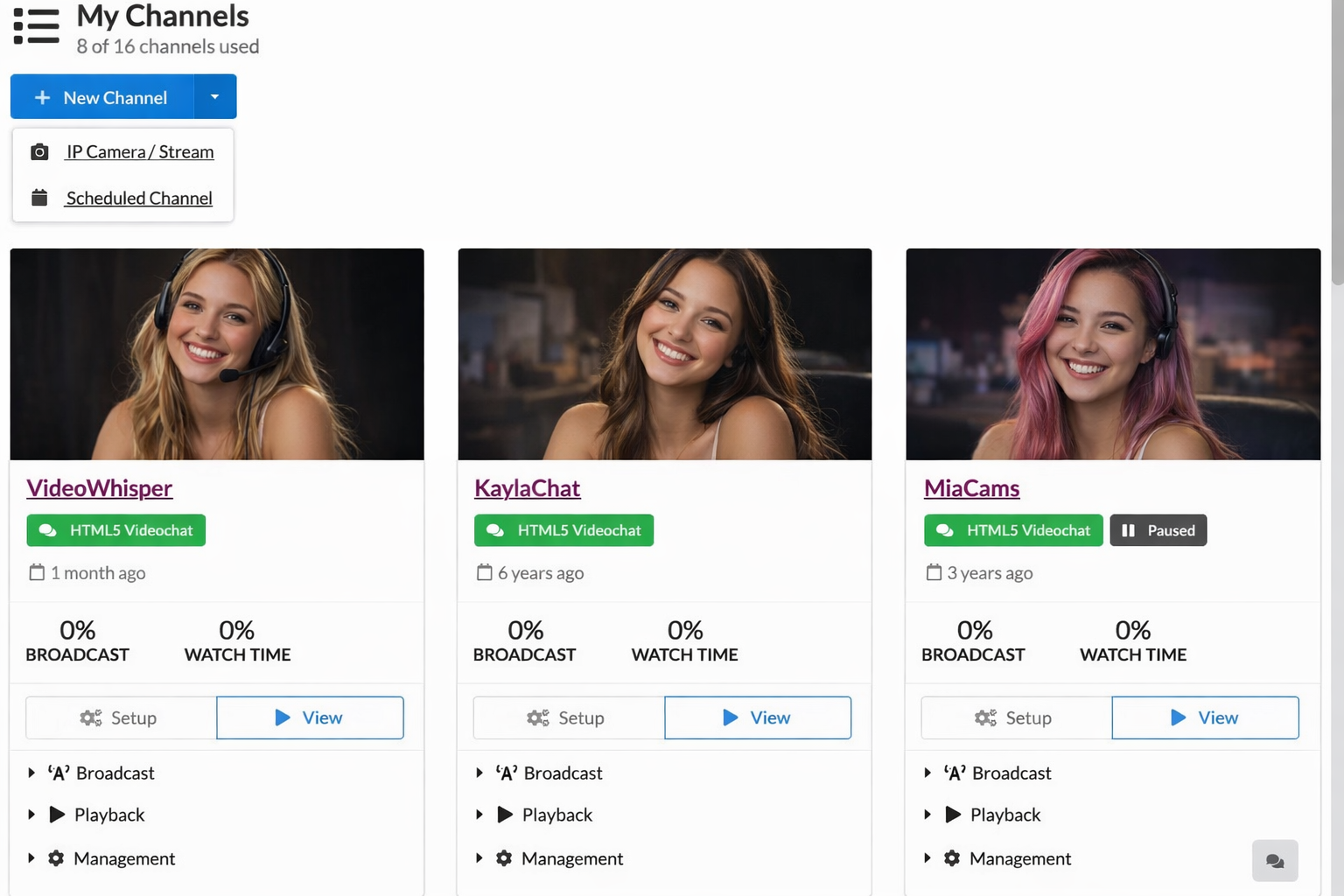
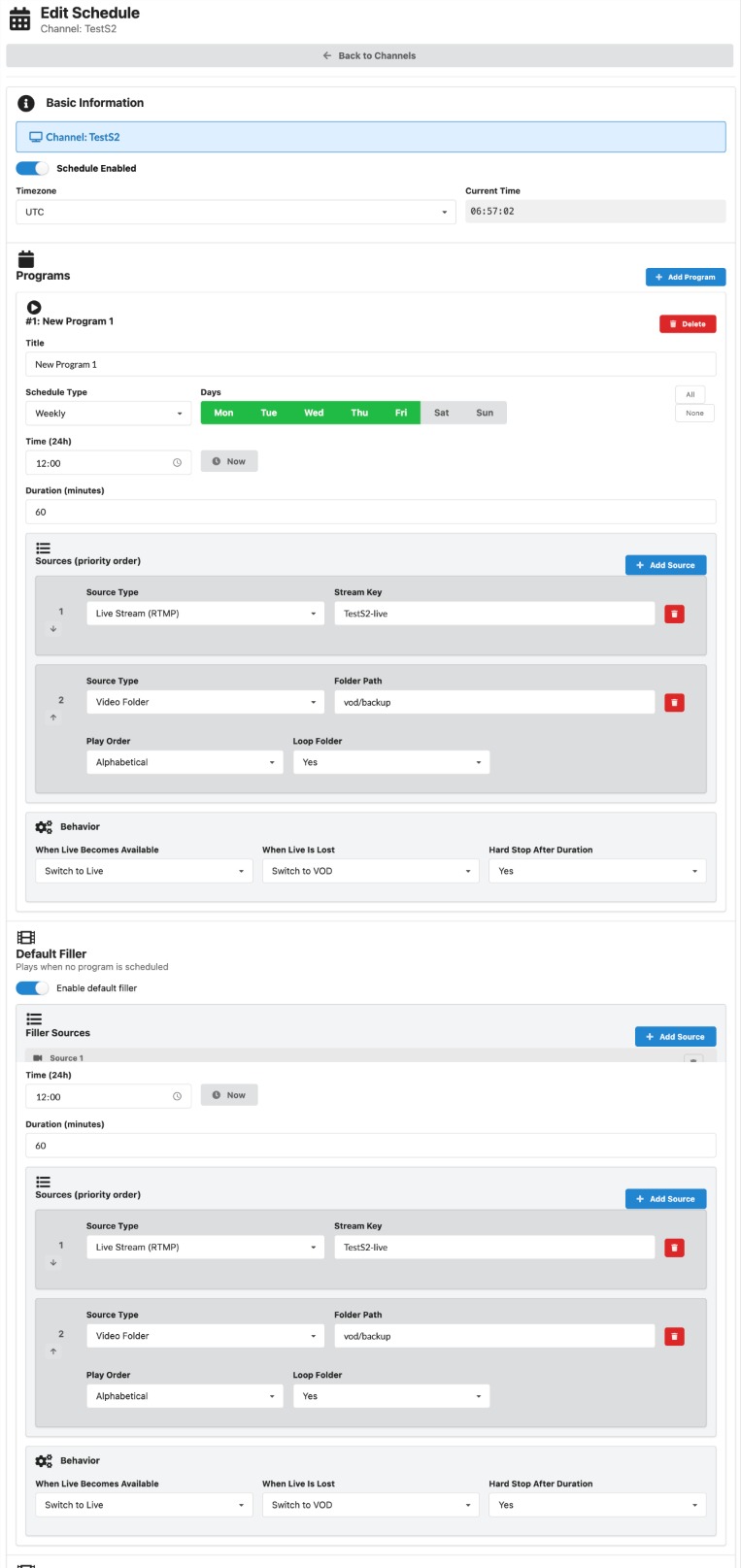
This plugin allows users to easily broadcast live streaming channels from various sources, including webcams, mobile cameras, IP cameras, and encoder apps. It also supports HTML5 Videochat and offers features such as chat, tips, and HTML5 video streaming for mobile. For more information and demos, visit the Broadcast Live Video website.Screenshots
Changelog
5.7
- Integrates HTML5 Videochat with client side snapshots (no longer relies on FFmpeg for WebRTC streams)
- Integrates offline video (teaser), floating logo in H5V
5.6
- Integrates HTML5 Videochat with P2P WebRTC signaling support
5.5
- Removed Flash interfaces (discontinued by most browsers)
- Improved code
5.4
- Setup Overview page and notifications with requirements, steps
- Interface class setting for applying inverted (dark mode) or other Semantic UI classes
- Adaptive streaming bitrate based on resolution
- 1/2 category selector mode with optional subcategories only
- Updated BuddyPress integration to create channel post
- Hosting limits bitrate
- On demand recording setting per channel using FFmpeg
5.3
- Admin bar menus for quick plugin access
- Tips in HTML chat: AJAX updated balance and Tip buttons as configured from backend with image, sound, amount
- MPEG DASH Shaka Player (by Google) for increased reliability
- Added support for tipping with WooWallet credits
- User channel shortcode [videowhisper_channel_user] to create a channel automatically for current user and display broadcasting interface
- POT translation file
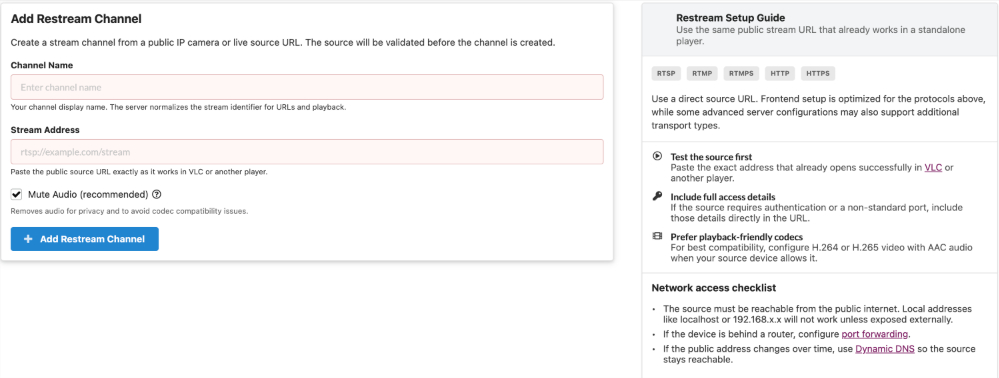
- Re-Streaming / IP Camera optimizations : Auto-Pause and resume on channel access or owner activity
5.2
- AJAX Chat with HTML5 stream playback
- Semantic UI integration for improved interface
- Integrate Rate Star Review – AJAX Reviews for Content, with Star Ratings
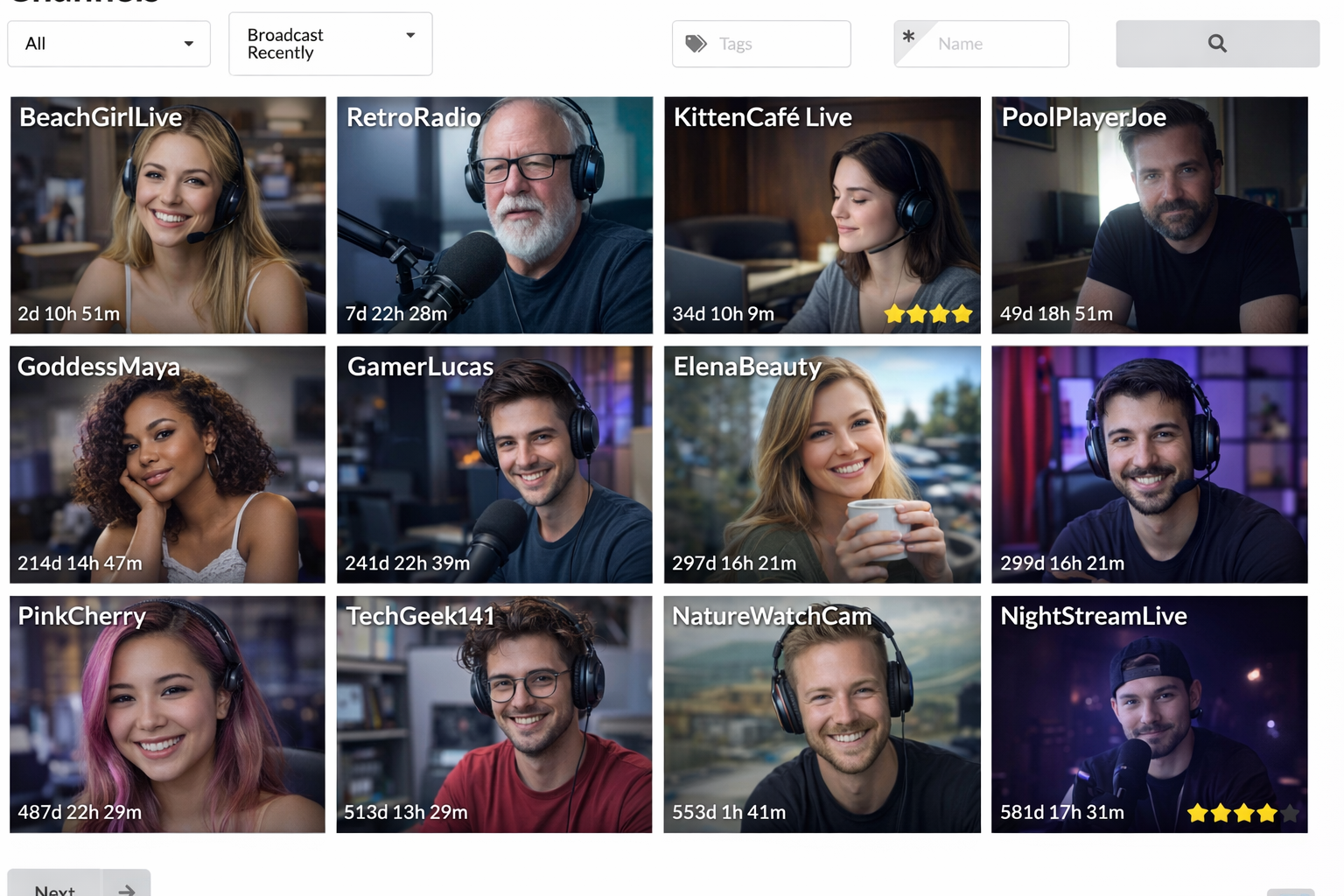
- Filter by Tags, Name
- Options to set HTML5 interfaces (WebRTC broadcast, transcoded playback) as available or preferred
- WebRTC Broadcast with AJAX chat
- Automatically using most suitable delivery method in HTML5 view (WebRTC if directly available, HLS, MPEG-DASH)
- IP Camera / Re-Stream Setup Wizard
5.1
- WebRTC broadcast and playback
- MPEG DASH transcoding and delivery
4.67
- Broadcaster layout code
4.66
- User watch limit: Set watching time limits based on role (membership)
- Configure parameters by user role (overrides channel settings)
- Update channel image by uploading picture
- Event Info: While channel is offline show event title, start, end, description
4.65
- View Profile context menu in participants lists
- User avatar in participants context menu
- Easy webcam/microphone select from dropdowns on preview panel.
4.63
- Schedule playlists option
- Toggle default loader, loader static image option
- Advanced permission lists per channel: group chat, write in chat, view participants, private chat
4.61
- On demand archiving support in web broadcating app
4.42.1
- Tips for broadcaster using myCRED
4.32.51
- Auto transcoding (on HLS request or always)
4.32.41
- Access Password
4.32.37
- Unlimited premium channel levels
- Feature control by user roles/lists:
** custom/hide logo
** custom/hide ads
** transcode
4.32.21
- myCRED integration: allow selling access to channels
- channel access list (owner can configure user logins, emails, roles that can access)
4.32.8
- Improved iOS HLS transcoding reliability (retry and verify automatically)
4.32.8
- Navigation menus (setup in backend) for Channel Categories
4.32.7
- Improved channel AJAX listings: list by category in custom order
4.32.6
- Ban channel interface
- Web server load optimisation settings
- New channel meta
4.32.1
- Broadcasting application v4.32 (w. autopilot reconnect)
4.29.26
- Report log file usage in stats.
4.29.19
- Category and tag archive pages also include channels
4.29.17
- Display warning on channel page when channel time is exceeded or channel is offline
4.29.16
- Support for VideoWhisper Video Share / Video On Demand (VOD) plugin
4.29.8
- iOS detection, automated display of direct/transcoded HLS video
- external encoder authentication, status monitoring with special RTMP side
4.27.4
- Channel posts with frontend management and automated snapshot
- Channel management page where users can setup channes from frontend
- Channels list page, automatically updated with AJAX, pagination
- Shortcodes watch, video, HTML5 HLS, broadcast
4.27.3
- Improved admin settings with tabs and more options
- Control access by roles, ID, email
- Limit broadcasting and watch time per channel
- Premium channels with better features and quality
- Transcoding for iPhone / iPad support
- Toggle Logo/Watermark
- Channel statistics
- Broadcast directly from backend without widget
- Broadcast link only for logged in users
4.27
- Broadcaster application v4.27
- Insert online channel snapshots in posts and pages with [videowhisper livesnapshots] shortcode
- RTMP web session check support
- External authentication
4.25
- Broadcaster application v4.25
- Video & sound codec settings
- Floating watermark settings
4.07
- Broadcaster application v4.07
- Widget includes counter of room participants for each room
4.05
- Integrated latest application versions (with broadcaster application v4.05) that include P2P.
- Added more settings to control P2P / RTMP streaming, secure token if enabled, bandwidth detection.
- Fixed some possible security vulnerabilites for hosts with magic_quotes Off.
2.2
- BuddyPress integration: If BuddyPress is installed this will add a Live Stream tab to the group where users can watch live video and chat realtime. Admins can broadcast anytime from Admin > Live Streaming.
2.1
- Permissions for broadcasters (members, list) and watchers (all, members, list).
- Choose name to use in application (display name, login, nice name).
2.0
- Everything is in the plugin folder to allow automated updates.
- Settings page to fill rtmp address, some broadcaster options.
1.0.2
- Plugin to integrate live streaming installed in a videowhisper_streaming folder on site root.

