

Just another contact form plugin. Simple but flexible.
About Twenty20 Image Before-After
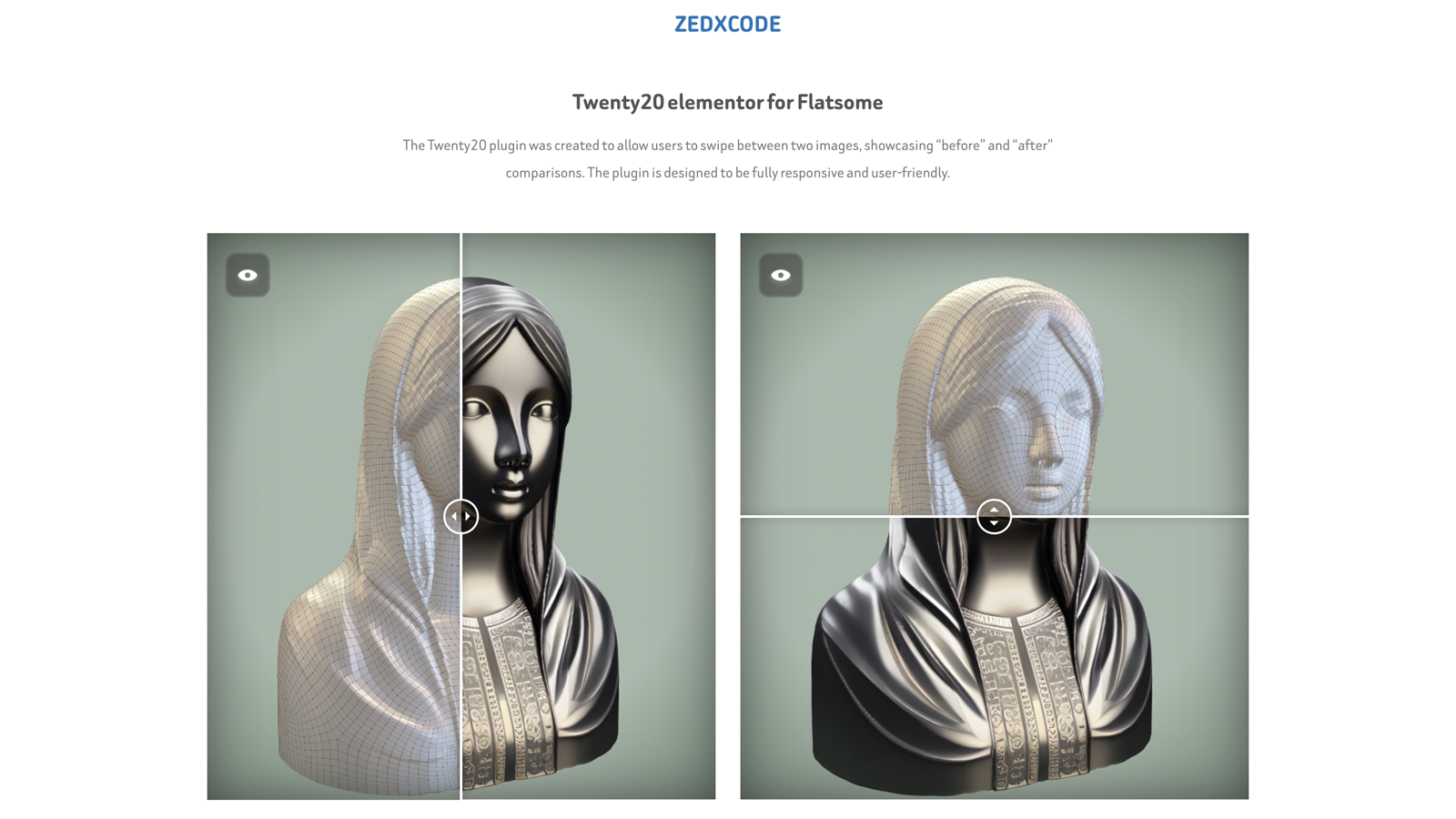
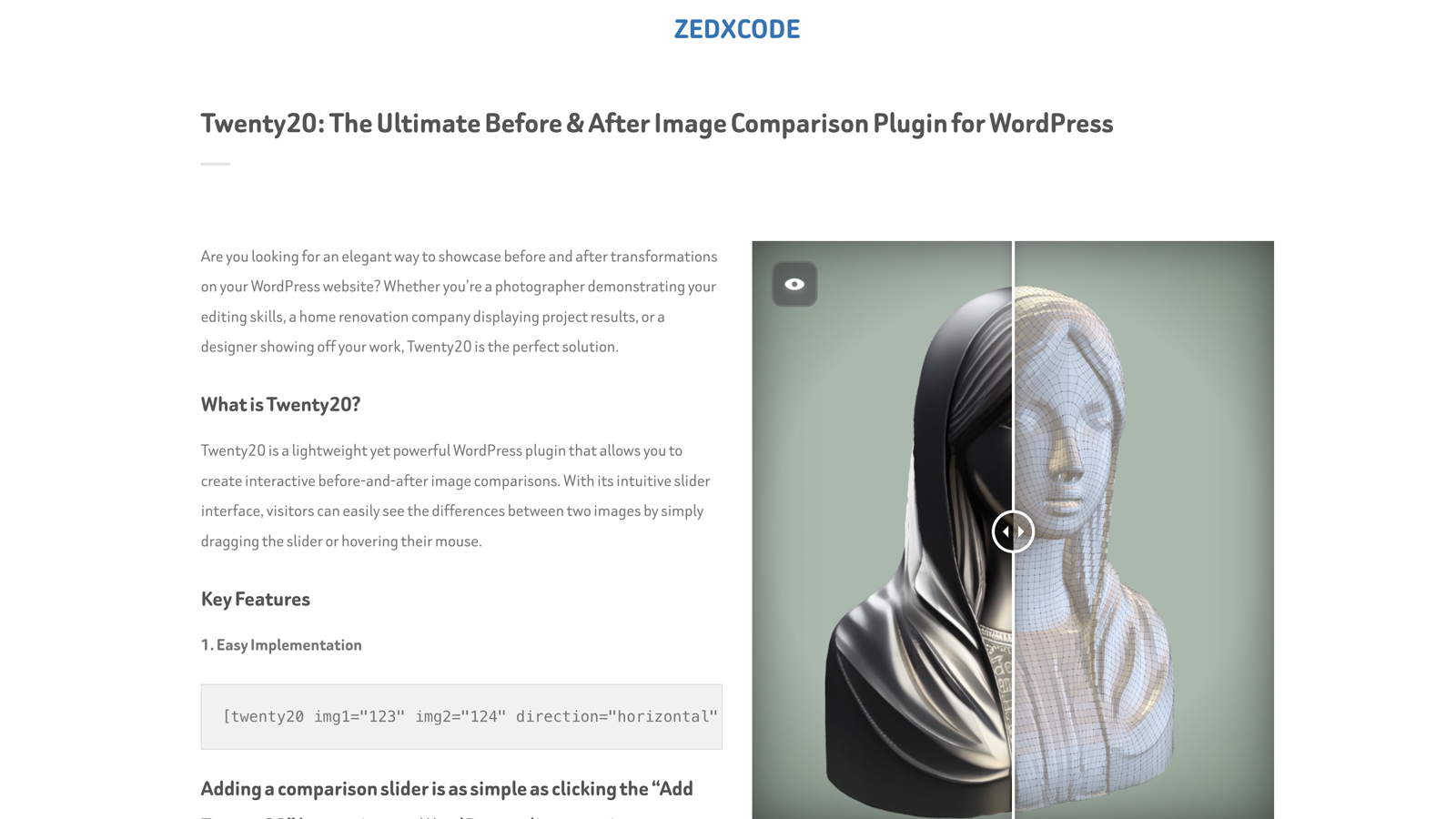
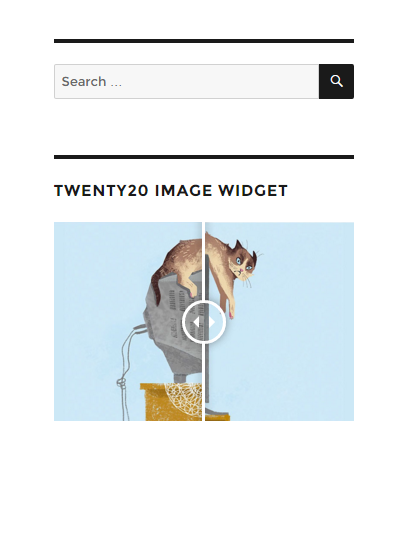
The Twenty20 plugin allows users to easily compare "before" and "after" images by swiping between them. It is fully responsive and can be used with popular page builders. No coding skills are required and it has a clean and intuitive user interface.Screenshots
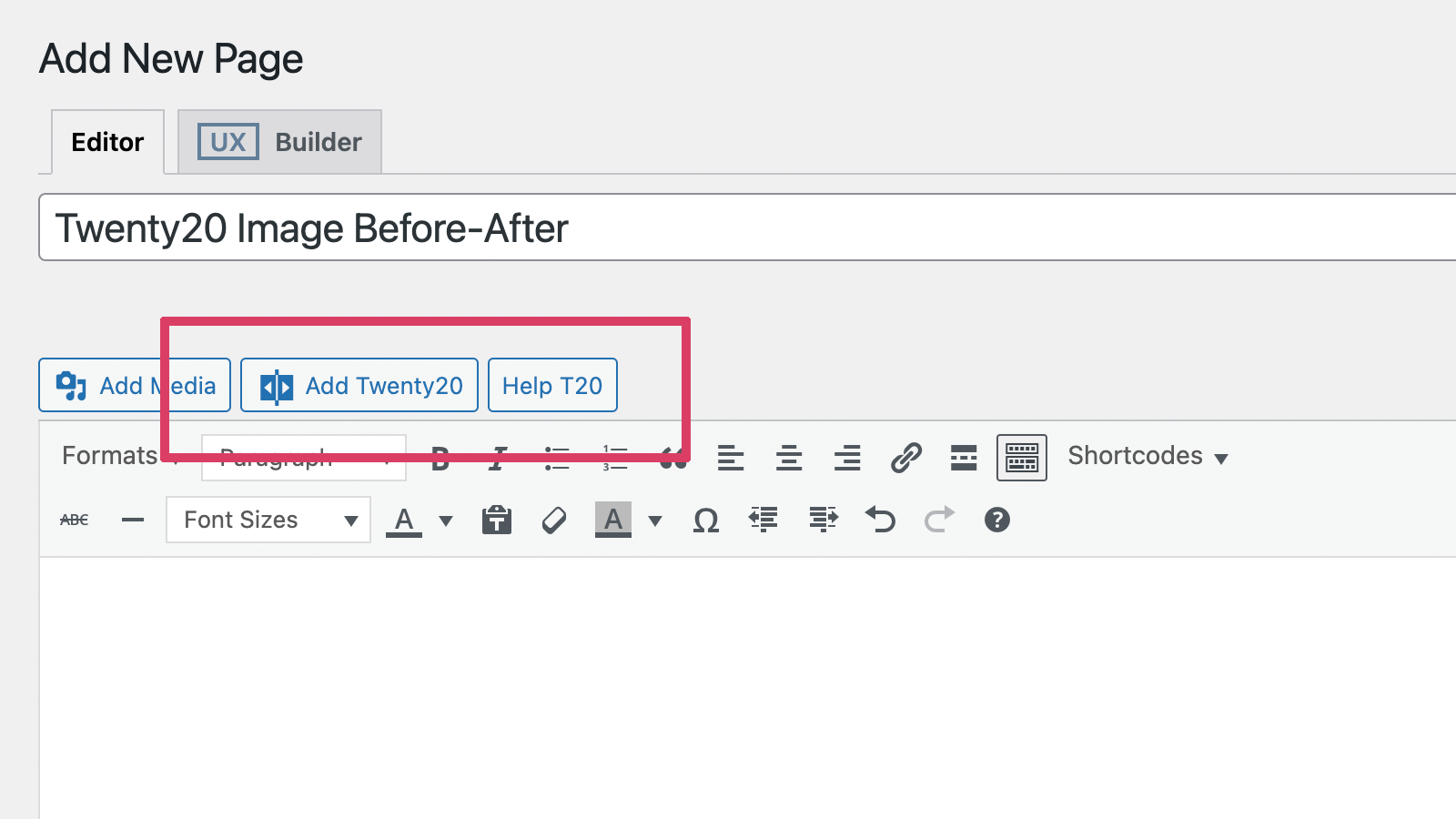
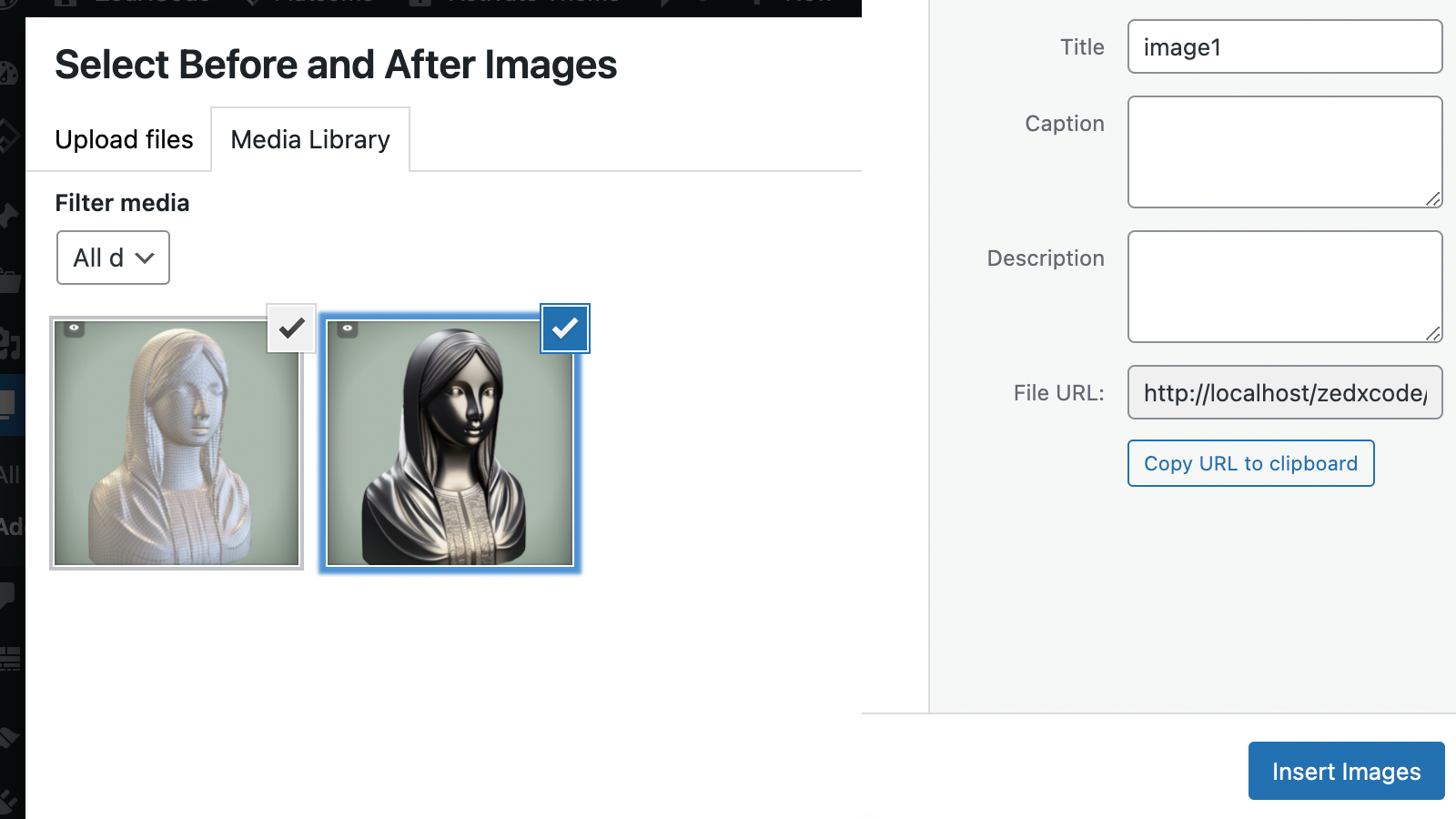
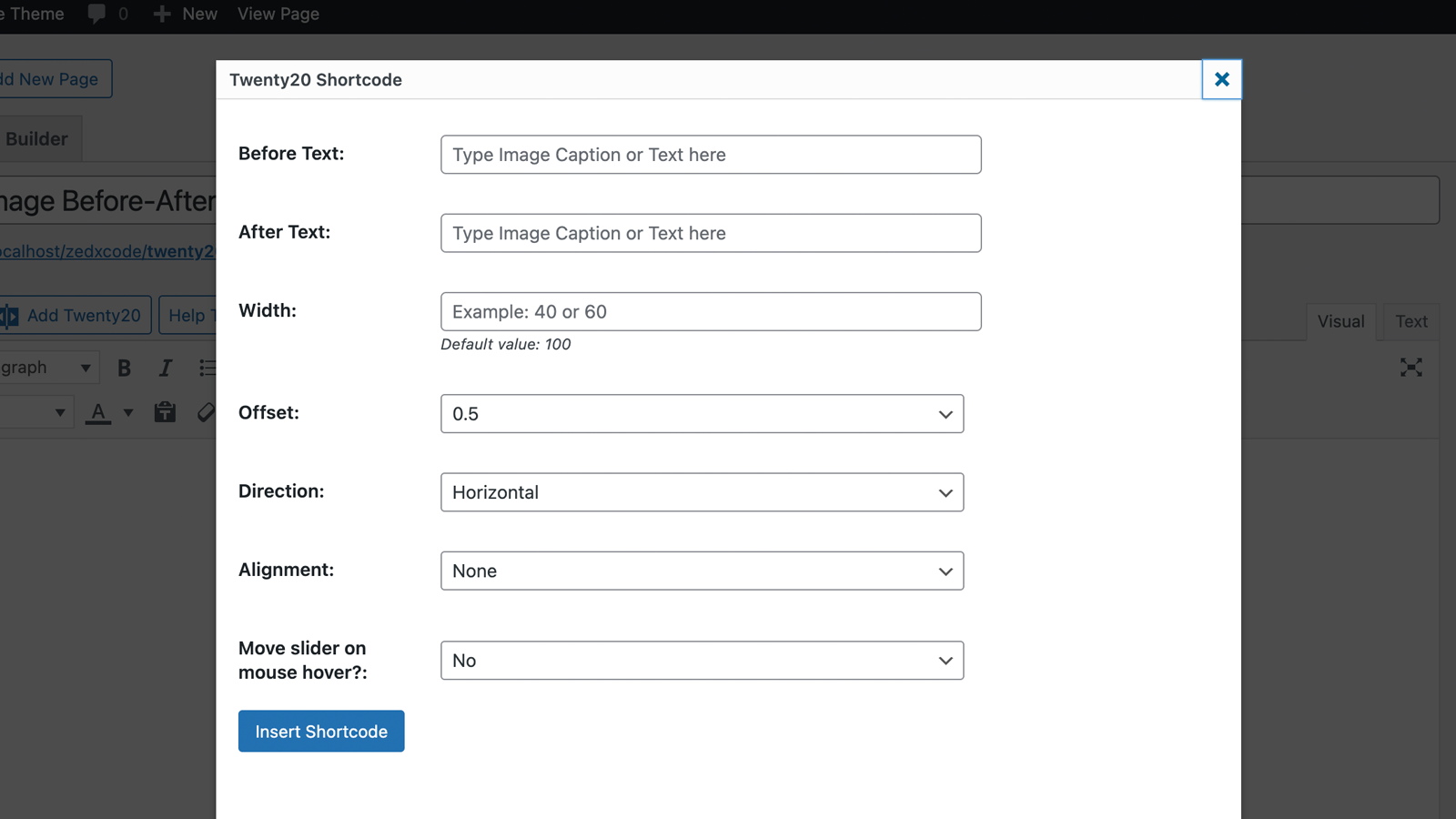
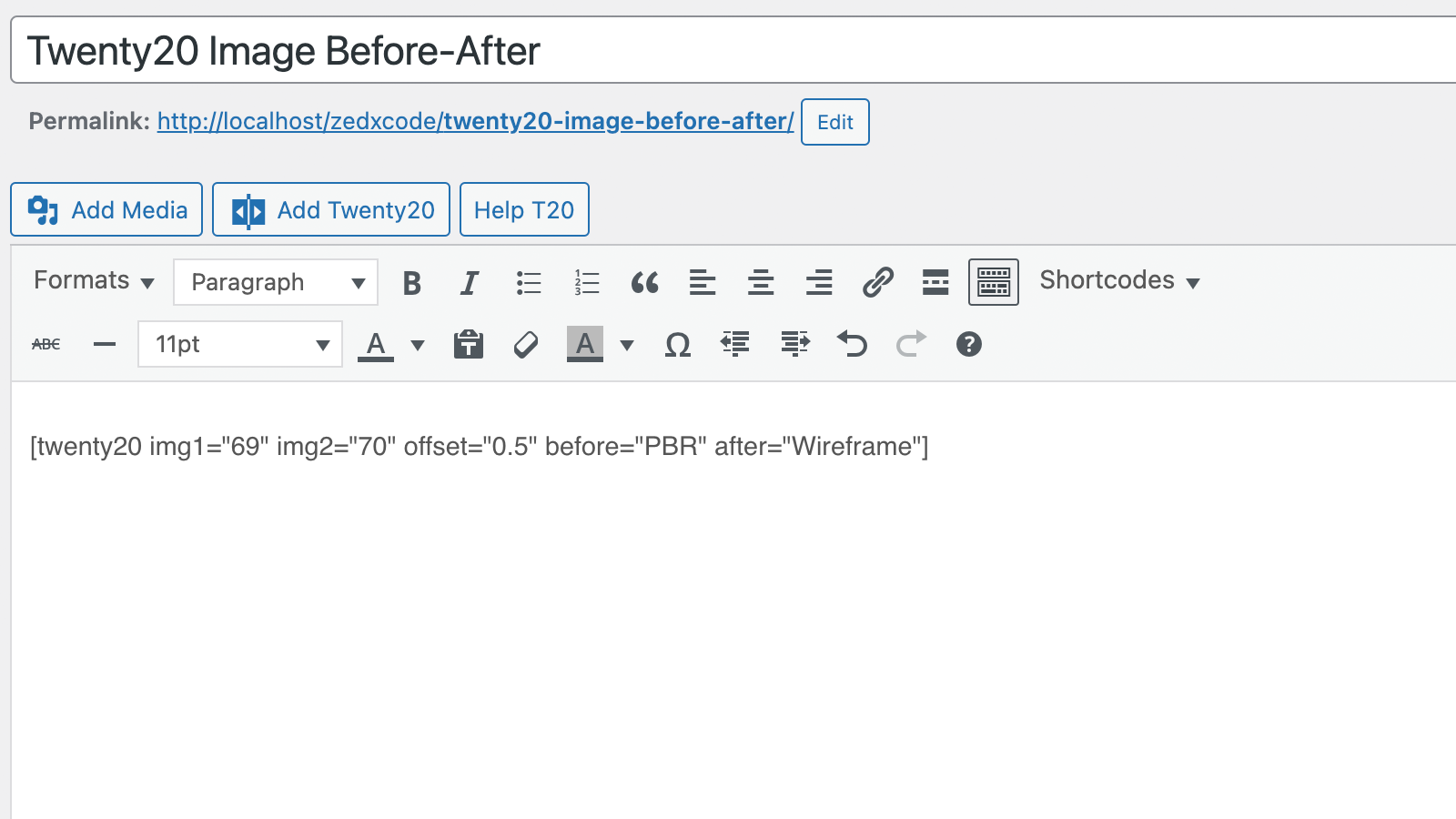
Frequently asked questions
What is Twenty20 Image Before-After?
Twenty20 Image Before-After is a WordPress plugin designed to showcase transformations between two images. It provides a professional-grade image comparison tool for various uses.
What are the key features of the Twenty20 plugin?
Key features include responsive design, horizontal and vertical sliding options, customizable slider position, and 'before' and 'after' labels. It also supports mouse hover and touch-enabled sliding effects.
Which page builders does Twenty20 Image Before-After support?
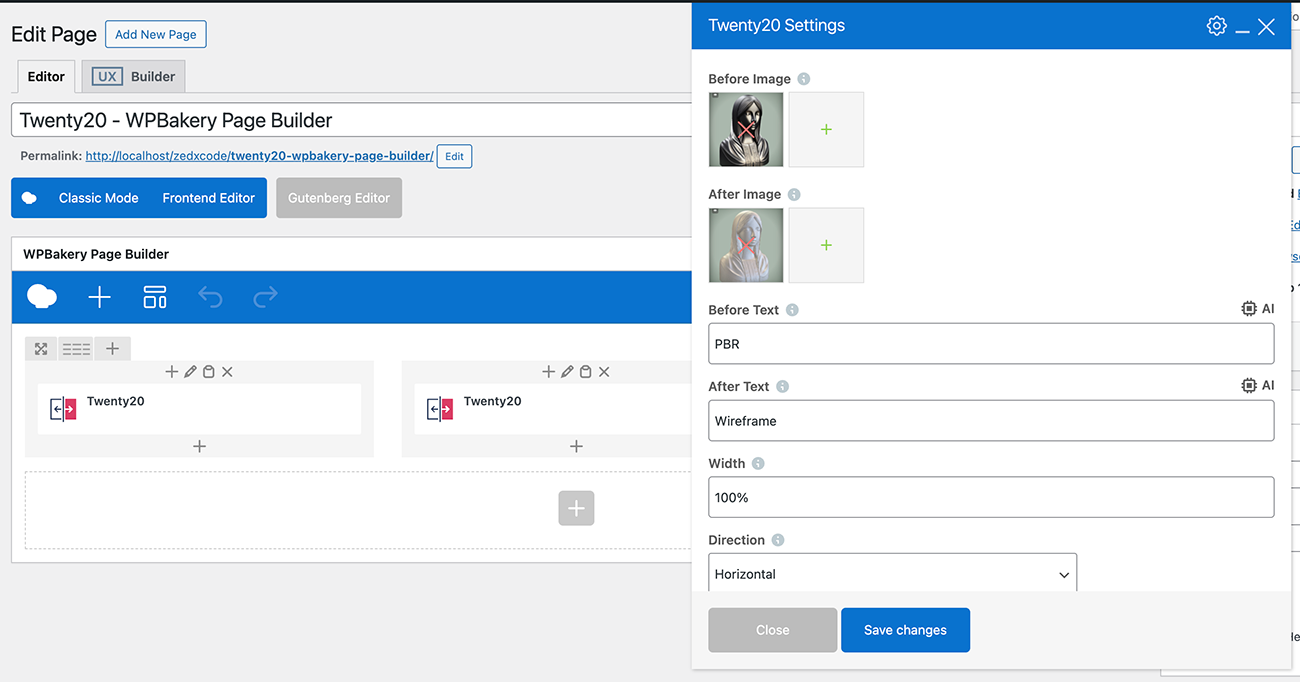
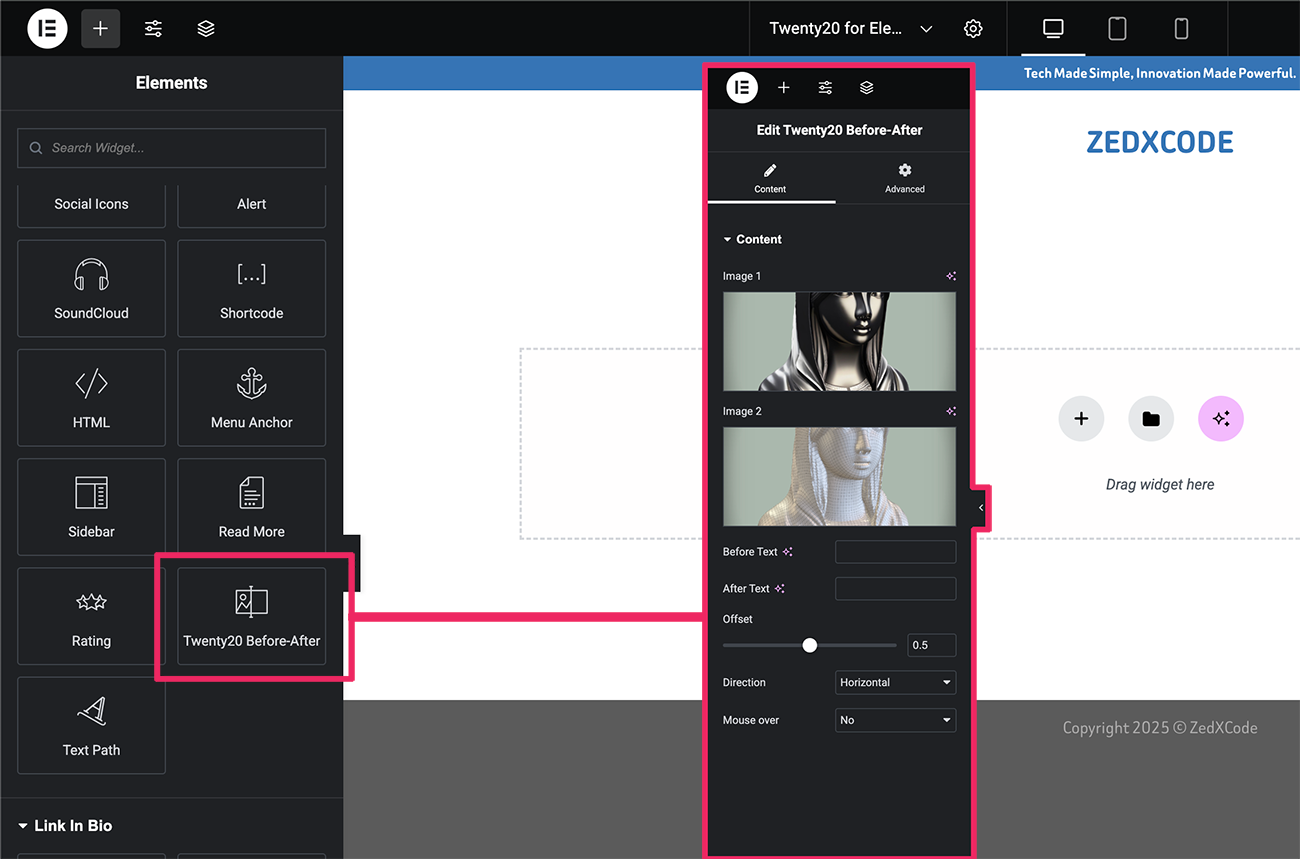
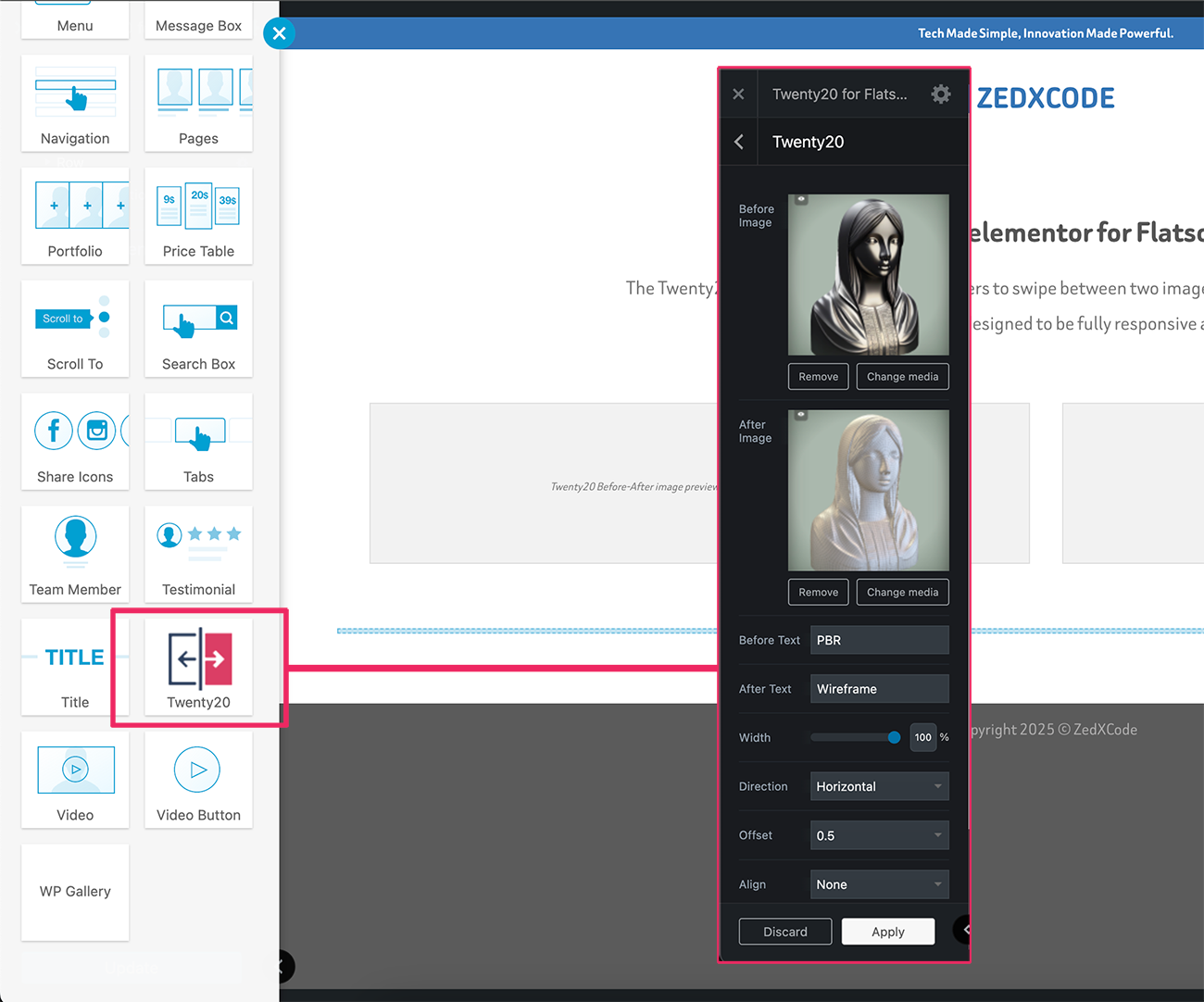
The plugin supports Elementor, WPBakery Page Builder (Visual Composer), Flatsome UX Builder, and the Classic Editor. This allows for integration into various website building environments.
Can I customize the appearance of the image comparison slider?
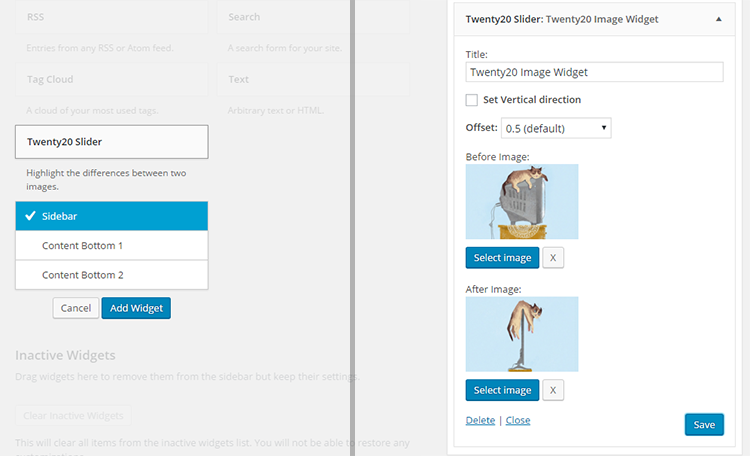
Yes, you can customize the slider's direction, offset, alignment, and width. You can also define custom text for the 'before' and 'after' labels.
Is the Twenty20 plugin mobile-friendly?
Yes, the plugin features a responsive design that works perfectly on all devices. It is also touch-enabled for mobile devices, ensuring a smooth user experience.
Changelog
2.0.3
- Minor fixes
2.0.2
- Fixed: Missing alt attributes in image comparison
2.0.1
- Improved: Accessibility compliance
- Improved: SEO optimization for image comparisons
2.0.0
- Complete codebase modernization
- New: Enhanced image loading system
- New: Improved mobile touch response
- New: Better compatibility with page builders
- New: Modernized admin interface
- Fixed: Widget image selection issues
- Fixed: Image replacement bug in widgets
- Fixed: Admin CSS loading in editor
- Fixed: Multiple slider initialization issues
- Improved: Script loading reliability
- Improved: Overall performance optimization
1.7.6
- Fixed Elementor Widget
- Improved mobile responsiveness
- Performance optimizations
1.7.5
- Fixed Elementor Widget
1.7.4
- Fixed Elementor Widget
1.7.3
- Bug fixes
1.7.2
- Improve script
1.7.1
- Bug fixes
1.7.0
- Bug fixes
1.6.1
- Bug fixes.
1.6.0
- Security fixes, and passed in WordPress review.
1.5.9
- Security fixes
1.5.8
- Fix: Minor jQuery fix
1.5.7
- Fix: WP 5.6 Uncaught TypeError (Thanks to @negru13)
1.5.6
- Fix: Jetpack’s lazy load images issue
1.5.5
- Fix: Widget mouse over.
1.5.4
- Added: Integrated with WP Image alt.
1.5.3
- Fixed cation overlay issue.
1.5.2
- Fixed Before and After shortcode insert issue
1.5.1
- Fixed loading issue
1.5
- NEW: Add Elementor Page builder support.
- NEW: Add UX Builder by UXThemes support.
- Minor CSS fixes
1.4
- NEW: ‘Move slider on mouse over’.
1.3
- NEW: Image Before and After caption.
- Fixed arrow shadow css.
- Widget updated.
1.2
- Fixed alignment bug
1.1
- Fixed width issue
1.0
- First Release

