

Enables the previous "classic" editor and the old-style Edit Post screen with TinyMCE, Meta Boxes, etc. Supports all…
About Theme Editor
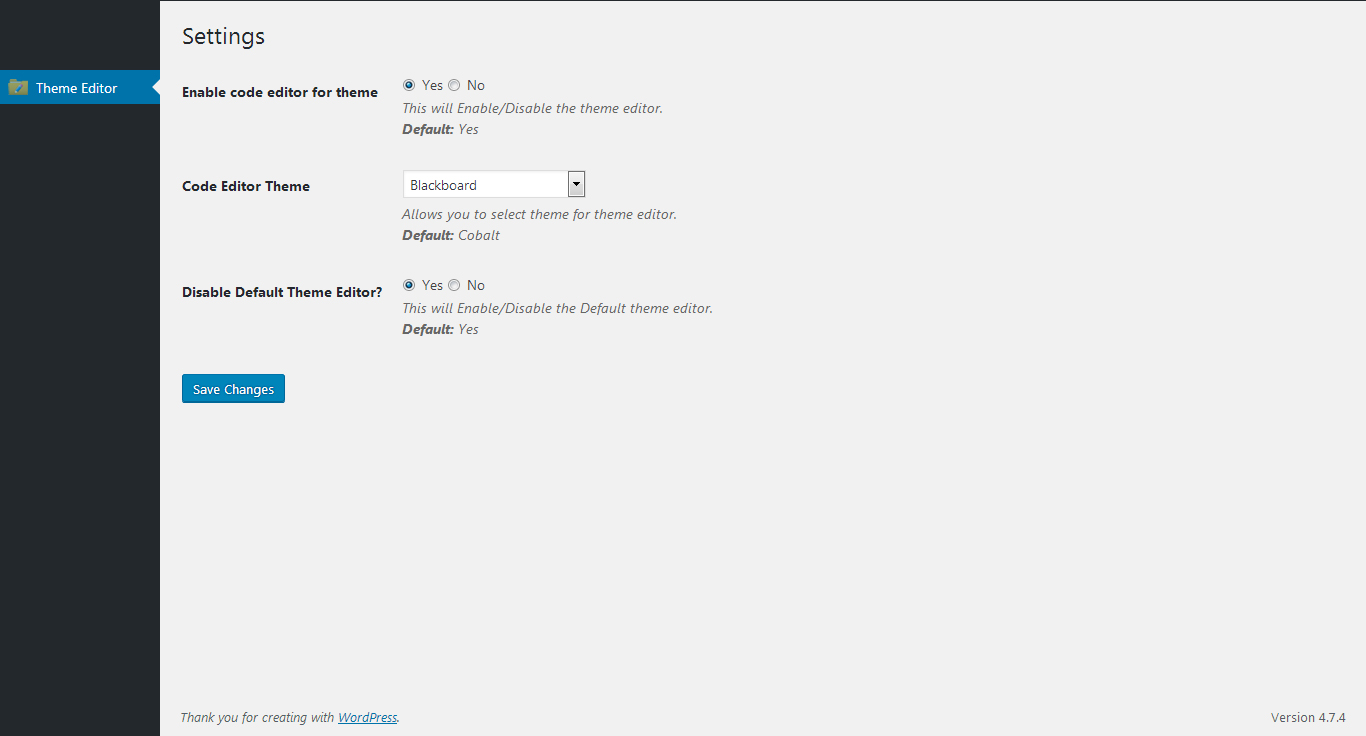
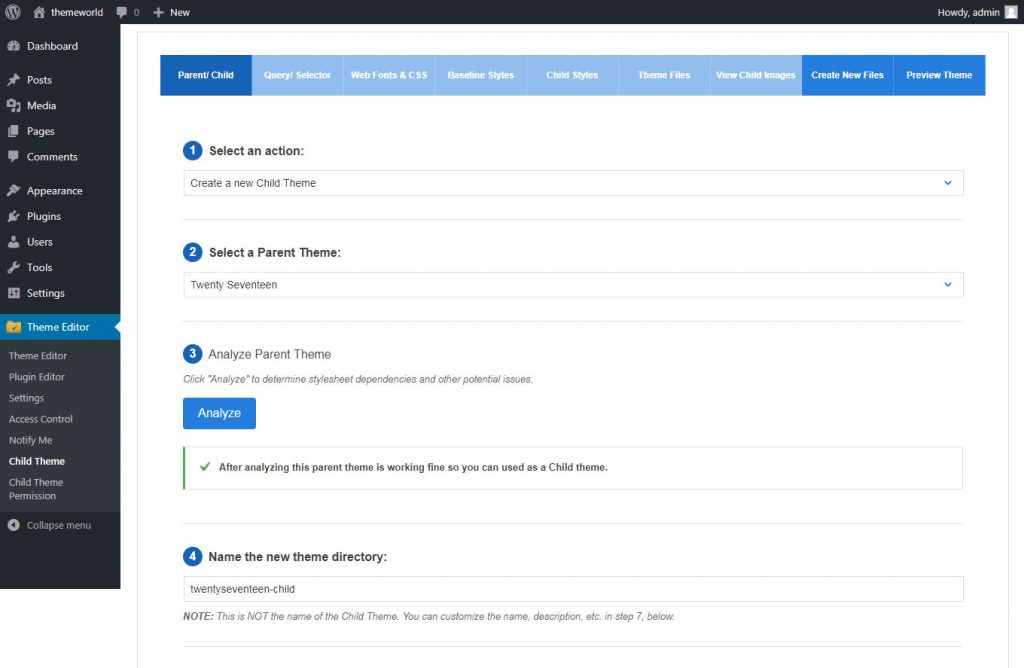
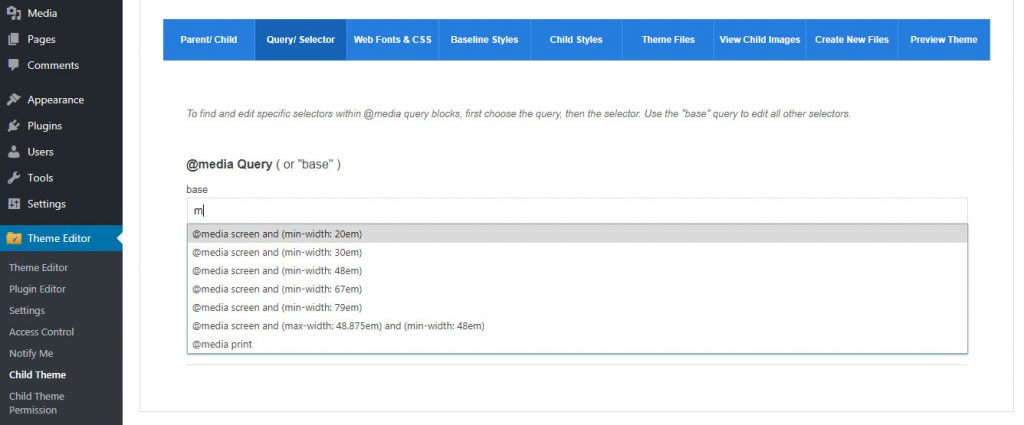
Theme Editor is a plugin that allows you to easily edit theme files, create folders, upload files, and remove files and folders in themes and plugins. It supports various code editors and also includes features such as creating child themes, querying/selecting elements, and managing user permissions. The minimum requirements for this plugin are WordPress 3.3+, PHP 5.x, and MySQL 5.x.Screenshots

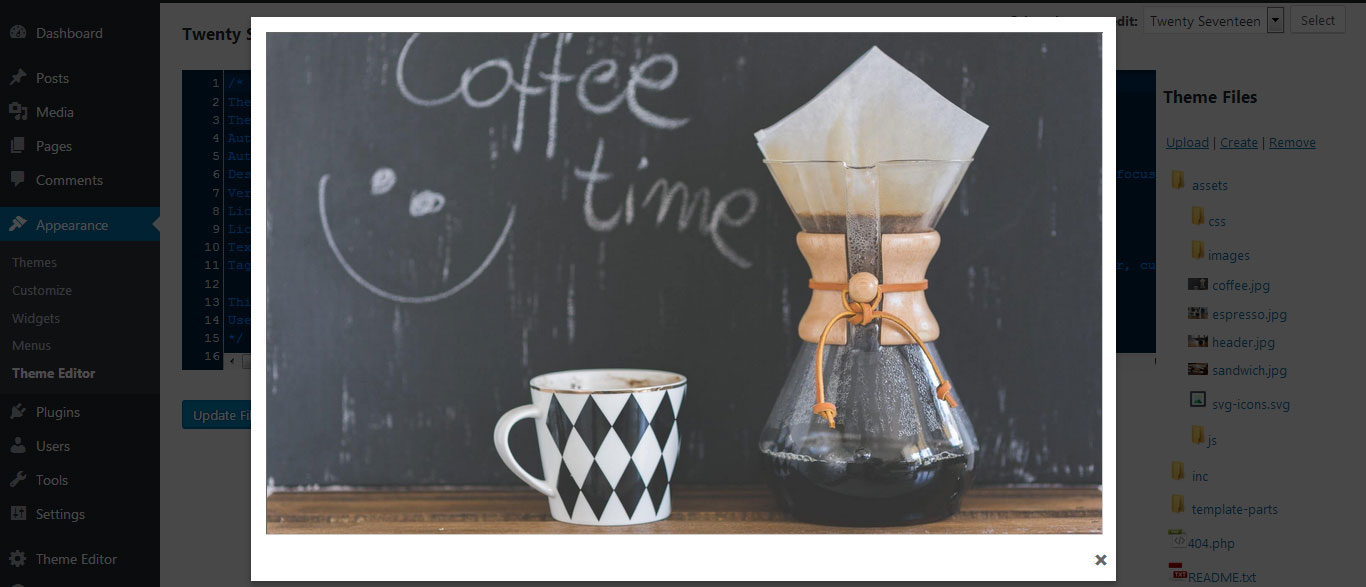
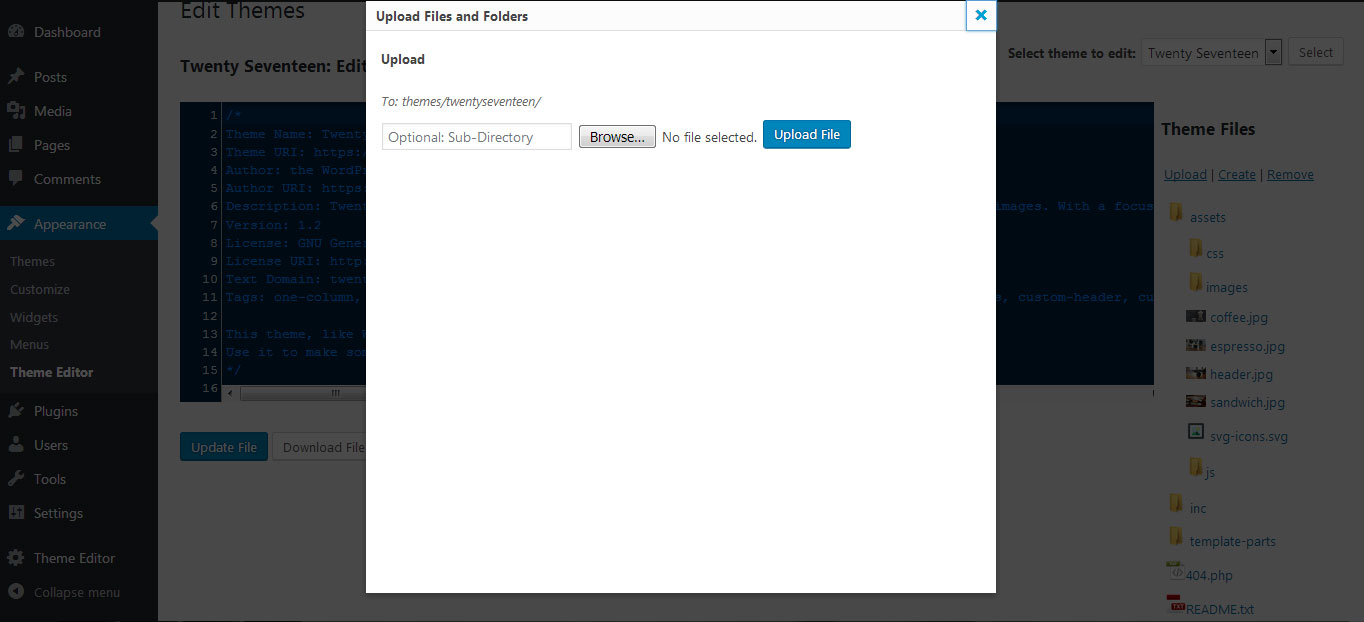
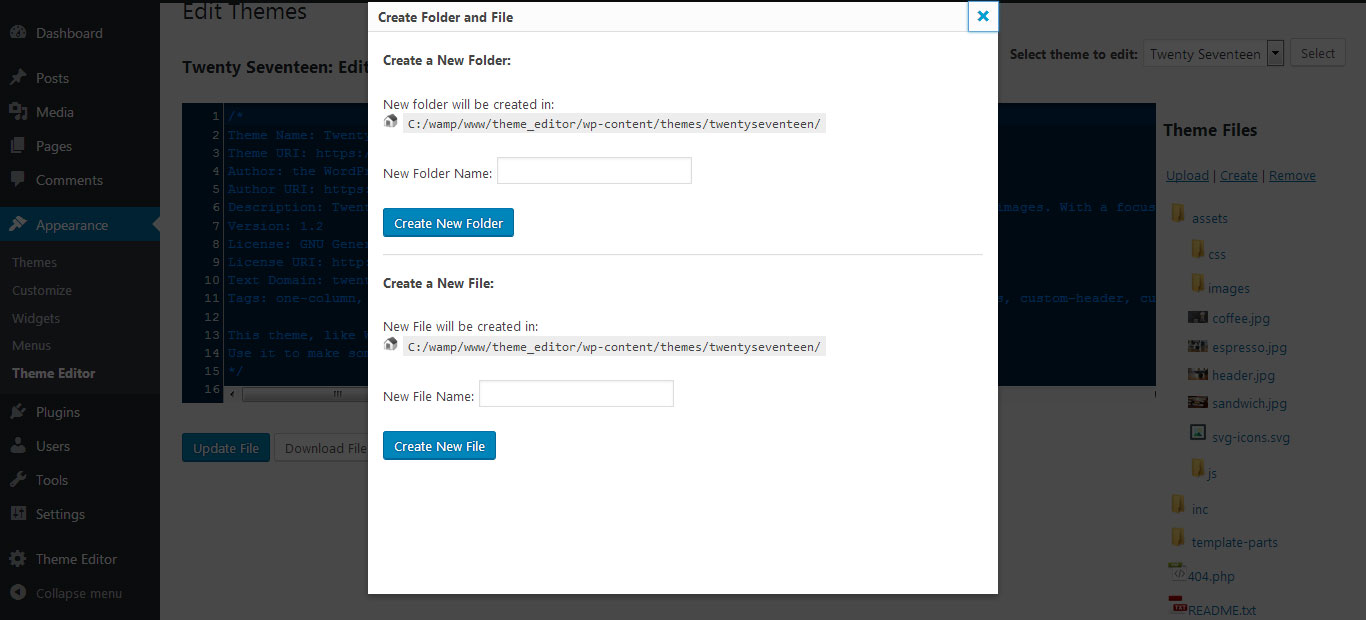
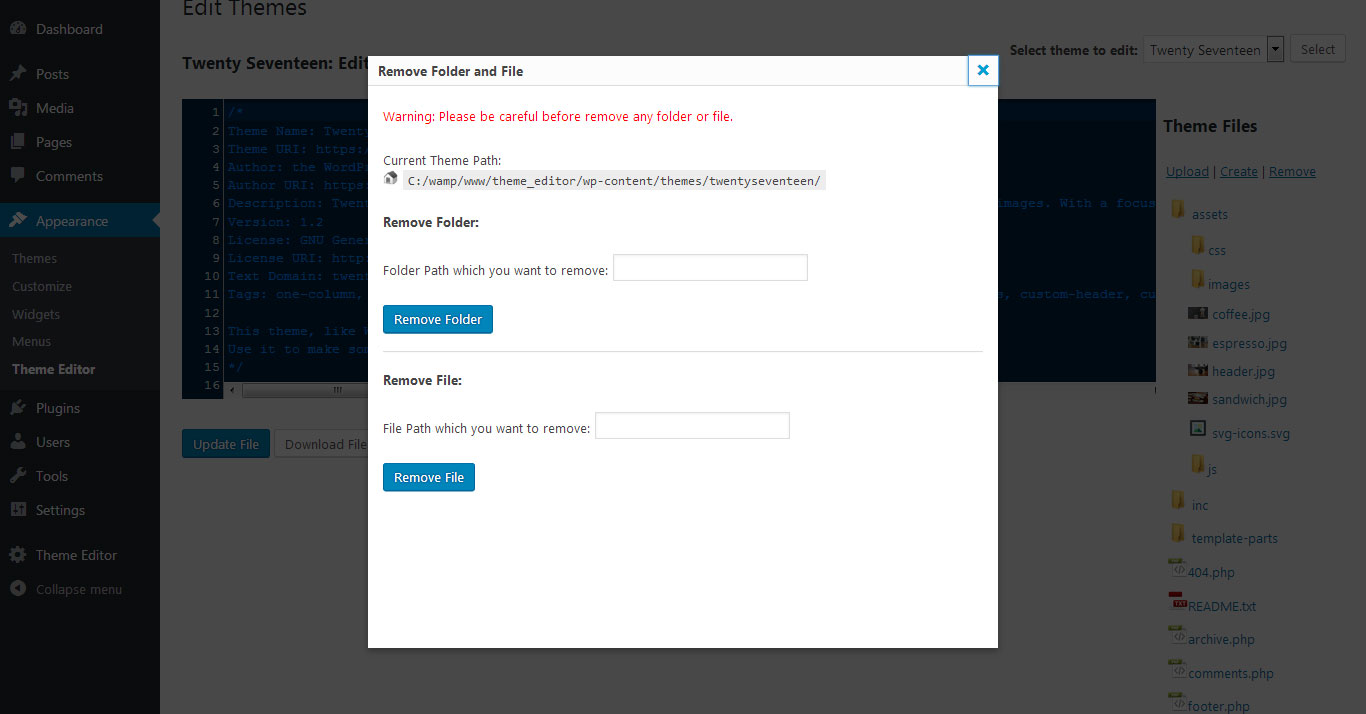

Frequently asked questions
What is Theme Editor?
Theme Editor is a WordPress plugin that allows you to edit theme files, create folders, upload files, and remove files and folders in themes and plugins. It enables direct customization of themes and plugins.
What are the key features of Theme Editor?
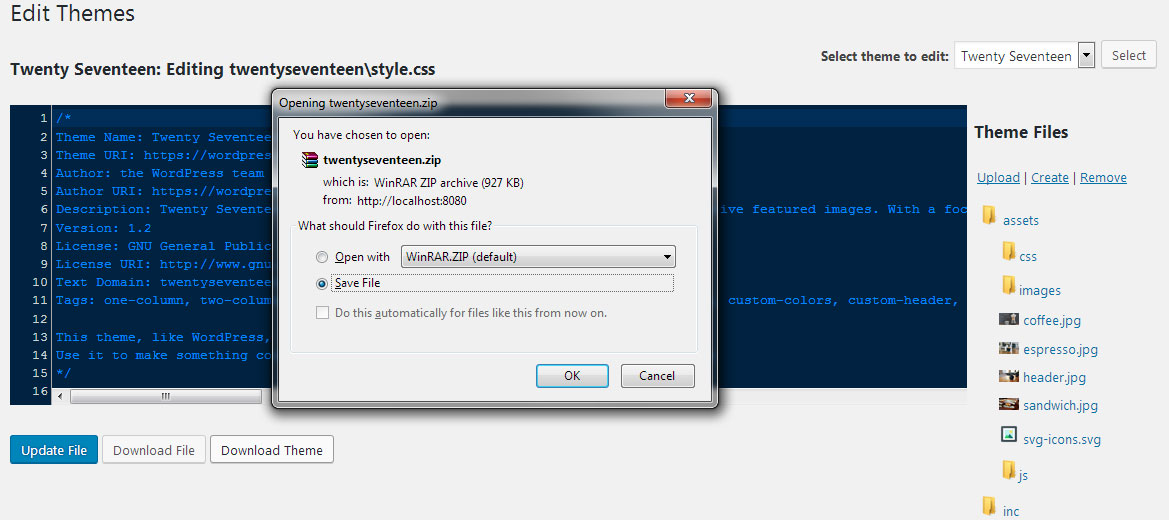
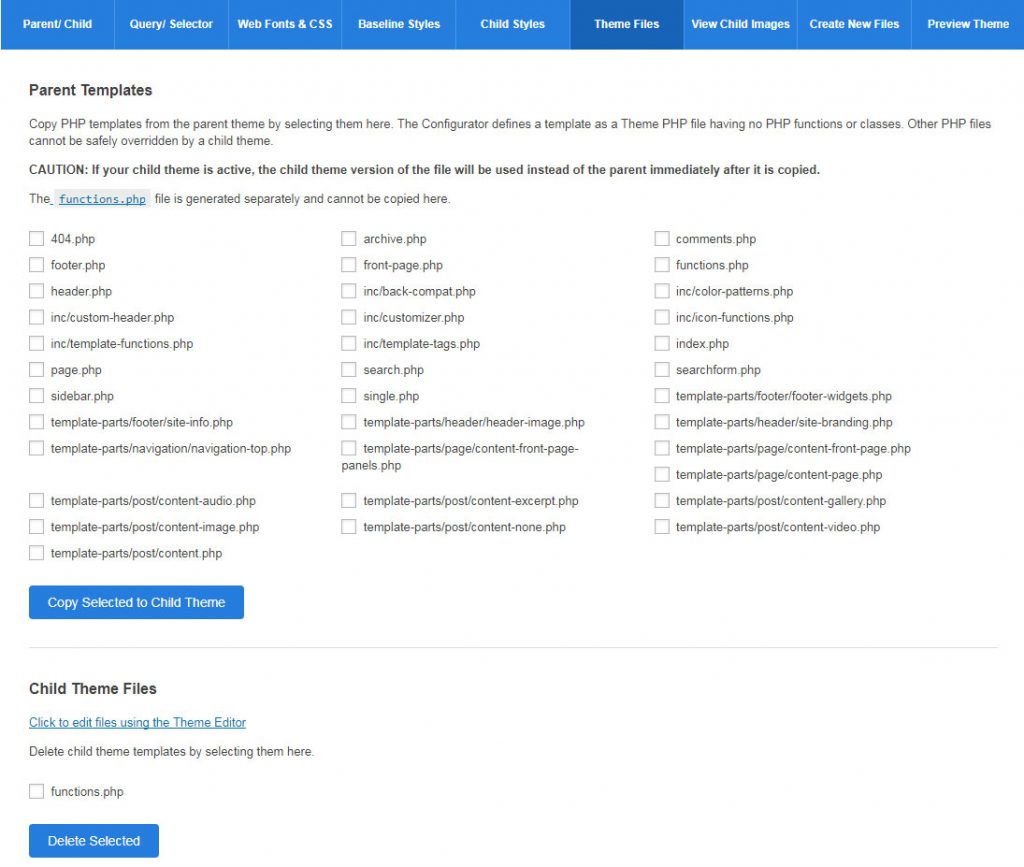
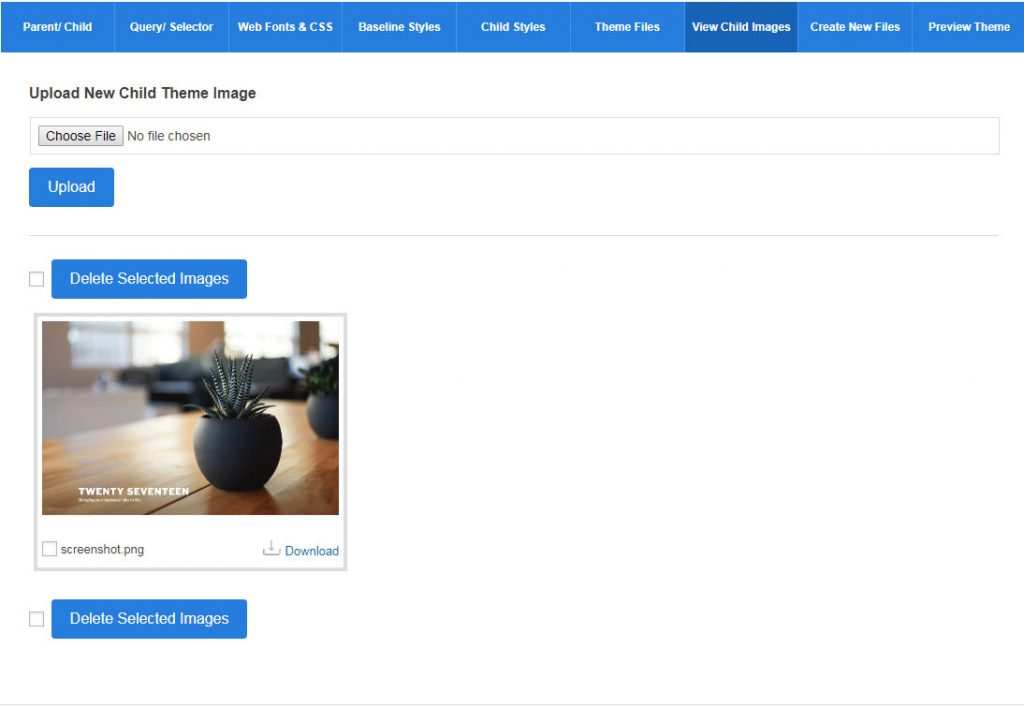
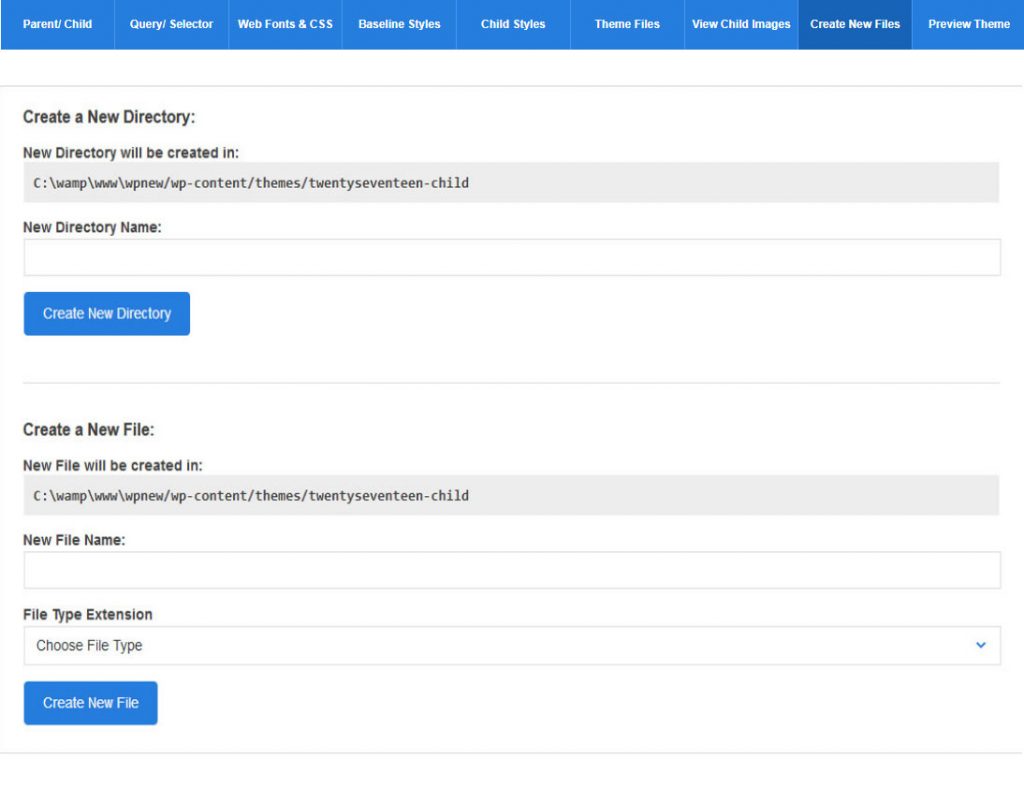
Key features include editing theme and plugin files, code editors supporting PHP, HTML, CSS, and JavaScript, and the ability to create, remove, upload, and download files and folders. It also allows downloading entire themes and plugins, creating and duplicating child themes, and managing theme screenshots and images.
What are the extended features of Theme Editor?
Extended features include user and user role permissions, email notifications to the admin, and specific functionalities for editing and managing files and folders within themes and plugins. It also offers child theme permissions and the ability to preview themes.
What are the minimum requirements for Theme Editor?
Theme Editor requires WordPress 3.3+, PHP 5.x, and MySQL 5.x to function correctly.
Where can I get support for Theme Editor?
If any problems occur, you can contact the support team at http://themeeditor.pro/contact.
Changelog
= 2.9 (27th Aug, 2024)
- Security Fixes
= 2.8 (1st Dec, 2023)
- Compatible with wp 6.4.1
- Fixed minor issues
- Api Updated
- Rating div issue fixed
- Security Fixes
= 2.7.1 (8th May, 2023)
- Resolved Issue for Plugin Settings – not able to disabled default plugin Editor
- Compatible with wp 6.2
= 2.7 (27th Jan, 2022)
- Checked compatibility with wordpress v5.9
= 2.6 (10th Feb, 2021)
- Updated script for create and delete file as per wordpress guidlines
= 2.5 (27th Jan, 2021)
- Updated file download script as per security perspective
2.4 (27th Aug, 2020)
- jquery issues fixes with WP 5.5
2.3 (8th Oct, 2019)
- Minor fixes
2.2 (30th Sep, 2019)
- Security issues fixes
2.1 (15th Mar, 2019)
- Folder permissions issue fixed
2.0 (15th Mar, 2019)
- Compatible with wordpress 5.1.1 and unwanted warning fixes
1.9 (20th Oct, 2018)
- Compatible with php 7.3 and wordpress 5.0
1.8 (15th Oct, 2018)
- Added new feature for child themes
1.7 (28th July, 2018)
- removed useless code
1.6 (26th Apr ,2017)
- Performance Enhanced
1.5 (12th Feb ,2017)
- Translations Added
- fix some Bugs in 1.4
1.4 (17th Nov ,2017)
- screen_icon() – deprecated function removed
1.3 (27th Oct ,2017)
- fix some Bugs in 1.2 – Minor Update
- Settings Menu Added
1.2 (16th Sep ,2017)
- fix some Bug in 1.1 – Minor Update

