

Improve your WordPress SEO: Write better content and have a fully optimized WordPress site using the Yoast SEO…

About Sticky Header Effects for Elementor
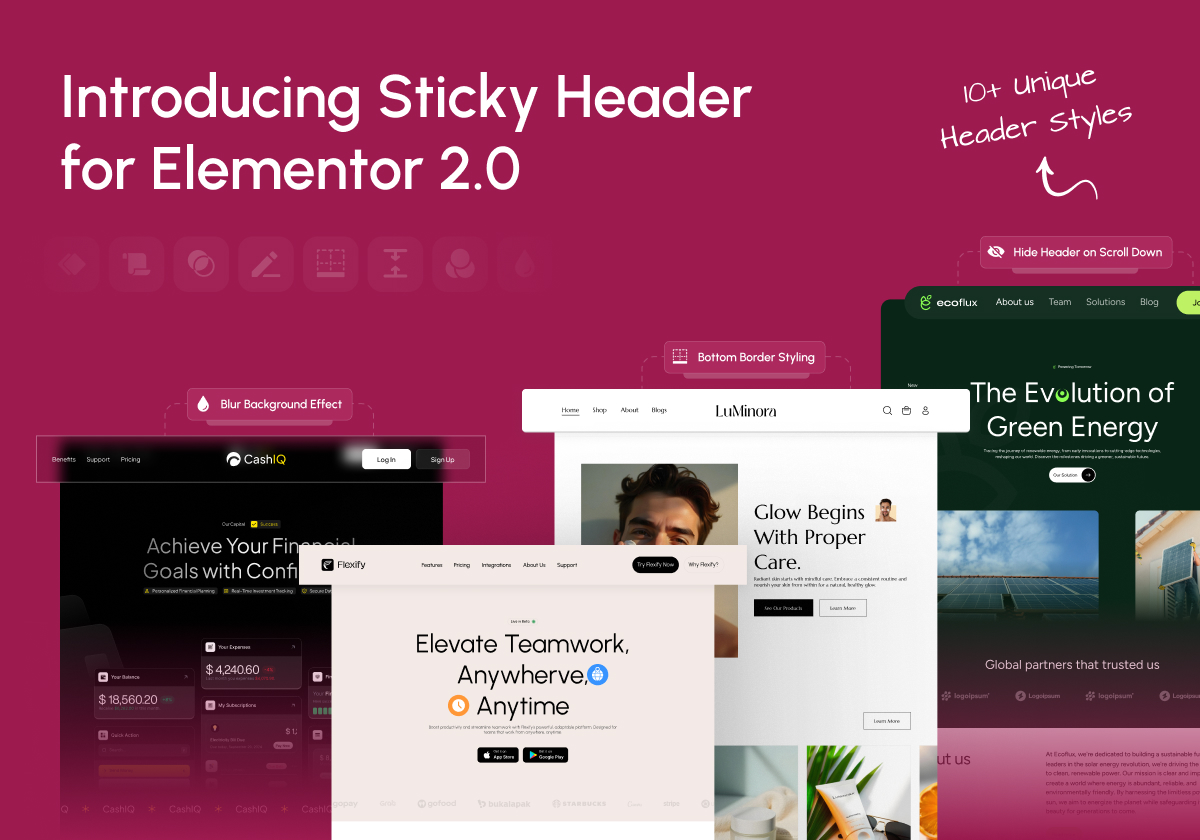
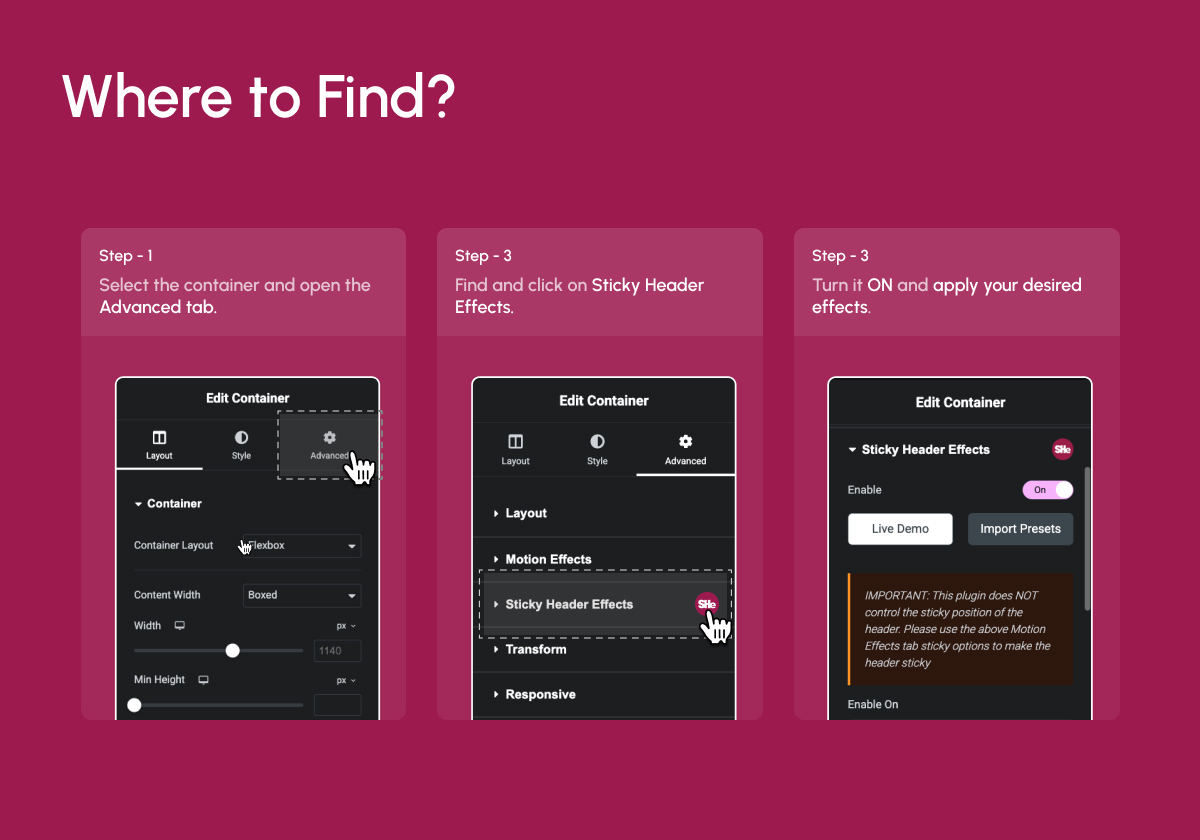
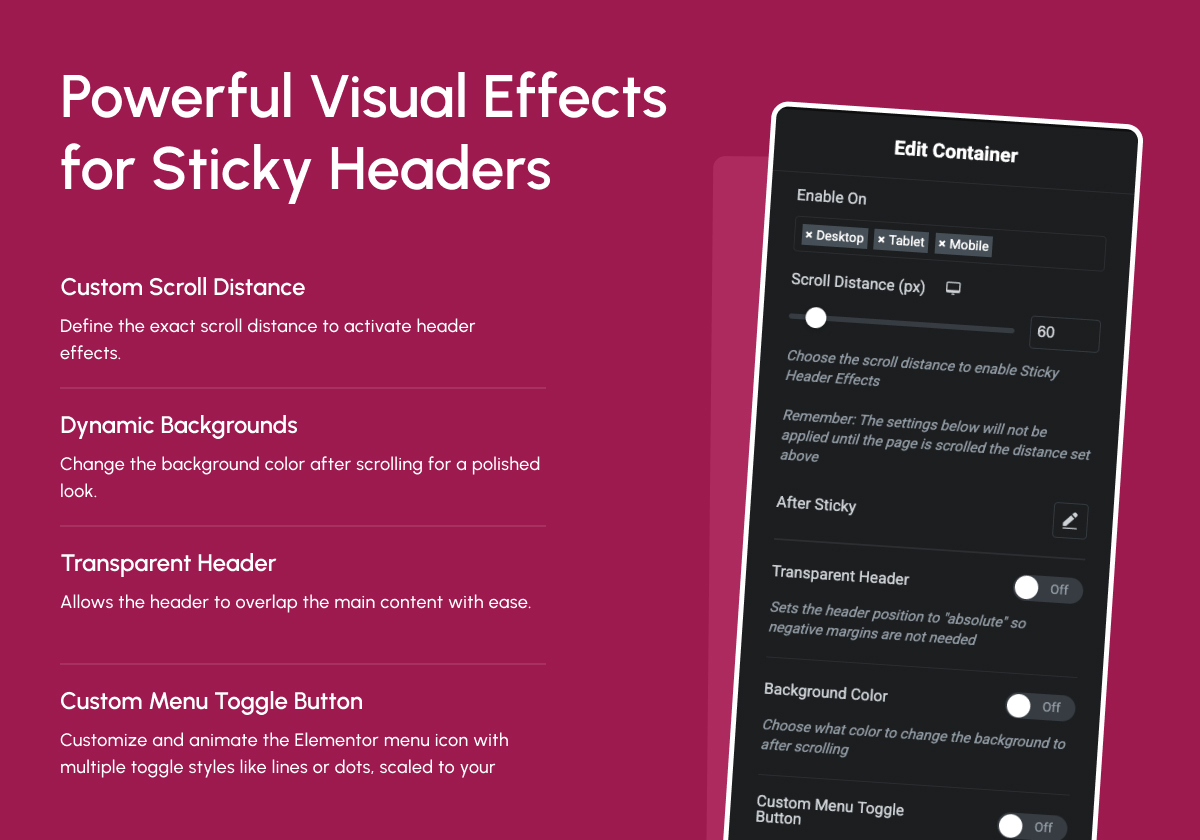
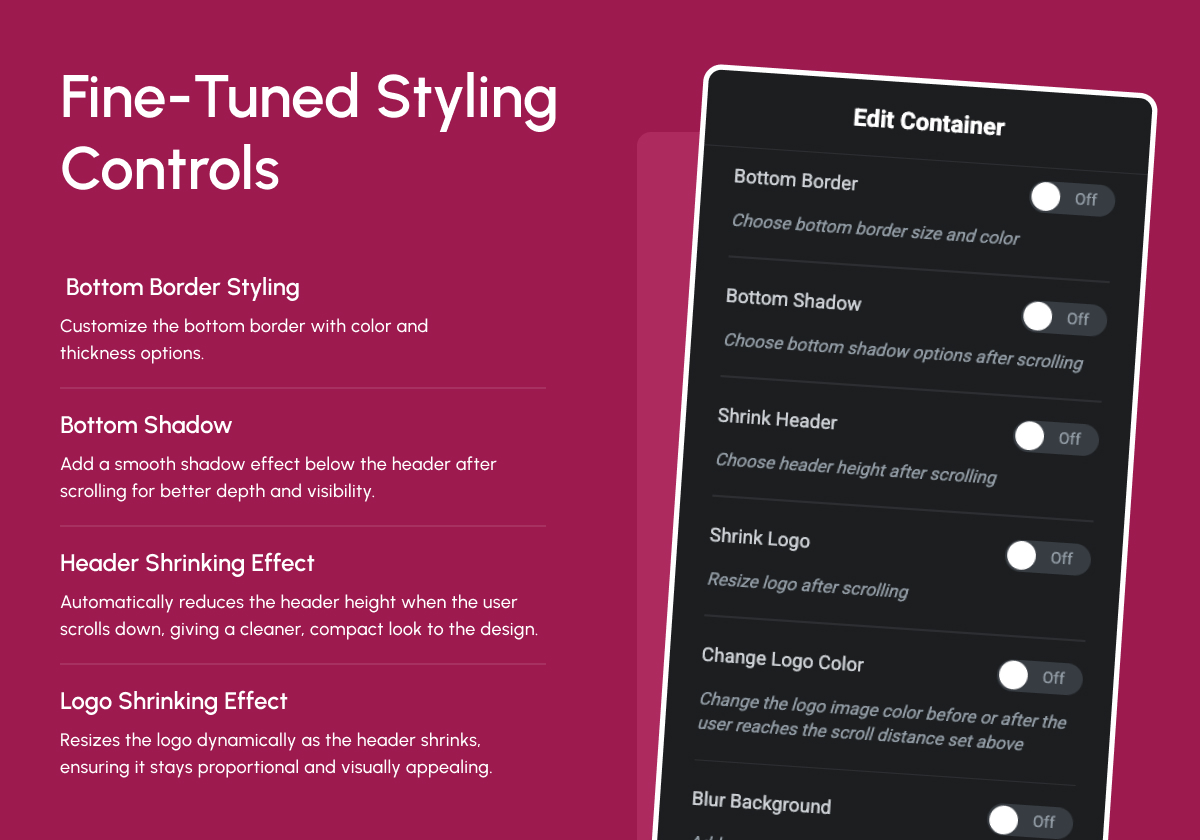
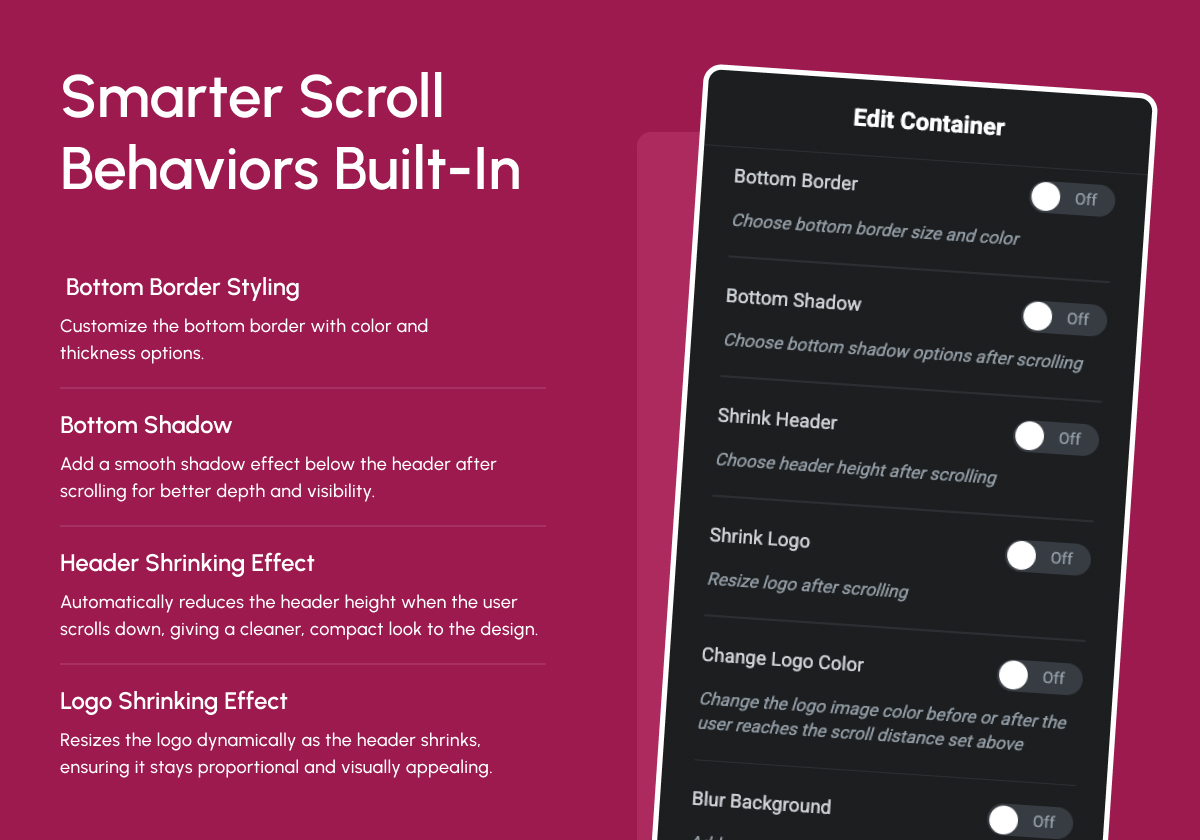
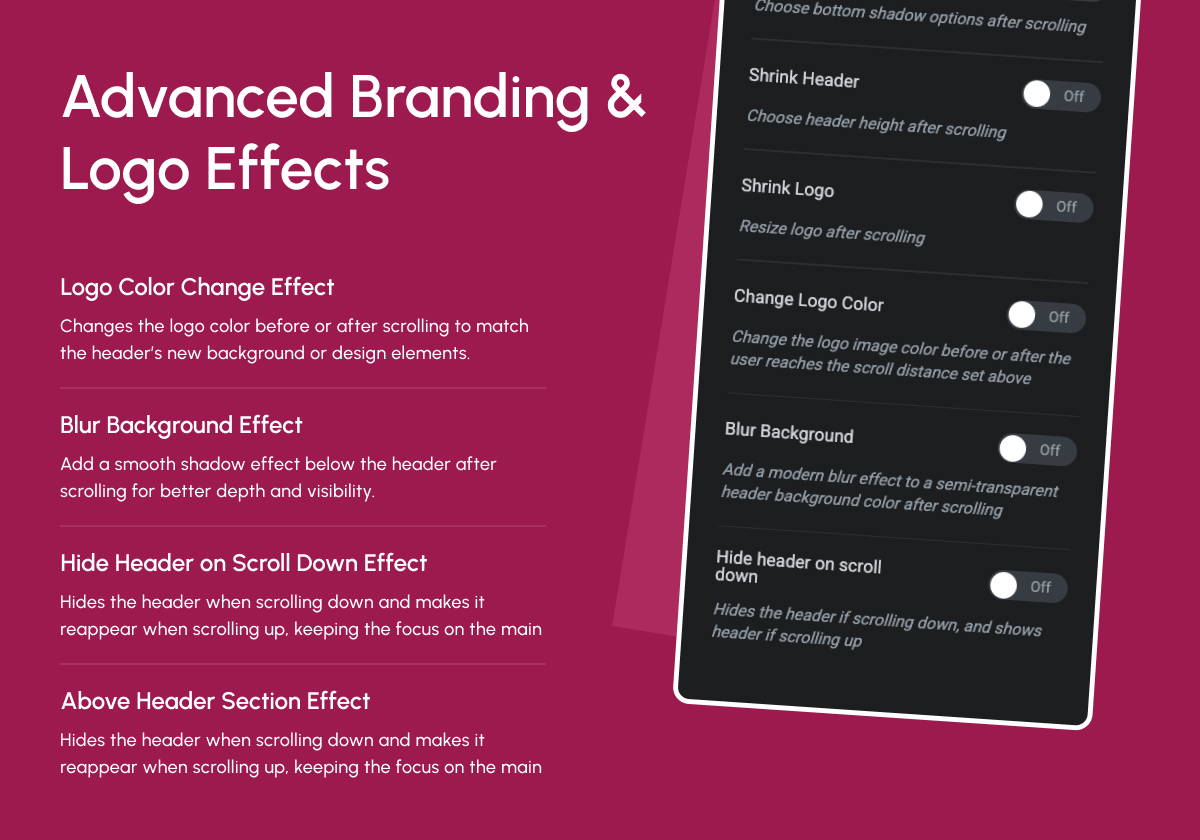
Sticky Header Effects for Elementor is an add-on plugin for Elementor Pro that allows you to change the styling of your header when visitors scroll down your page. You can adjust the header height, background color, and bottom border, as well as add features like a transparent header, shrinking logo, logo color change, background blur, and hiding the header on scroll. The plugin is cross-browser compatible and fully responsive, meaning it will work on all browsers and devices.Screenshots
Frequently asked questions
What is Sticky Header Effects for Elementor?
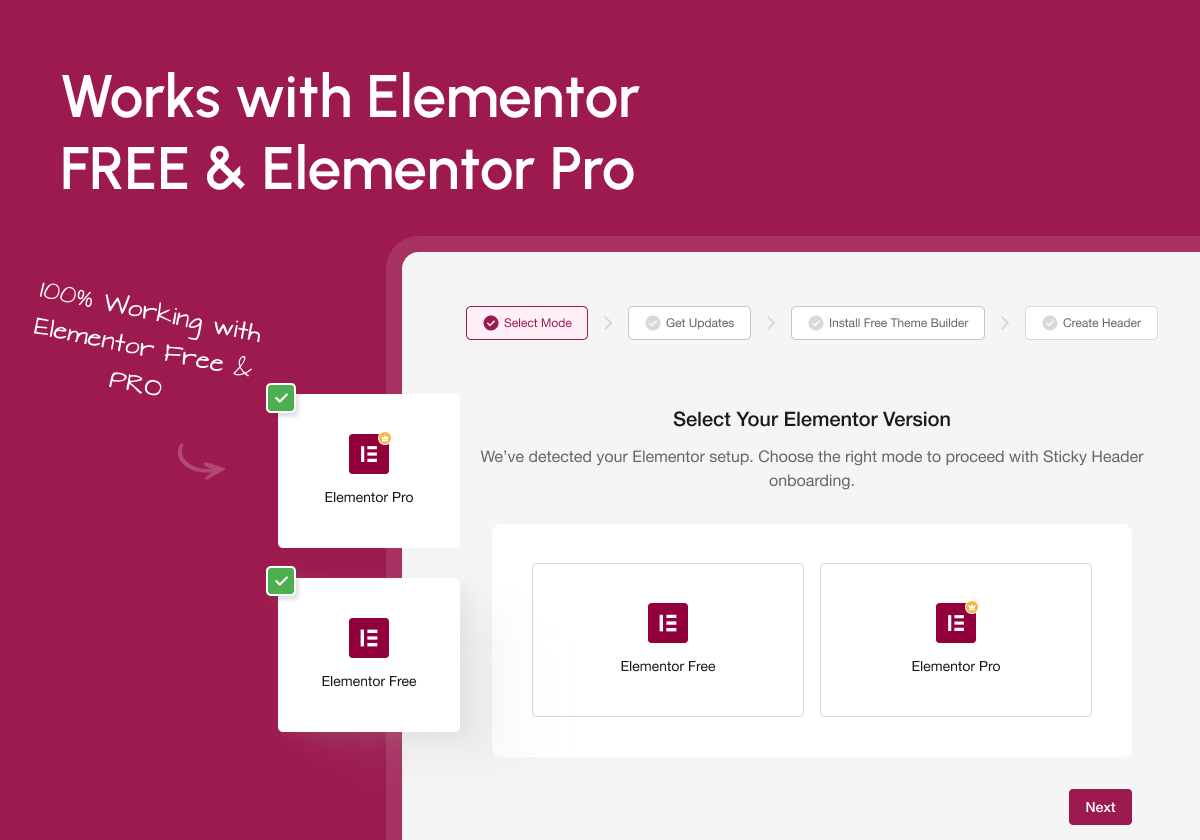
Sticky Header Effects for Elementor is a WordPress plugin that extends Elementor Pro's sticky header capabilities. It allows users to create advanced sticky headers with various scroll effects, even with Elementor Free.
What features does the plugin offer?
The plugin offers over 10 scroll-based effects including blur, shrink, hide on scroll, and dynamic background changes. It also provides full responsive controls for sticky headers.
Who can use this plugin?
This plugin is suitable for developers, designers, bloggers, and agencies who want more control over header behavior without coding. It works with both Elementor Free and Pro.
Does the plugin include templates?
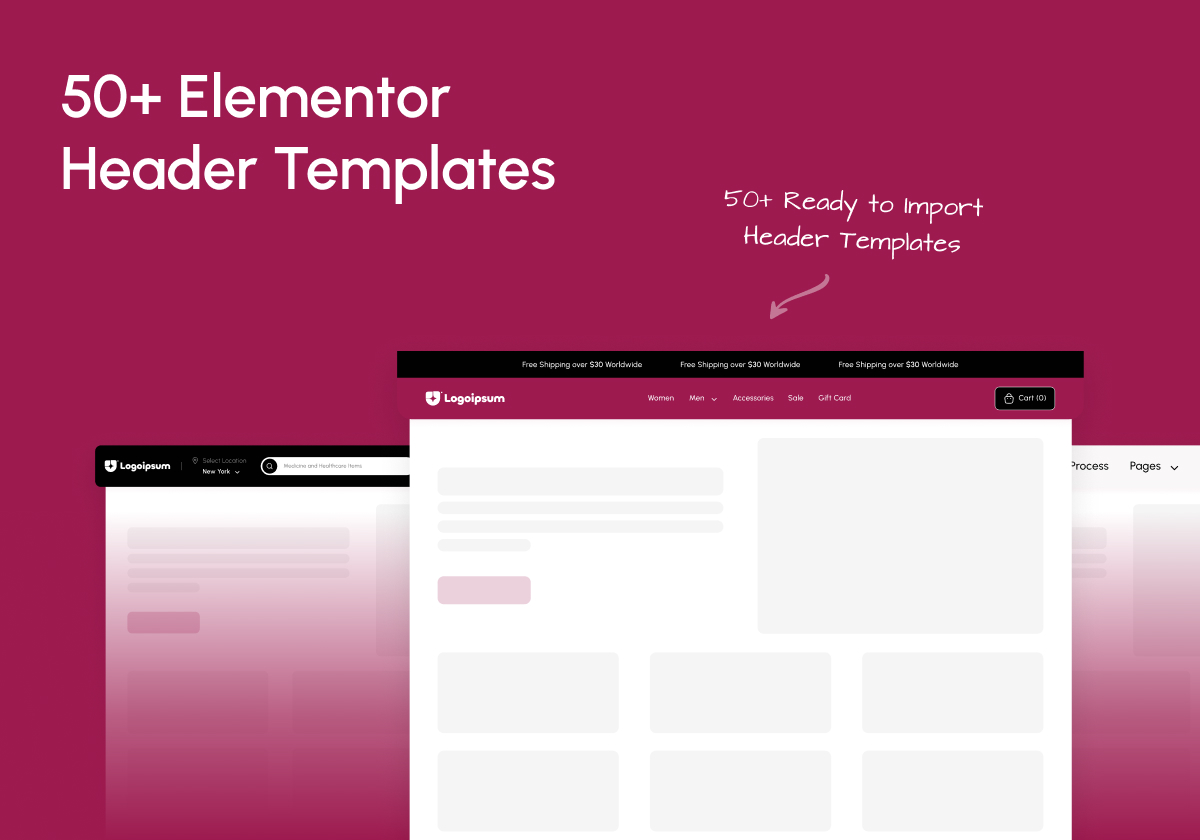
Yes, the plugin comes with over 50 ready-to-import templates specifically designed for Elementor Headers with sticky header functionality.
What kind of scroll effects are available?
Available scroll effects include setting a scroll trigger threshold, transparent header background, and dynamic background color changes on scroll.
Changelog
2.1.3
- Fixed: Security Patch (Low Security)
2.1.2
- Improvement : WDesignKit 2.0 Compatibility
- Fixed: Minor Bug Fixes & Performance Improvements
2.1.1
- improvement: Header Template Import Process
- Fixed: Minor Bug Fixes & Performance Improvements
2.1.0
- Fixed: Header Resize Issue Fixed
- Fixed: Minor Bug Fixes & Performance Improvements
2.0
- New: Dashboard for better UI/UX
- New: Add Preset Option for the Ready Design
- New: Dashboard : Plugin Rollback Option
- Fixed: Minor Bug Fixes & Performance Improvements
1.7.8
- Fixed: Offset issues on the frontend
- Fixed: Minor Bug Fixes & Performance Improvements
1.7.7
- Fixed: Minor Bug Fixes & Performance Improvements
1.7.6
- Fixed: Offset issues on the frontend
- Fixed: Minor Bug Fixes & Performance Improvements
1.7.5
- Added: Offset Option for Sticky Elements to Control the Distance from the Top With Responsive Support.
- Added: Padding Option to Customize Spacing for Sticky Elements with Responsive Support.
- Added: Width Option to Define the Width of Sticky Elements Dynamically With Responsive Support.
- Fixed: Minor Bug Fixes & Performance Improvements
1.7.4
- Added: Compatibility with Elementor Containers
- Fixed: Minor Bug Fixes & Performance Improvements
1.7.3
- Maintenance: WordPress 6.7 compatibility update
1.7.2
- Fixed: Bugs
1.7.1
- Fixed: Improved method for not overriding elementor sticky settings.
1.7
- Maintenance: WordPress 6.5 compatibility update
- Notice: Plugin will only receive minimal support
- Added: Pro features that would have never been released(Disable Fully Transparent Background, Background Type, Custom Menu Toggle Button, Bottom Shadow, Blur Background settings)
1.6.11
- Maintenance: WordPress 6.5 compatibility update
1.6.10
- Maintenance: WordPress 6.4 compatibility update
1.6.9
Fixed: Javascript bug with sections
Fixed: Header width bug
Tweaked: Optimized CSS
1.6.8
Fixed: Shrink logo bug
Fixed: Shrink header bug
Fixed: Transparent header bug
Fixed: All CSS color and size transitions
Added: Compatibility with new elementor “mega” menu
Added: Ability to override logo color change on elements using class “not-logo”
Tweaked: Logo color change optimized so “full color” option no longer overwrites elementor css settings
1.6.7
- Fixed: Transparent header bug
1.6.6
- Fixed: Shrink header bug
- Fixed: Bottom border color and size transitions
- Added: Compatibility with new elementor “mega” menu
- Added: Ability to override logo color change on elements using class “not-logo”
- Tweaked: Logo color change optimized so “full color” option no longer overwrites elementor css settings
1.6.5
- Tweaked: Logo transition CSS for image widget
- Tweaked: Logo color CSS for image widget
- Maintenance: WordPress 6.2 compatibility update
1.6.4
- Fixed: Js bug
- Fixed: Logo color not changing on scroll
- Fixed: CSS for smooth transitions
- Konwn Bugs: Shrink logo/header
1.6.3
- Reverted to 1.5.5 only with container compatibility
1.6.2
- Fixed: Section height bug
1.6.1
- Fixed: Js bug
- Fixed: Container shrink bug
1.6
- Fixed: Shrinking Logo bug
- Fixed: Container support using Elementor free
- Fixed: Logo color change set to none doesn’t remove CSS filter settings
- Added: Disable/enable completely transparent header
- Tweak: Changed logo color settings to be more clear
- Maintenence: Optimized CSS for v2.0
- Maintenence: Optimized JavaScript for v2.0
- Maintenence: Optimized Elementor controls for v2.0
1.5.5
- Fixed: Shrinking Logo bug
- Fixed: Header section top position
- Maintenence: Optimized CSS code
1.5.4
- Fixed: Shrinking Logo bug
1.5.3
- Fixed: Gap above mobile header bug
1.5.2
- Fixed: Gap above header bug
1.5.1
- Fixed: WordPress admin bar bug
1.5
- Fixed: Gap above header bug
1.4.9
- Added: Compatibility with Elementor Containers
- Maintenance: WordPress 6.0 compatibility update
1.4.8
- Maintenance: WordPress 5.9 compatibility update
1.4.7
- Fixed: Misc Bugs
1.4.6
- Fixed: Hide header bug
1.4.5
- Fixed: WP admin bar bug
1.4.4
- Maintenance: WordPress 5.8 compatibility update
- Fixed: Header width bug
- Update: Better responsive Worspress admin bar handling
1.4.3
- Fixed: Full color logo after scroll bug
1.4.2
- Fixed: Bugs
1.4.1
- Fixed: Gap above header bug
1.4.0
- Added: WordPress 5.5 compatibility
- Added: Elementor 3 compatibility
- Added: Hide on scroll down feature
- Added: Blur background feature
- Added: Before and after scrolling logo color options
- Fixed: Opera browser hash links not activating scrolling effects
- Fixed: Editor handle bug
- Fixed: All labels and descriptions to help with user operation
- Fixed: Various code optimizations
- Fixed: Transparent on mobile bug
- Fixed: Stretched section broke transparent header
1.3.2
- Fixed: Transition CSS
1.3.1
- Fixed: Bugs
1.3.0
- Added: Shrink Logo feature
1.2.3
- Fixed: Hook on the new Elementor Pro 2.4.7 version
1.2.2
- Removed: Stretched section condition
1.2.1
- Added: Compatibility with the new Elementor 2.1.1 version
- Fixed: JavaScript error
1.2.0
- Removed: Sticky Header feature(Elementor fixed theirs)
- Added: Transparent header feature
- Added: Compatibility with the new Elementor 2.1 version
- Added: Change javascript to external file
- Fixed: Bugs
1.1.2
- Fixed: Bugs
1.1.1
- Fixed: Bug where section didn’t move to top of page
1.1.0
- Added: Sticky header feature
- Added: Bottom border feature
- Fixed: Bugs with tablet and mobile responsive modes
- Fixed: Padding issues when using the “shrink” effect
1.0.0
- Initial stable release

