

Enables the previous "classic" editor and the old-style Edit Post screen with TinyMCE, Meta Boxes, etc. Supports all…

About Snow Monkey Editor
The Snow Monkey Editor is a plugin that enhances the functionality of the block editor in WordPress. It allows you to format text, customize block settings, and apply preset styles to your blocks. You can also use filter hooks to extend its functionality using JavaScript or PHP.Screenshots







Frequently asked questions
What is the Snow Monkey Editor?
The Snow Monkey Editor is a WordPress plugin that extends the block editor. It provides additional features and functionalities for block editing.
What kind of text formatting options does it offer?
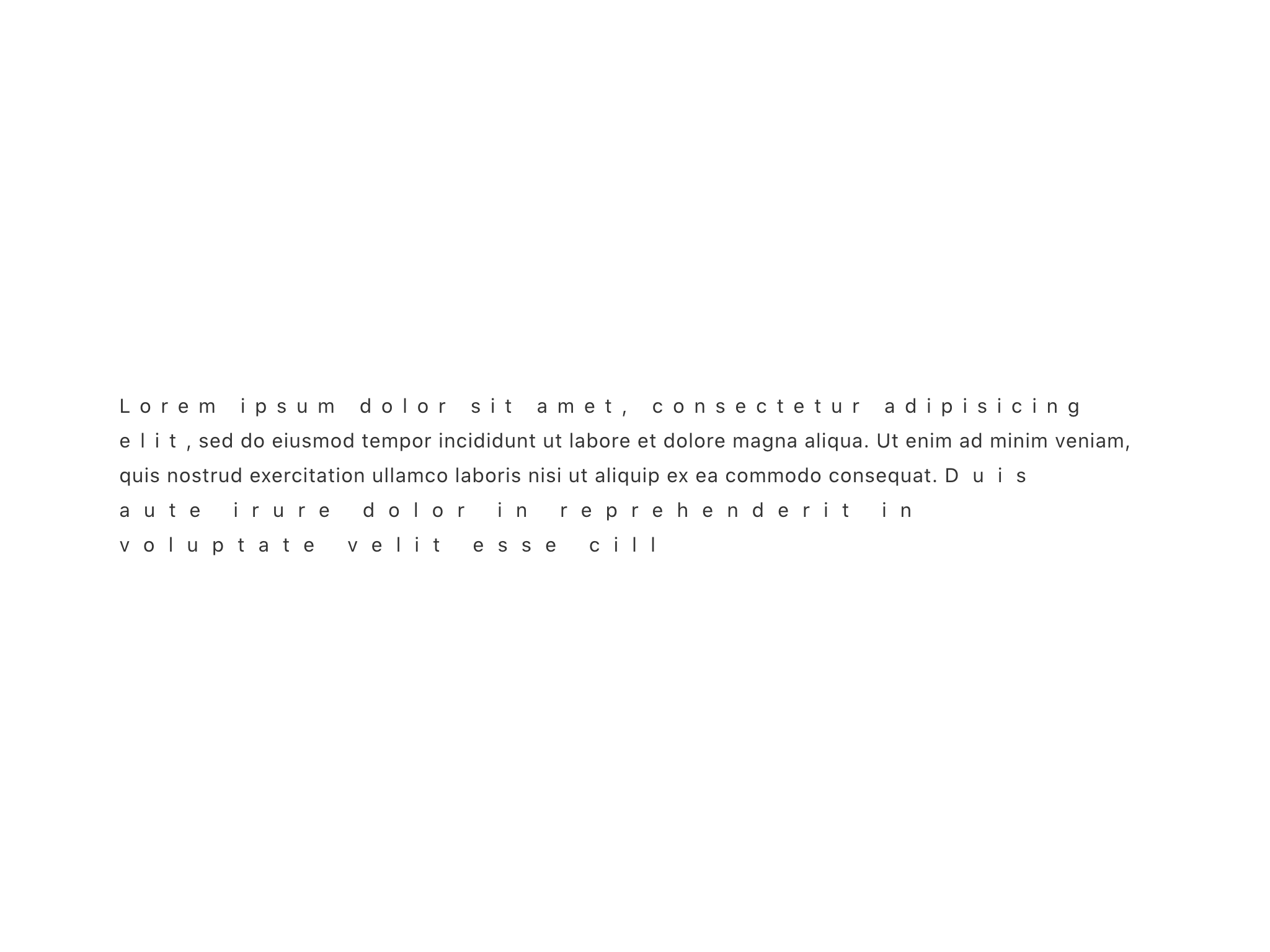
It offers various text formatting options such as text background color, font size, highlighter, text color, and letter spacing. Users can also clear formatting and add line breaks per screen size.
What are some of the extensions available?
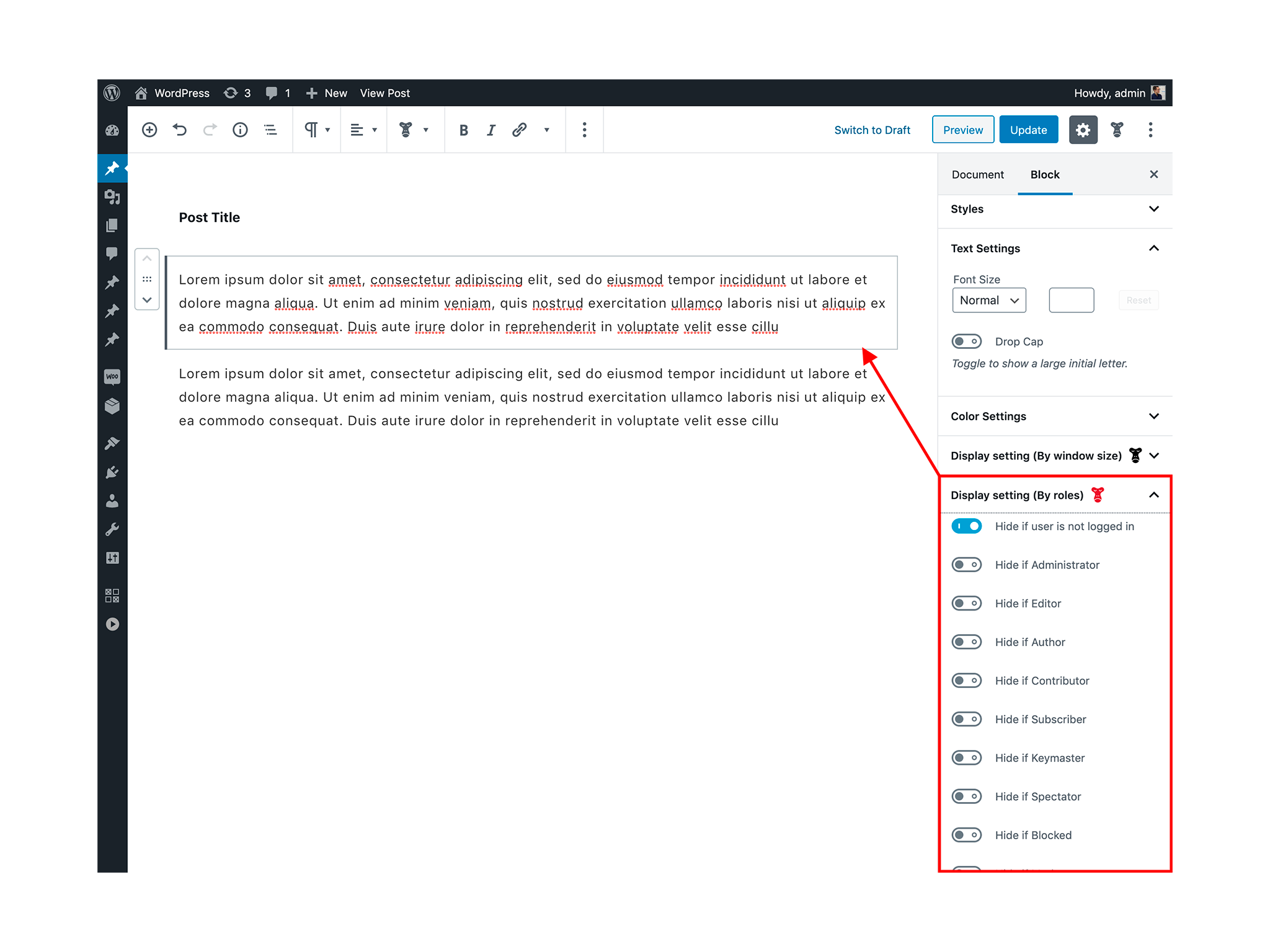
Extensions include options to hide content on specific screen sizes (smartphone, tablet, PC) or by user roles. It also offers scroll animation, publish/unpublish date time settings, and edit lock by user roles.
How do block presets work?
Block presets allow users to save the settings of a block and apply them to other blocks of the same type with a single click. The number of blocks and attributes usable with this feature is limited by default.
What block styles are included?
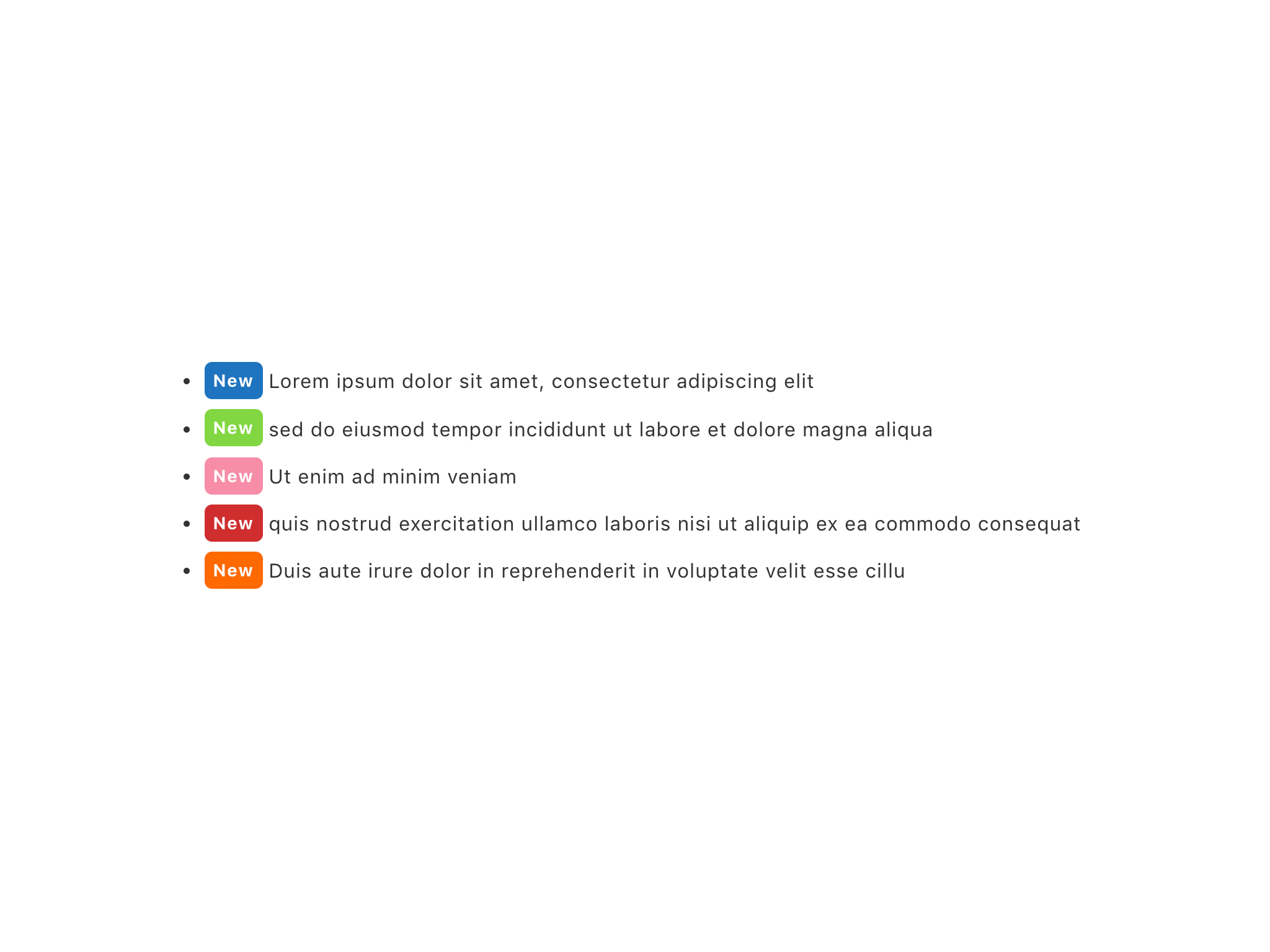
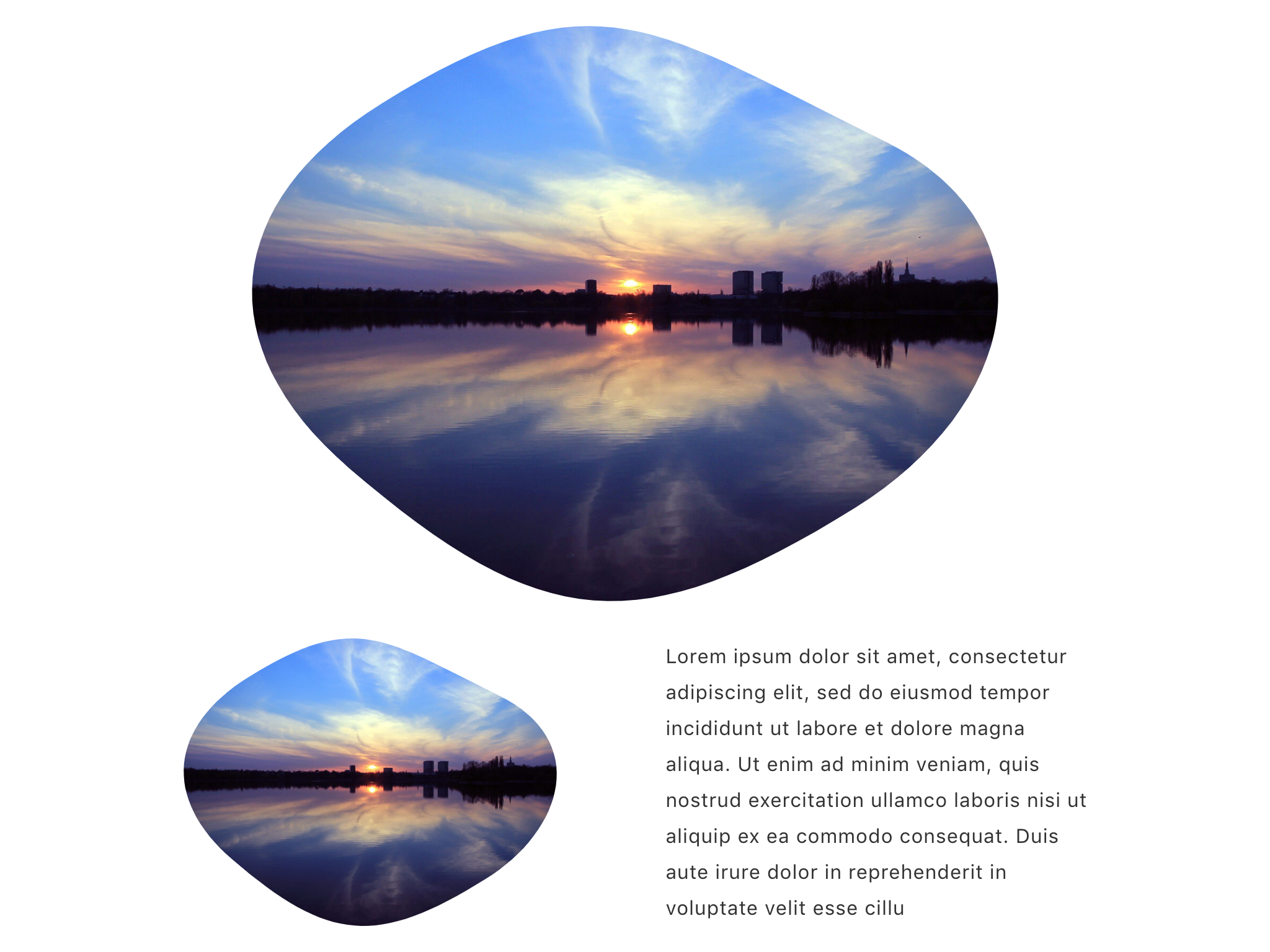
Included block styles are Alert (Remarks, Success, Warning), Fluid shapes, Post-it (Narrow), Shadowed, Speech (Top, Right, Bottom, Left), List (Arrow, Check, Remarks, Times), and Ordered list (Circle, Square).
Changelog
10.1.2
- Fixed a bug where the layout would collapse when setting the background color and padding of a block with alert block style set.
10.1.1
- Improved popover display when there are many roles in “Edit lock (by role)” and “Display settings (by role)”.
10.1.0
- Add animation “Fade in left”.
- Add animation “Fade in right”.
10.0.6
- Fixed a bug that the
<ServerSideRender />in<Disabled />disappears without becoming transparent when the display settings (window size) are set.
10.0.5
- WordPress 6.7 compatible.
10.0.4
- Replace node-sass to sass.
10.0.3
- Fixed a bug that caused the editor to crash when converting paragraph blocks to list blocks.
10.0.2
- Fixed a bug that caused the editor to crash when converting paragraph blocks to list blocks.
10.0.1
- Fixed a bug where CSS for animations was also being applied in the editor.
- Update block styles Specificity.
10.0.0
- WordPress 6.6 compatible.
9.4.0
- Requires WordPress 6.5 or later.
- Add new format “Line break per screen size”.
9.3.3
- The width of the format popover is now the same as the width of the popover in the block settings panel.
- Fixed a bug that caused the popover to move to the upper left corner of the screen when formatting unformatted text.
9.3.1
- Fix for JavaScript alert message.
9.3.0
- Set
deferattribute towp_enqueue_script().
9.2.5
- Fixed a bug that blocks with display settings by window size may switch display at unintended timing.
9.2.4
- Fix PHP fatal error.
9.2.3
- Fix PHP fatal error.
9.2.2
- Fixed a bug that caused a blank screen in the post editor for custom post types with their own permissions set.
9.2.1
- Changed the display position of the presets and extensions settings panel to the bottom.
9.2.0
- Fixed a bug that could cause text to disappear when a preset is applied to a paragraph block.
- Update CSS.
- Add block styles. “Speech (Left)”, “Speech (Top)” and “Speech (Right)”.
- Change
Popover.isAlternatetoPopover.variant.
9.1.2
- Fix PHP Warning error.
- Fixed a bug that broke blocks when selecting colors defined in CSS vars in the highlighter.
- Update badge style.
9.1.1
- Fixed a bug that block was broken when changing the block style with a user belonging to a custom role.
- Fixed a bug that when the font size format picker was opened with the font size format already set, the set font size was sometimes not selected.
9.1.0
- Add block presets feature.
9.0.3
- Fixed a bug that the extension panel of “Snow Monkey Editor” displayed an empty panel even for blocks that did not need it.
9.0.2
- Update the extension panel UI.
9.0.1
- Added reset button to font size format.
- Fixed a bug that popover sometimes jumps to the upper left corner of the screen when setting colors in text color, background color, highlighter, and badge.
- Changed Popover to close when letter spacing, line height, and fon tsize are reset.
9.0.0
- Requires WordPress 6.1 or later.
- Updated the display to make it easier to see the display restrictions by role on the editor.
- Fixed a bug where margins were not given inside the formatting popover for non-Snow Monkey themes.
8.0.2
- Fixed that the picker closes when a number is crossed out or 0 is entered for font size, letter spacing, and line height.
8.0.1
- Fix PHP error.
8.0.0
- Requires WordPress 6.0 or later.
- Changed font-size and line-height format
displayfrominline-blocktoinlinein the list. - Changed so that extensions settings are not displayed in the classic block.
- Fixed a bug that the icons displayed on the block toolbar did not reflect the proper color when formatting was applied.
7.0.1
- Update [email protected]
7.0.0
- Requires WordPress 5.9 or later.
- End of support for ie11.
- Changes due to changes in WordPress 5.9.
6.2.1
- Fixed a bug that prevented setting a custom value for font size.
6.2.0
- Fixed a bug that selecting a font size would not add the class, but px value.
- Changed so that rem is not added to the unit when line-height is set.
- Changed
.sme-font-sizeand.sme-line-heighttoinline-block.
6.1.0
- Add block styles for code block. “No wrap” and “Wrap”.
6.0.1
- If you set “hidden-by-size”, the target block is translucent on editor when the editor is at that size.
- Change the “hidden-by-role” setting so that your role cannot be set. (Except for administrator)
6.0.0
- Compatible with WordPress 5.8. 5.7 is not supported.
5.0.6
- Fixed a bug where the “Fluid shape” block style was not being applied to media and text blocks.
5.0.5
- Update sass-basis
5.0.4
- Fixed a bug that prevented the use of Snow Monkey Blocks plugin blocks.
5.0.3
- Fixed a bug in which saving was sometimes performed consecutively when used with other plugins.
5.0.2
- Fixed a bug where the popover would not disappear but jump to the top left corner of the screen when resetting or clearing each formatting.
5.0.1
- Fixed a bug that the text size would start from 1 when resizing with the text size preset set.
5.0.0
- Updates to support WordPress 5.7.
4.1.0
- Add line-height format.
- Fixed a bug that the text size setting doesn’t work properly on WordPress 5.6.2.
4.0.1
- Fix bug that prevented the date time setting extension from being displayed.
4.0.0
- WordPress 5.6 compatibility.
- Add animation delay setting.
- Add animation speed setting.
- Add text letter spacing format.
3.0.5
- Remove wp-polyfill on frontend.
3.0.4
- Fixed color picker of formats bug.
3.0.3
- Fixed a bug that custom colors for each formatting could not be entered or changed.
3.0.2
- Fix block styles CSS bug in editor.
3.0.1
- Bug fixes.
3.0.0
- Requires WordPress 5.5
2.1.2
- Fixed a bug where the caption was hidden when applying fluid shapes.
2.1.1
- Change
.sme-hidden-xxxstyles. Usingdisplay: none.
2.1.0
- Add animation “Fade in down”.
2.0.0
- WordPress 5.4 compatible
1.1.0
- Add animation “Fade in up”.
- Add filter hook
SnowMonkeyEditor.extension.allowedRoles.
1.0.0
- Extensions has been changed to apply only to core blocks and Snow Monkey Blocks.
- Add filter hook
SnowMonkeyEditor.extension.allowedNameSpaces.
0.8.2
- Fix php notice error.
0.8.1
- Fixed a bug that start and reverse were not reflected in the order list (square).
0.8.0
- Add block styles for ordered list.
0.7.0
- Add shadowed button block style.
- Update browserslist. Using @wordpress/browserslist-config
0.6.1
- Add block styles of list block.
0.6.0
- Add block styles of list block.
0.5.4
- Change extension panel monkey icon color.
0.5.3
- Fixed bug that selecting the custom colors in a popover would close the custom colors popover.
0.5.2
- Fix bug that popover is displayed when deleting paragraph.
0.5.1
- Fixed bug that selecting a custom color of the format would break the block.
0.5.0
- Add the extension that setting scroll animation.
- Fix publish/unpublish setting bug. RESETTING IS REQUIRED.
- Fix bug that dynamic blocks were not displayed.
0.4.1
- Fixed a bug that the block may be broken by the effect of extension.
0.4.0
- Add the extension that publish setting for each blocks.
- Add the extension that unpublish setting for each blocks.
- IF the block is enabled extension, the extension icon colored.
- Roles that can be selected with the edit lock function are limited to roles that have edit_posts capability.
0.3.0
- Add the extension that block edit lock by user roles.
0.2.4
- Change display condition of format popover.
0.2.3
- Fixed a bug where blocks could be destroyed.
- Fix the speech block style design.
0.2.2
- Fix the speech block style design.
0.2.1
- Fix bug that the Additional CSS Classes can not edit.
0.2.0
- Add a extension that hide by user roles.
0.1.0
- Initial release.

