

Enables the previous "classic" editor and the old-style Edit Post screen with TinyMCE, Meta Boxes, etc. Supports all…
About SimpleTOC – Table of Contents Block
The SimpleTOC plugin allows you to easily add a Table of Contents to your WordPress posts and pages. It is designed for accessibility and offers various customization options, including the ability to control the maximum depth of headings and choose between different list styles. The plugin is compatible with popular themes and plugins, and is open-source on GitHub.Screenshots
Frequently asked questions
How do I add a Table of Contents block to my posts and pages?
To add a Table of Contents block, simply add a block and search for 'SimpleTOC' or 'TOC'.
What are the features of SimpleTOC?
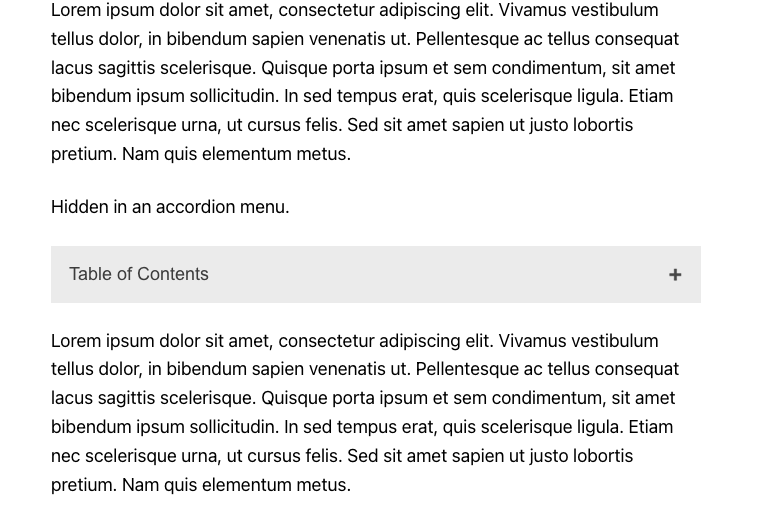
The features of SimpleTOC include being designed for Gutenberg, minimal and valid HTML output, no JavaScript or CSS added (unless you activate the accordion menu), style customization with Gutenberg's native group styling options, inherit the style of your theme, smooth scrolling effect using CSS, optional ARIA Label and navigation role attributes, and translation in multiple languages.
How can I customize SimpleTOC?
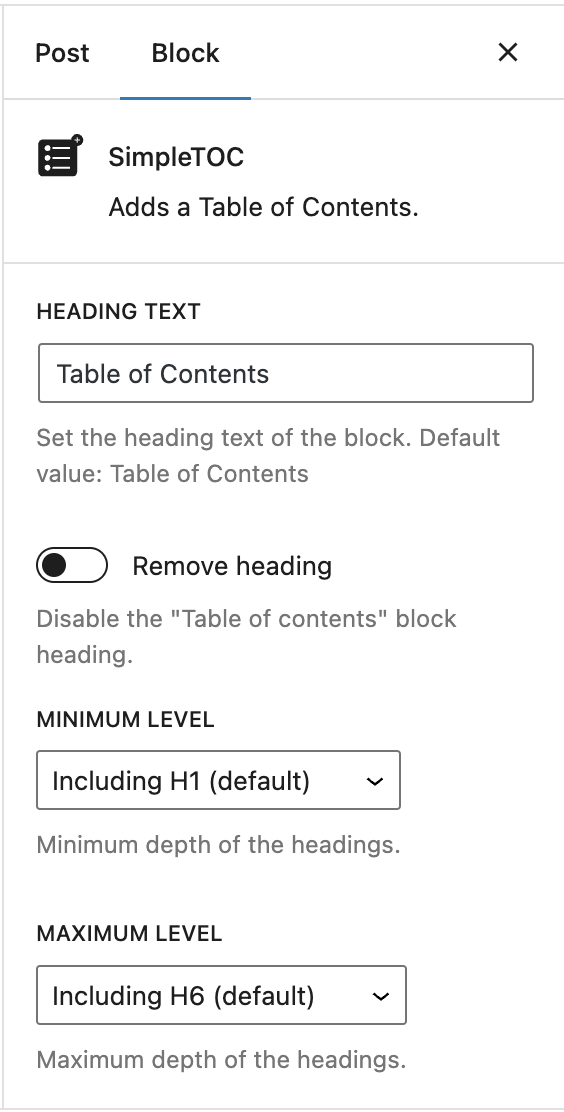
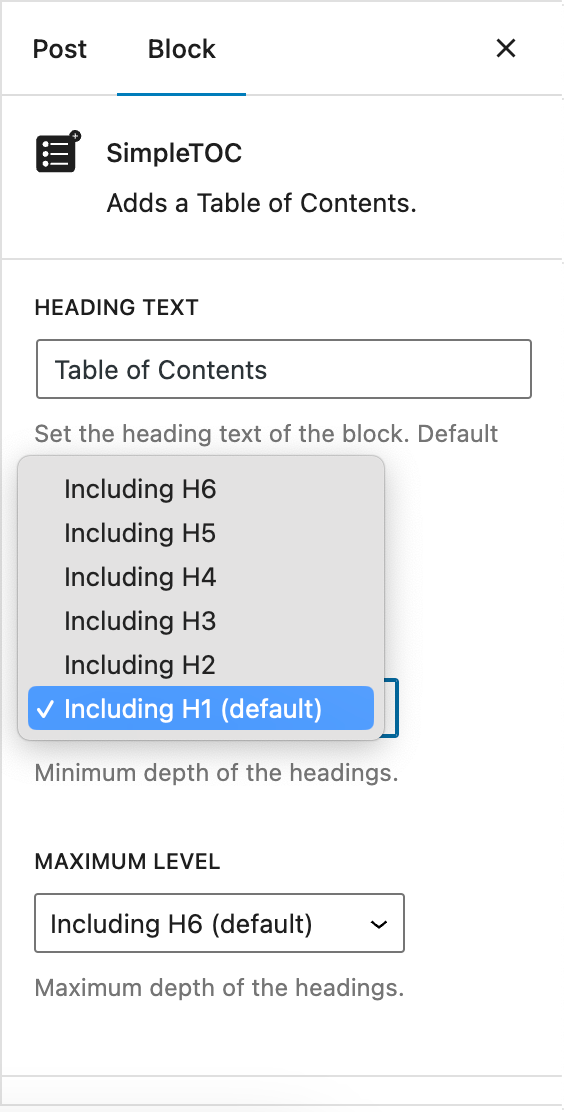
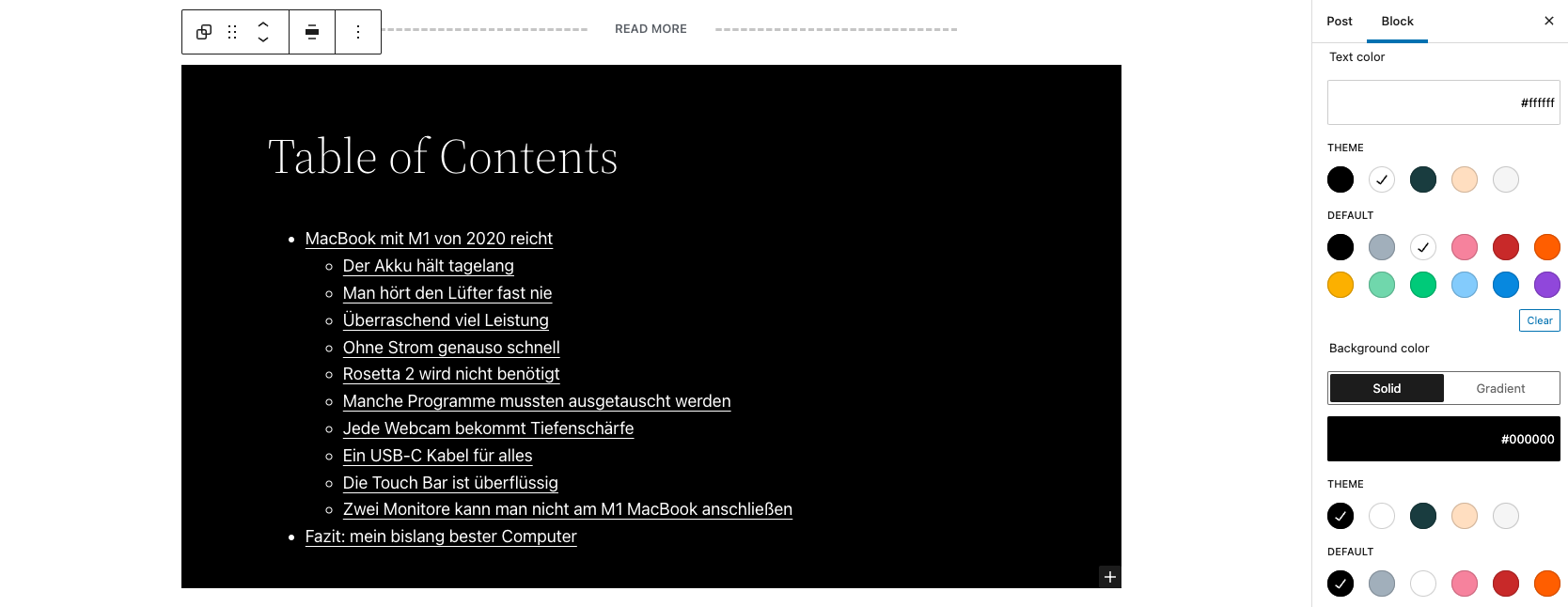
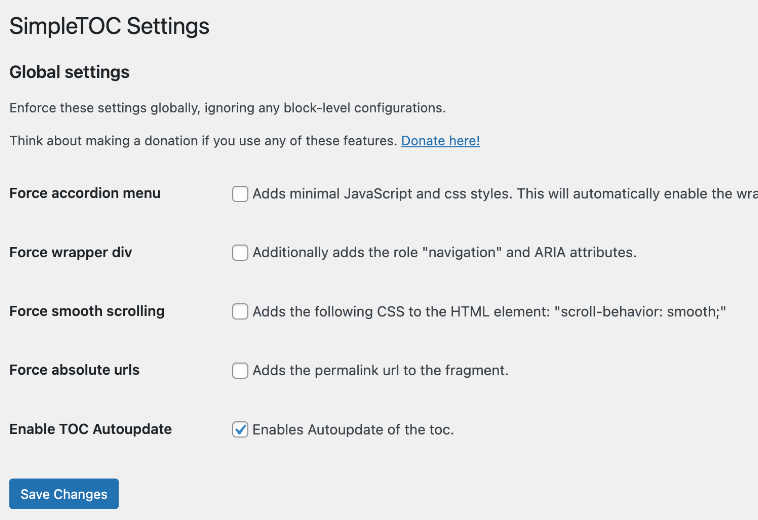
You can customize SimpleTOC by utilizing global settings to supersede the individual block settings, adding background and text color with Gutenberg groups, using native block support for wide and full width, controlling the maximum depth of the headings, choosing between an ordered or bullet HTML list, selecting a heading level or turning it into a paragraph, and disabling the h2 heading of the TOC block and adding your own.
What compatibility does SimpleTOC have?
SimpleTOC has compatibility with GeneratePress and Rank Math support, as well as popular AMP plugins.
Who should I credit for SimpleTOC?
SimpleTOC is forked from pdewouters and uses code from Easy-Table-of-Contents. Thanks to Tom J Nowell, Sally CJ, and Quintus Valerius Soranus for their contributions.
Changelog
6.7.2
- Added: Support for GenerateBlocks 2.0. Thanks @blronaldhuereca
- Added: Included an accessibility statement in the plugin description. Thanks Gen Herres.
6.6.1
- Added: Initialize the JavaScript for the TOC accordion on page load or after the document has fully loaded. Thanks blronaldhuereca https://github.com/mtoensing/simpletoc/pull/63
6.6.0
- Added: Testest compatibility with WordPress 6.7
6.5.6
- Fixed: All script versions have been updated to prevent caching issues.
- Fixed: Legacy Accordion was always expanded. Thanks Francesco Palmieri.
- Added: Updated dependencies for improved performance and stability.
- Added: Testest compatibility with WordPress 6.6
6.4.3
- Added: A pointer cursor on hover for the hidden TOC
6.4.3
- Added: Utilizes the browser’s built-in details tag for a collapsible interface. Thanks @infinitnet
- Compatibility with WordPress 6.5
- Fixed: Minor localization problems.
6.3.2
- Fixed: Option for automatic refresh did not work in some instances.
6.3.0
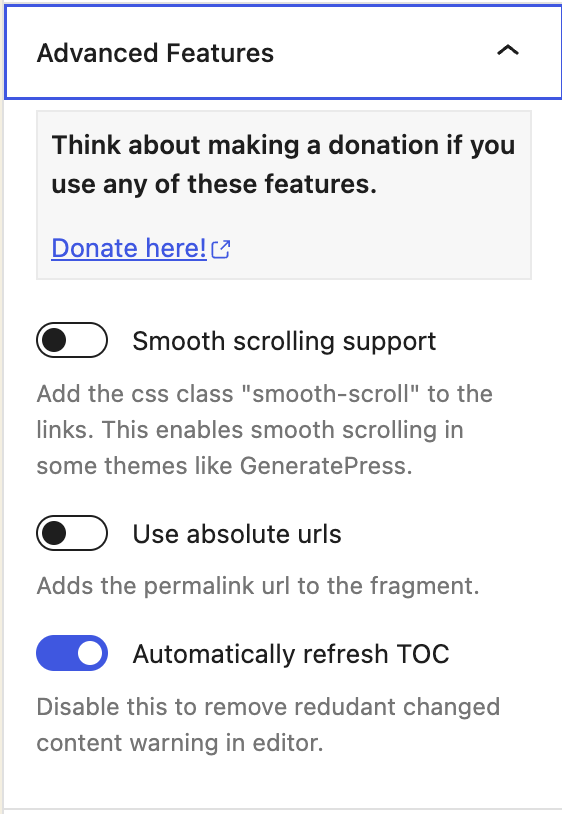
- Added: Option for automatic refresh. This can be disabled in the blocks advanced settings.
- Added: Option to globally disable automatic refresh in the WordPress SimpleTOC settings.
6.2.0
- Added: Implemented smooth animation for improved user interaction in the accordion menu.
- Added: Upgraded styling of the accordion menu for a more visually appealing and modern user experience.
6.1.0
- Fixed: Broken markup when tags closed for headers below minimum. Thanks @harmoney !
6.0.10
- Added aria-hidden attribute to icon in accordion. Thanks Alex Stine!
6.0.9
- Added ARIA accessibility labels for the accordion. Thanks Amber Hinds!
- Fixed: Caching of accordion JavaScript. Thanks jghitchcock!
- Added correct ARIA controls attribute.

