

Site Kit is a one-stop solution for WordPress users to use everything Google has to offer to make…
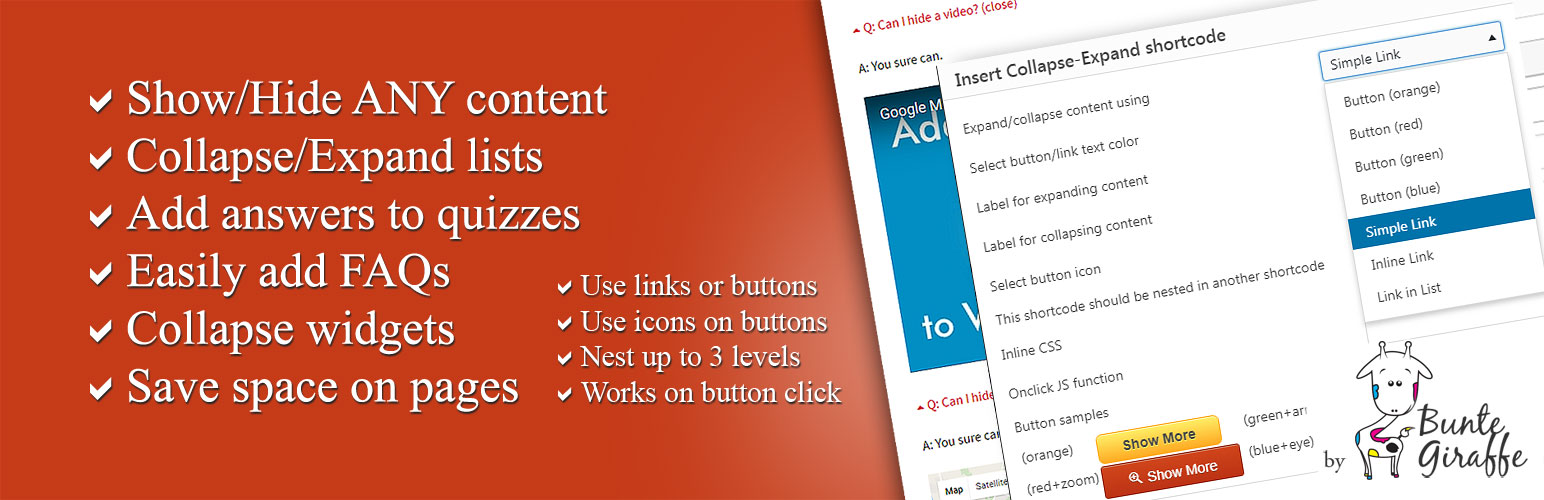
About Show-Hide / Collapse-Expand
The Show-Hide / Collapse-Expand plugin allows you to easily manage the amount of content shown on your website, giving it a minimalistic look and feel. You can use it to group content, create FAQs, collapse long lists, and more. It also comes with regular updates and great support.Screenshots



Frequently asked questions
What is the purpose of the Show-Hide / Collapse-Expand plugin?
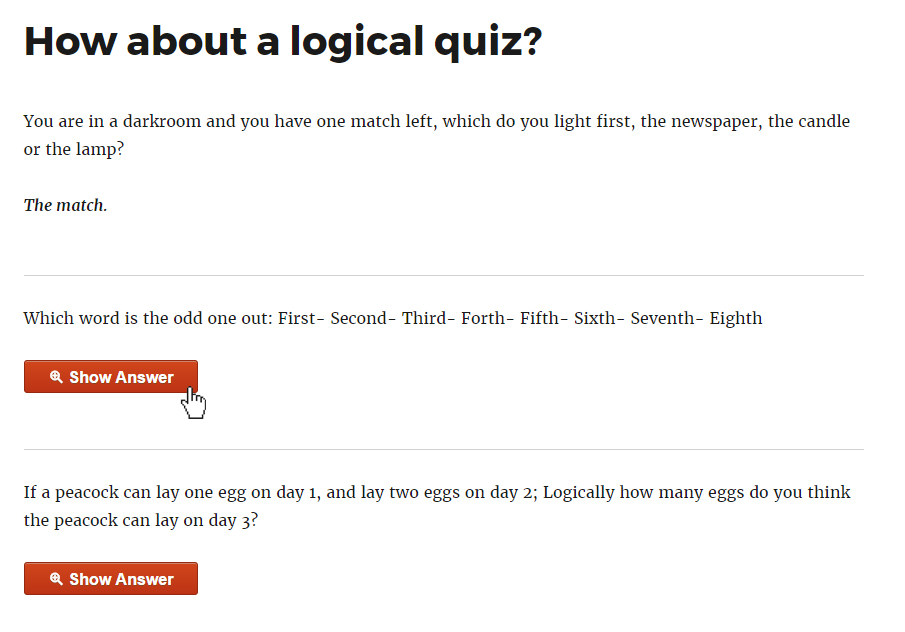
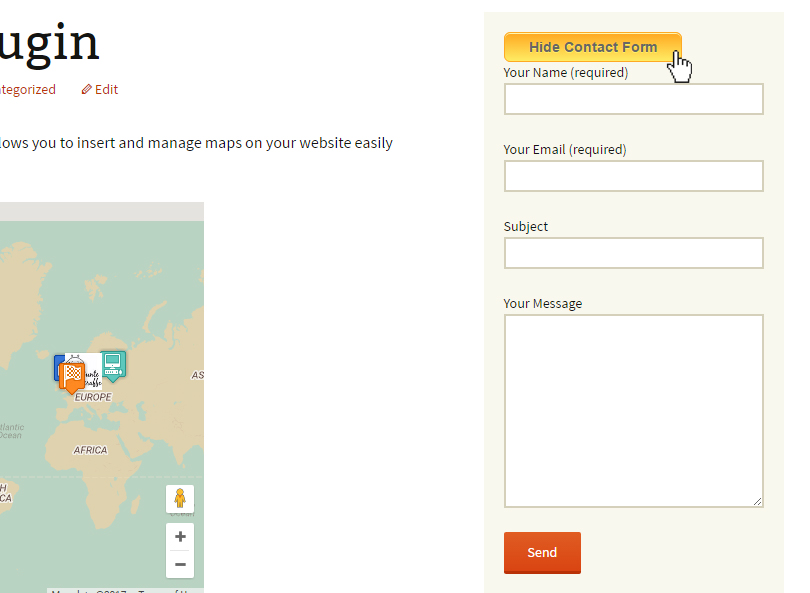
The Show-Hide / Collapse-Expand plugin allows you to manage the amount of content shown to users, freeing pages from clutter and giving your website a minimalistic look. It can be used for grouping content, composing FAQs, collapsing long lists, and organizing widgets more efficiently.
How do I insert a shortcode for the plugin?
Inserting a shortcode is done via a handy TinyMCE button in your WordPress Editor. You can configure the look of your button/hyperlink on the fly and change it later using provided shortcode parameters.
What are some of the main features of the plugin?
Key features include showing/hiding any content, collapsing/expanding using jQuery effects (blind, fold, highlight, slide), setting custom animation speed, and adding custom JS functions to onclick events. It also allows for collapsing lists, easily adding FAQs, and collapsing widgets to declutter sidebars.
Can I customize the appearance of the collapse/expand buttons?
Yes, you can use hyperlinks or stylish pure-css buttons, style every link/button individually, and make buttons stick to the end of expanded content. You can also use icons for your buttons or in front of your links.
Changelog
1.3.0
- Enhanced plugin security
1.2.6
- Fixed a vulnerability issue. Please update as soon as possible.
- Checked compatibility with WP 6.1
1.2.5
- Added compatibility for WP 5.7
1.2.4
- Added compatibility for PHP 7.3+
- Checked WP 5.5 compatibility
1.2.3
- Fixed apostrophes causing errors in collapse and expand texts
1.2.2
- Added custom_class shortcode attribute
1.2
- Added the ‘stick-to-bottom’ option for links/buttons
- Fixed onclick event for buttons
- Fixed bug preventing working with plugins like Content View
- Fixed bug interfering with css classes in some themes
1.1
- Added inline_css shortcode attribute to allow styling every control individually
- Added onclick shortcode attribute to allow adding custom JS functions to controls
1.0
- Added custom animation speed selection.
- Added support for jQuery UI Effects (blind, fold, highlight, slide).
- Fixed issues with expandable lists.
0.1
Initial release.

