

Just another contact form plugin. Simple but flexible.

About Internal Links Manager
Internal Links Manager is a tool that automatically builds links on your website whenever a specific keyword appears. This helps improve user experience by allowing users to easily discover relevant content, and also boosts SEO by spreading link equity and establishing site architecture. To use the tool, simply add the keyword and URL you want to link, along with any additional settings, and the tool will handle the rest.Screenshots
Frequently asked questions
What does Internal Links Manager do?
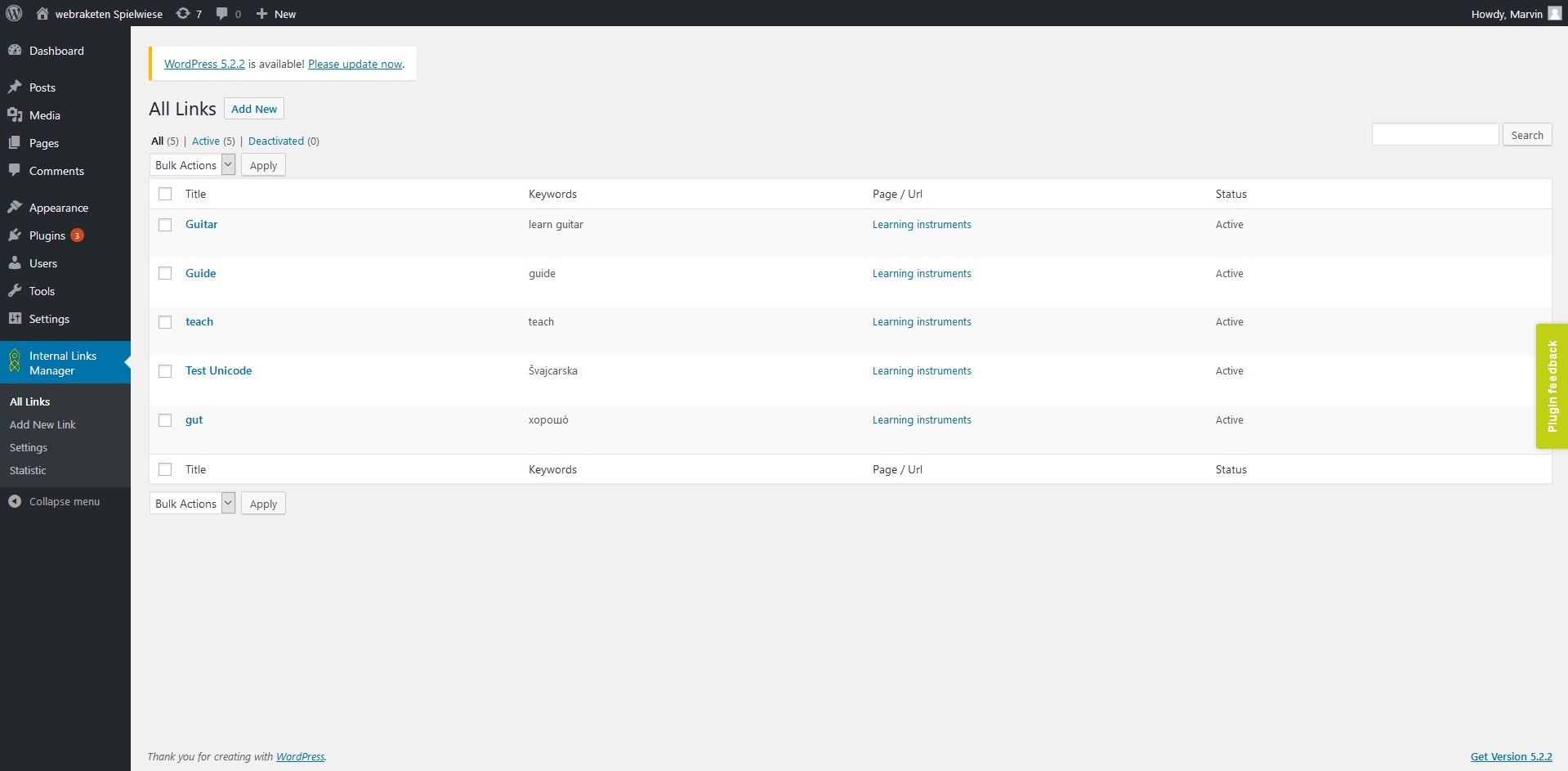
Internal Links Manager automatically builds links from specified keywords to a given URL. When a keyword appears on your site, it will be linked to the URL you provided.
How does Internal Links Manager improve user experience?
It improves user experience by giving users the opportunity to discover relevant content with one click. This helps users stay longer on your website and get relevant information, which can also improve your bounce rate.
How does Internal Links Manager boost SEO?
Internal Links Manager boosts SEO by spreading link equity and helping to establish your site architecture. Internal links are important for search engines to understand your site's structure.
How do I add a new link using the plugin?
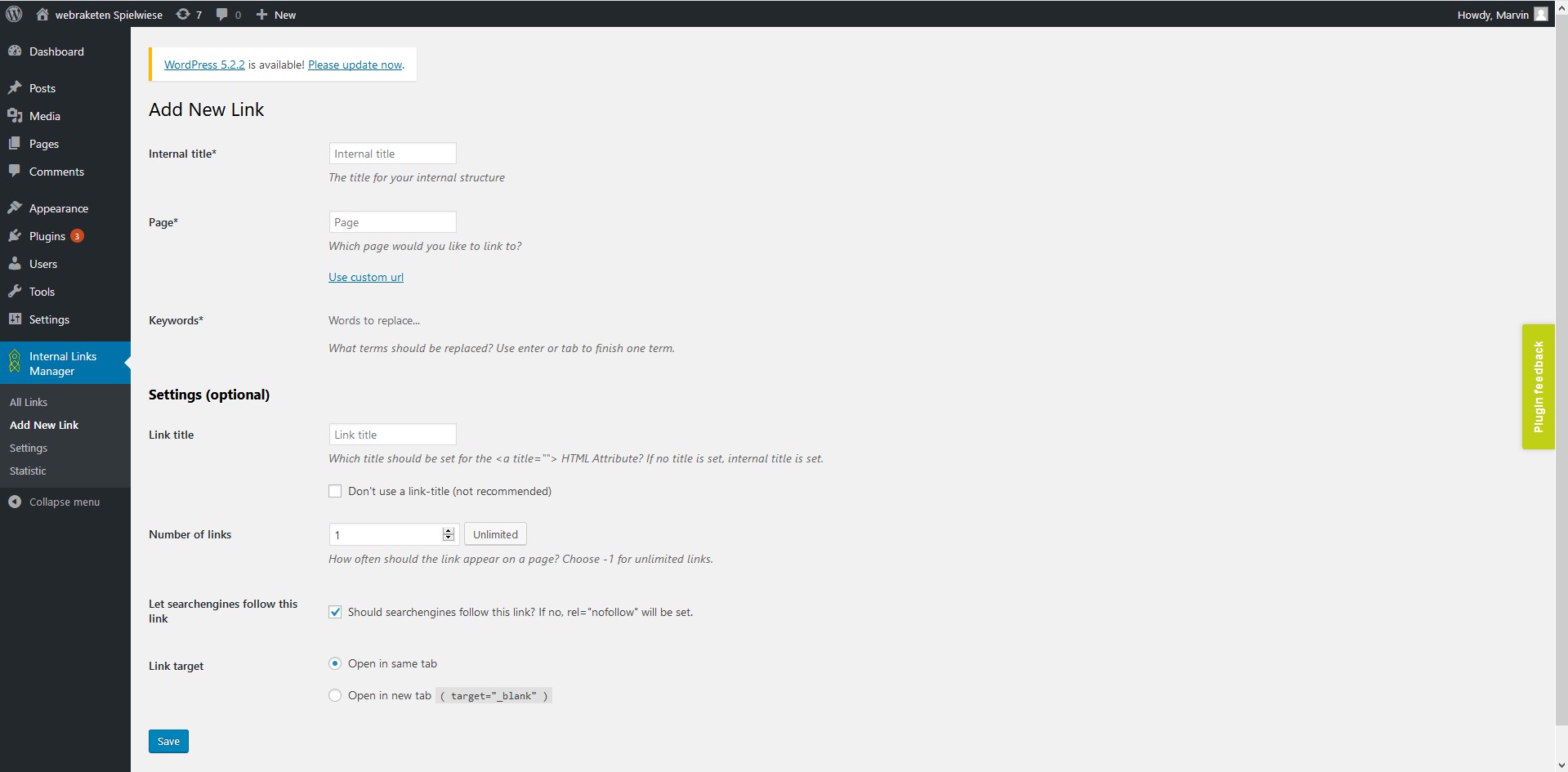
To add a new link, select "Add link" from the menu. You will then assign a title, keywords (comma-separated), and the URL where the keyword should link to. You can also set optional parameters like link title, number of links per page, nofollow attribute, and link target.
Changelog
2.5.4
- Compatibility to WordPress 6.7
2.5.3
- Fixed security issue that allowed users with low role (subscriber) to use the export links function (thanks for noticing to https://patchstack.com/)
2.5.2
- Compatibility to WordPress 6.6
2.5.1
- Fixed compatibility issues with PHP 8.3
- Fixed minor bugs
2.5.0
- Compatibility to WordPress 6.5
- Selectable separator (comma or semicolon) for import / export
- Display errors when importing csv files
2.4.0
- Make plugin usable for editors
- Possibility to disable statistics

