

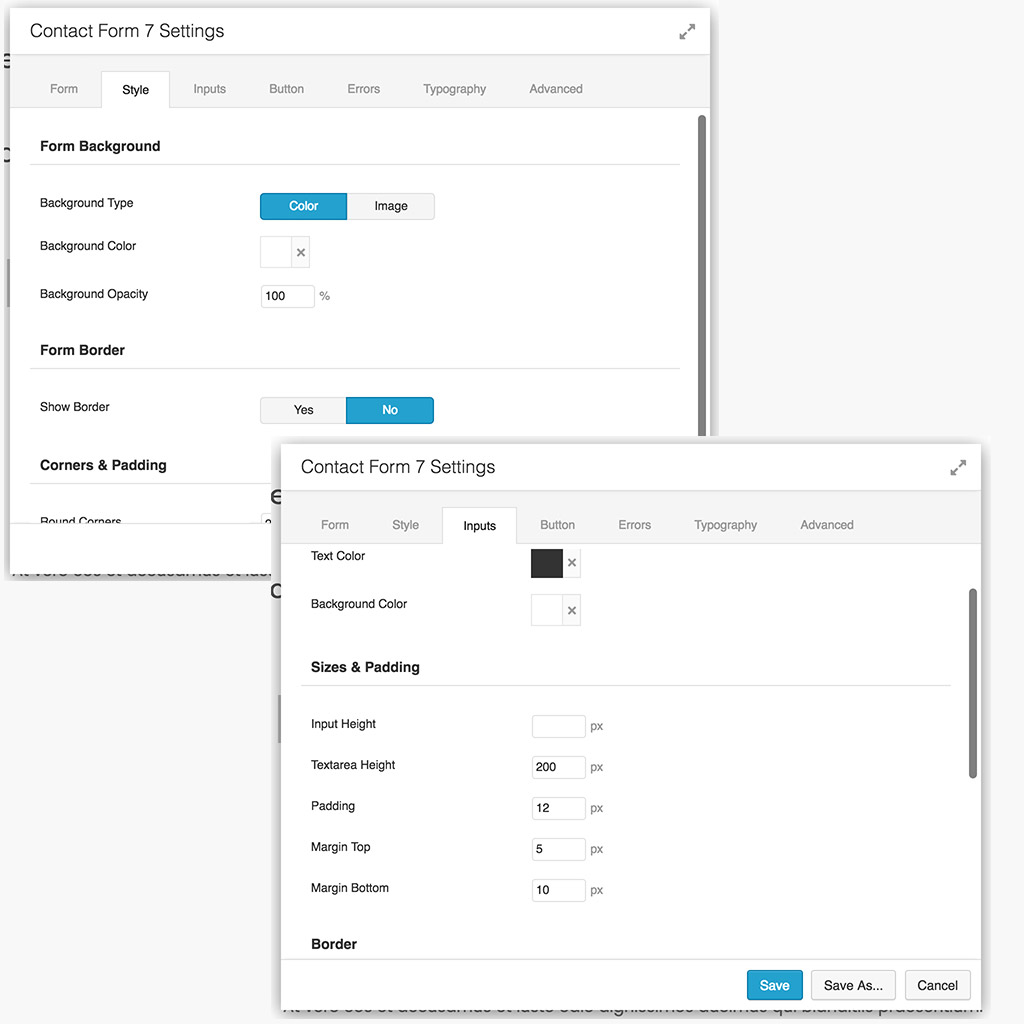
Just another contact form plugin. Simple but flexible.
About PowerPack Lite for Beaver Builder
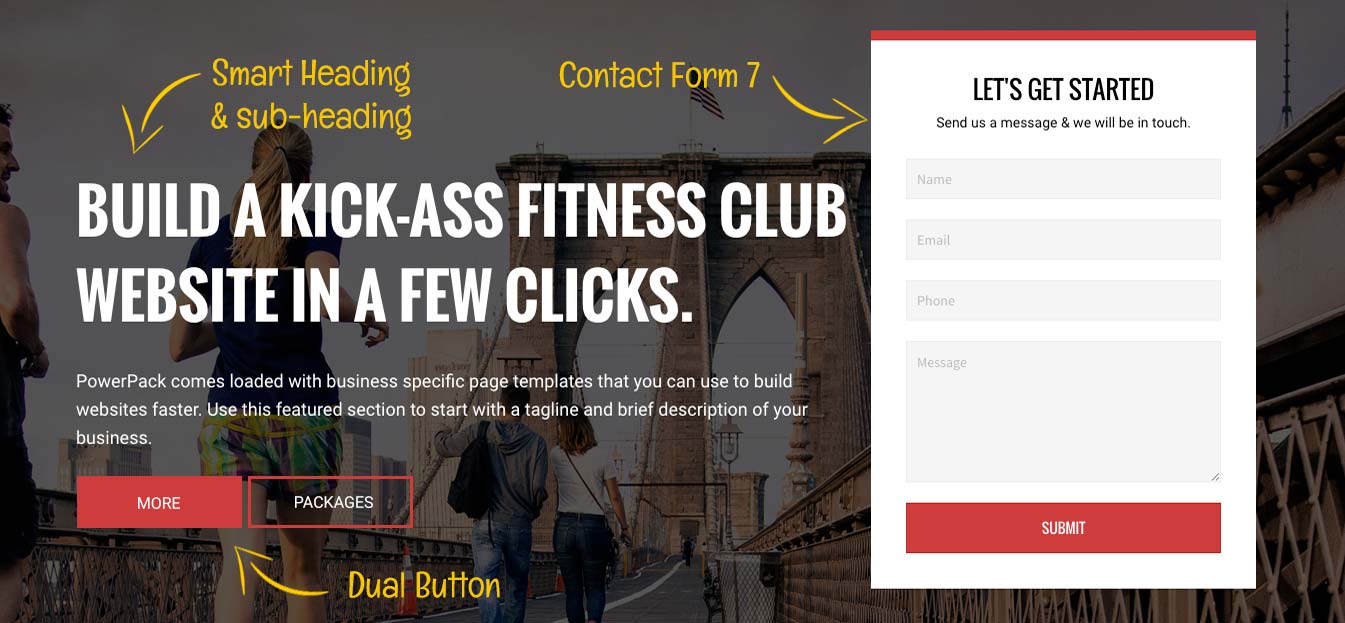
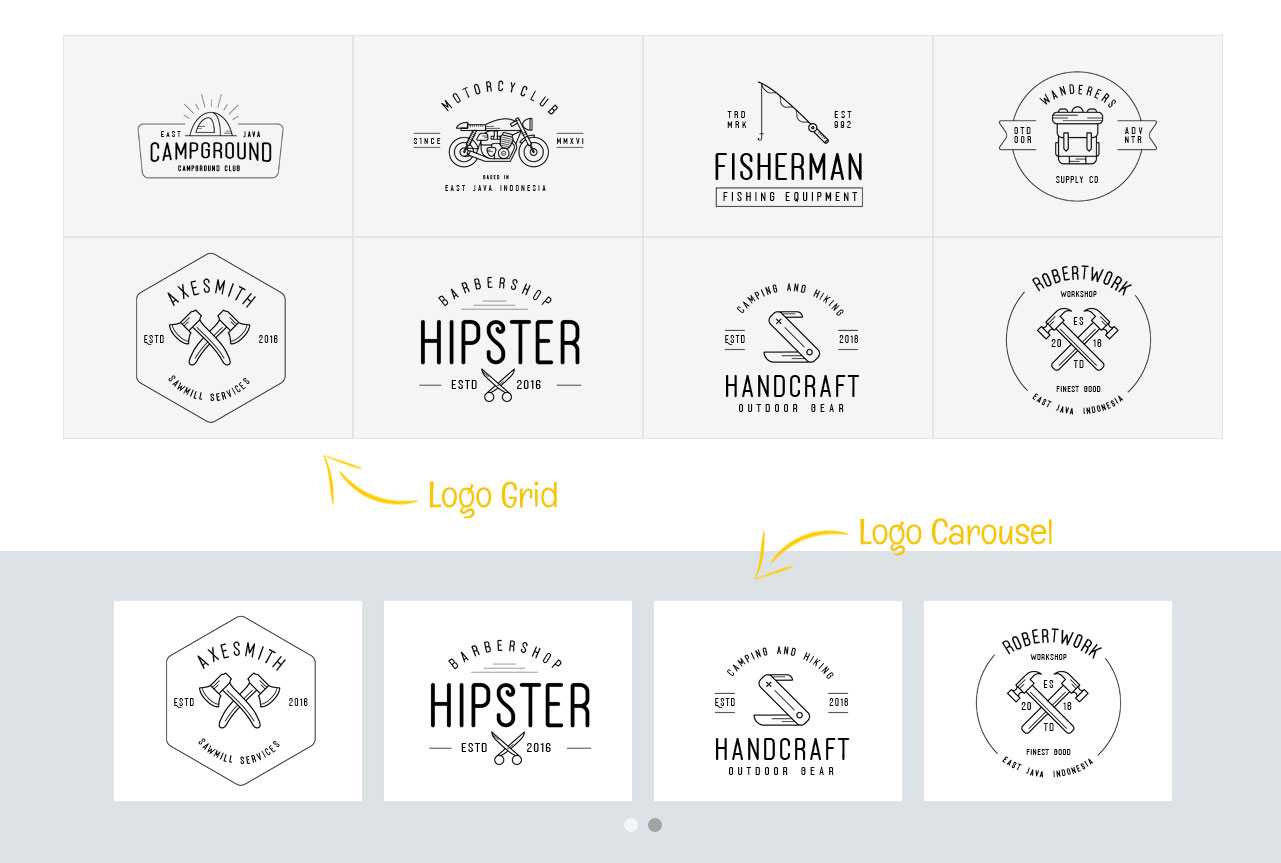
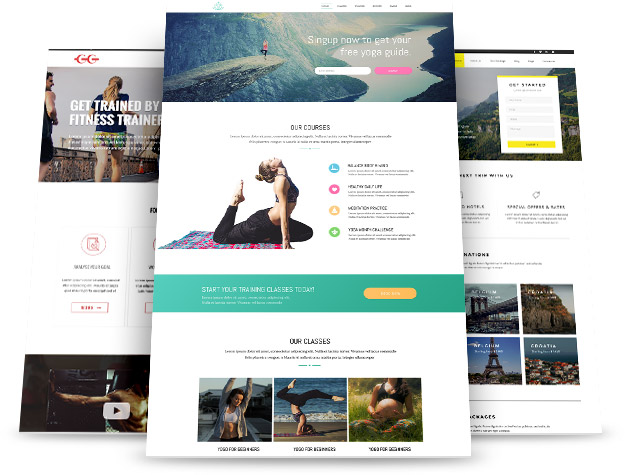
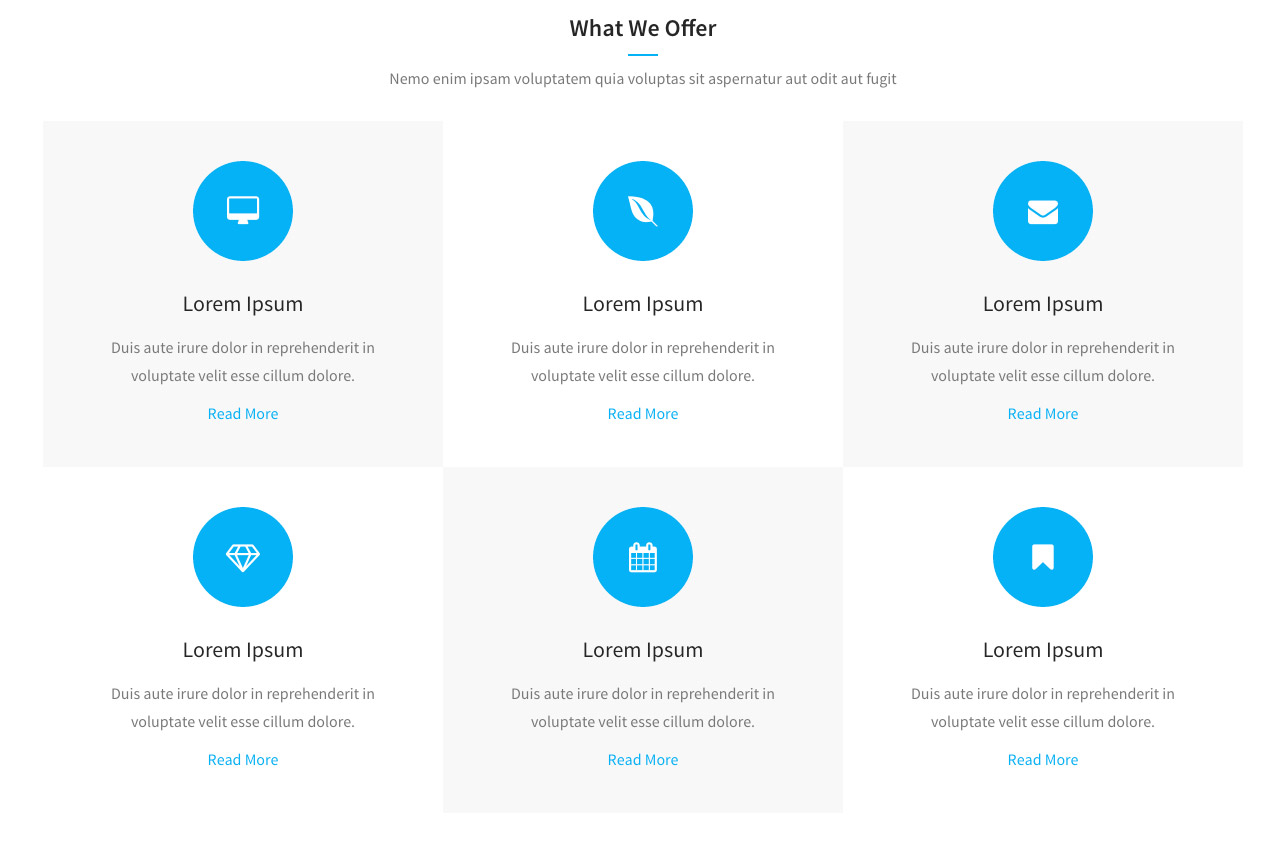
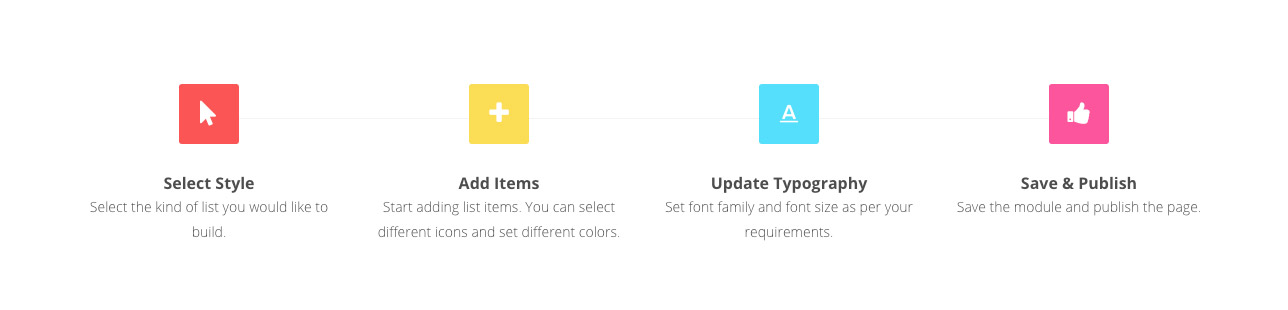
PowerPack Lite is an add-on for Beaver Builder that provides additional modules, templates, and options to enhance your website development process. With over 50 modules and 350+ design elements, you can easily create professional websites without writing code. It also includes lead generation modules and offers extensive documentation and support.Screenshots



Changelog
1.3.1 – December 7, 2024
- Enhancement: Info Box – Added more units for the button custom width
- Enhancement: Info Box – Added explicit width and height attribute to image tag
- Enhancement: Info List – Added explicit width and height attribute to image tag
- Fix: Info Box – Button icon size was not working for dashicons
- Fix: Smart Heading – Link nofollow was not working
- Fix: Dual Buttons – Vertical spacing issue when buttons are stacked
- Fix: Dual Buttons – Alignment issue in some cases
- Security: Potential XSS fix in the PowerPack admin settings
1.3.0.5 – June 24, 2024
- Security: Added more sanitization and escaping to prevent any potential XSS
1.3.0.4 – June 20, 2024
- Security fixes
1.3.0.3 – June 18, 2024
- Fix: Beaver Builder 2.8.x compatibility fixes
1.3.0.2 – March 21, 2024
- Fix: Modules were not functioning properly after recent update
1.3.0.1 – March 15, 2024
- Security fixes
1.3.0 – October 26, 2023
- Multiple fixes and enhancements
1.2.9.3 – January 11, 2022
- Fix: Admin settings tab validation issue
1.2.9.2 – May 4, 2021
- Fix: Business Hours – Structured data issue due to missing “image” markup
- Fix: Deprecated jQuery functions
1.2.9.1 – November 16, 2020
- Enhancement: Heading – Added unit field for separator width
- Fix: Breadcrumbs – Added alpha channels and reset options in color controls
- Fix: Breadcrumbs – Minor CSS issue
- Fix: Info Box – Minor CSS issue
- Fix: Info List – z-index issue
- Fix: Contact Form 7 – typography were not working for “label” tag
1.2.9 – May 11, 2020
- New: Added Breadcrumbs module
1.2.8.3 – April 13, 2020
- Enhancement: Info List – Added responsive options for icon position field
- Enhancement: Smart Headings – Added new separator position
- Fix: Fancy Heading – Text alignment was not working for tablet and mobile devices
- Fix: Fancy Heading – Curved script fonts cropping out
- Fix: Info List – Icons alignment issue
- Fix: Info List – Minor CSS and JS issues
- Fix: Icon List – PHP warning
1.2.8.2 – January 20, 2020
- Fix: Added missing Twitter widgets JS
1.2.8.1 – December 6, 2019
- Fix: Dual Button – Font icon was not loading
1.2.8 – October 10, 2019
- Enhancement: Dual Button – Added option to set title HTML attribute
- Enhancement: Info Box – Added HTML tag option for title prefix
- Enhancement: Info Box – Added icon option for button
- Enhancement: Facebook Page – Added “None” as layout option to do not render posts
- Enhancement: Added color field connections in all modules
- Fix: Smart Headings – Padding values were not being updated on save
- Fix: Smart Headings – Responsive alignment
- Fix: Info List – Image size issue
- Fix: Contact Form 7 – Removed default value from color fields
1.2.7.1 – May 11, 2019
- Fix: Invalid text-domain issue
1.2.7 – May 7, 2019
- Enhancement: Info Box – Added new layout “Icon below Title”
- Fix: PHP fatal error
- Fix: Fancy Heading – Text clip was not working in Firefox browser
- Fix: Dual Button – Button hover transparent background issue
- Fix: Info Box – Alignment issue
- Fix: Business Hours – Updated schema
1.2.6 – April 1, 2019
- New: Added Twitter Buttons module
- New: Added Twitter Grid module
- New: Added Twitter Timeline module
- New: Added Twitter Tweet module
1.2.5 – March 20, 2019
- New: Added Facebook Button module
- New: Added Facebook Comments module
- New: Added Facebook Embed module
- New: Added Facebook Page module
- Enhancement: Updated all modules fields to match BB 2.2 UI
- Enhancement: Combined PowerPack’s option in row settings into single tab
1.2.4 – February 26, 2019
- Updated Freemius SDK
1.2.3.1 – February 5, 2019
- Fix: Icon / Number List: Icons were not appearing in IE
1.2.3 – October 25, 2018
- Enhancement: Smart Headings – Added Text Shadow options
- Enhancement: Smart Headings – Added Gradient option
- Enhancement: Smart Headings – Added Text Transform typography option
- Enhancement: Info Box – Added icon vertical alignment option
- Enhancement: Info Box – Added link nofollow option
- Enhancement: Info Box – Added responsive alignment option
- Enhancement: Contact Form 7 – Added WPML compatibility for custom title and description fields
- Fix: Business Hours – Responsive font-size
- Fix: Dual Button – Responsive font-size and line-height
- Fix: Info Box – Live preview and minor CSS issues
- Fix: Info List – Live preview and minor CSS issues
1.2.2 – December 20, 2017
- New: Added WPML support
- Enhancement: Added day range selection option in Business Hours module
- Enhancement: Added nofollow option in Dual Button and Smart Button module
- Enhancement: Module icons support in UI panel for Beaver Builder 2.0
- Fix: Schema markup in Business Hours module
1.2.1 – November 29, 2017
- Enhancement: Added toggle to enable/disable heading link in Smart Headings module
- Fix: Stacked heading style was not working in Smart Headings module
1.2.0 – November 24, 2017
- New: BB 2.0 compatibility with UI fields
- Enhancement: Added Inline/Stacked options in Smart Heading module
- Enhancement: Added alpha option for heading colors in Smart Heading module
- Fix: Columns width in Contact Form 7 module
- Fix: Hover text color issue in Dual Button module
- Fix: Font Size and Line Height of description were sometime overridden by theme in Smart Heading module
- Fix: Icon size issue in Icon List module
- Fix: Image max width issue in Info Box module
1.1.0 – August 30, 2017
- New: Unlocked all features of the modules
- Enhancement: Added BB 2.0 support
- Enhancement: Added placeholder styling options in Contact Form 7 module
- Enhancement: Updated admin settings panel
- Fix: Minor CSS issue in Business Hours module
- Fix: Minor CSS issue in Dual Button module
- Fix: Minor CSS issue in Smart Heading module
- Fix: Minor CSS issue in Icon List module
1.0.7 – May 25, 2017
- New: Added field connections
- Fix: CSS fixes in Business Hours module
1.0.6 – March 30, 2017
- New: Added Divider module
1.0.5 – February 2, 2017
- New: Added gradient as a row background option
- Fix: PHP warning in Business Hours module
1.0.4 – December 31, 2016
- Enhancement: Added schema markup in Business Hours module
- Fix: Spacing issue in Business Hours module
1.0.3 – December 26, 2016
- Added new module: Business Hours
1.0.2 – November 25, 2016
- Added new module: Fancy Heading
1.0.1 – October 4, 2016
- Added new modules: Info Box, Info List
1.0.0 – September 30, 2016
- Initial Release

