

Enables the previous "classic" editor and the old-style Edit Post screen with TinyMCE, Meta Boxes, etc. Supports all…

About Popups for Divi
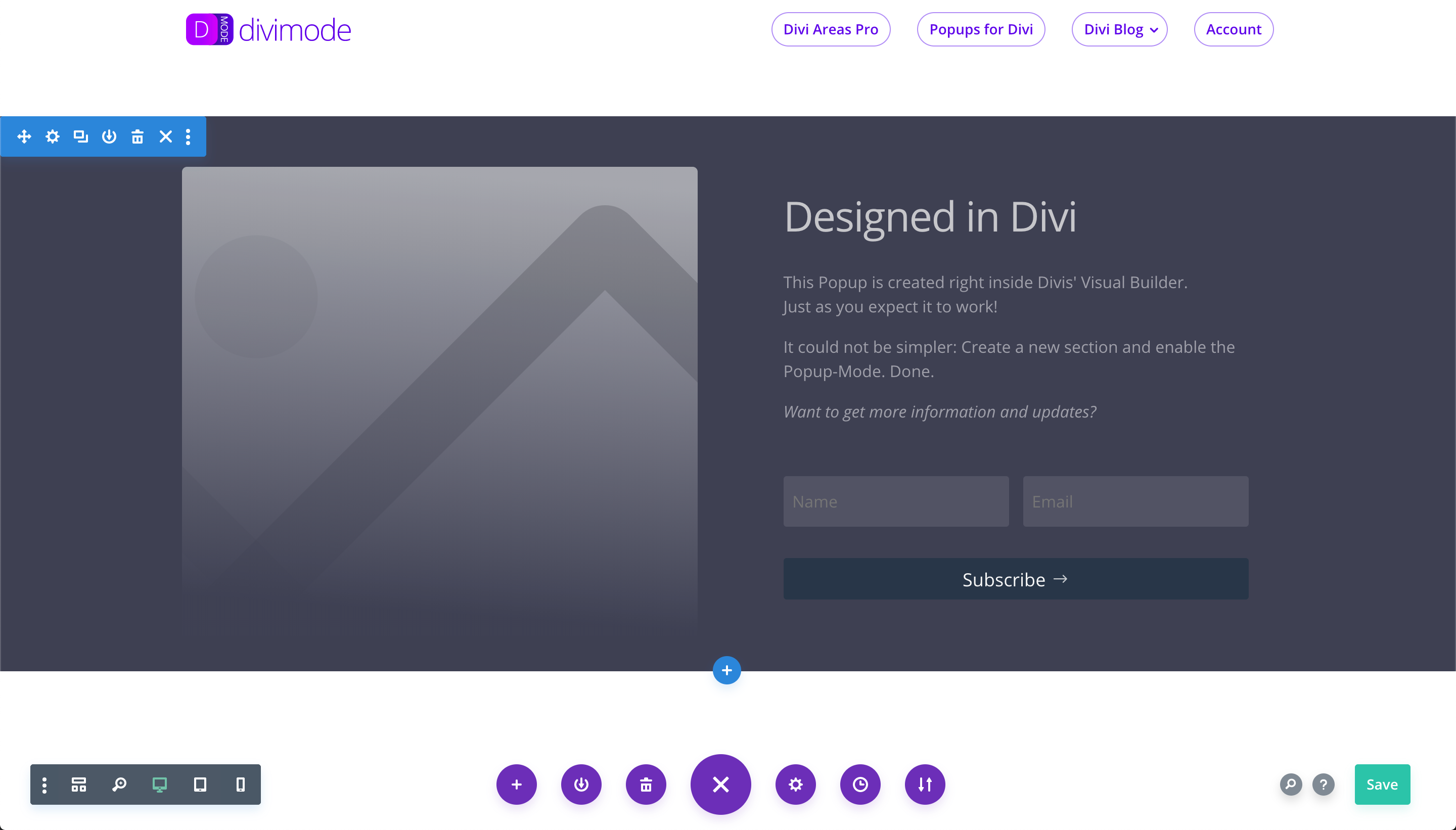
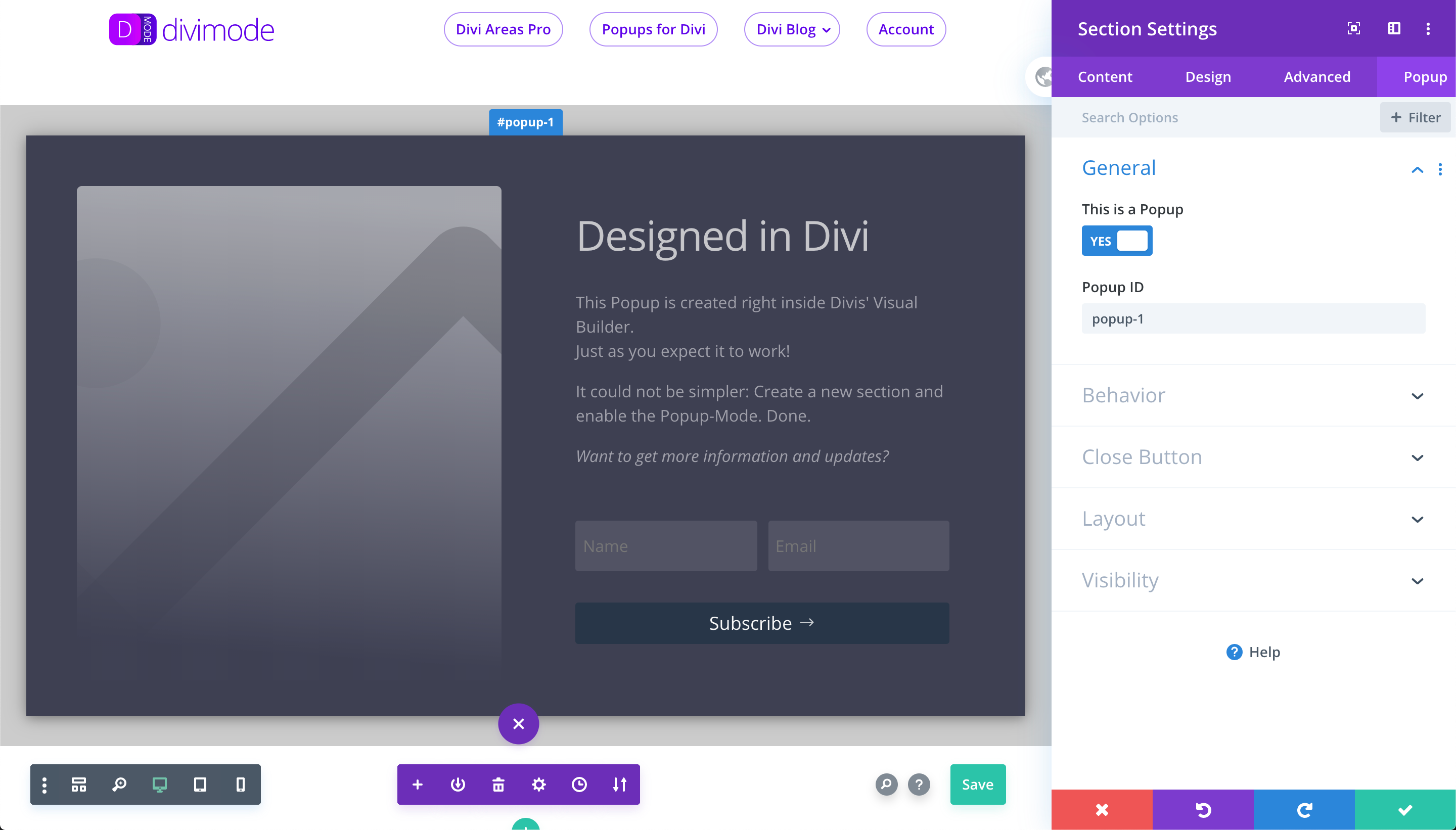
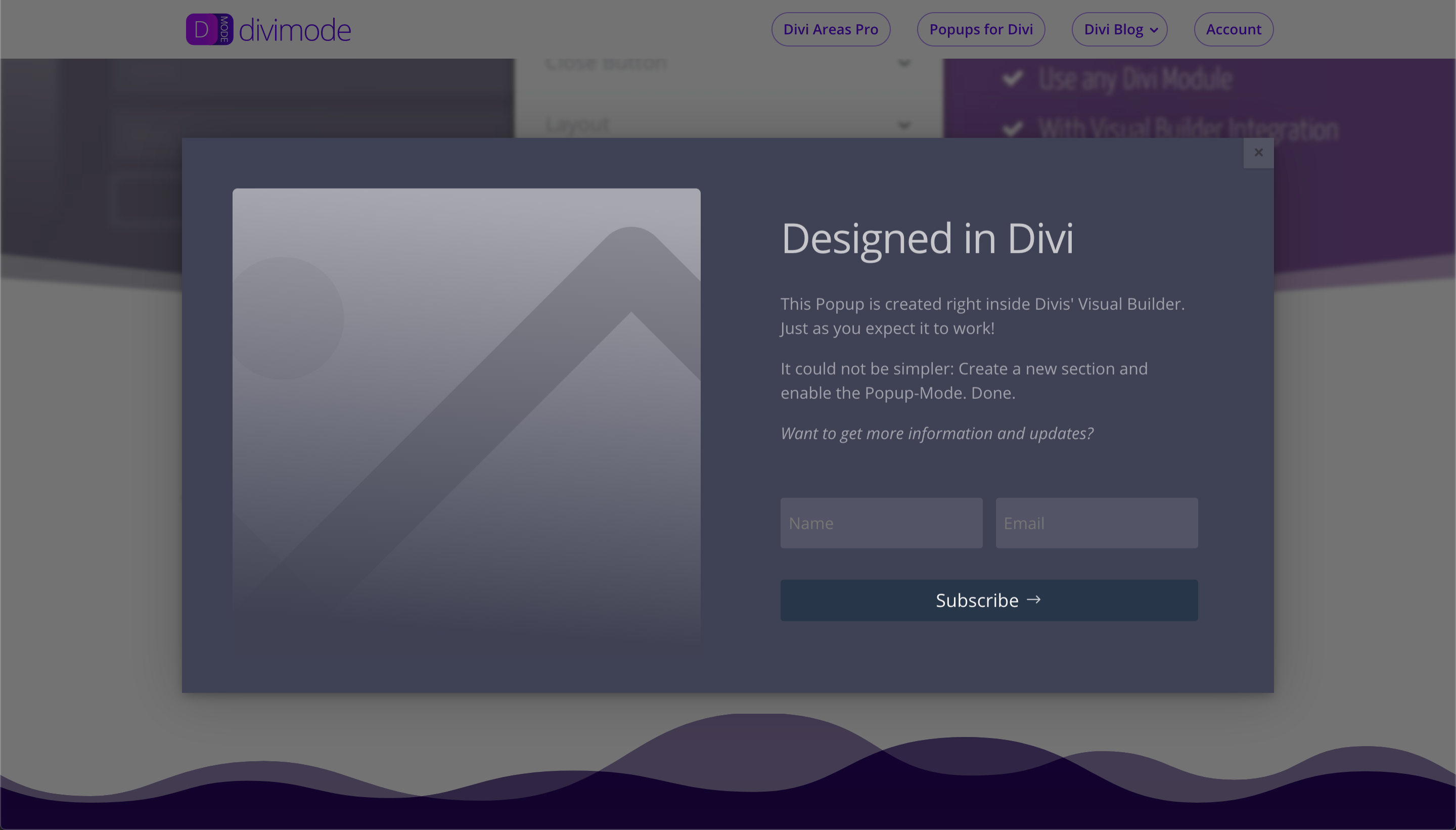
This plugin allows you to easily turn a regular section into a popup on your website. Simply activate the plugin, edit a section in the Visual Builder, toggle the "This is a Popup" option, and add a button module with the link URL set to your popup ID. The plugin also offers additional features and customization options.Screenshots
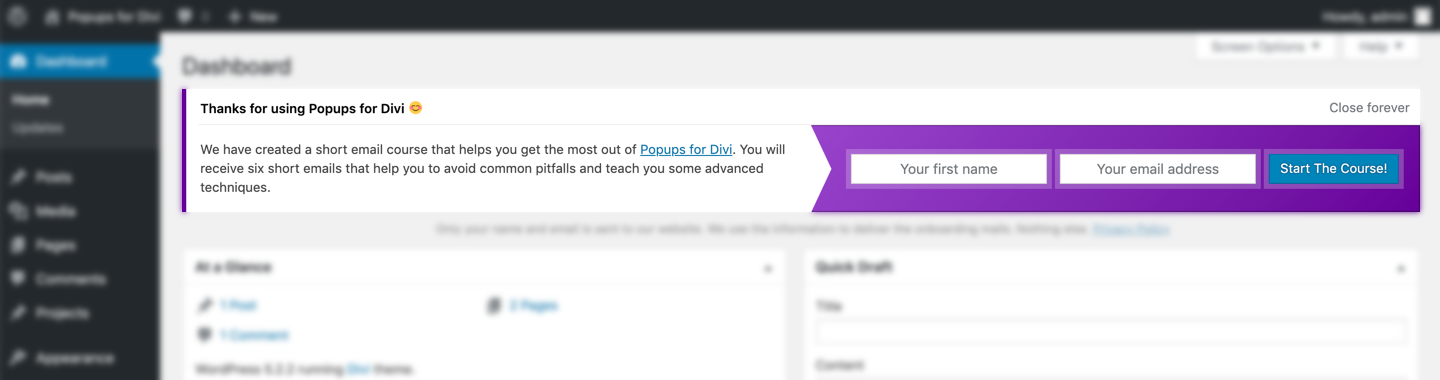
Frequently asked questions
How do I turn a regular section into a popup?
After activating the plugin, open the Visual Builder and edit a Section. In the Section Settings, go to the 'Popup' tab and toggle the option 'This is a Popup'. Set the 'Popup ID' to something and close the Section Settings.
How do I link a button to a popup?
Add a Button Module somewhere on the page and set the 'Link URL' to your Popup ID with a leading '#' hash.
Where can I find more details about the plugin?
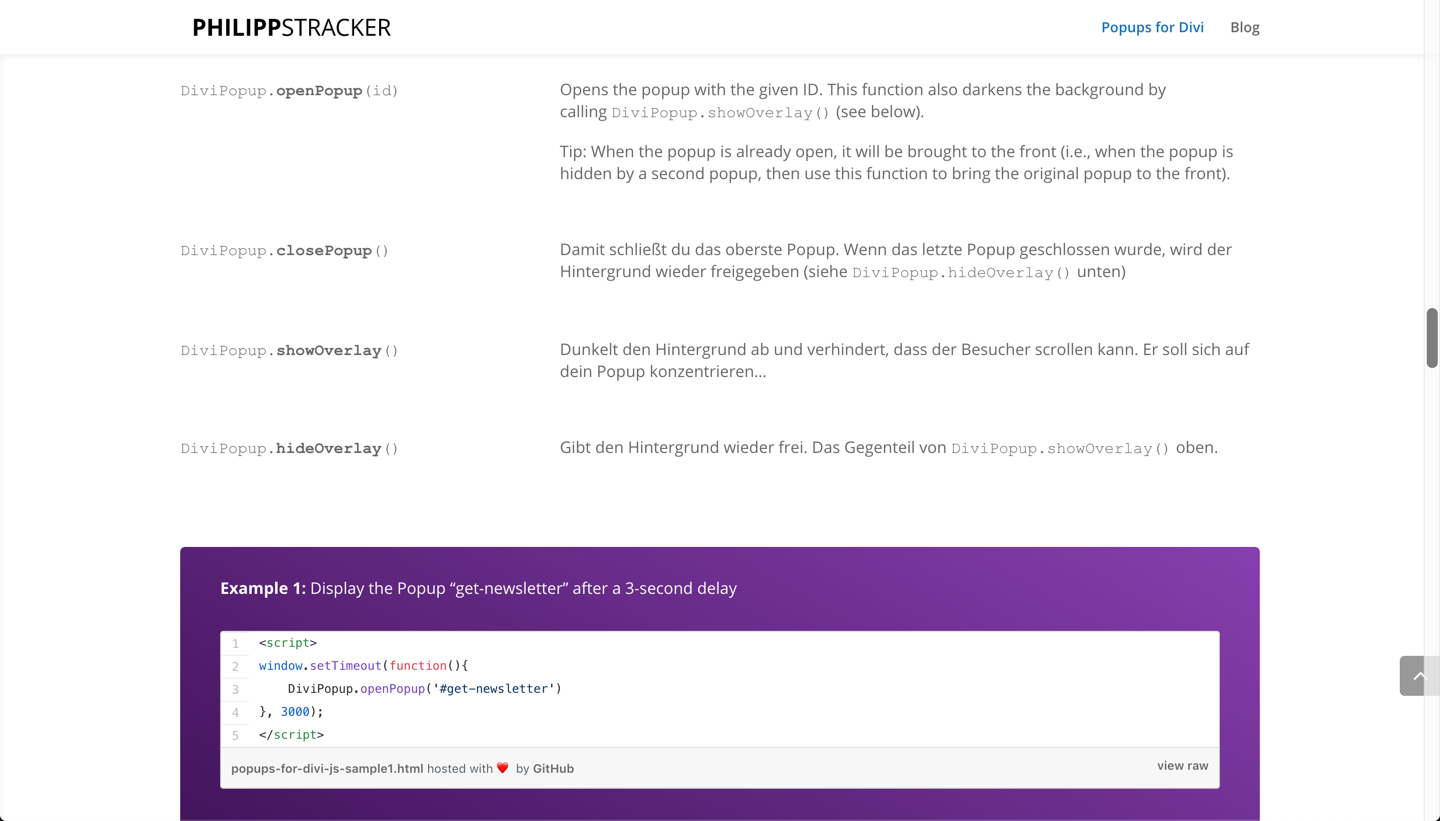
You can check out the Plugin website for more details. It includes examples, CSS class options, JS API documentation, and WP filter documentation.
Is the plugin compatible with all major browsers?
Yes, the plugin has been tested in all major browsers on Windows and Mac, including Chrome, Firefox, Safari, IE 11, and Edge.
What additional features can I get with Divi Areas Pro?
With Divi Areas Pro, you can get features like an admin UI to create and configure popups, 4 Area Types (Popup, Inline, Fly-in, Hover), advanced triggers, customizable display and behavior, flexible position for Inline Areas, extended JS API, great documentation, and more.
Changelog
Version 3.0.7
- Support WordPress 6.7.2
Version 3.0.6
- Support WordPress 6.6.2 & Divi 4.26.1
Version 3.0.5
- Fix: Hide the onboarding notice for non-admin users.
- Change: Remove unused third-party integration with Forminator that could cause problems with Divi.
Plugin tested with WordPress 5.9.0 and Divi 4.14.7
Version 3.0.3
- Improve: Compatibility with WP Rocket 3.9.
- Fix: PHP 8 compatibility.
- Fix: Address error in plugins uninstall.php script.
- Fix: Pinch-Zoom works while Popup is open on mobile devices.
- Fix: Popup contents that have “overflow: scroll” can be scrolled via the mouse wheel.
Version 3.0.2
- Fix: The plugin does not trigger “Constant already defined / headers already sent” warnings anymore.
Version 3.0.1
- Change: Change plugin file structure for easier maintenance.
- Change: Major improvements in the JS API – bugfixes, clean-up, improvements.
- Change: Integrate divimode admin notifications.
- Fix: Removed debugging output in JavaScript console.
Version 2.3.4
- Change: Rename JS and CSS assets to comply with the naming conventions of Divi.
- Fix: Certain websites experienced a delay between triggering a Popup and the Popup becoming visible.
Version 2.3.0
- Improve: Popups do not cover the Admin Toolbar anymore for logged in users.
- Change: New JS action to customize Area positioning –
position_boundary - Change: When a Popup is visible, a new CSS class is added to the body tag.
- Change: Rename some files and folders to comply with the naming conventions of Divi.
- Fix: Sections in Visual Builder are not randomly renamed to “Popup – #undefined” anymore.
- Fix: Exit-Intent Popups do not need a Popup ID (but it’s still recommended to add one).
- Fix: More robust plugin initialization. Popups will work, even when Divi does not initialize correctly.
- Fix: Divis Theme Builder could sometimes miss Area layout settings, that’s a thing of the past.
- Fix: Open the Divi Lightbox in front of Popups.
- Fix: The
background-repeatCSS rule is now correctly applied to the background image of a Popup section. - Fix: Fix issue with calculation of size and position, caused by certain Row settings.
- Fix: Fix a rare issue on iOS that would reload the website when a Popup was triggered.
- Fix: Rare ReCaptcha bug that happened when no site_key was present for some reason.
- Fix: Forminator ReCaptcha is supported inside Popups.
- Fix: CF7 ReCaptcha is supported inside Popups.
- Fix: Layout compatibility with wpDataTables.
Version 2.2.5
- Improve: We have made the Visual Builder integration (the “Popup-Tab”) faster and more stable.
- Improve: Do not include the JS API for certain 404 results, such as missing images.
- Change: New JS API function
DiviAreaItem.isPrepared()to check if an Area is fully initialized. - Change: New JS filter to add custom initialization code –
pre_init_area - Change: New JS filter to dynamically change an Areas z-index –
apply_z_index - Change: New JS filter to adjust Area initialization –
area_preparation_time - Change: The JS API function
DiviAreaItem.getData()does not require a parameter anymore. - Fix: The z-index is correctly applied again.
- Fix: Improve the full-height calculation of Popups
2.2.4
- Improve: Area sizes are more accurate when using Divis responsive sizes.
- Improve: Images inside Popups are instantly loaded in Chrome (fixed a lazy-load bug).
- Improve: Area size is re-calculated when the Area contents change, e.g. when an accordion is opened or closed.
- Improve: When a Popup is opened, scrolling is disabled in all browsers, without shifting the content!
- Change: New JS action that fires when an Area was resized
resize_area. - Change: New JS action to customize screen-position of an Area
position_area(not available for Inline Areas). - Fix: Full-Height Popups can be scrolled again in Safari/iPhones.
2.2.3
- Fix: Position of the close button is correct in full-height Popups.
2.2.2
- Improve: Images inside Areas are instantly loaded in Chrome (fixed a lazy-load bug).
- Improve: New logic to calculate Area size and position that supports orientation-change of mobile devices.
- Fix: WooCommerce pages now display all available Popups, not only the first one.
- Fix: Added support for IE 11.
- Fix: Popup text is no longer blurry in Windows browsers
- Change: New JS API function to identify an Area:
DiviAreaItem.hasId() - Change: Deprecated the “full-width” class, because it’s not used anymore
2.2.1
- Fix: The close button does not trigger any scrollbars when hovered
- Fix: Popups are now always hidden when the page loads – in some cases, Popups inside Headers/Footers were visible right when the page loaded
- Fix: Click inside an open Popup does not try to re-open that Popup – i.e., fixed the “flickering issue.”
- Fix: Accordions and other interactive elements inside Areas are working again
- Fix: Plugin is compatible with Gravity Forms 2.4.18+
- Fix: Bullet lists now display bullets inside Popups
- Improve: Plugin now plays nice with SG Optimizer and WP Rocket
- Improve: The close button is now outside the Popup container and can be positioned anywhere, via CSS
- Improve: Minor performance optimizations in the JS code
2.2.0
- Change: Fully refactored JS API that is documented on https://divimode.com/knowledge-base/
- Change: Some CSS class names have changed, e.g. “evr_fb_popup_modal” is now “da-overlay”
- Change: The JS configuration object changed its name to
DiviAreaConfig(formerlyDiviPopupData) - Change: Split the JS API into two files – a minimal loader that is enqueued in the header, and the rest of the API which is enqueued in the footer
- Change: The DiviAreaConfig object is output in the page header so that values can be overwritten via JS in the page body
- Change: Default z-index of Popups now is “1000000” (that’s one “0” more than before) to display Popups above a Full-Page menu
- New: Click triggers can be added to a Row or Section. The plugin now supports virtually any Divi “Link” field!
- New: JS class
DiviAreaItemthat represents a single Popup - New: JS API function:
DiviArea.getArea() - New: JS API hooks:
area_wrap,area_close_button,refresh_area,init_overlay,reorder_areas - Improve: Popup content always expands downwards when a scrollbar is visible – for example when using Accordions inside a Popup
- Improve: When a popup is triggered inside a Full-Page menu, the menu is closed while the Popup is opened
- Improve: Now we support Popup triggers on any page (like shop pages or blog archive) and any element (like menus or footers)
- Improve: When a Popup is opened, the scroll bars of the page are not removed anymore
- Improve: Support for the Divi Builder Plugin is even better, cases of missing CSS styles are fixed
- Improve: Lots of comments added and typos fixed throughout the plugin
- Fix: We found and fixed a problem with the Visual Builder when inserting Popups into blog posts
- Fix: Some script debugging options were incompatible with WordPress’ new block editor
Here is a full list of all API changes in this update: https://divimode.com/api-1-2-0-changes/
2.1.1
- Change JS API does not include deprecated function
observe()! UseaddAction()oraddFilter()instead - Improve the JS API further and expose additional functions
- Improve triggers on Modules: Links inside modules are treated as normal links, not as popup triggers
- Fix bugs on some WooCommerce and Divi Builder archive pages
- Fix some JS API issues for Divi Areas Pro integration
2.1.0
- Add correct Area layout on WooCommerce pages
- Add compatibility with the Divi Builder plugin
- Improve Exit-Intent logic so that multiple exit-intent popups are displayed one by one instead of all at once
- Improve JS API: The
DiviAreaobject exposes additional functions - Improve the minification of CSS files to generate ~16% smaller files
- Improve the background overlay in modern browsers (sorry, does not work in Firefox yet)
- Fix console error that said
could not load style.css.map - Fix the “Close other Popups” behavior, so now it will really close other popups
- Fix some minor bugs in the popup behavior
2.0.5
- Add new JS API:
DiviArea.addActionOnce() - Fix a bug that happened for logged in users when WordPress runs on a Windows Server
2.0.4
- Add the new option “Show Loader” to the Popup Tab to better support iframes inside the Popup
- Improve input of Popup ID in Visual Builder to prevent invalid characters
- Improve code structure for better unit testing and quality assurance
- Improve JavaScript error reporting in the dev console
- Fix some more JS errors that happened with specific versions of PHP/WordPress
- Fix display of Popups when using the Avada theme
- Fix a JS error that was caused by wrong load-order of JS libraries
2.0.3
- Improve code style: Apply the WordPress Coding Standards 2.0
2.0.2
- Improve code style: Apply the WordPress Coding Standards 2.0
- Improved security check in the onboarding form
- Improve the copy and some JS logic of the onboarding form
- Fix some typos
2.0.1
- Fix an urgent problem where the plugin would remove the contents of the page while saving the page in Divi! ?
2.0.0
- Add a brand new Tab to the Visual Builder that allows you to configure all popup details using Divi! No more class names ?
- Fix JS API integration for IE 11
(Older entries are in the file changelog.txt in the plugin directory)

